

Skills: Modular Building Blocks for Robotics and Physical AI
SUMMARY
Skills are reusable modular operations for robotic perception, motion, and planning that can be chained into workflows for Physical AI applications in manufacturing, logistics and more.
Every Skill is one Python call with strictly typed inputs and outputs, so the output of one Skill feeds directly into the next. New here? Start with What is a Skill?
Browse the Skill Library
Image Segmentation Skills 21
 Cornea
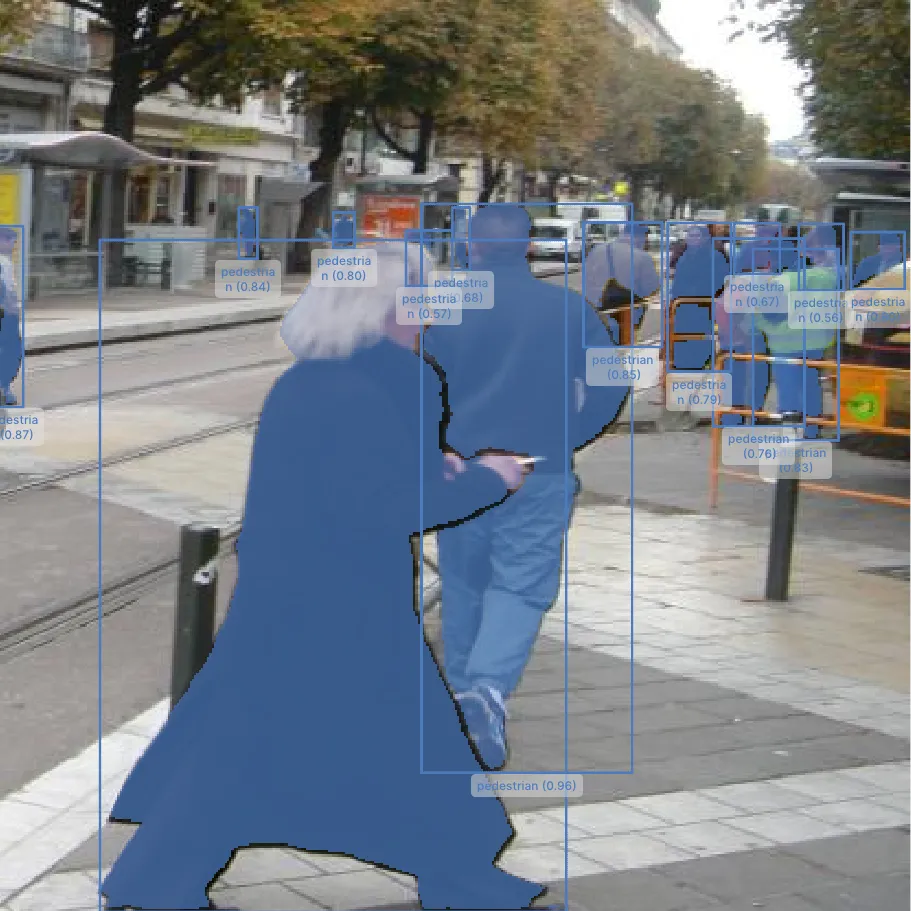
Segment Image Using SAM3
Segment objects using text prompts and/or bounding boxes with Meta's Segment Anything Model 3 (SAM3), a deep-learning alternative to GrabCut for precise per-object masks.
 Cornea
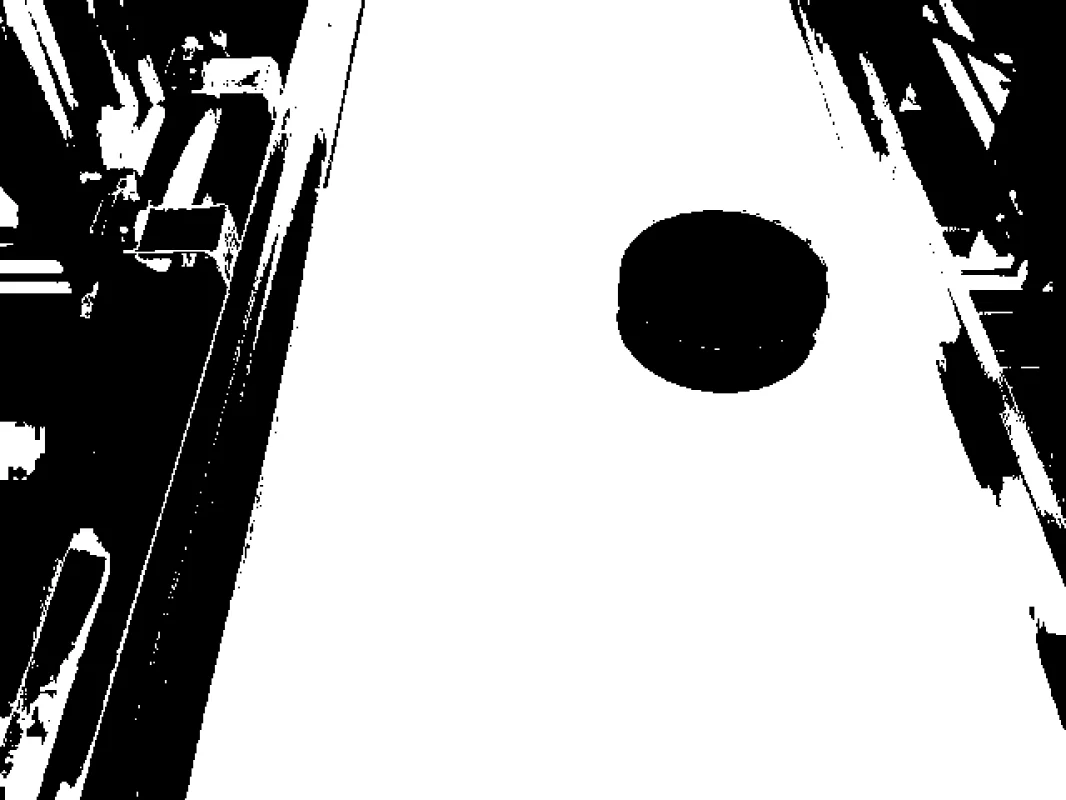
Segment Image Using RGB
Perform image segmentation based on RGB color ranges to identify objects by their specific color values.
 Cornea
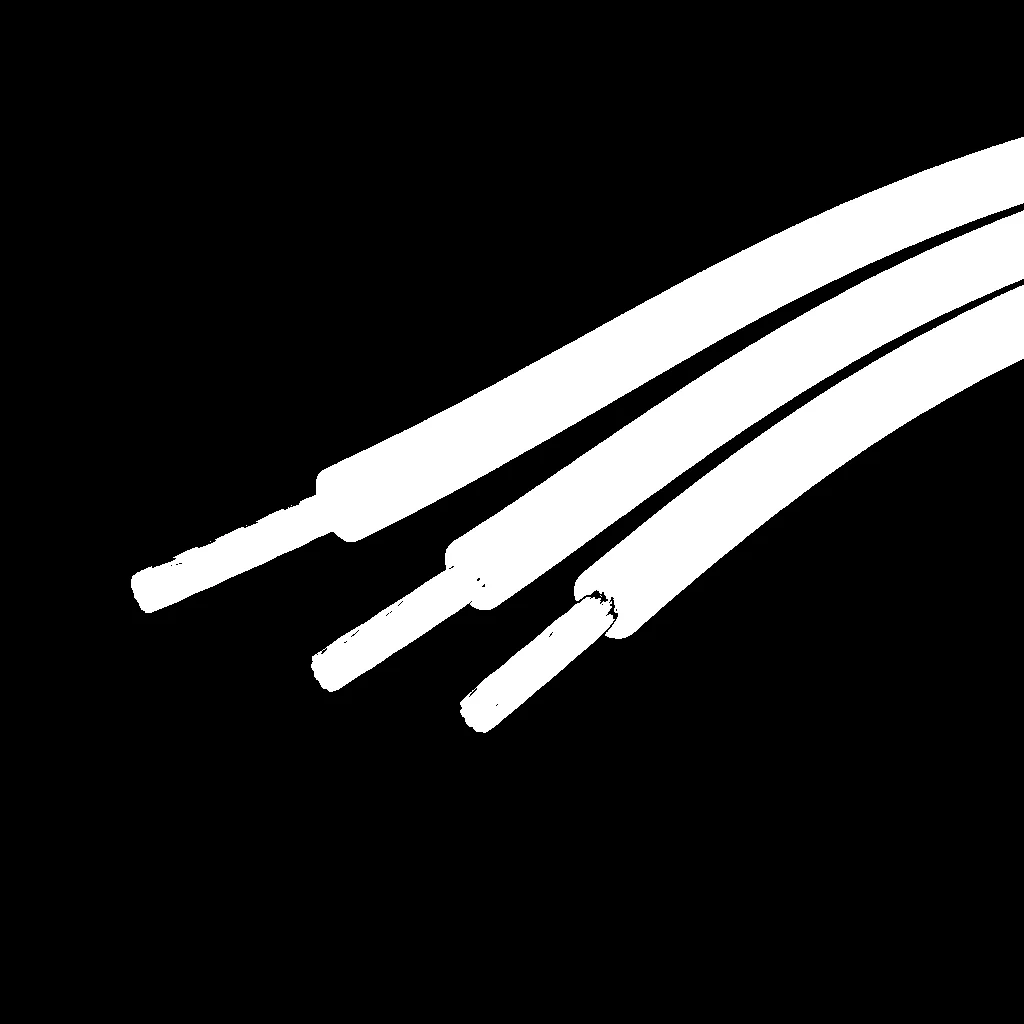
Segment Image Using HSV
Perform robust color-based segmentation using HSV color space, separating hue, saturation, and value for consistent detection under varying lighting conditions.
 Cornea
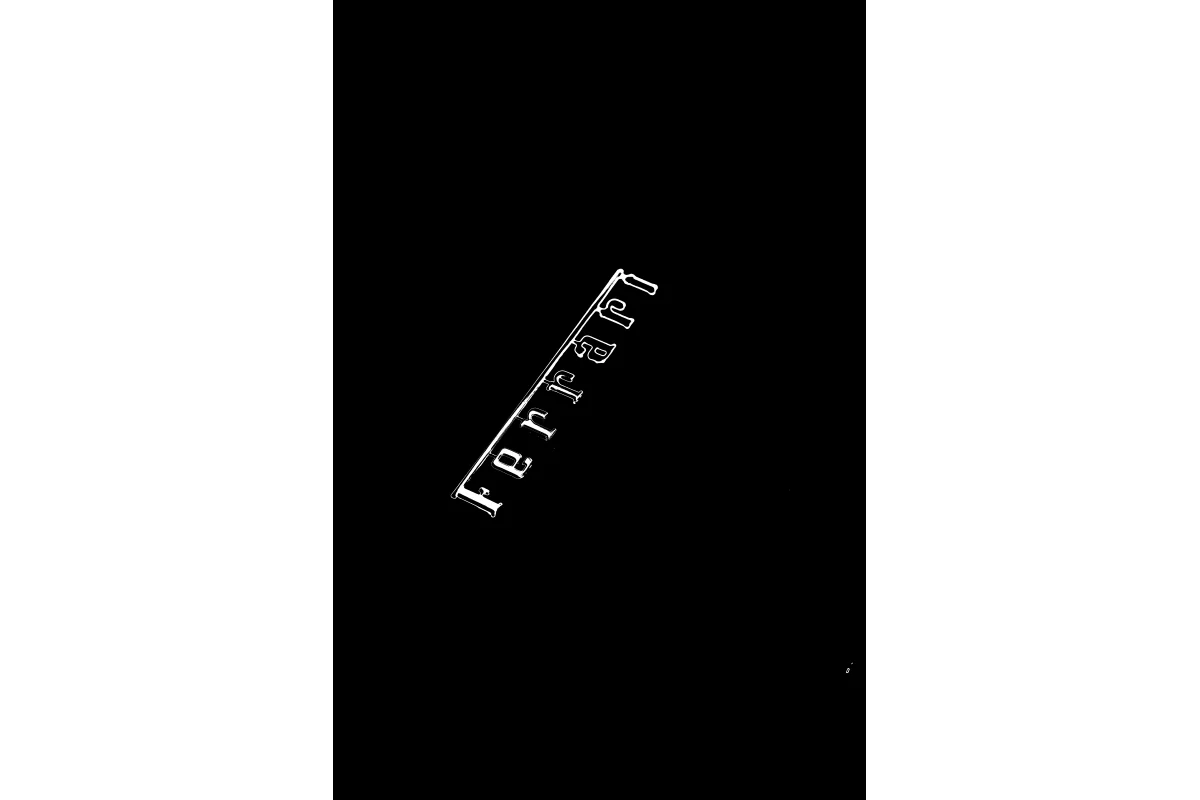
Segment Image Using LAB
Perform perceptually uniform color-based segmentation using LAB color space, ideal for matching human color perception in image processing tasks.
 Cornea
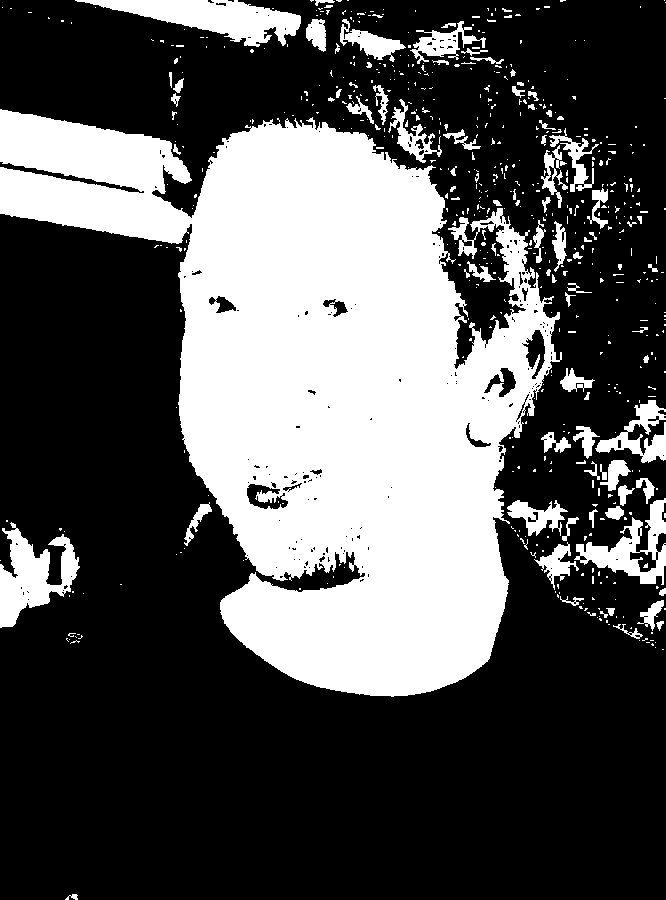
Segment Image Using YCrCb
Perform YCrCb color space segmentation to detect objects based on chrominance, commonly used for skin detection and face detection.
 Cornea
Segment Image Using Flood Fill
Flood fill image segmentation for extracting connected regions based on a seed point and color tolerance for computer vision and image processing pipelines.
 Cornea
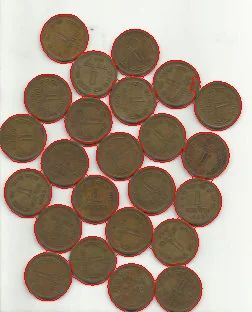
Segment Image Using Watershed
Perform marker-based watershed segmentation to separate touching or overlapping objects in an image.
 Cornea
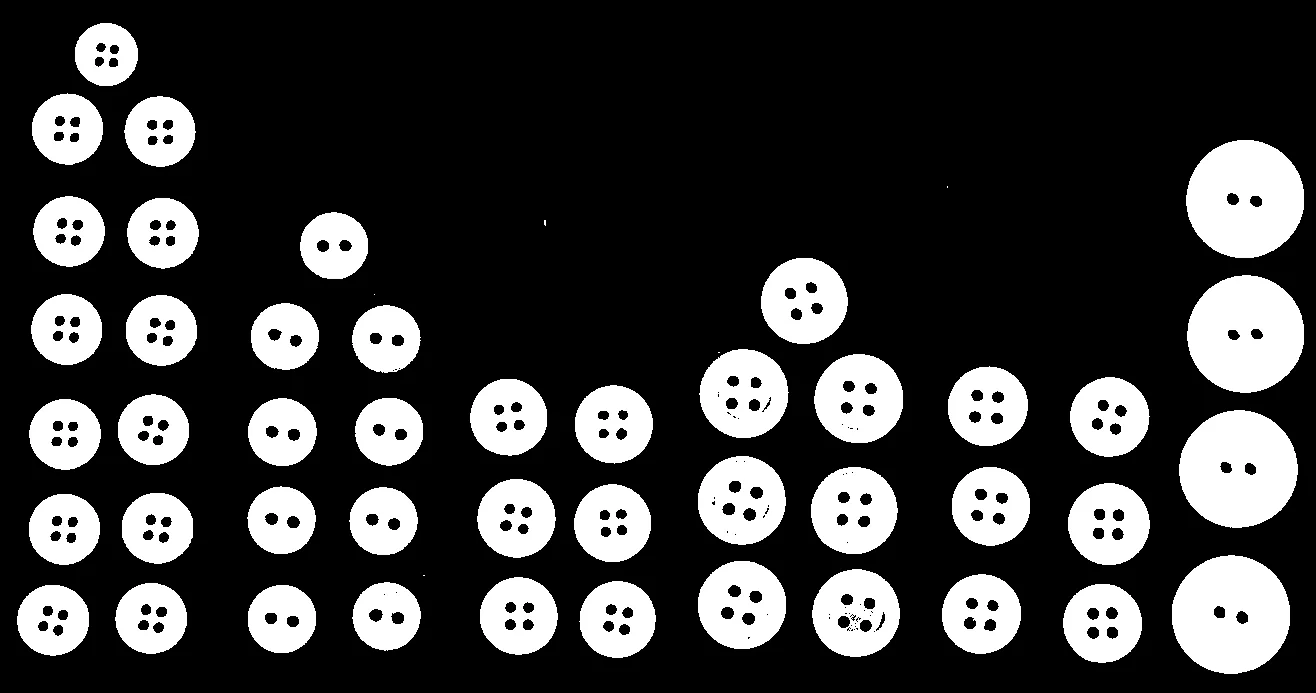
Segment Image Using Focus Region
Focus region segmentation for identifying in-focus areas based on image sharpness for computer vision, depth estimation, and image processing pipelines.
 Cornea
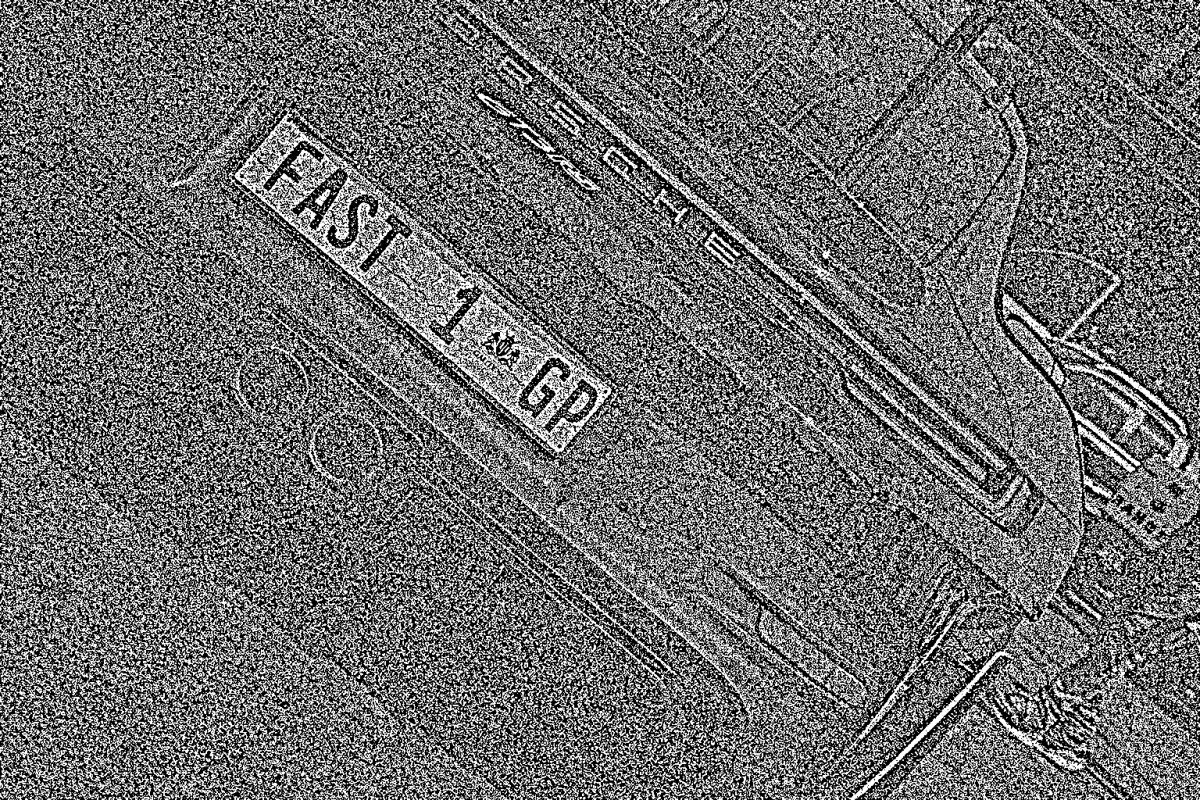
Segment Image Using Otsu Threshold
Automatically segment an image with a single global threshold chosen by Otsu's method, ideal for clearly bimodal intensity histograms.
 Cornea
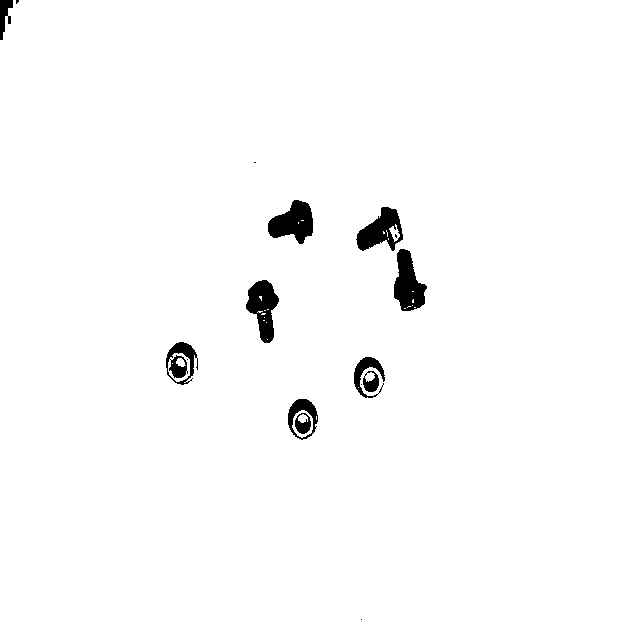
Segment Image Using Local Threshold
Segment images with non-uniform lighting or varying background intensity using a single-parameter, neighborhood-based local threshold.
 Cornea
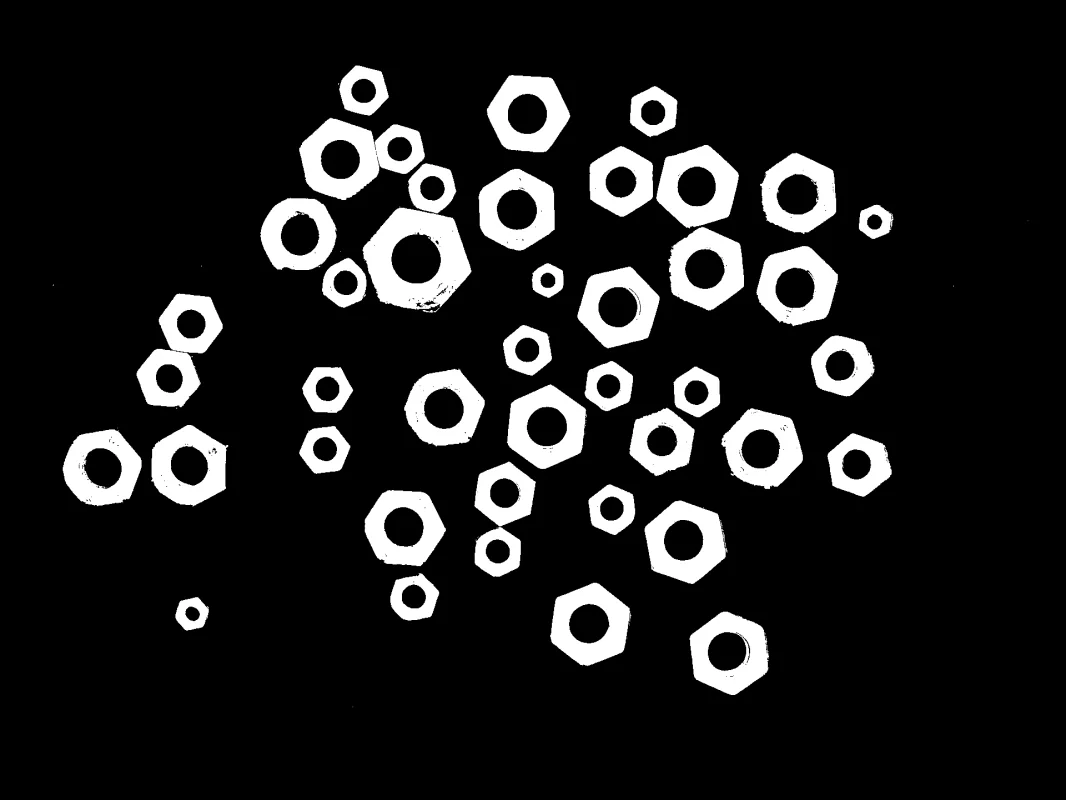
Segment Image Using Yen Threshold
Automatically segment an image with a single global threshold chosen by Yen's entropy-based method, a parameter-free alternative to Otsu thresholding.
 Cornea
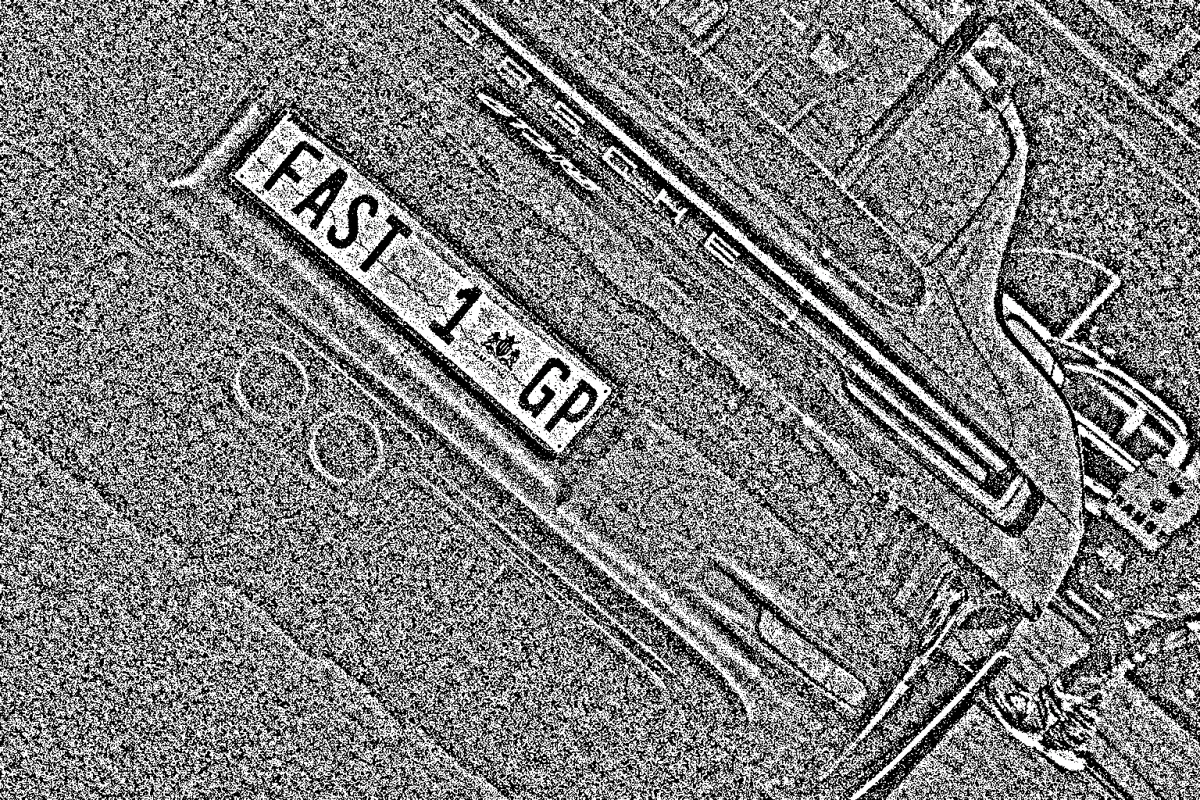
Segment Image Using Threshold
Perform manual global threshold segmentation with a chosen pixel value and one of five comparison modes to create a labeled segmentation mask.
 Cornea
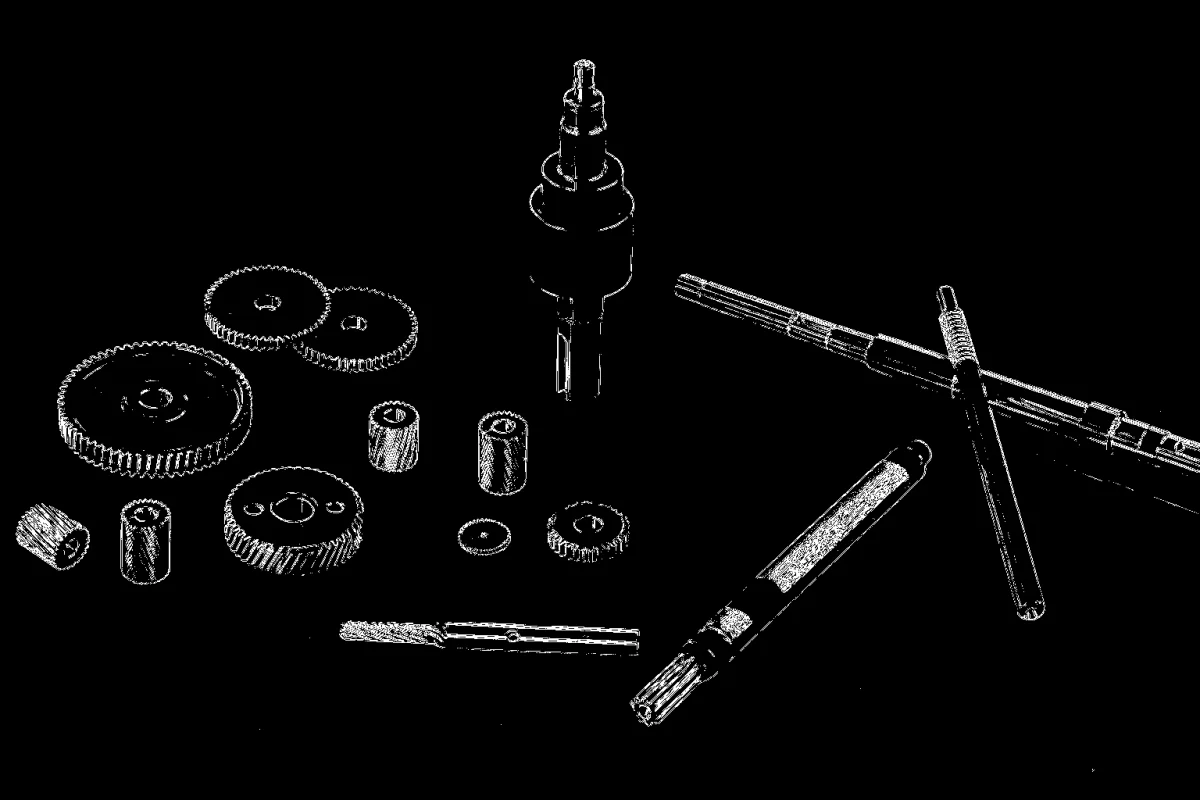
Segment Image Using Adaptive Threshold
Adaptive per-pixel threshold segmentation for images with non-uniform lighting, shadows, and varying intensity, with control over the local-averaging method and comparison direction.
 Cornea
Segment Image Using Laplacian Threshold
Segment an image's edge-rich, textured regions from its smooth regions by thresholding the Laplacian (second-derivative) edge response.
 Cornea
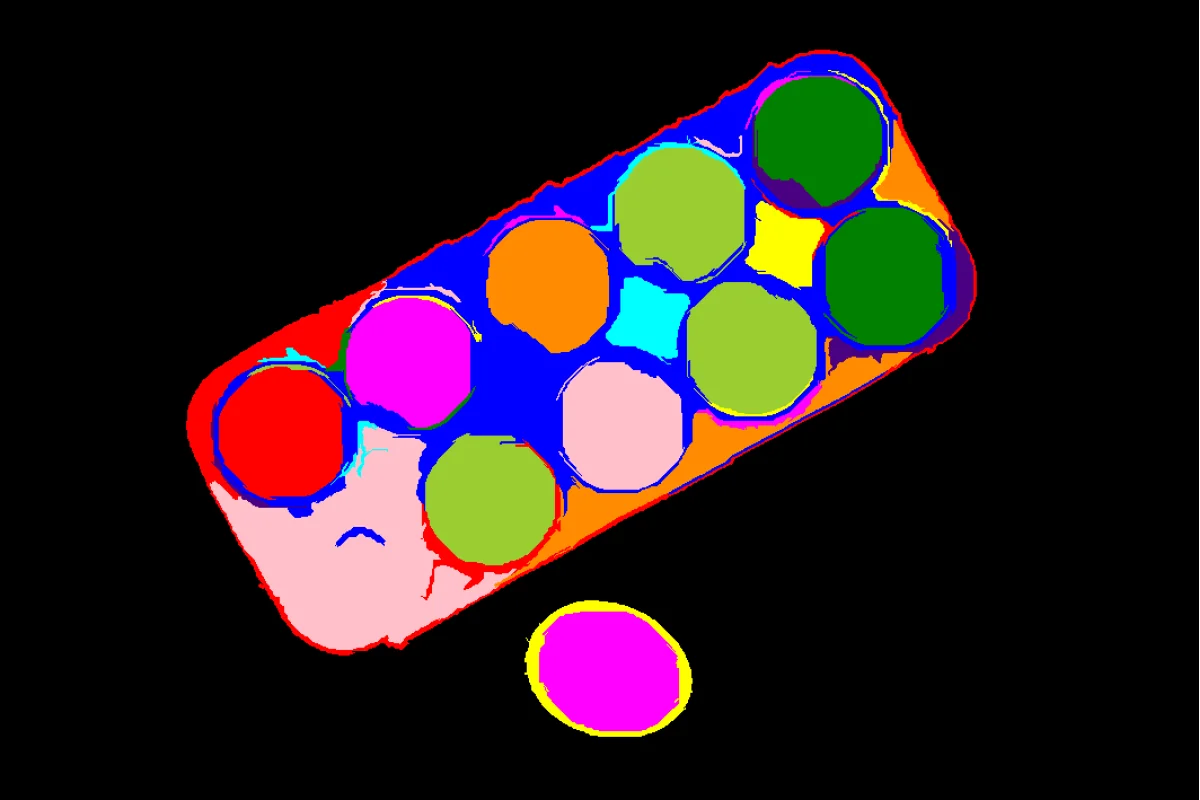
Segment Image Using Felzenszwalb
Generate irregularly-shaped, boundary-following superpixels with Felzenszwalb's graph-based segmentation algorithm.
 Cornea
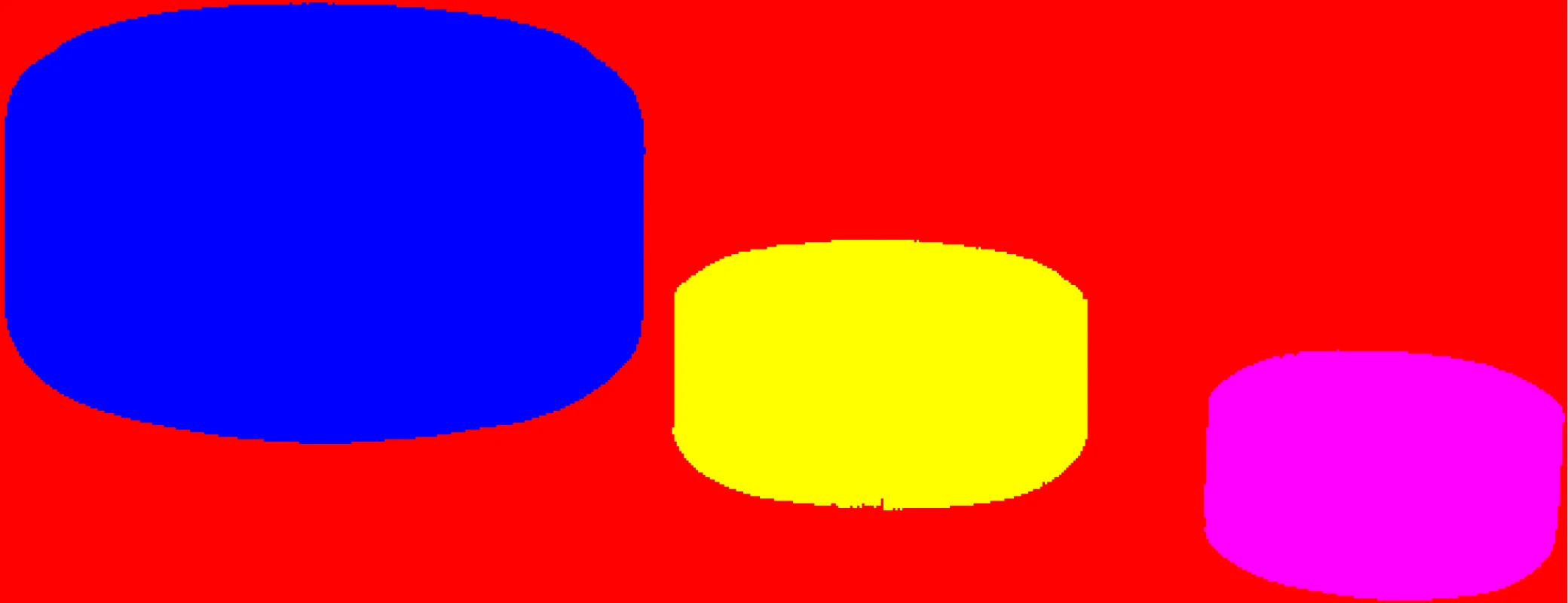
Segment Image Using SLIC Superpixel
Generate compact, near-uniform superpixels with the SLIC (Simple Linear Iterative Clustering) algorithm for predictable over-segmentation.
 Cornea
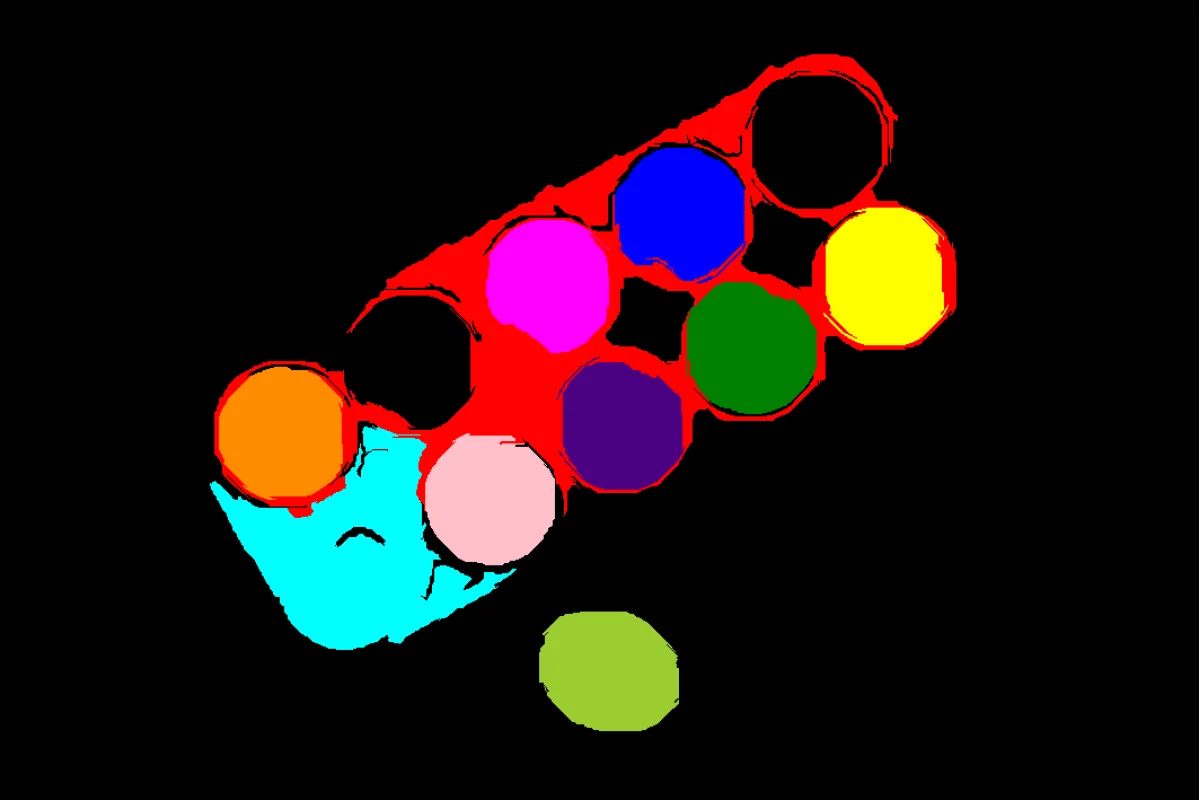
Filter Segments By Area
Remove segments smaller or larger than a given pixel-area range from an existing label map, discarding noise or implausibly large regions.
 Cornea
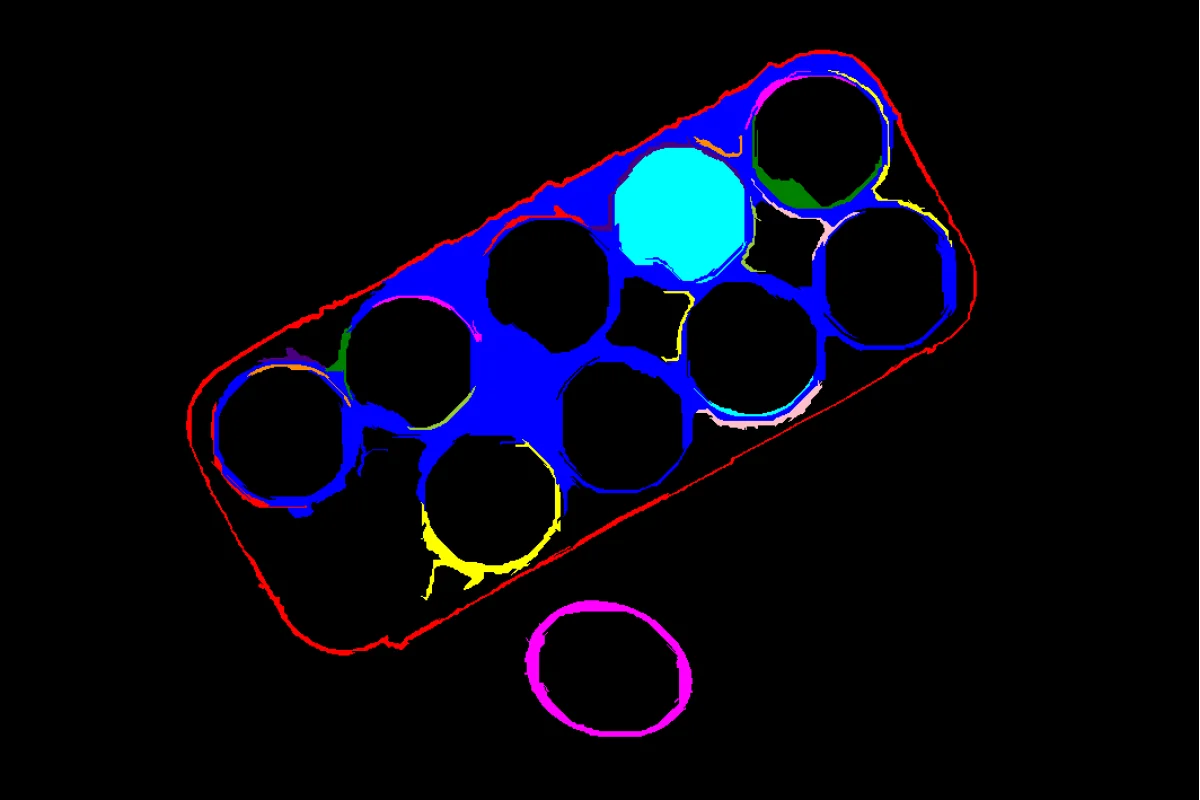
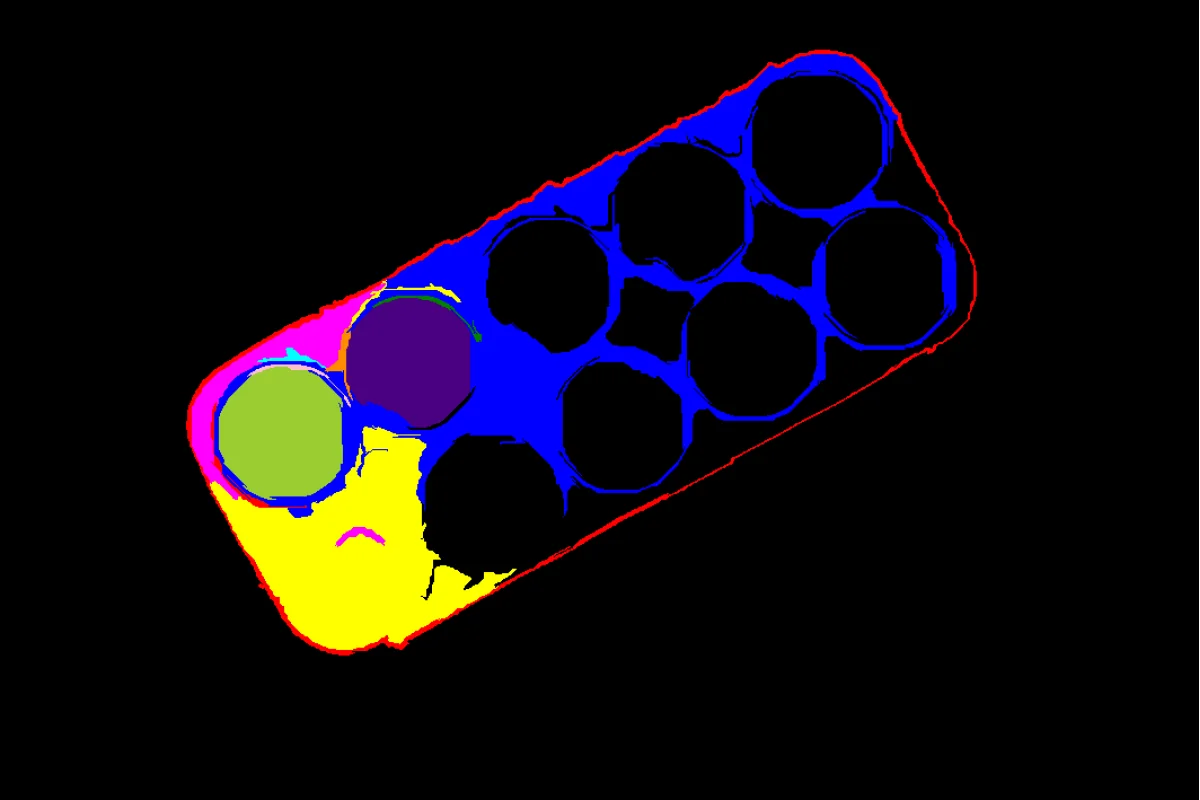
Filter Segments By Color
Remove segments from an existing label map whose mean pixel intensity falls outside a given range, keeping only bright or dark regions of interest.
 Cornea
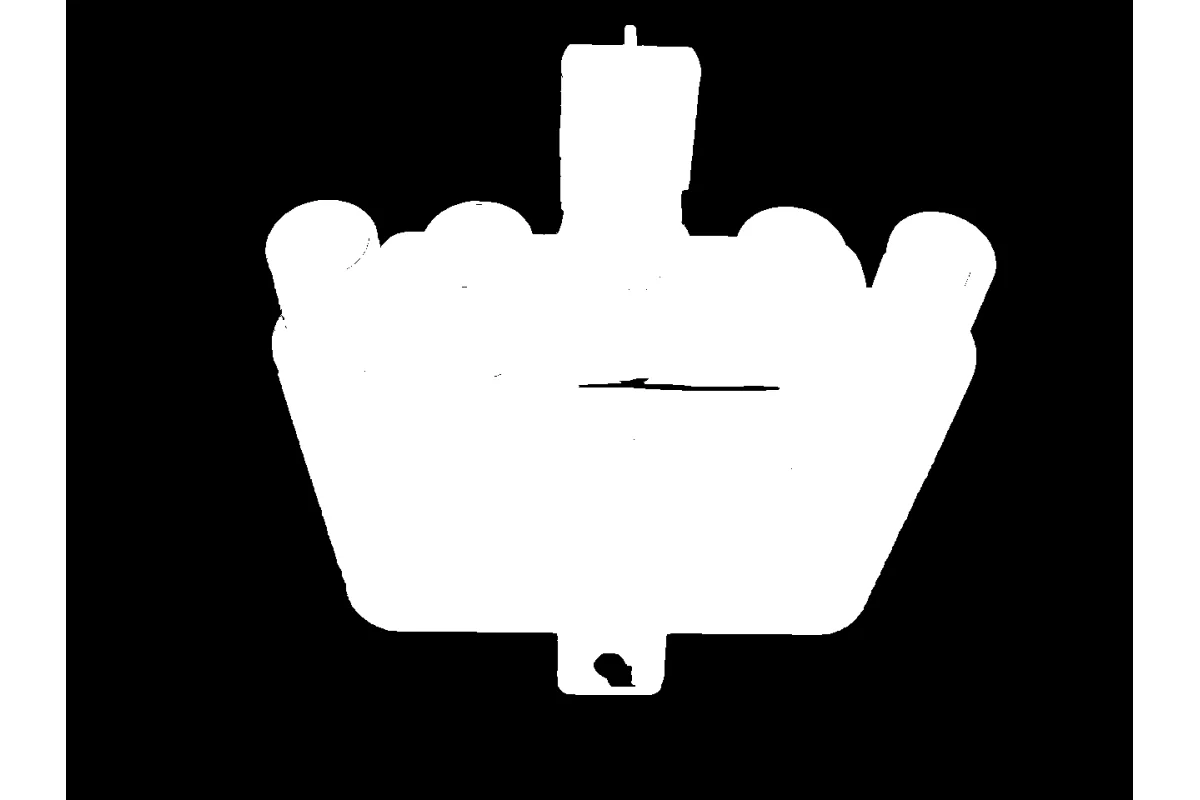
Filter Segments By Mask
Keep only the segments of an existing label map that overlap a region-of-interest mask, discarding the rest.
 Cornea
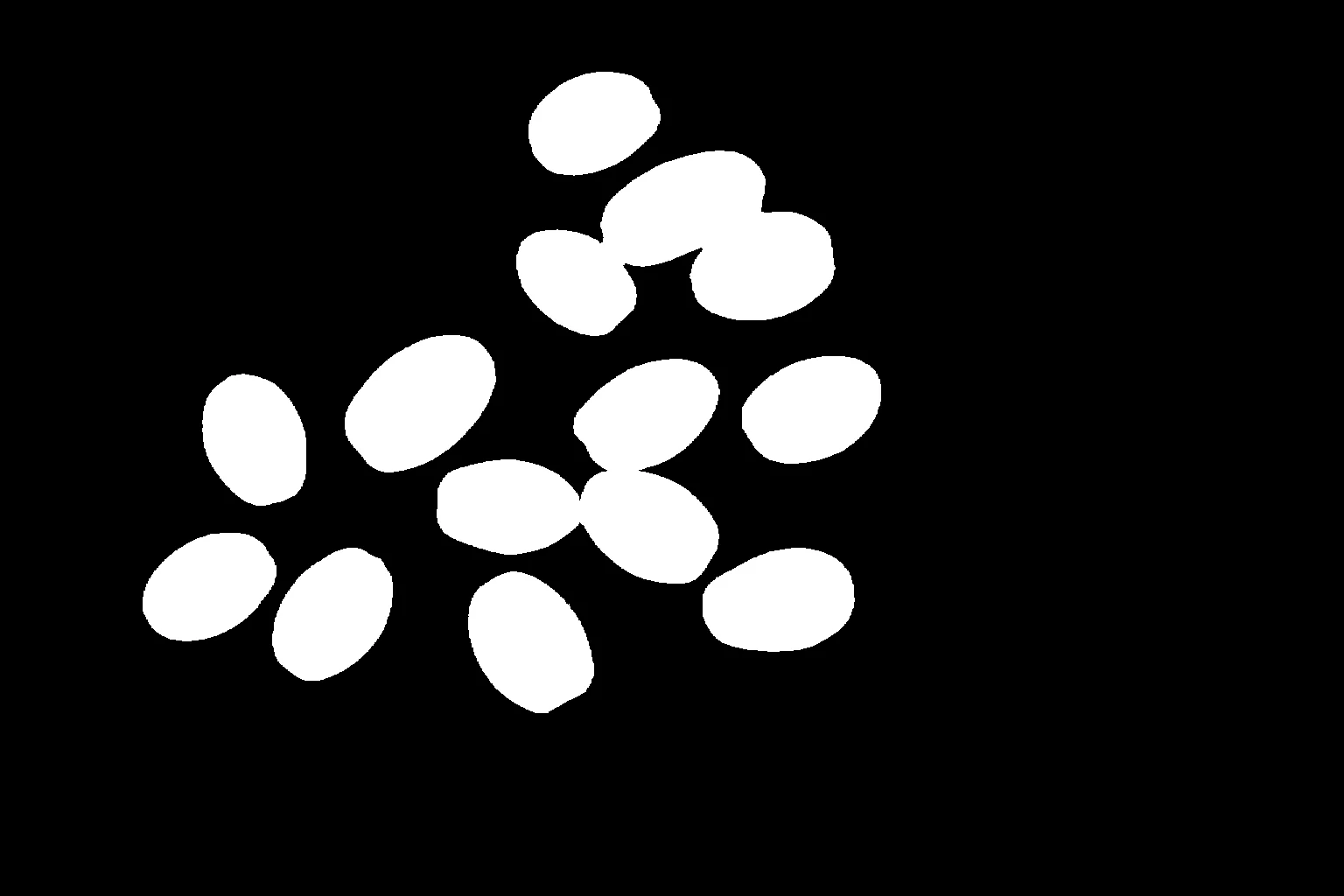
Segment Image Using GrabCut
Perform foreground/background segmentation using GrabCut, an iterative graph cut algorithm for interactive object extraction and background removal.
 Cornea
Segment Image Using Foreground BiRefNet
Segment the salient foreground object from the background using BiRefNet, a deep-learning model that needs no bounding box or seed point.
Object Detection Skills 6
 Retina
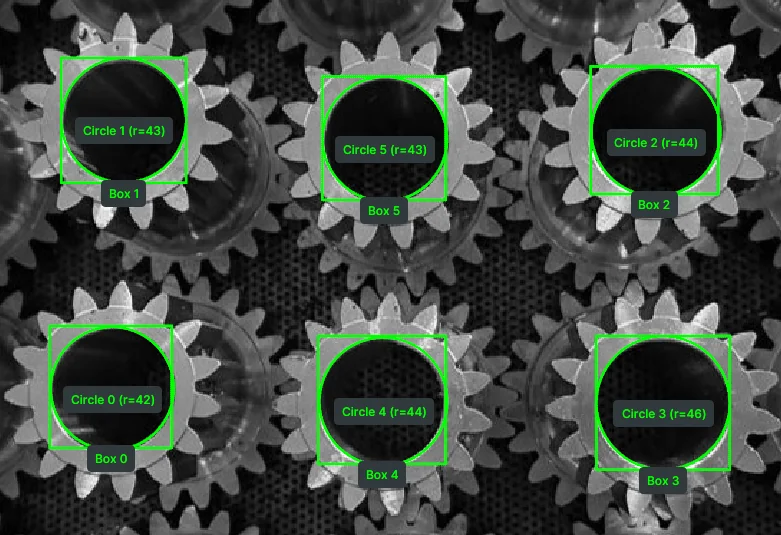
Detect Circle Using Classic Hough
Detect circular objects in grayscale images using the classic Hough Circle Transform, returning circle centers and radii for geometric analysis.
 Retina
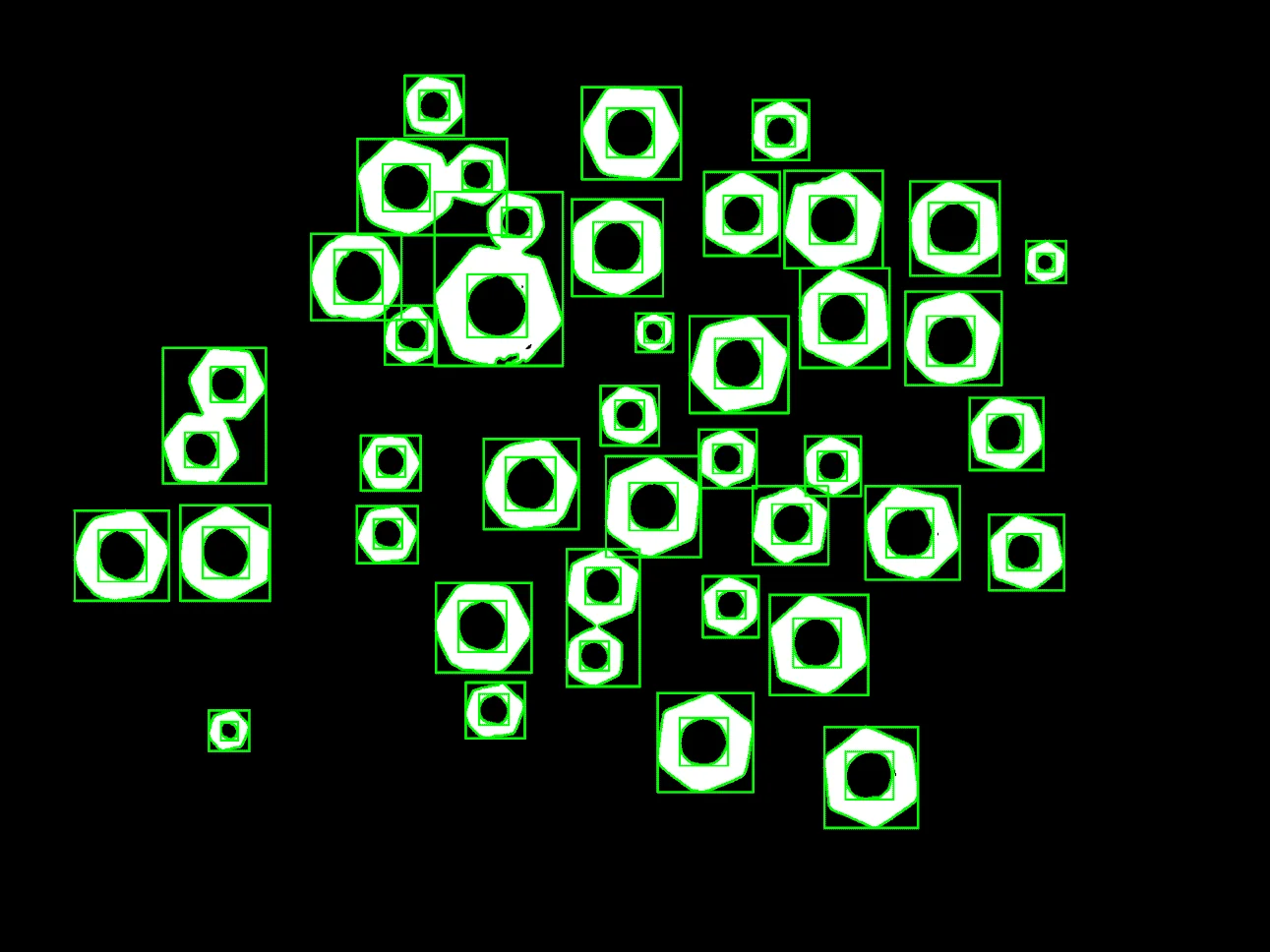
Detect Contours
Extract object outlines from binary or high-contrast images using contour detection for shape analysis and measurement.
 Retina
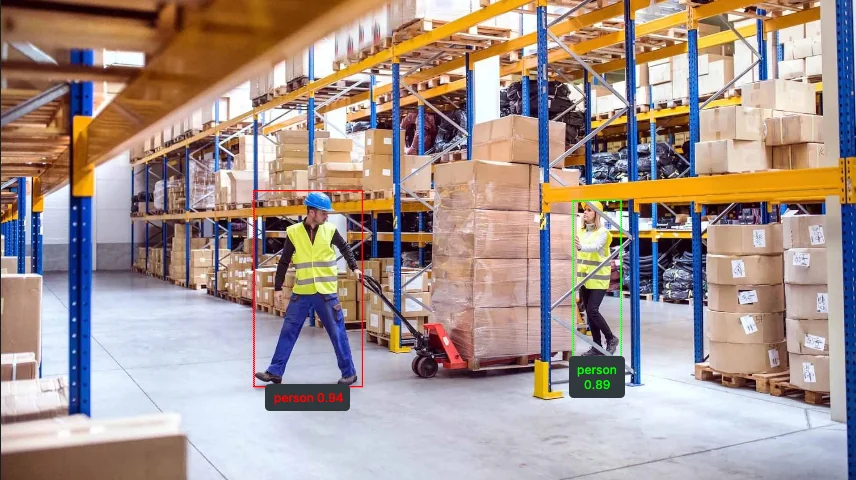
Detect Objects Using RF-DETR
Detect objects in images using RF-DETR with COCO 80-class categories, returning COCO-like detection results.
 Retina
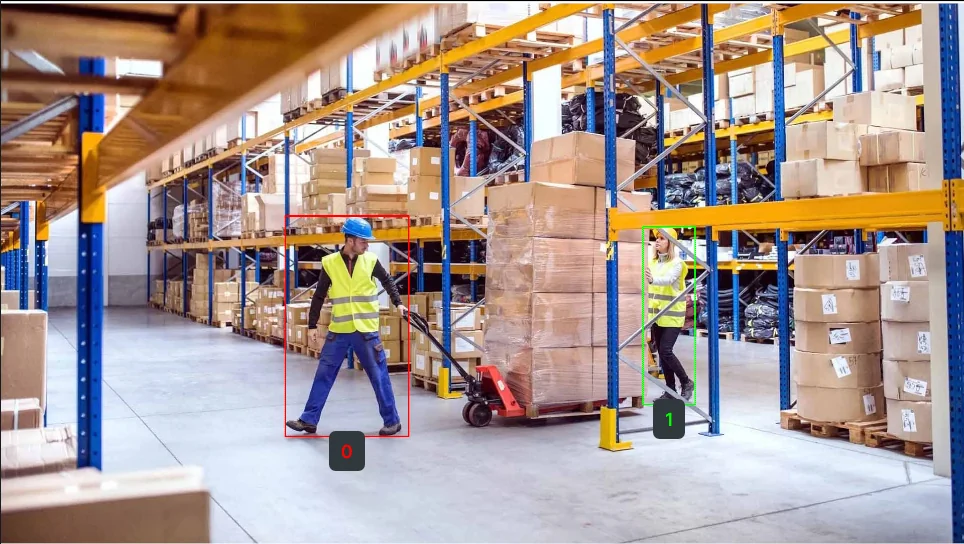
Detect Objects Using QWEN
Perform flexible, name-driven object detection in images using the QWEN Vision Language Model, returning COCO-like detection results with categories.
 Retina
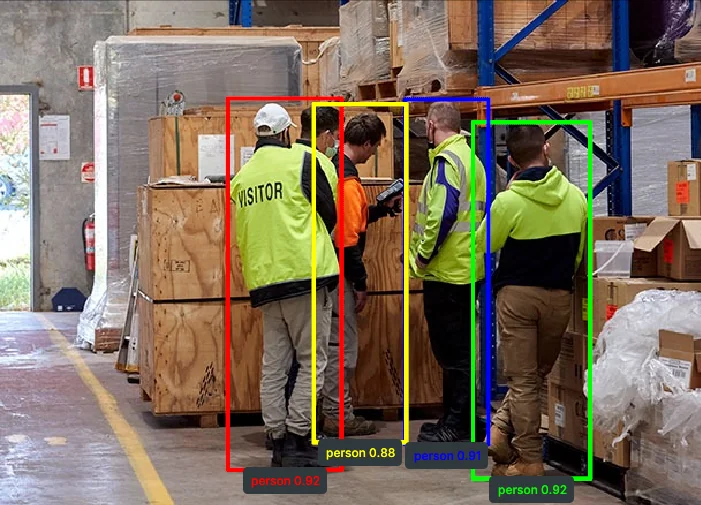
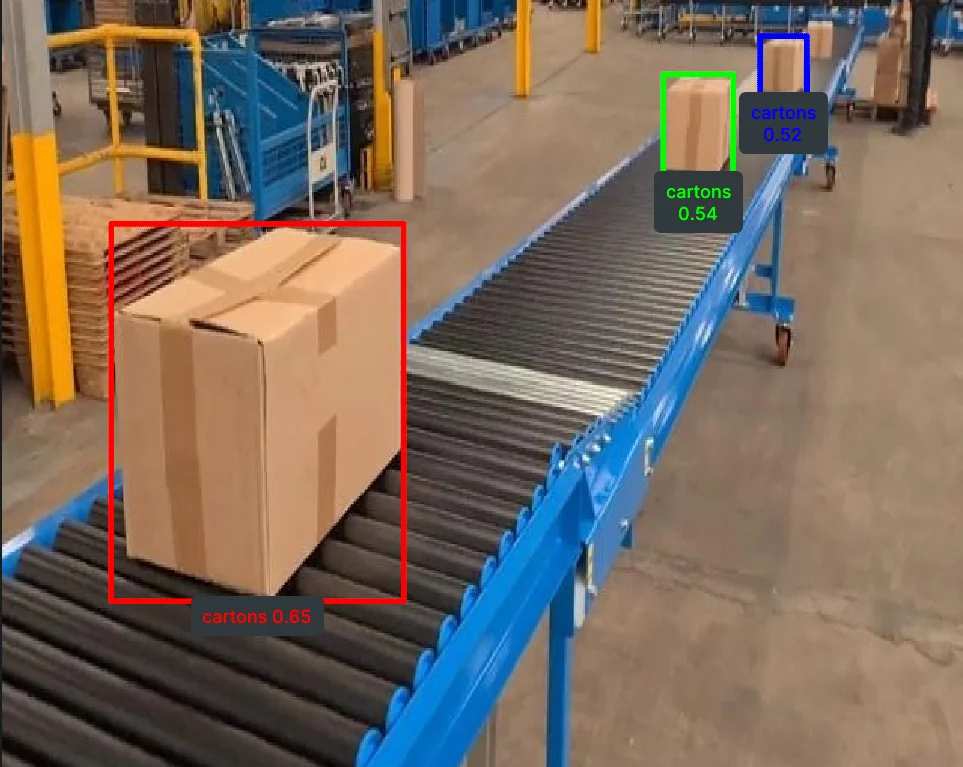
Detect Objects Using YOLOX
Detect objects in images using YOLOX with COCO 80-class categories, returning COCO-like detection results.
 Retina
Detect Objects Using Grounding DINO
Perform open-vocabulary object detection using Grounding DINO with a list of target object names, returning COCO-like detection results.
Image Processing Skills 21
 Pupil
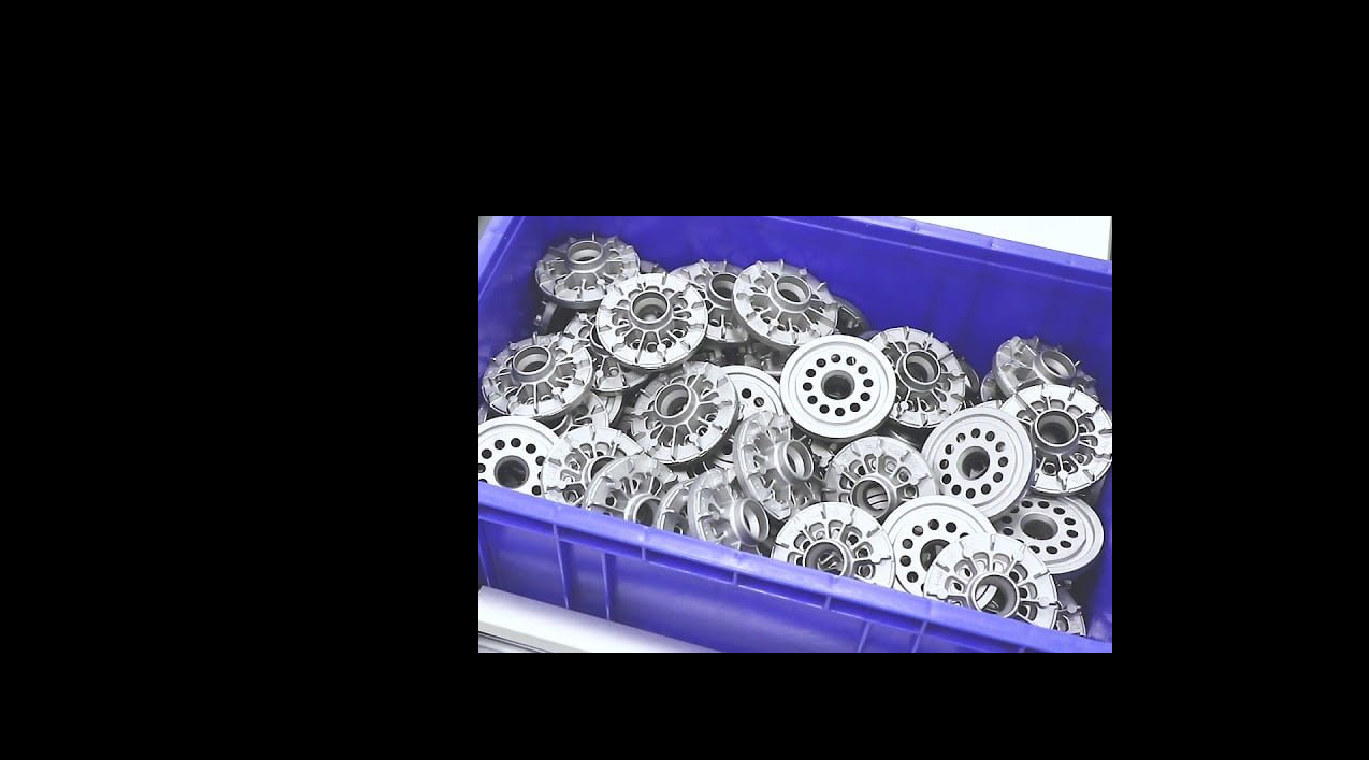
PupilBitwise AND Images
Compute the pixel-wise bitwise AND of two same-sized images or masks, keeping only pixels where both inputs are nonzero, such as intersecting a mask with a region.
 Pupil
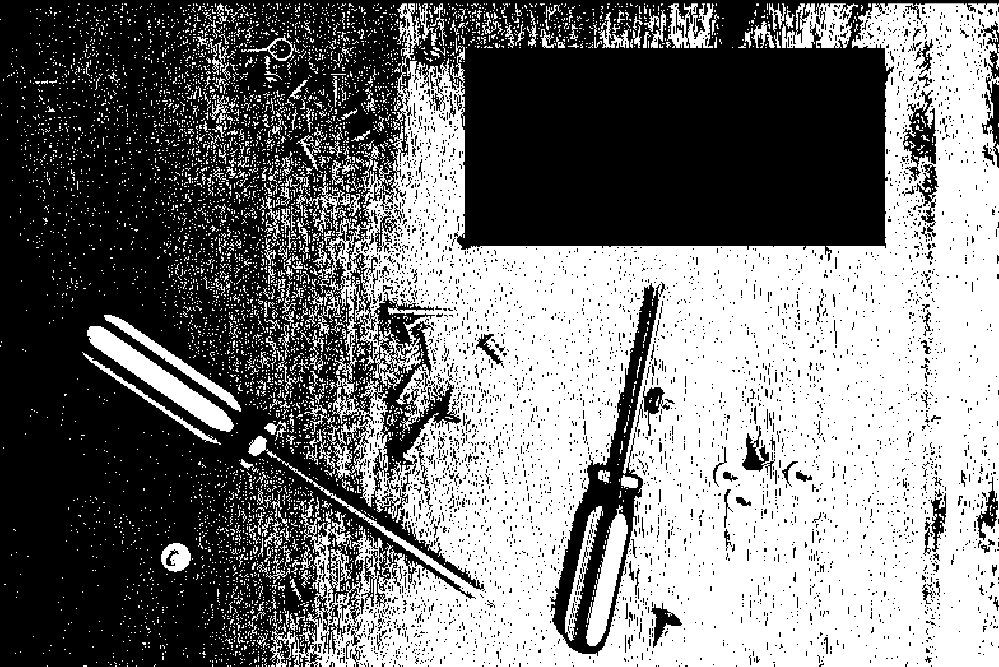
PupilBitwise Difference Images
Compute the pixel-wise absolute difference between two same-sized images, highlighting regions where pixel intensities differ, such as for change or defect detection.
 Pupil
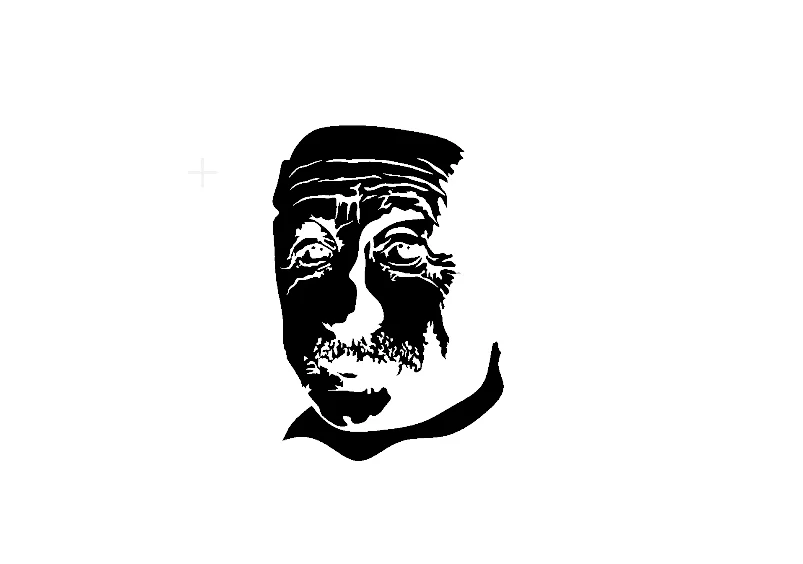
PupilBitwise NOT Image
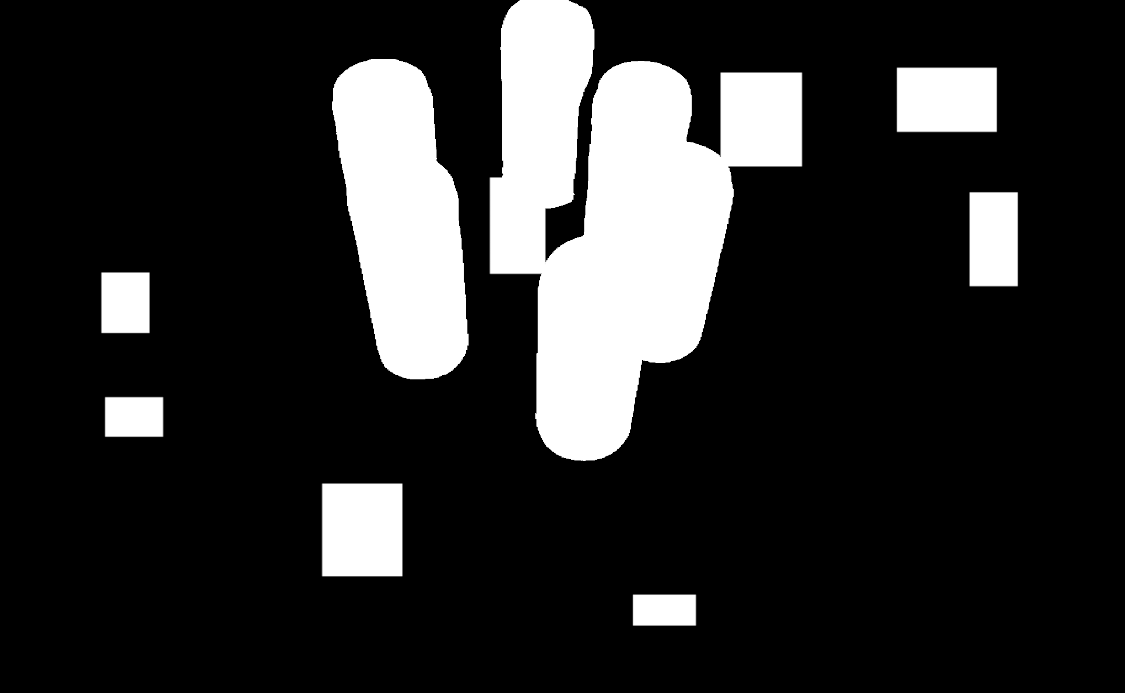
Invert every pixel value in an image via a pixel-wise bitwise NOT, such as swapping the foreground and background regions of a binary mask.
 Pupil
PupilBitwise OR Images
Compute the pixel-wise bitwise OR of two same-sized images or masks, merging both into their union, such as combining two segmentation masks into one.
 Pupil
PupilBitwise XOR Images
Compute the pixel-wise bitwise XOR of two same-sized images or masks, keeping only pixels that differ between the two, such as highlighting mask disagreement.
 Pupil
PupilCalculate Mask Centroid
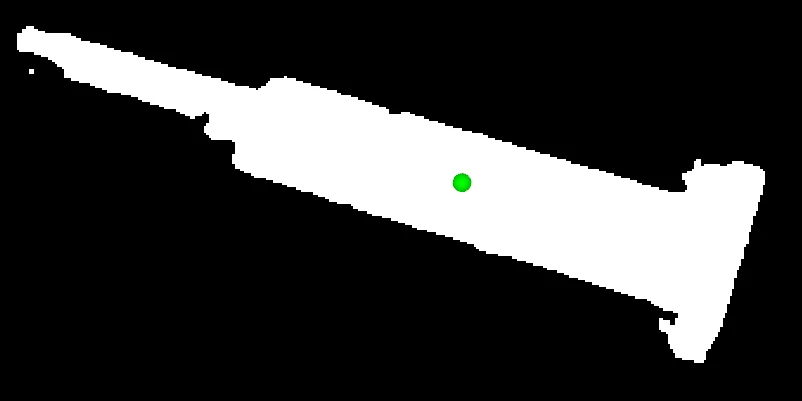
Compute the centroid (center of mass) of the non-zero pixels in a binary mask, returning pixel coordinates for object localization, alignment, or grasp planning.
 Pupil
PupilCalculate Mask PCA
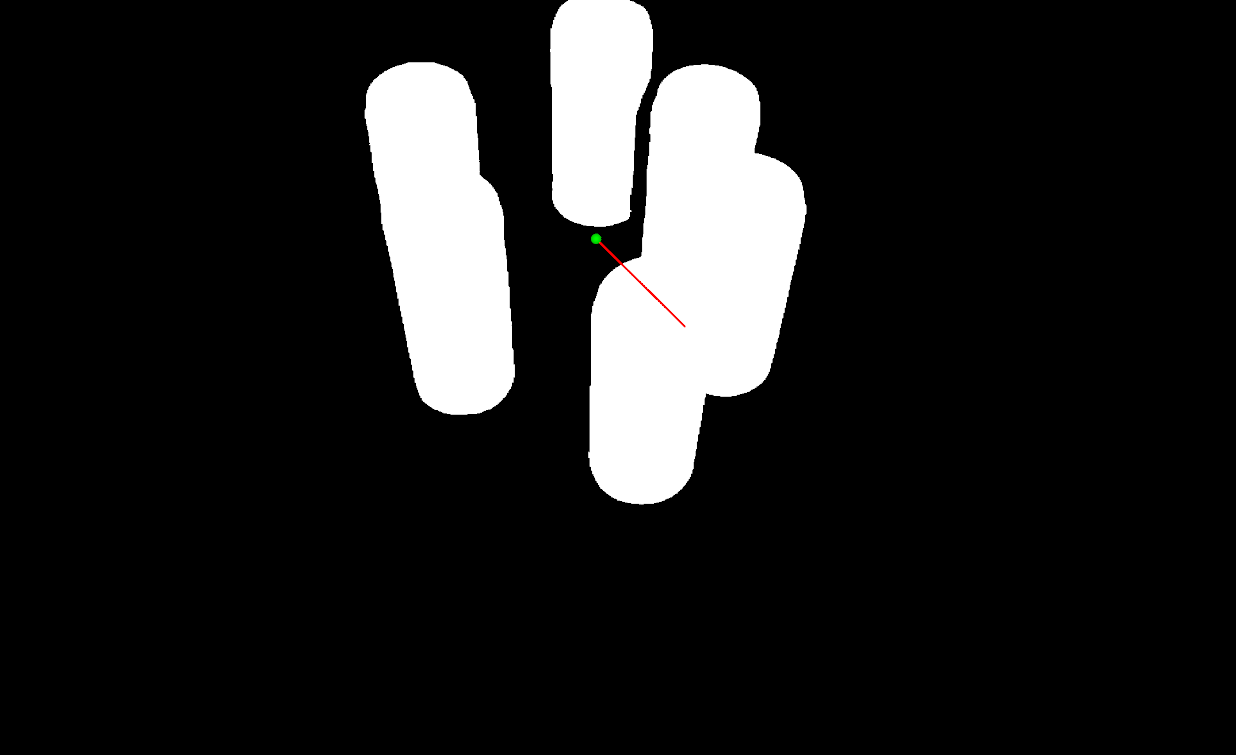
Compute PCA on a mask or grayscale image to get its centroid, principal-axis eigenvectors and eigenvalues, and dominant orientation angle.
 Pupil
PupilConvert Image Color Space
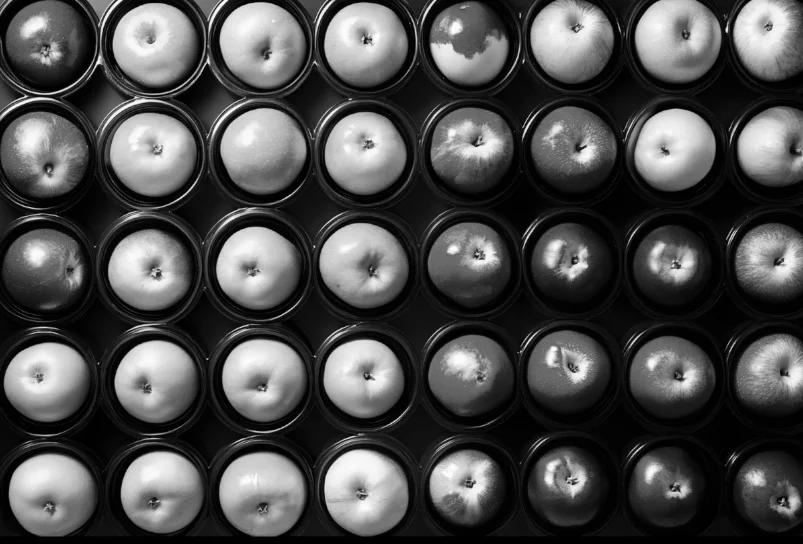
Convert an image between color spaces such as RGB, HSV, GRAY, and LAB to prepare it for a color-based or grayscale-based downstream Skill.
 Pupil
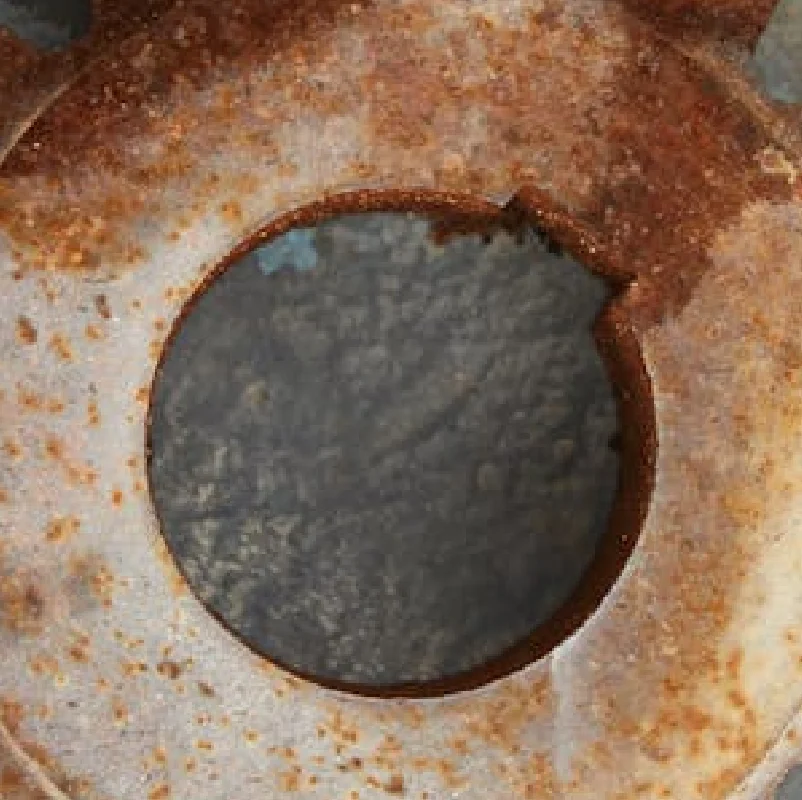
PupilCrop Image Center
Crop an image to a fixed width and height centered on the image, padding with a fill color when the source is smaller than the target crop size.
 Pupil
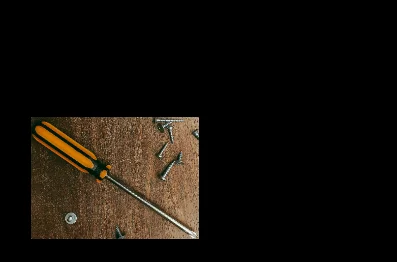
PupilCrop Image Using Bounding Boxes
Crop multiple rectangular regions from a single image in one call, returning one cropped image per bounding box as an ImageBatch.
 Pupil
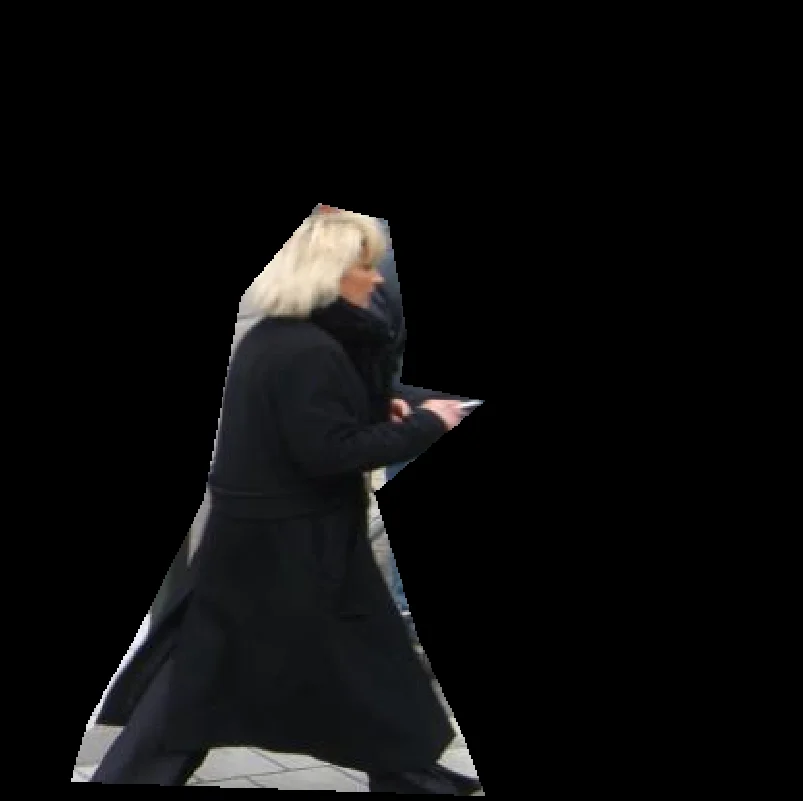
PupilCrop Image Using Polygon
Mask an image to an arbitrary polygon region, zeroing out pixels outside the polygon while keeping the original image size.
 Pupil
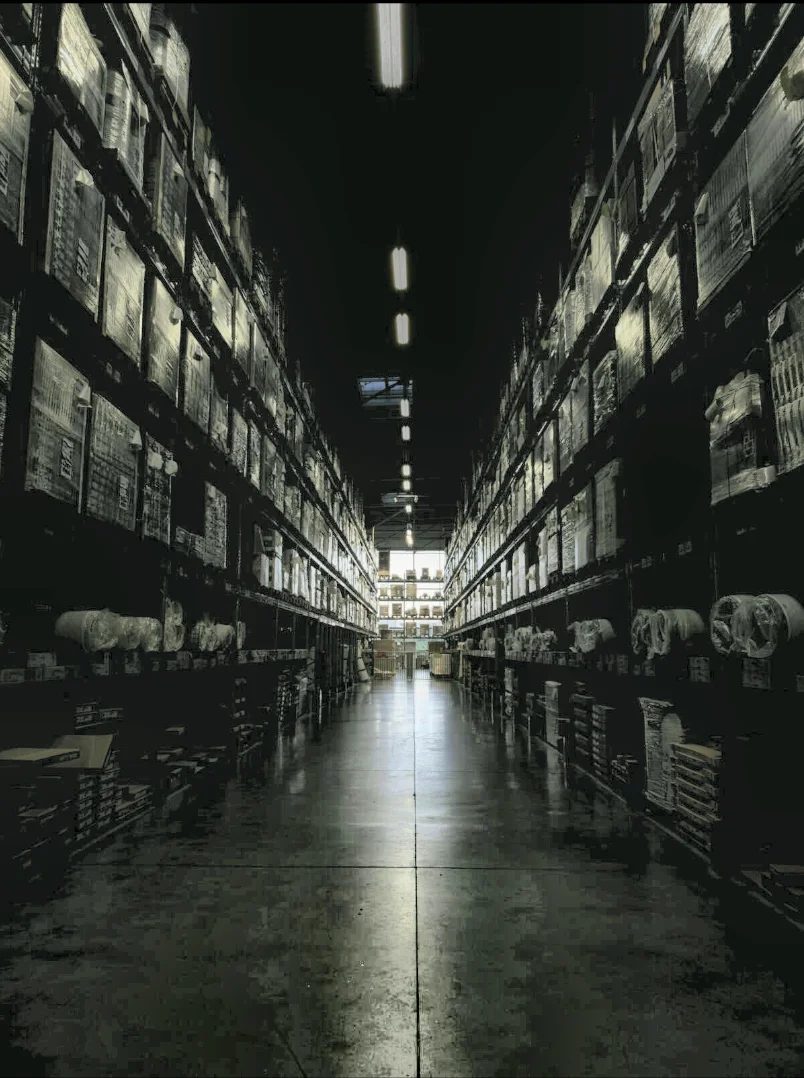
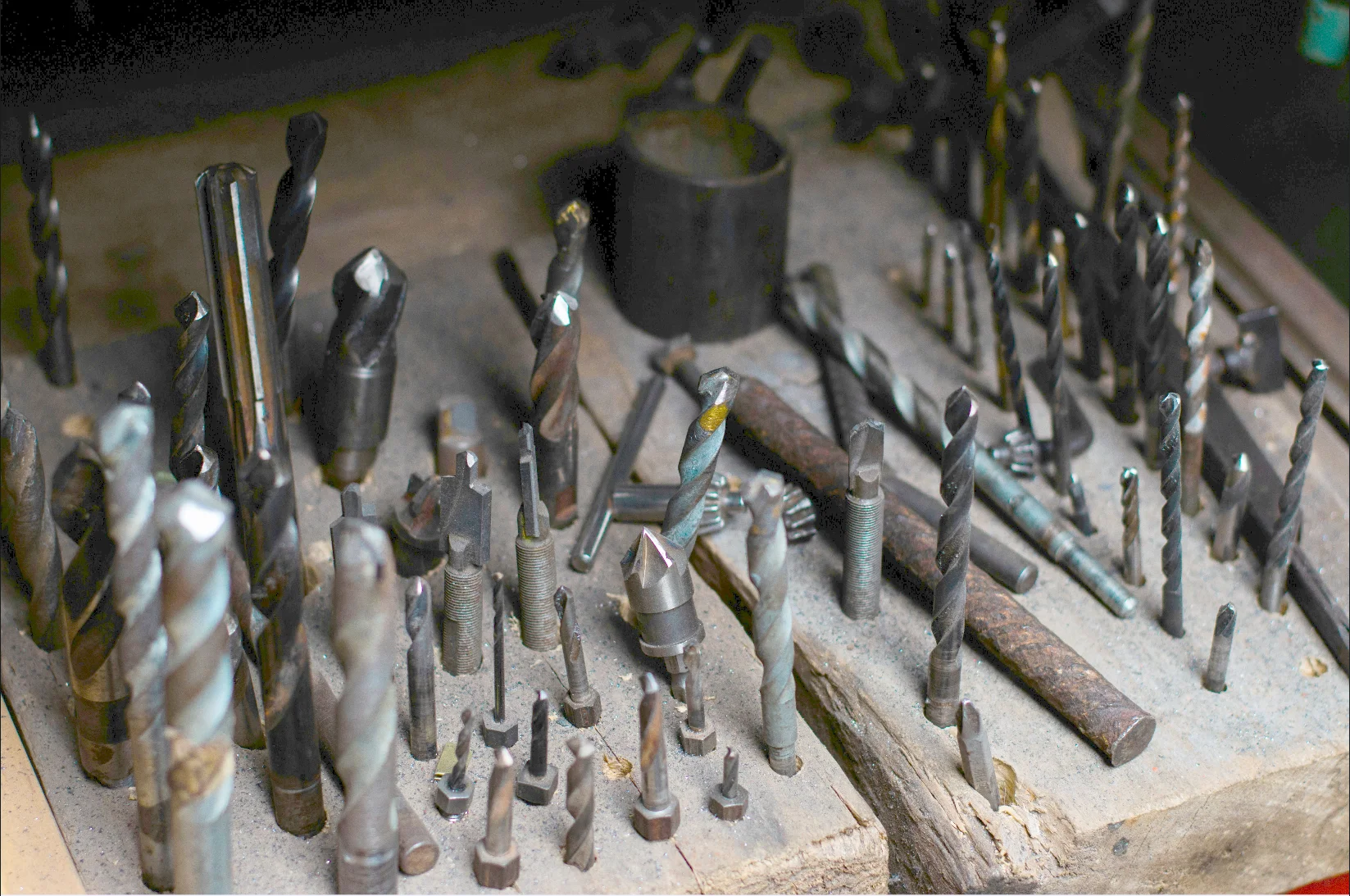
PupilEnhance Image Using CLAHE
Apply Contrast Limited Adaptive Histogram Equalization to boost local contrast per-tile while capping noise amplification, ideal for unevenly lit images.
 Pupil
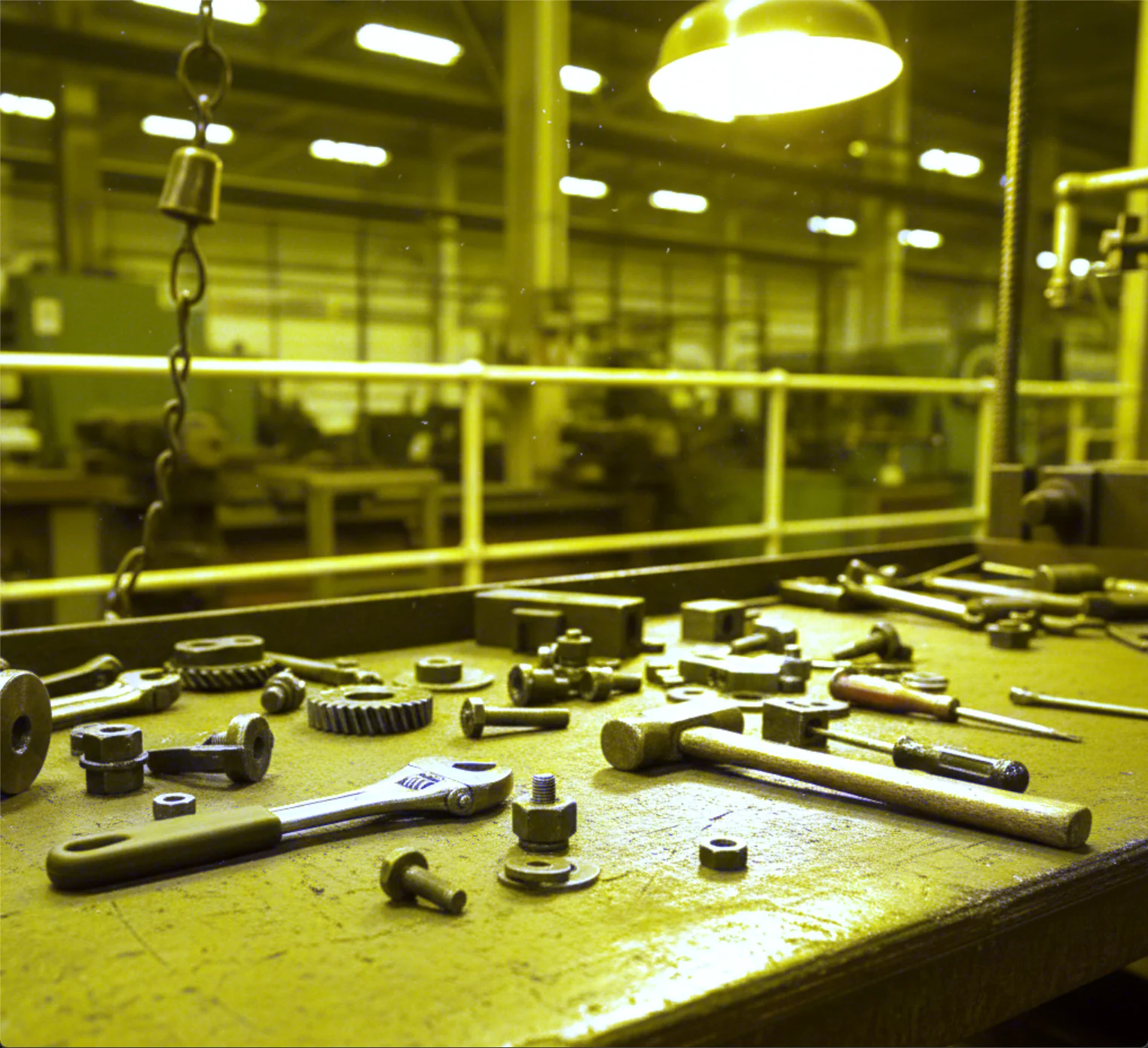
PupilEnhance Image Using Gamma Correction
Automatically corrects image brightness with a gamma value estimated from the image's own luminance statistics, with no manual tuning required.
 Pupil
PupilEnhance Image Using White Balance
Automatically correct color casts caused by lighting conditions so that neutral colors in a color image appear natural, with no manual tuning required.
pupil.estimate_planar_pose()PupilEstimate Planar Pose
Estimate the 3D pose of a flat object from a segmentation mask and an aligned depth image, combining 2D PCA with pinhole back-projection.
 Pupil
PupilFilter Image Using Bilateral
Smooth noise out of an image while preserving edges by weighting neighboring pixels on both spatial distance and color similarity.
 Pupil
PupilFilter Image Using Blur
Apply a simple box blur that averages pixel values within a kernel for fast, uniform image smoothing when edge preservation is not required.
 Pupil
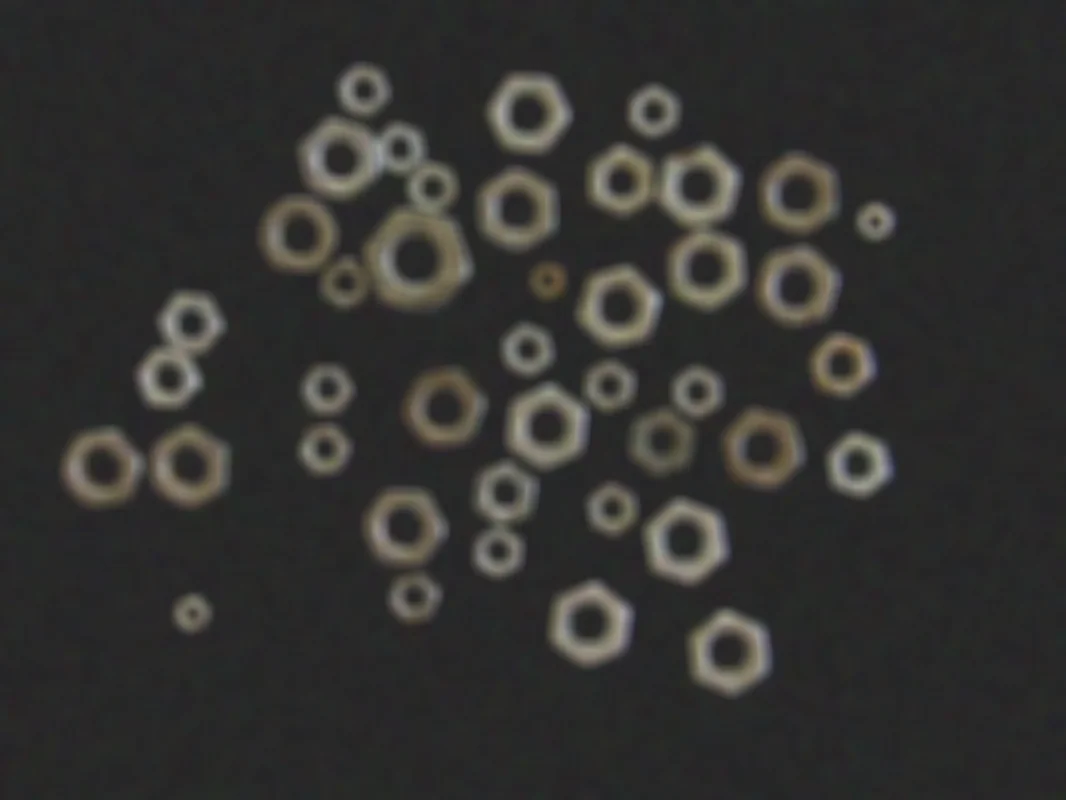
PupilFilter Image Using Box
Apply a normalized or unnormalized box filter to an image with configurable kernel size, normalization, and output bit depth.
 Pupil
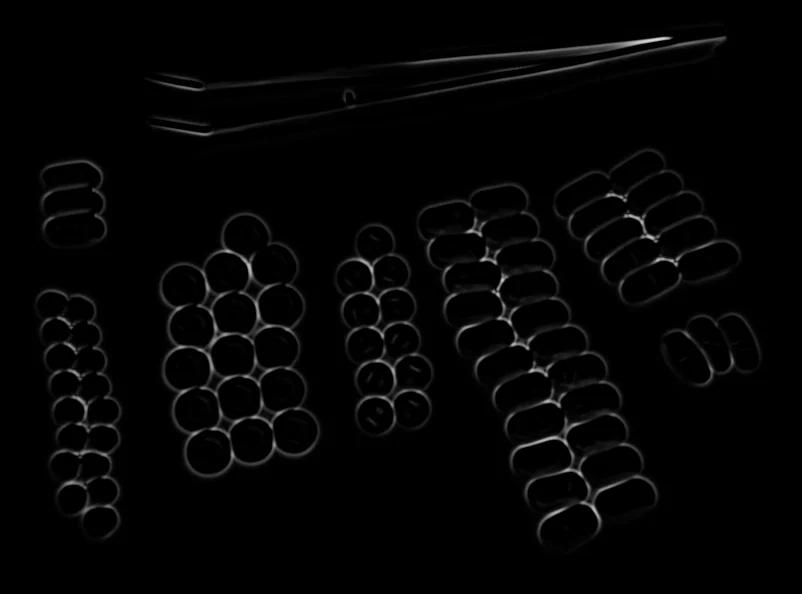
PupilFilter Image Using Frangi
Apply the Frangi multi-scale vesselness filter to enhance tubular structures such as vessels, wires, scratches, or cracks.
 Pupil
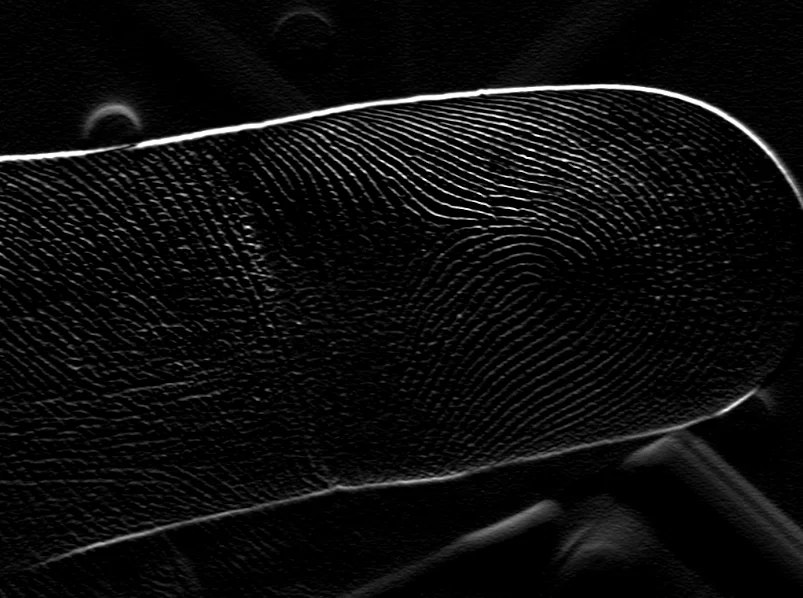
PupilFilter Image Using Gabor
Apply an oriented Gabor kernel to detect textures and features at a specific orientation, scale, and wavelength.
 Pupil
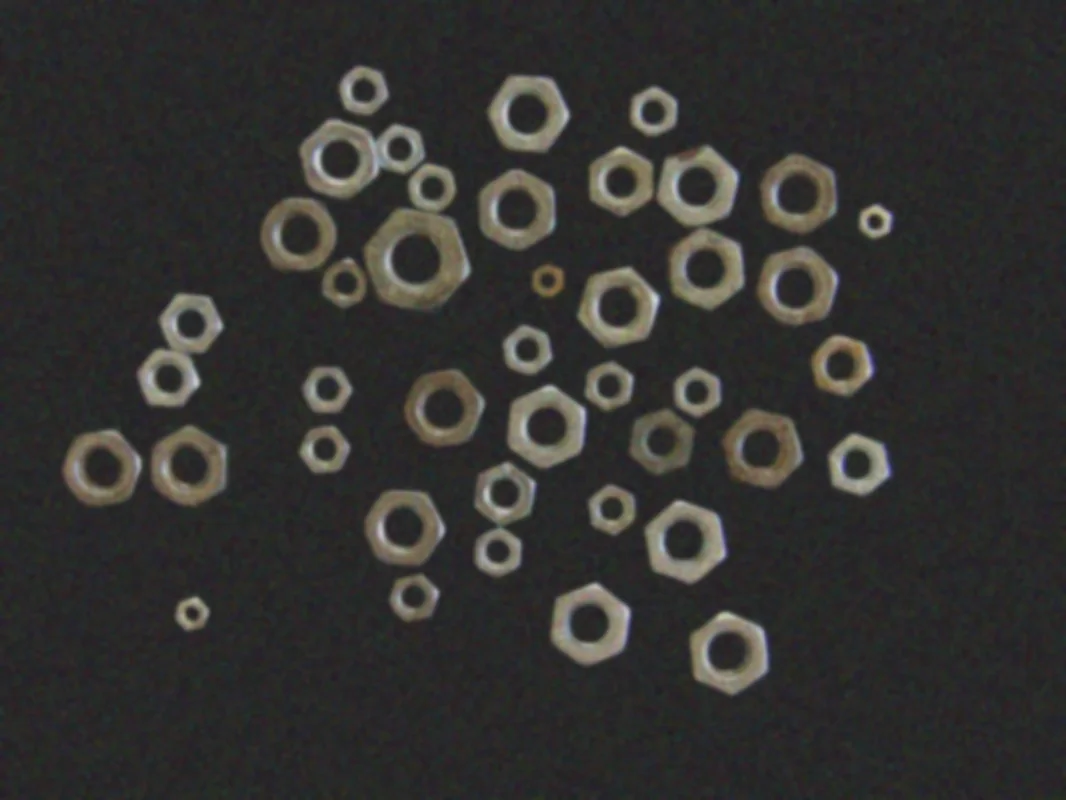
PupilFilter Image Using Gaussian Blur
Smooth an image and reduce noise with a Gaussian-weighted blur kernel, with configurable kernel size and per-axis standard deviation.