

Retina: Object Detection Skills
SUMMARY
Retina is a module in the Telekinesis SDK containing skills for 2D object detection from images.
It provides detection capabilities using classical computer vision techniques, deep learning models, and modern foundation models, enabling reliable visual perception across a wide range of robotics applications.
When to Use Retina?
Use Retina when your robotics application relies on 2D visual detection from cameras, such as:
- Object detection for vision-guided manipulation
- Visual target identification for pick-and-place pipelines
- Perception for mobile robot navigation and obstacle awareness
- Visual inspection and monitoring in robotic systems
- Camera-based input for Physical AI agents
What Does Retina Provide?
Retina includes a collection of modular skills for:
- 2D object detection using classical vision algorithms
- Deep learning–based object detectors
- Foundation model–based and prompt-driven detection
- Image preprocessing and feature extraction for detection pipelines
How to Use Retina?
To use the skills from Retina, simply use:
from telekinesis import retinaHere is a minimal example:
from telekinesis import retina, datatypes

# ===================== Load Image ==========================================
image_url = "https://assets.telekinesis.ai/examples/v1/images/metal_gears.jpg"
image = datatypes.Image.from_url(url=image_url).to_grayscale()

# ===================== Run Skill ==========================================
circles = retina.detect_circle_using_classic_hough(
  image=image,
  inverse_resolution_ratio=1,
  min_distance=50,
  min_radius=40,
  max_radius=60,
  canny_detector_upper_threshold=300,
  accumulator_threshold=30,
)
Overview of Skills
 Retina
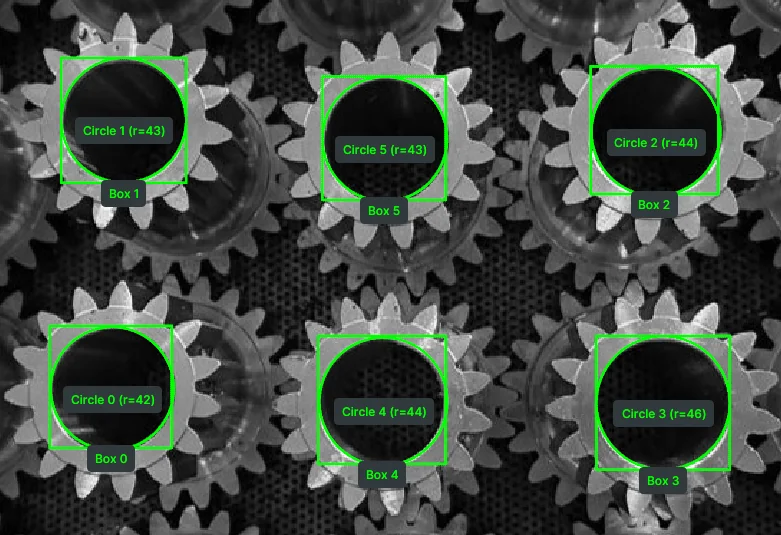
Detect Circle Using Classic Hough
Detect circular objects in grayscale images using the classic Hough Circle Transform, returning circle centers and radii for geometric analysis.
 Retina
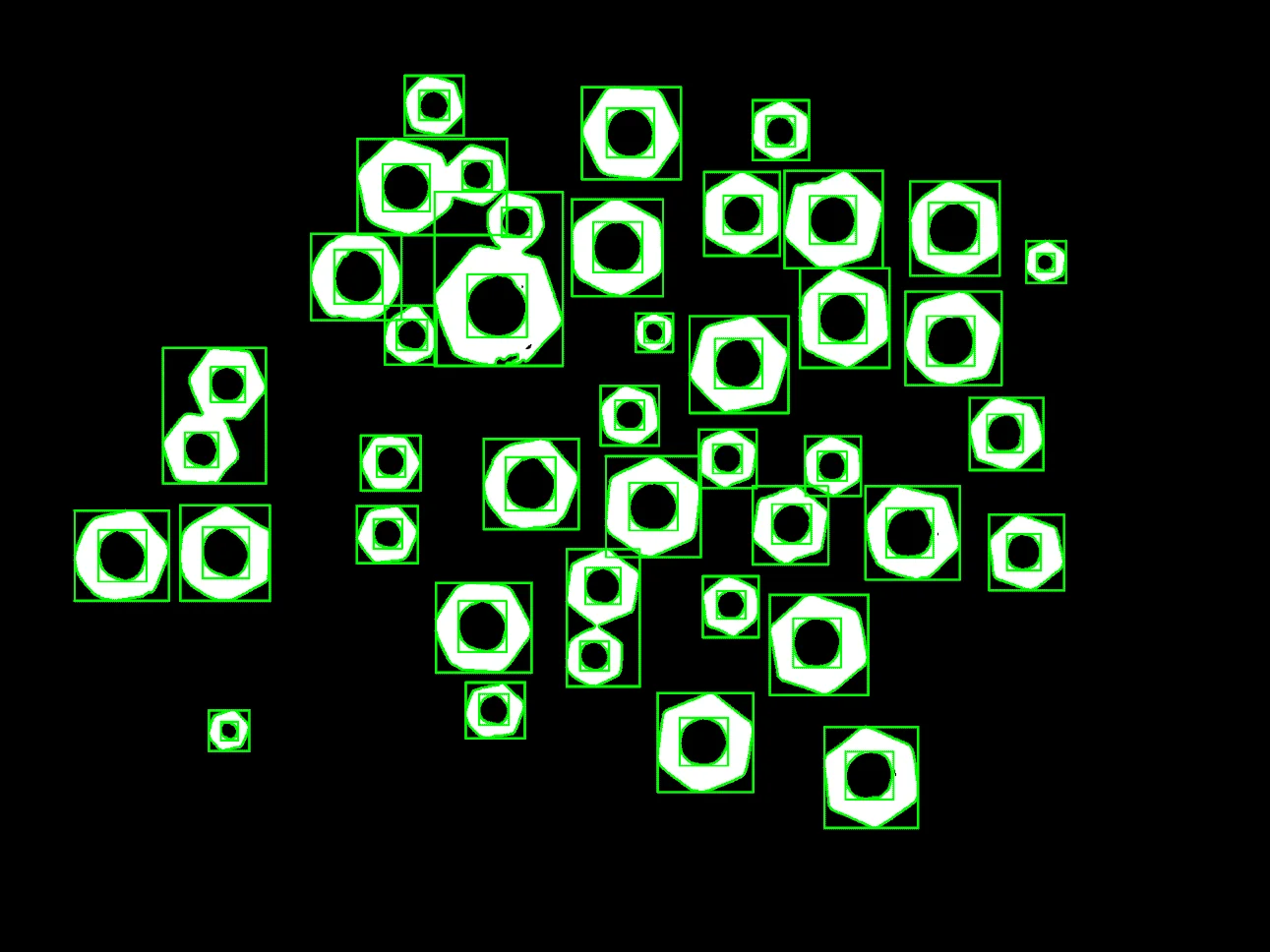
Detect Contours
Extract object outlines from binary or high-contrast images using contour detection for shape analysis and measurement.
 Retina
Detect Objects Using RF-DETR
Detect objects in images using RF-DETR with COCO 80-class categories, returning COCO-like detection results.
 Retina
Detect Objects Using QWEN
Perform flexible, name-driven object detection in images using the QWEN Vision Language Model, returning COCO-like detection results with categories.
 Retina
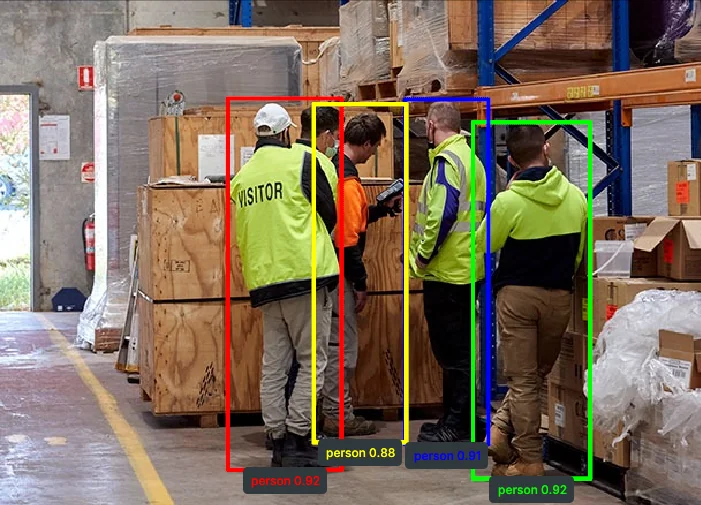
Detect Objects Using YOLOX
Detect objects in images using YOLOX with COCO 80-class categories, returning COCO-like detection results.
 Retina
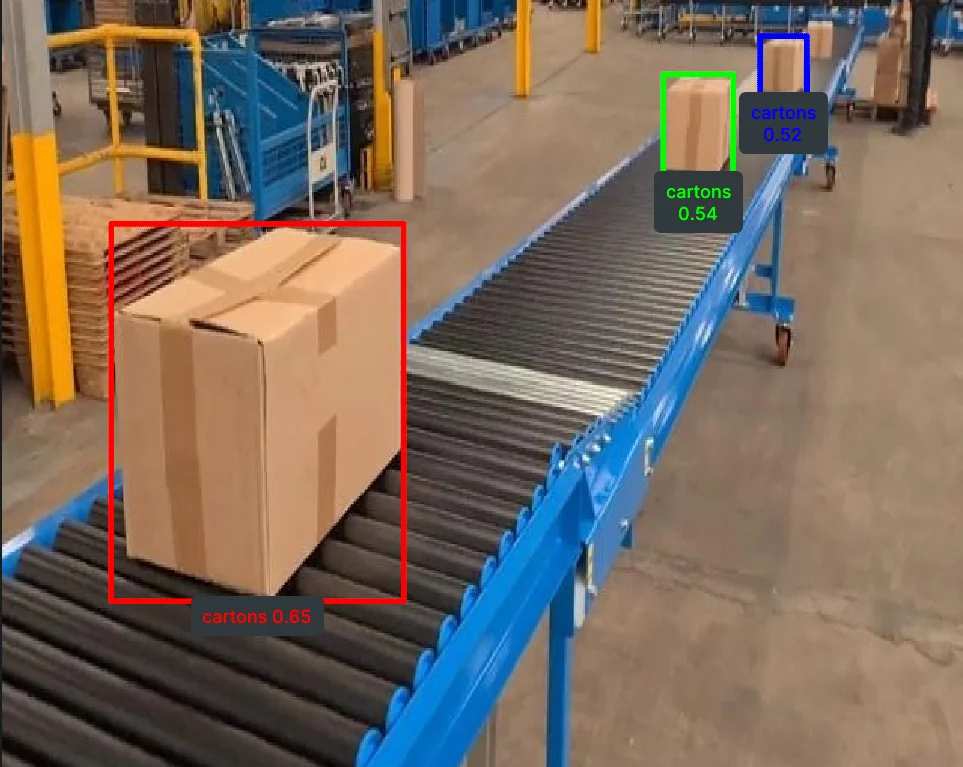
Detect Objects Using Grounding DINO
Perform open-vocabulary object detection using Grounding DINO with a list of target object names, returning COCO-like detection results.