

Segment Image Using Foreground BiRefNet
SUMMARY
Segment Image Using Foreground BiRefNet segments the salient foreground object(s) from the background using BiRefNet.
BiRefNet is a deep-learning foreground/background segmentation model. Unlike the classical methods in this Skill Group (segment_image_using_grab_cut, segment_image_using_flood_fill, segment_image_using_hsv, etc.), it needs no bounding box, seed point, or color range — it automatically finds the most salient object(s) in the image.
Use this Skill when you want automatic background removal without hand-tuning a classical method's parameters.
The Skill
from telekinesis import cornea

segmented_image = cornea.segment_image_foreground_using_birefnet(
    image=image,
    mask_threshold=0,
)Example
Input Image

Original image for BiRefNet segmentation
Output Image
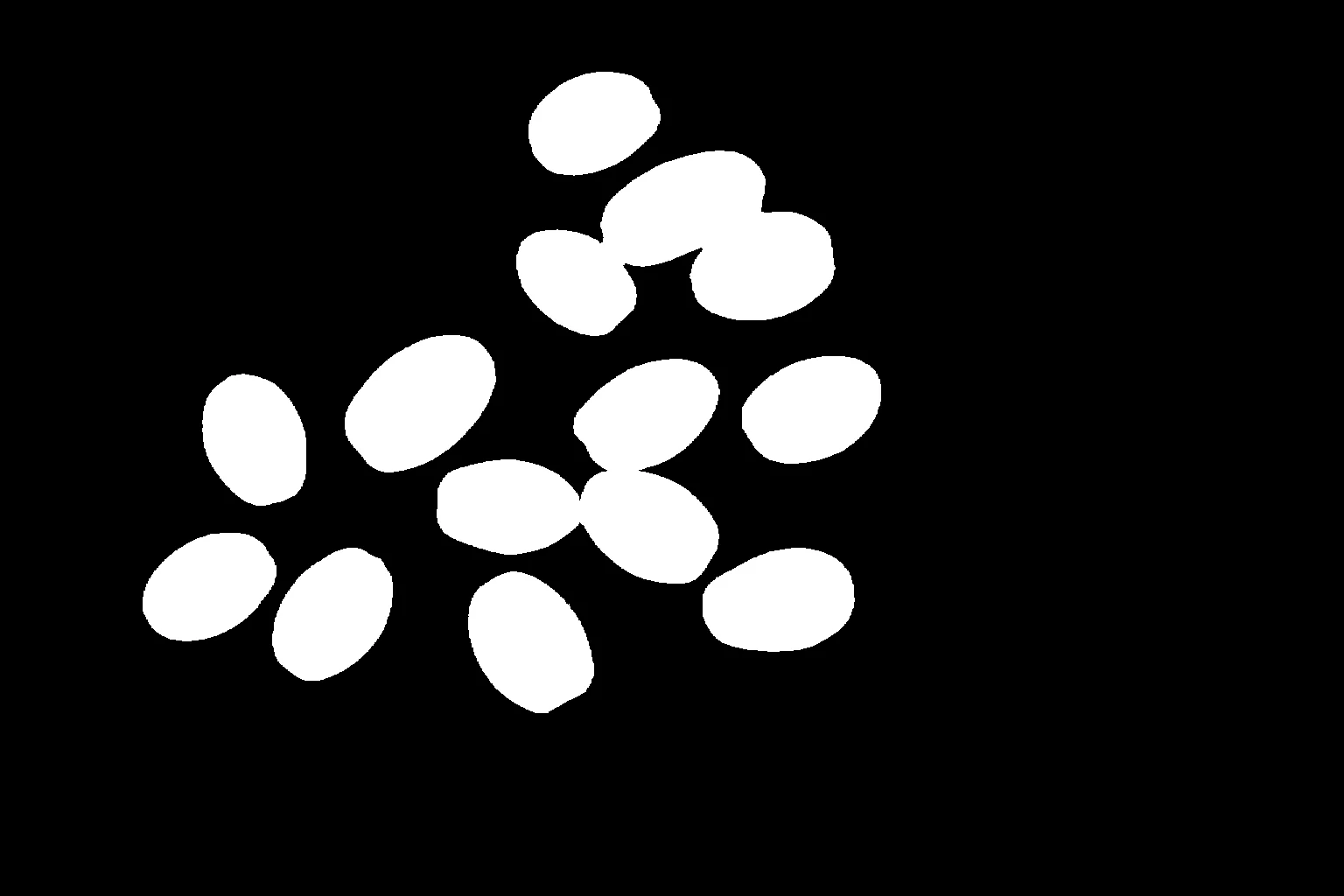
Foreground segmentation result using BiRefNet
Input Image 2
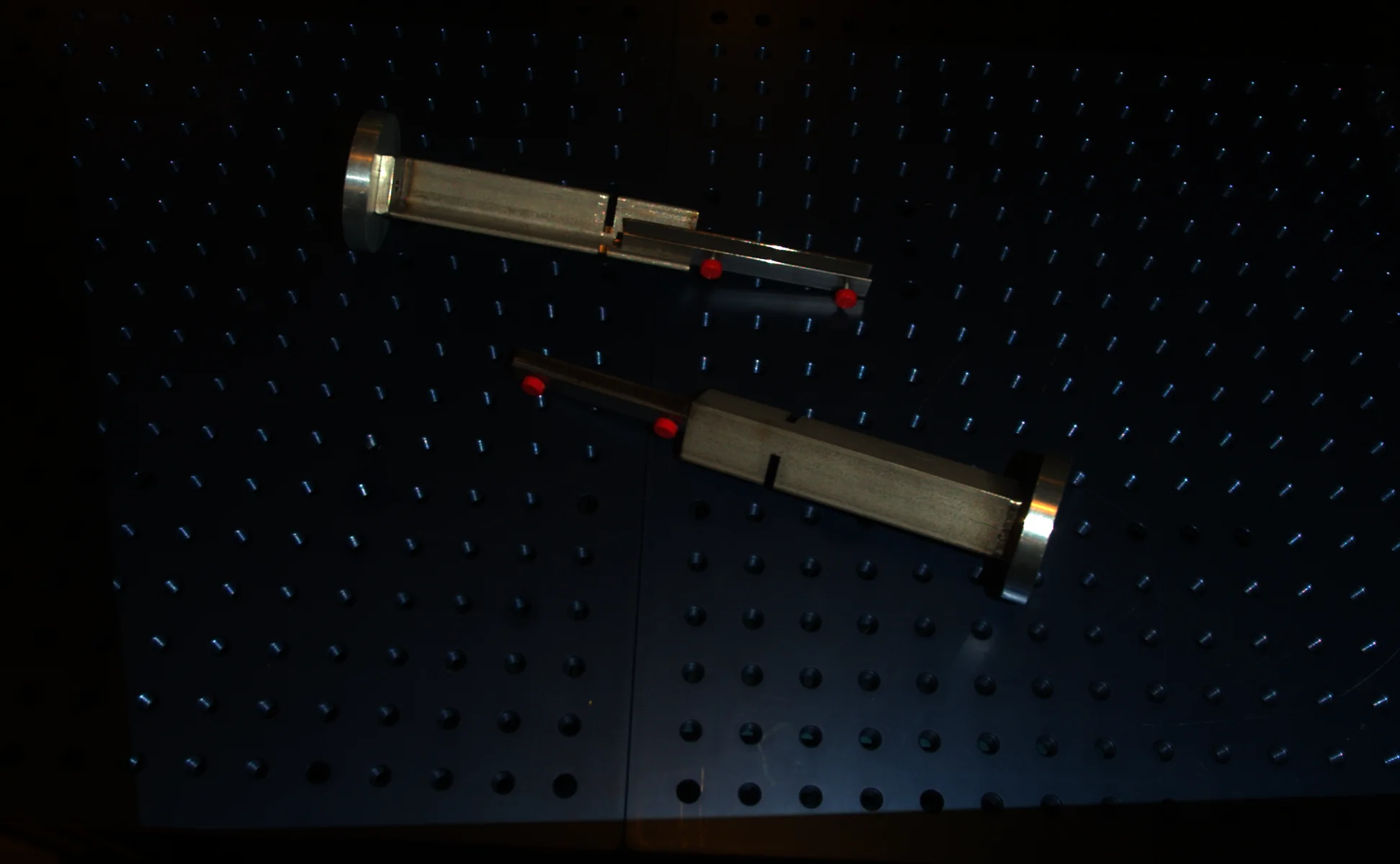
Original image 2 for BiRefNet segmentation
Output Image 2
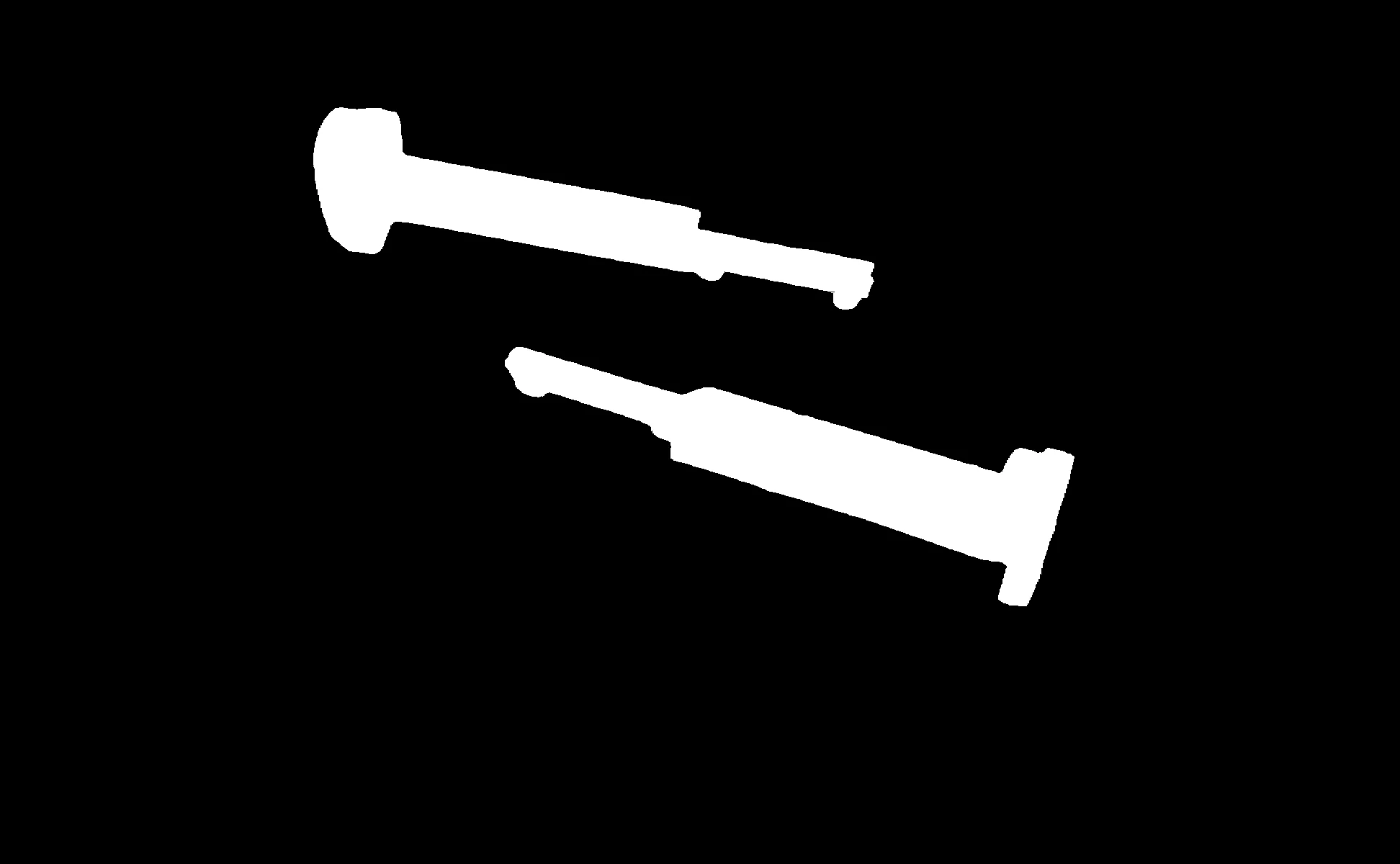
Foreground segmentation result 2 using BiRefNet
Input Image 3
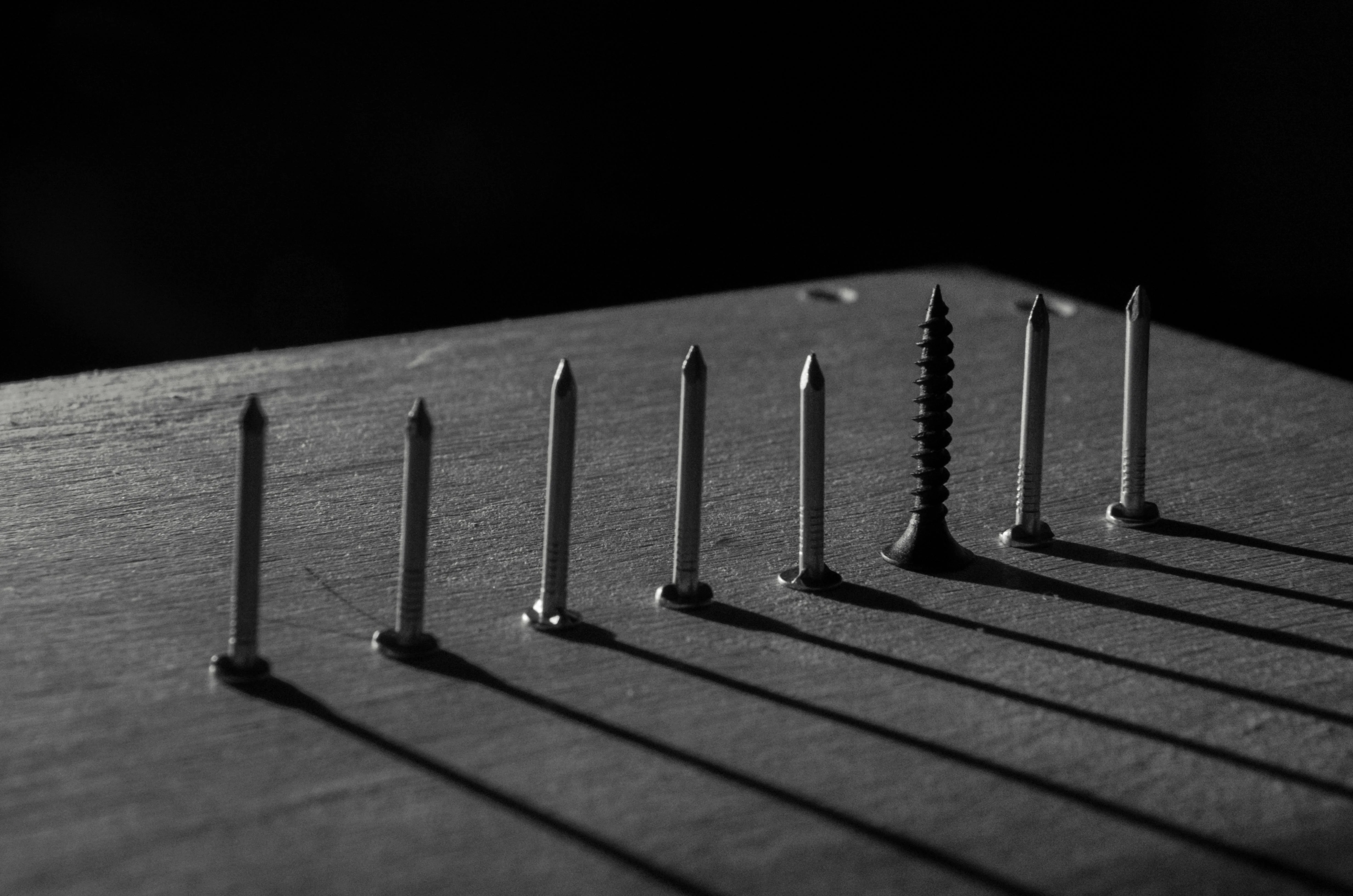
Original image 3 for BiRefNet segmentation
Output Image 3
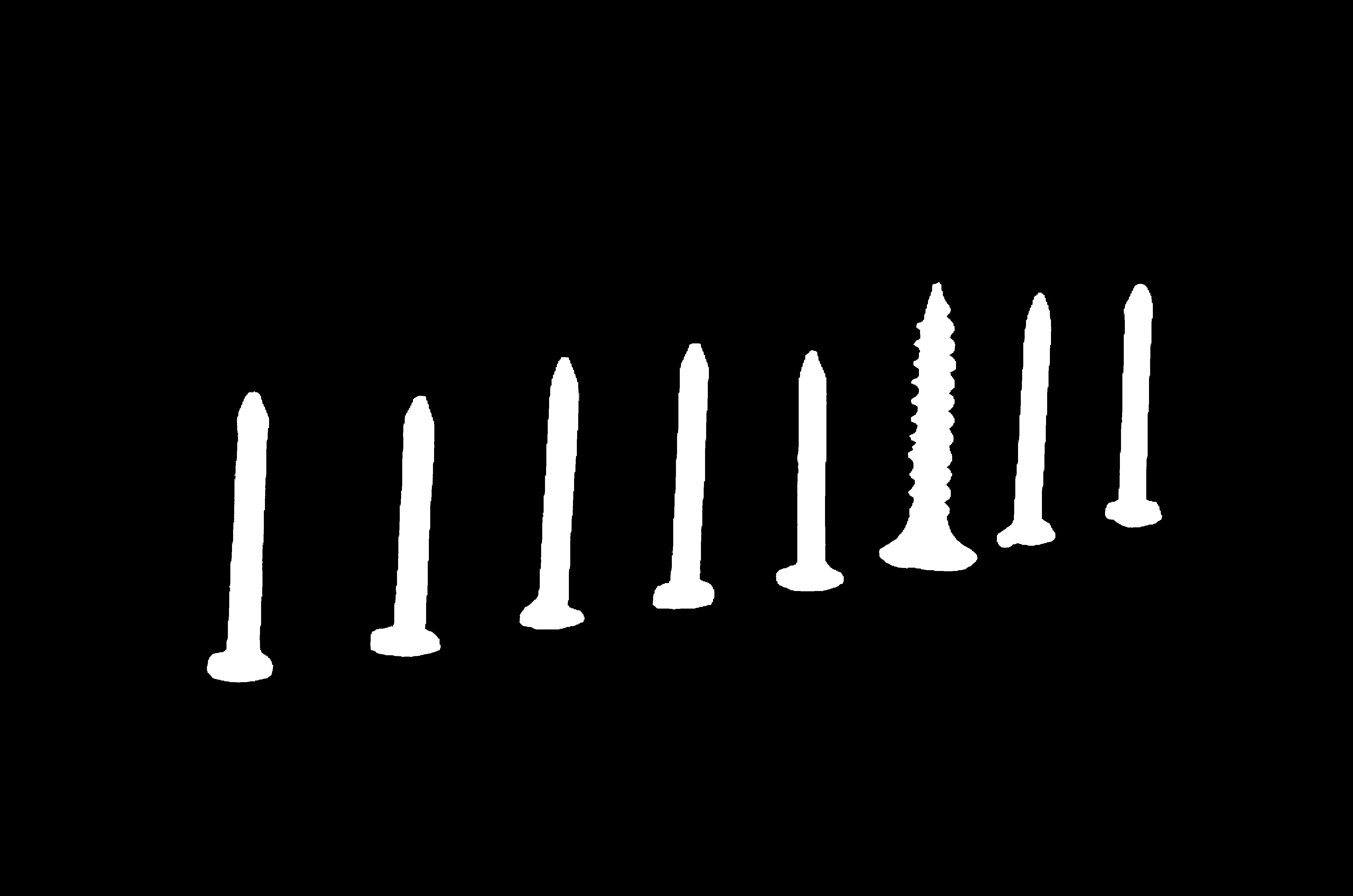
Foreground segmentation result 3 using BiRefNet
The Code
"""
Demonstrates foreground segmentation using BiRefNet.
"""

from loguru import logger
import rerun as rr
import rerun.blueprint as rrb

from telekinesis import cornea, datatypes

def segment_image_foreground_using_birefnet_example():
    """Segments the foreground from the background using BiRefNet."""
    # ===================== Load Image ==========================================
    image_url = "https://assets.telekinesis.ai/examples/v1/images/screws_standing.jpg"
    image = datatypes.Image.from_url(url=image_url)

    # ===================== Run Skill ==========================================
    segmented_image = cornea.segment_image_foreground_using_birefnet(
        image=image, mask_threshold=0
    )

    # ===================== Log ================================================
    logger.success(f"Segmented {image} using BiRefNet.")
    logger.success(f"Results: {segmented_image}")
    logger.info(f"Segmented image label codes: {segmented_image.label_codes}")
    logger.info(f"Segmented image number of labels: {segmented_image.number_of_labels}")
    logger.info(f"Segmented image shape: {segmented_image.shape}")
    logger.info(f"Segmented image dtype: {segmented_image.dtype}")

    # ===================== Visualization  (Optional) ======================
    rr.init("segment_image_foreground_using_birefnet_example", spawn=True)
    blueprint = rrb.Horizontal(
        rrb.Spatial2DView(origin="/input_image", name="Input"),
        rrb.Spatial2DView(origin="/segmented_image", name="Output"),
    )
    rr.send_blueprint(blueprint)
    datatypes.visualize(image, entity_path="/input_image")
    datatypes.visualize(segmented_image, entity_path="/segmented_image")


if __name__ == "__main__":
    segment_image_foreground_using_birefnet_example()
Runnable examples are available in the Telekinesis examples repository.
Follow the README in that repository to set up the environment, run this specific example with:
cd telekinesis-examples
python examples/segmentation/segment_image_foreground_using_birefnet.py
Parameter Configuration
| Parameter | Type | Default | Description |
|---|---|---|---|
image | datatypes.Image | np.ndarray | required | Input image, shape (H, W, 3) — grayscale and 4-channel images are not supported |
mask_threshold | datatypes.Int | int | 0 | Pixel-value threshold in [0, 255] used to binarize the model's raw foreground probability map into the final 0/1 mask |
Returns
| Type | Description |
|---|---|
datatypes.SegmentationImage | A per-pixel label map, shape (H, W), where 0 marks background and 1 marks the detected foreground. Use .data for the raw label array, .label_codes for the sorted array of unique ids present, .number_of_labels for how many distinct labels were found, and .shape/.dtype for its size and label dtype. |
Raises
| Exception | Condition |
|---|---|
TypeError | A parameter's value does not match its expected type (see the Parameter Configuration table above) |
ValueError | image is not in the shape (H, W, 3), or mask_threshold is outside [0, 255] |
ConfigurationError | The TELEKINESIS_API_KEY environment variable is not set |
SerializationError | The request input failed to serialize, the response was not returned as an Arrow stream, or the response failed to deserialize |
RequestTimeoutError | The request to the Cornea service timed out |
TransportError | A network failure occurred before a response was received |
ClientError | The Cornea service rejected the request due to invalid or malformed input (HTTP 400/422), an unrecognized endpoint (HTTP 404), or another unexpected 4xx response |
AuthenticationError | The API key was rejected as invalid or expired (HTTP 401) |
AuthenticationServiceError | The authentication service returned an invalid response, was temporarily unavailable, or timed out (HTTP 502/503/504) |
ServerError | The Cornea service returned a 5xx or otherwise unexpected error response |
How to Tune the Parameters
BiRefNet has one tunable parameter.
mask_threshold
- Controls: How much predicted foreground probability a pixel needs before it's counted as foreground, when binarizing the model's raw probability map into the final mask.
- Units: Pixel intensity,
0–255 - Default:
0— keeps essentially every pixel with any predicted foreground probability - Increase → requires higher model confidence, producing a stricter, smaller mask
- Decrease → (already at its floor of
0by default) including more uncertain pixels requires raising this value first before you can lower it further - Typical range: 0–127
TIP
Best practice: Start at the default mask_threshold=0. Raise it only if the mask is bleeding into background that has non-zero but low predicted foreground probability.
Where to Use the Skill
Common pipelines include:
- Product photography – Automatic background removal without a hand-drawn box or seed point
- Foreground extraction – Isolating the salient object(s) for further processing
- Background replacement – Compositing a segmented subject onto a new background
Alternative Skills
| Skill | vs. Segment Image Using Foreground BiRefNet |
|---|---|
| segment_image_using_grab_cut | GrabCut needs a bounding box and models color distributions classically. Use GrabCut when you already know roughly where the object is; use BiRefNet when you don't want to supply a box. |
| segment_image_using_sam3 | SAM3 is also a deep model, but can be prompted with bounding boxes and/or text concepts to segment specific objects. Use SAM3 for multiple specific objects; use BiRefNet for automatic, prompt-free foreground extraction. |
When Not to Use the Skill
Do not use Segment Image Using Foreground BiRefNet when:
- You need to segment a specific object among several salient ones (BiRefNet finds the most salient foreground, not a chosen one — use
segment_image_using_sam3/segment_image_using_grab_cutwith a box instead) - The image isn't 3-channel (grayscale and 4-channel images are rejected)
- Speed is critical or no GPU is available (BiRefNet is a deep model and can be slow on CPU)
- You need instance-level segmentation of multiple objects (BiRefNet returns one foreground/background mask, not per-object instances)