

Synapse: Robotic Skills
SUMMARY
Synapse provides the full robotics stack, including motion planning, kinematics, control, and hardware integration.
It enables the same robotic skills to run consistently across manipulators, mobile robots and humanoids by abstracting both software control and hardware interfaces into a unified execution layer.
Overview of Skills
Manipulator Skills 27
 Synapse
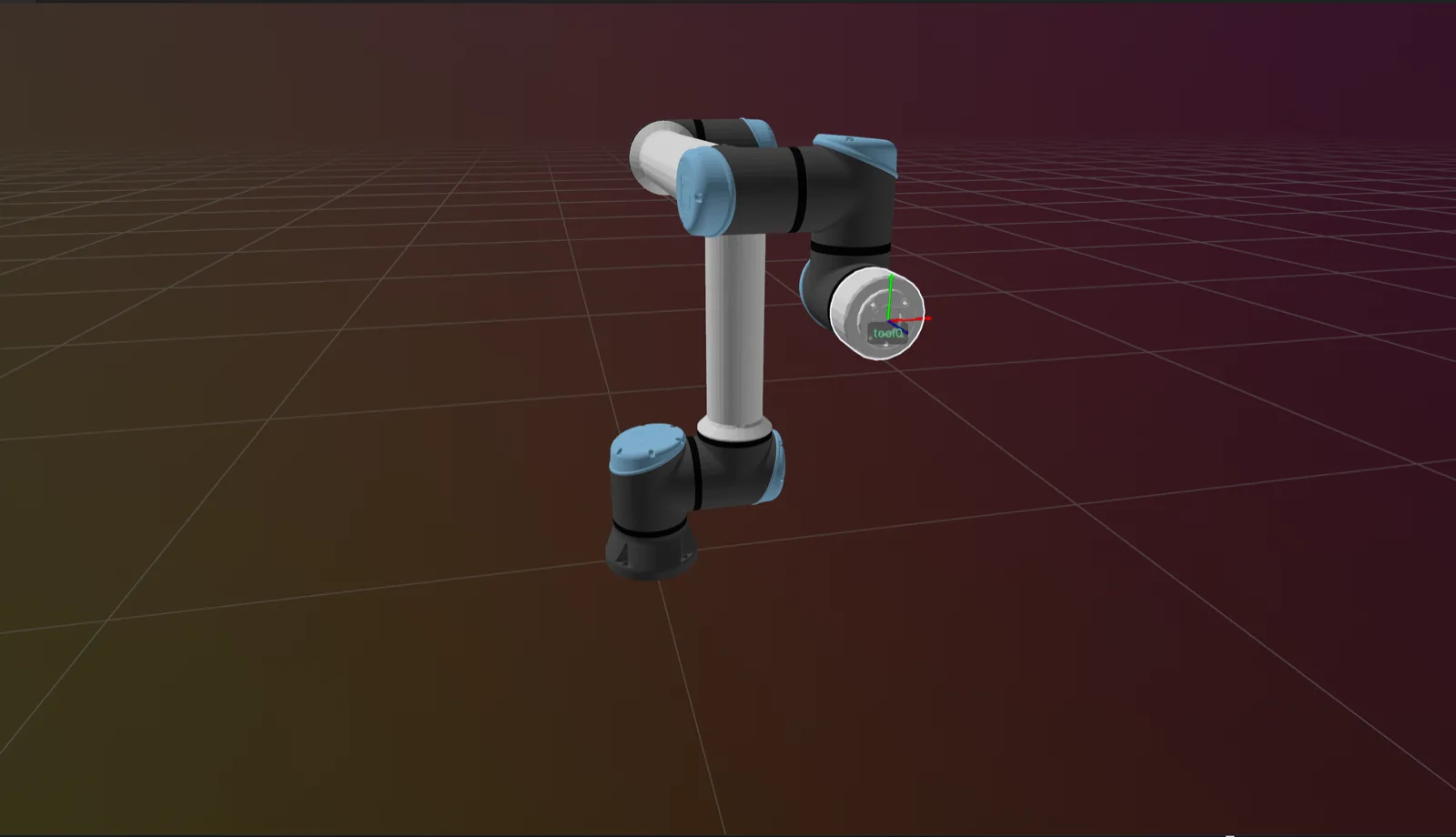
Forward Kinematics
Compute robot end-effector pose from joint values using Synapse Forward Kinematics.
 Synapse
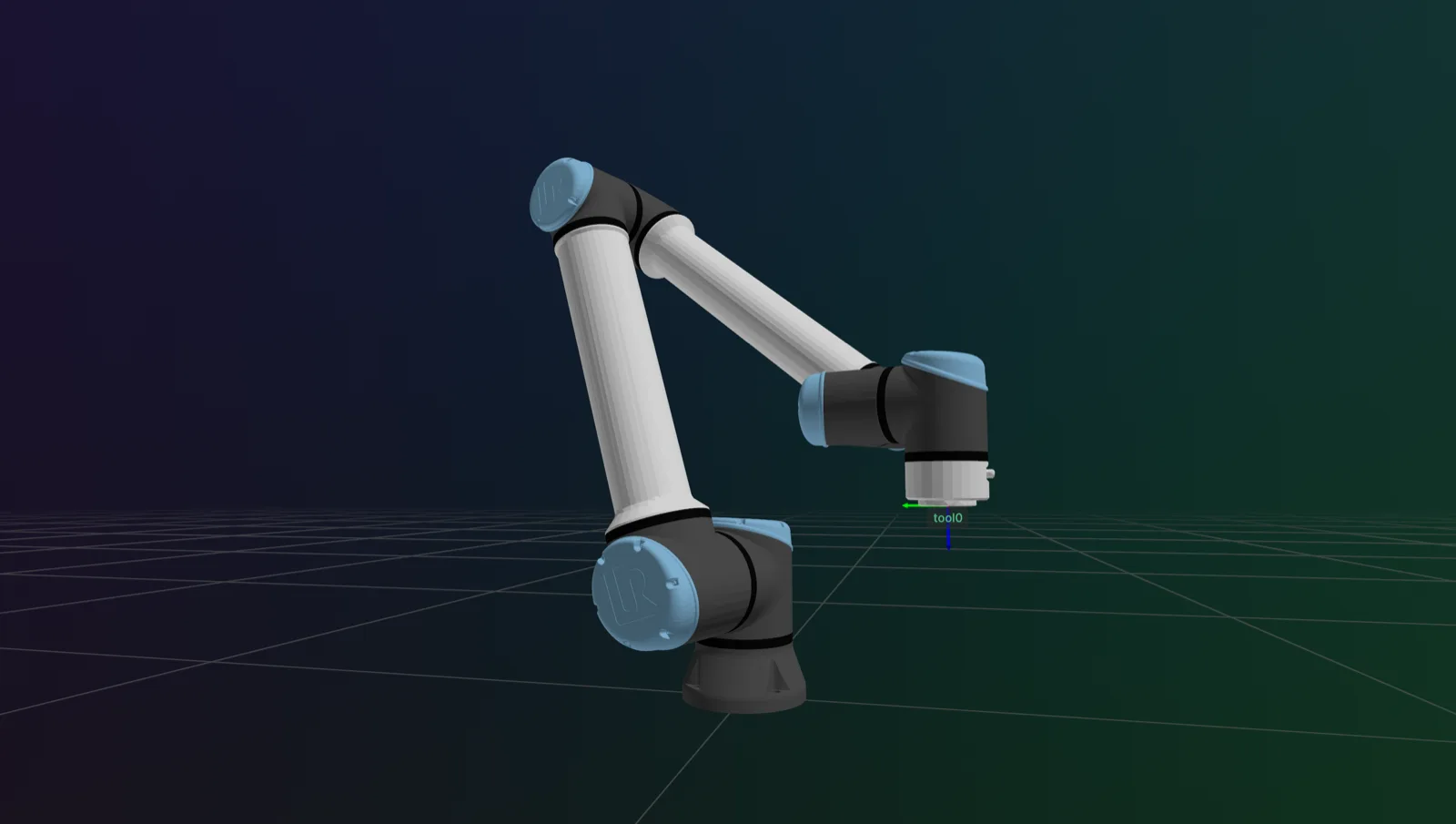
Inverse Kinematics
Solve joint configurations from target Cartesian poses using Synapse Inverse Kinematics.
 Synapse
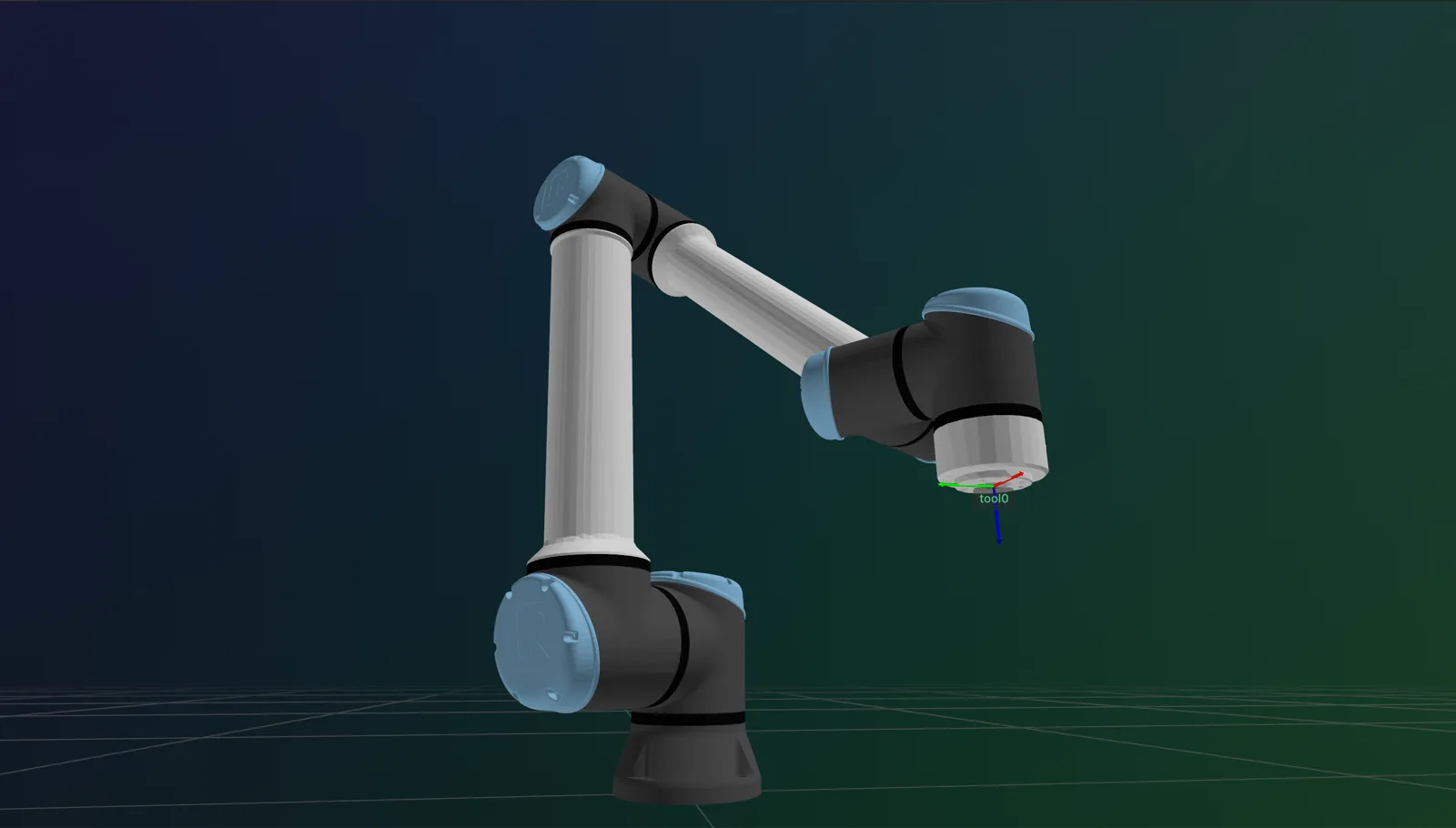
Setup Kinematics Solver
Initialize and cache an inverse-kinematics solver by name in Synapse.
 Synapse
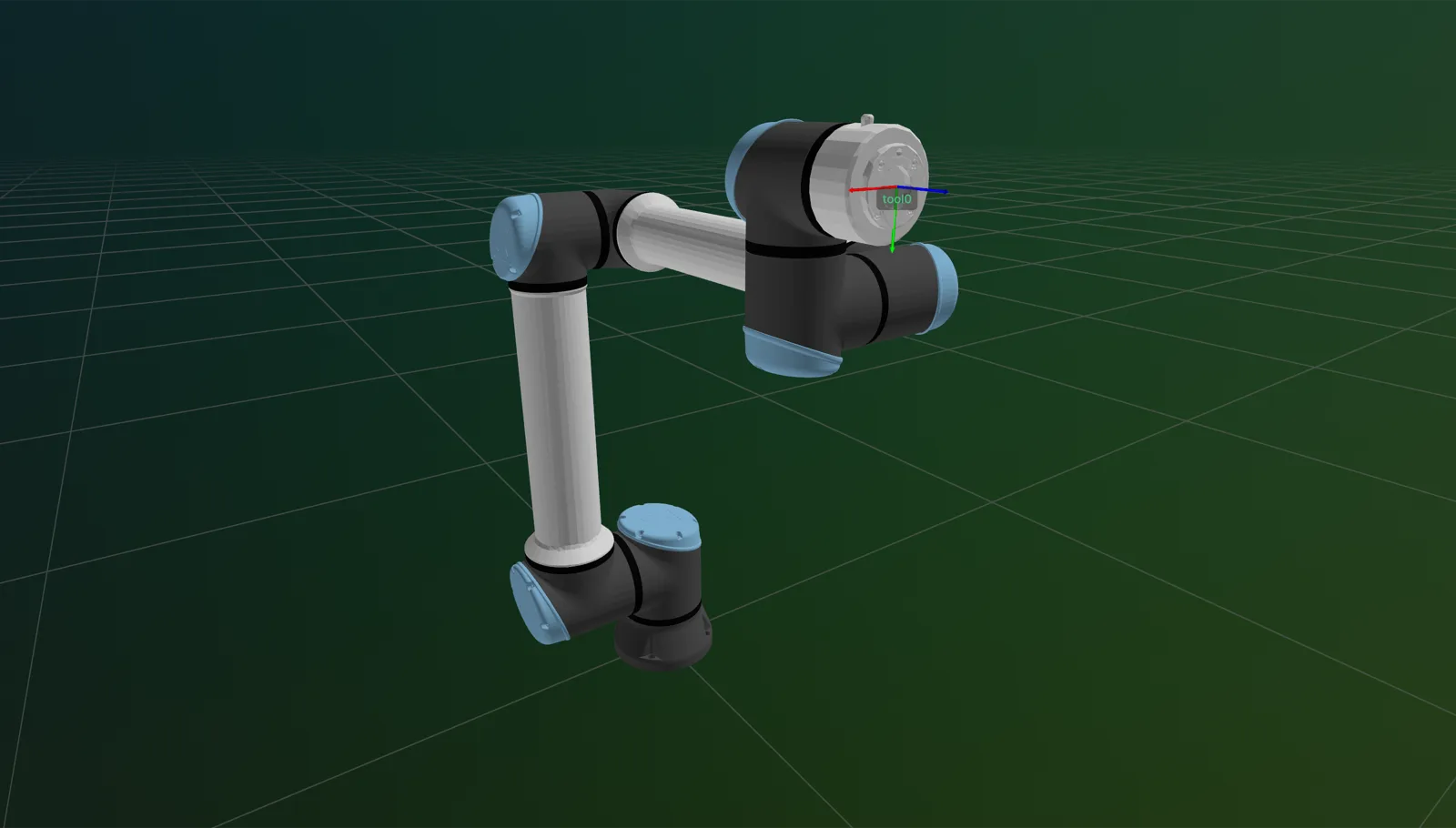
Connection and Disconnection
Connect to and disconnect from robot controllers for reliable runtime operations in Synapse.
 Synapse
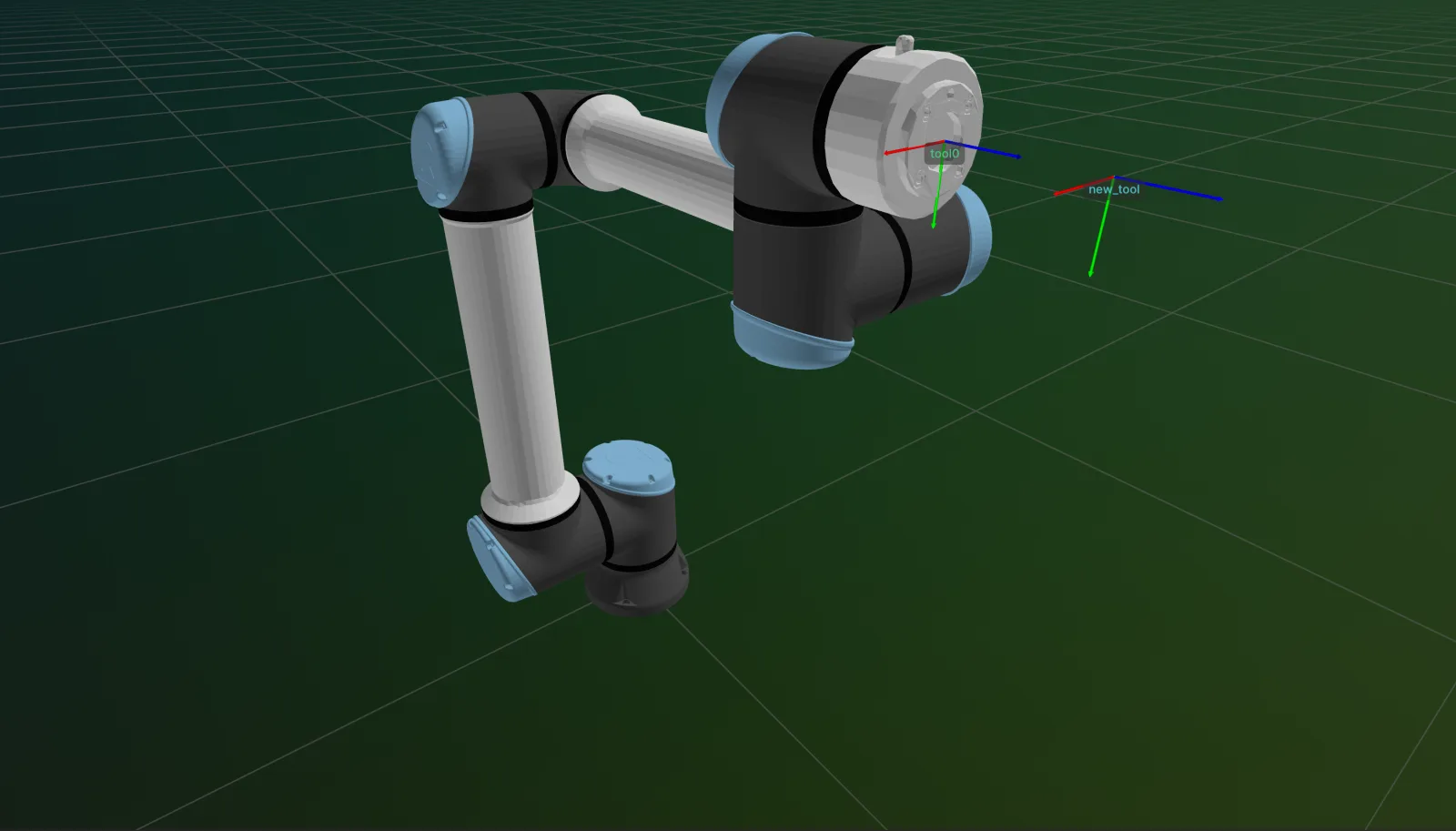
Add TCP
Register a new named Tool Center Point (TCP) frame at an offset from the default TCP, optionally making it active.
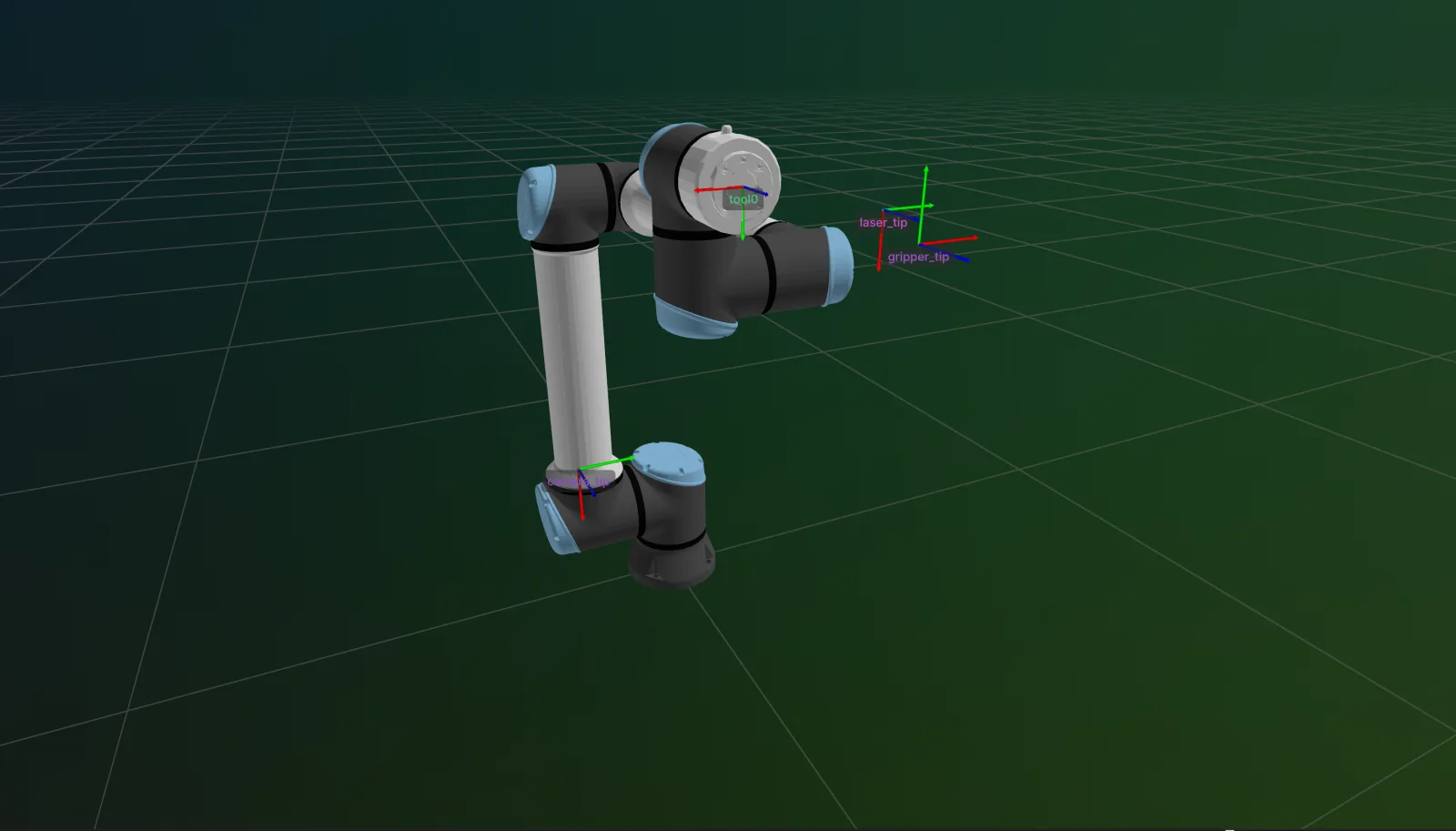
Detach Tool
Detach a previously attached gripper or other end-effector from the robot's visualization and kinematics.
 Synapse
Change Active TCP
Switch the robot's active Tool Center Point (TCP) and push the change to the controller with a single assignment.
Update TCP
Update the transform of an already-registered named Tool Center Point (TCP) frame.
Delete TCP
Remove a previously-registered named Tool Center Point (TCP) frame.
Set Cartesian Pose in Joint Space
Command robot motion to a target Cartesian pose using a joint-space interpolated trajectory with Synapse.
Set Joint Position in Cartesian Space
Command robot motion to a target joint configuration using a Cartesian-interpolated trajectory with Synapse.
SynapseSet Default Joint Configuration
Configure the default joint configuration used as the offline starting pose and IK seed in Synapse.
Stop Cartesian Motion
Decelerate and stop any ongoing Cartesian motion of the robot with Synapse.
Stop Joint Motion
Decelerate and stop any ongoing joint-space motion of the robot with Synapse.
Servo Joint
Send real-time high-frequency joint servo commands to the robot controller with Synapse.
Servo Cartesian
Send real-time high-frequency Cartesian servo commands to the robot controller with Synapse.
Servo Circular
Execute a circular arc move via the robot controller servo interface with Synapse.
Servo Stop
Stop an active servo motion (servo_joint or servo_cartesian) with Synapse.
Move until Contact
Execute force-aware approach motions that stop on contact with Synapse Move Until Contact.
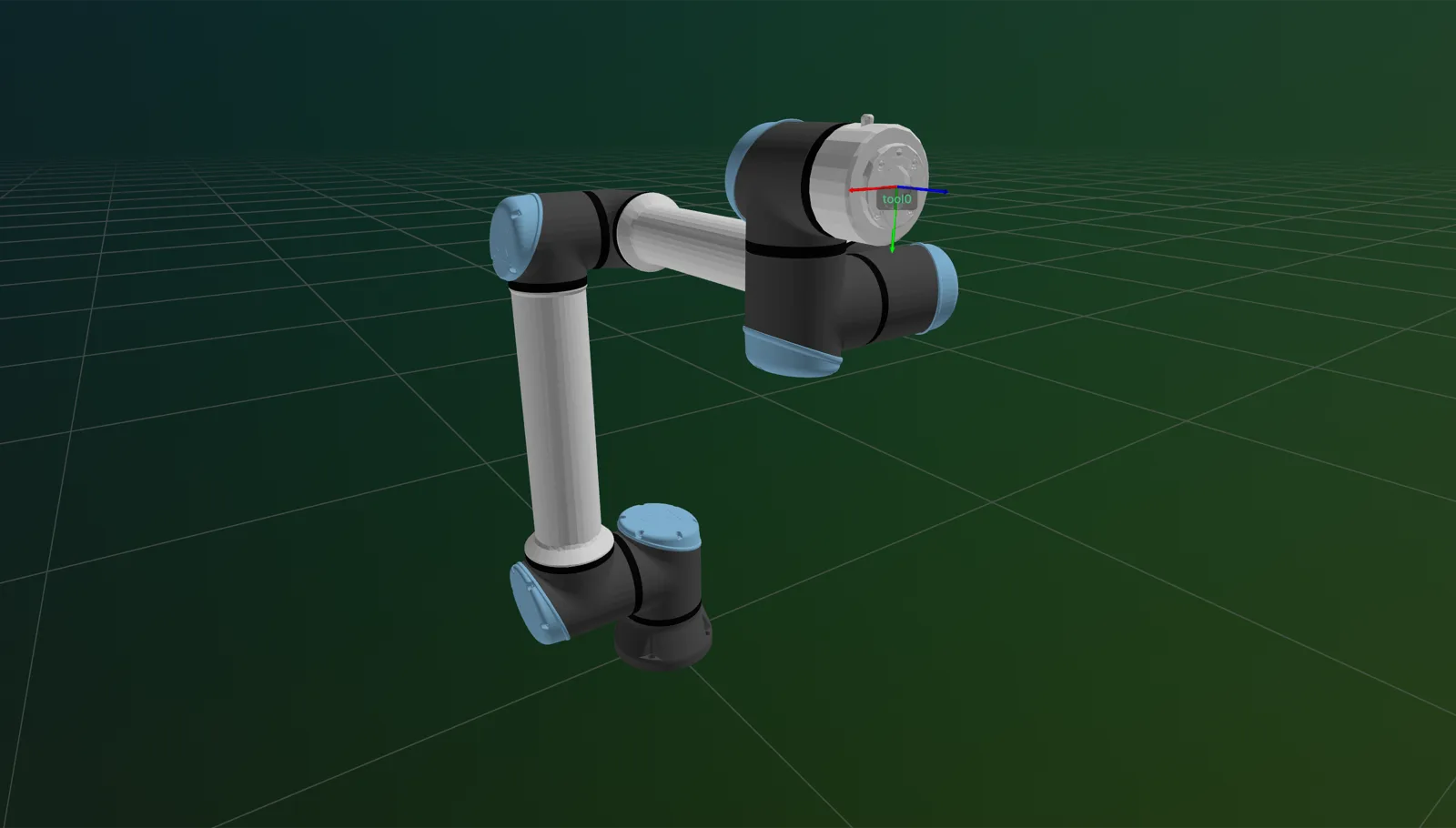
Is Tool in Contact
Check whether the tool has made contact in a specified Cartesian direction with Synapse.
 Synapse
Visualize (Rerun)
Visualize a Synapse robot and attached gripper live in Rerun — meshes, link transforms, and TCP pose, updating in real time.
robot.attach_tool()SynapseAttach Tool
Attach a gripper or other end-effector to the robot so it participates in kinematics and visualization.
robot.is_connected()SynapseIs Connected
Check whether the robot has an active hardware connection in Synapse.
robot.get_tcps()SynapseGet TCPs
Read all currently registered Tool Center Point (TCP) frames on the robot.
Set Controller Interface TCP as Active
Switch the active TCP to the controller's own built-in TCP interface frame.
robot.set_cartesian_pose()SynapseSet Cartesian Pose
Command robot motion to target Cartesian poses with Synapse Set Cartesian Pose.
robot.set_joint_positions()SynapseSet Joint Positions
Command robot motion to target joint configurations with Synapse Set Joint Positions.
Parallel Gripper Skills 10
Gripper Connection and Disconnection
Connect to and disconnect from parallel grippers for reliable runtime operations in Synapse.
Gripper Open
Fully open a parallel gripper using Synapse.
Gripper Close
Close a parallel gripper to grasp an object using Synapse.
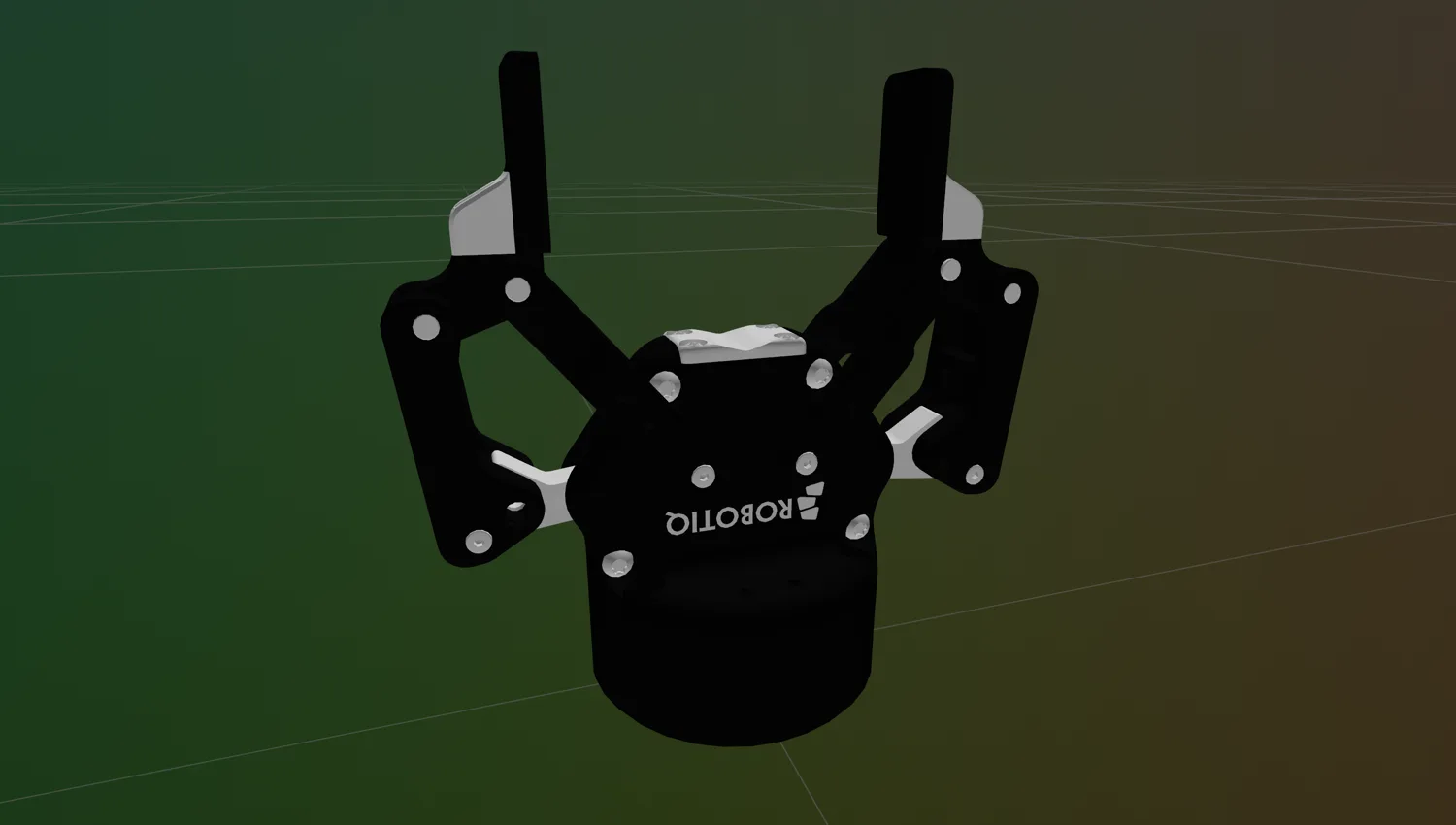
Gripper Move
Move a parallel gripper to a specific position using Synapse.
 Synapse
Gripper Activate
Activate a parallel gripper to enable motion commands using Synapse.
SynapseGripper Set Unit
Configure the units for position, speed, and force parameters on a parallel gripper using Synapse.
SynapseGripper Set Position Range
Configure the physical stroke range of a parallel gripper for millimeter-unit commands in Synapse.
SynapseGripper Set Speed
Configure the default motion speed of a parallel gripper using Synapse.
SynapseGripper Set Force
Configure the default gripping force of a parallel gripper using Synapse.
SynapseGripper Get Current Position
Read the current finger position of a parallel gripper using Synapse.
Suction Gripper Skills 9
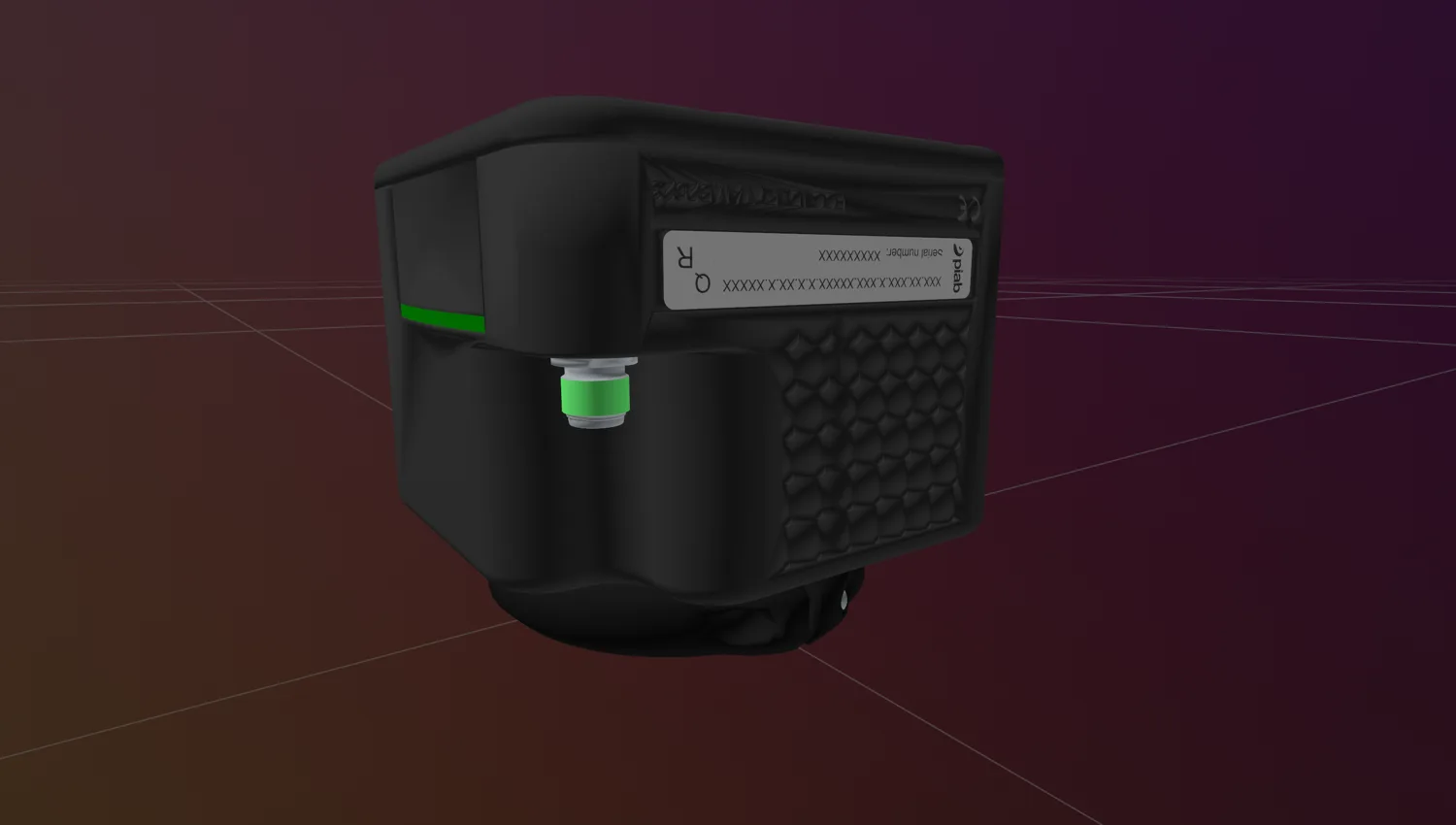 Synapse
Gripper Connection and Disconnection
Connect to and disconnect from suction grippers for reliable runtime operations in Synapse.
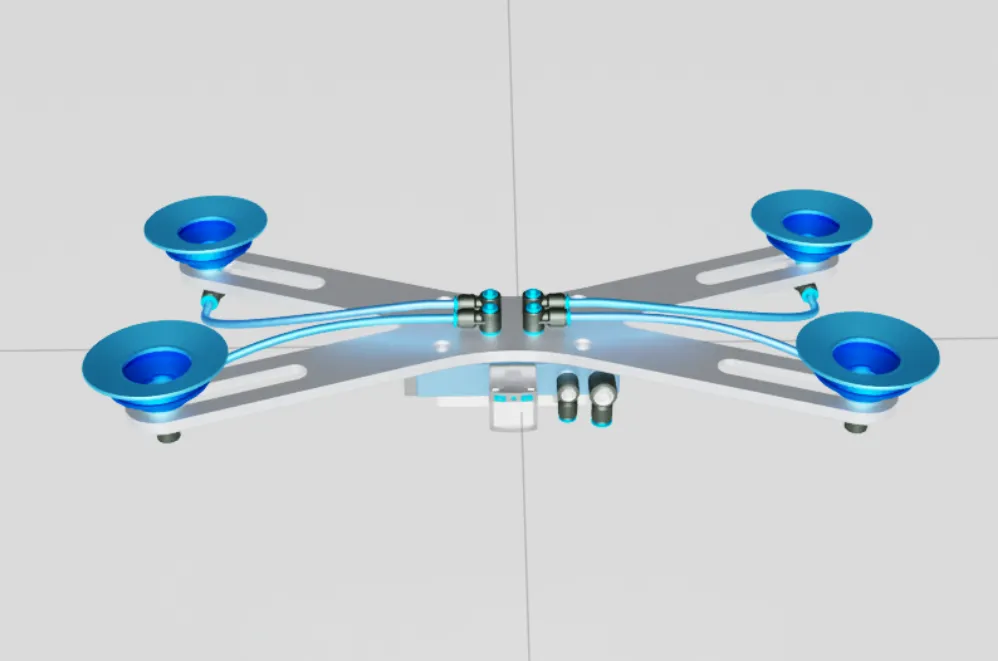 Synapse
Gripper Set USD
Choose the USD asset a simulated suction gripper loads from in Synapse.
SynapseGripper Grasp
Start vacuum generation to grasp an object with a suction gripper in Synapse.
SynapseGripper Release
Stop vacuum generation to release a grasped object with a suction gripper in Synapse.
SynapseGripper Set Vacuum Level
Configure the default vacuum level of a suction gripper in Synapse.
SynapseGripper Get Vacuum Level
Read the last commanded vacuum level of a suction gripper in Synapse.
SynapseGripper Set Max Pump Speed
Configure the maximum vacuum-pump speed of a suction gripper in Synapse.
SynapseGripper Get Part Present
Detect whether a suction gripper is currently holding a part in Synapse.
SynapseGripper Get Process Data
Read the decoded pump process data of a suction gripper in Synapse.
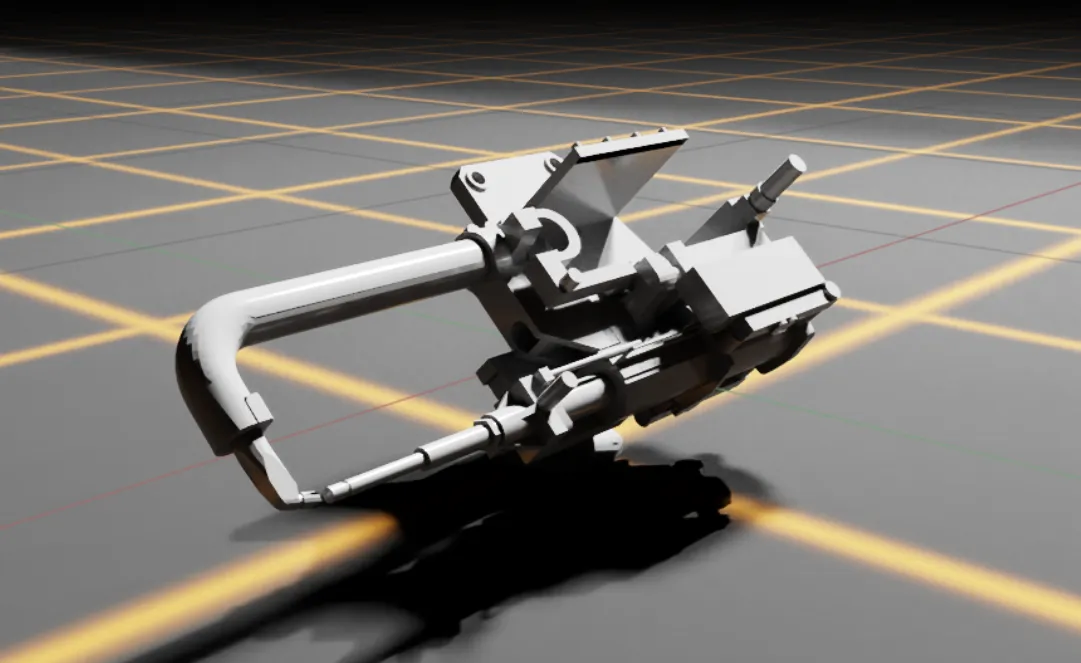
Welding Gun Skills 2
When to Use Synapse?
Synapse is appropriate when the system requires:
- Motion Planning: RRT, RRT*, and related sampling-based planning methods
- Forward and Inverse Kinematics: CLIC, TRAC-IK, Multi-Seed CLIC IK
- Hardware-Agnostic Communication: Unified interface across multiple robot vendors and control systems
- Simulation Workflows: Isaac Sim support, with MuJoCo support (coming soon!)
- Simulation-to-Real Consistency: Identical behaviors can be deployed in both simulation and real-world environments
How to Use Synapse?
To use the skills from Synapse, simply use:
from telekinesis import synapseHere is a minimal example:
from telekinesis.synapse.robots.manipulators import universal_robots

# ===================== Create Robot ==========================================
robot = universal_robots.UniversalRobotsUR10E(name="UR10e")

# ===================== Visualize ==========================================
robot.visualize_rerun()

# ===================== Run Skill ==========================================
target_cartesian_pose = [0.5, 0.0, 0.5, 180.0, 0.0, 0.0]
robot.set_cartesian_pose(
    cartesian_pose=target_cartesian_pose,
    speed=0.1,
    acceleration=0.1,
)
Next Steps
Once Synapse is installed and verified, head to the Synapse Quickstart to drive your first manipulator end-to-end in Rerun.
Installation
Install telekinesis-synapse and verify the import.
Open installation →Synapse Quickstart
Drive a manipulator along a Cartesian or joint-space trajectory entirely in software, visualized live in Rerun.
Open quickstart →All Supported Robots
Browse the full list of supported manipulator brands and the Python classes that load each one.
Open reference →telekinesis-examples
End-to-end runnable scripts across every Synapse skill - motion, force mode, servo, contact, recording.
Open on GitHub →