

Pupil: Image Processing Skills
SUMMARY
Pupil is a module in the Telekinesis SDK containing skills for image processing and low-level vision algorithms.
It provides a set of modular tools for preprocessing, filtering, and transforming images, enabling developers to build robust vision pipelines for robotics applications.
When to Use Pupil?
Use Pupil for robotics applications that require low-level image processing and preprocessing, such as:
- Enhancing camera input for vision-guided pick-and-place
- Preparing images for object detection or segmentation
- Noise reduction and filtering for robot navigation
- Real-time feature extraction for tracking or visual servoing
- Camera calibration and image rectification in robotics pipelines
What Does Pupil Provide?
Pupil includes a collection of modular skills for:
- Image filtering and enhancement
- Noise reduction and smoothing
- Geometric transformations and rectification
- Basic computer vision algorithms for preprocessing
How to Use Pupil?
To use the skills from Pupil, simply use:
from telekinesis import pupilHere is a minimal example:
from telekinesis import pupil, datatypes
# ===================== Load Image ==========================================
image_url = "https://assets.telekinesis.ai/examples/v1/images/nuts_scattered_noised.jpg"
image = datatypes.Image.from_url(image_url)

# ===================== Run Skill==========================================
filtered_image = pupil.filter_image_using_gaussian_blur(
    image=image,
    kernel_size=19,
    sigma_x=2.0,
    sigma_y=3.0,
    border_type="default",
)
Overview of Skills
 Pupil
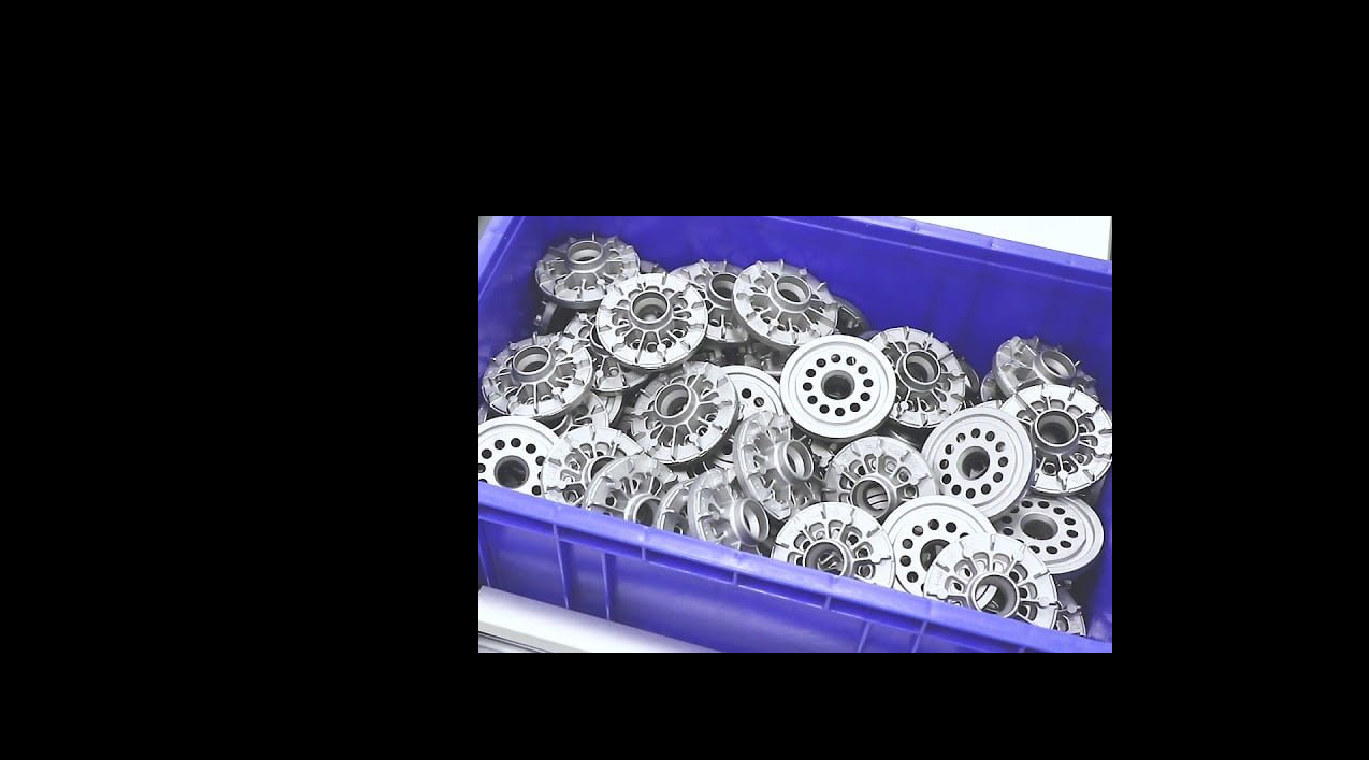
PupilBitwise AND Images
Compute the pixel-wise bitwise AND of two same-sized images or masks, keeping only pixels where both inputs are nonzero, such as intersecting a mask with a region.
 Pupil
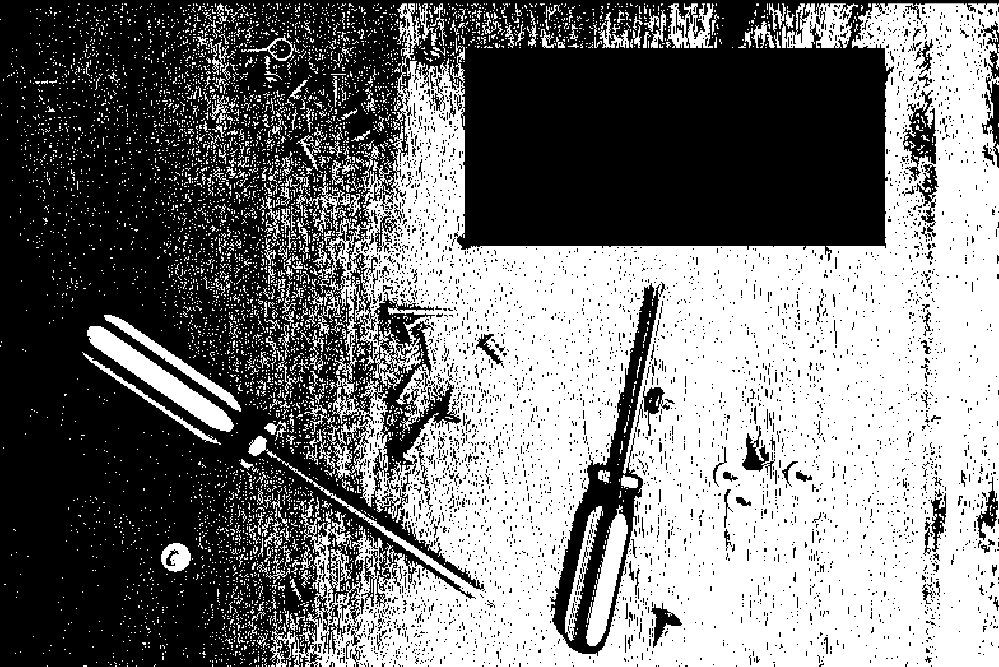
PupilBitwise Difference Images
Compute the pixel-wise absolute difference between two same-sized images, highlighting regions where pixel intensities differ, such as for change or defect detection.
 Pupil
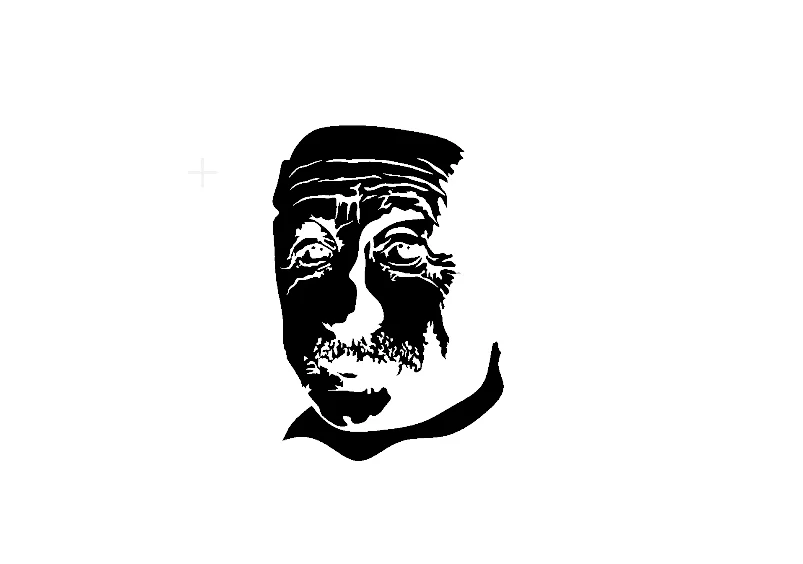
PupilBitwise NOT Image
Invert every pixel value in an image via a pixel-wise bitwise NOT, such as swapping the foreground and background regions of a binary mask.
 Pupil
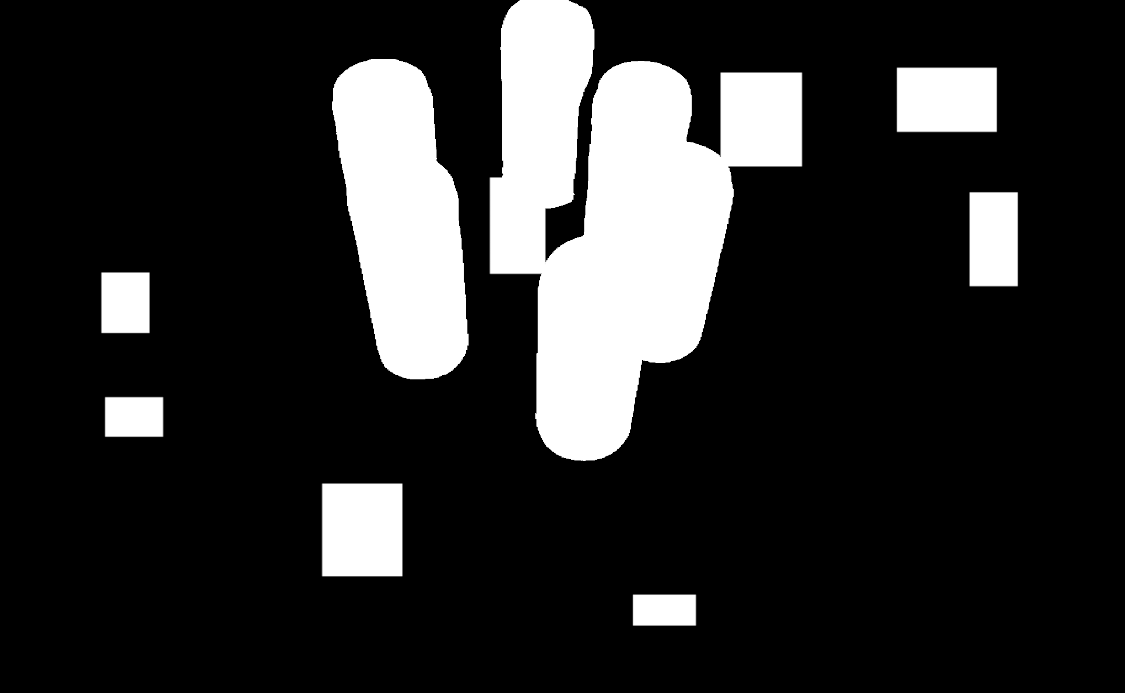
PupilBitwise OR Images
Compute the pixel-wise bitwise OR of two same-sized images or masks, merging both into their union, such as combining two segmentation masks into one.
 Pupil
PupilBitwise XOR Images
Compute the pixel-wise bitwise XOR of two same-sized images or masks, keeping only pixels that differ between the two, such as highlighting mask disagreement.
 Pupil
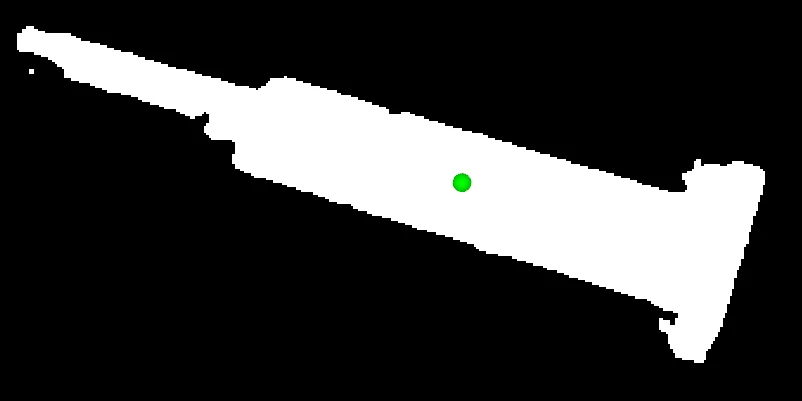
PupilCalculate Mask Centroid
Compute the centroid (center of mass) of the non-zero pixels in a binary mask, returning pixel coordinates for object localization, alignment, or grasp planning.
 Pupil
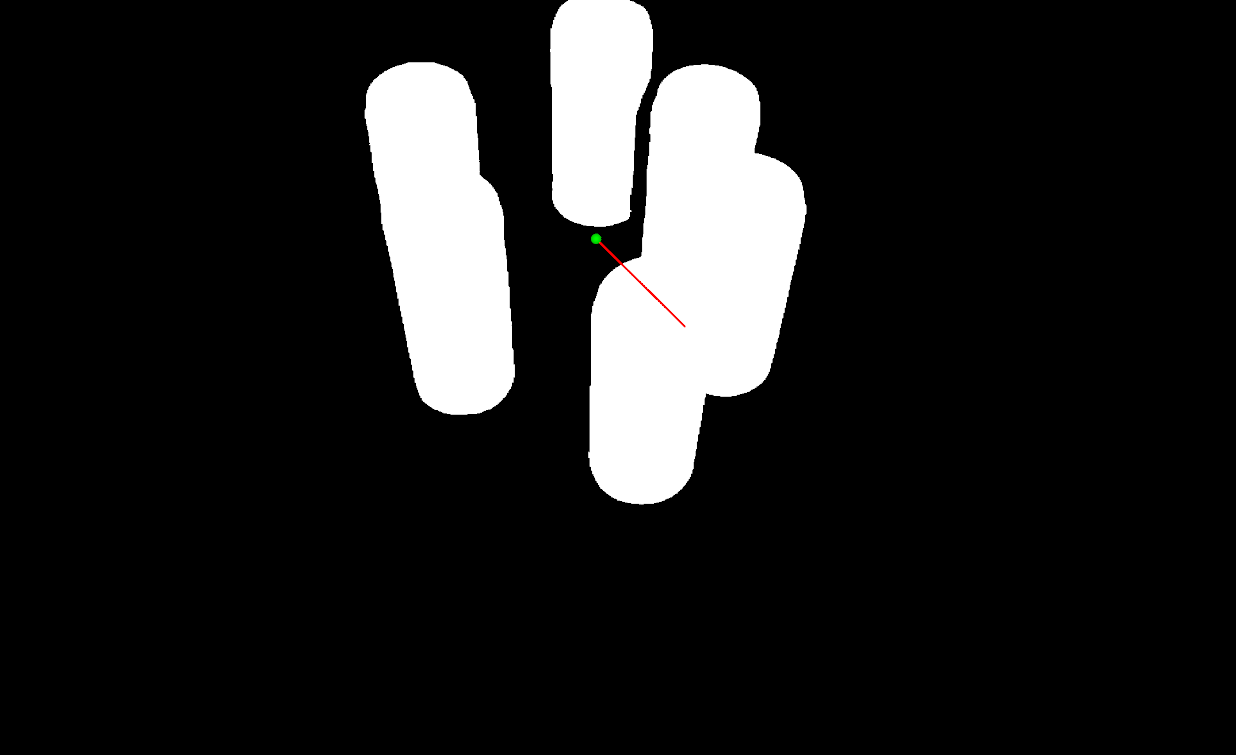
PupilCalculate Mask PCA
Compute PCA on a mask or grayscale image to get its centroid, principal-axis eigenvectors and eigenvalues, and dominant orientation angle.
 Pupil
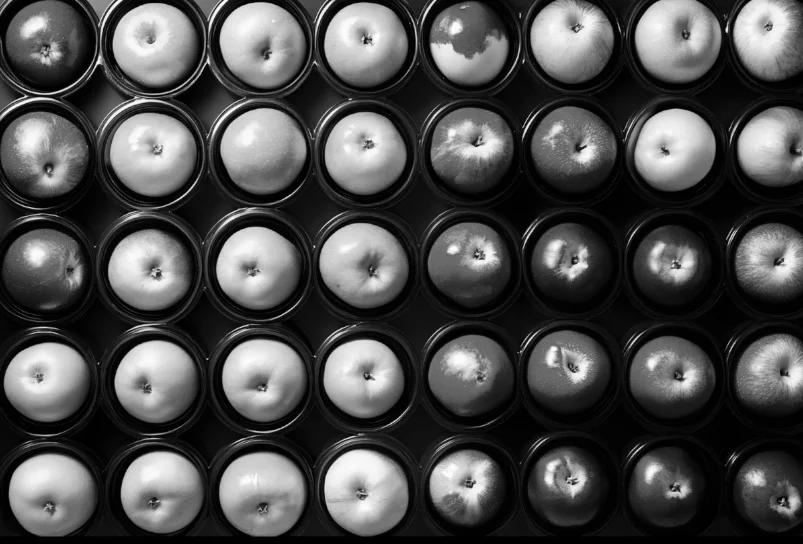
PupilConvert Image Color Space
Convert an image between color spaces such as RGB, HSV, GRAY, and LAB to prepare it for a color-based or grayscale-based downstream Skill.
 Pupil
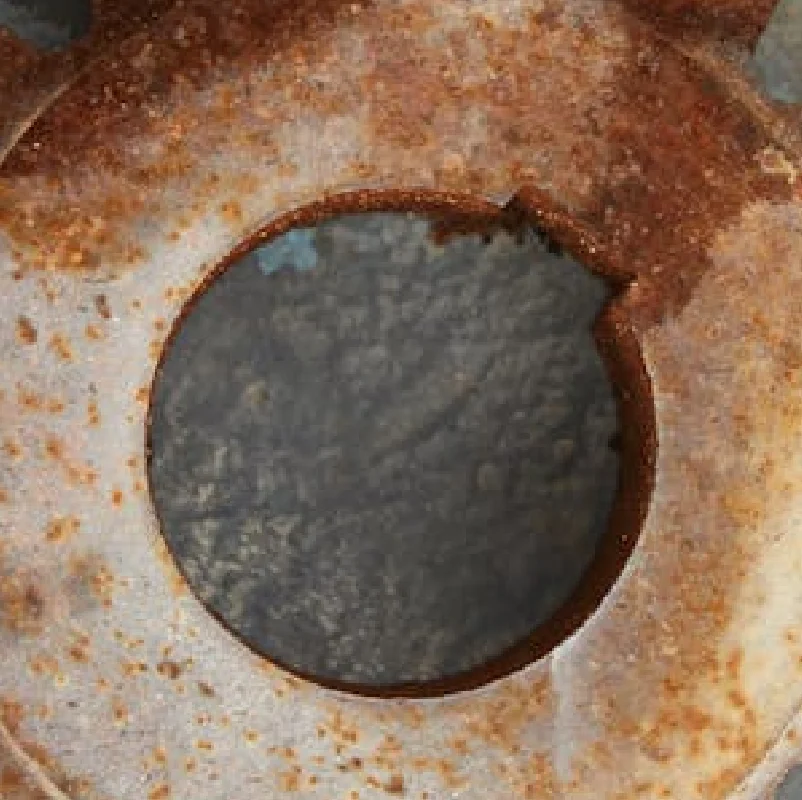
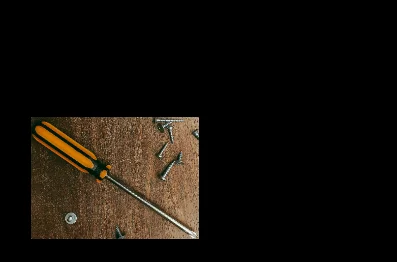
PupilCrop Image Center
Crop an image to a fixed width and height centered on the image, padding with a fill color when the source is smaller than the target crop size.
 Pupil
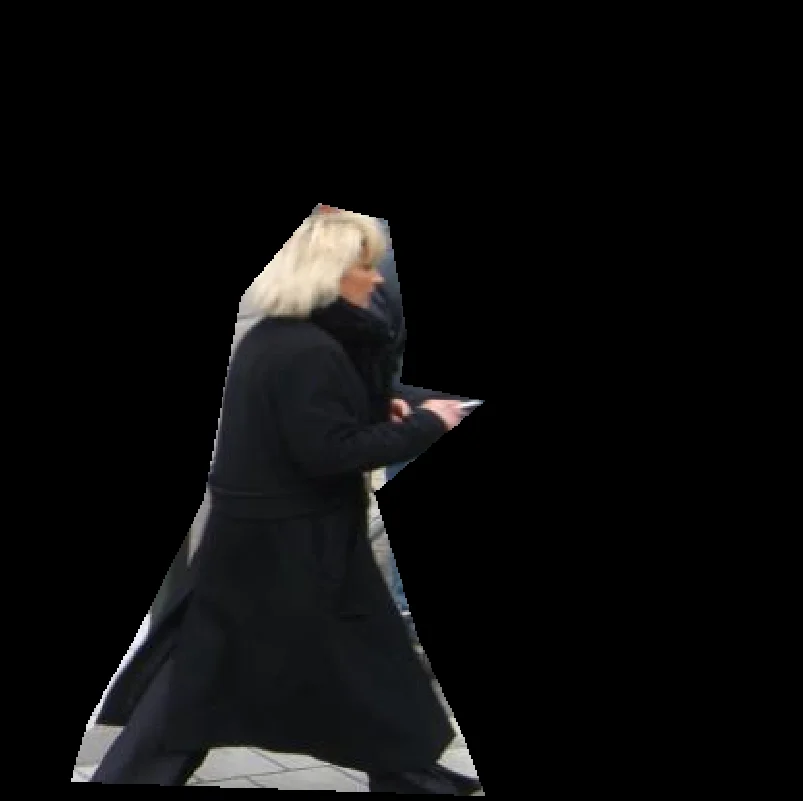
PupilCrop Image Using Bounding Boxes
Crop multiple rectangular regions from a single image in one call, returning one cropped image per bounding box as an ImageBatch.
 Pupil
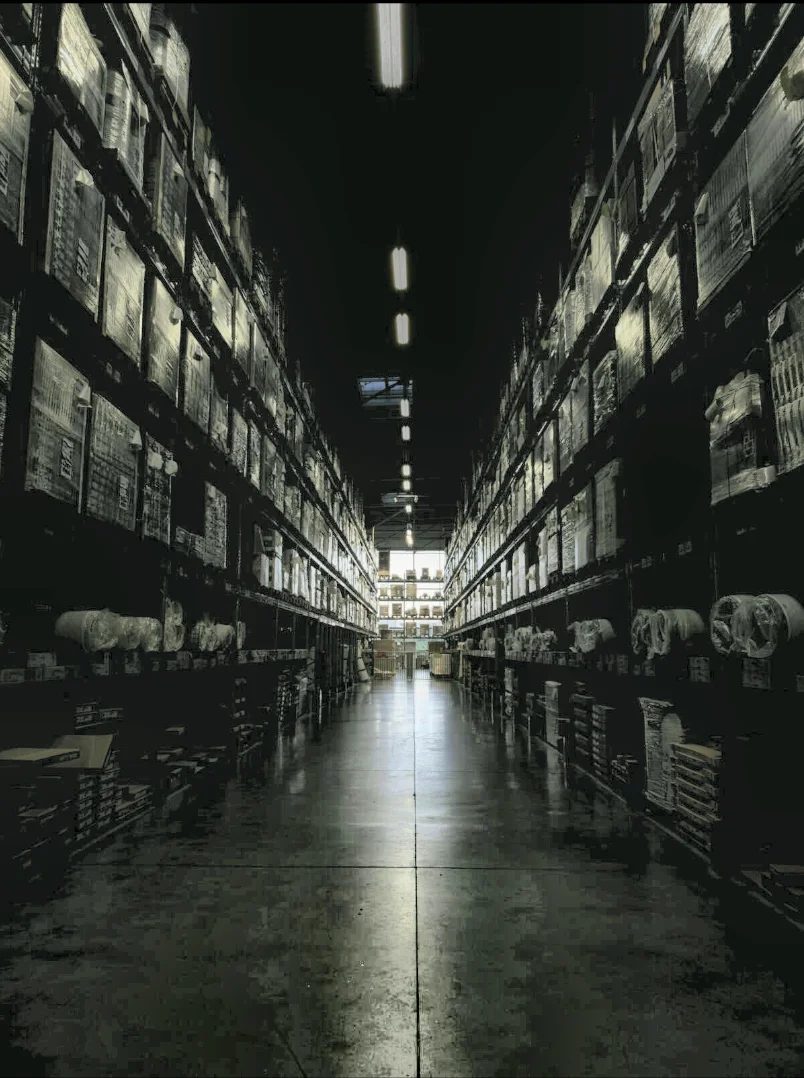
PupilCrop Image Using Polygon
Mask an image to an arbitrary polygon region, zeroing out pixels outside the polygon while keeping the original image size.
 Pupil
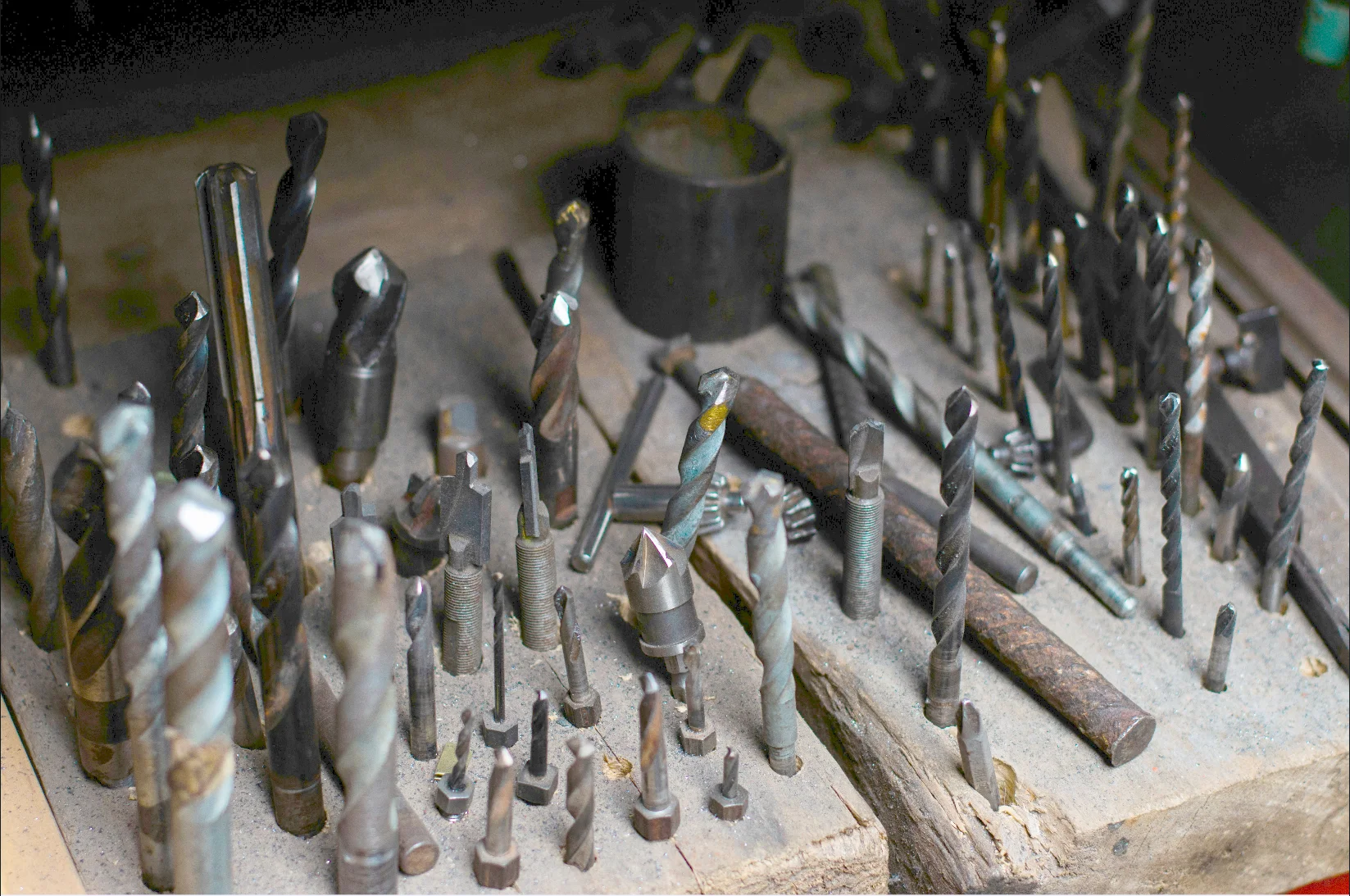
PupilEnhance Image Using CLAHE
Apply Contrast Limited Adaptive Histogram Equalization to boost local contrast per-tile while capping noise amplification, ideal for unevenly lit images.
 Pupil
PupilEnhance Image Using Gamma Correction
Automatically corrects image brightness with a gamma value estimated from the image's own luminance statistics, with no manual tuning required.
 Pupil
PupilEnhance Image Using White Balance
Automatically correct color casts caused by lighting conditions so that neutral colors in a color image appear natural, with no manual tuning required.
pupil.estimate_planar_pose()PupilEstimate Planar Pose
Estimate the 3D pose of a flat object from a segmentation mask and an aligned depth image, combining 2D PCA with pinhole back-projection.
 Pupil
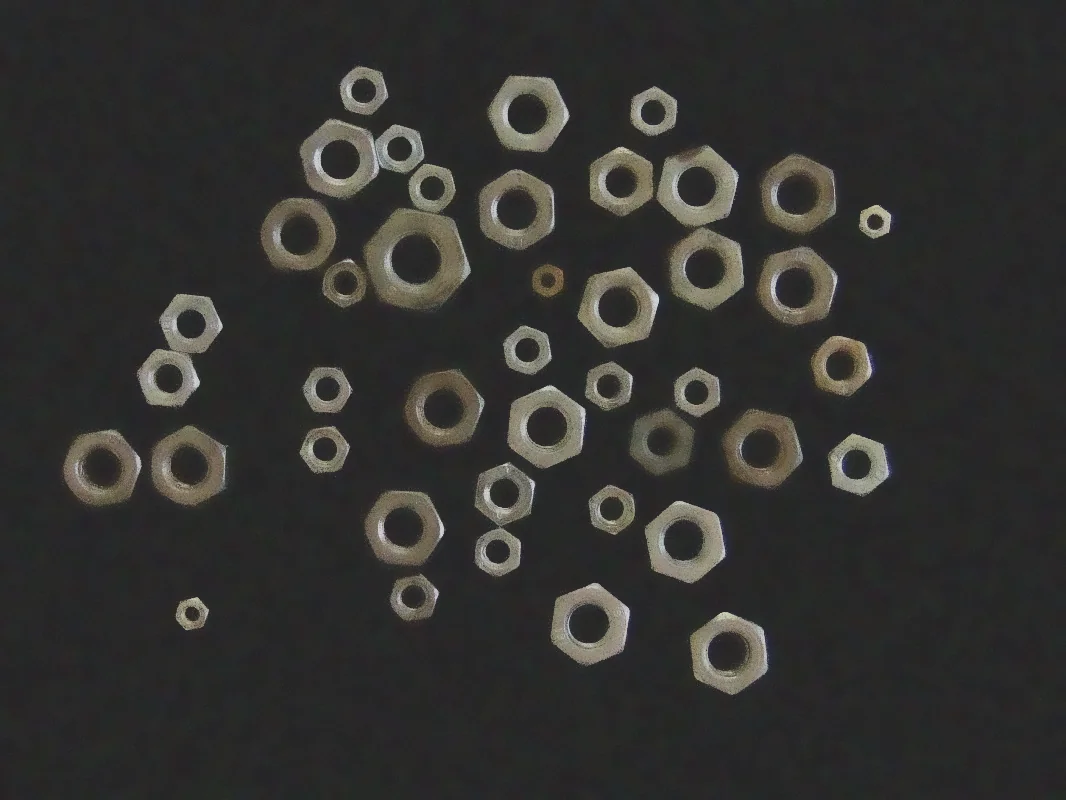
PupilFilter Image Using Bilateral
Smooth noise out of an image while preserving edges by weighting neighboring pixels on both spatial distance and color similarity.
 Pupil
PupilFilter Image Using Blur
Apply a simple box blur that averages pixel values within a kernel for fast, uniform image smoothing when edge preservation is not required.
 Pupil
PupilFilter Image Using Box
Apply a normalized or unnormalized box filter to an image with configurable kernel size, normalization, and output bit depth.
 Pupil
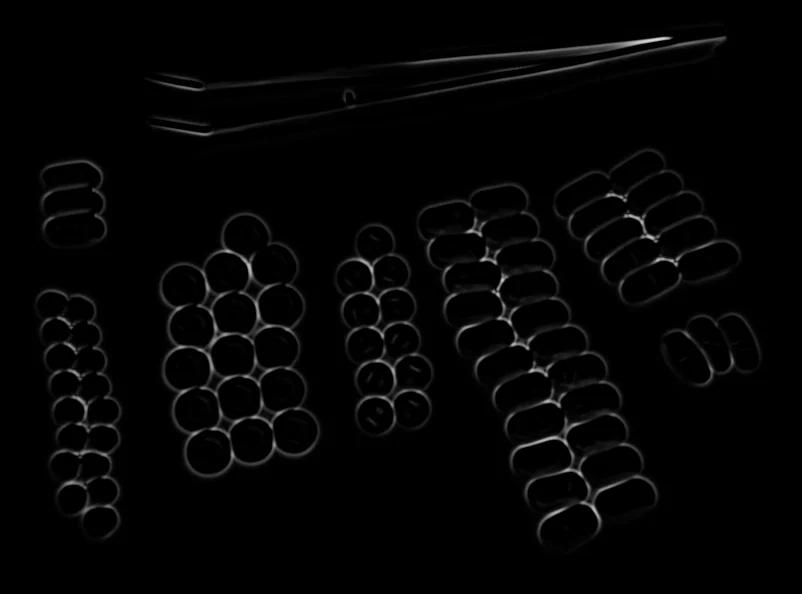
PupilFilter Image Using Frangi
Apply the Frangi multi-scale vesselness filter to enhance tubular structures such as vessels, wires, scratches, or cracks.
 Pupil
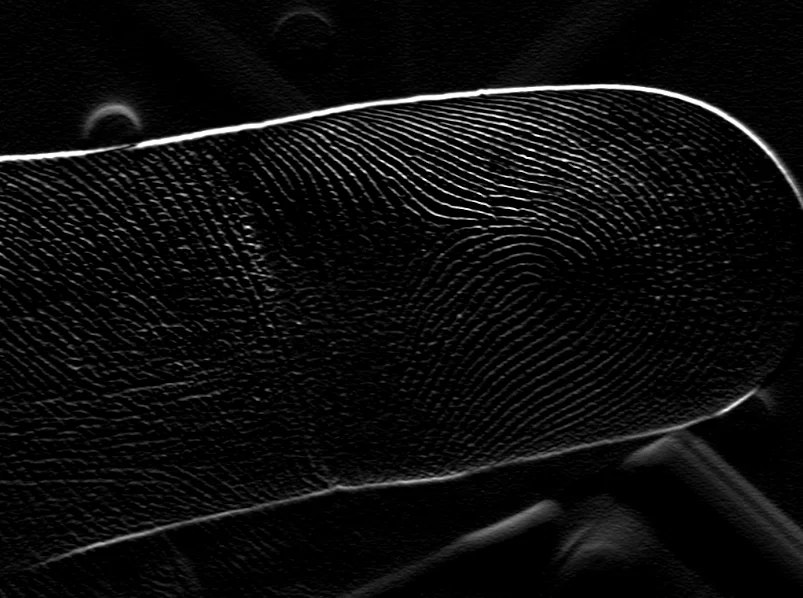
PupilFilter Image Using Gabor
Apply an oriented Gabor kernel to detect textures and features at a specific orientation, scale, and wavelength.
 Pupil
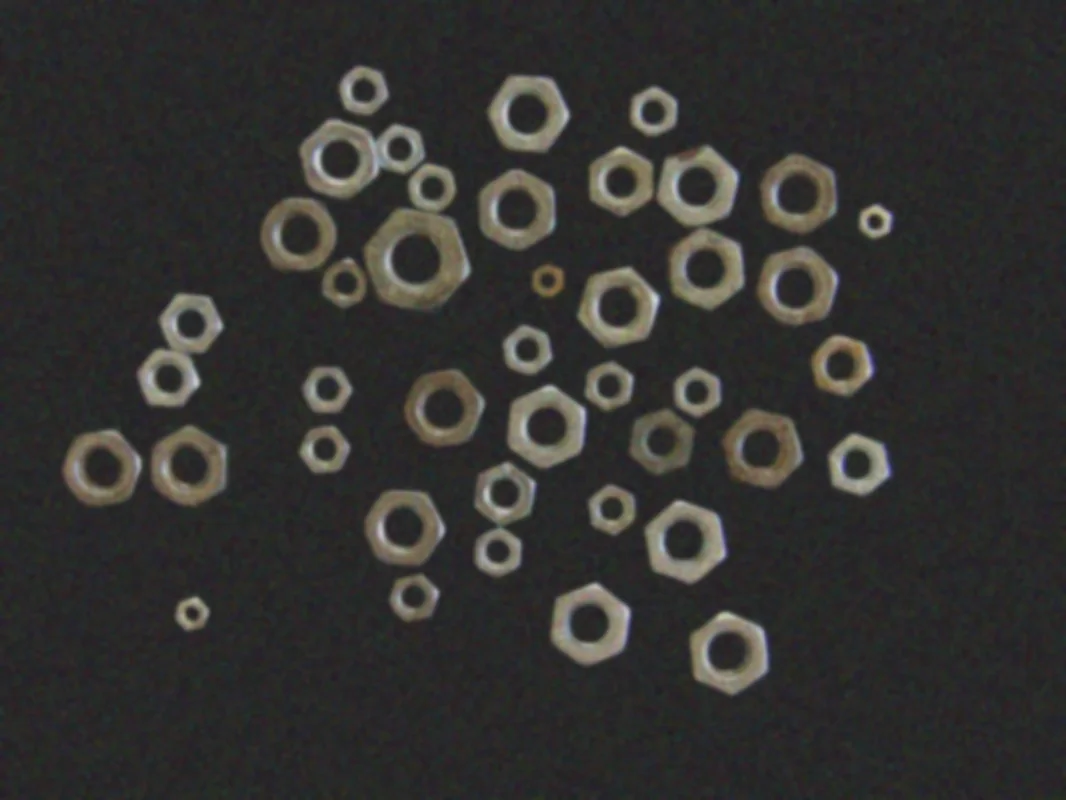
PupilFilter Image Using Gaussian Blur
Smooth an image and reduce noise with a Gaussian-weighted blur kernel, with configurable kernel size and per-axis standard deviation.
 Pupil
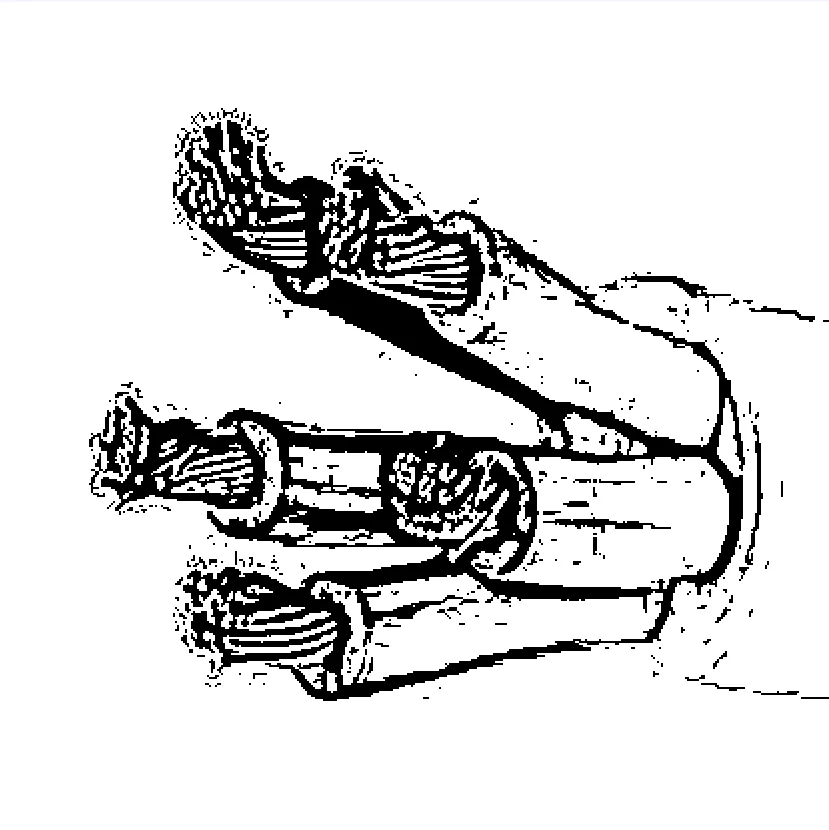
PupilFilter Image Using Hessian
Apply a Hessian eigenvalue-based vesselness filter to detect tubular structures, a faster alternative to the Frangi filter.
 Pupil
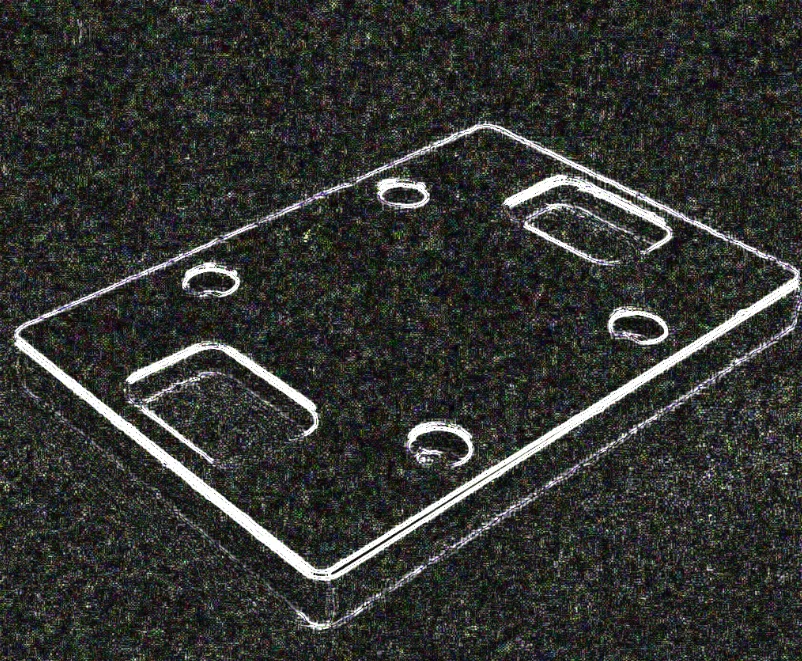
PupilFilter Image Using Laplacian
Detect edges using the second-derivative Laplacian operator, with configurable kernel size, scale, offset, and output bit depth.
 Pupil
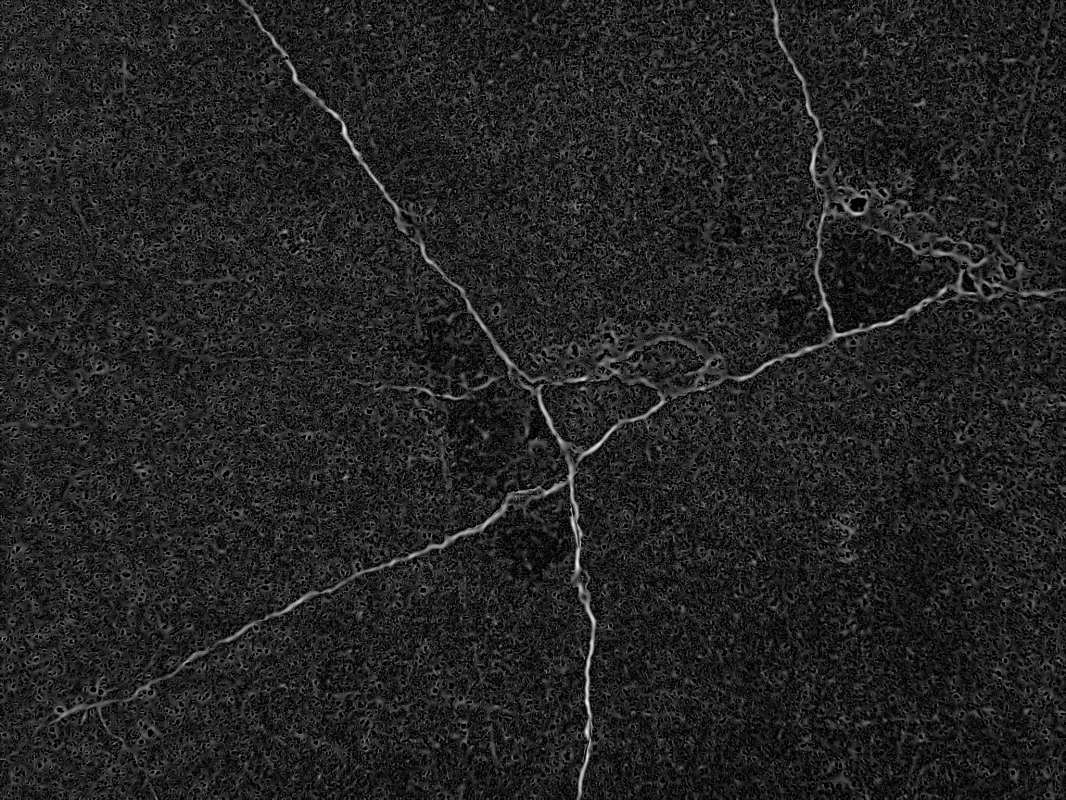
PupilFilter Image Using Meijering
Apply the Meijering multi-scale ridge filter to enhance thin, branching structures such as neurites, cracks, or wires in a grayscale image.
 Pupil
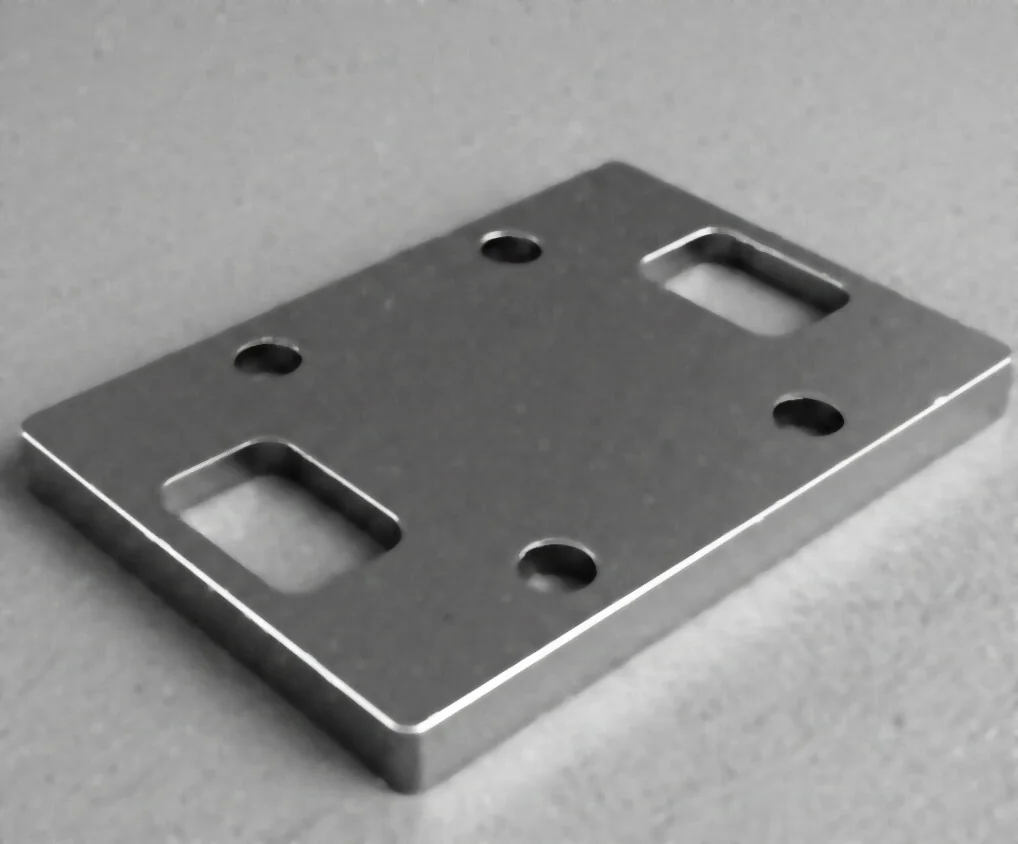
PupilFilter Image Using Median Blur
Remove salt-and-pepper (impulse) noise from an image using a median filter while preserving edges.
 Pupil
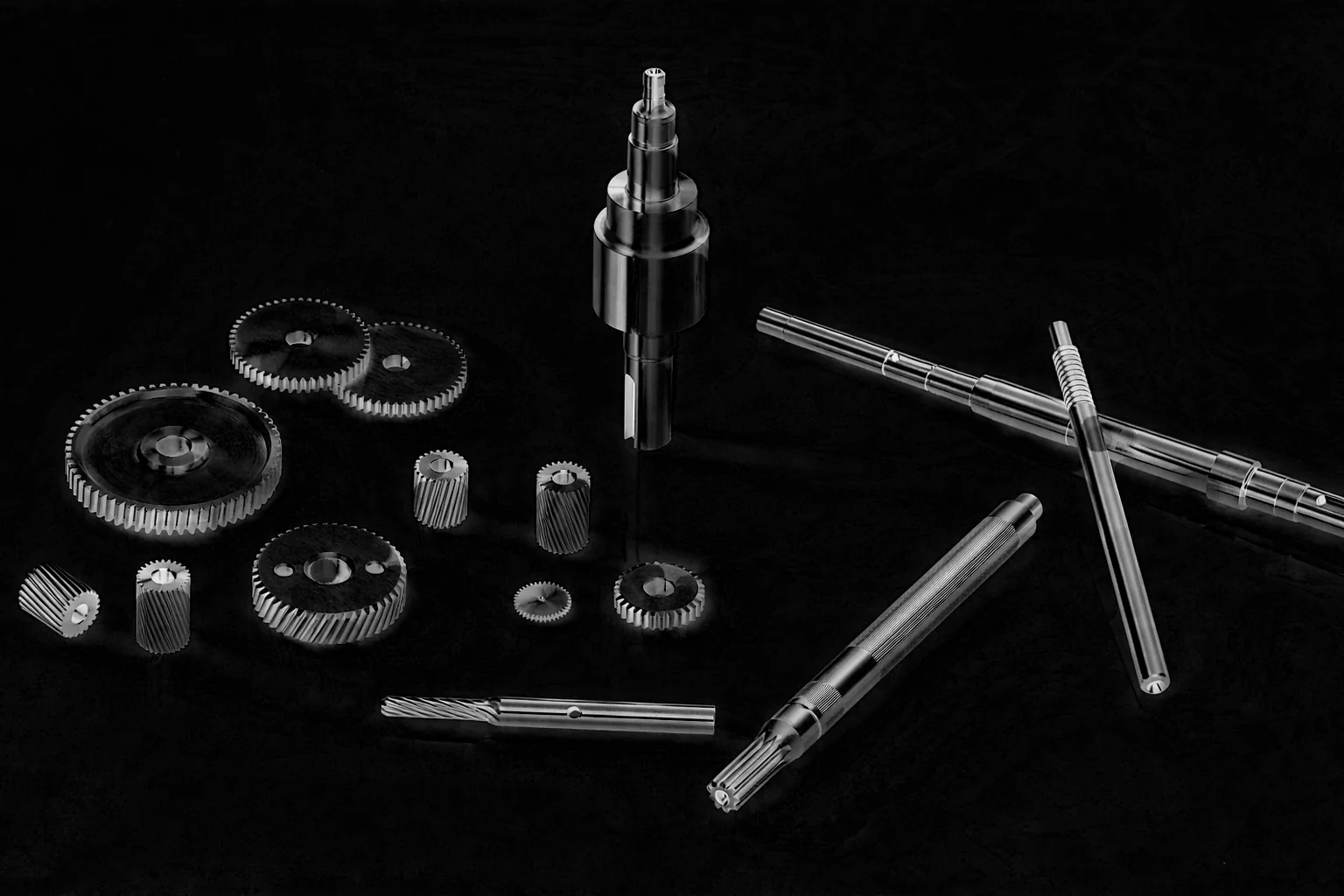
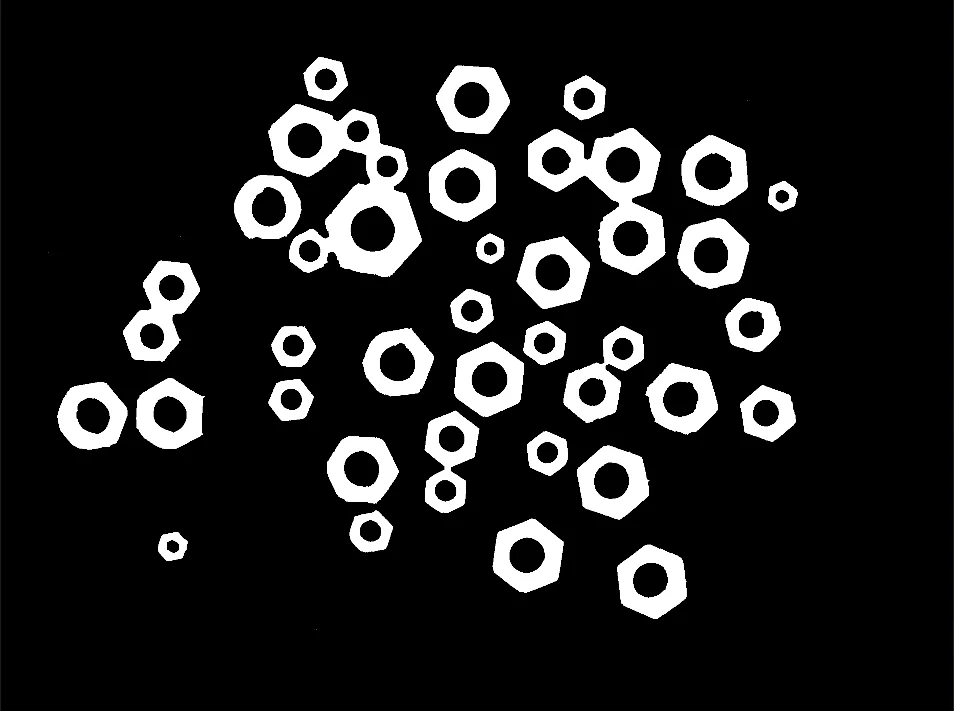
PupilFilter Image Using Morphological Blackhat
Apply the morphological black-hat transform (closing minus the image) to isolate small dark features, cracks, or holes against a bright background.
 Pupil
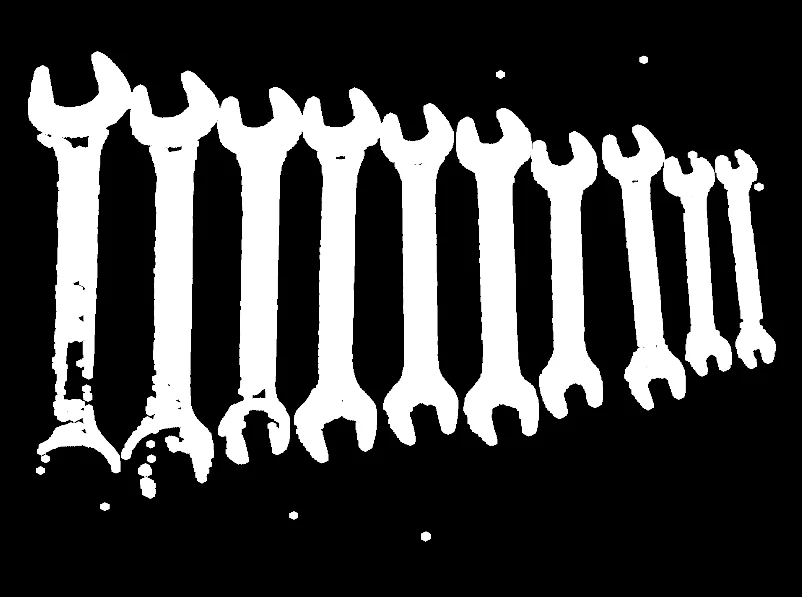
PupilFilter Image Using Morphological Close
Apply morphological closing (dilation followed by erosion) to fill small holes and connect nearby components while preserving overall object shape.
 Pupil
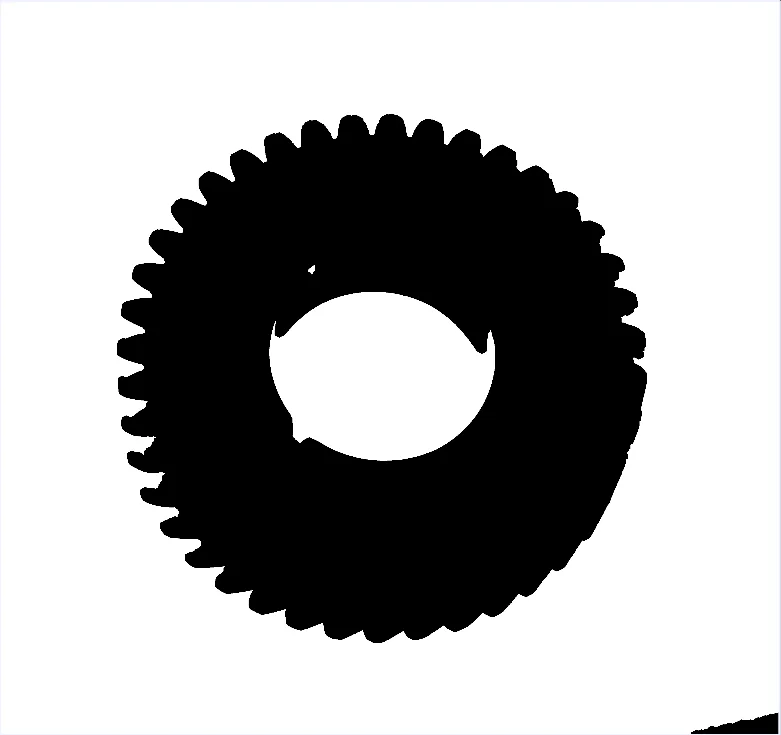
PupilFilter Image Using Morphological Dilate
Apply morphological dilation to expand bright regions and fill small gaps or holes, using a configurable structuring element and iteration count.
 Pupil
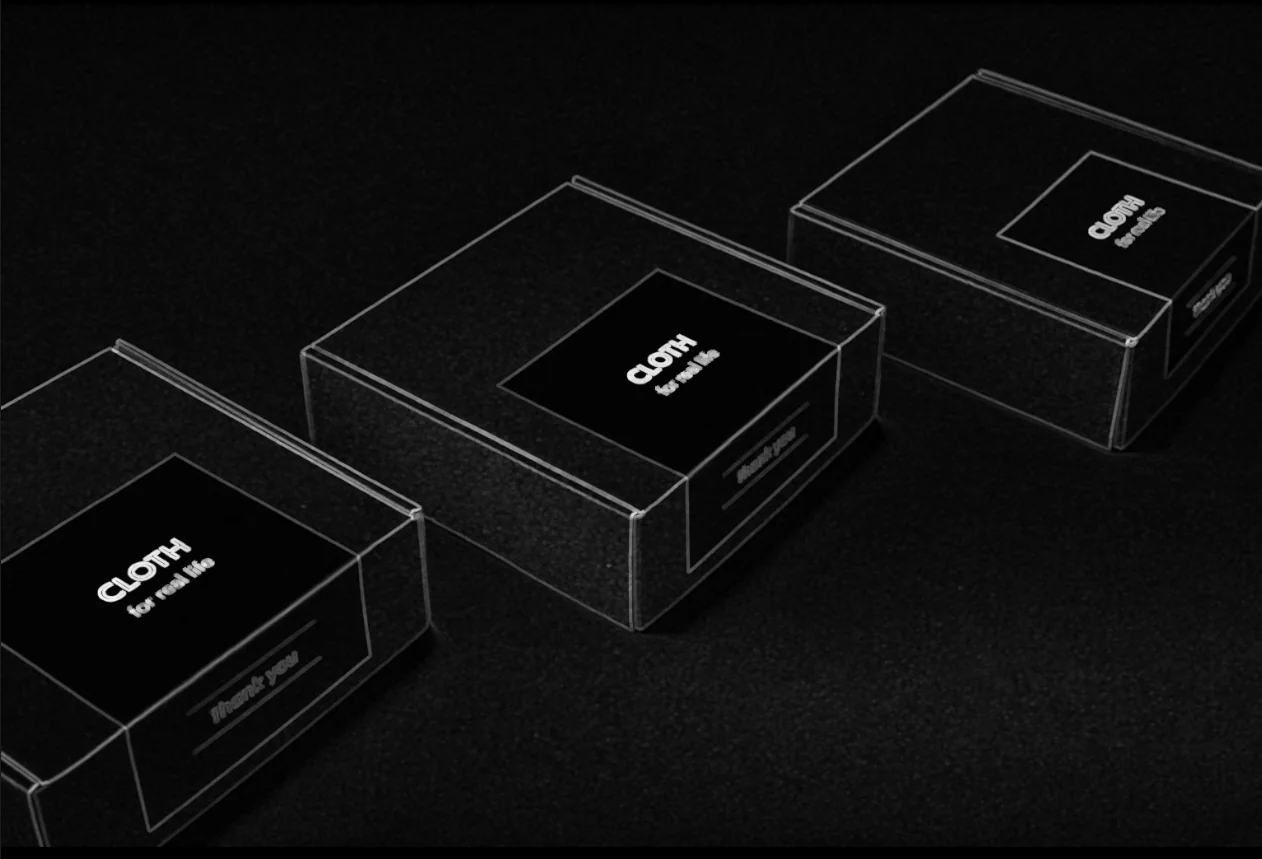
PupilFilter Image Using Morphological Erode
Apply morphological erosion to shrink bright regions and remove small bright noise, using a configurable structuring element and iteration count.
 Pupil
PupilFilter Image Using Morphological Gradient
Compute the morphological gradient (dilation minus erosion) of a binary mask to extract object boundaries and outlines using a structuring element.
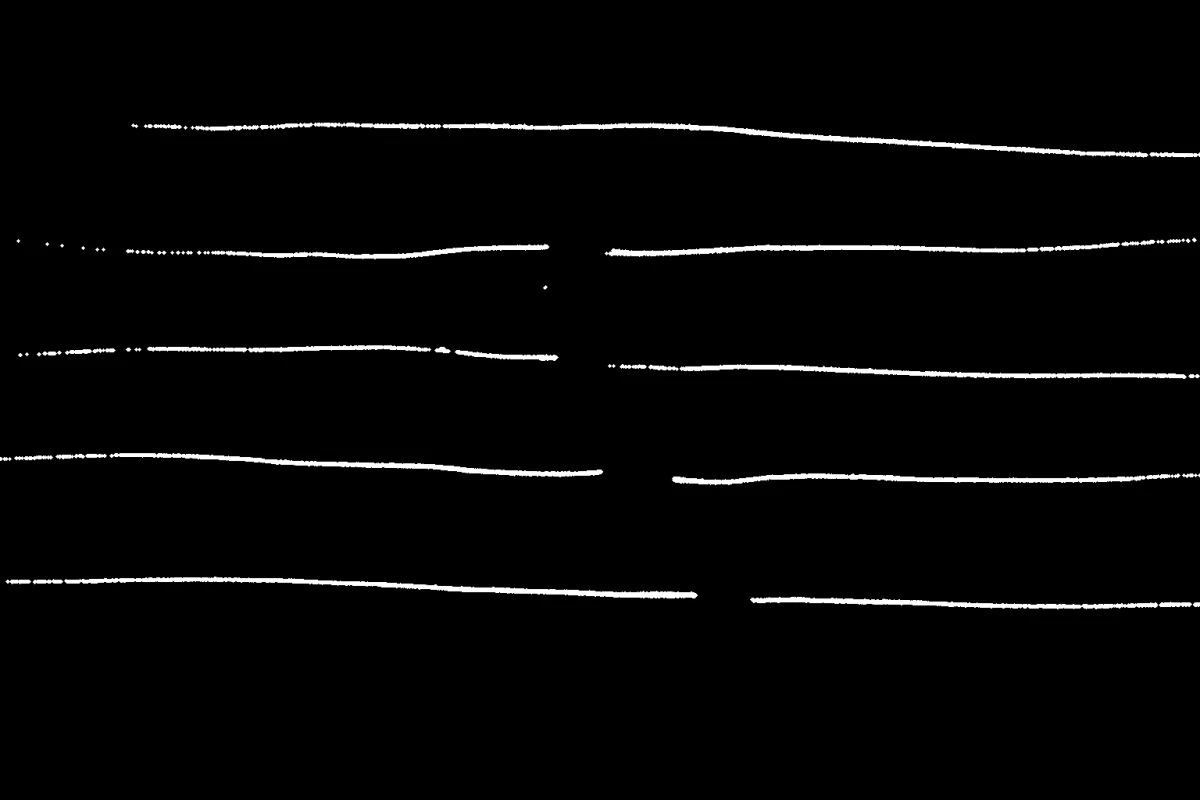
pupil.filter_image_using_morphological_hitmiss()PupilFilter Image Using Morphological Hitmiss
Apply the morphological hit-or-miss transform to match a specific binary pattern by testing foreground and background pixels simultaneously.
 Pupil
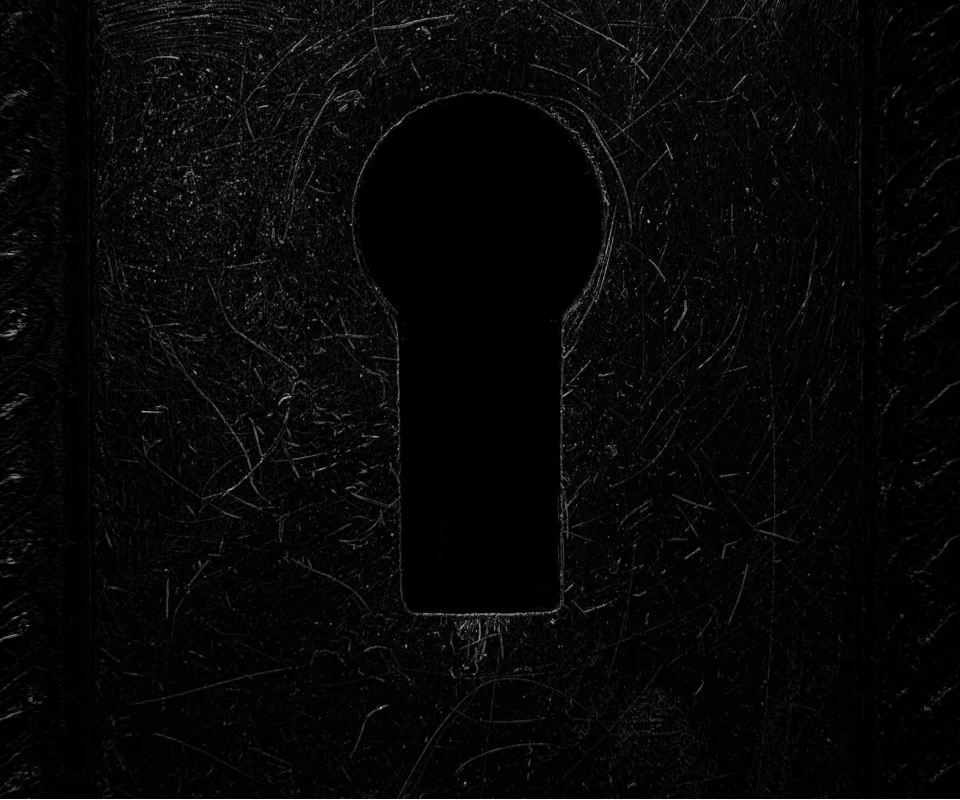
PupilFilter Image Using Morphological Open
Apply morphological opening (erosion followed by dilation) to remove small bright noise while preserving the overall size of larger objects.
 Pupil
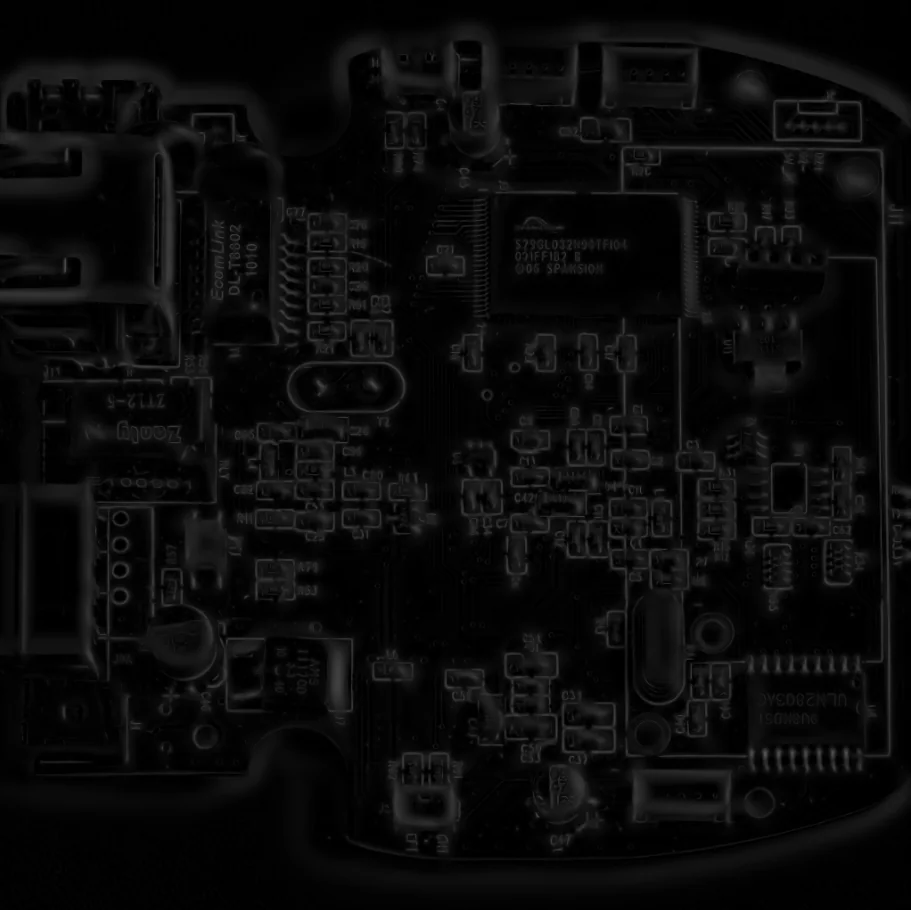
PupilFilter Image Using Morphological Tophat
Apply the morphological top-hat transform (image minus its opening) to isolate small bright features and details smaller than the structuring element.
 Pupil
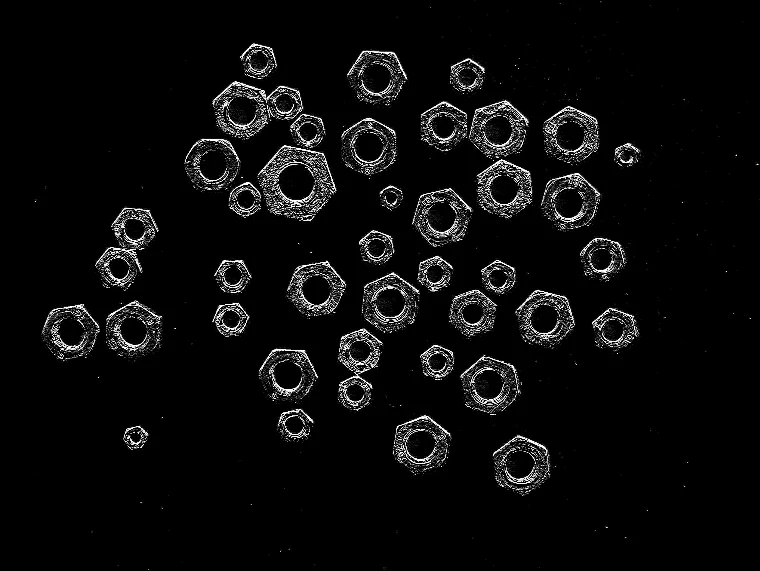
PupilFilter Image Using Sato
Apply the Sato multi-scale ridge filter to enhance thin linear structures such as fibers, vessels, cracks, or PCB traces.
 Pupil
PupilFilter Image Using Scharr
Compute a first-derivative Scharr gradient for high-accuracy, rotation-invariant edge detection on a fixed 3x3 kernel.
 Pupil
PupilFilter Image Using Sobel
Compute directional image gradients with the Sobel operator, with configurable derivative order, kernel size, scale, offset, and output bit depth.
 Pupil
PupilMerge Image From Channels
Combine multiple single-channel images into one multi-channel image, stacked in the given channel order.
 Pupil
PupilNormalize Image Intensity
Rescale image pixel intensities to a target range or norm using minmax, L-infinity, L1, or L2 normalization.
 Pupil
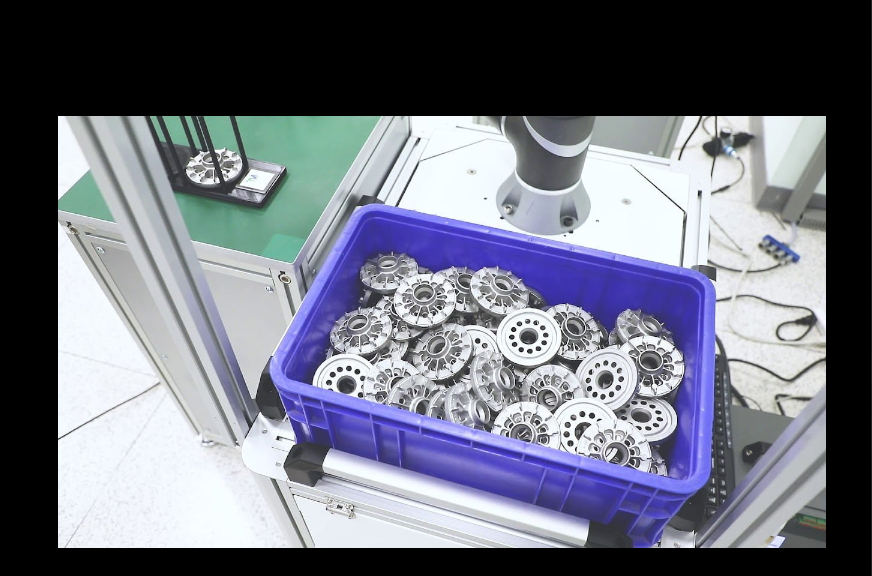
PupilOverlay Images Using Weighted Overlay
Blend two same-size images pixel-wise using per-image weights, for cross-fades, multi-exposure effects, or overlays.
 Pupil
PupilPad Image
Add explicit pixel padding to each side of an image independently, with configurable border handling and fill value.
np.array()PupilProject Camera Point to Pixel
Project a 3D point given in camera coordinates to 2D pixel coordinates via the forward pinhole camera model, applying intrinsics and lens distortion.
 Pupil
PupilProject Pixel to Camera Point
Convert a pixel coordinate and depth value into a 3D point in camera coordinates, using camera intrinsics to invert the pinhole projection.
np.array()PupilProject Pixel to World Point
Convert a pixel coordinate and depth value into a 3D point in world coordinates, combining camera intrinsics with a camera-to-world transform.
np.array()PupilProject World Point to Pixel
Project a 3D point given in world coordinates to 2D pixel coordinates, using a camera-to-world transform and the pinhole camera model.
 Pupil
PupilResize Image
Resize an image uniformly by a scale factor, or to exact width and height, with a choice of interpolation method.
 Pupil
PupilResize Image With Aspect Fit
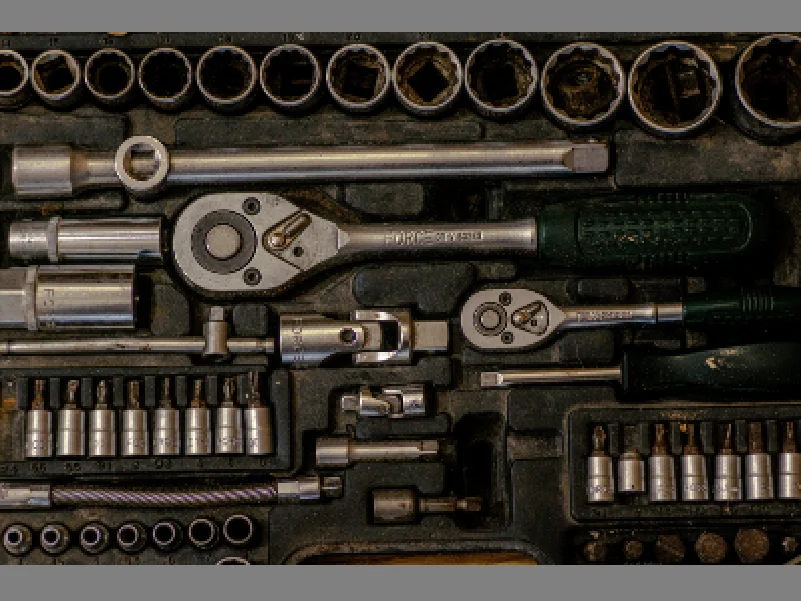
Scale an image to fit within target width and height without distortion, padding the remainder with a fill color.
 Pupil
PupilRotate Image
Rotate an image by an angle in degrees around its center, choosing between cropped or expanded output dimensions.
 Pupil
PupilSplit Image Into Channels
Split a multi-channel image into its individual single-channel images, preserving input channel order.