

Cornea: Image Segmentation Skills
SUMMARY
Cornea is a module in the Telekinesis SDK containing skills for 2D image segmentation.
It provides segmentation capabilities using classical computer vision techniques and deep learning models, allowing developers to extract structured visual information from images for robotics applications.
When to Use Cornea?
Use Cornea for robotics applications that require pixel-level understanding of images, such as:
- Vision-guided pick-and-place pipelines
- Palletizing and bin organization
- Object isolation for manipulation and grasp planning
- Obstacle detection in camera-based navigation
- Scene understanding for Physical AI agents
What Does Cornea Provide?
Cornea includes a collection of modular skills for:
- Semantic and instance segmentation
- Classical image segmentation techniques
- Deep learning–based segmentation models
- Image preprocessing and postprocessing for segmentation pipelines
How to Use Cornea?
To use the skills from Cornea, simply use:
from telekinesis import corneaHere is a minimal example:
from telekinesis import cornea, datatypes
# ===================== Load Image ==========================================
image_url = "https://assets.telekinesis.ai/examples/v1/images/cylinder_on_conveyor.jpg"
image = datatypes.Image.from_url(url=image_url)

# ===================== Run Skill ==========================================
segmented_image = cornea.segment_image_using_rgb(
  image=image, lower_bound=(0, 50, 50), upper_bound=(180, 255, 255)
)
Overview of Skills
 Cornea
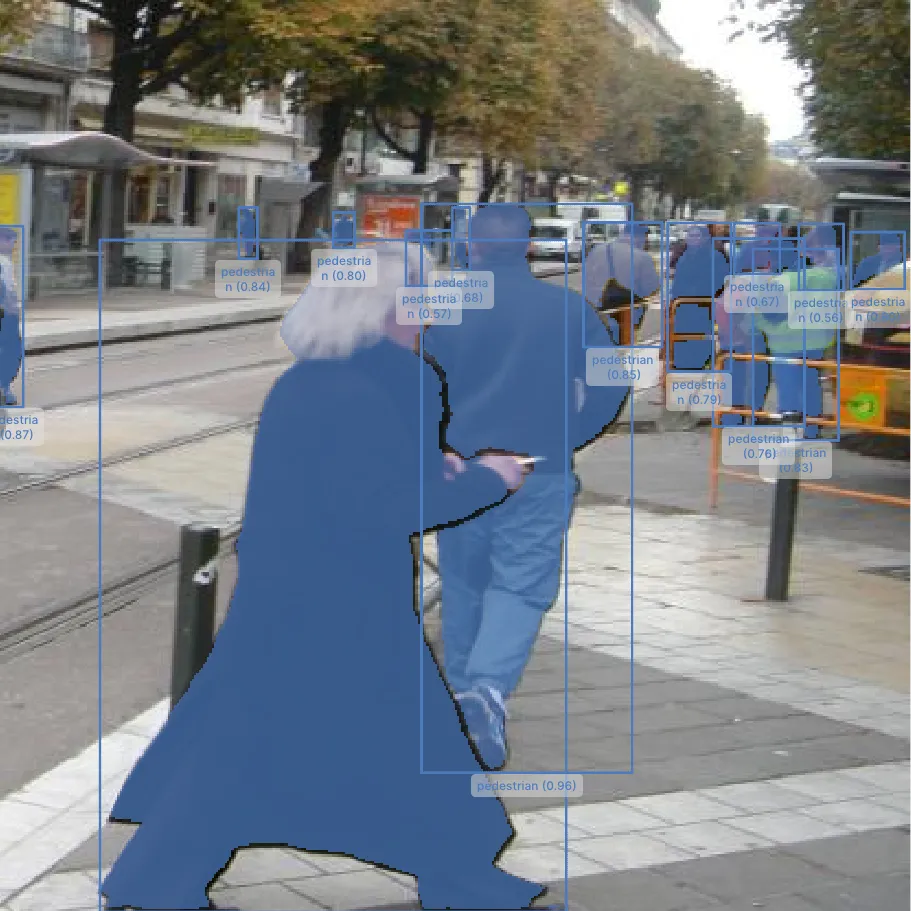
Segment Image Using SAM3
Segment objects using text prompts and/or bounding boxes with Meta's Segment Anything Model 3 (SAM3), a deep-learning alternative to GrabCut for precise per-object masks.
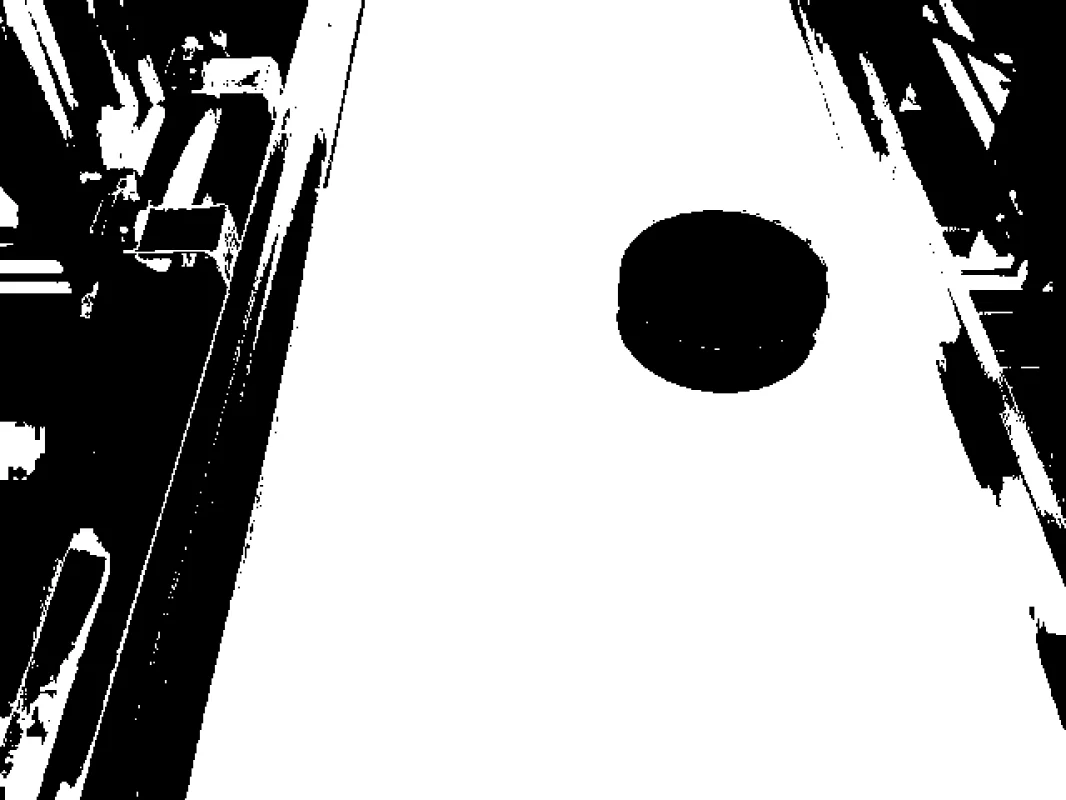 Cornea
Segment Image Using RGB
Perform image segmentation based on RGB color ranges to identify objects by their specific color values.
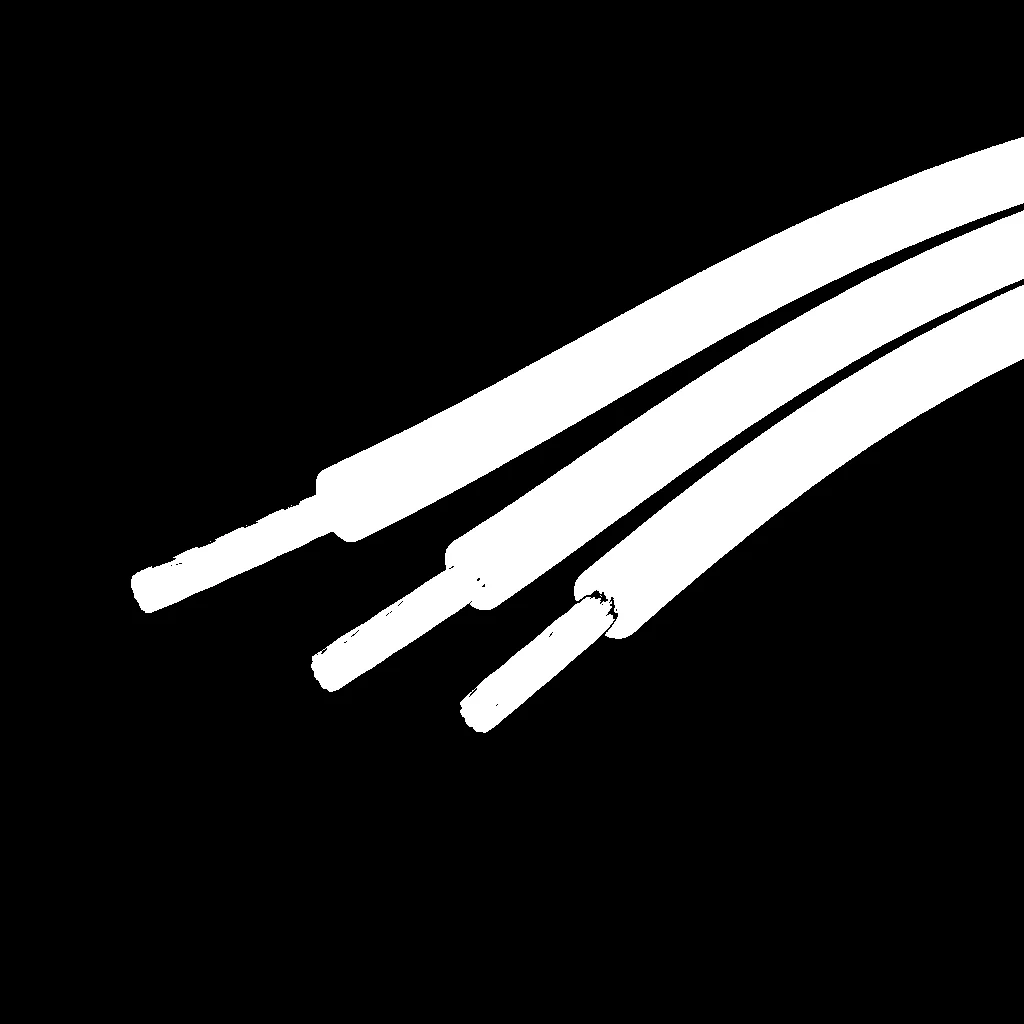 Cornea
Segment Image Using HSV
Perform robust color-based segmentation using HSV color space, separating hue, saturation, and value for consistent detection under varying lighting conditions.
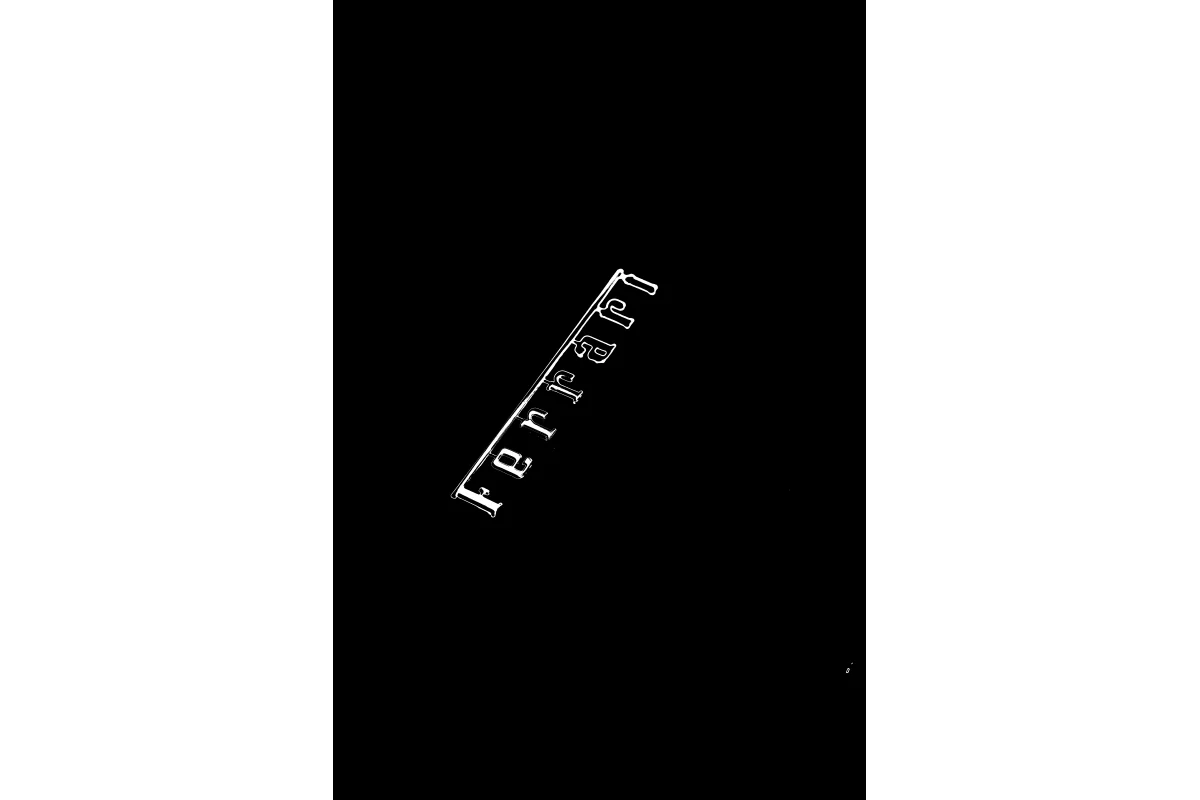 Cornea
Segment Image Using LAB
Perform perceptually uniform color-based segmentation using LAB color space, ideal for matching human color perception in image processing tasks.
 Cornea
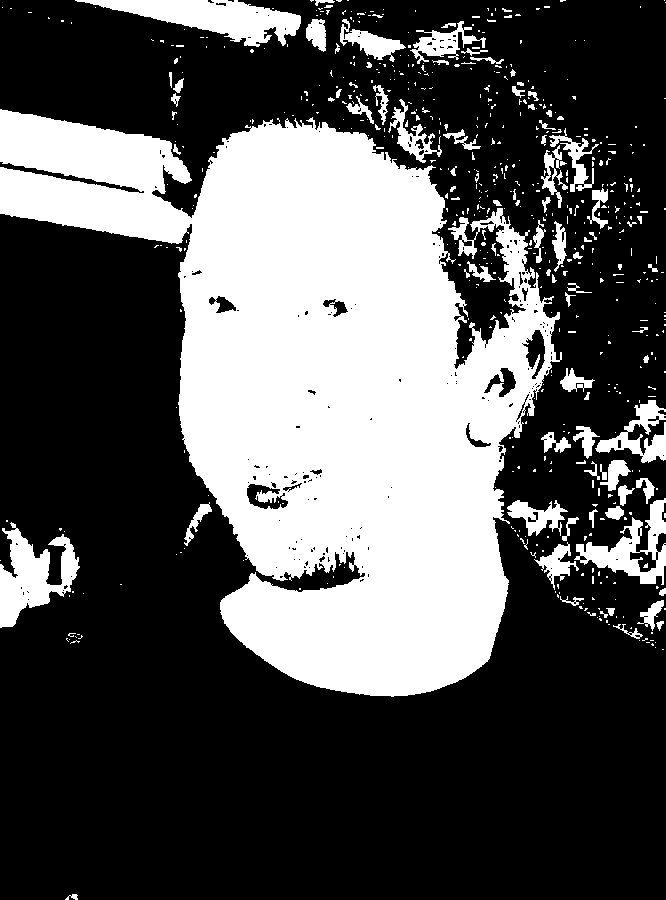
Segment Image Using YCrCb
Perform YCrCb color space segmentation to detect objects based on chrominance, commonly used for skin detection and face detection.
 Cornea
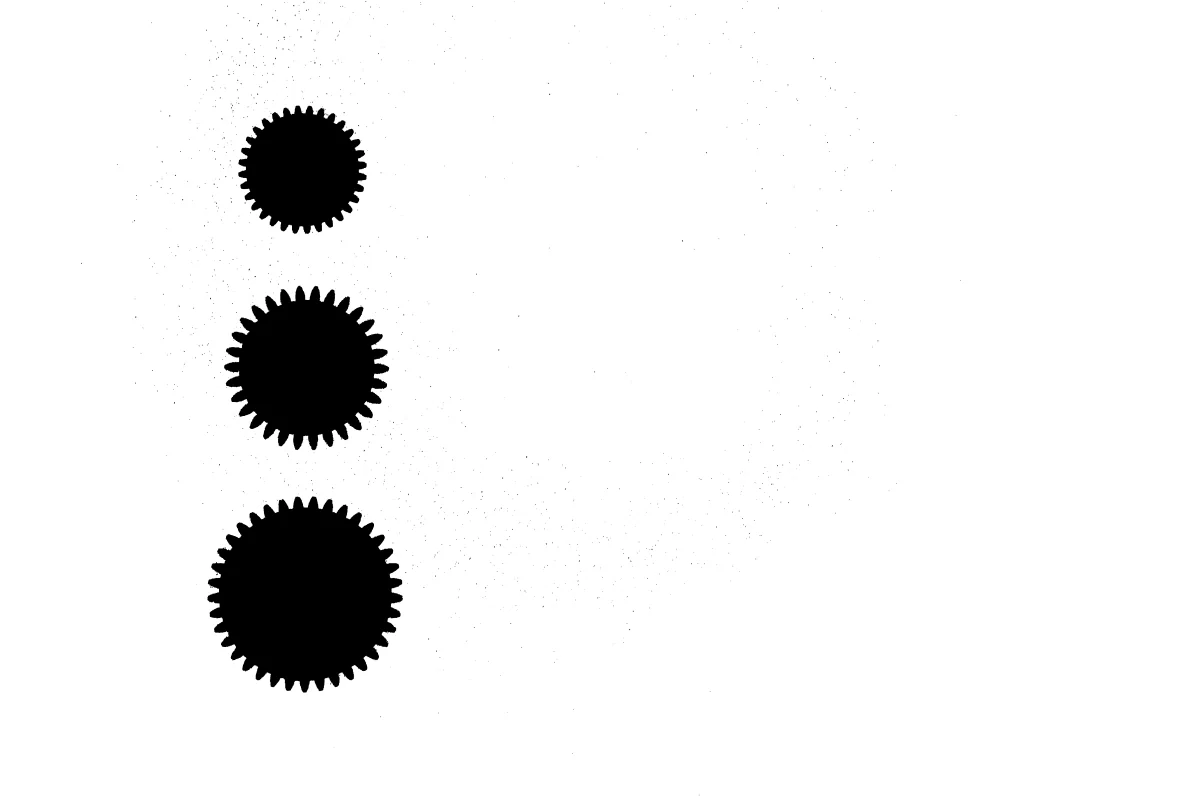
Segment Image Using Flood Fill
Flood fill image segmentation for extracting connected regions based on a seed point and color tolerance for computer vision and image processing pipelines.
 Cornea
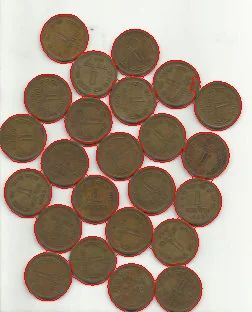
Segment Image Using Watershed
Perform marker-based watershed segmentation to separate touching or overlapping objects in an image.
 Cornea
Segment Image Using Focus Region
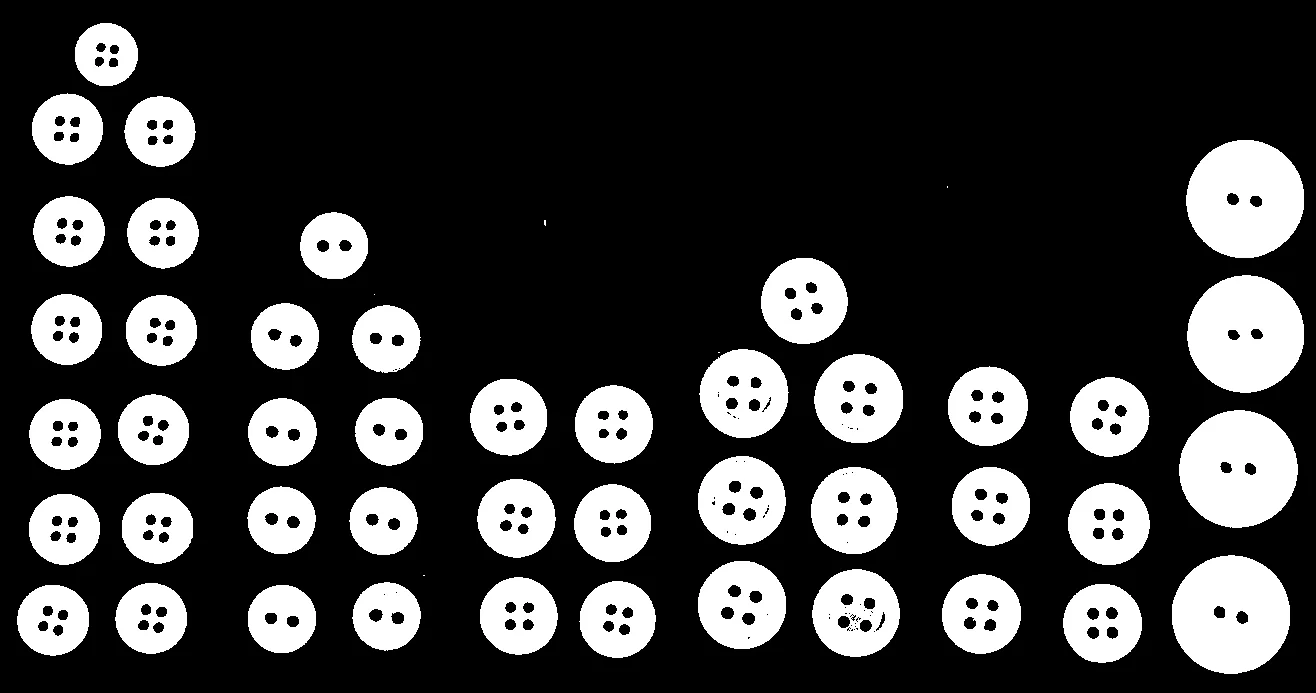
Focus region segmentation for identifying in-focus areas based on image sharpness for computer vision, depth estimation, and image processing pipelines.
 Cornea
Segment Image Using Otsu Threshold
Automatically segment an image with a single global threshold chosen by Otsu's method, ideal for clearly bimodal intensity histograms.
 Cornea
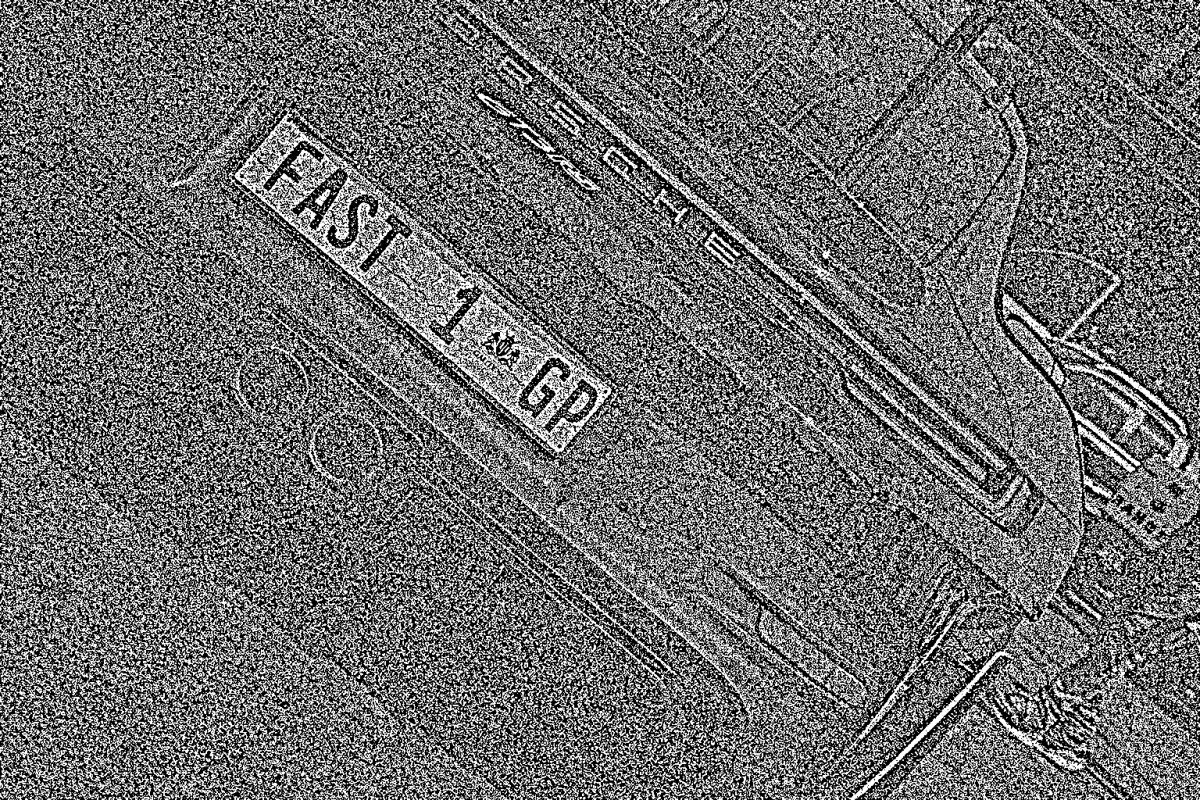
Segment Image Using Local Threshold
Segment images with non-uniform lighting or varying background intensity using a single-parameter, neighborhood-based local threshold.
 Cornea
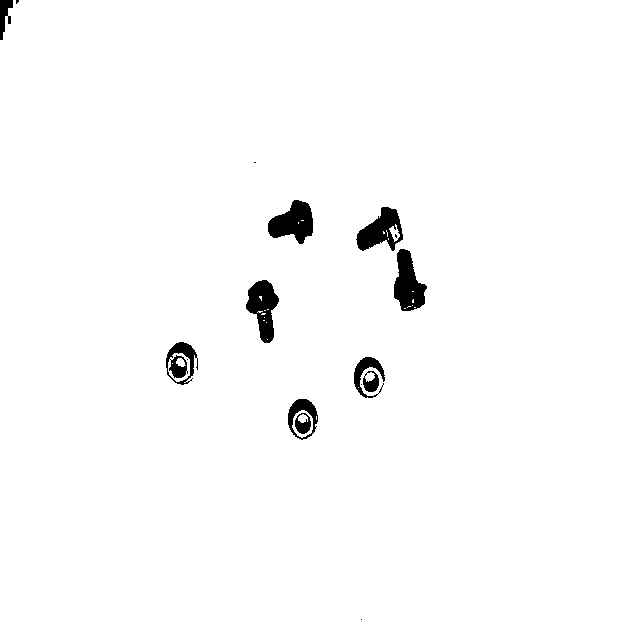
Segment Image Using Yen Threshold
Automatically segment an image with a single global threshold chosen by Yen's entropy-based method, a parameter-free alternative to Otsu thresholding.
 Cornea
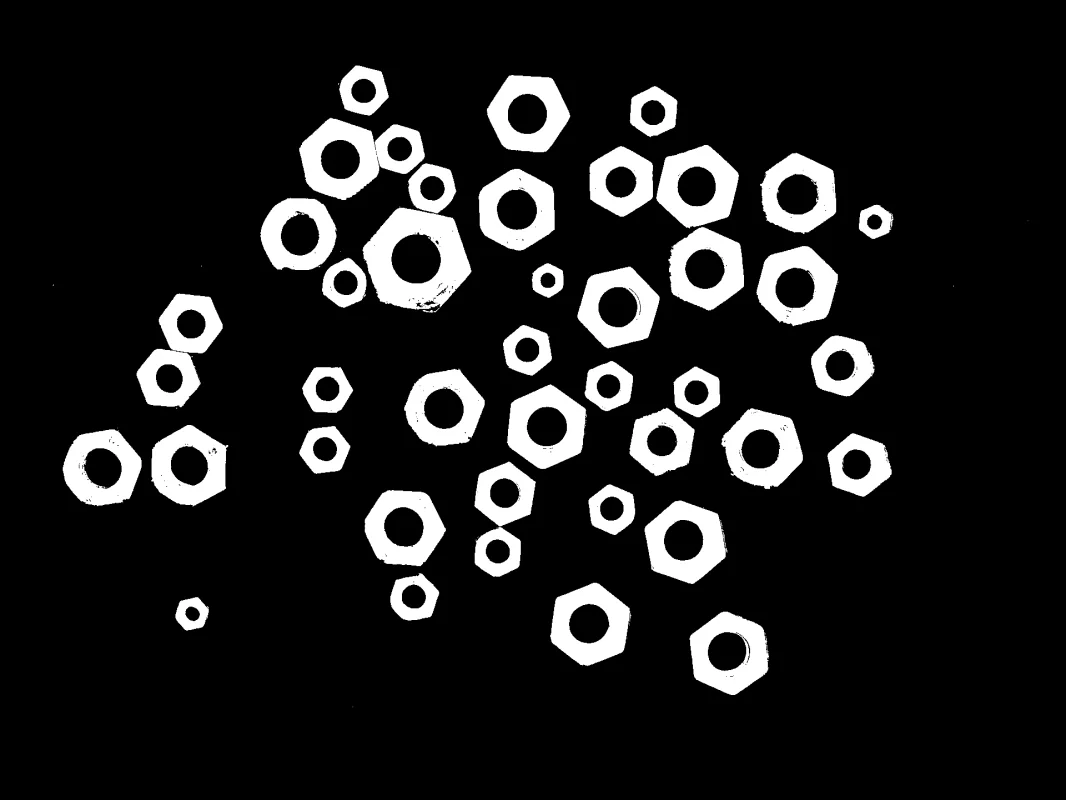
Segment Image Using Threshold
Perform manual global threshold segmentation with a chosen pixel value and one of five comparison modes to create a labeled segmentation mask.
 Cornea
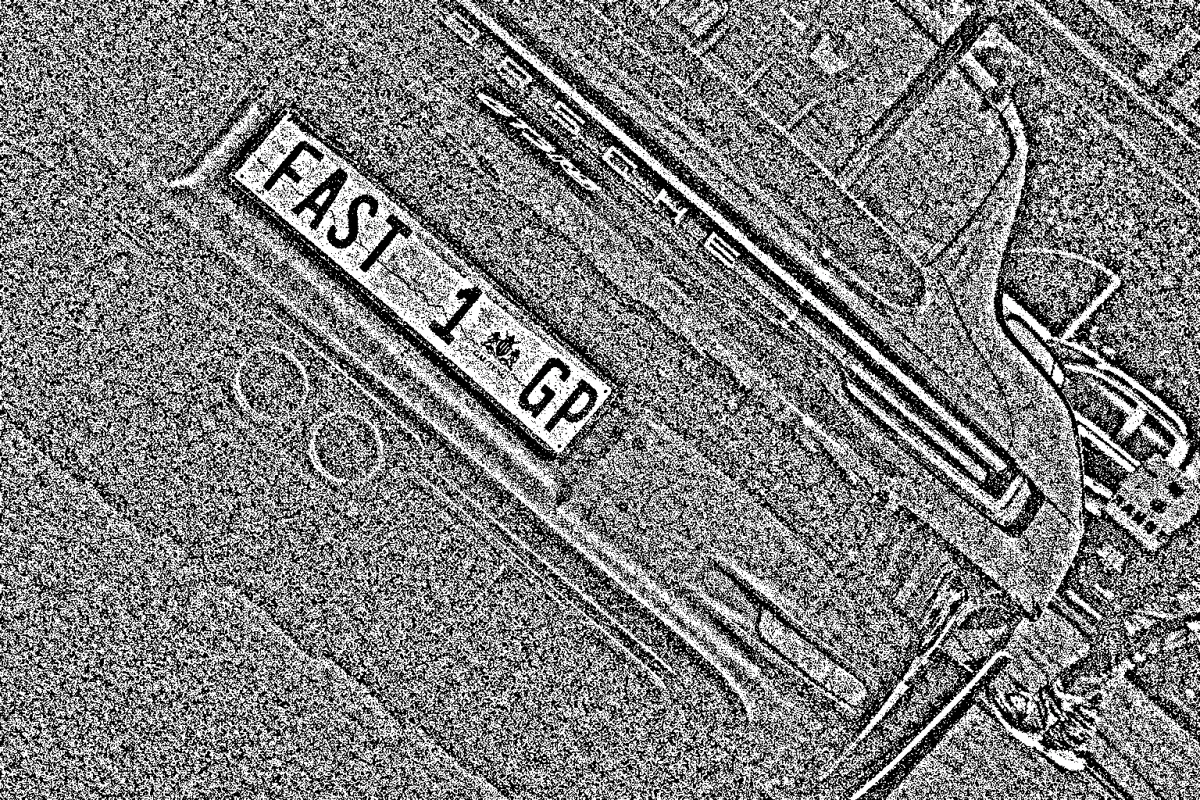
Segment Image Using Adaptive Threshold
Adaptive per-pixel threshold segmentation for images with non-uniform lighting, shadows, and varying intensity, with control over the local-averaging method and comparison direction.
 Cornea
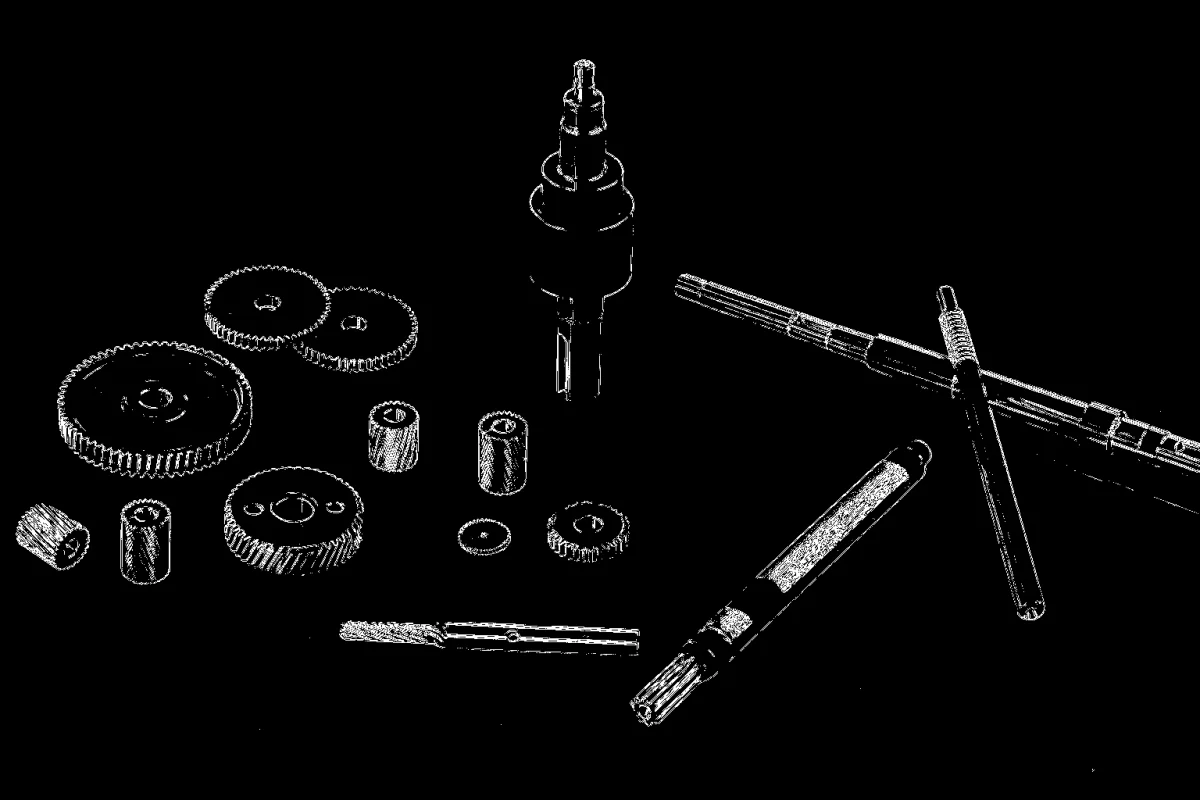
Segment Image Using Laplacian Threshold
Segment an image's edge-rich, textured regions from its smooth regions by thresholding the Laplacian (second-derivative) edge response.
 Cornea
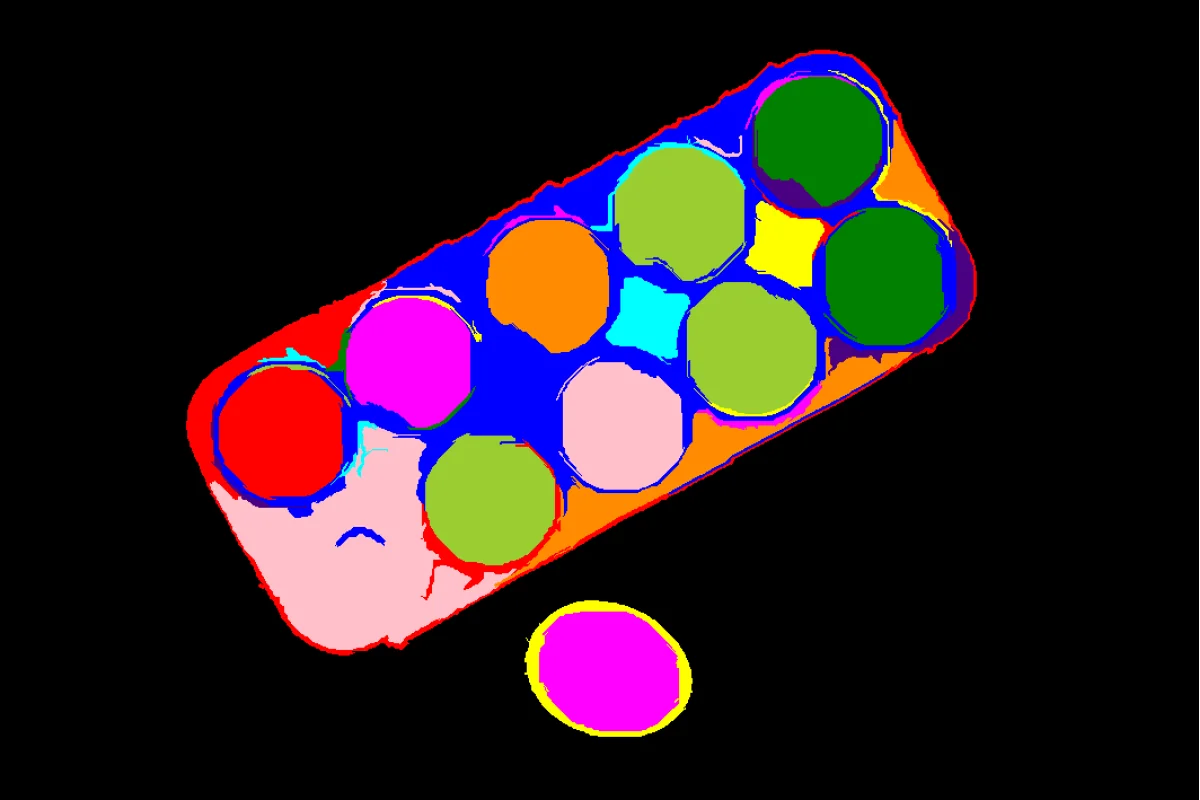
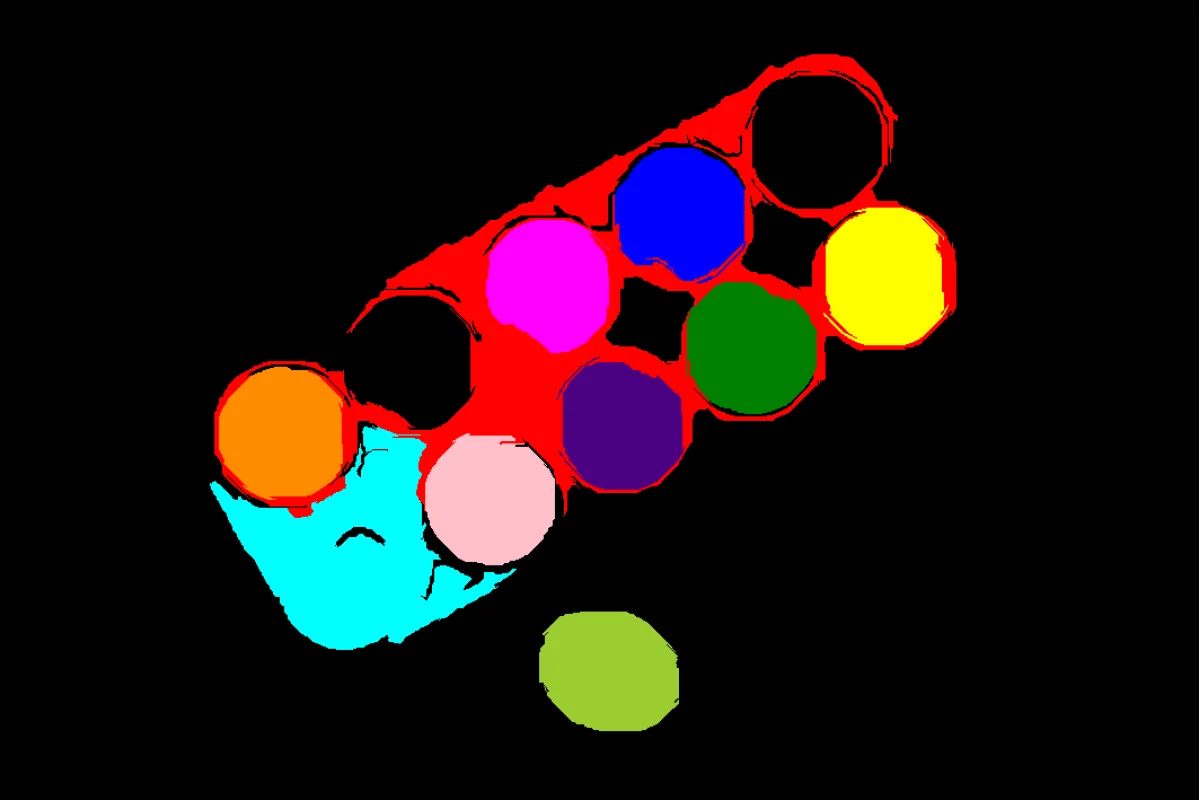
Segment Image Using Felzenszwalb
Generate irregularly-shaped, boundary-following superpixels with Felzenszwalb's graph-based segmentation algorithm.
 Cornea
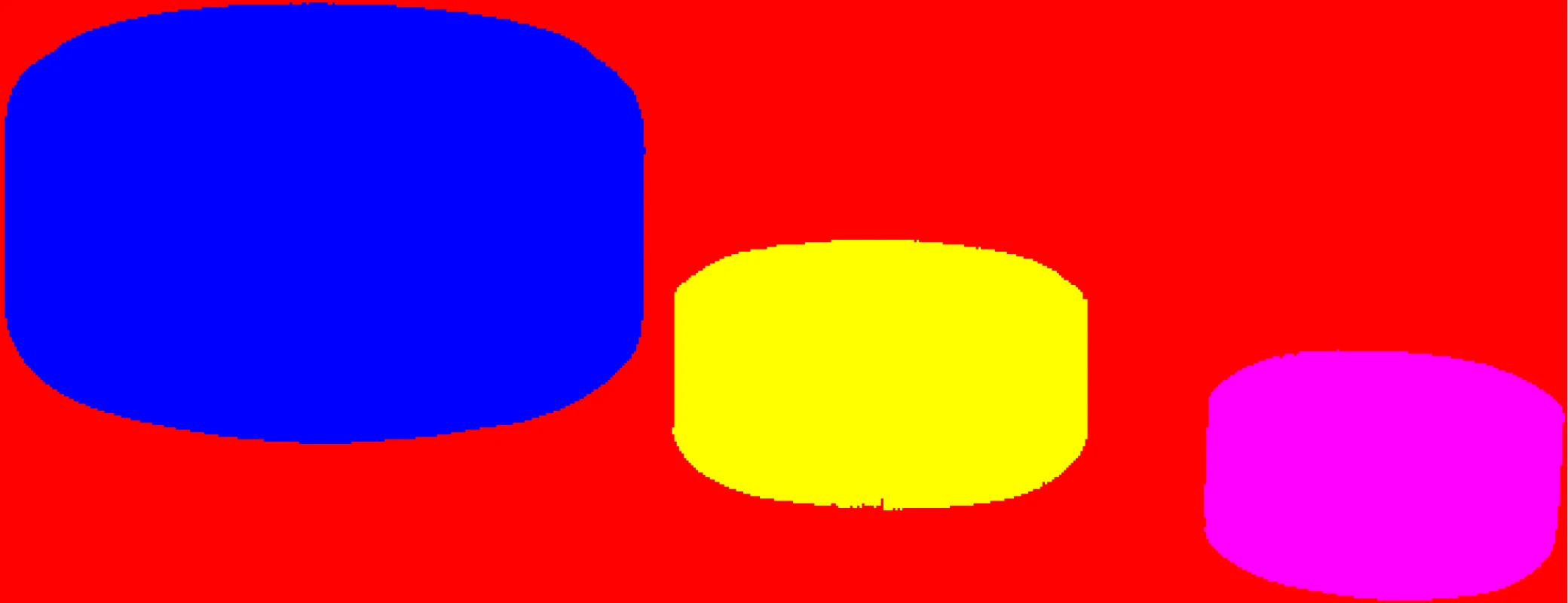
Segment Image Using SLIC Superpixel
Generate compact, near-uniform superpixels with the SLIC (Simple Linear Iterative Clustering) algorithm for predictable over-segmentation.
 Cornea
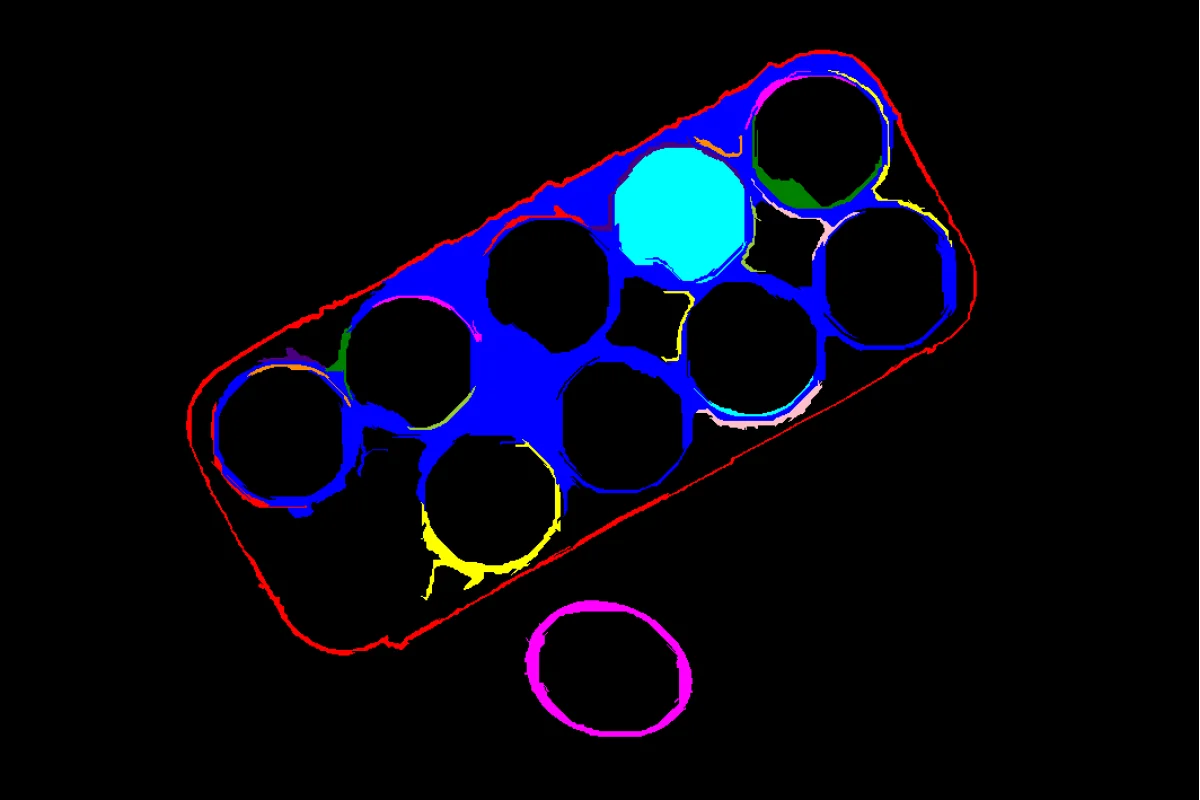
Filter Segments By Area
Remove segments smaller or larger than a given pixel-area range from an existing label map, discarding noise or implausibly large regions.
 Cornea
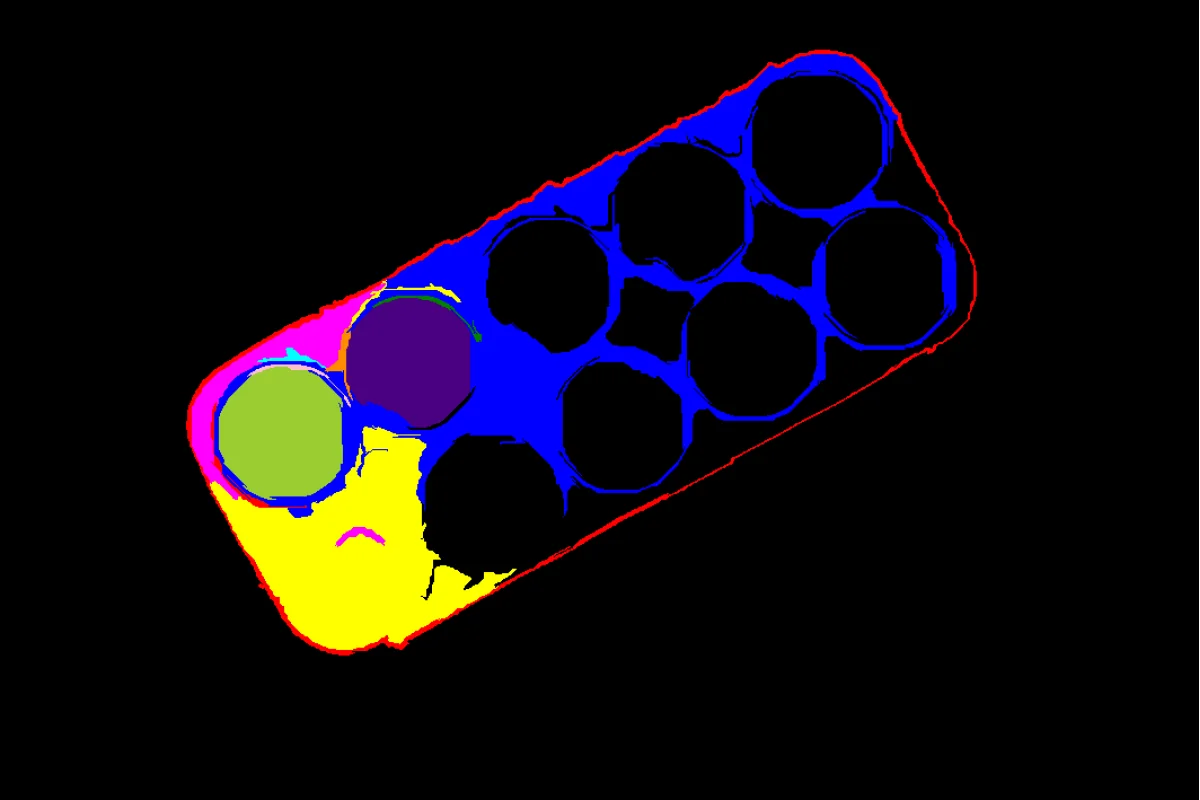
Filter Segments By Color
Remove segments from an existing label map whose mean pixel intensity falls outside a given range, keeping only bright or dark regions of interest.
 Cornea
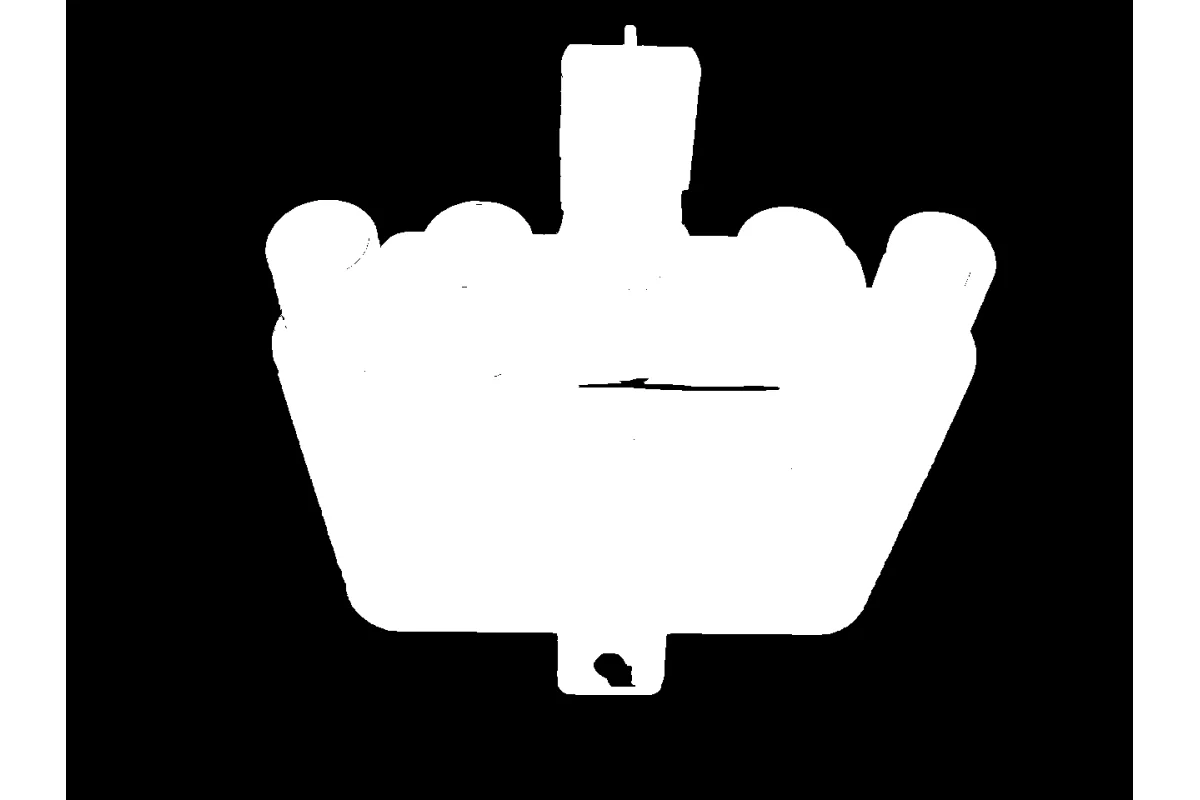
Filter Segments By Mask
Keep only the segments of an existing label map that overlap a region-of-interest mask, discarding the rest.
 Cornea
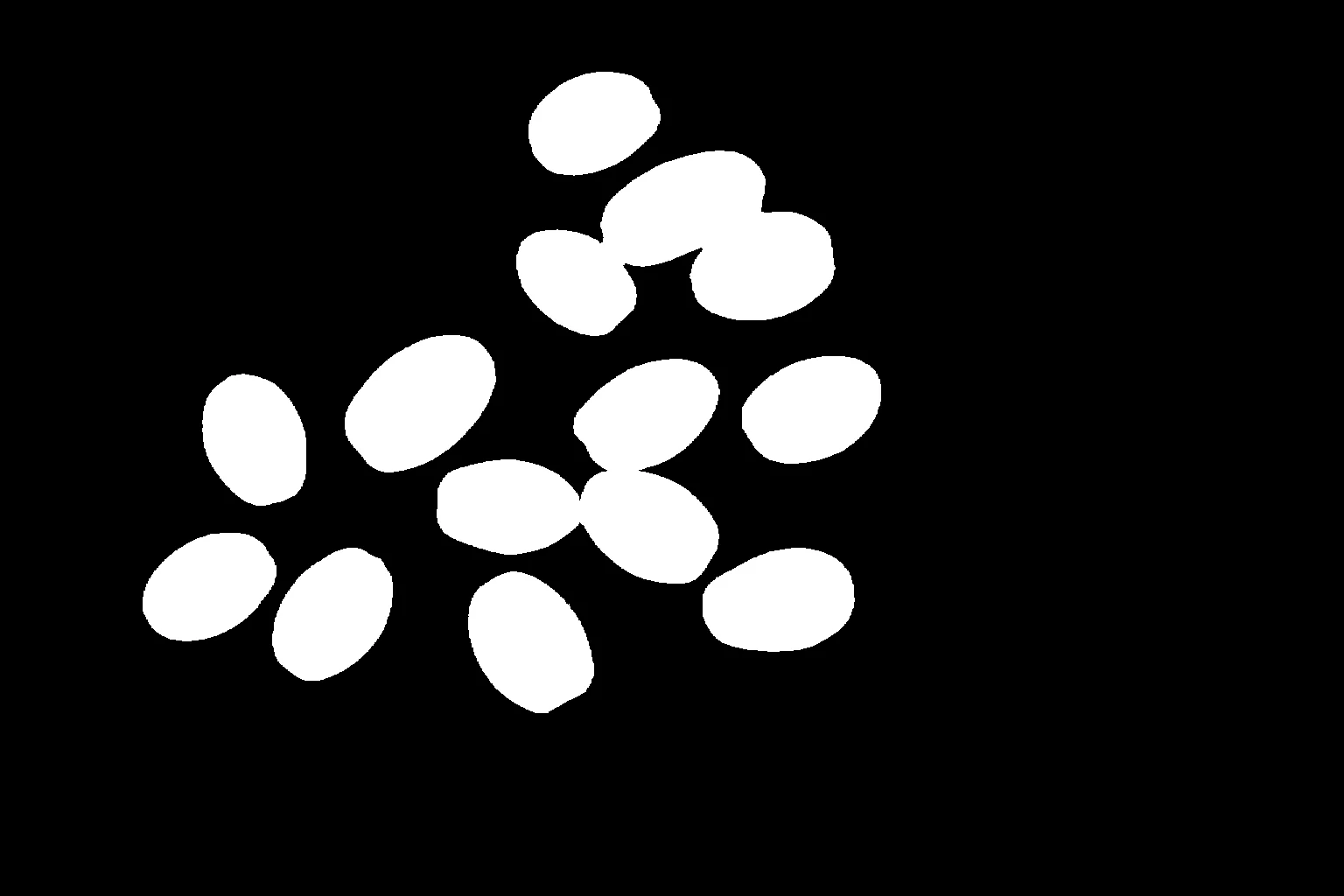
Segment Image Using GrabCut
Perform foreground/background segmentation using GrabCut, an iterative graph cut algorithm for interactive object extraction and background removal.
 Cornea
Segment Image Using Foreground BiRefNet
Segment the salient foreground object from the background using BiRefNet, a deep-learning model that needs no bounding box or seed point.