

Transform Image Using Pyramid Upsampling
SUMMARY
Transform Image Using Pyramid Upsampling upsamples an image using a Gaussian pyramid step.
The image is enlarged by scale_factor and smoothed, the inverse operation of transform_image_using_pyramid_downsampling. Call it repeatedly, feeding each output back in as the next input, to climb back up a pyramid built by repeated downsampling, or to enlarge an image for visualization.
Use this Skill when you want to increase image resolution using pyramid upsampling.
The Skill
from telekinesis import pupil

# Climb 3 levels by repeated upsampling.
level_1 = pupil.transform_image_using_pyramid_upsampling(image=image, scale_factor=2.0)
level_2 = pupil.transform_image_using_pyramid_upsampling(image=level_1, scale_factor=2.0)
level_3 = pupil.transform_image_using_pyramid_upsampling(image=level_2, scale_factor=2.0)Example
Input Image
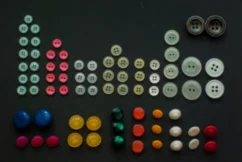
Original low-resolution image
Pyramid Level 1
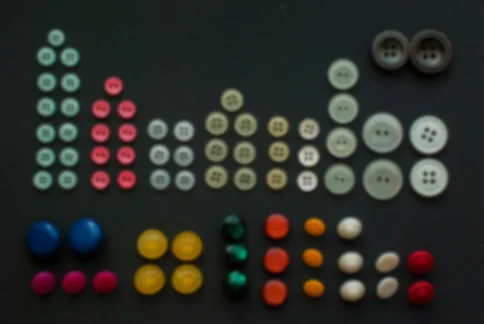
scale_factor=2.0 applied once — resolution doubled
Pyramid Level 2
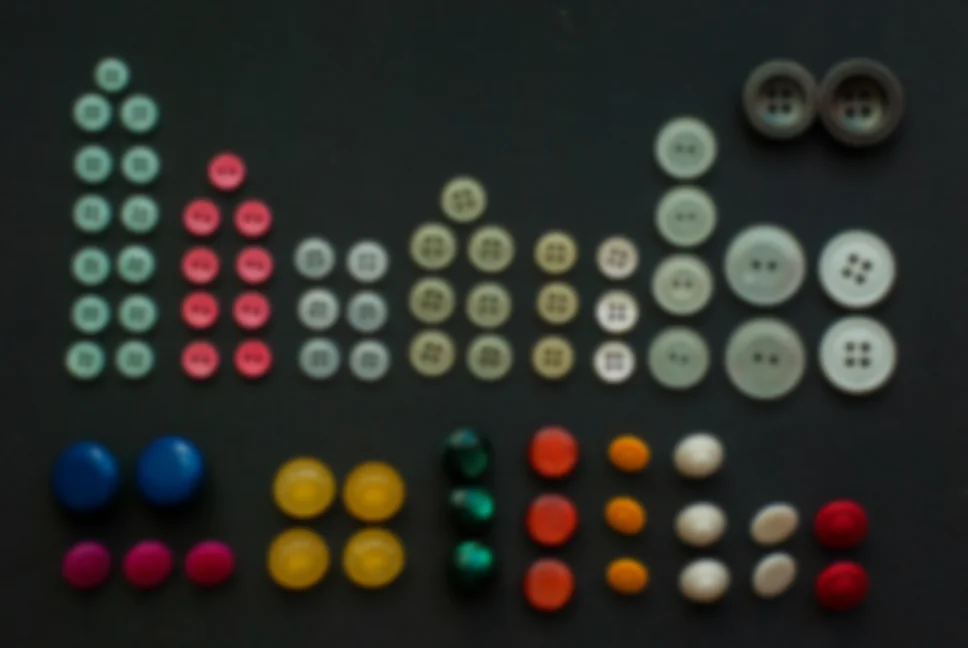
scale_factor=2.0 applied to level 1 — resolution quadrupled relative to the original
Pyramid Level 3
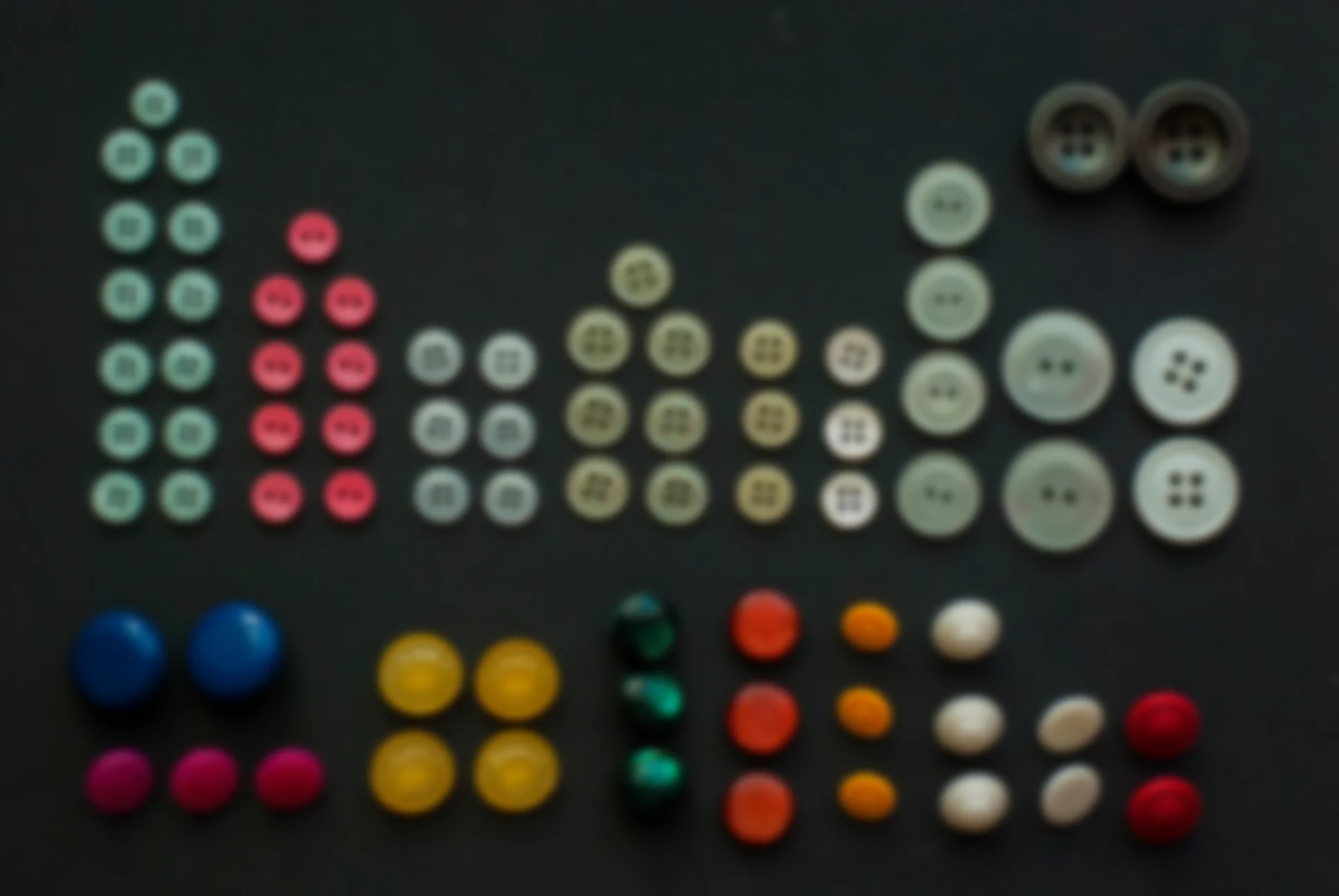
scale_factor=2.0 applied to level 2 — resolution increased to 8x the original
The Code
"""Demonstrates pyramid upsampling transformation."""

from loguru import logger
import rerun as rr

from telekinesis import pupil, datatypes


def transform_image_using_pyramid_upsampling_example():
    """Applies pyramid upsampling transformation."""
    # ===================== Load Image ==========================================
    image_url = "https://assets.telekinesis.ai/examples/v1/images/buttons_arranged_downsampled.png"
    image = datatypes.Image.from_url(image_url)

    # ===================== Run Skill ==========================================
    filtered_image = pupil.transform_image_using_pyramid_upsampling(
        image=image,
        scale_factor=2.0,
    )
    filtered_image_1 = pupil.transform_image_using_pyramid_upsampling(
        image=filtered_image,
        scale_factor=2.0,
    )
    filtered_image_2 = pupil.transform_image_using_pyramid_upsampling(
        image=filtered_image_1,
        scale_factor=2.0,
    )

    # ===================== Log ================================================
    logger.success(f"Applied pyramid upsampling on {image}")
    logger.success(f"Result: {filtered_image}, {filtered_image_1}, {filtered_image_2}")

    # ===================== Visualization  (Optional) ======================
    rr.init("transform_image_using_pyramid_upsampling_example", spawn=True)
    datatypes.visualize(image, entity_path="1-Original")
    datatypes.visualize(filtered_image, entity_path="2-Level 1")
    datatypes.visualize(filtered_image_1, entity_path="3-Level 2")
    datatypes.visualize(filtered_image_2, entity_path="4-Level 3")

if __name__ == "__main__":
    transform_image_using_pyramid_upsampling_example()
Runnable examples are available in the Telekinesis examples repository.
Follow the README in that repository to set up the environment, run this specific example with:
cd telekinesis-examples
python examples/image_processing/transform_image_using_pyramid_upsampling.py
Parameter Configuration
| Parameter | Type | Default | Description |
|---|---|---|---|
image | datatypes.Image | np.ndarray | required | The input image to upsample, shape (H, W) or (H, W, C) |
scale_factor | datatypes.Float | float | int | 2.0 | Scale factor for upsampling, must be > 1. Increasing produces a larger output |
Returns
| Type | Description |
|---|---|
datatypes.Image | The image, scaled up by scale_factor from image |
Raises
| Exception | Condition |
|---|---|
TypeError | A parameter's value does not match its expected type (see the Parameter Configuration table above) |
ValueError | scale_factor is not > 1 |
ConfigurationError | The TELEKINESIS_API_KEY environment variable is not set |
SerializationError | The request input failed to serialize, the response was not returned as an Arrow stream, or the response failed to deserialize |
RequestTimeoutError | The request to the Pupil service timed out |
TransportError | A network failure occurred before a response was received |
ClientError | The Pupil service rejected the request due to invalid or malformed input (HTTP 400/422), an unrecognized endpoint (HTTP 404), or another unexpected 4xx response |
AuthenticationError | The API key was rejected as invalid or expired (HTTP 401) |
AuthenticationServiceError | The authentication service returned an invalid response, was temporarily unavailable, or timed out (HTTP 502/503/504) |
ServerError | The Pupil service returned a 5xx or otherwise unexpected error response |
How to Tune the Parameters
The transform_image_using_pyramid_upsampling Skill exposes a single parameter controlling how much the resolution is increased on each call.
scale_factor
- Controls: The multiple applied to the current resolution.
- Units: Dimensionless multiplier
- Default:
2.0 - Increase → larger output
- Decrease → output closer to the original size (must remain > 1)
- Typical range:
1.1-4.0;2.0for a standard pyramid level (double size),4.0for a quadruple-size step
TIP
Best practice: Use scale_factor=2.0 to exactly reverse a transform_image_using_pyramid_downsampling(scale_factor=0.5) step. Call the Skill repeatedly, feeding each output back in as the next input, to climb multiple pyramid levels rather than reaching a large enlargement in a single call.
Where to Use the Skill
Common pipelines include:
- Pyramid reconstruction – Climb back up a Gaussian/Laplacian pyramid built with
transform_image_using_pyramid_downsampling - Image enlargement – Increase image size for visualization or display
- Multi-scale fusion – Bring lower-resolution pyramid levels back up to a common scale before combining information across levels
Alternative Skills
| Skill | vs. Transform Image Using Pyramid Upsampling |
|---|---|
| transform_image_using_pyramid_downsampling | The inverse operation — reduces resolution instead of increasing it. |
| resize_image | Resizes to an arbitrary scale factor or exact size with a chosen interpolation_method; use for enlargement that doesn't need to reverse a specific pyramid step. |
| filter_image_using_blur | Smooths the image without changing its resolution; use this alone if smoothing is all you need. |
When Not to Use the Skill
Do not use Transform Image Using Pyramid Upsampling when:
- You need sharp, pixelated enlargement (use
resize_imagewithinterpolation_method="nearest") - You need an arbitrary scale factor or exact output dimensions with a specific interpolation method (use
resize_imageinstead) - You need true super-resolution detail recovery (this Skill produces a smooth enlargement, not learned detail reconstruction)
- You need to reduce resolution (use
transform_image_using_pyramid_downsampling)