Skip to content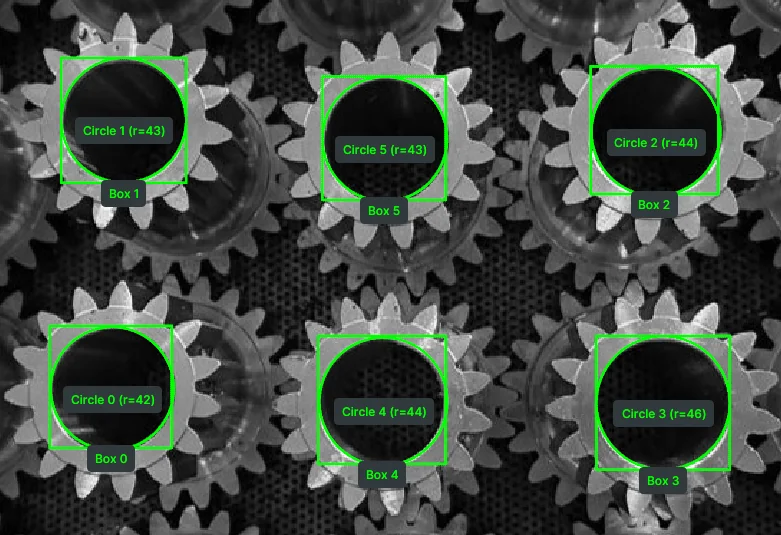

 Telekinesis Agentic OS


What is Telekinesis?
Telekinesis is the Agentic OS for general-purpose robots. It provides a unified Python library that brings the entire Physical AI stack together: Vision-Language-Action models, World Models, perception, planning, hardware interfaces, and more.
At the core of Telekinesis is the Physical AI Agent, powered by the Code-as-Policy paradigm. The Agent translates natural language instructions into executable robot programs by composing 200+ production-grade Skills across perception, control, and hardware. Instead of manually engineering every robotics pipeline, developers prompt the desired behavior, and the Agent generates the code required to execute it. Telekinesis shifts robotics from programming robots to prompting them.
Code-as-Policy: Single Prompt to Robot Motion
I have a UR10e robot and an RG6 gripper. I have parts vertically placed in a grid that need to be picked and placed horizontally in a new grid.0:00 / 0:00
Physical AI Agent takes a natural-language instruction and generates executable Telekinesis Skill code that performs the full pick-flip-place task on a real UR10e.
Getting Started
Start with the Quickstart to install and run your first Skill in 5 minutes: no robots required! Subsequent sections cover the full Telekinesis ecosystem: Skills, Agents, Data Engine, BabyROS Middleware, and Industrial Applications.
QUICKSTART
Get Started
Get your first robot running in under 5 minutes.
Start for free →SKILLS
Skill Library
Production-grade building blocks for perception, planning, control, and hardware.
Explore Skills →AGENTS
Physical AI Agents
VLM/LLM-powered systems that transform natural language instructions into executable robotics pipelines.
Explore Agents →DATA ENGINE
Data Infrastructure
Transform petabytes of robot sensor data into training-ready datasets for Physical AI.
Explore Data Engine →BABYROS
Low Latency Middleware
Ultra-low-latency pub/sub infrastructure for robots, sensors, AI agents, and distributed systems.
Explore BabyROS →APPLICATIONS
Industrial Applications
Real-world deployments across manufacturing, logistics, and homes.
Explore Applications →Understanding the Telekinesis Agentic OS
PROMPT
Pick up the aluminum parts from the angled tray and place them in the box in a grid format
ROBOT VIEW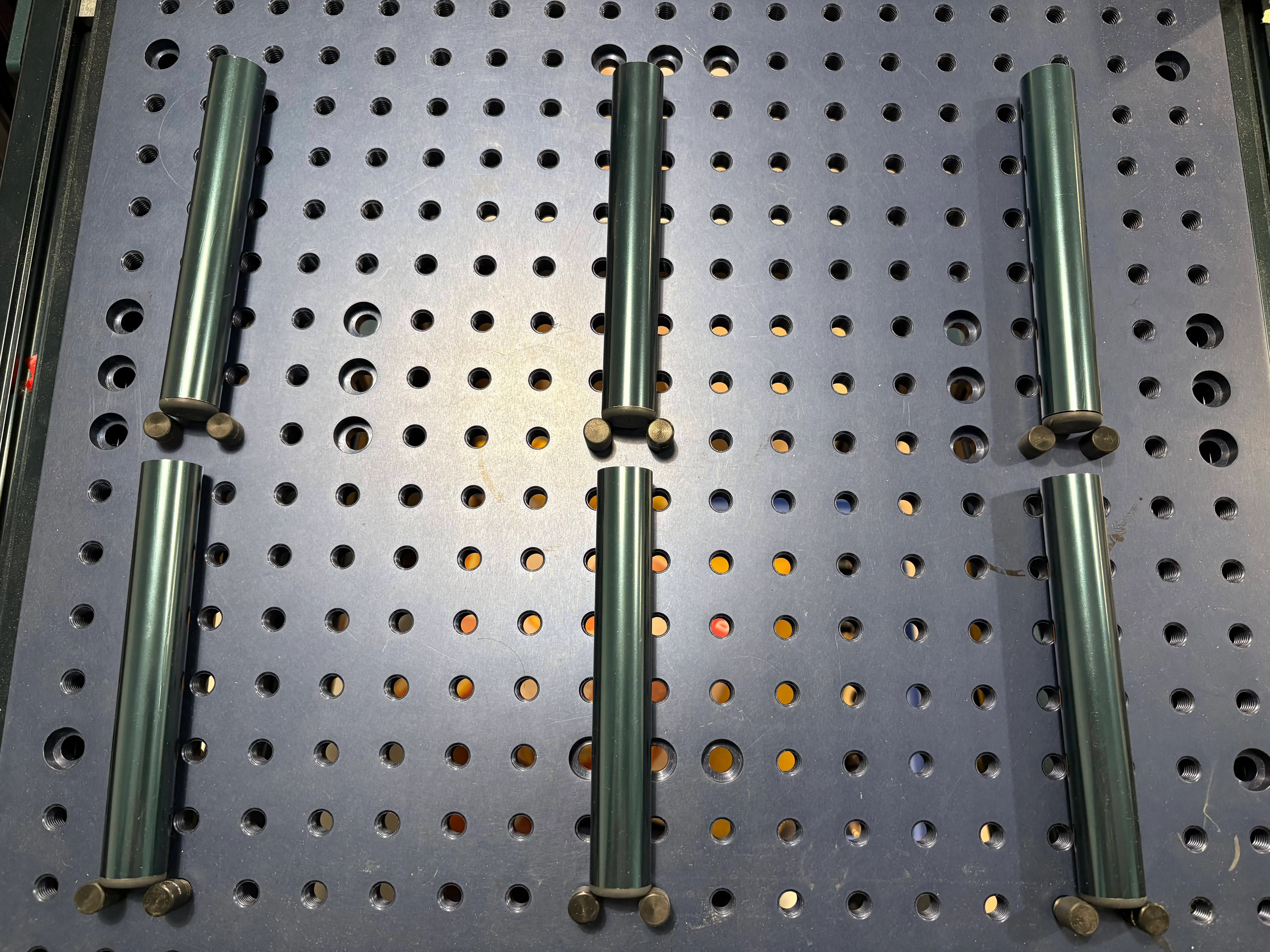
Telekinesis Agentic OSPhysical AI Agent
VLM / LLM for Reasoning
Skills
200+ Skills & BabyROS for Execution
Generated Application via Code-as-Policy
from telekinesis.synapse import universal_robots, onrobot

def main() -> None:
    robot = universal_robots.UniversalRobotsUR10E()
    gripper = onrobot.OnRobotRG2()

    robot_connected = False
    gripper_connected = False

    try:
# …
Data Engine
Data Infrastructure for Continuous Learning
EXECUTION
0:00 / 0:00
- A natural-language prompt and a robot image are sent to the agent.
- The Physical AI Agent reasons with a VLM / LLM and composes from 200+ Skills.
- It generates an executable code policy.
- The robot executes the policy, and the run streams into the Data Engine.
- The Data Engine turns every run into data that continuously improves the Skills.
Telekinesis is a complete robotics stack of five layers — Skills, Agents, Data Engine, BabyROS Middleware, and Industrial Applications — that together close the loop: build a behavior, execute it on real hardware, and feed every run back to improve the next:
Skills: Skills are strongly typed Python functions —
outputs = skill(inputs)— each wrapping one robotics capability behind aDatatypecontract: perception (segmentation, detection, 6D pose estimation, point cloud processing), motion planning and control, robot learning (Reinforcement Learning/Imitation Learning/Visual Language Action Models), and vendor-agnostic hardware I/O for arms, grippers, and cameras (UR, FANUC, KUKA, Robotiq, and more). Because every Skill shares the same typed contracts, one Skill's output feeds directly into the next — so you compose 200+ tested Skills into a pipeline instead of rewriting perception-to-control glue for each task. Call them directly, or let Agents orchestrate them.Physical AI Agents: A Physical AI Agent is a VLM/LLM system that turns a natural-language prompt into a complete executable robot program. Following the Code-as-Policy paradigm, an Agent composes existing Skills into executable Python code — and generates new Skills when one doesn't exist yet. The result is readable code you can inspect, debug, and version-control, not opaque low-level commands.
Data Engine: The Data Engine is the data infrastructure layer for Physical AI. It captures every Skill run — typed inputs/outputs, sensor streams, transforms, trajectories, and outcomes — and fuses these asynchronous, event-driven signals into aligned, batched, tabular datasets that are ready to train on, with no per-project logging or alignment glue. Replay failures against successful runs to debug, generate photorealistic synthetic data via Extreme Domain Randomization, then evaluate, train, and optimize your Skills and Agents — closing the loop from every deployment back into better robots.
BabyROS Middleware: the communication layer — ultra-low-latency pub/sub and client/server messaging built on Zenoh that connects Skills, sensors, actuators, and control loops across microcontrollers, edge devices, and the cloud. You get ROS-style ergonomics from a single
pip install babyros— no system-wide install, workspace overlays, or custom.msgfiles — so you can run the full autonomy stack as distributed nodes behind one interface across hardware.Industrial Applications: production robot solutions — part and screw sorting, bin picking, depalletizing, repackaging, conveyor inspection, and more — built from the same Skills and Agents you use everywhere else. Prototype and validate in simulation, then deploy to real hardware with the identical code, compressing the path from research prototype to a reliable, repeatable Physical AI system.
Skills
Skills are reusable modular operations for perception, robotics, and decision-making that can be chained into workflows for Physical AI applications in manufacturing, logistics and more.
Skill Example 1 - Vision - segment_image_using_sam3: Segmentation on an image using SAM3 model.
Python
python
from telekinesis import cornea                                # Import Cornea - Image segmentation module

# Executing a 2D image segmentation Skill
result = cornea.segment_image_using_sam3(                      # Executing Skill - `segment_image_using_sam3`
    image=image,
    bboxes=[[400, 150, 1200, 450]]
)
# Access results
annotations = result.to_list()
Skill Example 2 - Robot - set_joint_positions: Set robot joint positions.
Python
python
# Example 2
from telekinesis.synapse.robots.manipulators.universal_robots import UniversalRobotsUR10E # Importing the UR10E robot interface from Synapse - Robotics module

# Create and connect the robot
robot = UniversalRobotsUR10E()
robot.connect(ip="192.168.1.2")
# Execute a motion control Skill to set joint positions
robot.set_joint_positions(
    joint_positions=[0, 90, 0, -90, 0, 90],
    speed=60,
    acceleration=80,
    asynchronous=False
)
# Disconnect the robot after execution
robot.disconnect()
Robotics Skills
Control a wide set of different industrial and mobile robots such as Universal Robots, Anybotics and others through one consistent Python interface.
python
from telekinesis import synapse # robotics skills0:00 / 0:00
Manipulators
0:00 / 0:00
Mobile Robots & Quadrupeds
0:00 / 0:00
Humanoids
Computer Vision Skills
Use production-grade computer vision Skill Groups for obstacle detection, pose estimation, point-cloud processing, and AI model training and much more.
python
from telekinesis import cornea            # image segmentation skills
from telekinesis import retina            # object detection skills
from telekinesis import pupil             # image processing skills
from telekinesis import vitreous          # point cloud processing skills
from telekinesis import iris              # AI model training skills
from telekinesis.medulla import cameras   # Medulla hardware communication skills
0:00 / 0:00
6D Pose Estimation from Point Clouds
Object Detection
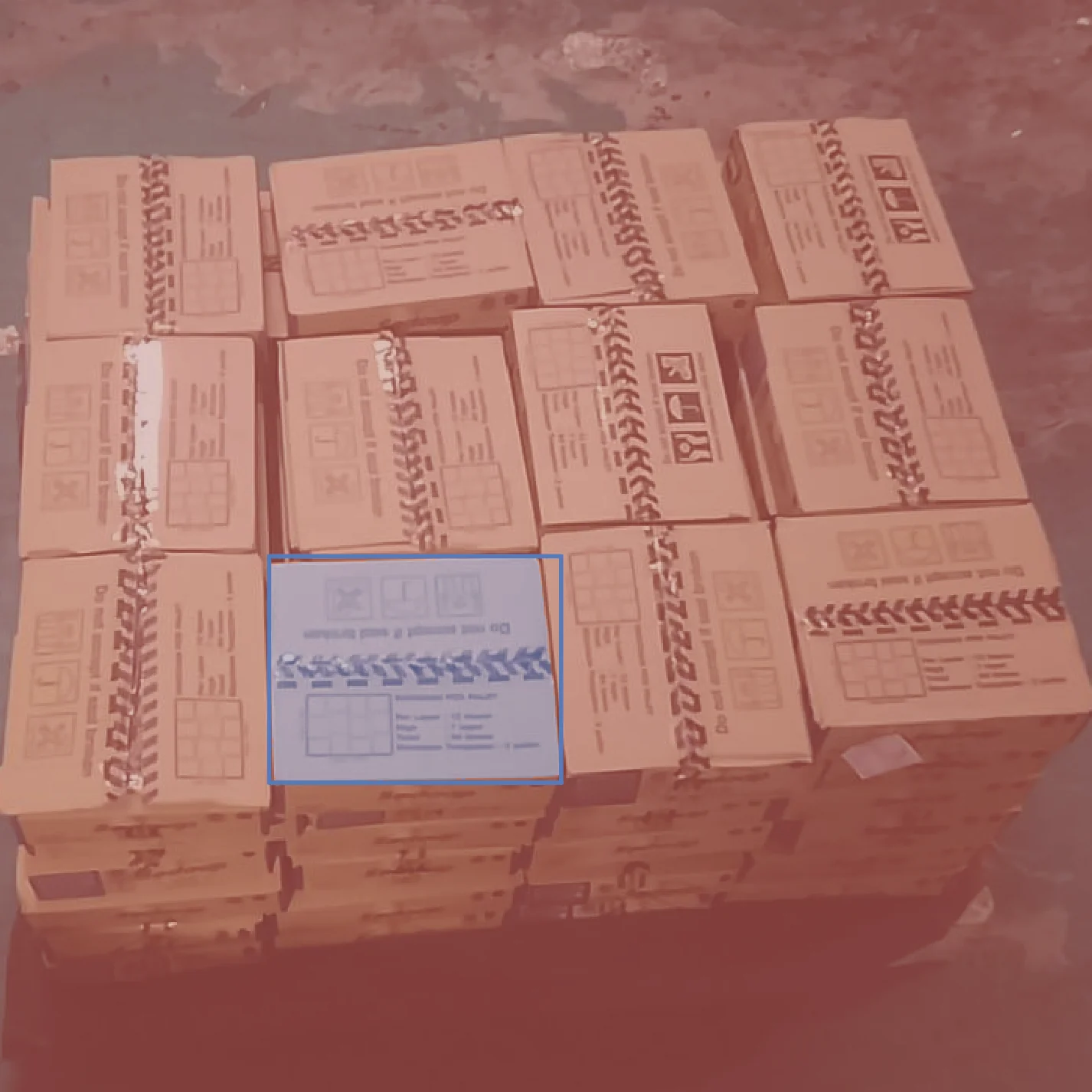
Object Segmentation
Camera Calibration Skills
Calibrate cameras and camera-robot systems for accurate perception geometry — intrinsics, eye-in-hand, and multi-camera extrinsics.
python
from telekinesis import axon # camera calibration skills0:00 / 0:00
UR10e + Sensopart
0:00 / 0:00
UR10e + RealSense
0:00 / 0:00
Epson + RealSense
Reinforcement Learning, Imitation Learning and Vision-Language-Action Model Skills
Train and deploy learned robot policies and behaviors for locomotion, manipulation, and control.
python
from telekinesis import rlbotics # reinforcement learning skills0:00 / 0:00
Training in mjlab
0:00 / 0:00
Training in Isaac Lab
0:00 / 0:00
Training in Gymnasium
Synthetic Dataset Generation Skills
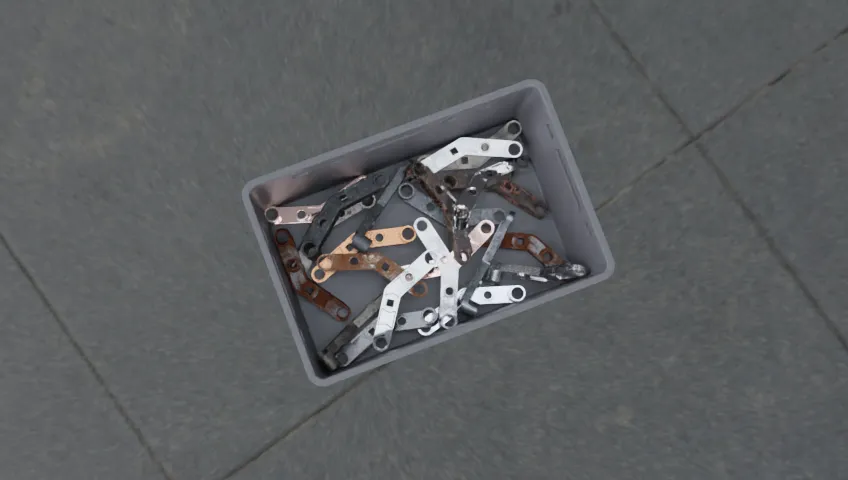
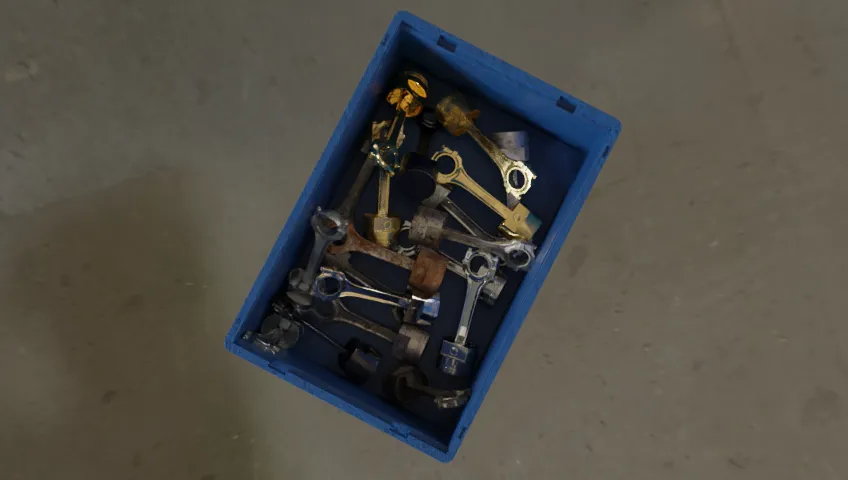
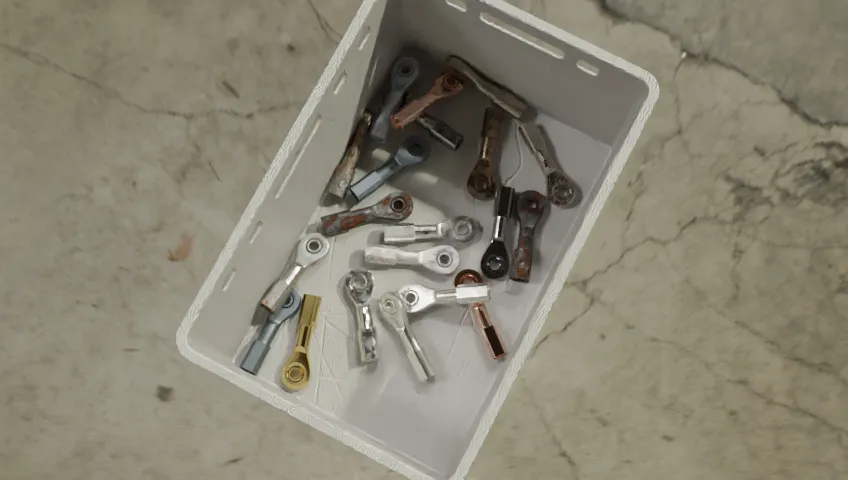
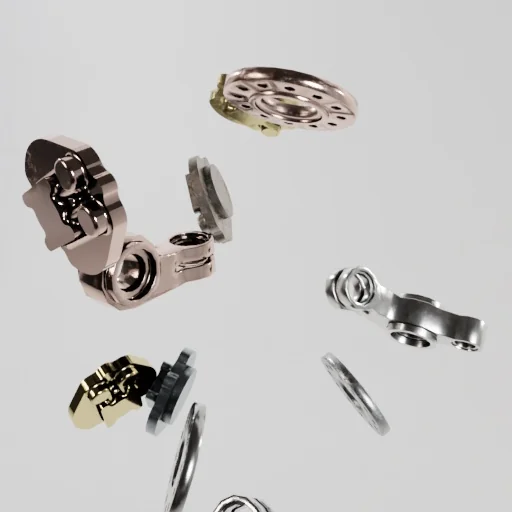
Generate photo-realistic synthetic datasets to train and validate computer vision models.
python
from telekinesis import illusion # synthetic data generation skills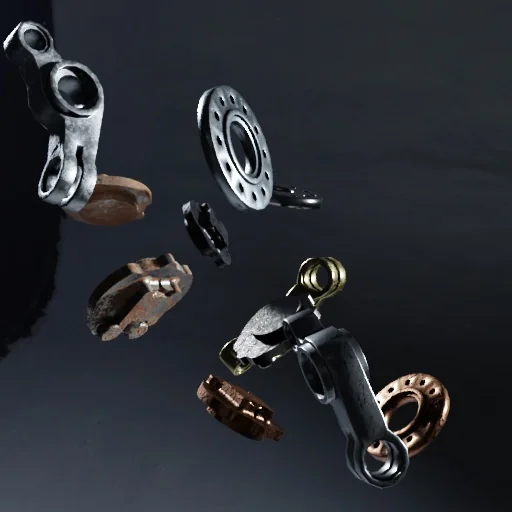
Synthetic Image 1
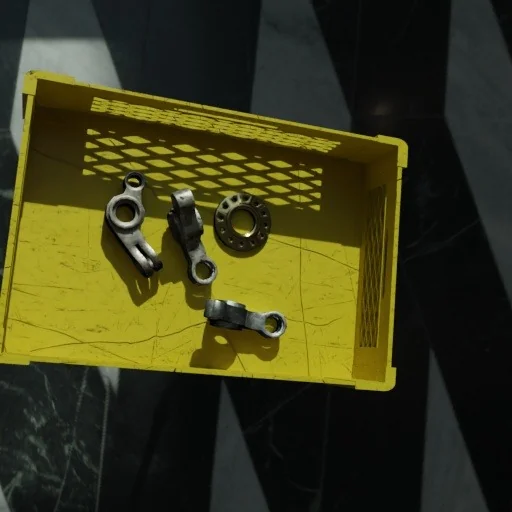
Synthetic Image 2
Synthetic Image 3
Physical AI Agents
Physical AI Agents turn natural-language prompts into executable robot code by orchestrating the Telekinesis Skill Library. Use Tzara — our VS Code extension — to write a prompt and get a runnable Python program back.
Prompt:
I have a UR10e and an RG6 gripper, I want to do a repackaging task where the parts are placed in a rectangular grid and need to be placed into
another grid where there is a fixed offset on the x axis and the y axis and every other row is offset from the previous row. The first row has
n slots, second m third n etc. Every other row is identical. When picking up the parts do not open the gripper all the way as the parts are close.
Start and end the program at a home position.
0:00 / 0:00
Physical AI Agents take natural language instructions and generate executable code using the Telekinesis Skill Library to perform complex robotics tasks. All code runs locally and is fully auditable.
Prompt:
I have a UR10e and an RG6 gripper. I have parts vertically placed in a grid that need to be picked and placed horizontally
in a new grid (requires a -90-degree flip between pick and place around the y axis). Add an optional intermediate joint
pose before the flip. Add logging at each step.
0:00 / 0:00
Physical AI Agent takes a natural-language instruction and generates executable Telekinesis Skill code that performs the full pick-flip-place task on a real UR10e.
Data Engine
The memory layer of Telekinesis — automatically captures sensor streams, robot states, transforms, and full Skill I/O from every run. Replay failures against successful runs to debug, then turn it all into production-grade datasets for training, evaluation, and continual learning.
Synthetic Data
Skill Training
training loss
Deployment
0:00 / 0:00
Data Collection
t (ms)positions (m)
0[0.00, 0.00, 0.30]
20[0.01, −0.02, 0.29]
40[0.03, −0.05, 0.27]
60[0.06, −0.08, 0.24]
80[0.09, −0.10, 0.21]
100[0.12, −0.11, 0.19]
120[0.14, −0.11, 0.18]
140[0.15, −0.10, 0.18]
- Synthetic data seeds the first Skills.
- Skills are trained on the data.
- Trained Skills deploy and execute on real robots.
- Every run is captured as new data — which feeds back into training.
The Data Engine ingests unstructured, event-driven data from multiple sources and fuses it into structured tabular datasets optimized for training Physical AI models.
BabyROS Middleware
Ultra-low-latency pub/sub and client/server messaging built on Zenoh that connects sensors, actuators, AI modules, and control loops across microcontrollers, edge devices, and the cloud. ROS-style ergonomics with a single pip install babyros — no system-wide dependencies, workspace overlays, or custom .msg files required.
BabyROS uses ROS-style publish/subscribe and client/server architectures for inter-device communication in distributed robotics systems, but with a lightweight, ultra-low latency middleware built on Zenoh.
bash
pip install babyrosExample Publisher:
Python
python
import babyros

publisher = babyros.node.Publisher(topic="data/topic")
publisher.publish({"data": 123})
Example Subscriber:
Python
python
import babyros

def callback(message):
    print("Received:", message)

subscriber = babyros.node.Subscriber(topic="data/topic", callback=callback)
Industrial Applications
Build real-world robotics and Physical AI applications for industries such as manufacturing, automotive, aerospace and others.
0:00 / 0:00
Relay Soldering
0:00 / 0:00
Laser Engraving
0:00 / 0:00
Assembly
0:00 / 0:00
Carton Palletizing
0:00 / 0:00
Quality Control (Panda)
0:00 / 0:00
Gear Assembly
Join our Discord Community to Add your Own Skills
The Telekinesis Agentic Skill Library is the beginning of a vibrant ecosystem. Whether you are a researcher, a hobbyist, or an industrial engineer, your work belongs here. Release your Skill, let others improve it, and see it deployed in real-world systems.