

Quickstart
Run your first example in 5 minutes!
Install the Telekinesis SDK
Python 3.11 or 3.12 is required. We recommend using a virtual environment.
pip install telekinesis-aiTo upgrade if telekinesis-ai is already installed:
pip install --upgrade --upgrade-strategy eager telekinesis-aiSet your API key
Get your free API key from the Telekinesis Platform.
API Key Setup Walkthrough
Watch a quick video guide on how to get and configure your API key.
Watch on YouTube →setx TELEKINESIS_API_KEY "<your_api_key>"
$env:TELEKINESIS_API_KEY="<your_api_key>"echo 'export TELEKINESIS_API_KEY="<your_api_key>"' >> ~/.bashrc
source ~/.bashrcecho 'export TELEKINESIS_API_KEY="<your_api_key>"' >> ~/.zshrc
source ~/.zshrcecho 'set -gx TELEKINESIS_API_KEY "<your_api_key>"' >> ~/.config/fish/config.fish
source ~/.config/fish/config.fishRun the Quickstart Example
Pick the manipulator to see the expected output!
Copy and paste the below script as quickstart.py.
"""
Telekinesis quickstart: drive a Universal Robots robot along a YZ-plane circle via Cartesian pose targets.
No Hardware Required - runs entirely in software with live visualization in Rerun.

Traces a closed circle with radius 0.20m in the YZ plane around the home TCP pose. The TCP
path is drawn live as a connected line with a hue gradient (older
segments blue, newest red).

Run:
    python quickstart_set_cartesian_pose_universal_robots.py
"""

import colorsys

import numpy as np
import rerun as rr

from telekinesis.synapse.robots.manipulators import universal_robots


def visualize_path(path: list[list[float]], entity: str = "/trajectory") -> None:
    """Draw the TCP path as connected segments with a blue→red hue gradient."""

    if len(path) < 2:
        return
    segments = [[path[i], path[i + 1]] for i in range(len(path) - 1)]
    n = max(1, len(segments) - 1)
    colors = [
        [int(c * 255) for c in colorsys.hsv_to_rgb((1.0 - i / n) * (240.0 / 360.0), 1.0, 1.0)]
        for i in range(len(segments))
    ]
    rr.log(entity, rr.LineStrips3D(segments, colors=colors, radii=0.003))


def main():
    """Trace a YZ-plane circle around the UR16E's home TCP pose, visualized in rerun."""

    # =========================== Create Robot ==================================
    robot = universal_robots.UniversalRobotsUR16E(name="UniversalRobotsUR16E")

    # =========================== Visualization (Optional) =============================
    robot.visualize_rerun()

    # ========================== Draw Circle ====================================
    radius = 0.20
    n_steps = 50

    home_pose = robot.get_cartesian_pose()
    path: list[list[float]] = []
    for step in range(n_steps + 1):
        theta = 2.0 * np.pi * step / n_steps

        # Circle in the YZ plane, offset so it "kisses" the home pose at theta=0.
        pose = home_pose.copy()
        pose[1] = home_pose[1] + radius * np.cos(theta) - radius
        pose[2] = home_pose[2] + radius * np.sin(theta)

        # Move the robot
        try:
            robot.set_cartesian_pose(pose)
        except ValueError:
            continue  # outside reach / joint limits

        actual = robot.get_cartesian_pose()
        path.append([float(actual[0]), float(actual[1]), float(actual[2])])
        visualize_path(path)

if __name__ == "__main__":
main()"""
Telekinesis quickstart: drive a Fanuc robot along a YZ-plane circle via Cartesian pose targets.
No Hardware Required - runs entirely in software with live visualization in Rerun.
Traces a closed circle of radius 0.20m in the YZ plane around the home TCP pose. The TCP
path is drawn live as a connected line with a hue gradient (older
segments blue, newest red).
Run:
python quickstart_set_cartesian_pose_fanuc.py
"""
import colorsys
import numpy as np
import rerun as rr
from telekinesis.synapse.robots.manipulators import fanuc
def visualize_path(path: list[list[float]], entity: str = "/trajectory") -> None:
"""Draw the TCP path as connected segments with a blue→red hue gradient."""
if len(path) < 2:
return
segments = [[path[i], path[i + 1]] for i in range(len(path) - 1)]
n = max(1, len(segments) - 1)
colors = [
[int(c * 255) for c in colorsys.hsv_to_rgb((1.0 - i / n) * (240.0 / 360.0), 1.0, 1.0)]
for i in range(len(segments))
]
rr.log(entity, rr.LineStrips3D(segments, colors=colors, radii=0.003))
def main():
"""Trace a YZ-plane circle around the Fanuc's home TCP pose, visualized in rerun."""
# =========================== Create Robot ==================================
robot = fanuc.FanucM10IA(name="FanucM10IA")
# =========================== Visualization (Optional) =============================
robot.visualize_rerun()
# ========================== Draw Circle ====================================
radius = 0.2
n_steps = 50
home_pose = robot.get_cartesian_pose()
path: list[list[float]] = []
for step in range(n_steps + 1):
theta = 2.0 * np.pi * step / n_steps
# Circle in the YZ plane, offset so it "kisses" the home pose at theta=0.
pose = home_pose.copy()
pose[1] = home_pose[1] + radius * np.cos(theta) - radius
pose[2] = home_pose[2] + radius * np.sin(theta)
# Move the robot
try:
robot.set_cartesian_pose(pose)
except ValueError:
continue # outside reach / joint limits
actual = robot.get_cartesian_pose()
path.append([float(actual[0]), float(actual[1]), float(actual[2])])
visualize_path(path)
if __name__ == "__main__":
main()"""
Telekinesis quickstart: drive a Neura Robotics robot along a YZ-plane circle via Cartesian pose targets.
No Hardware Required - runs entirely in software with live visualization in Rerun.
Traces a closed circle of radius 0.30m in the YZ plane around the home TCP pose. The TCP
path is drawn live as a connected line with a hue gradient (older
segments blue, newest red).
Run:
python quickstart_set_cartesian_pose_neura_robotics.py
"""
import colorsys
import numpy as np
import rerun as rr
from telekinesis.synapse.robots.manipulators import neura_robotics
def visualize_path(path: list[list[float]], entity: str = "/trajectory") -> None:
"""Draw the TCP path as connected segments with a blue→red hue gradient."""
if len(path) < 2:
return
segments = [[path[i], path[i + 1]] for i in range(len(path) - 1)]
n = max(1, len(segments) - 1)
colors = [
[int(c * 255) for c in colorsys.hsv_to_rgb((1.0 - i / n) * (240.0 / 360.0), 1.0, 1.0)]
for i in range(len(segments))
]
rr.log(entity, rr.LineStrips3D(segments, colors=colors, radii=0.003))
def main():
"""Trace a YZ-plane circle around the MAiRA7M's home TCP pose, visualized in rerun."""
# =========================== Create Robot ==================================
robot = neura_robotics.NeuraRoboticsMAiRA7M(name="NeuraRoboticsMAiRA7M")
# =========================== Visualization (Optional) =============================
robot.visualize_rerun()
# ========================== Draw Circle ====================================
radius = 0.30
n_steps = 50
home_pose = robot.get_cartesian_pose()
path: list[list[float]] = []
for step in range(n_steps + 1):
theta = 2.0 * np.pi * step / n_steps
# Circle in the YZ plane, offset so it "kisses" the home pose at theta=0.
pose = home_pose.copy()
pose[1] = home_pose[1] + radius * np.cos(theta) - radius
pose[2] = home_pose[2] + radius * np.sin(theta)
# Move the robot
try:
robot.set_cartesian_pose(pose)
except ValueError:
continue # outside reach / joint limits
actual = robot.get_cartesian_pose()
path.append([float(actual[0]), float(actual[1]), float(actual[2])])
visualize_path(path)
if __name__ == "__main__":
main()"""
Telekinesis quickstart: drive an ABB robot along a YZ-plane circle via Cartesian pose targets.
No Hardware Required - runs entirely in software with live visualization in Rerun.
Traces a closed circle of radius 0.50m in the YZ plane around the home TCP pose. The TCP
path is drawn live as a connected line with a hue gradient (older
segments blue, newest red).
Run:
python quickstart_set_cartesian_pose_abb.py
"""
import colorsys
import numpy as np
import rerun as rr
from telekinesis.synapse.robots.manipulators import abb
def visualize_path(path: list[list[float]], entity: str = "/trajectory") -> None:
"""Draw the TCP path as connected segments with a blue→red hue gradient."""
if len(path) < 2:
return
segments = [[path[i], path[i + 1]] for i in range(len(path) - 1)]
n = max(1, len(segments) - 1)
colors = [
[int(c * 255) for c in colorsys.hsv_to_rgb((1.0 - i / n) * (240.0 / 360.0), 1.0, 1.0)]
for i in range(len(segments))
]
rr.log(entity, rr.LineStrips3D(segments, colors=colors, radii=0.003))
def main():
"""Trace a YZ-plane circle around the ABB's home TCP pose, visualized in rerun."""
# =========================== Create Robot ==================================
robot = abb.AbbIRB7600150350(name="AbbIRB7600150350")
# =========================== Visualization (Optional) =============================
robot.visualize_rerun()
# ========================== Draw Circle ====================================
radius = 0.5
n_steps = 50
home_pose = robot.get_cartesian_pose()
path: list[list[float]] = []
for step in range(n_steps + 1):
theta = 2.0 * np.pi * step / n_steps
# Circle in the YZ plane, offset so it "kisses" the home pose at theta=0.
pose = home_pose.copy()
pose[1] = home_pose[1] + radius * np.cos(theta) - radius
pose[2] = home_pose[2] + radius * np.sin(theta)
# Move the robot
try:
robot.set_cartesian_pose(pose)
except ValueError:
continue # outside reach / joint limits
actual = robot.get_cartesian_pose()
path.append([float(actual[0]), float(actual[1]), float(actual[2])])
visualize_path(path)
if __name__ == "__main__":
main()"""
Telekinesis quickstart: drive a Franka Robotics robot along a YZ-plane circle via Cartesian pose targets.
No Hardware Required - runs entirely in software with live visualization in Rerun.
Traces a closed circle of radius 0.10m in the YZ plane around the home TCP pose. The TCP
path is drawn live as a connected line with a hue gradient (older
segments blue, newest red).
Run:
python quickstart_set_cartesian_pose_franka_robotics.py
"""
import colorsys
import numpy as np
import rerun as rr
from telekinesis.synapse.robots.manipulators import franka_robotics
def visualize_path(path: list[list[float]], entity: str = "/trajectory") -> None:
"""Draw the TCP path as connected segments with a blue→red hue gradient."""
if len(path) < 2:
return
segments = [[path[i], path[i + 1]] for i in range(len(path) - 1)]
n = max(1, len(segments) - 1)
colors = [
[int(c * 255) for c in colorsys.hsv_to_rgb((1.0 - i / n) * (240.0 / 360.0), 1.0, 1.0)]
for i in range(len(segments))
]
rr.log(entity, rr.LineStrips3D(segments, colors=colors, radii=0.003))
def main():
"""Trace a YZ-plane circle around the Panda's home TCP pose, visualized in rerun."""
# =========================== Create Robot ==================================
robot = franka_robotics.FrankaRoboticsPanda(name="FrankaRoboticsPanda")
# =========================== Visualization (Optional) =============================
robot.visualize_rerun()
# ========================== Draw Circle ====================================
radius = 0.10
n_steps = 50
home_pose = robot.get_cartesian_pose()
path: list[list[float]] = []
for step in range(n_steps + 1):
theta = 2.0 * np.pi * step / n_steps
# Circle in the YZ plane, offset so it "kisses" the home pose at theta=0.
pose = home_pose.copy()
pose[1] = home_pose[1] + radius * np.cos(theta) - radius
pose[2] = home_pose[2] + radius * np.sin(theta)
# Move the robot
try:
robot.set_cartesian_pose(pose)
except ValueError:
continue # outside reach / joint limits
actual = robot.get_cartesian_pose()
path.append([float(actual[0]), float(actual[1]), float(actual[2])])
visualize_path(path)
if __name__ == "__main__":
main()"""
Telekinesis quickstart: drive a KUKA robot along a YZ-plane circle via Cartesian pose targets.
No Hardware Required - runs entirely in software with live visualization in Rerun.
Traces a closed circle of radius 0.50m in the YZ plane around the home TCP pose. The TCP
path is drawn live as a connected line with a hue gradient (older
segments blue, newest red).
Run:
python quickstart_set_cartesian_pose_kuka.py
"""
import colorsys
import numpy as np
import rerun as rr
from telekinesis.synapse.robots.manipulators import kuka
def visualize_path(path: list[list[float]], entity: str = "/trajectory") -> None:
"""Draw the TCP path as connected segments with a blue→red hue gradient."""
if len(path) < 2:
return
segments = [[path[i], path[i + 1]] for i in range(len(path) - 1)]
n = max(1, len(segments) - 1)
colors = [
[int(c * 255) for c in colorsys.hsv_to_rgb((1.0 - i / n) * (240.0 / 360.0), 1.0, 1.0)]
for i in range(len(segments))
]
rr.log(entity, rr.LineStrips3D(segments, colors=colors, radii=0.003))
def main():
"""Trace a YZ-plane circle around the KUKA's home TCP pose, visualized in rerun."""
# =========================== Create Robot ==================================
robot = kuka.KukaKR1502(name="KukaKR1502")
# =========================== Visualization (Optional) =============================
robot.visualize_rerun()
# ========================== Draw Circle ====================================
radius = 0.5
n_steps = 50
home_pose = robot.get_cartesian_pose()
path: list[list[float]] = []
for step in range(n_steps + 1):
theta = 2.0 * np.pi * step / n_steps
# Circle in the YZ plane, offset so it "kisses" the home pose at theta=0.
pose = home_pose.copy()
pose[1] = home_pose[1] + radius * np.cos(theta) - radius
pose[2] = home_pose[2] + radius * np.sin(theta)
# Move the robot
try:
robot.set_cartesian_pose(pose)
except ValueError:
continue # outside reach / joint limits
actual = robot.get_cartesian_pose()
path.append([float(actual[0]), float(actual[1]), float(actual[2])])
visualize_path(path)
if __name__ == "__main__":
main()"""
Telekinesis quickstart: drive a Yaskawa Motoman robot along a YZ-plane circle via Cartesian pose targets.
No Hardware Required - runs entirely in software with live visualization in Rerun.
Traces a closed circle of radius 0.10m in the YZ plane around the home TCP pose. The TCP
path is drawn live as a connected line with a hue gradient (older
segments blue, newest red).
Run:
python quickstart_set_cartesian_pose_motoman.py
"""
import colorsys
import numpy as np
import rerun as rr
from telekinesis.synapse.robots.manipulators import motoman
def visualize_path(path: list[list[float]], entity: str = "/trajectory") -> None:
"""Draw the TCP path as connected segments with a blue→red hue gradient."""
if len(path) < 2:
return
segments = [[path[i], path[i + 1]] for i in range(len(path) - 1)]
n = max(1, len(segments) - 1)
colors = [
[int(c * 255) for c in colorsys.hsv_to_rgb((1.0 - i / n) * (240.0 / 360.0), 1.0, 1.0)]
for i in range(len(segments))
]
rr.log(entity, rr.LineStrips3D(segments, colors=colors, radii=0.003))
def main():
"""Trace a YZ-plane circle around the Motoman's home TCP pose, visualized in rerun."""
# =========================== Create Robot ==================================
robot = motoman.MotomanMH5(name="MotomanMH5")
# =========================== Visualization (Optional) =============================
robot.visualize_rerun()
# ========================== Draw Circle ====================================
radius = 0.10
n_steps = 50
home_pose = robot.get_cartesian_pose()
path: list[list[float]] = []
for step in range(n_steps + 1):
theta = 2.0 * np.pi * step / n_steps
# Circle in the YZ plane, offset so it "kisses" the home pose at theta=0.
pose = home_pose.copy()
pose[1] = home_pose[1] + radius * np.cos(theta) - radius
pose[2] = home_pose[2] + radius * np.sin(theta)
# Move the robot
try:
robot.set_cartesian_pose(pose)
except ValueError:
continue # outside reach / joint limits
actual = robot.get_cartesian_pose()
path.append([float(actual[0]), float(actual[1]), float(actual[2])])
visualize_path(path)
if __name__ == "__main__":
main()"""
Telekinesis quickstart: drive an Epson robot along an XZ-plane circle via Cartesian pose targets.
No Hardware Required - runs entirely in software with live visualization in Rerun.
Traces a closed circle of radius 0.08m in the XZ plane around the home TCP pose. The TCP
path is drawn live as a connected line with a hue gradient (older
segments blue, newest red).
Run:
python quickstart_set_cartesian_pose_epson.py
"""
import colorsys
import numpy as np
import rerun as rr
from telekinesis.synapse.robots.manipulators import epson
def visualize_path(path: list[list[float]], entity: str = "/trajectory") -> None:
"""Draw the TCP path as connected segments with a blue→red hue gradient."""
if len(path) < 2:
return
segments = [[path[i], path[i + 1]] for i in range(len(path) - 1)]
n = max(1, len(segments) - 1)
colors = [
[int(c * 255) for c in colorsys.hsv_to_rgb((1.0 - i / n) * (240.0 / 360.0), 1.0, 1.0)]
for i in range(len(segments))
]
rr.log(entity, rr.LineStrips3D(segments, colors=colors, radii=0.003))
def main():
"""Trace an XZ-plane circle around the Epson's home TCP pose, visualized in rerun."""
# =========================== Create Robot ==================================
robot = epson.EpsonCX4A601S(name="EpsonCX4A601S")
# =========================== Visualization (Optional) =============================
robot.visualize_rerun()
# ========================== Draw Circle ====================================
radius = 0.08
n_steps = 50
home_pose = robot.get_cartesian_pose()
path: list[list[float]] = []
for step in range(n_steps + 1):
theta = 2.0 * np.pi * step / n_steps
# Circle in the XZ plane, offset so it "kisses" the home pose at theta=0.
# The CX4-A601S URDF reaches along +Y, so XZ is the plane in front of it.
pose = home_pose.copy()
pose[0] = home_pose[0] + radius * np.cos(theta) - radius
pose[2] = home_pose[2] + radius * np.sin(theta)
# Move the robot
try:
robot.set_cartesian_pose(pose)
except ValueError:
continue # outside reach / joint limits
actual = robot.get_cartesian_pose()
path.append([float(actual[0]), float(actual[1]), float(actual[2])])
visualize_path(path)
if __name__ == "__main__":
main()Run quickstart.py and see the output!
python quickstart.py(Optional) Advanced Installation
The SDK you just installed covers every Skill. Four things install separately, and only if you need them:
- The Telekinesis Agent — Tzara, the VS Code extension that turns natural-language instructions into robot code.
- Industrial camera support — vendor extras for IDS, Intel RealSense and Zivid. USB webcams already work.
- RLBotics — PPO training in Gymnasium, mjlab or Isaac Lab, with its own PyTorch build.
- BabyROS — pub/sub and client/server messaging between devices, in one
pipcommand.
Advanced Installation
Install the Tzara agent, industrial camera extras, RLBotics, or the BabyROS middleware.
Configure →Where to Go Next?
Now, let's dive into the Tutorials to learn how to use Telekinesis.
Tutorials
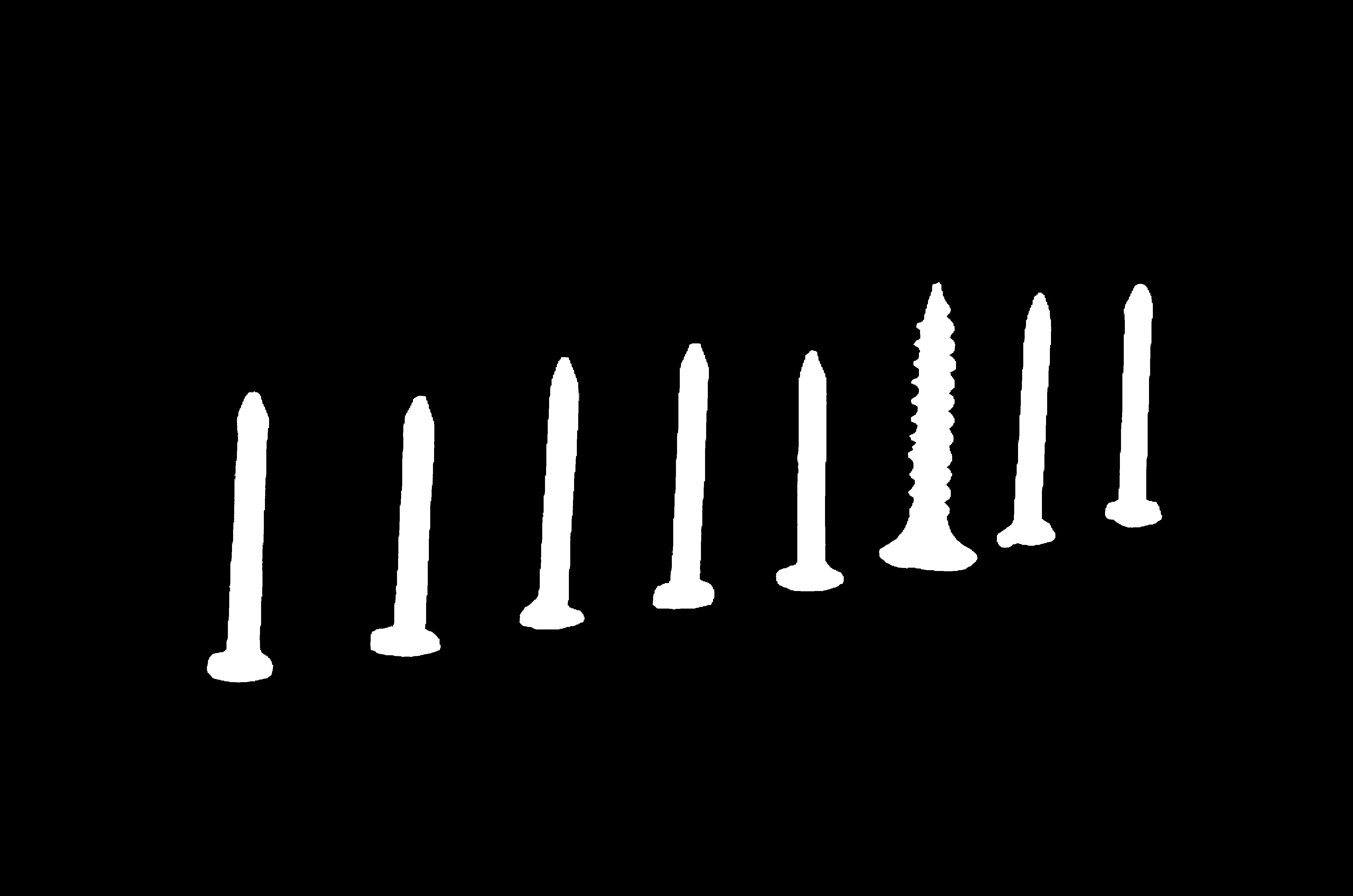
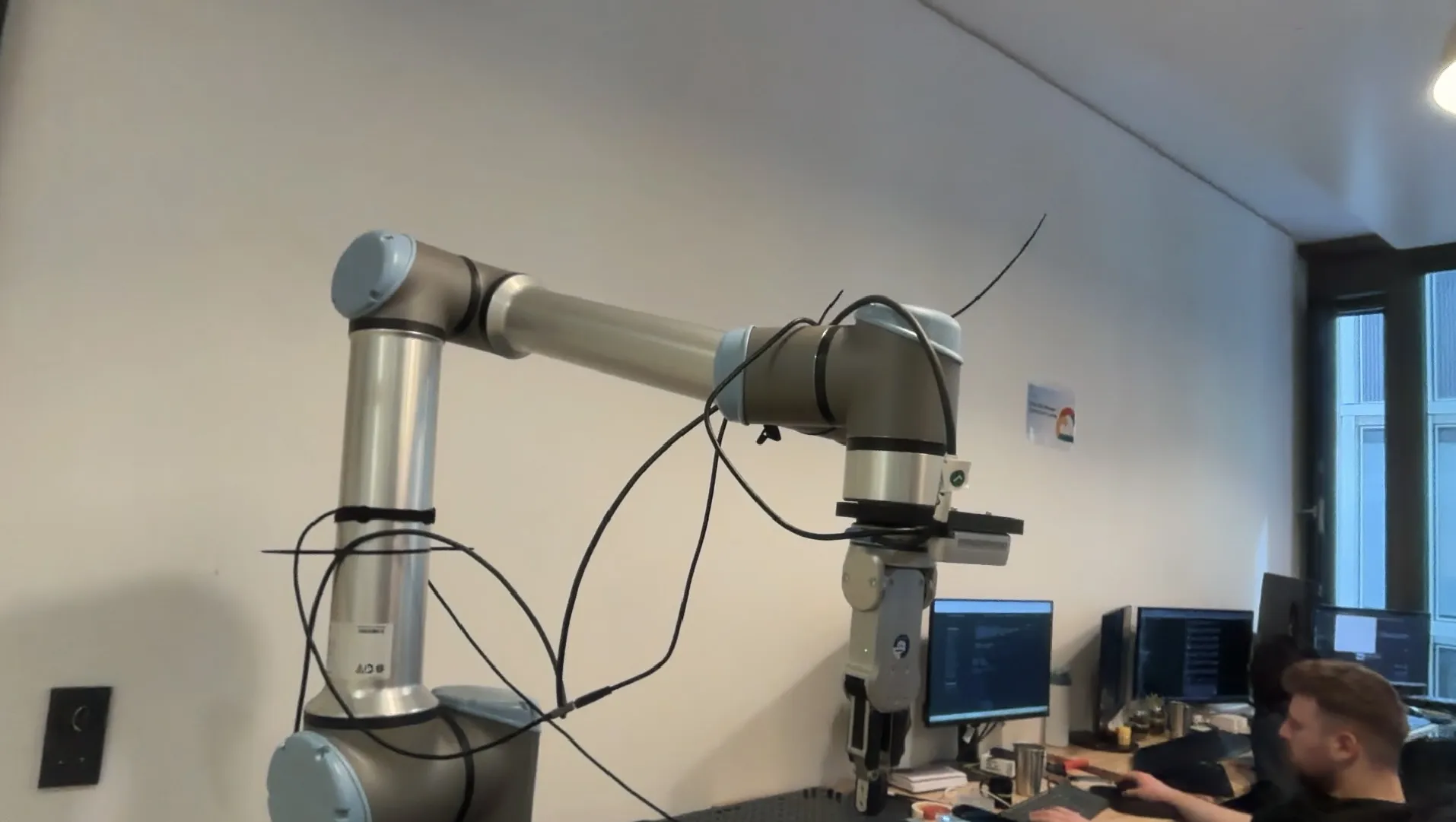
Set Cartesian Pose, Set Joint Positions, Capture from Webcam, Voxel Downsampling, and more.
Explore tutorials →Explore the Docs
Skills
Vision, 3D, hardware, and robotics skills — the full API reference.
Explore →Agents
Turn natural-language instructions into robot code with Tzara, the VS Code agent.
Explore →Data Engine
Generate and manage synthetic datasets for training Physical AI models.
Explore →BabyROS
Lightweight pub/sub and service primitives for building robot communication layers.
Explore →Applications
Real-world use cases: pick-and-place, palletizing, quality inspection, and more.
Explore →