

Segment Image Using LAB
SUMMARY
Segment Image Using LAB performs LAB color space segmentation.
LAB color space is perceptually uniform, meaning that equal distances in LAB space correspond to equal perceived color differences. This makes LAB segmentation more intuitive for human-defined color ranges and better for applications requiring perceptual color matching.
Use this Skill when you want to segment objects based on perceptually uniform color differences.
The Skill
from telekinesis import cornea

result = cornea.segment_image_using_lab(
    image=image,
    lower_bound=(0, 0, 0),
upper_bound=(255, 255, 255))Example
Input Image
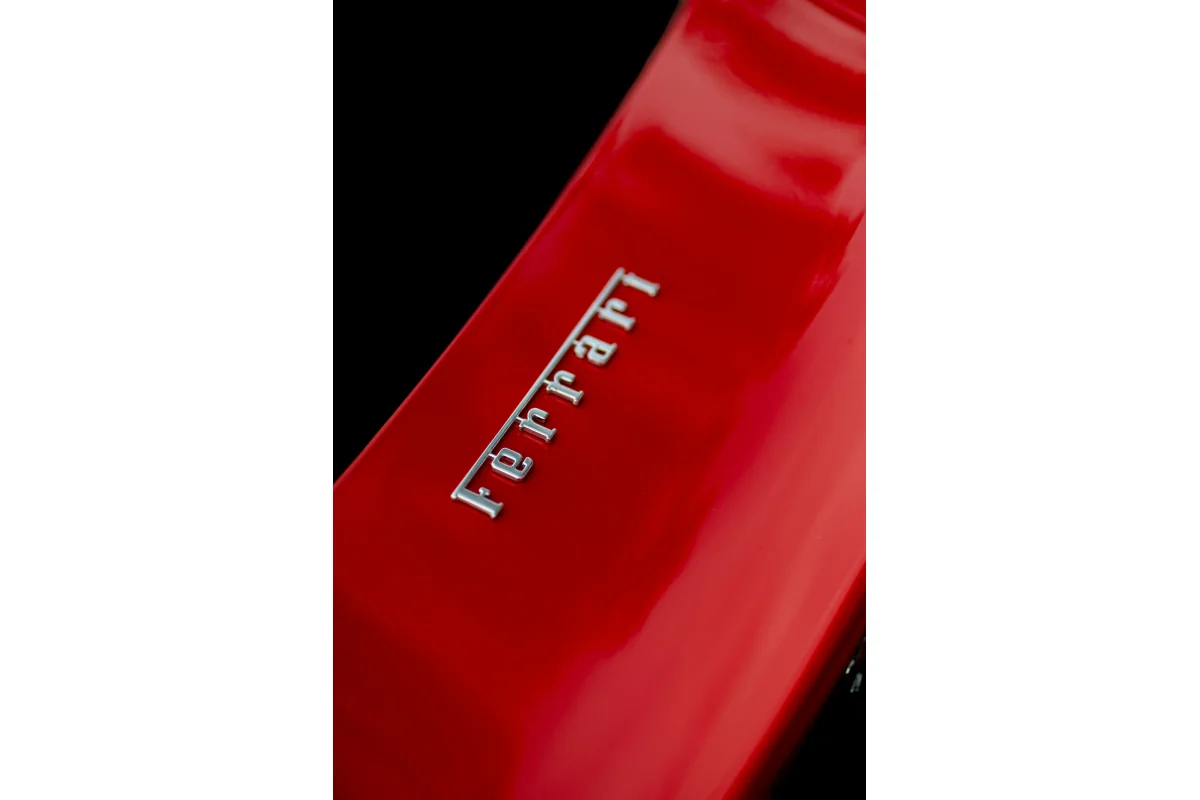
Original image for LAB color segmentation
Output Image
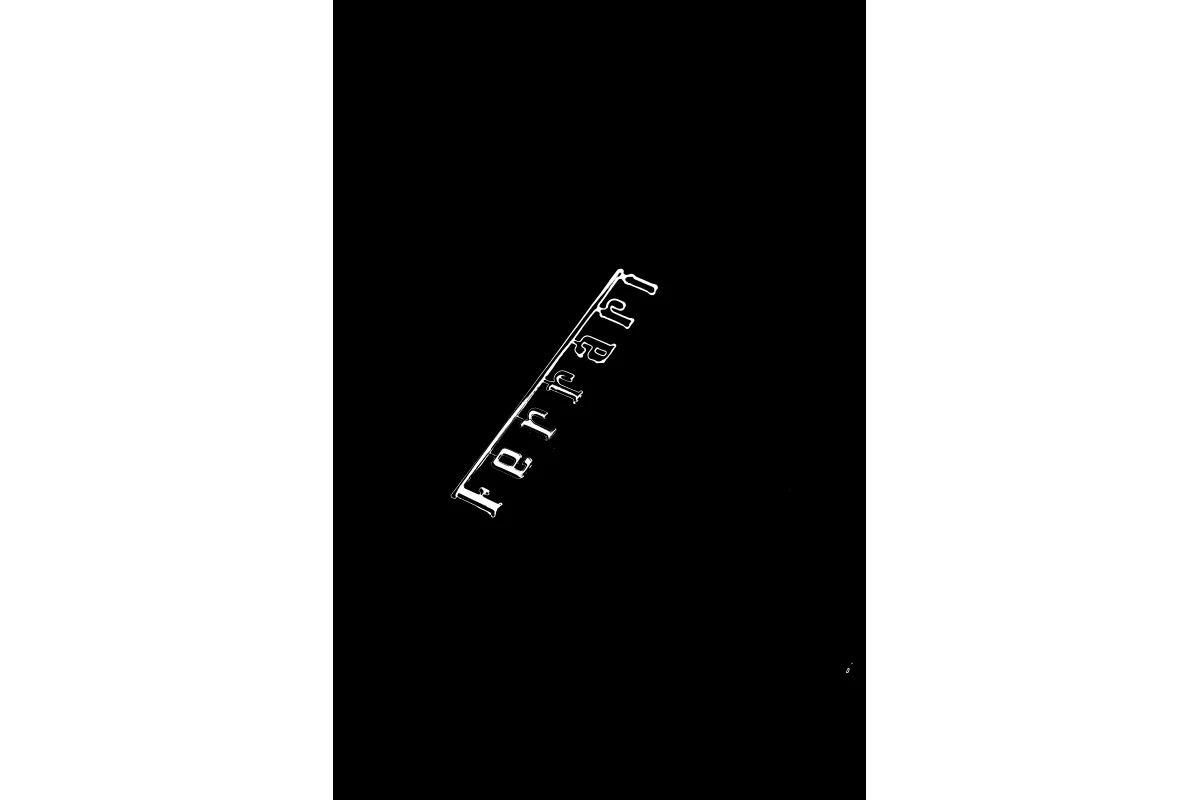
Segmented image by LAB color range
The Code
import pathlib

from telekinesis import cornea
from datatypes import io

DATA_DIR = pathlib.Path("path/to/telekinesis-data")

# Load image
filepath = str(DATA_DIR / "images" / "car_painting.jpg")
image = io.load_image(filepath=filepath)

# Perform LAB segmentation
result = cornea.segment_image_using_lab(
    image=image,
    lower_bound=(120, 50, 50),
    upper_bound=(180, 255, 255),
)

# Access results
annotation = result["annotation"].to_dict()
mask = annotation['labeled_mask']
The Explanation of the Code
LAB segmentation converts the image to LAB color space and identifies pixels within a specified LAB range. LAB (L*a*b*) is a perceptually uniform color space.
Understanding L*, A*, B* in Code:
In the code, the bounds are specified as (L, A, B) tuples where all values are scaled to 0-255:
| Channel | Name | Original Range | Scaled Range | Description |
|---|---|---|---|---|
| L* | Lightness | 0-100 | 0-255 | Black (0) to White (255) |
| A* | Green-Red | -128 to 127 | 0-255 | Green (0) to Red (255), neutral at 128 |
| B* | Blue-Yellow | -128 to 127 | 0-255 | Blue (0) to Yellow (255), neutral at 128 |
The code begins by importing the required modules and loading an image:
import pathlib

from telekinesis import cornea
from datatypes import io

DATA_DIR = pathlib.Path("path/to/telekinesis-data")
filepath = str(DATA_DIR / "images" / "car_painting.jpg")
image = io.load_image(filepath=filepath)
The LAB segmentation parameters are configured:
result = cornea.segment_image_using_lab(
    image=image,
    lower_bound=(120, 50, 50),
    upper_bound=(180, 255, 255),
)
The function returns a dictionary containing an annotation object in COCO panoptic format. Extract the mask as follows:
annotation = result["annotation"].to_dict()
mask = annotation['labeled_mask']
Running the Example
Runnable examples are available in the Telekinesis examples repository. Follow the README in that repository to set up the environment. Once set up, you can run this specific example with:
cd telekinesis-examples
python examples/cornea_examples.py --example segment_image_using_lab
How to Tune the Parameters
The segment_image_using_lab Skill has 2 parameters:
lower_bound (default: (0, 0, 0)):
- Lower bound for LAB range as a tuple
(L, A, B) - Units: All channels scaled to 0-255
- L (Lightness): Lower values = darker pixels included
- A (Green-Red): Lower values = more green tones included
- B (Blue-Yellow): Lower values = more blue tones included
upper_bound (default: (255, 255, 255)):
- Upper bound for LAB range as a tuple
(L, A, B) - Units: All channels scaled to 0-255
- L (Lightness): Higher values = brighter pixels included
- A (Green-Red): Higher values = more red tones included
- B (Blue-Yellow): Higher values = more yellow tones included
TIP
Best practice: Use a color picker that provides LAB values, or convert RGB/HSV to LAB to determine appropriate bounds. Remember that A=128 and B=128 represent neutral (gray) colors.
Where to Use the Skill
Segment Image Using LAB is commonly used in the following pipelines:
- Perceptual color matching - When color differences need to match human perception
- Quality control - Color inspection requiring perceptual uniformity
- Material classification - Color-based sorting with perceptual consistency
- Design applications - Color-based segmentation matching human color perception
Alternative Skills
| Skill | vs. Segment Image Using LAB |
|---|---|
| segment_image_using_hsv | HSV is more robust to lighting. Use HSV for varying lighting, LAB for perceptual uniformity. |
| segment_image_using_rgb | RGB is simpler. Use RGB for direct pixel values, LAB for perceptual color matching. |
When Not to Use the Skill
Do not use Segment Image Using LAB when:
- You need maximum lighting robustness (Use HSV instead)
- Color is not a distinguishing feature (Consider other segmentation methods)
TIP
LAB color space is particularly useful when color selection needs to match human perception, such as in design or quality control applications.