

Conveyor Segmentation using SAM
SUMMARY
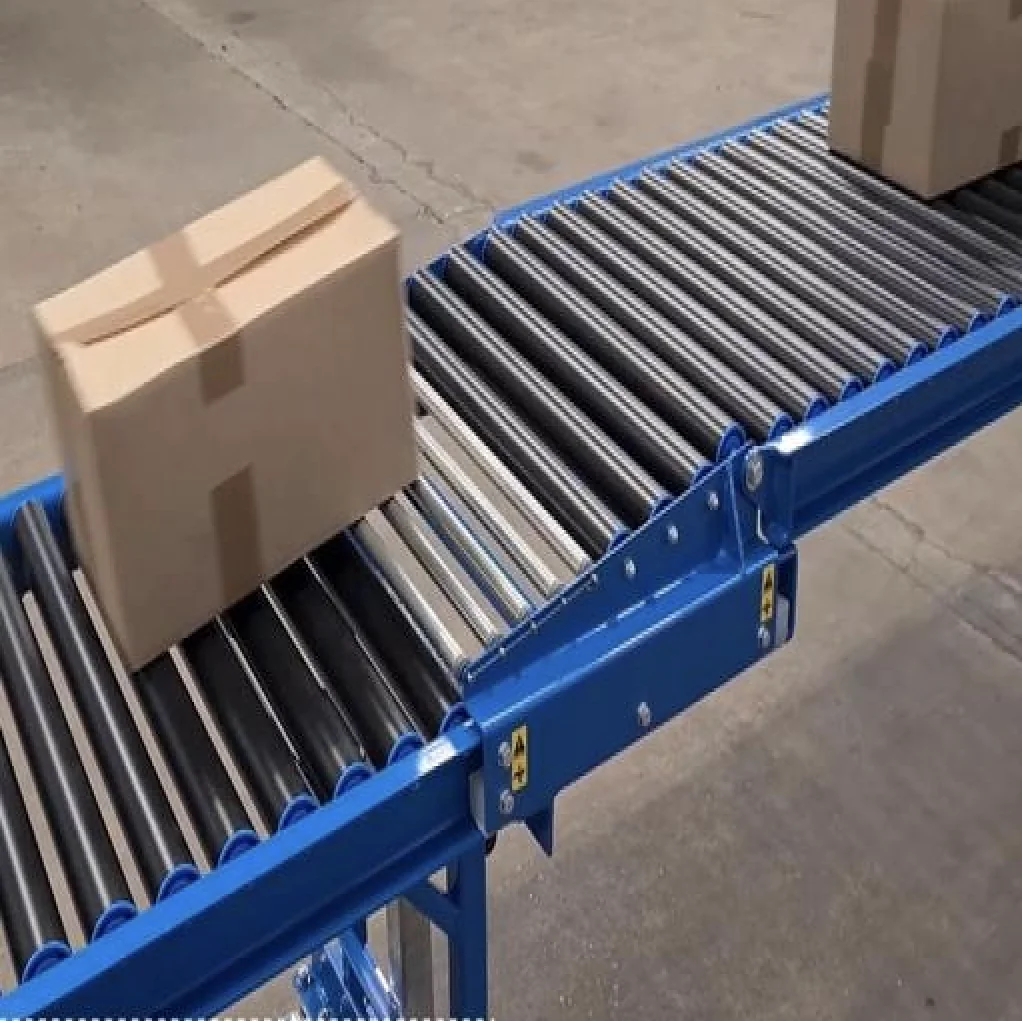
This section demonstrates how to use the Cornea module to solve a real-world industrial problem: conveyor tracking.
Conveyor tracking refers to monitoring and identifying products, parts, or packages as they move along a conveyor belt in a factory or warehouse as part of automation tasks such as counting, sorting, quality inspection, robotic pick-and-place etc.
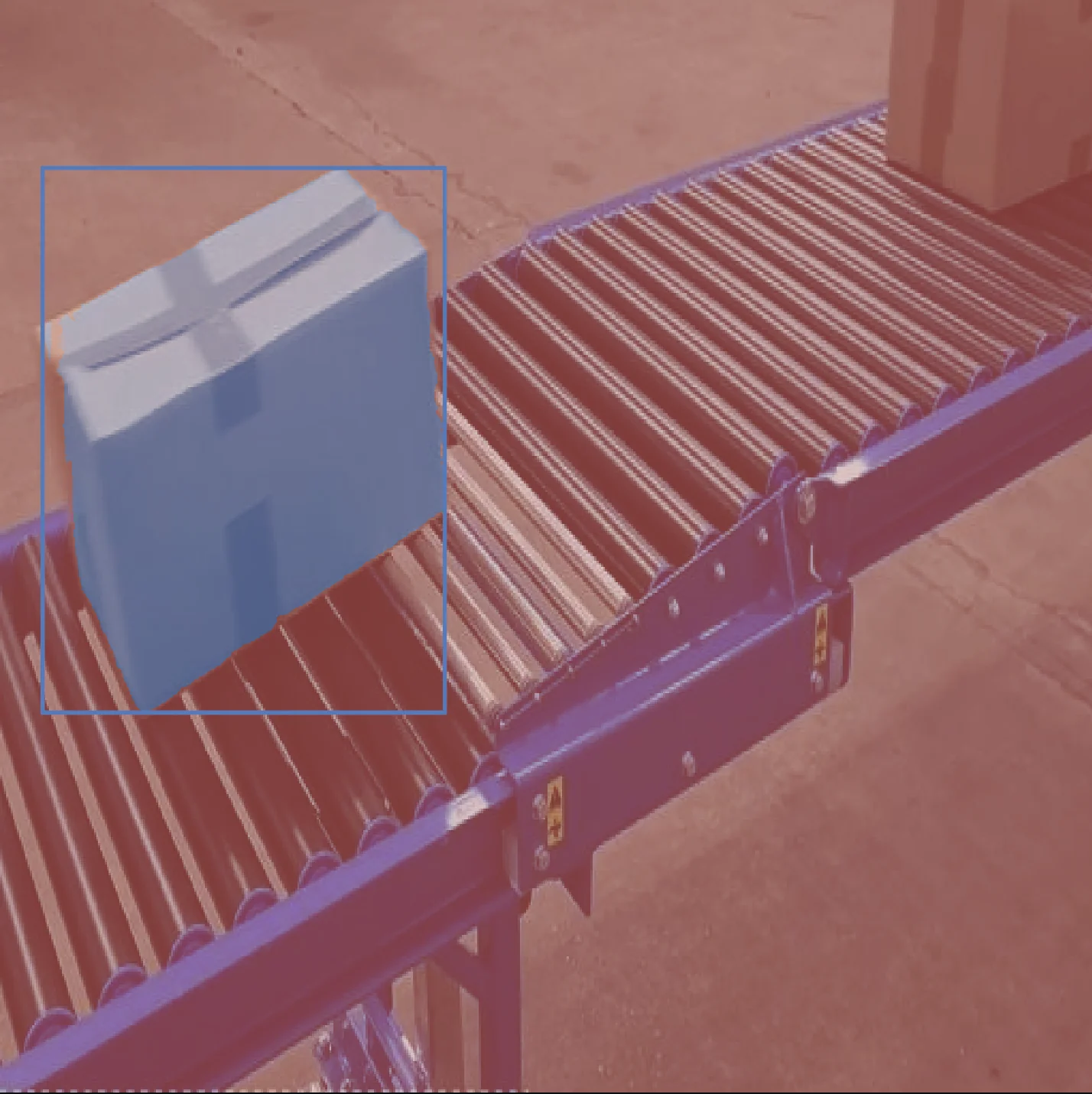
The skill segment_image_using_sam segments each object in real time, assigns a bounding box and a unique ID, which can be used downstream for conveyor tracking.
Details on the skill, code, and practical usage are provided below.
The Skill
segment_image_using_sam segments objects in images, producing annotations which containes attributes such as id, segmentations and bounding boxes for each item. The output is in COCO-style annotation format, making it easy to integrate with downstream tools and workflows.
See below for a code example demonstrating how to load a conveyor image, segment objects using SAM, and access the resulting annotations for further processing or visualization.
The Code
from telekinesis import cornea
from datatypes import io

# 1. Load a conveyor image (or video frame)
image = io.load_image(filepath="conveyor_tracking_1.webp")

# 2. Define bounding boxes for regions of interests
bounding_boxes = [[x_min, y_min, x_max, y_max], ...]

# 3. Segment objects using SAM
result = cornea.segment_image_using_sam(image=image, bbox=bounding_boxes)
ann

# 4. Access COCO-style annotations for visualization and processing
annotations = result["annotation"].to_list()
Going Further: Tracking After Segmentation
Once you have segmented objects in each frame using SAM, you can add a tracking step to follow objects as they move along the conveyor. This involves assigning consistent IDs to segmented objects across frames, enabling you to monitor their movement, count items, or trigger actions downstream.
How to add tracking:
- Choose a tracking algorithm: Popular choices include SORT, DeepSORT, or simple centroid-based matching.
- Extract features: Use the bounding boxes or masks from segmentation as input to the tracker.
- Track across frames: For each new frame, match segmented objects to those in previous frames and assign IDs.
Key Takeaway
By combining segmentation with tracking, you unlock powerful automation and analytics capabilities for conveyor systems.
Other Typical Applications
- Automated sorting and pick-and-place
- Quality inspection
- Counting and flow monitoring
- Random bin picking
- Inventory management
- Quality inspection
- Palletizing and depalletizing
- Ground segmentation
- Conveyor tracking
Related Skills
segment_image_using_samsegment_using_rgbsegment_using_hsv
Running the Example
Runnable examples are available in the Telekinesis examples repository. Follow the README in that repository to set up the environment. Once set up, you can run a similar example with:
cd telekinesis-examples
python examples/cornea_examples.py --example segment_image_using_sam