

Medulla: Hardware Communication Skills
WARNING
All the cameras were tested on Windows 11 only.
SUMMARY
Medulla is a module in the Telekinesis SDK for connecting to cameras and sensors. It provides tools to interface with various 2D and 3D cameras, and integrate them into Telekinesis applications.
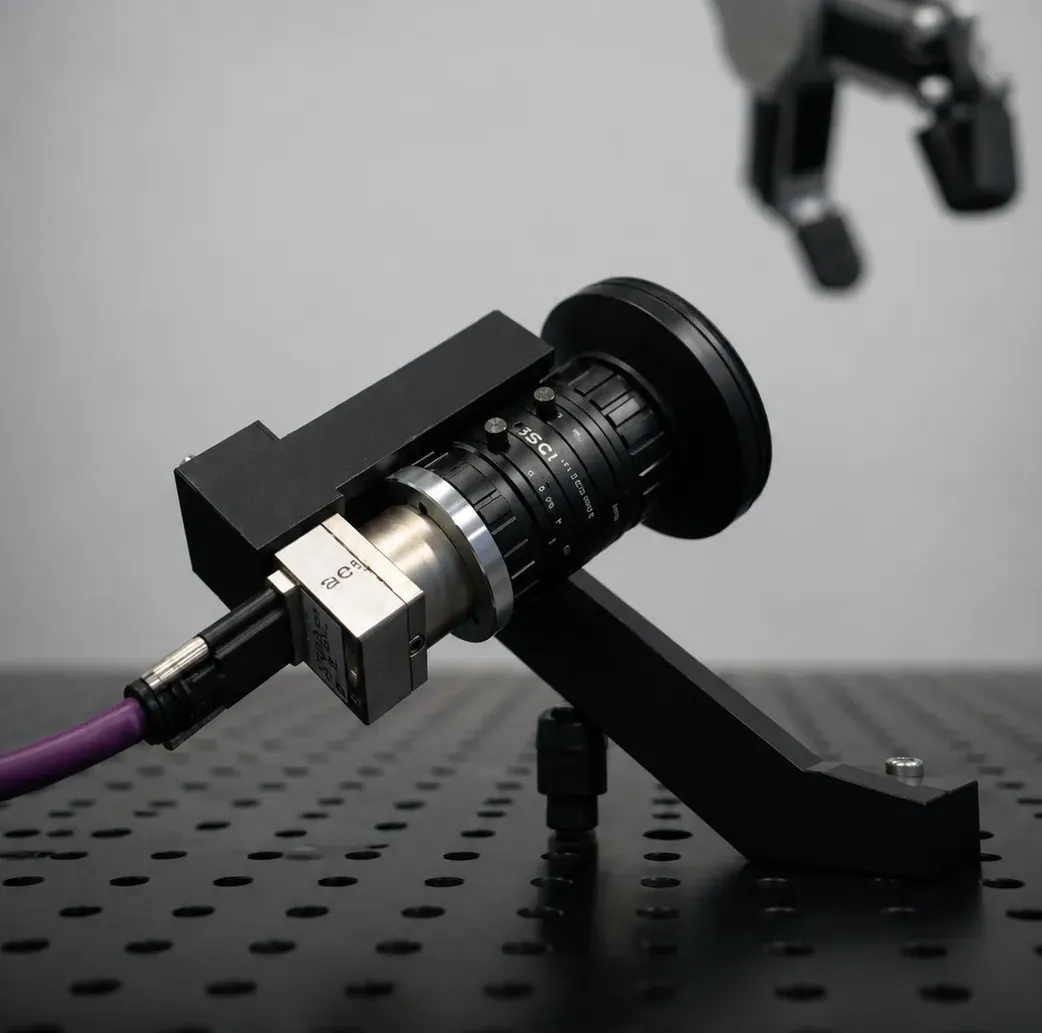
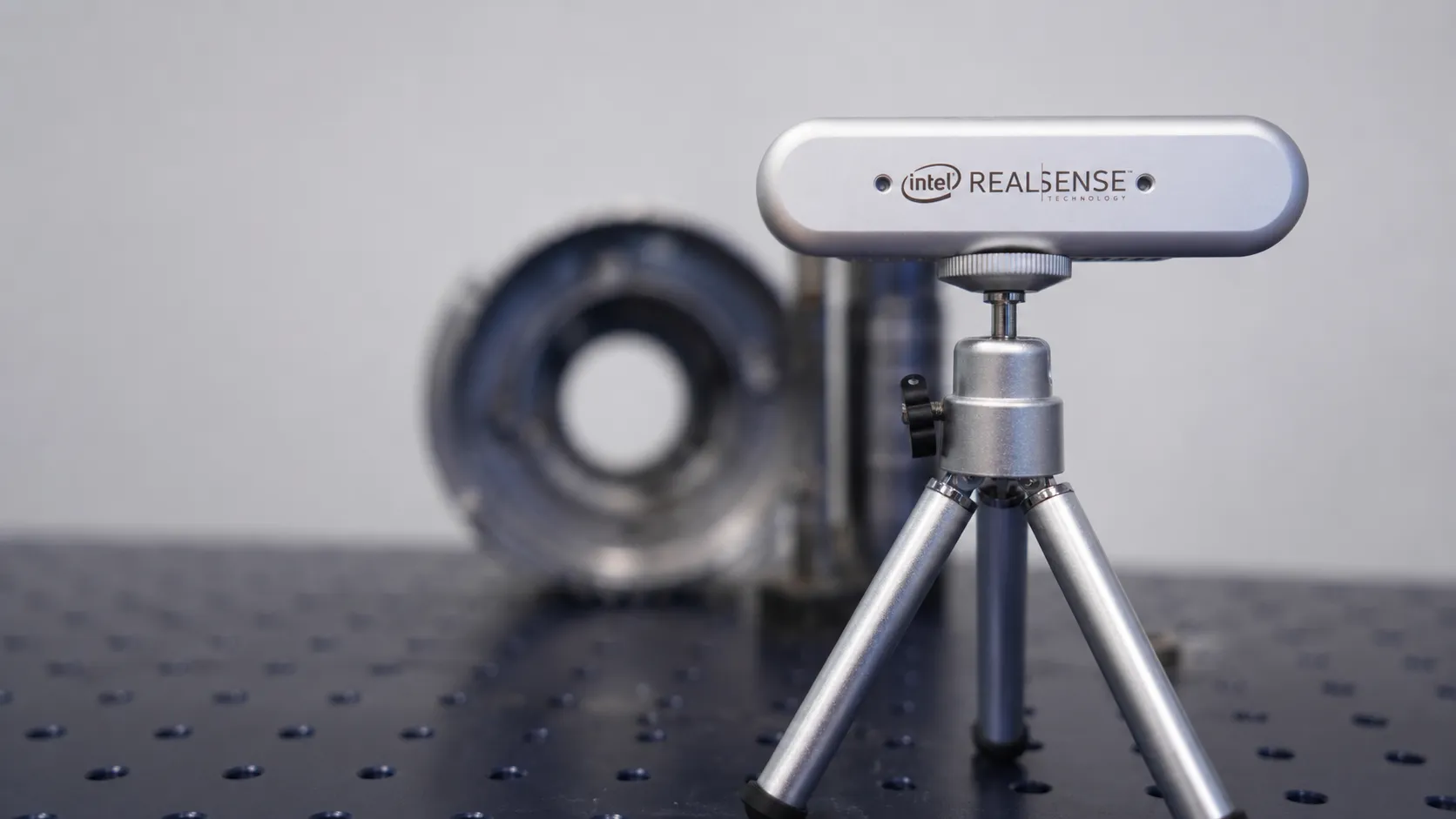
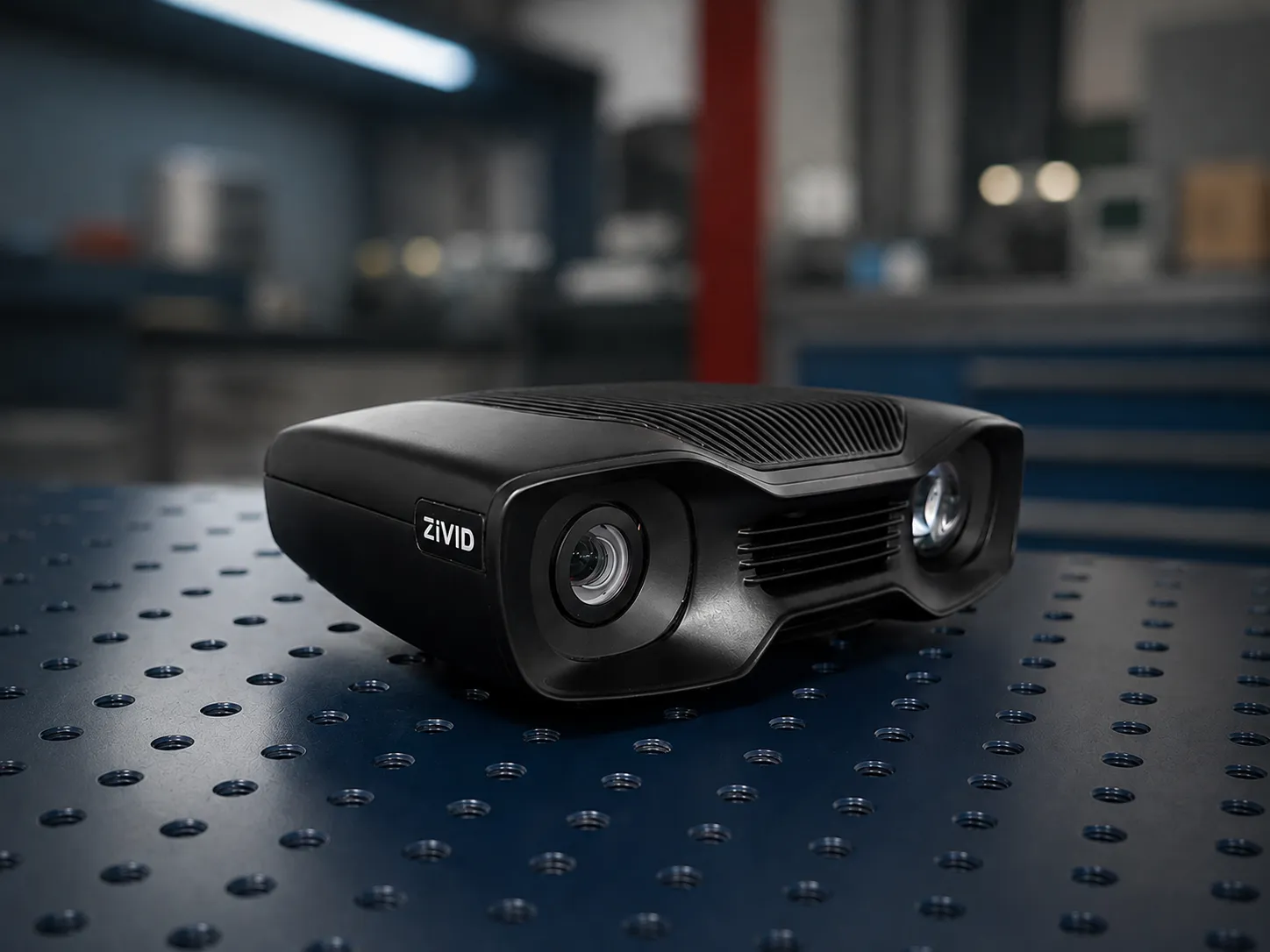
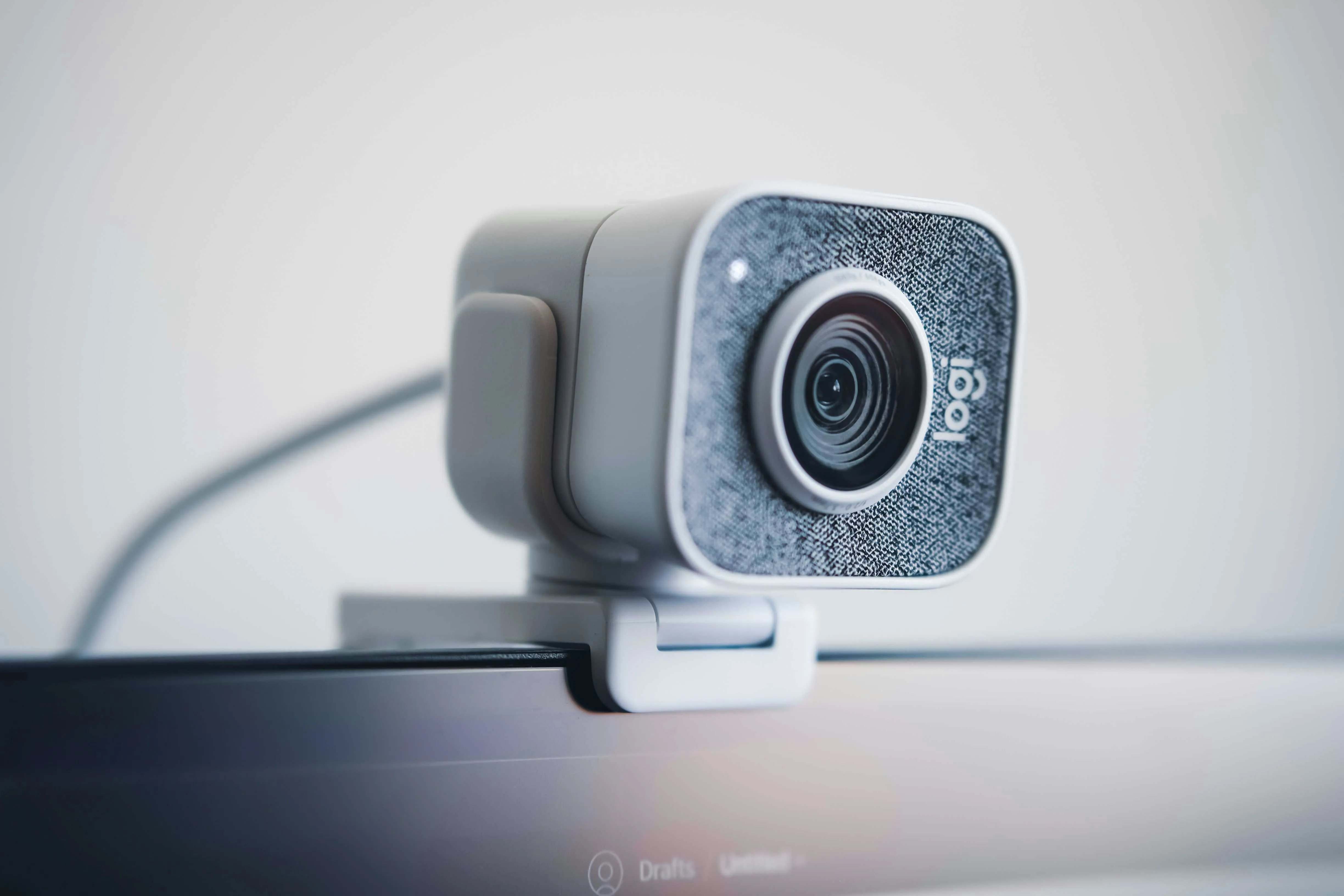
Overview of Skills
Camera Skills 14
camera.connect()MedullaConnect
Open a connection to a camera via the Medulla module of the Telekinesis SDK.
camera.disconnect()MedullaDisconnect
Cleanly release a camera connection in the Medulla module of the Telekinesis SDK.
camera.capture_color_image()MedullaCapture Color Image
Capture a single color frame from a camera using the Medulla module of the Telekinesis SDK.
camera.capture_depth_image()MedullaCapture Depth Image
Capture a single depth frame from a 3D camera using the Medulla module of the Telekinesis SDK.
camera.capture_pointcloud()MedullaCapture Point Cloud
Capture a colour-mapped point cloud from a 3D camera using the Medulla module of the Telekinesis SDK.
camera.capture_video_color_frame()MedullaStream Live Color Video
Stream continuous color frames from a camera using the Medulla module of the Telekinesis SDK.
camera.capture_video_depth_frame()MedullaStream Live Depth Video
Stream continuous depth frames from a 3D camera using the Medulla module of the Telekinesis SDK.
camera.capture_video_pointcloud()MedullaStream Point Cloud
Stream a continuous colour-mapped point cloud from a 3D camera using the Medulla module of the Telekinesis SDK.
camera.get_parameter()MedullaGet Parameter
Read a camera parameter (exposure, frame rate, etc.) using the Medulla module of the Telekinesis SDK.
camera.set_parameter()MedullaSet Parameter
Write a camera parameter (exposure, frame rate, etc.) using the Medulla module of the Telekinesis SDK.
camera.load_settings()MedullaLoad Settings
Load camera settings from a YAML file using the Medulla module of the Telekinesis SDK.
camera.save_settings()MedullaSave Settings
Save camera settings to a YAML file using the Medulla module of the Telekinesis SDK.
Get Intrinsics
Retrieve camera intrinsic parameters using the Medulla module of the Telekinesis SDK.
Publish Video with BabyROS
Stream live video over BabyROS using a server/client split, and remotely control camera capture and parameters via BabyROS topics.
Sensor Skills 4
sensor.connect()MedullaConnection and Disconnection
Connect to and disconnect from a lightbeam sensor prim in a running Isaac Sim stage via the Medulla module of the Telekinesis SDK.
sensor.set_usd()MedullaSet USD
Configure the USD asset used to add a missing lightbeam sensor prim to an Isaac Sim stage with the Medulla module of the Telekinesis SDK.
sensor.is_beam_broken()MedullaIs Beam Broken
Read whether a lightbeam sensor's beam is broken in a running Isaac Sim stage via the Medulla module of the Telekinesis SDK.
sensor.start_stream()MedullaStart and Stop Stream
Start and stop publishing lightbeam sensor states over BabyROS from the Medulla module of the Telekinesis SDK.
Conveyor Skills 3
belt.connect()MedullaConnection and Disconnection
Connect to and disconnect from a conveyor prim in a running Isaac Sim stage via the Medulla module of the Telekinesis SDK.
belt.set_usd()MedullaSet USD
Configure the USD asset used to add a missing conveyor prim to an Isaac Sim stage with the Medulla module of the Telekinesis SDK.
belt.start()MedullaStart and Stop
Run and stop a conveyor belt in a running Isaac Sim stage via the Medulla module of the Telekinesis SDK.
Machine Skills 3
machine.connect()MedullaConnection and Disconnection
Connect to and disconnect from a CNC machine's door prim in a running Isaac Sim stage via the Medulla module of the Telekinesis SDK.
machine.set_usd()MedullaSet USD
Configure the USD asset used to add a missing CNC machine to an Isaac Sim stage with the Medulla module of the Telekinesis SDK.
machine.open()MedullaOpen and Close Door
Slide a CNC machine's door open or closed in a running Isaac Sim stage via the Medulla module of the Telekinesis SDK.
When to Use Medulla?
Use Medulla for robotics applications that require camera and sensor connectivity, such as:
- Streaming camera data for vision pipelines
- Orchestrating multiple cameras for robot perception and control
- Connecting cameras to Physical AI agents
What Does Medulla Provide?
Medulla includes a collection of modular skills for:
- 2D and 3D camera interfacing
- Data acquisition and preprocessing
- Time-synchronized sensor streams
- Integration with Telekinesis modules (Vitreous, Retina, Cornea, Pupil, Neuroplan)
How to Use Medulla?
To use the skills from Medulla, simply use:
from telekinesis.medulla.cameras import webcamHere is a minimal example:
from telekinesis.medulla.cameras import webcam

camera = webcam.Webcam(name="my_webcam_camera", camera_id=0)
camera.connect()
image = camera.capture_color_image()
print(image)
camera.disconnect()
Sensors and conveyors follow the same connect / disconnect pattern, against a prim in a running Isaac Sim stage instead of physical hardware:
from telekinesis.medulla.sensors import isaacsim as lightbeam
from telekinesis.medulla.conveyors import isaacsim as conveyor

sensor = lightbeam.LightBeamSensor(name="cell_1_lightbeam")
sensor.connect(simulation_prim_path="/World/LightBeam_Sensor")

belt = conveyor.Conveyor(name="infeed_belt")
belt.connect(simulation_prim_path="/World/ConveyorBelt_A08")
belt.start()

if sensor.is_beam_broken():
    belt.stop()

sensor.disconnect()
belt.disconnect()