

Resize Image
SUMMARY
Resize Image resizes an image by a uniform scale factor or to exact target dimensions.
Provide either scale_factor (uniform scaling, aspect ratio preserved) or both resize_width and resize_height (exact output size, which distorts the aspect ratio unless the target matches the input's ratio) — never both, and never neither. Use resize_image_with_aspect_fit instead when you need exact output dimensions without distortion, since it pads rather than stretching.
Use this Skill when you want to scale an image by a factor or to specific pixel dimensions.
The Skill
from telekinesis import pupil

resized_image = pupil.resize_image(
    image=image,
    scale_factor=0.5,
    interpolation_method="linear",
)Example
Input Image
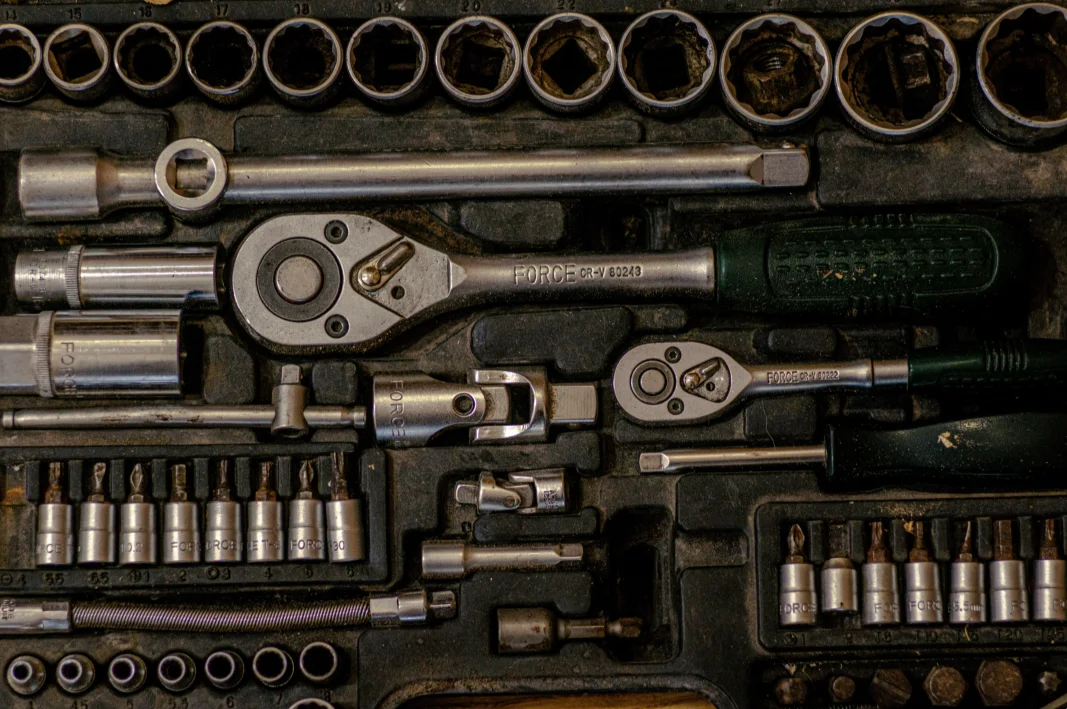
Original image
Resized Image
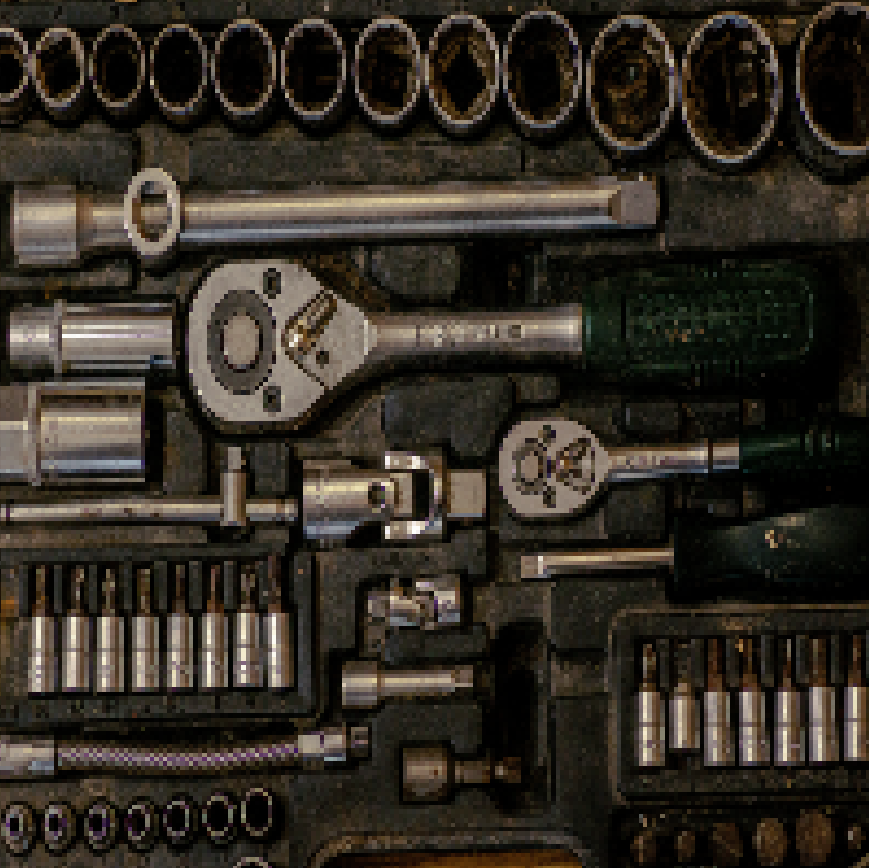
Image resized to half its original dimensions
The Code
"""Demonstrates resize_image operation."""

from loguru import logger
import rerun as rr

from telekinesis import pupil, datatypes


def resize_image_example():
    """Applies resize_image operation."""
    # ===================== Load Image ==========================================
    image_url = "https://assets.telekinesis.ai/examples/v1/images/gearbox.png"
    image = datatypes.Image.from_url(image_url)

    # ===================== Run Skill ==========================================
    filtered_image = pupil.resize_image(
        image=image,
        scale_factor=0.5,
        interpolation_method="linear",
    )

    # ===================== Log ================================================
    logger.success(f"Applied resize_image on {image}")
    logger.success(f"Result: {filtered_image}")

    # ===================== Visualization  (Optional) ======================
    rr.init("resize_image_example", spawn=True)
    datatypes.visualize(image, entity_path="1-Original")
    datatypes.visualize(filtered_image, entity_path="2-Resized")

if __name__ == "__main__":
    resize_image_example()
Runnable examples are available in the Telekinesis examples repository.
Follow the README in that repository to set up the environment, run this specific example with:
cd telekinesis-examples
python examples/image_processing/resize_image.py
Parameter Configuration
| Parameter | Type | Default | Description |
|---|---|---|---|
image | datatypes.Image | np.ndarray | required | The input image to resize, shape (H, W) or (H, W, C) |
scale_factor | datatypes.Float | float | int | None | None | Uniform scale factor (e.g. 0.5 for half size, 2.0 for double). Mutually exclusive with resize_width/resize_height |
resize_width | datatypes.Int | int | None | None | Target width in pixels. Must be provided together with resize_height, and not with scale_factor |
resize_height | datatypes.Int | int | None | None | Target height in pixels. Must be provided together with resize_width, and not with scale_factor |
interpolation_method | datatypes.String | str | "linear" | Interpolation method: nearest, linear, cubic, area, lanczos4, linear exact, nearest exact |
Returns
| Type | Description |
|---|---|
datatypes.Image | Resized per scale_factor or per (resize_width, resize_height) |
Raises
| Exception | Condition |
|---|---|
TypeError | Any parameter has an invalid type |
ValueError | Both scale_factor and resize dimensions are provided, or neither, or only one of resize_width/resize_height is provided; scale_factor, resize_width, or resize_height is not > 0; or interpolation_method is not one of the supported options |
ConfigurationError | The TELEKINESIS_API_KEY environment variable is not set |
SerializationError | The request input failed to serialize, the response was not returned as an Arrow stream, or the response failed to deserialize |
RequestTimeoutError | The request to the Pupil service timed out |
TransportError | A network failure occurred before a response was received |
ClientError | The Pupil service rejected the request due to invalid or malformed input (HTTP 400/422), an unrecognized endpoint (HTTP 404), or another unexpected 4xx response |
AuthenticationError | The API key was rejected as invalid or expired (HTTP 401) |
AuthenticationServiceError | The authentication service returned an invalid response, was temporarily unavailable, or timed out (HTTP 502/503/504) |
ServerError | The Pupil service returned a 5xx or otherwise unexpected error response |
How to Tune the Parameters
The resize_image Skill supports two mutually exclusive sizing modes, plus a choice of interpolation method.
scale_factor
- Controls: A uniform multiplier applied to both width and height. Mutually exclusive with
resize_width/resize_height. - Units: Dimensionless multiplier
- Default:
None - Increase → larger output (upsampling)
- Decrease → smaller output (downsampling)
- Typical range:
0.1–4.0
resize_width / resize_height
- Controls: Exact output dimensions, in pixels. Must be provided together, and not alongside
scale_factor. - Units: Pixels
- Default:
None - Distorts the aspect ratio unless the target ratio matches the input's — use
resize_image_with_aspect_fitif that matters.
interpolation_method
- Controls: How new pixel values are resampled from the source image.
- Default:
"linear" - Options:
nearest– fastest, blocky; use for masks, labels, depth indices, segmentation maps, or other discrete data where averaging is wronglinear– good quality/speed trade-off; the default choice for typical RGB/grayscale images and mild scalingcubic– sharper than linear, slower; good for 2-4x upscalingarea– designed for downscaling; better aliasing behavior than linear when shrinkinglanczos4– highest-quality resampling (windowed sinc filter); best for significant upscaling, but slower and can produce ringing/halos near sharp, high-contrast edgeslinear exact– numerically stricter linear interpolation with more exact roundingnearest exact– nearest-neighbor with exact, deterministic rounding across platforms
TIP
Best practice: Use "area" interpolation when shrinking an image, and "linear" or "cubic" when enlarging — "linear" is faster, "cubic" sharper. Use "nearest"/"nearest exact" for masks or label maps, where any other method would invent invalid label values.
Where to Use the Skill
Common pipelines include:
- Model input preparation – Resize to the fixed dimensions a downstream model expects
- Performance optimization – Downsample before an expensive step to cut processing time
- Display/thumbnails – Resize for UI presentation
- Scale pyramids – Build a sequence of progressively resized images for multi-scale processing
Alternative Skills
| Skill | vs. Resize Image |
|---|---|
| resize_image_with_aspect_fit | Resizes to exact target dimensions without distorting the aspect ratio, by padding instead of stretching. Use it when resize_width/resize_height here would distort the image. |
| transform_image_using_pyramid_downsampling | Downsamples with a Gaussian blur step first, always by a factor in (0, 1); gives better anti-aliasing than a plain resize for building scale pyramids. |
When Not to Use the Skill
Do not use Resize Image when:
- You need exact target dimensions without distorting the aspect ratio (use
resize_image_with_aspect_fit, which pads instead of stretching) - You need anti-aliased downsampling for a scale pyramid (use
transform_image_using_pyramid_downsampling) - The input is a label/segmentation map and label values must stay valid (use
interpolation_method="nearest"at minimum, and reconsider whether resizing labels is appropriate at all) - You need to both scale and pad in one call (use
resize_image_with_aspect_fitinstead of chaining this Skill withpad_image)