
Capture Point Cloud
SUMMARY
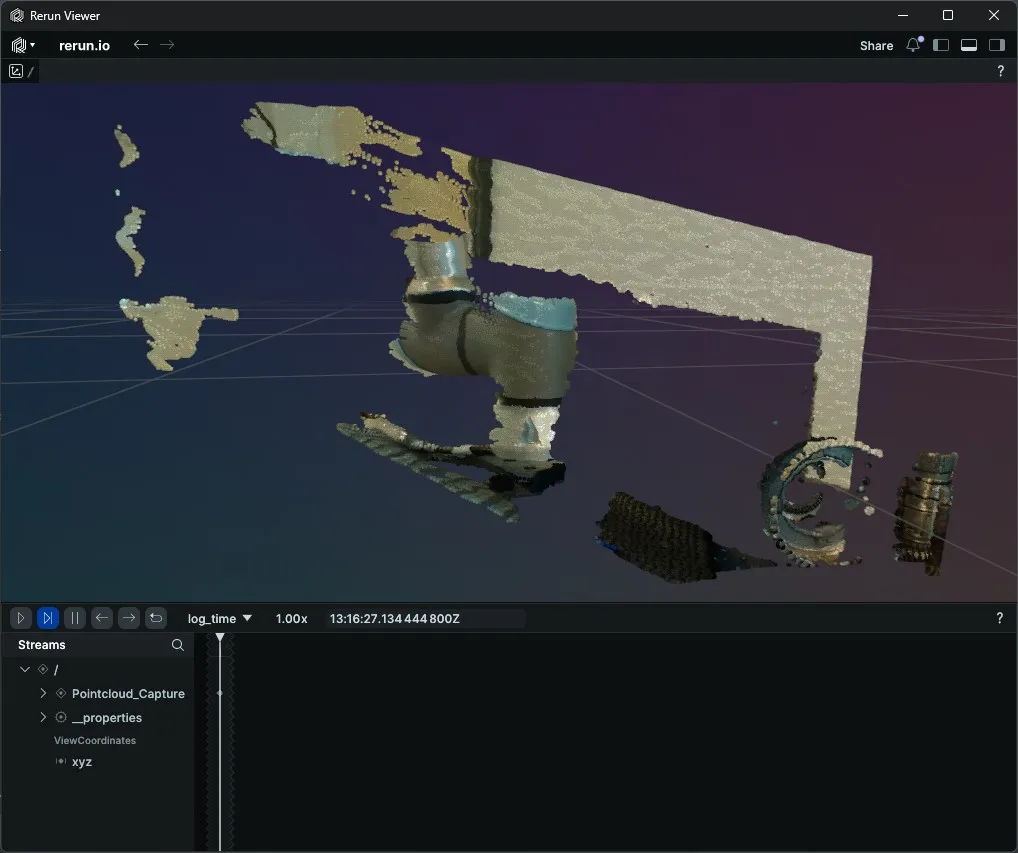
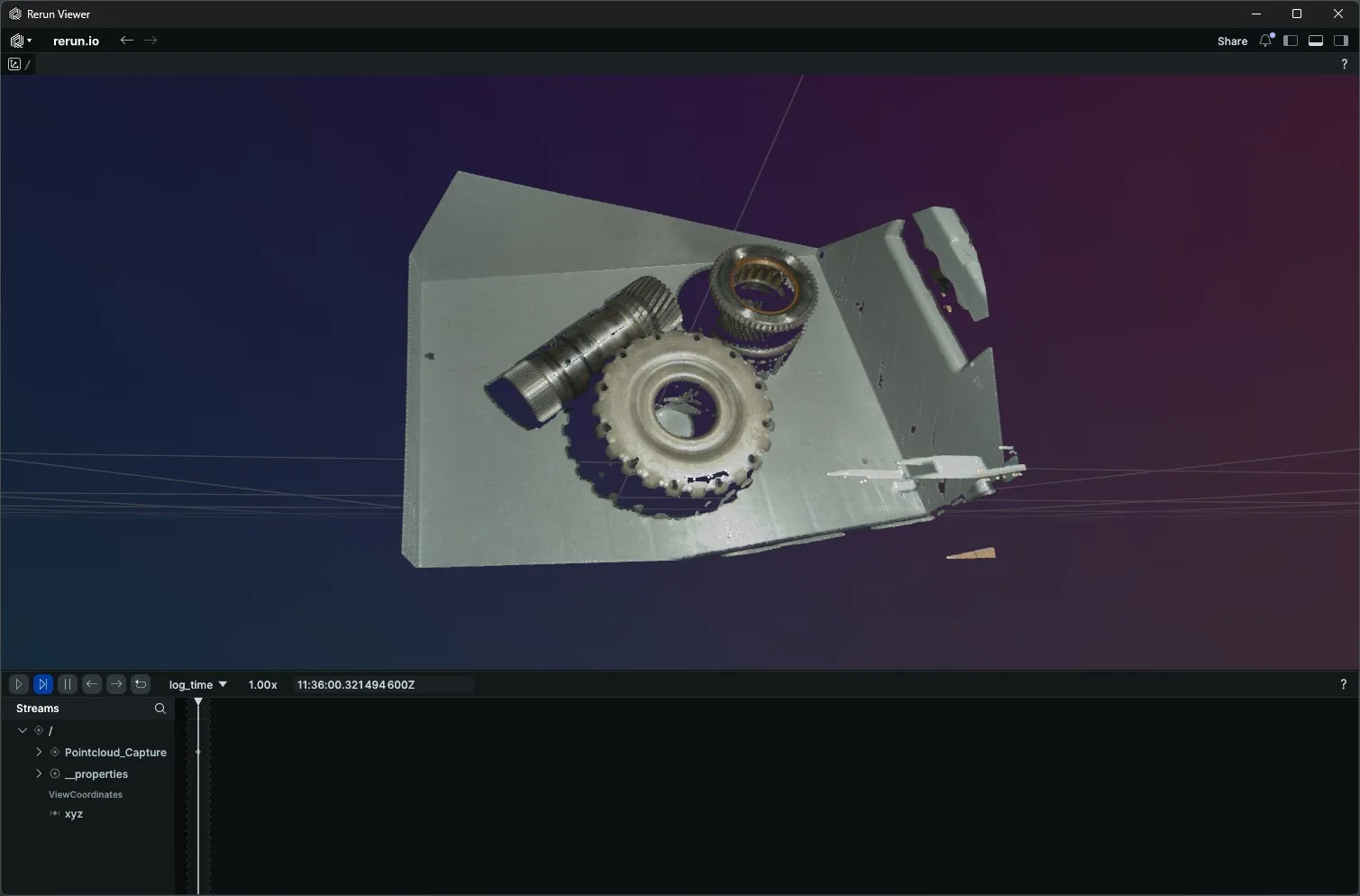
Capture Point Cloud produces a colour-mapped 3D point cloud. The returned object has .positions (Nx3 float XYZ) and .colors (Nx3 uint8 RGB) arrays ready to log with rr.Points3D.
Available on: Intel RealSense, Zivid.
The Skill
python
point_cloud = camera.capture_pointcloud()Example
Intel RealSense
Zivid
The Code
python
"""
Capture a colour-mapped point cloud from a RealSense camera and
visualise it in Rerun.

Run from a terminal to avoid issues with Rerun's spawn mode.
"""
from loguru import logger

import rerun as rr

from telekinesis.medulla.cameras import realsense
from telekinesis.medulla.cameras.realsense import StreamProfile

def main():
    camera = realsense.RealSenseD435I(name="my_realsense_camera")
    try:
        rr.init("RealSense_Pointcloud_Example", spawn=True)
        rr.log("/", rr.ViewCoordinates.RDF, static=True)
        camera.connect(serial_number="244222074143")
        camera.set_parameter(
            "stream_profile",
            StreamProfile.from_strings("color", 1280, 720, "rgb8", 30),
        )

        point_cloud = camera.capture_pointcloud()
        rr.log(
            "Pointcloud_Capture",
            rr.Points3D(
                positions=point_cloud.positions,
                colors=point_cloud.colors
            )
        )
    except Exception as e:
        logger.error(
            f"Unable to capture point cloud. Caught exception: {type(e).__name__}: {e}"
        )
    finally:
        rr.disconnect()
        camera.disconnect()

if __name__ == "__main__":
    main()
python
"""
Capture a colour-mapped point cloud from a Zivid camera and
visualise it in Rerun.

Run from a terminal to avoid issues with Rerun's spawn mode.
"""
from loguru import logger

import rerun as rr

from telekinesis.medulla.cameras import zivid

def main():
    camera = zivid.Zivid2M70(name="my_zivid_camera")
    try:
        rr.init("Zivid_Pointcloud_Example", spawn=True)
        rr.log("/", rr.ViewCoordinates.RDF, static=True)
        camera.connect()

        point_cloud = camera.capture_pointcloud()
        rr.log(
            "Pointcloud_Capture",
            rr.Points3D(
                positions=point_cloud.positions,
                colors=point_cloud.colors
            )
        )
    except Exception as e:
        logger.error(
            f"Unable to capture point cloud. Caught exception: {type(e).__name__}: {e}"
        )
    finally:
        rr.disconnect()
        camera.disconnect()

if __name__ == "__main__":
    main()
Running the Example
Change to the respective camera examples folder in telekinesis-examples and run
bash
python capture_pointcloud.pyA Rerun viewer opens automatically. The colour-mapped point cloud appears under Pointcloud_Capture once acquisition completes.
Parameter Configuration
| Parameter | Type | Default | Description |
|---|---|---|---|
**kwargs | Camera-specific capture options, forwarded to the driver. Neither RealSense nor Zivid requires any. |
On RealSense the point colors come from the color stream, so configure it with an RGB8, BGR8, RGBA8, or BGRA8 stream_profile before capturing, as in the example above.
Returns
| Type | Description |
|---|---|
PointCloud | .positions: (N, 3) float32 XYZ in metres. .colors: (N, 3) uint8 RGB. RealSense keeps one point per depth pixel (an organized cloud) and marks points with no valid depth as NaN; Zivid removes points with no valid depth before returning, so N may be smaller than the pixel count. |
Raises
| Exception | Condition |
|---|---|
RuntimeError | Camera is not connected (RealSense, Zivid) |
RuntimeError | RealSense: the depth or colour frame could not be retrieved from the pipeline |
RuntimeError | Zivid: every point in the captured frame is invalid (no valid depth anywhere in the frame) |
NotImplementedError | Called on IDS or Webcam — these are 2D-only cameras and do not implement pointcloud capture |
Where to Use the Skill
- Bin picking and grasp planning — feed the point cloud into pose-estimation pipelines.
- Static scene reconstruction — capture a one-shot 3D snapshot before motion planning.
- Sensor diagnostics — verify depth-colour alignment without running a continuous stream.