

Capture Depth Image
SUMMARY
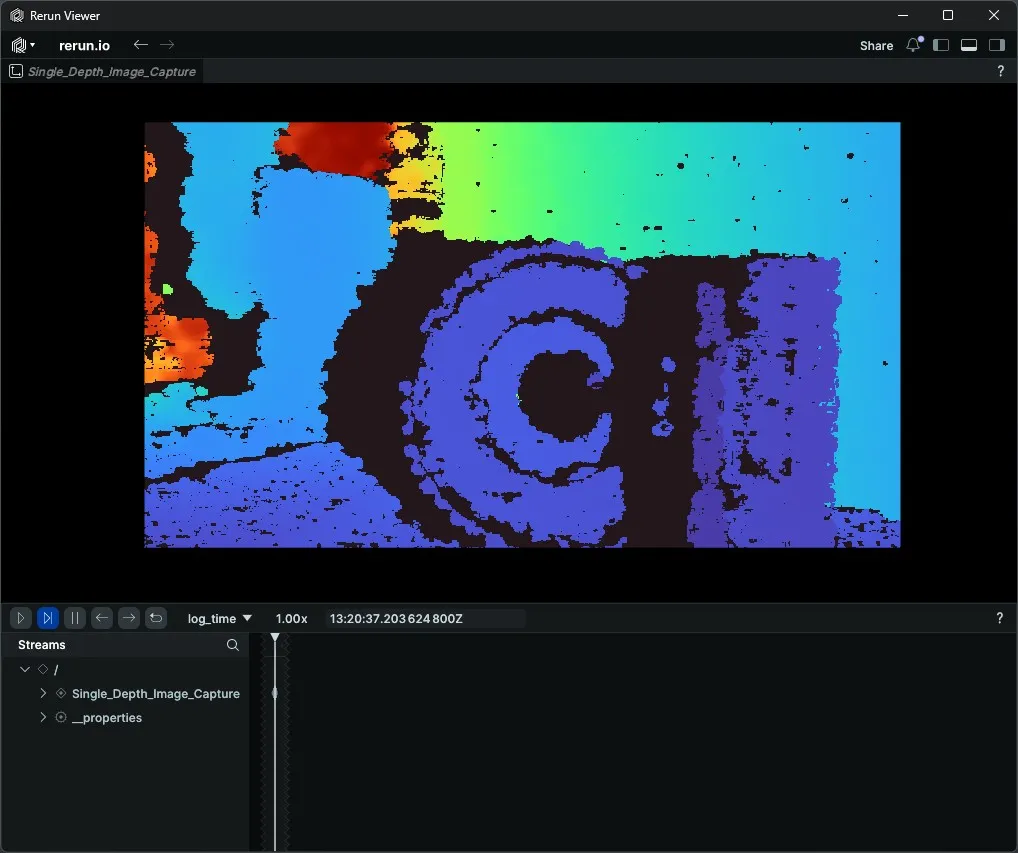
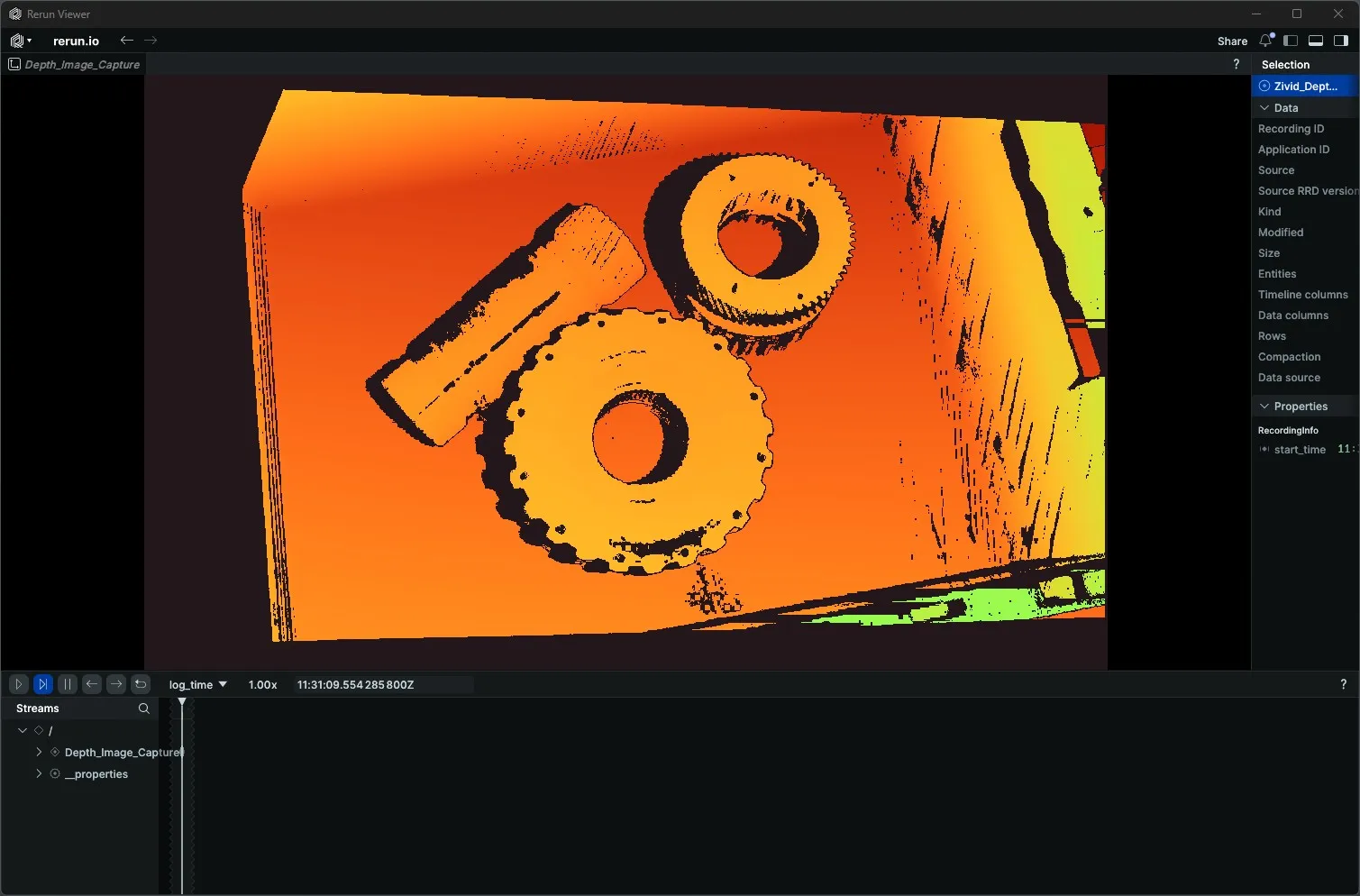
Capture Depth Image acquires one depth frame from a 3D camera and returns it as a NumPy array of float values in metres. Pair it with a Rerun DepthImage colour map for instant visual inspection of distance information.
Available on: Intel RealSense, Zivid.
The Skill
python
depth_image = camera.capture_depth()Example
Intel RealSense
Zivid
The Code
python
"""
Connect to a RealSense camera, capture a depth image, and disconnect.

Run from a terminal to avoid issues with Rerun's spawn mode.
"""
from loguru import logger
import rerun as rr

from telekinesis.medulla.cameras import realsense

def main():
    camera = realsense.RealSenseD435I(name="my_realsense_camera")

    try:
        rr.init("RealSense_Depth_Image_Example", spawn=True)
        camera.connect(serial_number="244222074143")

        depth_image = camera.capture_depth()

        rr.log(
            "Depth_Image_Capture",
            rr.DepthImage(
                depth_image.depth,
                meter=1.0, # values are already in metres
                colormap="turbo",
                depth_range=(0.0, 3.0) # 3 metres
            )
        )
    except Exception as e:
        logger.error(
            f"Unable to capture depth image. Caught exception: {type(e).__name__}: {e}"
        )
    finally:
        rr.disconnect()
        camera.disconnect()


if __name__ == "__main__":
    main()
python
"""
Connect to a Zivid camera, capture a depth image, and disconnect.

Run from a terminal to avoid issues with Rerun's spawn mode.
"""
from loguru import logger
import rerun as rr

from telekinesis.medulla.cameras import zivid

def main():
    camera = zivid.Zivid2M70(name="my_zivid_camera")

    try:
        rr.init("Zivid_Depth_Image_Example", spawn=True)
        camera.connect()

        depth_image = camera.capture_depth()

        rr.log(
            "Depth_Image_Capture",
            rr.DepthImage(
                depth_image.depth,
                meter=1.0, # values are already in metres
                colormap="turbo",
                depth_range=(0.0, 3.0) # 3 metres
            )
        )
    except Exception as e:
        logger.error(
            f"Unable to capture depth image. Caught exception: {type(e).__name__}: {e}"
        )
    finally:
        rr.disconnect()
        camera.disconnect()

if __name__ == "__main__":
    main()
Running the Example
Change to the respective camera examples folder in telekinesis-examples and run
bash
python capture_depth_image.pyA Rerun viewer opens automatically. The depth image appears under Depth_Image_Capture with the turbo colour map applied.
Parameter Configuration
| Parameter | Type | Default | Description |
|---|---|---|---|
**kwargs | Camera-specific capture options, forwarded to the driver. Neither RealSense nor Zivid requires any. |
Returns
| Type | Description |
|---|---|
DepthImage | The depth frame. Its .depth attribute is a NumPy array of shape (H, W), float32, values in metres, and can be passed directly to rr.DepthImage. Zivid marks pixels with no valid depth as NaN. RealSense aligns depth to the color pixel grid and reports missing depth as 0. |
Raises
| Exception | Condition |
|---|---|
RuntimeError | Camera is not connected (RealSense, Zivid) |
RuntimeError | RealSense: the depth frame could not be retrieved from the pipeline |
NotImplementedError | Called on IDS or Webcam — these are 2D-only cameras and do not implement depth capture |
Where to Use the Skill
- Reach and clearance checks — measure object-to-camera distances before grasp planning.
- Workspace mapping — capture a one-shot depth snapshot of the robot cell.
- Sanity checks during calibration — confirm depth alignment without running a continuous stream.