

Capture Color Image
SUMMARY
Capture Color Image acquires one color image from the camera and returns it as a NumPy array, ready to be logged, processed, or saved. It is the simplest operation against any 2D or 3D camera and the foundation of vision pipelines that don't need continuous streaming.
Available on: IDS, Webcam, Intel RealSense, Zivid.
The Skill
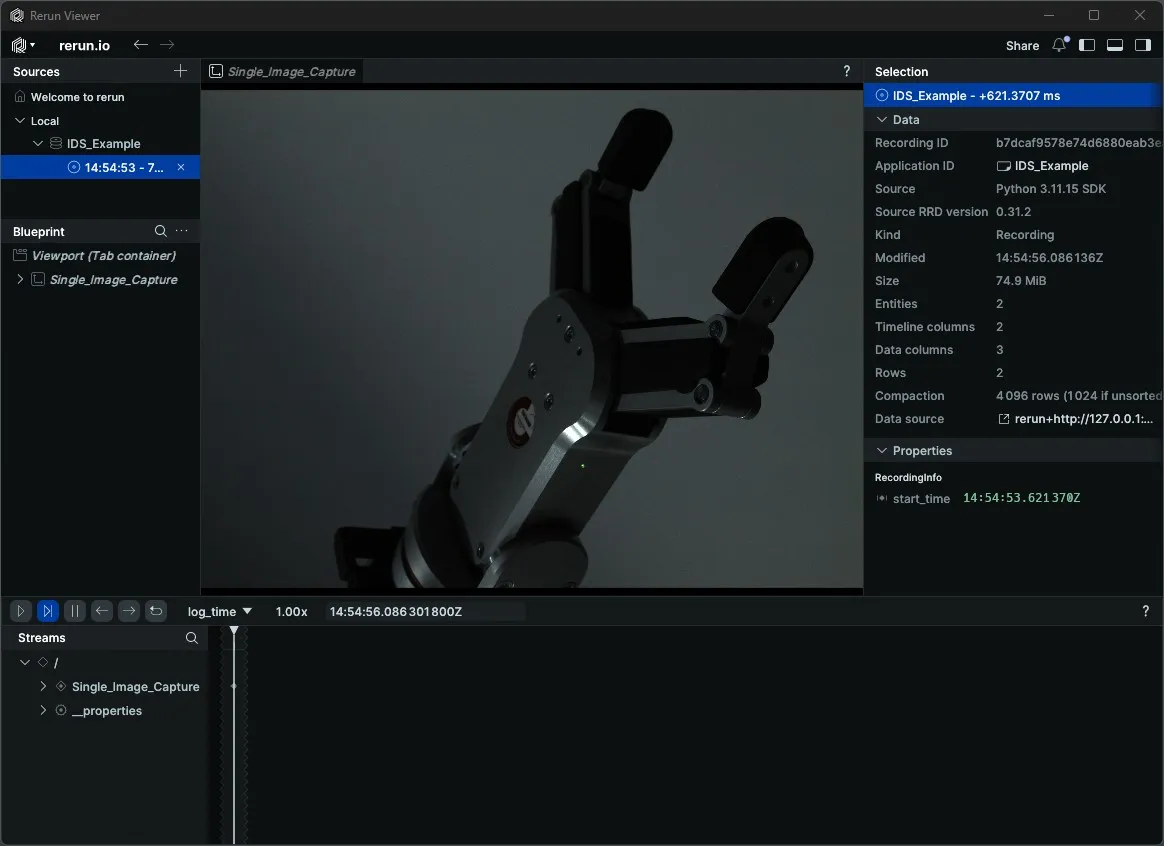
image = camera.capture_color_image()Example
IDS
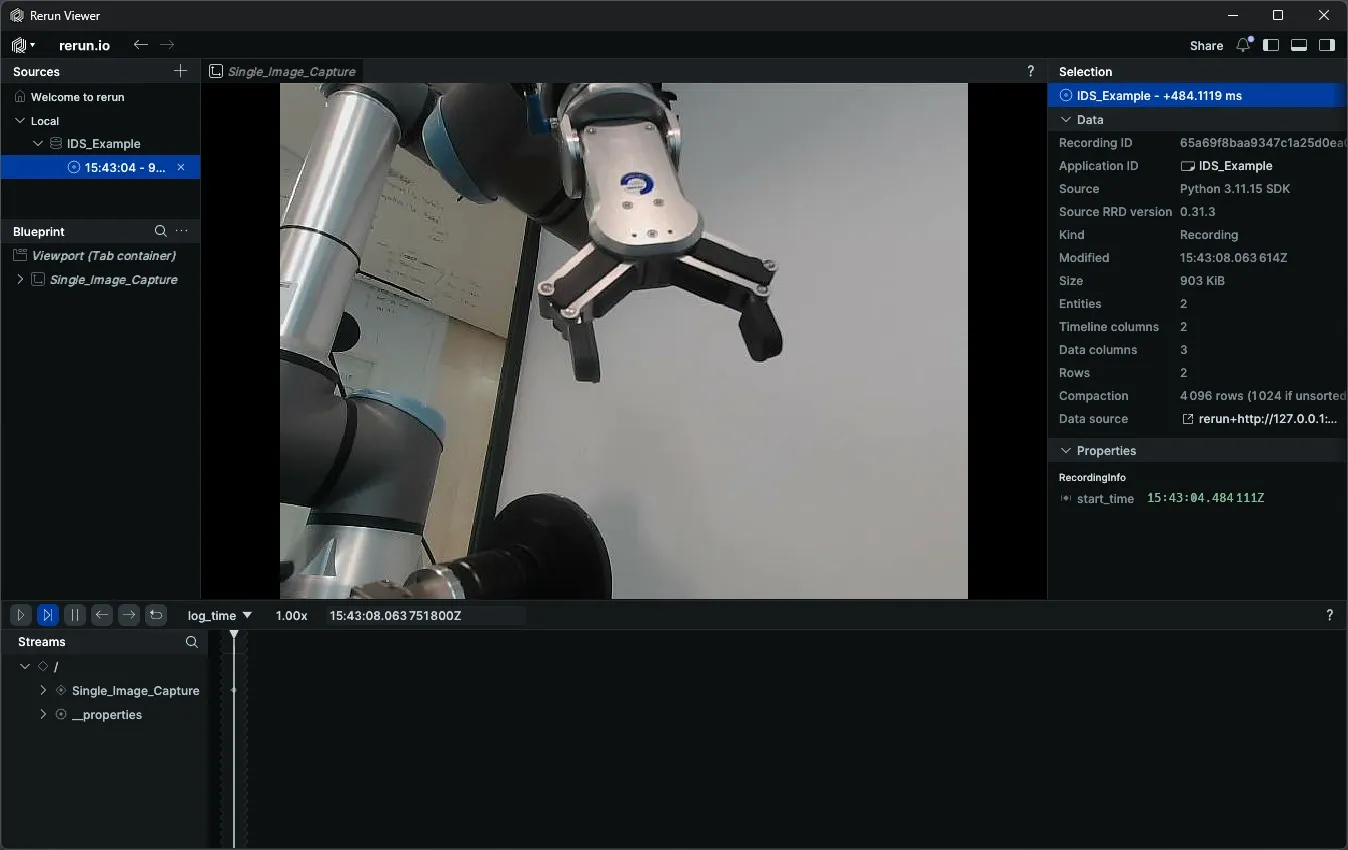
Webcam
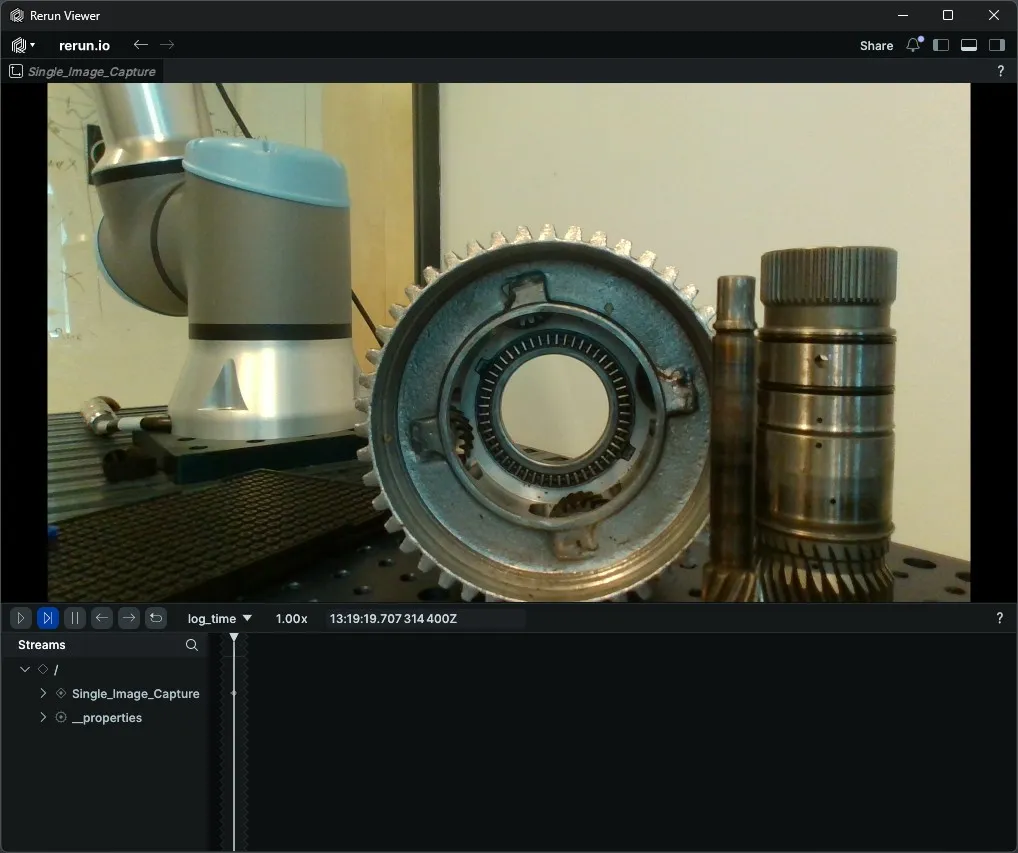
Intel RealSense
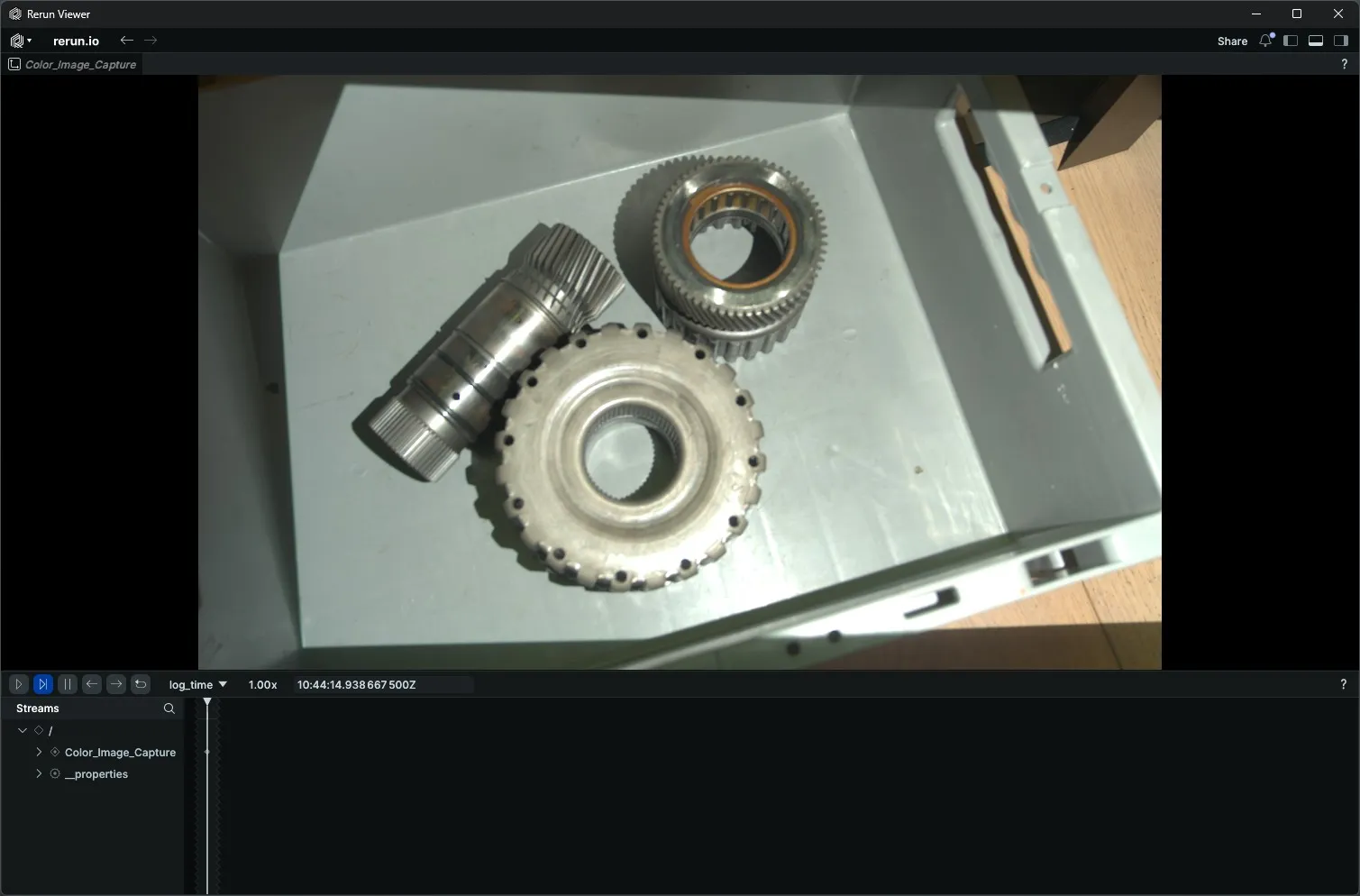
Zivid
The Code
"""
Connect to a webcam, capture a color image, and disconnect.

Run from a terminal to avoid issues with Rerun's spawn mode.
"""
from loguru import logger
import rerun as rr

from telekinesis.medulla.cameras import webcam

def main():
    camera = webcam.Webcam(
        name="my_webcam_camera",
        camera_id=0,
    )
    try:
        rr.init("Webcam_Color_Image_Example", spawn=True)
        camera.connect()

        color_image = camera.capture_color_image()

        rr.log("Color_Image_Capture", rr.Image(color_image))
    except Exception as e:
        logger.error(
            f"Unable to capture color image. Caught exception: {type(e).__name__}: {e}"
        )
    finally:
        rr.disconnect()
        camera.disconnect()

if __name__ == "__main__":
main()"""
Connect to an IDS camera, get/set parameters, capture a color image, and disconnect.
Run from a terminal to avoid issues with Rerun's spawn mode.
"""
from loguru import logger
import rerun as rr
from telekinesis.medulla.cameras import ids
def main():
camera = ids.IDS(
name="my_ids_camera",
serial_number="4108909352",
load_factory_defaults=False,
)
try:
rr.init("IDS_Color_Image_Example", spawn=True)
camera.connect()
logger.info(f"ExposureTime: {camera.get_parameter('ExposureTime')}")
camera.set_parameter("ExposureTime", 35000.0)
color_image = camera.capture_color_image()
rr.log("Color_Image_Capture", rr.Image(color_image))
except Exception as e:
logger.error(
f"Unable to capture color image. Caught exception: {type(e).__name__}: {e}"
)
finally:
rr.disconnect()
camera.disconnect()
if __name__ == "__main__":
main()"""
Connect to a RealSense camera, capture a color image, and disconnect.
Run from a terminal to avoid issues with Rerun's spawn mode.
"""
from loguru import logger
import rerun as rr
from telekinesis.medulla.cameras import realsense
def main():
camera = realsense.RealSense(
name="my_realsense_camera"
)
try:
rr.init("RealSense_Color_Image_Example", spawn=True)
camera.connect()
color_image = camera.capture_color_image()
rr.log("Color_Image_Capture", rr.Image(color_image))
except Exception as e:
logger.error(
f"Unable to capture color image. Caught exception: {type(e).__name__}: {e}"
)
finally:
rr.disconnect()
camera.disconnect()
if __name__ == "__main__":
main()"""
Connect to a Zivid camera, capture a color image, and disconnect.
Run from a terminal to avoid issues with Rerun's spawn mode.
"""
from loguru import logger
import rerun as rr
from telekinesis.medulla.cameras import zivid
def main():
camera = zivid.Zivid(name="my_zivid_camera")
try:
rr.init("Zivid_Color_Image_Example", spawn=True)
camera.connect()
color_image = camera.capture_color_image()
rr.log("Color_Image_Capture", rr.Image(color_image))
except Exception as e:
logger.error(
f"Unable to capture color image. Caught exception: {type(e).__name__}: {e}"
)
finally:
rr.disconnect()
camera.disconnect()
if __name__ == "__main__":
main()The Explanation of the Code
After connect has opened the device, capture_color_image acquires one color image and returns it as a NumPy array. The returned array is RGB-ordered and can be passed directly to Rerun (rr.Image) or any downstream processing step.
color_frame = camera.capture_color_image()
rr.log("Color_Image_Capture", rr.Image(color_frame))
Per-camera behavior:
IDS — switches the camera to
SingleFrameacquisition mode, triggers one exposure, waits for the buffer to fill, and converts the raw buffer to a color image. You can configure camera parameters (e.g.ExposureTime,AcquisitionFrameRate) in two ways:Using the IDS Peak Cockpit software — open IDS Peak Cockpit, connect to your camera, and adjust parameters directly in the GUI. Close the software before running your code. The parameters you set will persist as long as the camera remains connected and the PC is not restarted. When you run your script with
load_factory_defaults=False, it will use the parameters you configured in the GUI. See the IDS Getting Started section for a walkthrough.Using
get_parameterandset_parameterin code — read the current value of a parameter withget_parameterand write a new value withset_parameter. Currently supported parameters are listed in theparameter_name_to_type_mapclass variable of the IDS class (medulla/cameras/ids.py). See the IDS code tab above for an example.
Webcam — reads one frame from the OpenCV
VideoCapturedevice and converts it from BGR to RGB.RealSense — activates the color stream, retrieves one frame, and returns it as a NumPy array.
Zivid — performs a 2D capture using the current settings and returns the sRGB colour image as an RGB NumPy array. Settings can be tuned beforehand with
load_settingsorset_parameter.
The disconnect call lives in a finally block so the device is released regardless of whether the capture succeeded.
Running the Example
Change to the respective camera examples folder in telekinesis-examples and run
python capture_color_image.pyA Rerun viewer opens automatically. The captured image appears under Color_Image_Capture once acquisition completes.
Where to Use the Skill
- Calibration and snapshot workflows — capture a single reference image to seed downstream processing.
- Triggered inspection — acquire one frame on demand instead of running a continuous stream.
- Pipelines that don't require video — feed Cornea or other vision modules with a single frame at a time.