

Intel RealSense
SUMMARY
The RealSense class provides a Python interface for Intel RealSense depth cameras, supporting single-frame capture of RGB images, depth images, and 3D point clouds, as well as continuous video streaming in all three modes. It wraps the Intel RealSense SDK (librealsense) to handle device connection, stream configuration, and safe teardown.
Requirements: The Intel RealSense SDK (librealsense) must be installed and a supported RealSense camera must be connected via USB.
Tested devices:
- RealSense Depth Camera D405
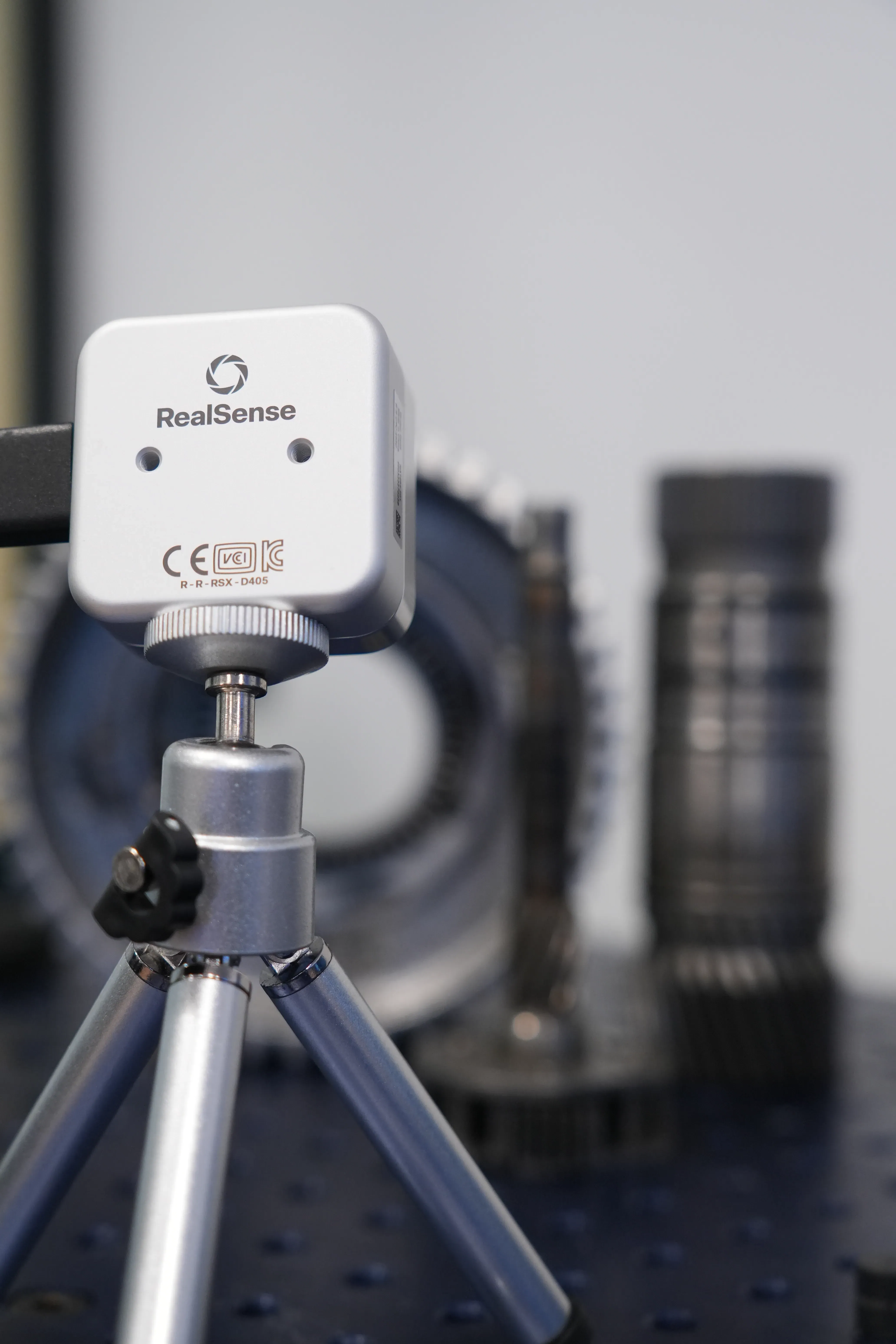
- RealSense Depth Camera D435if
Use Cases
Useful Links
Installation
It is possible to either use a precompiled SDK or build the SDK from source. In the following we will only consider the precompiled SDK.
Download and Install Precompiled SDK
- Download the latest SDK bundle from the Releases page.
- See also: Windows distribution guide
- Connect your RealSense camera.
- Run the included tools to test the installation:
- RealSense Viewer: View streams, tune settings, record and playback.
- Install the firmware for the connected camera from the RealSense Viewer.
- Start the depth stream and RGB stream by toggling the "Stereo Module" and "RGB Cameras" to "on".
- Depth Quality Tool: Measure accuracy and fill rate.
- RealSense Viewer: View streams, tune settings, record and playback.
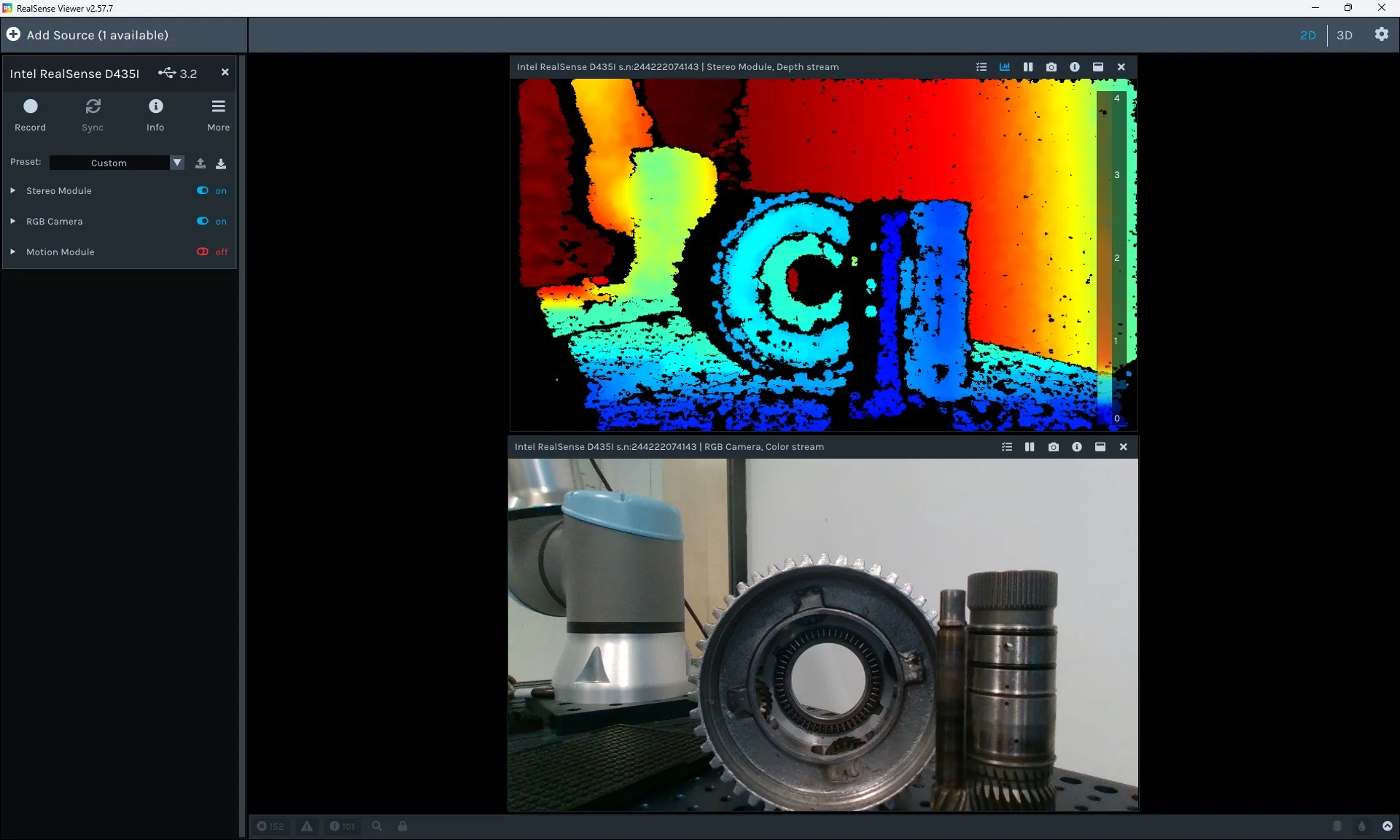
RealSense Viewer after successfully installing and connecting the camera.
Python Packages
Install the python dependencies via the Telekinesis SDK:
- Install the RealSense dependencies via the Telekinesis SDK:bash
pip install telekinesis-ai[medulla-realsense] - Install the dependencies for running the examples:bash
pip install telekinesis-ai[examples]
Getting Started
WARNING
Examples were tested on Windows 11 only.
After testing the installation with RealSense Viewer, make sure to either close the viewer or switch off the streaming modules on the left side. Then you can capture a pointcloud with a RealSense camera from medulla with:
from telekinesis.medulla.cameras import realsense

cam = realsense.RealSense(
    name="my_realsense_camera"
)
cam.connect()
pc = cam.capture_single_pointcloud()
print(pc.positions)
cam.disconnect()
Examples
| Example | Description |
|---|---|
| Capture Single RGB Image | Capture one colour frame and visualise with Rerun |
| Capture Single Depth Image | Capture one depth frame with colour map and visualise with Rerun |
| Capture Single Point Cloud | Capture one colour-mapped 3D point cloud and visualise with Rerun |
| Stream Live RGB Video | Stream continuous colour frames to a Rerun viewer |
| Stream Live Depth Video | Stream continuous depth frames with colour map to a Rerun viewer |
| Stream Point Cloud | Stream a colour-mapped 3D point cloud continuously to Rerun |