

Synapse: Robotic Skills
SUMMARY
Synapse provides the full robotics stack, including motion planning, kinematics, control, and hardware integration.
It enables the same robotic skills to run consistently across manipulators, mobile robots and humanoids by abstracting both software control and hardware interfaces into a unified execution layer.
EARLY ACCESS
We are actively expanding Synapse!
APIs may change between releases and robot support varies per skill. Please check the individual skill pages for current compatibility.
Installation Guide
Setting up Synapse for the first time? Follow the Installation Guide to configure your environment.
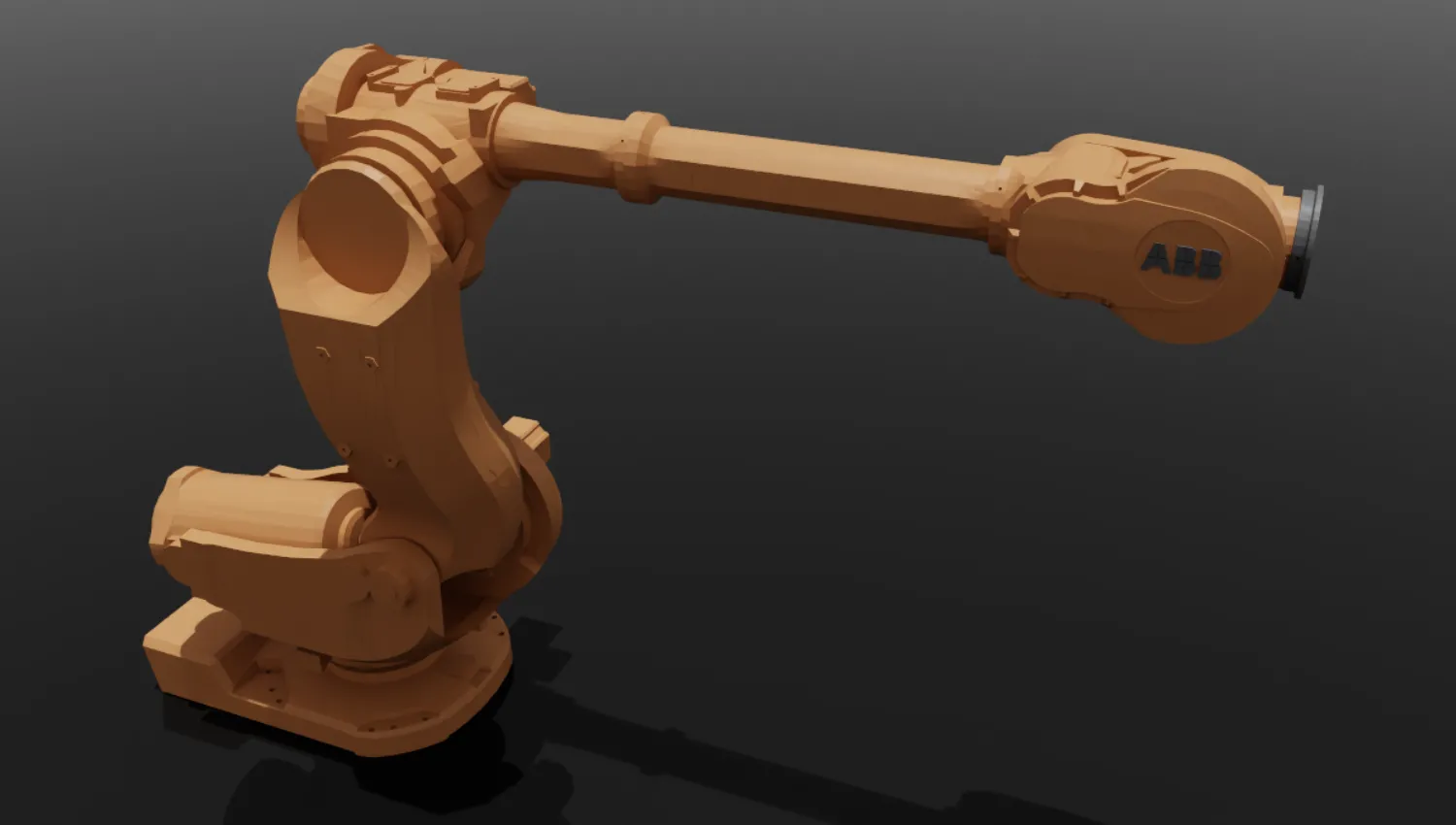
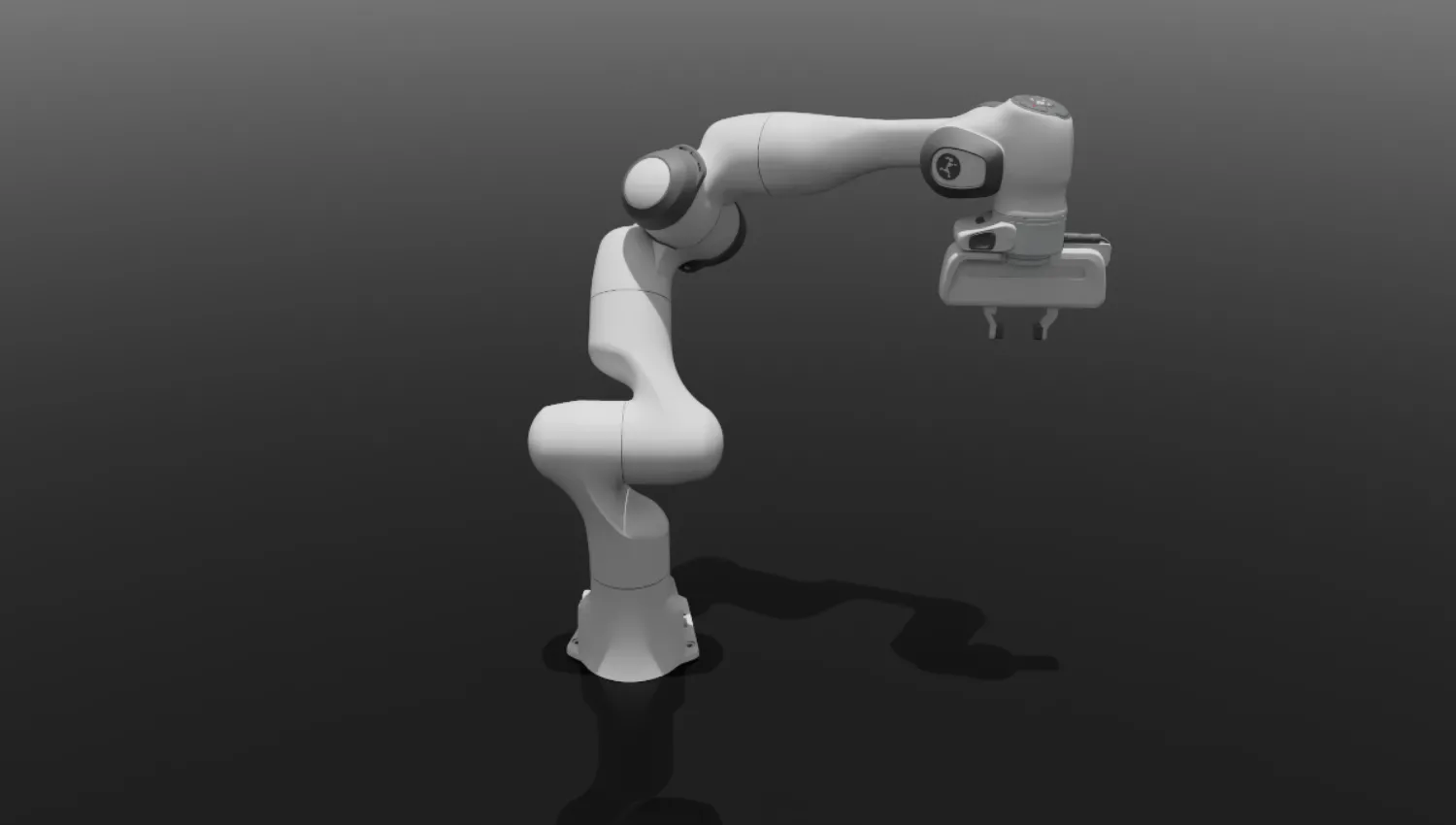
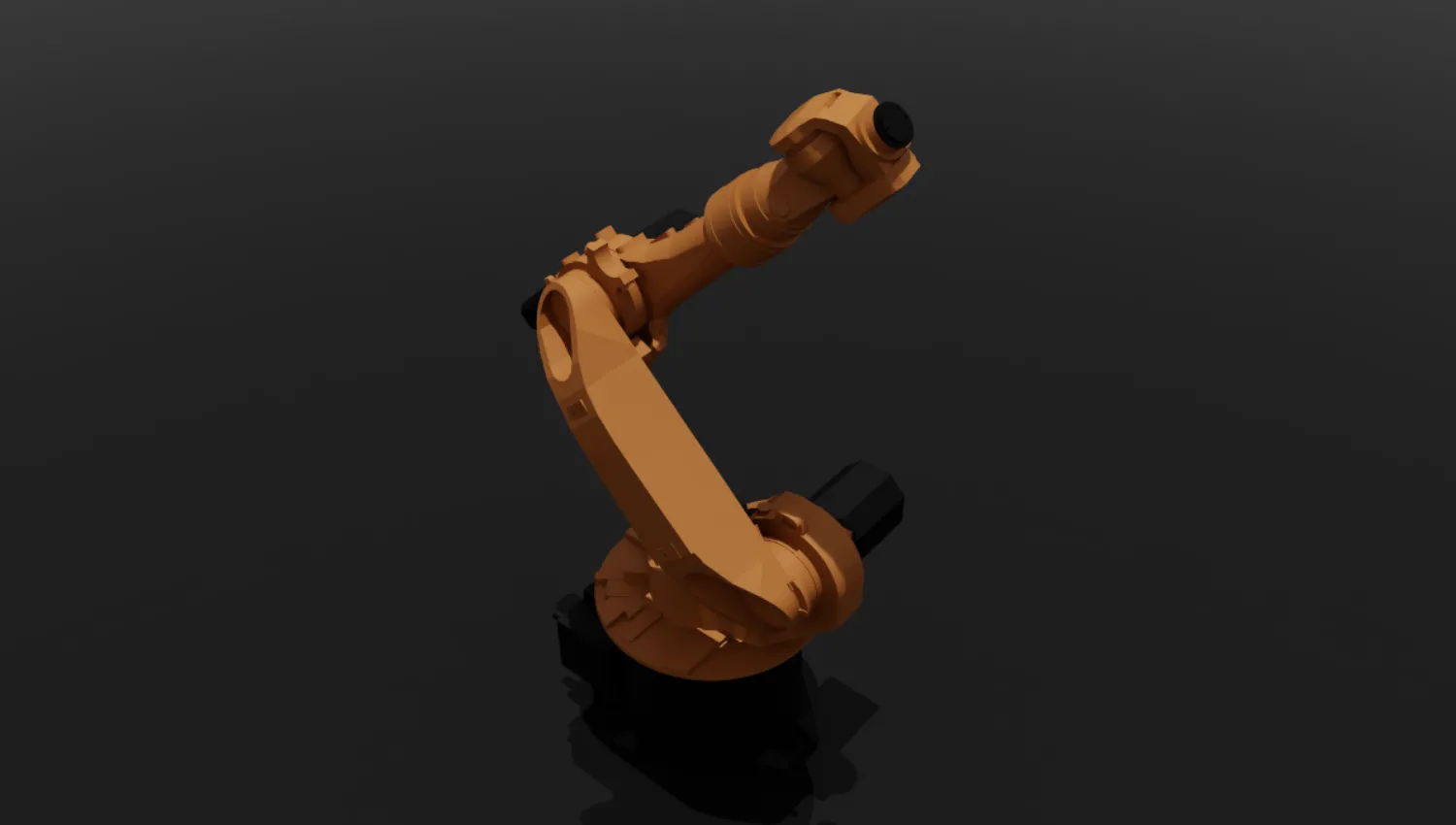
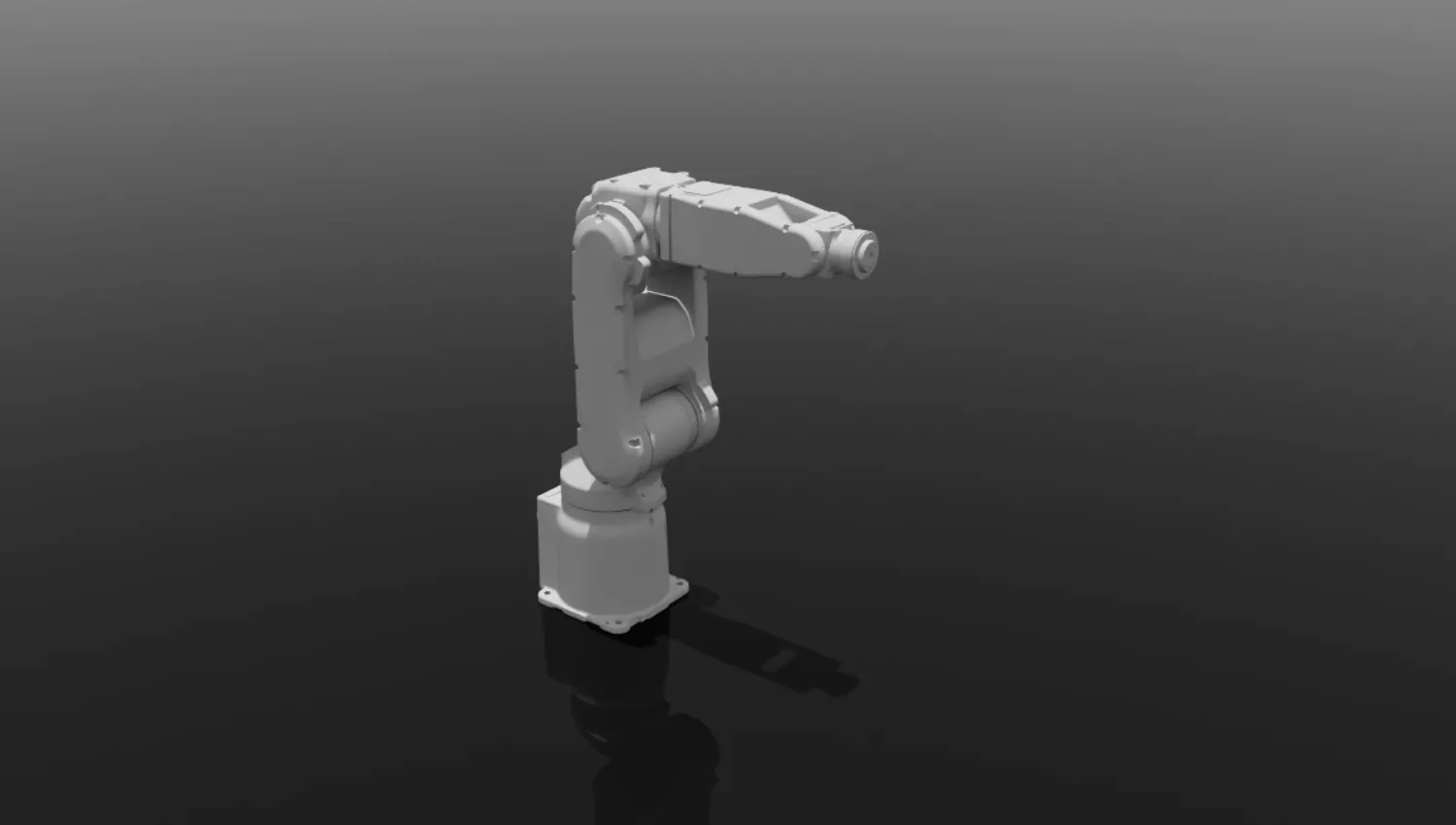
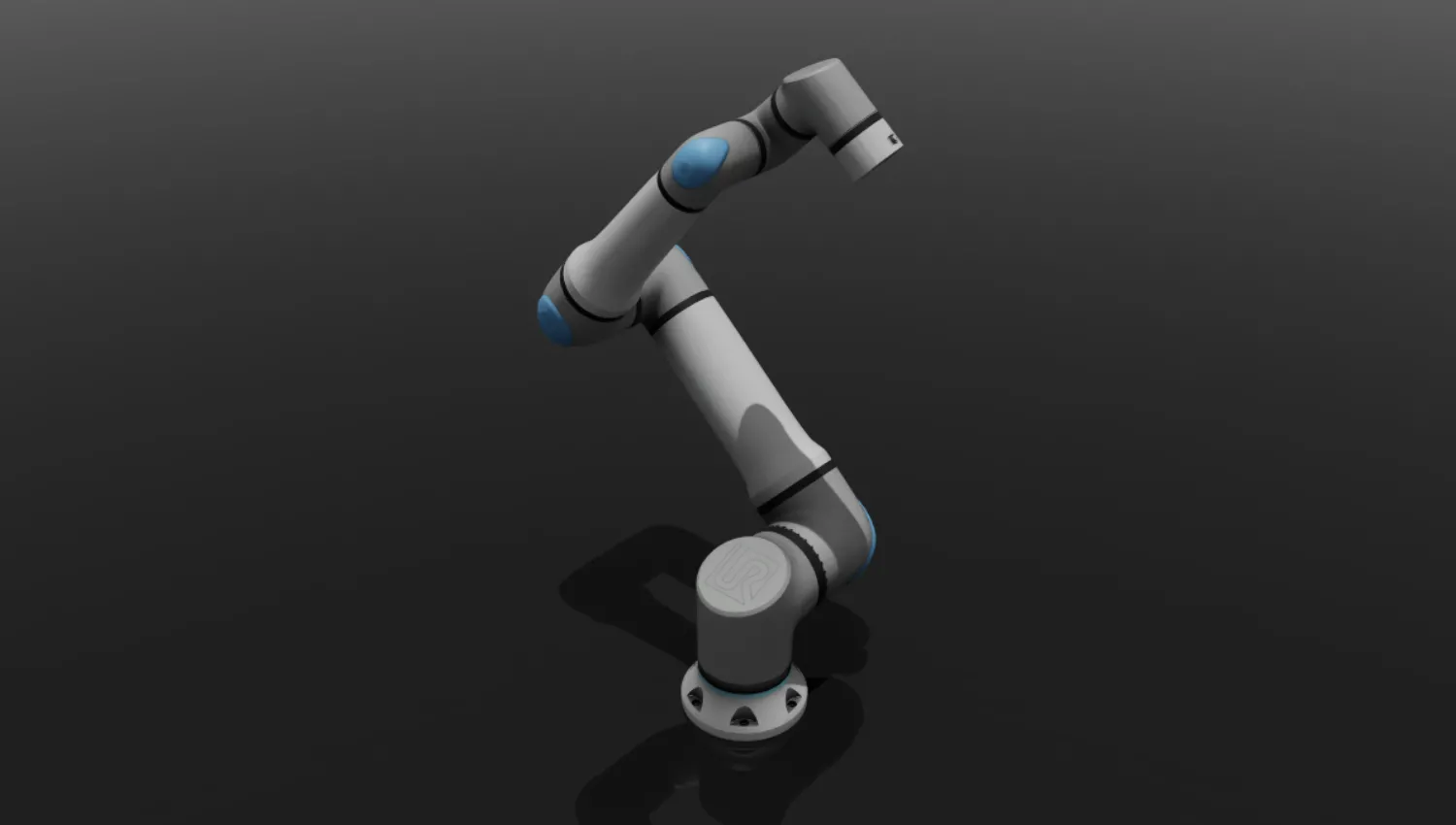
When to Use Synapse?
Synapse is designed to address fragmentation in robotics software stacks, particularly across motion planning, kinematics, control, and hardware interfaces.
It provides a unified execution layer that abstracts robot-specific implementations into a consistent interface, reducing the need for per-platform integration.
Synapse is appropriate when the system requires:
- Motion Planning: RRT, RRT*, and related sampling-based planning methods
- Forward and Inverse Kinematics: CLIC, TRAC-IK, Multi-Seed CLIC IK
- Hardware-Agnostic Communication: Unified interface across multiple robot vendors and control systems
- Simulation Workflows: Isaac Sim support, with MuJoCo support coming soon
- Simulation-to-Real Consistency: Identical behaviors can be deployed in both simulation and real-world environments
How to Use Synapse?
To use the skills from synapse, simply use:
from telekinesis import synapseHere is an example of Inverse Kinematics:
import numpy as np
from loguru import logger
from telekinesis.synapse.robots.manipulators import kuka

robot = kuka.KukaKR6R9002()

q = np.asarray([0, -np.pi / 2 - 0.1, -np.pi / 2, 0, np.pi / 2, 0])
target_pose = robot.forward_kinematics(q, rot_type="rad")

noise = np.random.normal(loc=0.0, scale=0.5, size=q.shape)
q_init = q + noise

q = robot.inverse_kinematics(
    target_pose=target_pose,
    rot_type="rad",
    q_init=q_init,
    solver="clik",
)
logger.success(f"IK solution: {q}")
Here is another example to move the real robot in Cartesian space:
EARLY ACCESS
Synapse is under active development. Currently this skill is supported only on Universal Robots.
from loguru import logger
from telekinesis.synapse.robots.manipulators import universal_robots

robot_ip = "192.168.1.2"  # replace with your robot's IP

robot = universal_robots.UniversalRobotsUR10E()
robot.connect(ip=robot_ip)

initial_tcp_pose = robot.get_cartesian_pose()

new_tcp_pose = initial_tcp_pose[:]
new_tcp_pose[2] -= 0.2

robot.set_cartesian_pose(
    cartesian_pose=new_tcp_pose,
    speed=0.25,
    acceleration=0.25,
    asynchronous=False,
)
logger.info(f"Moved to target Cartesian pose: {new_tcp_pose}")

robot.disconnect()
Here is an example of moving a Robotiq gripper:
from telekinesis.synapse.tools.parallel_grippers import robotiq

gripper = robotiq.Robotiq2F85()
gripper.connect(ip="192.168.1.1", protocol="RTDE")

# Open fully
gripper.move(position=85.0, speed=100.0, force=100.0, asynchronous=False)
# Grasp
gripper.move(position=30.0, speed=50.0, force=60.0, asynchronous=False)
# Release
gripper.move(position=85.0, speed=100.0, force=100.0, asynchronous=False)

gripper.disconnect()
Overview of Skills
Kinematics
| SDK Call | Description | Supported Robots |
|---|---|---|
| forward_kinematics | Compute the end-effector pose from a given joint configuration. | ABB, Fanuc, Franka Robotics, Kuka, Motoman, Neura Robotics, Universal Robots |
| inverse_kinematics | Solve joint configurations from a target Cartesian pose. | ABB, Fanuc, Franka Robotics, Kuka, Motoman, Neura Robotics, Universal Robots |
| get_on_robot_forward_kinematics | Compute forward kinematics using the robot controller's built-in solver. | Universal Robots |
| get_on_robot_inverse_kinematics | Compute inverse kinematics using the robot controller's built-in solver. | Universal Robots |
| get_inverse_kinematics_has_solution | Check whether a valid IK solution exists for a target Cartesian pose. | Universal Robots |
| get_jacobian | Read the geometric Jacobian at the current or specified configuration. | Universal Robots |
| get_jacobian_time_derivative | Read the time derivative of the Jacobian matrix. | Universal Robots |
| get_actual_tool_flange_pose | Read the actual tool flange pose without TCP offset. | Universal Robots |
Connection
| SDK Call | Description | Supported Robots |
|---|---|---|
| connect / disconnect | Connect to and disconnect from robot controllers. | Universal Robots |
Motion
| SDK Call | Description | Supported Robots |
|---|---|---|
| set_cartesian_pose | Command robot motion to a target Cartesian pose. | Universal Robots |
| set_joint_positions | Command robot motion to a target joint configuration. | Universal Robots |
| set_cartesian_pose_in_joint_space | Command a Cartesian target pose using a joint-space interpolated trajectory. | Universal Robots |
| set_joint_position_in_cartesian_space | Command a joint configuration using a Cartesian-interpolated trajectory. | Universal Robots |
| move_joint_path | Move the robot through a sequence of joint configurations. | Universal Robots |
| move_cartesian_path | Move the TCP through a sequence of Cartesian waypoints. | Universal Robots |
| move_path | Execute a pre-built controller-native path object. | Universal Robots |
| move_until_contact | Execute an approach motion that stops on contact. | Universal Robots |
| stop_cartesian_motion | Decelerate and stop any ongoing Cartesian motion. | Universal Robots |
| stop_joint_motion | Decelerate and stop any ongoing joint-space motion. | Universal Robots |
| trigger_protective_stop | Immediately halt all robot motion by triggering a protective stop. | Universal Robots |
| start_jog | Start continuous joint jogging at specified speeds. | Universal Robots |
| stop_jog | Stop an active jog motion. | Universal Robots |
| start_freedrive_mode | Start gravity-compensated back-drivable (freedrive) mode. | Universal Robots |
| stop_freedrive_mode | Exit freedrive mode and restore normal motion control. | Universal Robots |
| start_teach_mode | Start zero-gravity teach mode for unconstrained manual back-drive. | Universal Robots |
| stop_teach_mode | Exit teach mode and restore normal motion control. | Universal Robots |
| motion_planning | Plan collision-aware and feasible robot trajectories. | ABB, Fanuc, Franka Robotics, Kuka, Motoman, Neura Robotics, Universal Robots |
Servo Control
| SDK Call | Description | Supported Robots |
|---|---|---|
| servo_joint | Send real-time high-frequency joint servo commands. | Universal Robots |
| servo_cartesian | Send real-time high-frequency Cartesian servo commands. | Universal Robots |
| servo_circular | Execute a circular arc move via the servo interface. | Universal Robots |
| servo_stop | Stop an active servo motion. | Universal Robots |
Speed Control
| SDK Call | Description | Supported Robots |
|---|---|---|
| speed_joint | Command the robot with joint-space velocity targets. | Universal Robots |
| speed_cartesian | Command the robot with Cartesian velocity targets. | Universal Robots |
| speed_stop | Stop an active speed controller. | Universal Robots |
Force Control
| SDK Call | Description | Supported Robots |
|---|---|---|
| move_in_force_mode | Execute compliant force-controlled motions. | Universal Robots |
| stop_force_mode | Stop an active force mode and return to normal position control. | Universal Robots |
| set_force_mode_damping | Set the damping coefficient for the active force mode controller. | Universal Robots |
| set_force_mode_gain_scaling | Scale the gain of the active force mode controller. | Universal Robots |
| set_external_force_torque | Feed an external wrench estimate into the robot's dynamics model. | Universal Robots |
| tool_contact | Check whether the tool has made contact in a specified Cartesian direction. | Universal Robots |
| zero_ft_sensor | Zero (tare) the force/torque sensor at the current reading. | Universal Robots |
State Reading
| SDK Call | Description | Supported Robots |
|---|---|---|
| get_joint_positions | Read the current joint positions in degrees. | Universal Robots |
| get_cartesian_pose | Read the current TCP pose as [x, y, z, rx, ry, rz]. | Universal Robots |
| get_pose_transform | Compute a pose by applying a relative transformation in the frame of a source pose. | Universal Robots |
| get_timestamp | Read the elapsed time since the robot controller was started. | Universal Robots |
| get_robot_mode | Read the current robot mode integer code from the controller. | Universal Robots |
| get_robot_status | Read the robot status bitmask from the controller. | Universal Robots |
| get_safety_mode | Read the current safety mode integer code from the controller. | Universal Robots |
| get_runtime_state | Read the current program runtime state from the controller. | Universal Robots |
| get_controller_frequency | Measure the robot controller's update frequency in Hz. | Universal Robots |
Joint Telemetry
| SDK Call | Description | Supported Robots |
|---|---|---|
| get_actual_joint_velocities | Read the current joint velocities in degrees per second. | Universal Robots |
| get_actual_joint_currents | Read the actual motor currents for each joint. | Universal Robots |
| get_joint_temperatures | Read the current temperature of each joint motor. | Universal Robots |
| get_joint_torques | Read the net joint torques (gravity and friction corrected). | Universal Robots |
| get_actual_joint_positions_history | Read past joint positions from the controller's history buffer. | Universal Robots |
TCP Telemetry
| SDK Call | Description | Supported Robots |
|---|---|---|
| get_actual_tcp_speed | Read the current TCP speed in Cartesian coordinates. | Universal Robots |
| get_actual_tcp_force | Read the generalized forces (wrench) at the TCP. | Universal Robots |
| get_target_waypoint | Read the target waypoint of the active move. | Universal Robots |
| get_tcp_offset | Read the active TCP offset pose from the controller. | Universal Robots |
| get_ft_raw_wrench | Read the raw uncompensated force/torque sensor measurement. | Universal Robots |
I/O and Configuration
| SDK Call | Description | Supported Robots |
|---|---|---|
| get_digital_in_state | Read the state of a digital input channel. | Universal Robots |
| get_digital_out_state | Read the state of a digital output channel. | Universal Robots |
| get_actual_digital_input_bits | Read all digital input states as a bitmask. | Universal Robots |
| get_actual_digital_output_bits | Read all digital output states as a bitmask. | Universal Robots |
| get_standard_analog_input | Read a standard analog input channel value. | Universal Robots |
| get_standard_analog_output | Read a standard analog output channel value. | Universal Robots |
| get_output_int_register | Read an output integer register value from the controller. | Universal Robots |
| get_output_double_register | Read an output double (float) register value from the controller. | Universal Robots |
| get_payload | Read the configured payload mass from the controller. | Universal Robots |
| get_payload_cog | Read the configured payload center of gravity offset. | Universal Robots |
| set_payload | Set the payload mass and center of gravity on the controller. | Universal Robots |
| set_tcp | Set the Tool Center Point offset on the controller. | Universal Robots |
| get_step_time | Read the duration of one robot control time step in seconds. | Universal Robots |
| get_speed_scaling | Read the current speed scaling factor applied by the controller. | Universal Robots |
| get_async_operation_progress | Read the progress of the current asynchronous operation. | Universal Robots |
| get_freedrive_status | Read the freedrive singularity proximity status. | Universal Robots |
Safety Checks
| SDK Call | Description | Supported Robots |
|---|---|---|
| is_protective_stopped | Check whether the robot is in a protective stop state. | Universal Robots |
| is_emergency_stopped | Check whether the robot is in an emergency stop state. | Universal Robots |
| is_program_running | Check whether a program is currently running on the controller. | Universal Robots |
| is_steady | Check whether the robot is fully at rest. | Universal Robots |
| is_pose_within_safety_limits | Check whether a Cartesian pose is within the robot's safety limits. | Universal Robots |
| is_joints_within_safety_limits | Check whether a joint configuration is within the robot's safety limits. | Universal Robots |
| unlock_protective_stop | Programmatically unlock a protective stop. | Universal Robots |
| get_safety_status_bits | Read the robot safety system status as a bitmask. | Universal Robots |
Contact Detection
| SDK Call | Description | Supported Robots |
|---|---|---|
| start_contact_detection | Arm asynchronous contact detection on the robot. | Universal Robots |
| read_contact_detection | Poll the asynchronous contact detection state. | Universal Robots |
| stop_contact_detection | Disarm contact detection and return the final result. | Universal Robots |
F/T Sensor Setup
| SDK Call | Description | Supported Robots |
|---|---|---|
| ft_rtde_input_enable | Enable or disable the RTDE-fed external force/torque sensor input. | Universal Robots |
| enable_external_ft_sensor | Enable or disable the external force/torque sensor using the legacy API. | Universal Robots |
Dynamics
| SDK Call | Description | Supported Robots |
|---|---|---|
| set_gravity | Set the gravity direction used by the robot's dynamics model. | Universal Robots |
| set_target_payload | Set the payload mass, center of gravity, and inertia tensor. | Universal Robots |
| direct_torque | Command direct joint torques on the robot. | Universal Robots |
| get_mass_matrix | Read the joint-space mass (inertia) matrix. | Universal Robots |
| get_coriolis_and_centrifugal_torques | Read the Coriolis and centrifugal joint torques at the current state. | Universal Robots |
Target State
| SDK Call | Description | Supported Robots |
|---|---|---|
| get_target_joint_positions | Read the controller-commanded target joint positions. | Universal Robots |
| get_target_joint_velocities | Read the controller-commanded target joint velocities. | Universal Robots |
| get_target_joint_currents | Read the controller-commanded target joint motor currents. | Universal Robots |
| get_target_joint_moments | Read the controller-commanded target joint torques (moments). | Universal Robots |
| get_target_joint_accelerations | Read the controller-commanded target joint accelerations. | Universal Robots |
| get_target_tcp_pose | Read the controller-commanded target TCP pose. | Universal Robots |
| get_target_tcp_speed | Read the controller-commanded target TCP speed. | Universal Robots |
| get_target_speed_fraction | Read the programmatically set target speed scaling fraction. | Universal Robots |
Electrical
| SDK Call | Description | Supported Robots |
|---|---|---|
| get_actual_main_voltage | Read the Safety Control Board main supply voltage. | Universal Robots |
| get_actual_robot_voltage | Read the 48V robot drive rail voltage. | Universal Robots |
| get_actual_robot_current | Read the total robot current from the Safety Control Board. | Universal Robots |
| get_actual_joint_voltage | Read the actual joint motor drive voltages. | Universal Robots |
| get_actual_current_as_torque | Read actual joint motor currents converted to torque estimates. | Universal Robots |
Diagnostics
| SDK Call | Description | Supported Robots |
|---|---|---|
| get_actual_execution_time | Read the robot controller real-time thread execution time. | Universal Robots |
| get_actual_tool_accelerometer | Read the tool accelerometer readings. | Universal Robots |
| get_actual_momentum | Read the norm of the robot's Cartesian linear momentum. | Universal Robots |
| get_speed_scaling_combined | Read the combined effective speed scaling factor. | Universal Robots |
| get_joint_control_output | Read the joint control output currents from the controller. | Universal Robots |
| get_joint_mode | Read the joint control mode codes for all six joints. | Universal Robots |
| get_payload_inertia | Read the currently configured payload inertia tensor. | Universal Robots |
Custom Scripting
| SDK Call | Description | Supported Robots |
|---|---|---|
| send_custom_script | Send an inline URScript program string to the controller. | Universal Robots |
| send_custom_script_file | Send a URScript file to the robot controller. | Universal Robots |
| send_custom_script_function | Register a named URScript function on the controller. | Universal Robots |
| set_custom_script_file | Set a persistent custom control script file on the controller. | Universal Robots |
Watchdog
| SDK Call | Description | Supported Robots |
|---|---|---|
| set_watchdog | Enable the RTDE communication watchdog on the controller. | Universal Robots |
| kick_watchdog | Reset the RTDE communication watchdog timer. | Universal Robots |
Recording
| SDK Call | Description | Supported Robots |
|---|---|---|
| start_file_recording | Record RTDE data to a CSV file. | Universal Robots |
| stop_file_recording | Stop an active RTDE file recording. | Universal Robots |
Tools (Grippers)
| SDK Call | Description | Supported Robots |
|---|---|---|
| connect / disconnect | Connect to and disconnect from parallel grippers. | OnRobot, Robotiq |
| set_unit | Configure the units for position, speed, and force parameters. | OnRobot, Robotiq |
| set_position_range | Configure the physical stroke range for millimeter-unit commands. | OnRobot, Robotiq |
| set_speed | Configure the default motion speed of the gripper. | OnRobot, Robotiq |
| set_force | Configure the default gripping force of the gripper. | OnRobot, Robotiq |
| open | Fully open the gripper. | OnRobot, Robotiq |
| close | Close the gripper to grasp an object. | OnRobot, Robotiq |
| move | Move the gripper to a specific position. | OnRobot, Robotiq |
| get_current_position | Read the current finger position of the gripper. | OnRobot, Robotiq |