

OnRobot Grippers
SUMMARY
Synapse supports OnRobot parallel grippers including the lightweight RG2 and the heavier-duty RG6.
from telekinesis.synapse.tools.parallel_grippers import onrobot

gripper = onrobot.OnRobotRG2()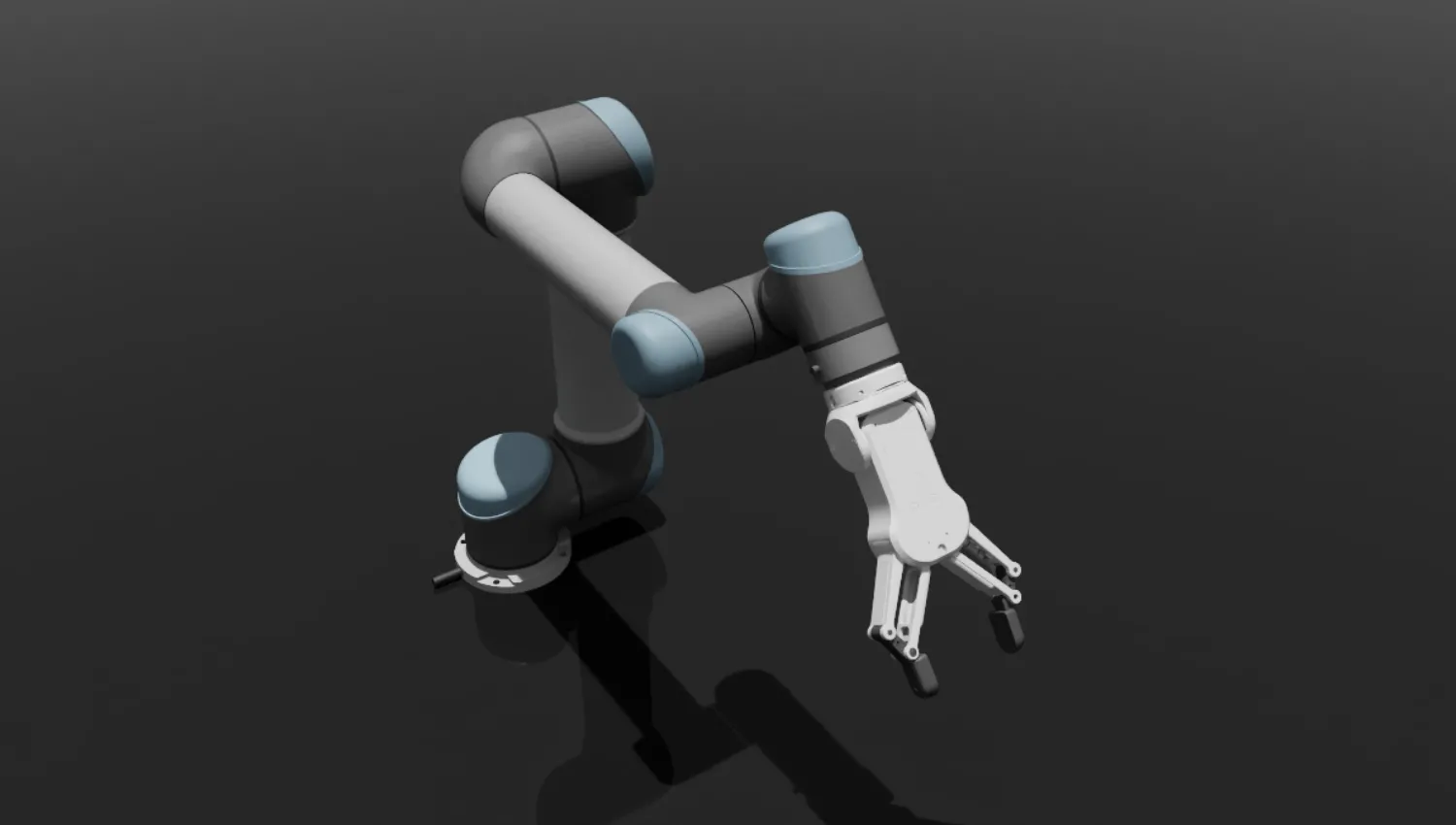
Supported Models
Parallel Grippers
| Model | Class | Max Gripping Force (N) | Stroke (mm) | Weight (kg) | Interface |
|---|---|---|---|---|---|
| RG2 | OnRobotRG2 | 40 | 110 | 0.58 | Tool Changer / Ethernet |
| RG6 | OnRobotRG6 | 120 | 160 | 0.95 | Tool Changer / Ethernet |
Hardware Setup
Three steps take you from boxed gripper to a verified MODBUS/TCP connection: wire up the network, ping the gripper, and connect from Python.
SAFETY FIRST
Once a session is open, Synapse can drive the gripper at any time. Keep fingers and tooling clear of the jaws and be ready to disconnect before issuing any motion from your PC.
TODO
Add OnRobot-specific mounting (tool changer), Compute Box wiring, and pendant configuration steps here.
1. Configure your PC network
Put your PC on the same subnet as the gripper's controller (Compute Box) with a direct Ethernet link.
- Connect an Ethernet cable between your PC and the OnRobot Compute Box.
- Read the gripper IP from the Compute Box configuration.
- On your PC, set a static IPv4 in the same subnet — e.g. gripper at
192.168.1.1→ PC at192.168.1.2, subnet mask255.255.255.0, no gateway.
2. Verify connectivity with ping
ping 192.168.1.1 # replace with your gripper's IPYou should see successful replies. If the ping fails, work through these in order:
| Check | Action |
|---|---|
| Physical link | Confirm cable seated, LAN port LEDs lit on the Compute Box |
| Subnet match | PC and gripper IPs share the first three octets |
| Route hijacking | Disable VPNs and virtual network adapters on the PC |
3. Verify the connection from Python
telekinesis-ai and telekinesis-urdfs before running any robotics skill. Connect, hold for a second, then cleanly disconnect — a no-motion sanity check that the session is alive:
import time
from telekinesis.synapse.tools.parallel_grippers import onrobot

gripper = onrobot.OnRobotRG2()
gripper.connect(ip="192.168.1.1")   # replace with your gripper's IP
time.sleep(1)                        # hold the session briefly
gripper.disconnect()
If connect succeeds without an exception, you are ready to run any Synapse gripper skill against the real hardware.