

Object Detection
Object Detection
retina covers 2D object detection from images using three different approaches: classical computer vision algorithms, deep learning models trained on fixed object classes, and open-vocabulary detectors that work from free-text prompts. Pick the group that matches what you're trying to detect.
Classical Object Detection
Classical detectors use deterministic, non-learned algorithms - no training data, no GPU, and fully explainable results. They work best when the shape you're looking for is well-defined geometrically (circles, edges, contours) and lighting/background are reasonably controlled.
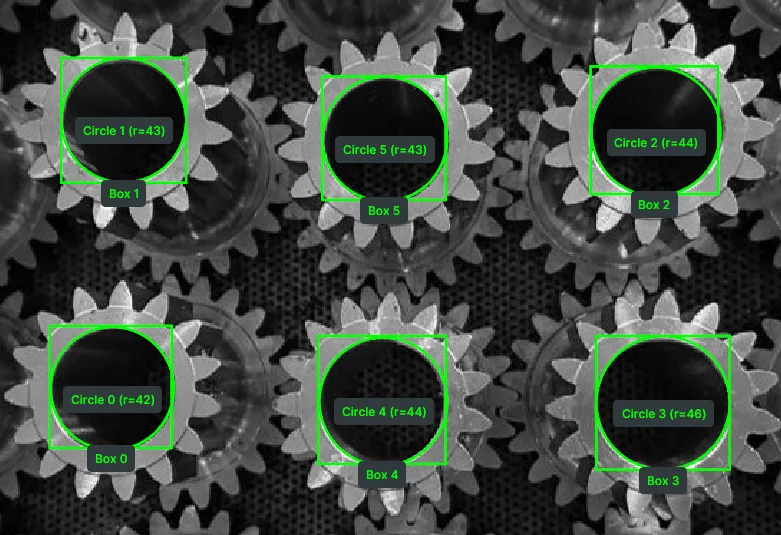
Detect Circle Using Classic Hough
Detects circles in an image using the classical Hough Circle Transform.
View →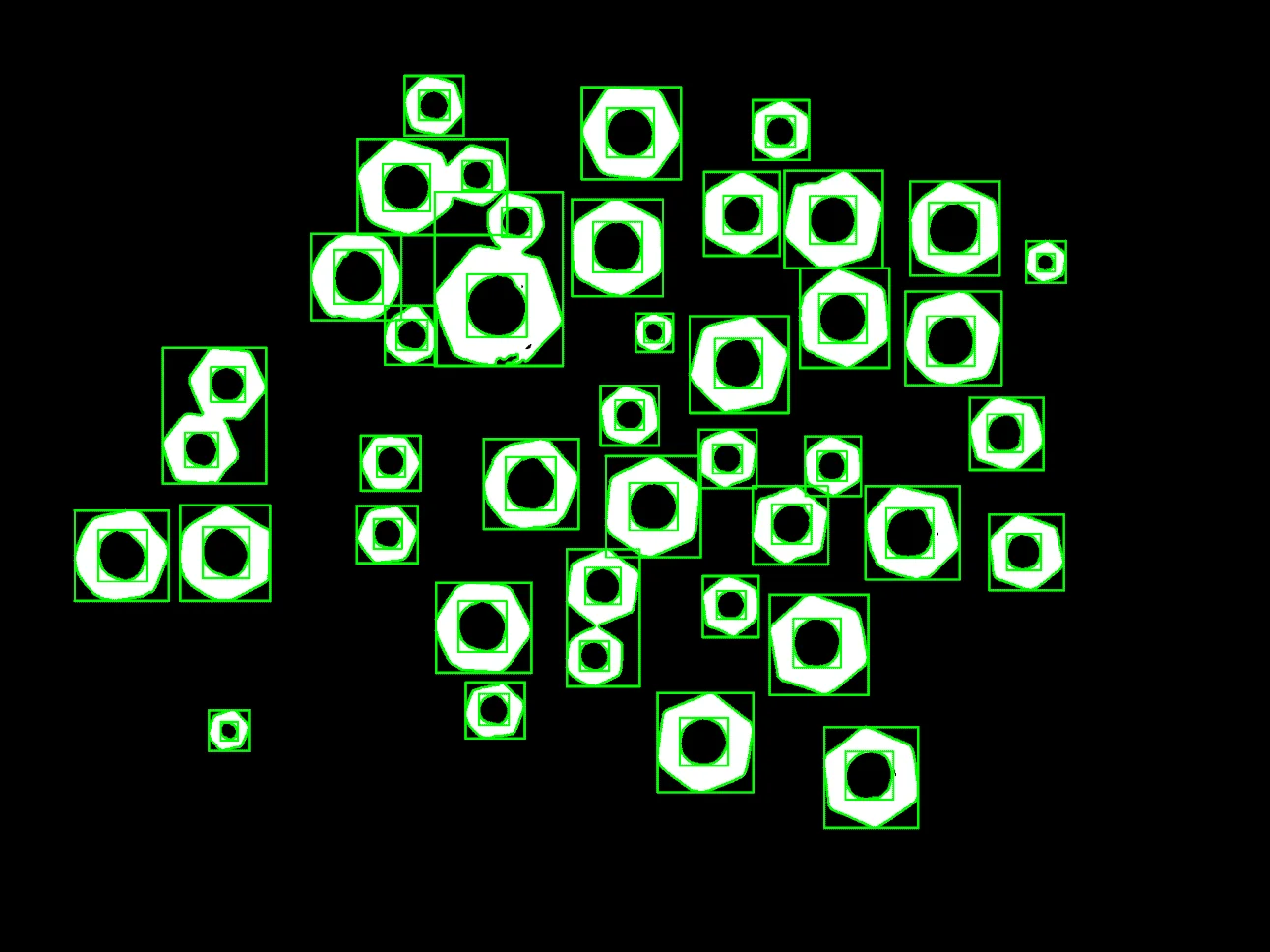
Detect Contours
Finds and draws object contours using edge-based detection.
View →Deep Learning Object Detection
Deep learning detectors are neural networks trained on a fixed set of object classes. They handle cluttered scenes, varied lighting, and partial occlusion far better than classical CV, but they can only recognize the classes they were trained on.
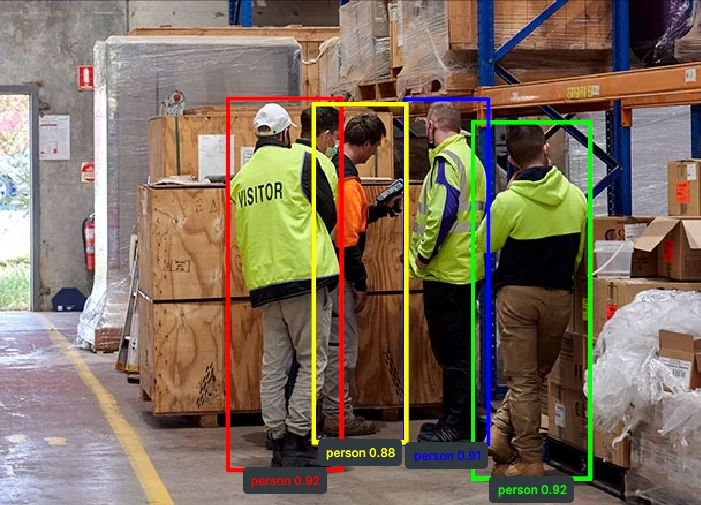
Detect Objects Using YOLOX
Detects objects using the YOLOX neural network model.
View →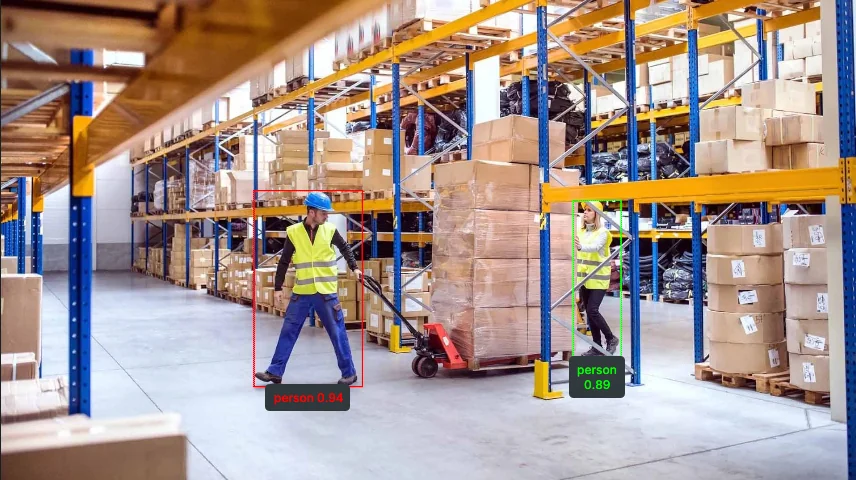
Detect Objects Using RF-DETR
Detects objects using the RF-DETR transformer-based detection model.
View →Open-Vocabulary Object Detection
Open-vocabulary detectors are foundation models that detect objects described in plain text, without retraining. Use them when you need to detect a new or rarely-seen object category on the fly, or when defining a fixed class list isn't practical.
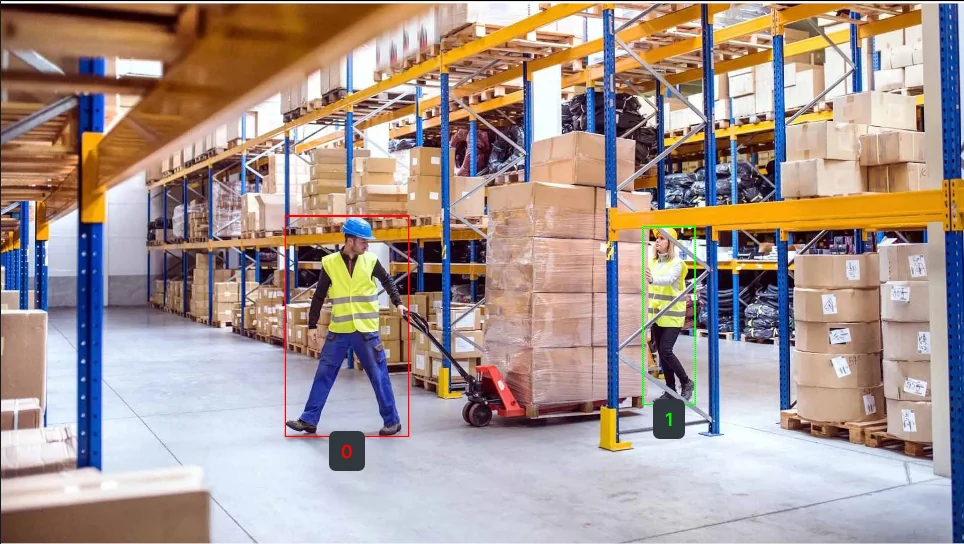
Detect Objects Using QWEN
Detects and describes objects using the Qwen vision-language model.
View →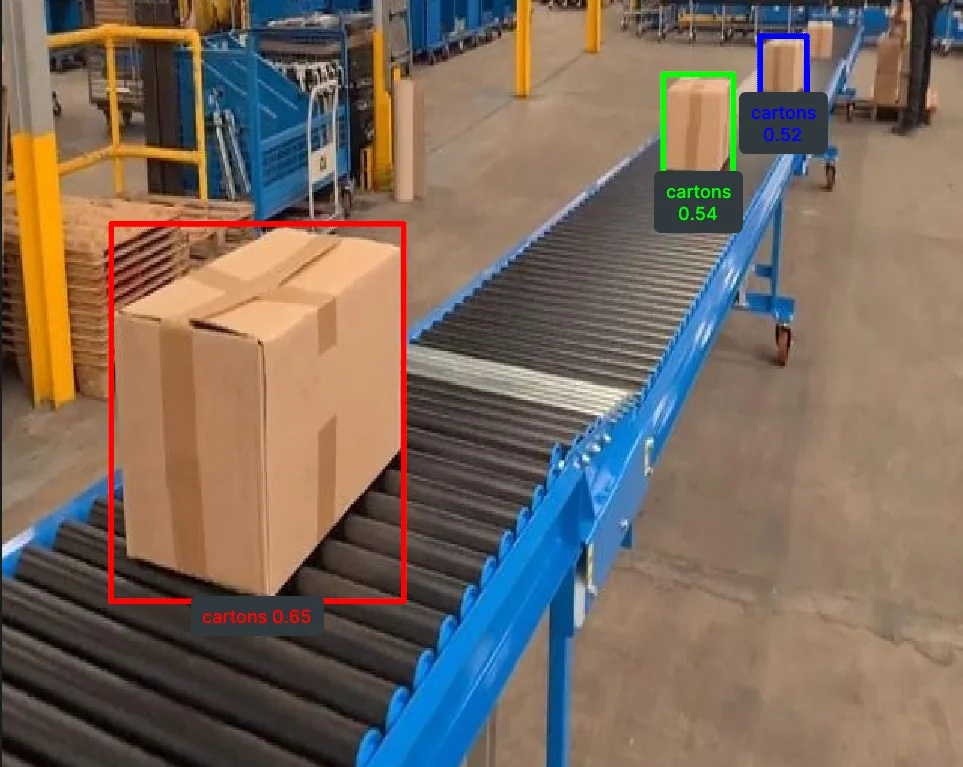
Detect Objects Using Grounding DINO
Detects objects from free-text prompts using Grounding DINO.
View →Where to Go Next?
Ready to go deeper? Browse the Telekinesis Skill Examples repository for a runnable example covering every Skill.
Skill Examples
One runnable example per Skill, across vision, 3D, hardware, and robotics.
Explore →Explore the Docs
Skills
Vision, 3D, hardware, and robotics skills — the full API reference.
Explore →Agents
Turn natural-language instructions into robot code with Tzara, the VS Code agent.
Explore →Data Engine
Generate and manage synthetic datasets for training Physical AI models.
Explore →BabyROS
Lightweight pub/sub and service primitives for building robot communication layers.
Explore →Applications
Real-world use cases: pick-and-place, palletizing, quality inspection, and more.
Explore →