
Telekinesis Skill Examples
Prerequisites
New here? Complete the Quickstart first — it sets up your API key, conda environment, and SDK in under 5 minutes.
Run an Example!
Run any example from telekinesis-examples repository
Clone the repository and actiavate conda environment
git clone https://github.com/telekinesis-ai/telekinesis-examples.git
cd telekinesis-examples
conda activate telekinesis
Run an example (see more examples below)
Runs segment_image_using_sam3 and visualizes masks in Rerun.
python examples/segmentation/segment_image_using_sam3.py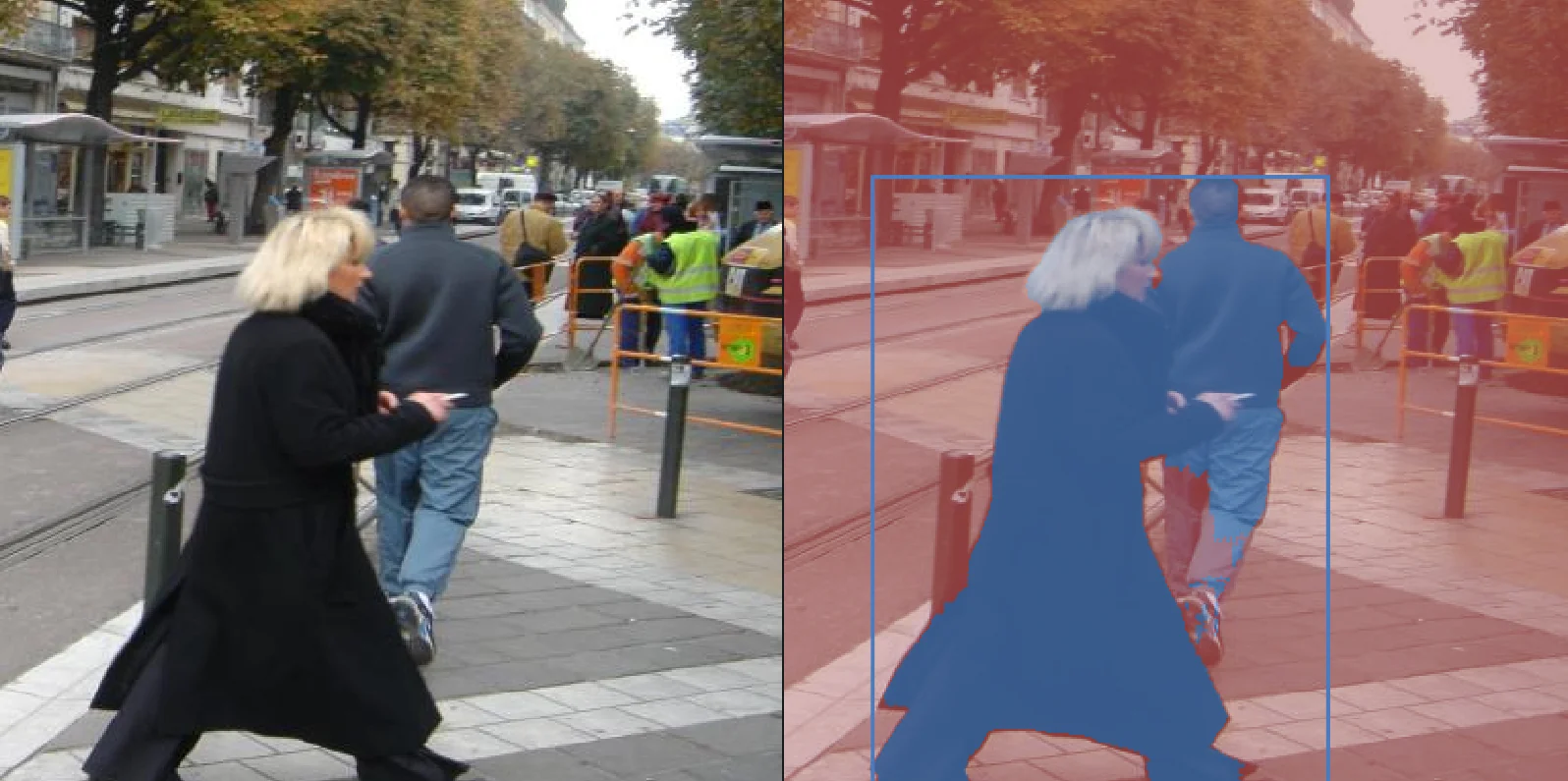
SAM3 masks predicted from the sample input image.
Cornea
Run all examples:
python examples/segmentation/run_cornea_examples.py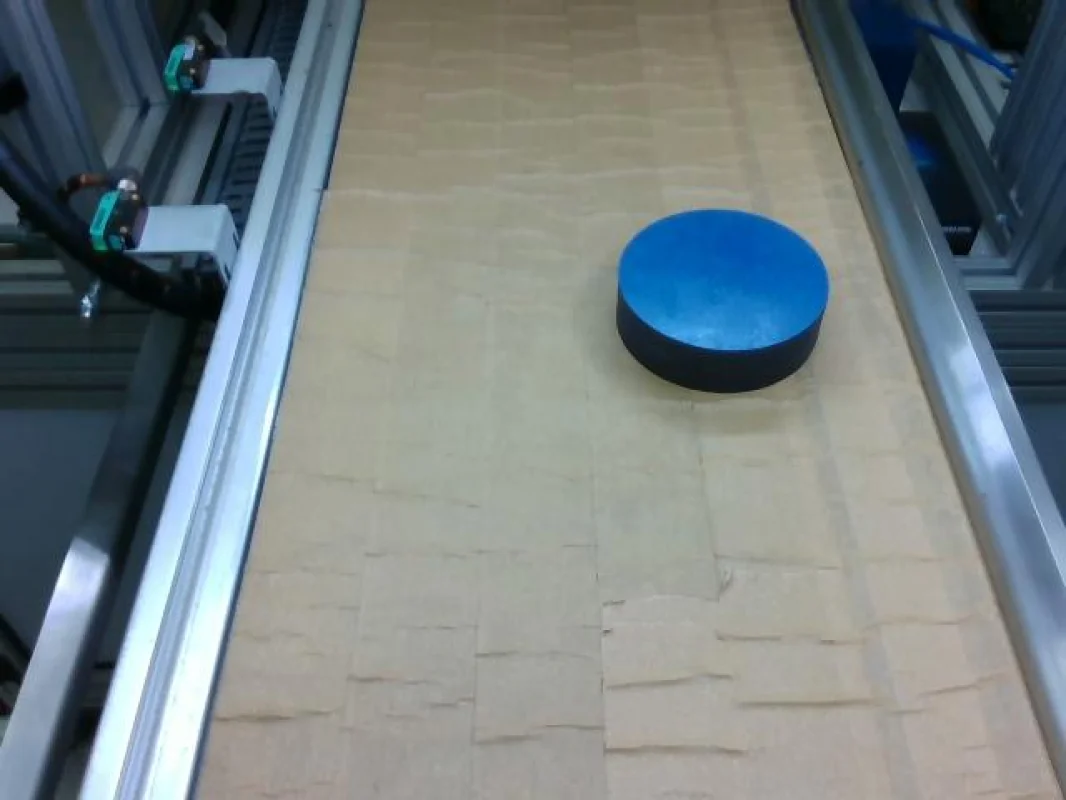
Segment Image Using RGB
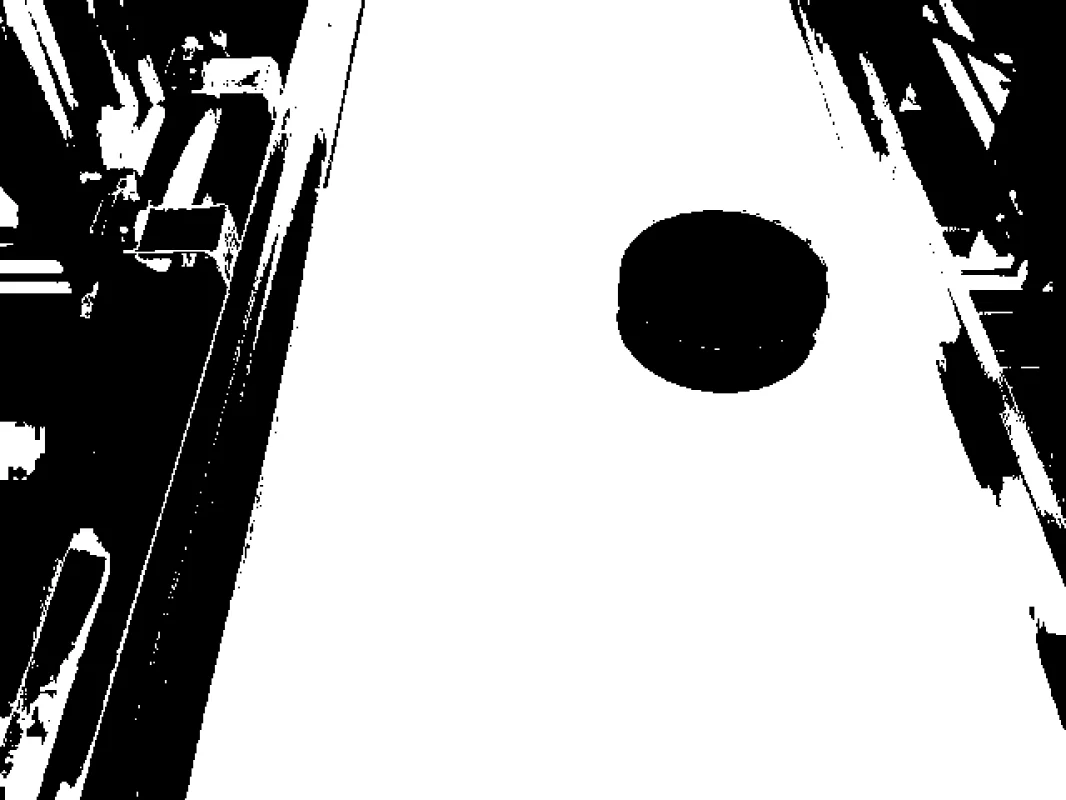
Segments regions by thresholding raw RGB color channels.
View →
Segment Image Using HSV
Segments regions by thresholding hue, saturation, and value.
View →
Segment Image Using LAB
Segments regions using perceptually uniform LAB color space.
View →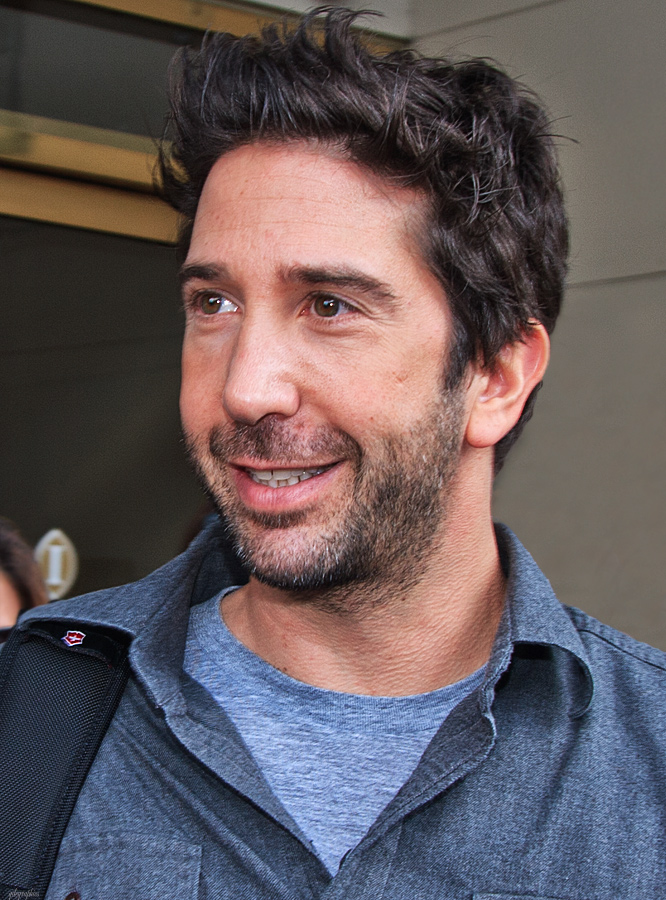
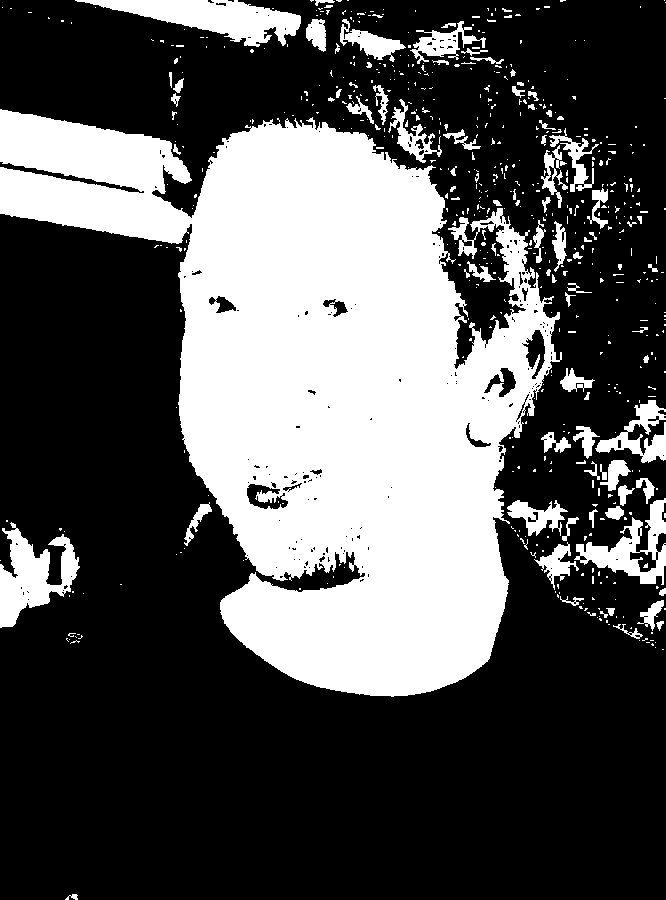
Segment Image Using YCrCb
Segments regions by separating luminance from chroma components.
View →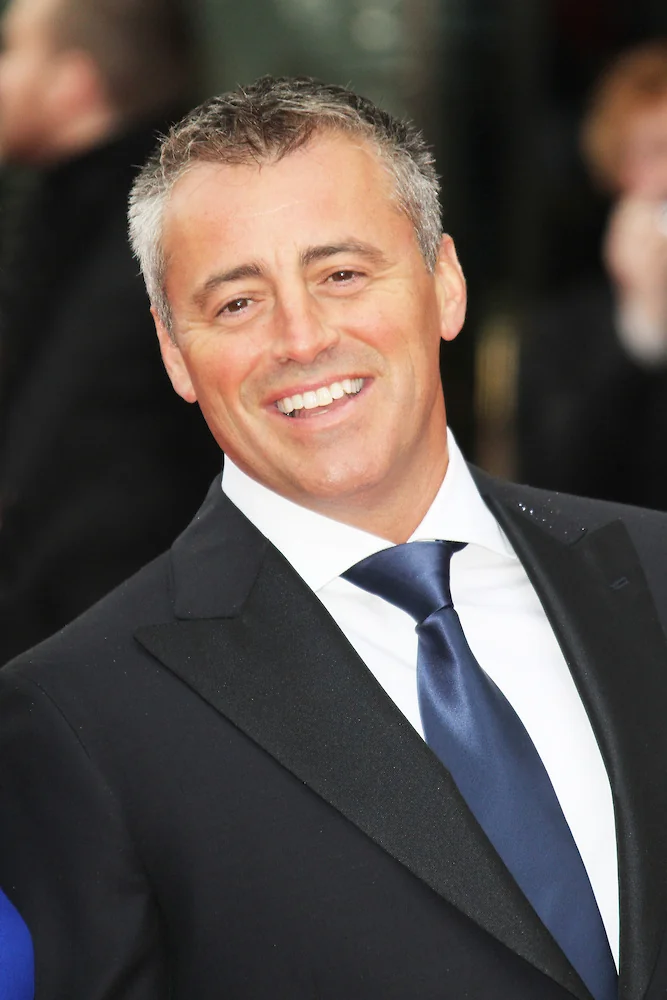
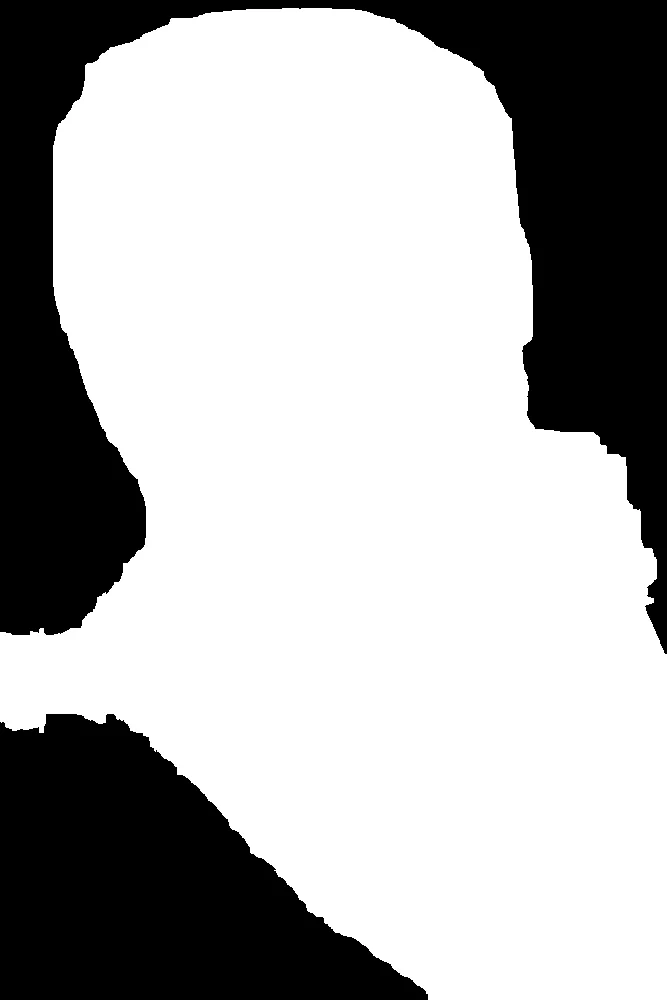
Segment Image Using Focus Region
Isolates a rectangular region of interest for downstream processing.
View →
Segment Image Using Watershed
Segments touching or overlapping objects using the watershed algorithm.
View →
Segment Image Using Flood Fill
Segments a contiguous region by flood-filling from a seed point.
View →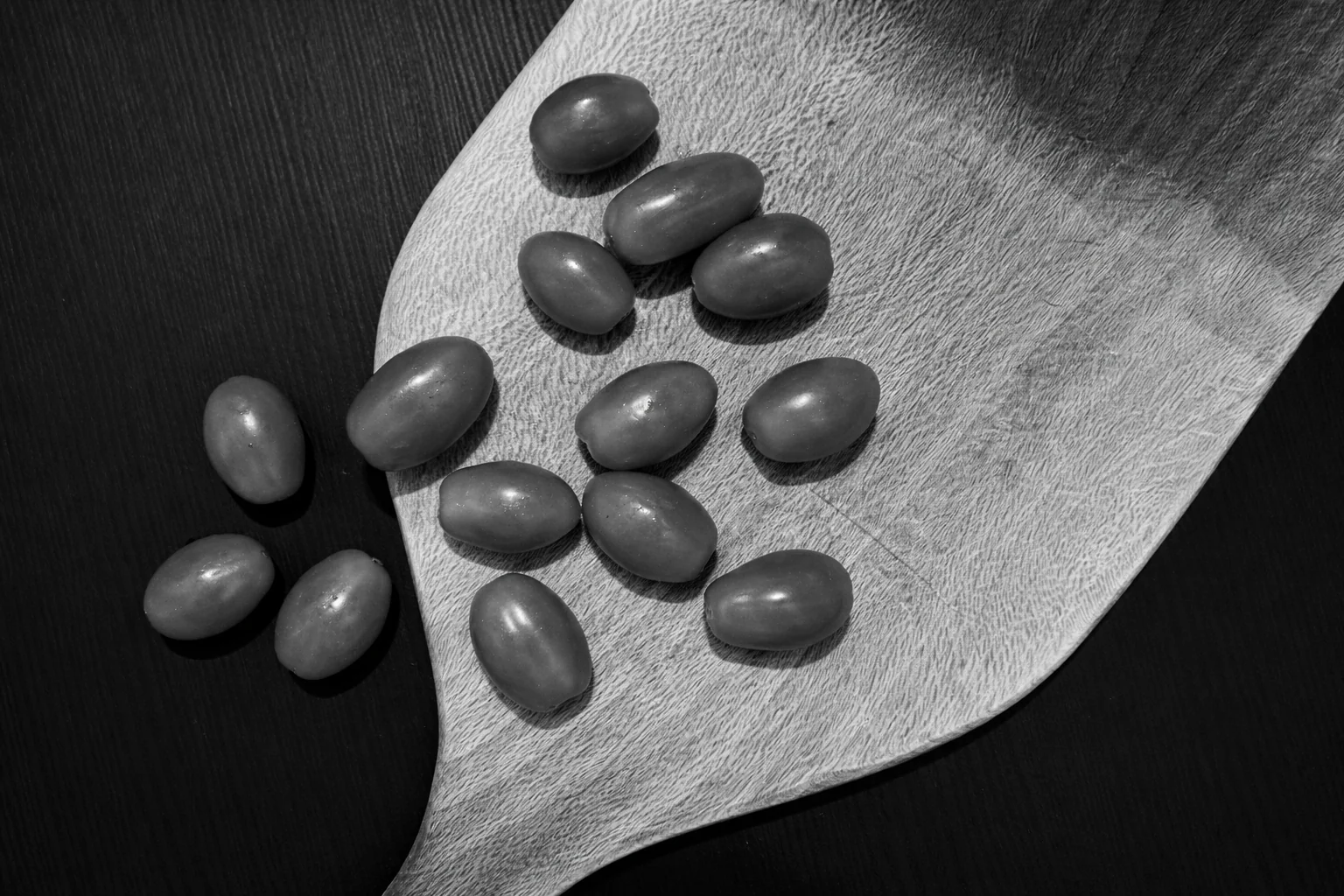
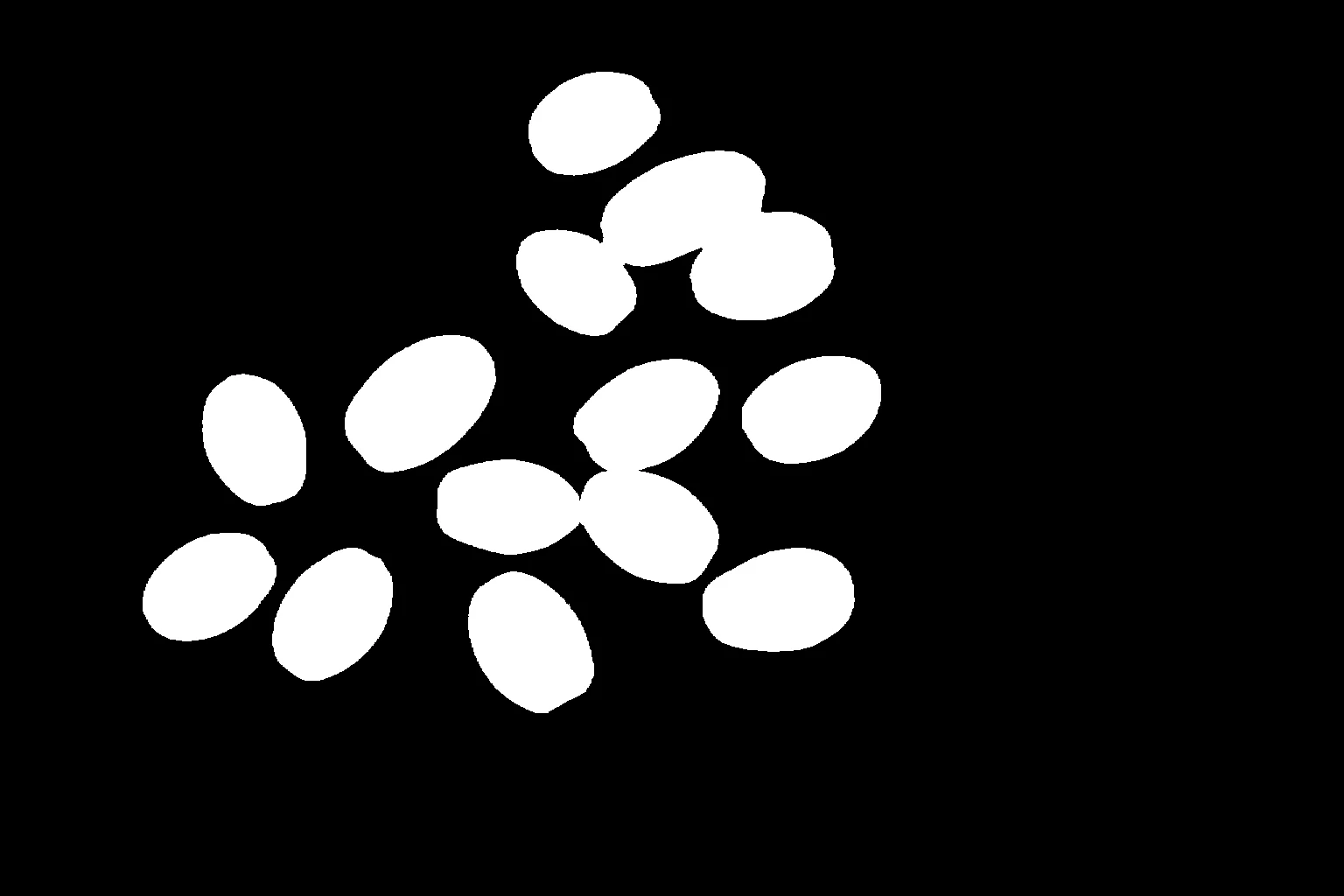
Segment Image Using Foreground BiRefNet
Extracts foreground from background using the BiRefNet deep learning model.
View →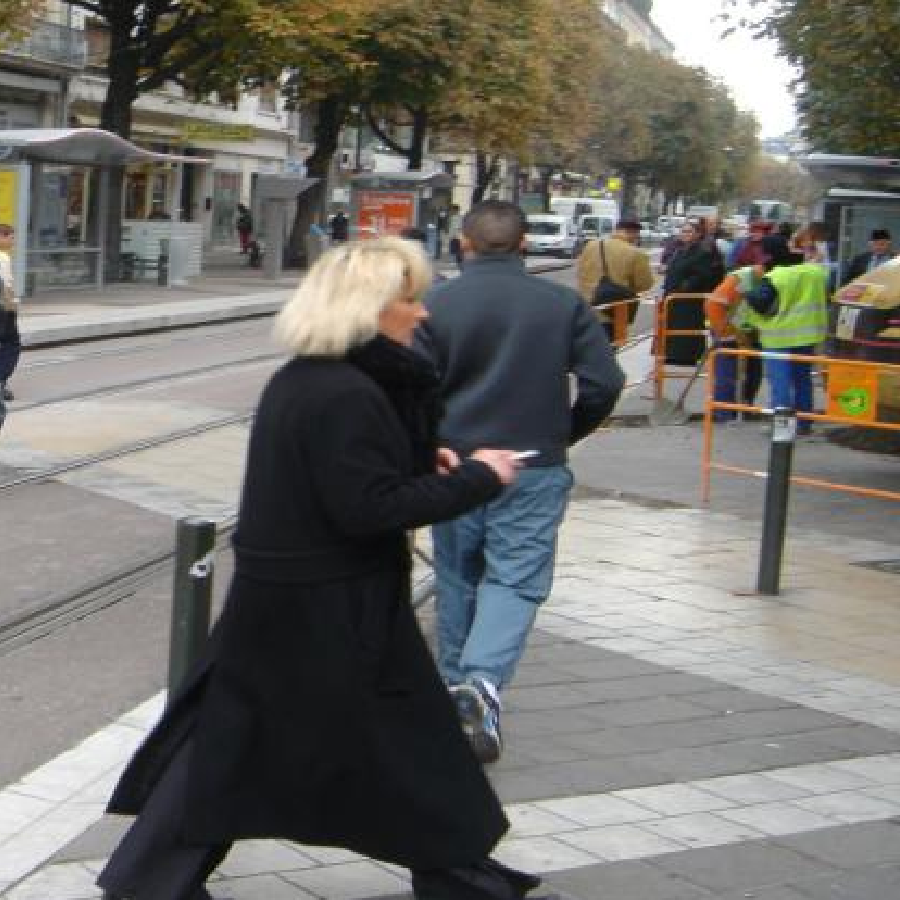
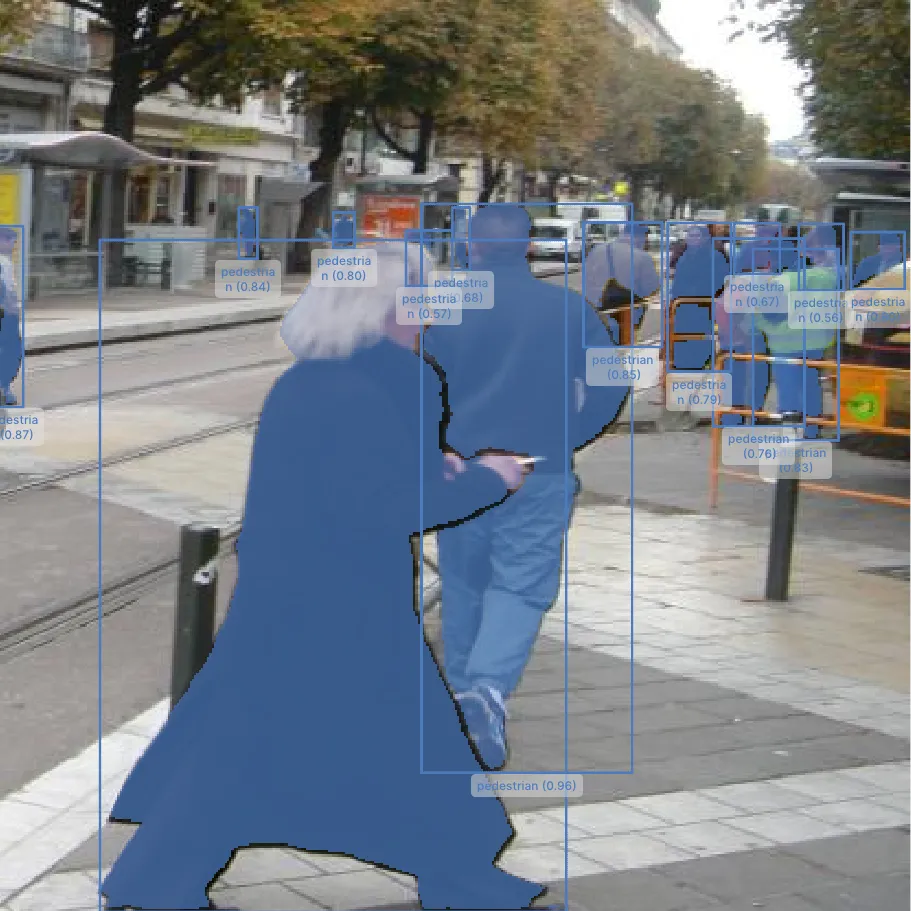
Segment Image Using SAM3
Segments arbitrary objects using Meta's Segment Anything Model 3 (SAM3).
View →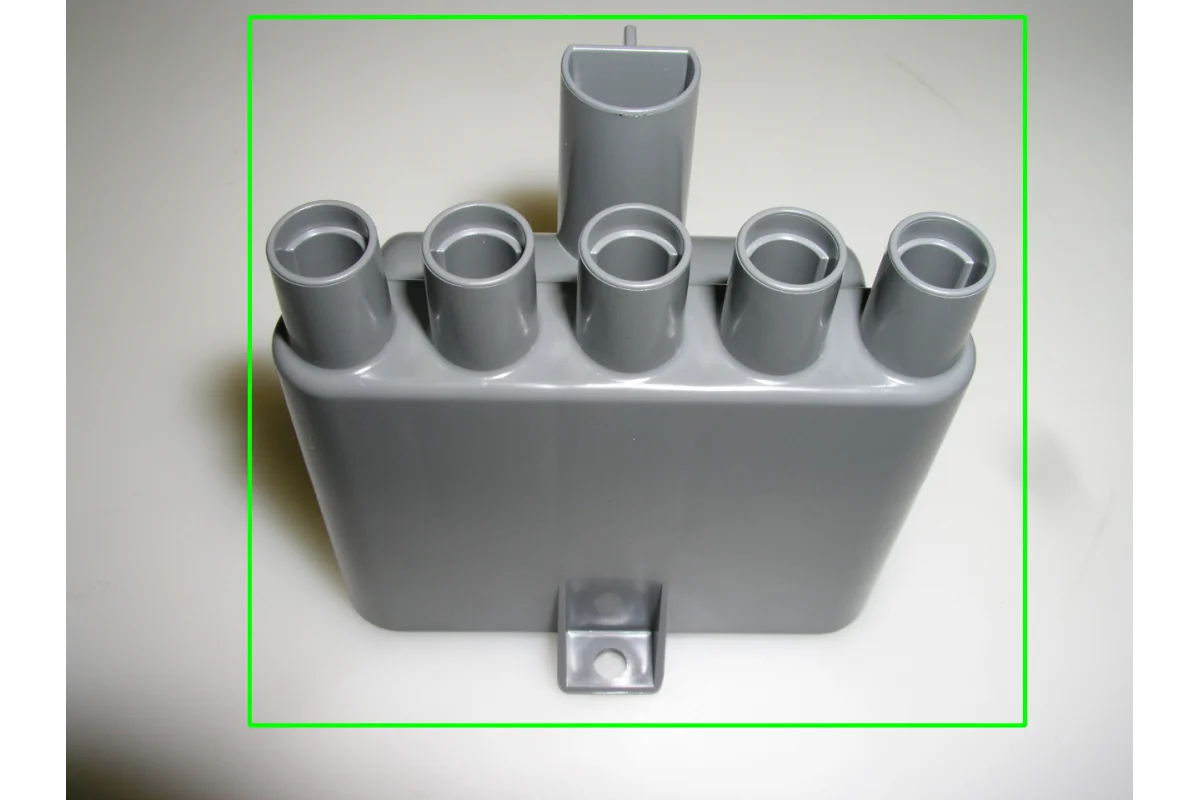
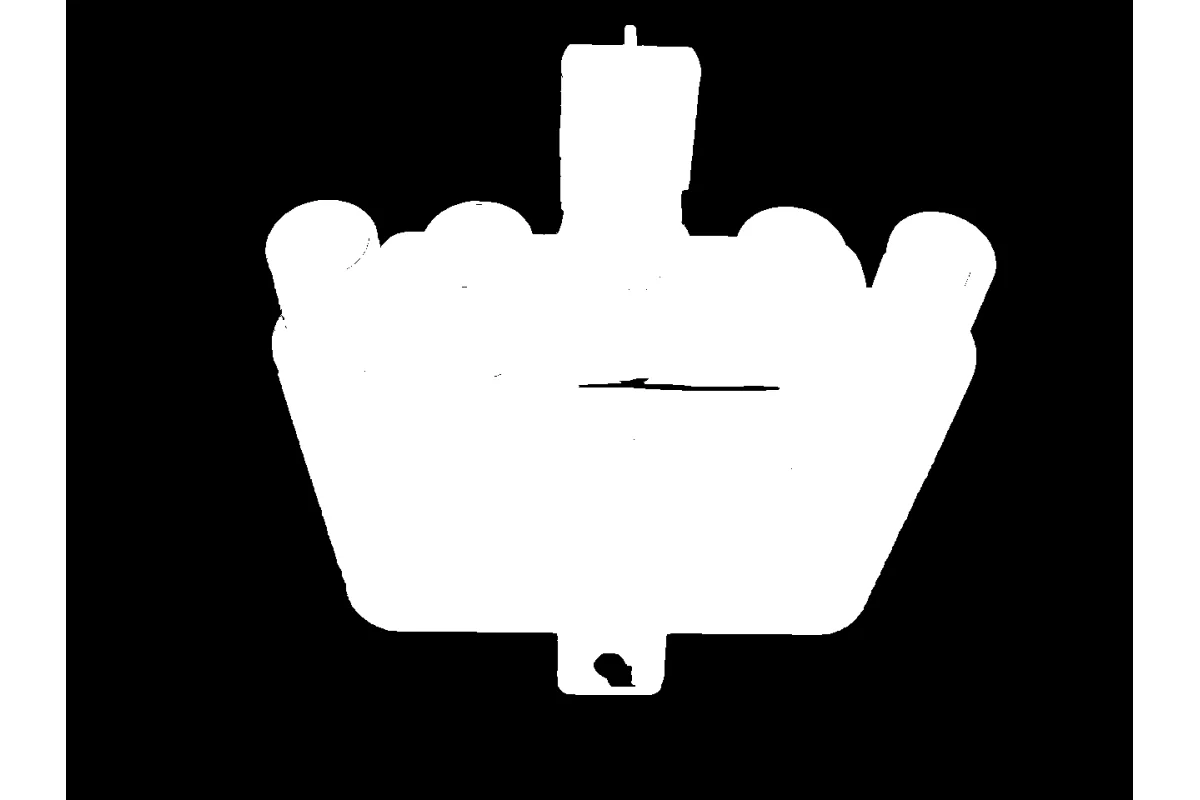
Segment Image Using GrabCut
Separates foreground from background using the GrabCut graph-cut algorithm.
View →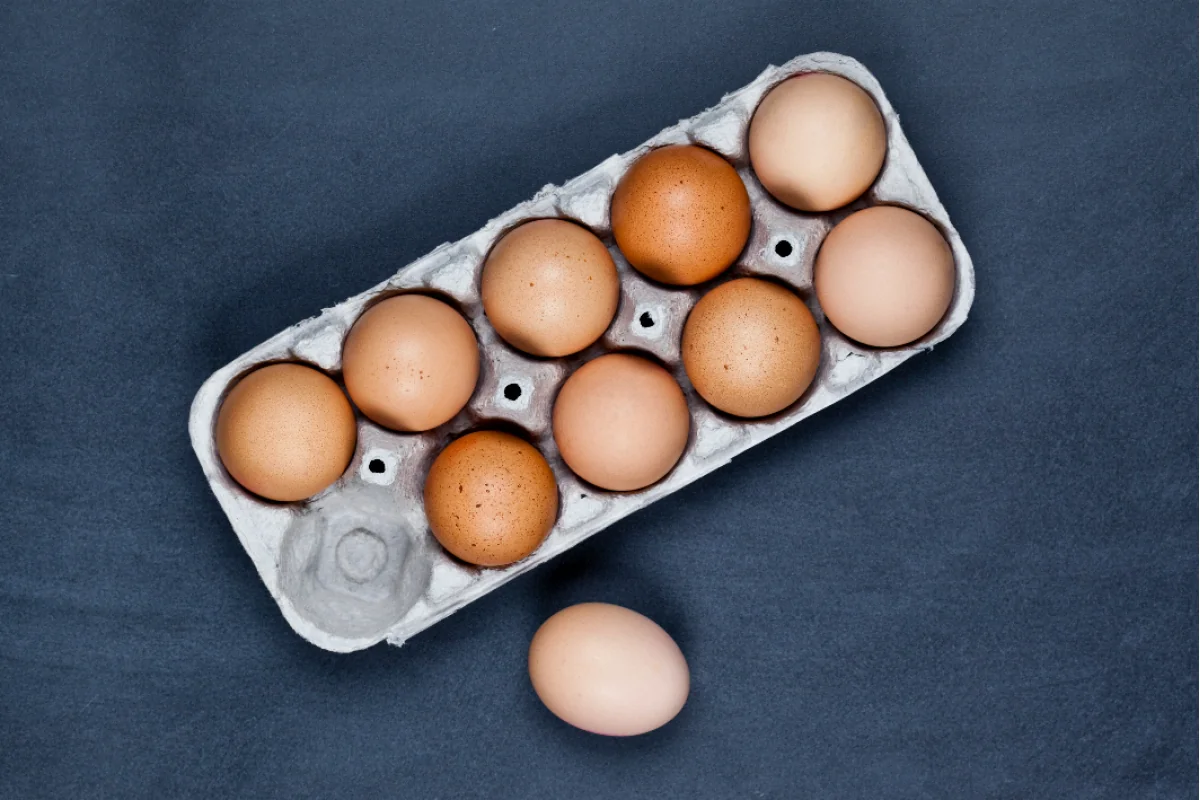
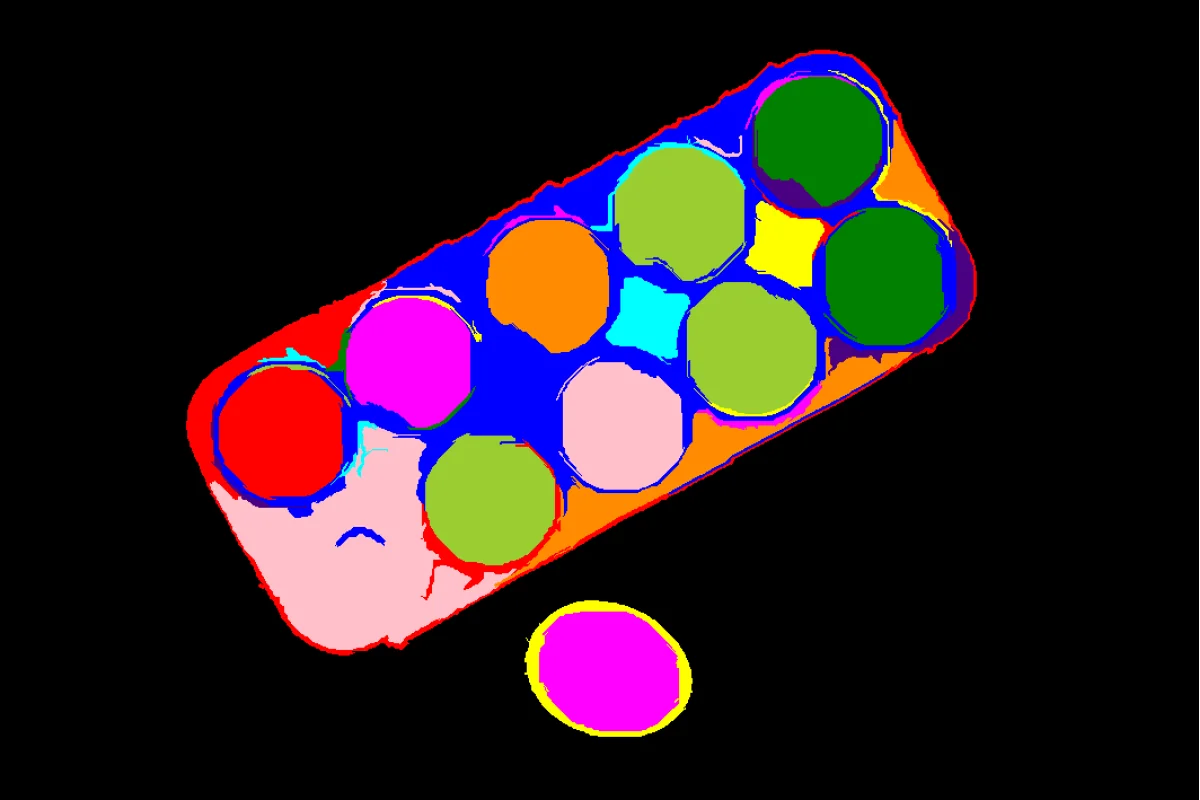
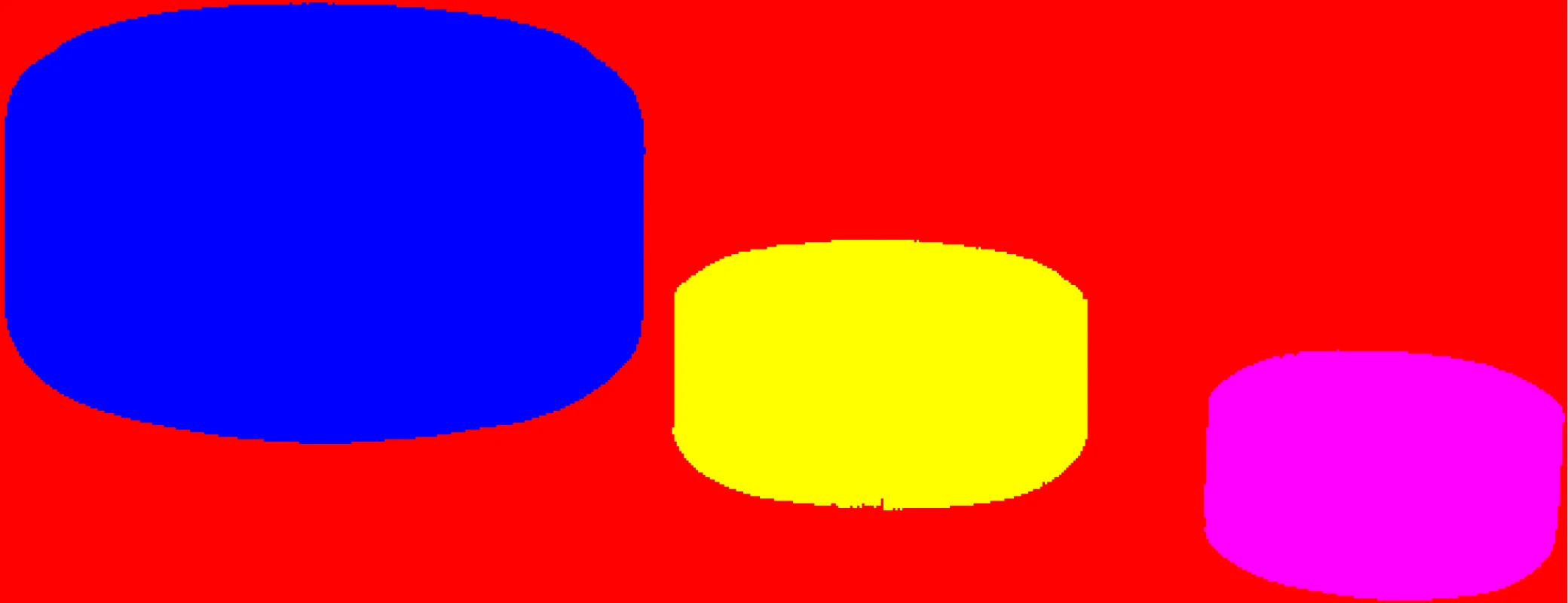
Segment Image Using Felzenszwalb
Over-segments an image into superpixels using Felzenszwalb's method.
View →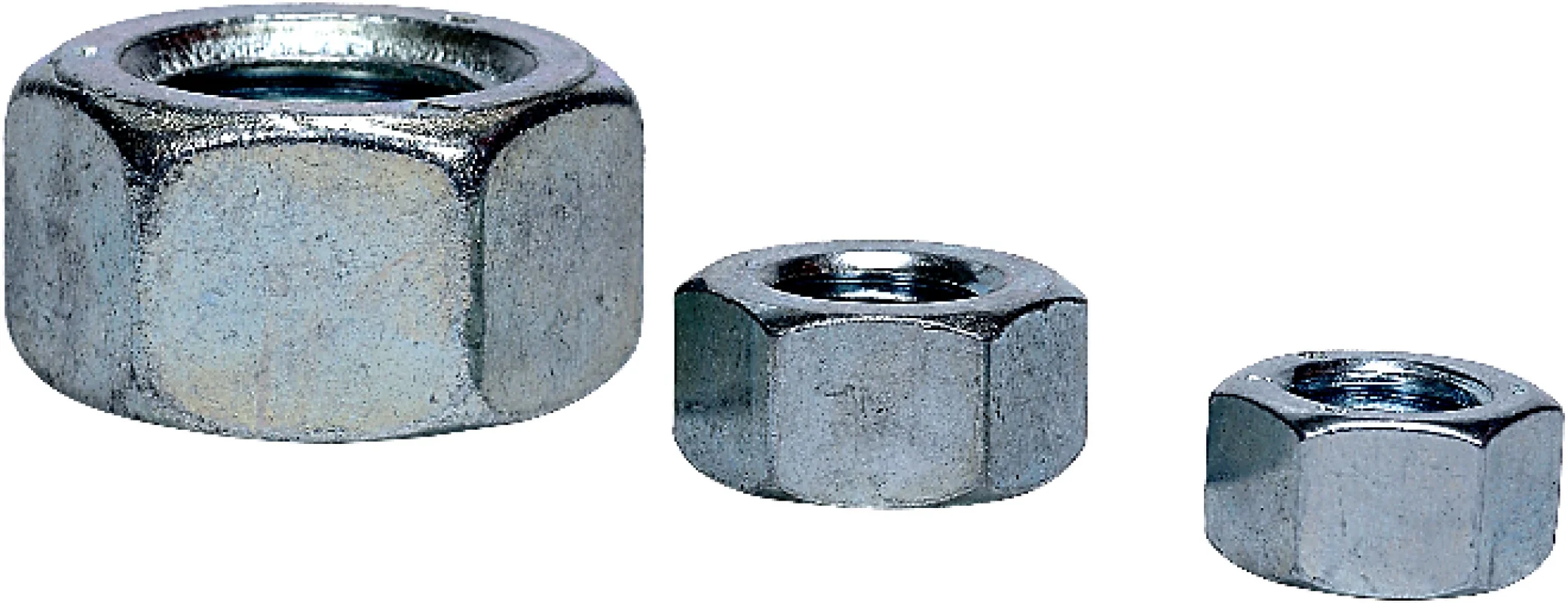
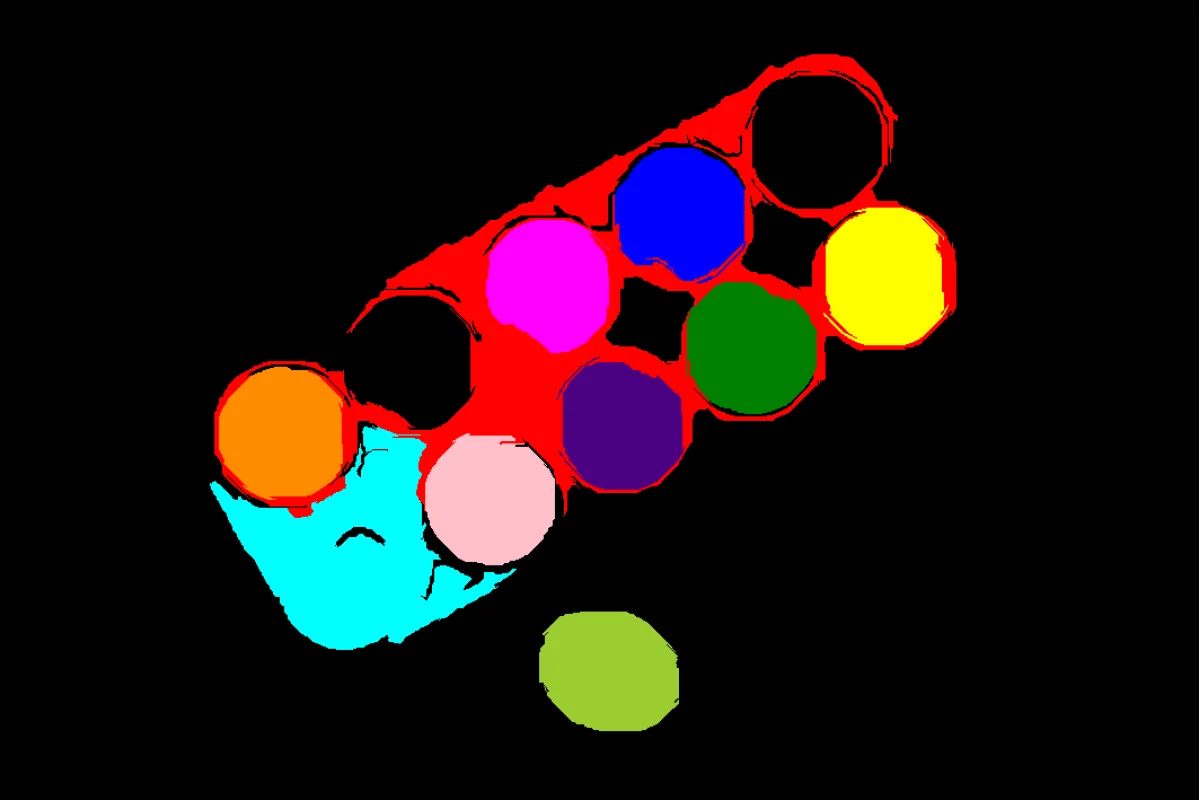
Segment Image Using SLIC Superpixel
Groups pixels into compact superpixels using the SLIC algorithm.
View →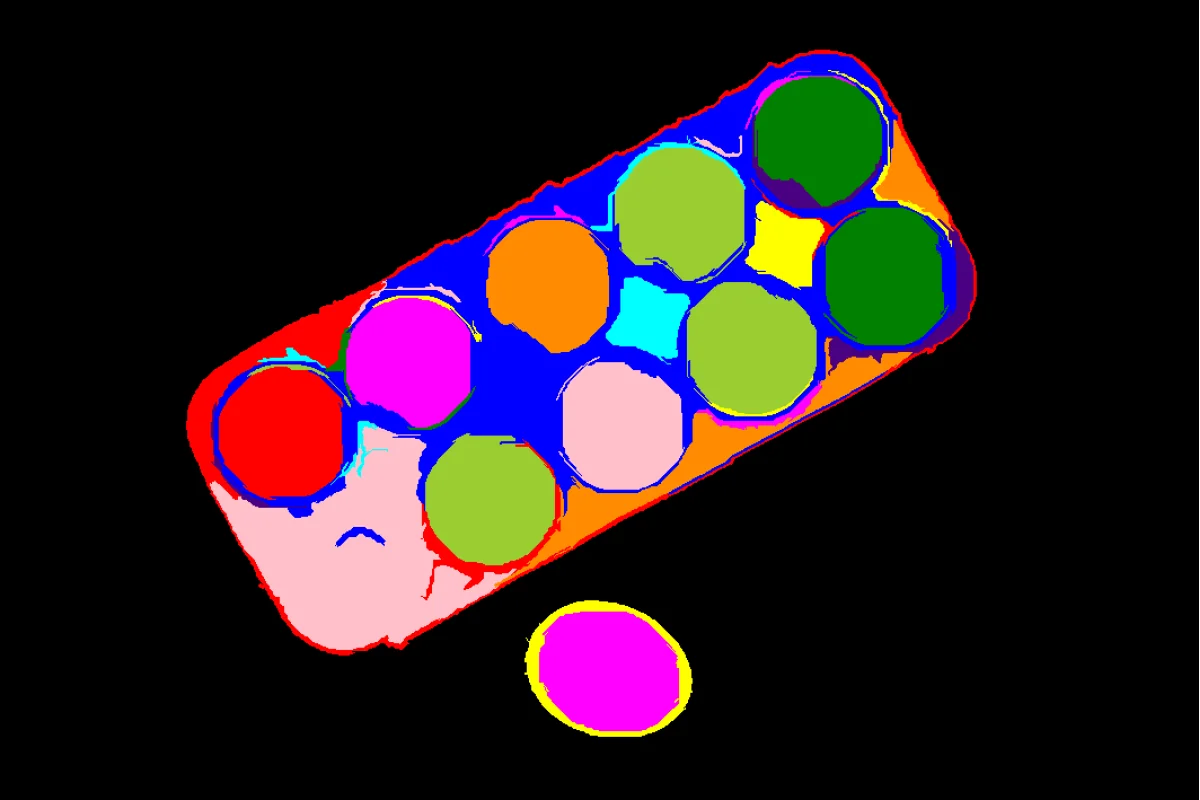
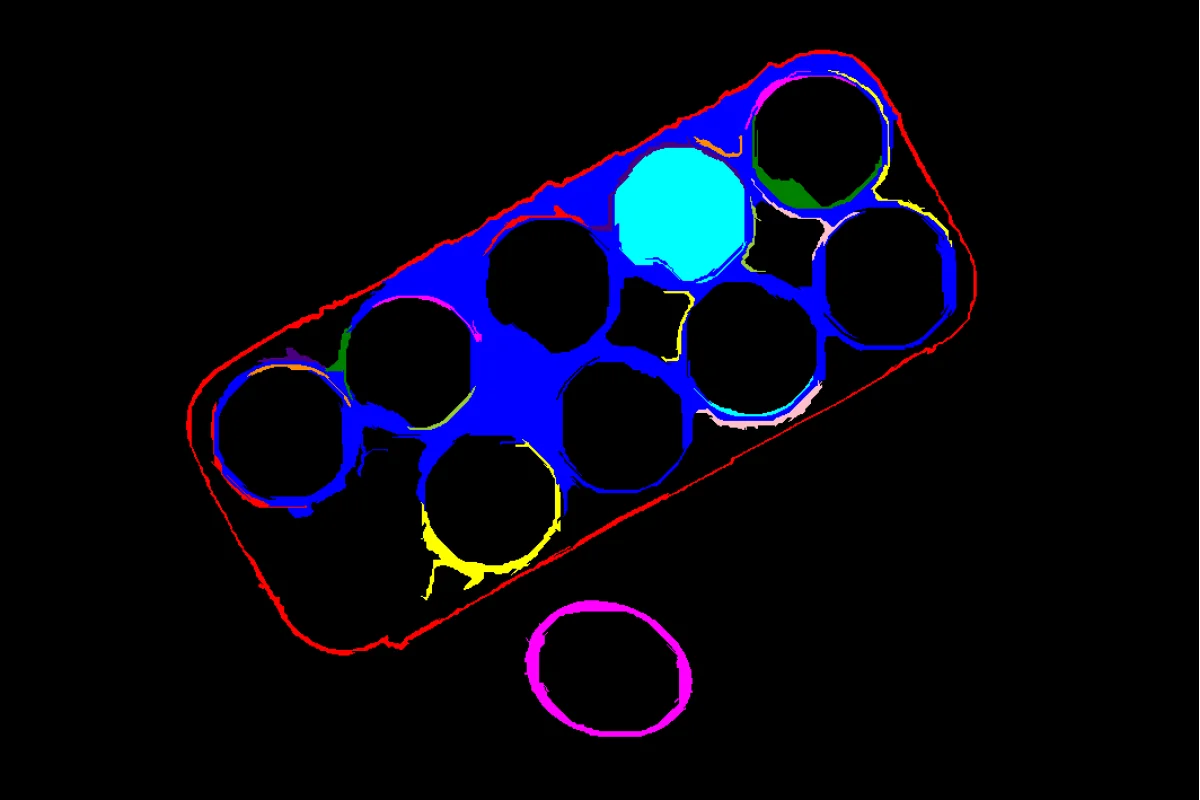
Filter Segments By Area
Removes segments outside a specified minimum or maximum area.
View →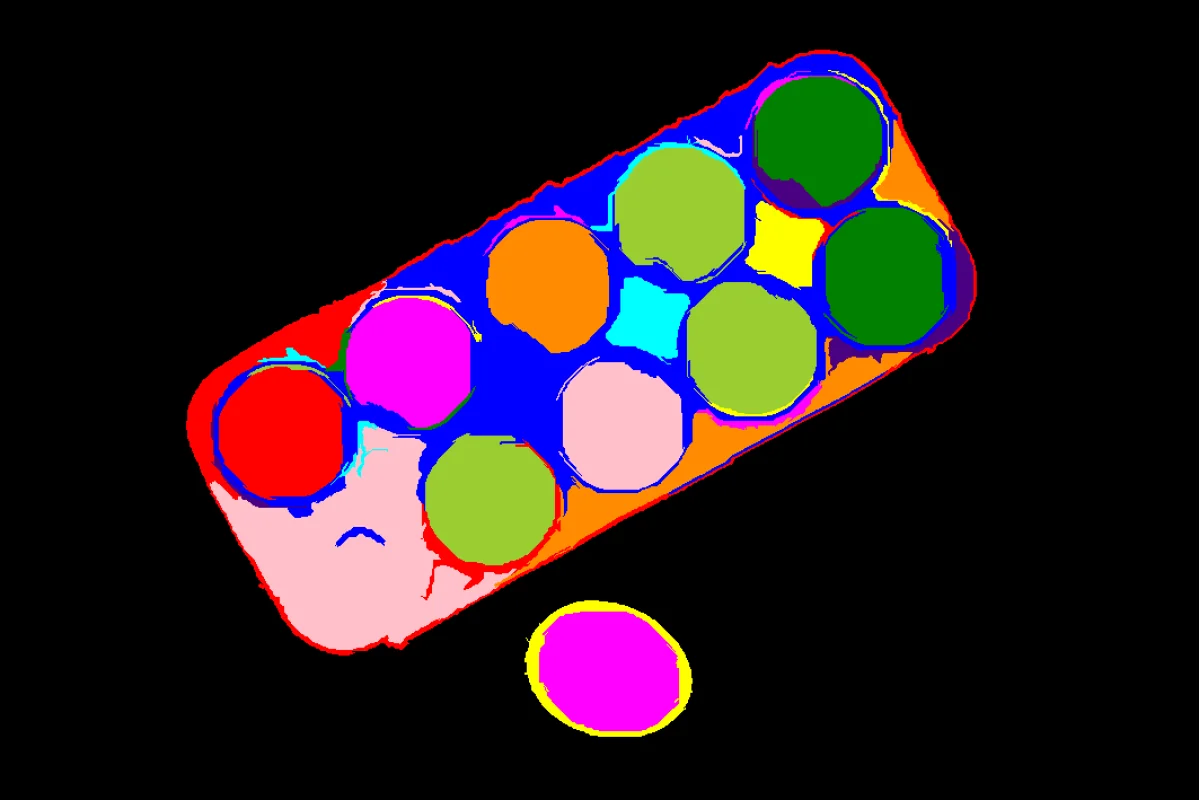
Filter Segments By Color
Keeps only segments whose average color falls within a target range.
View →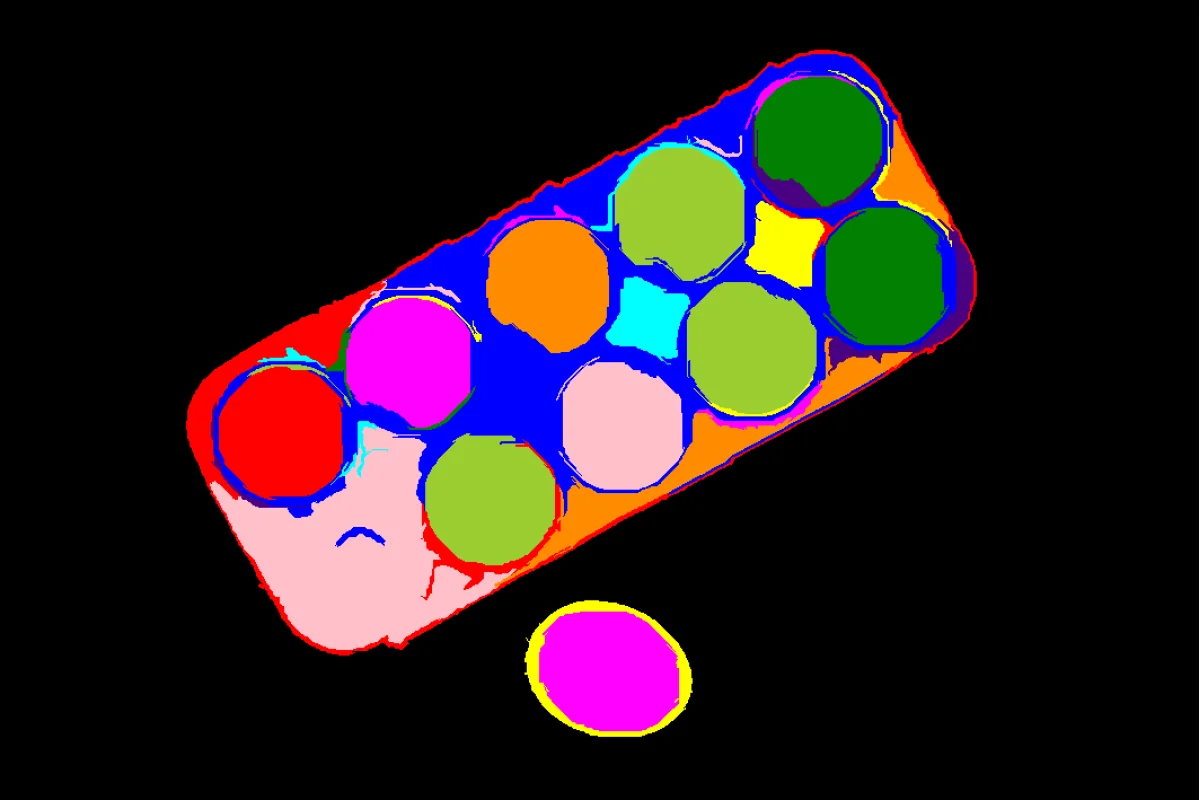
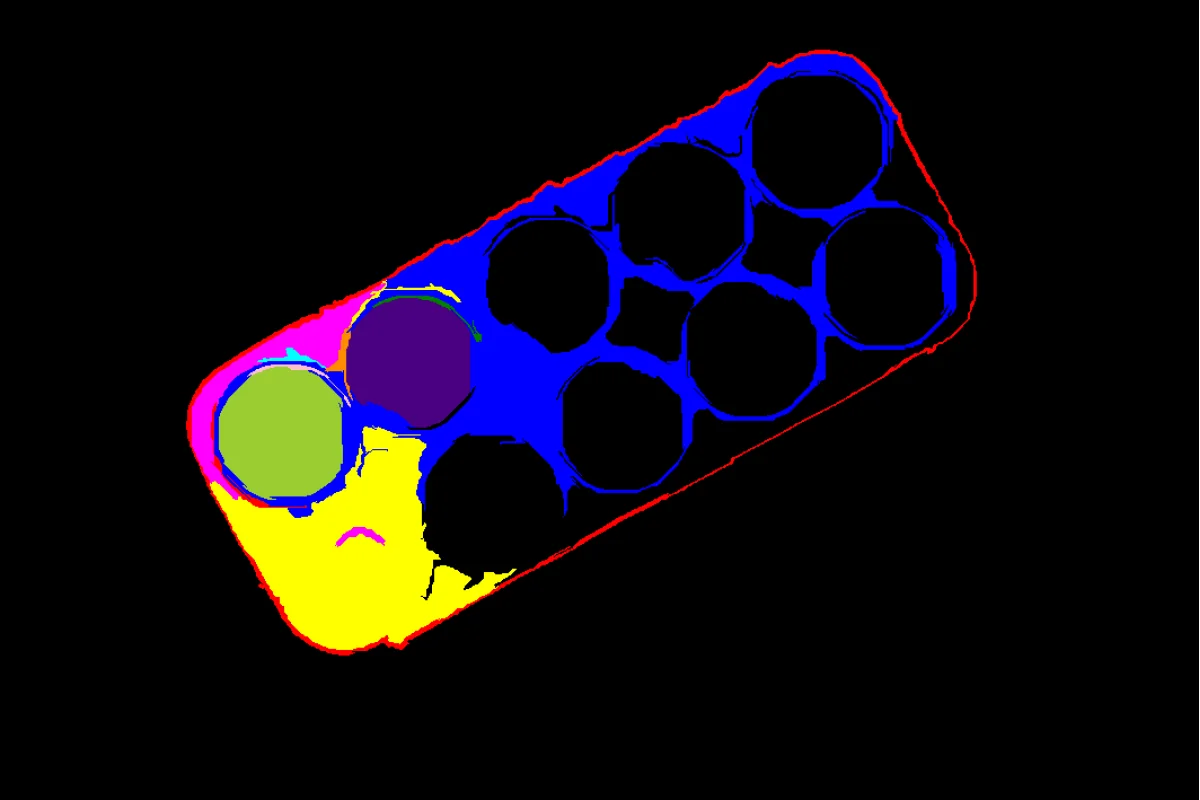
Filter Segments By Mask
Filters segments based on overlap with a provided binary mask.
View →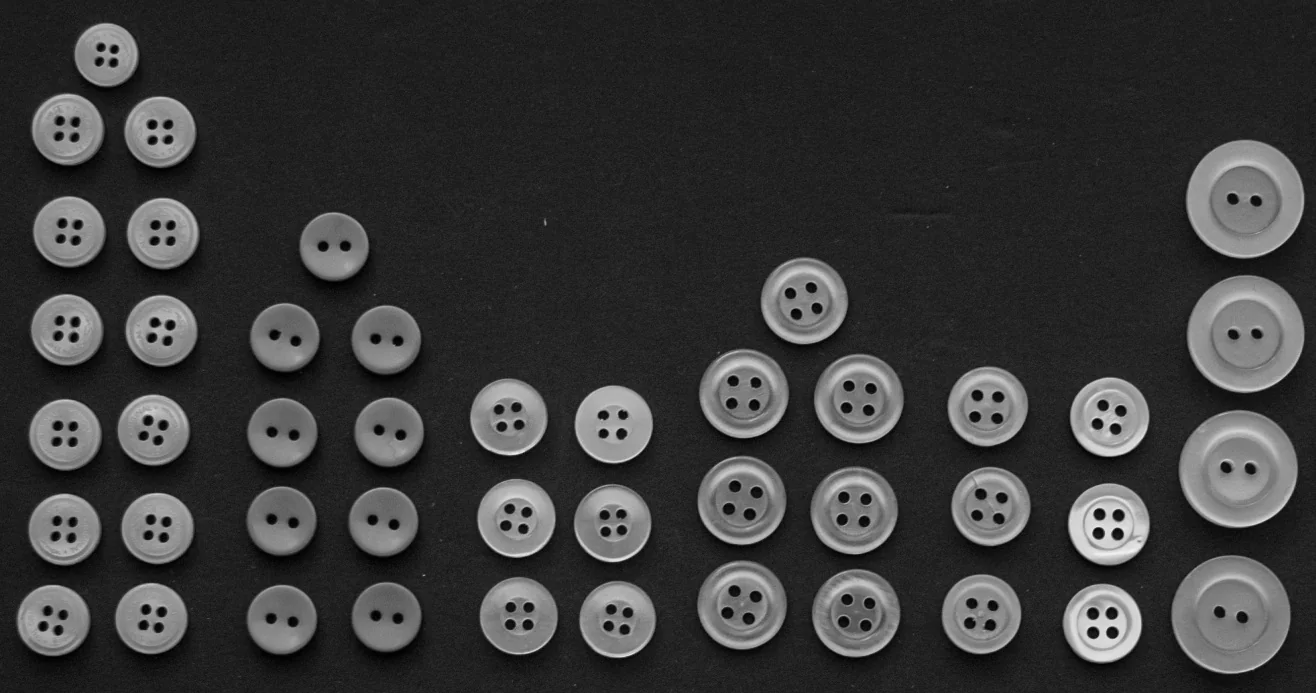
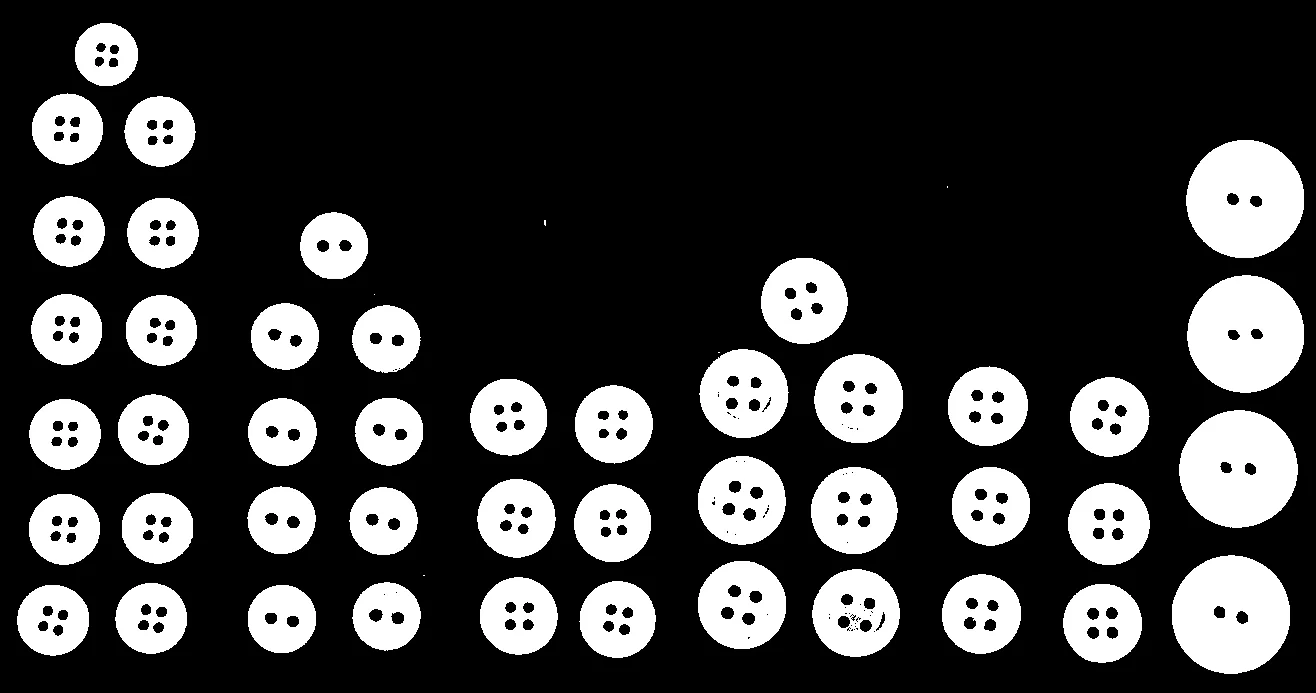
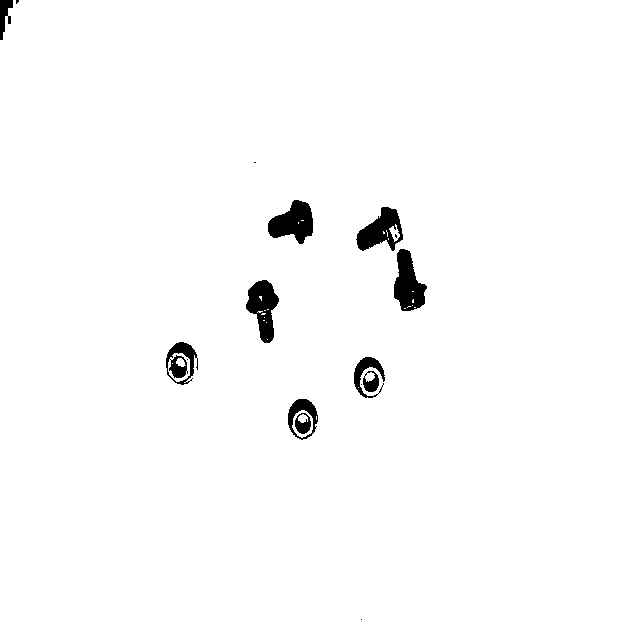
Segment Image Using Otsu Threshold
Binarizes an image by automatically finding the optimal Otsu threshold.
View →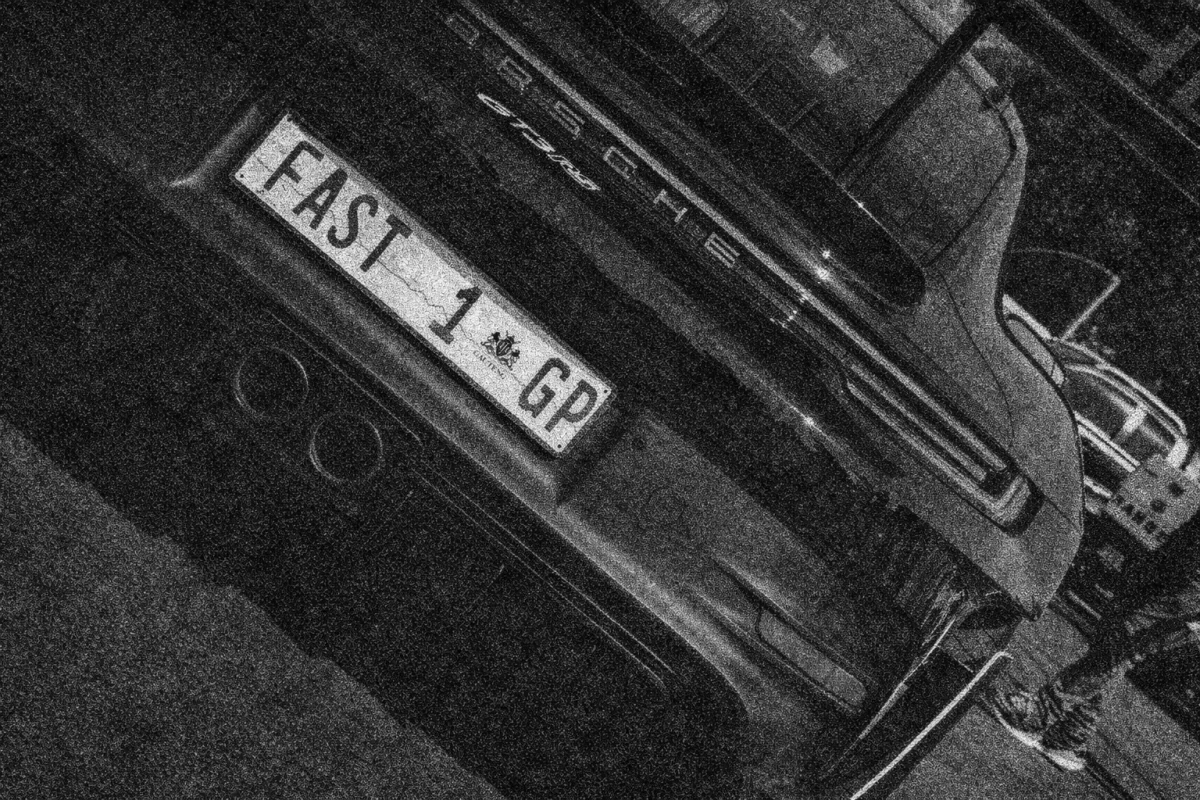
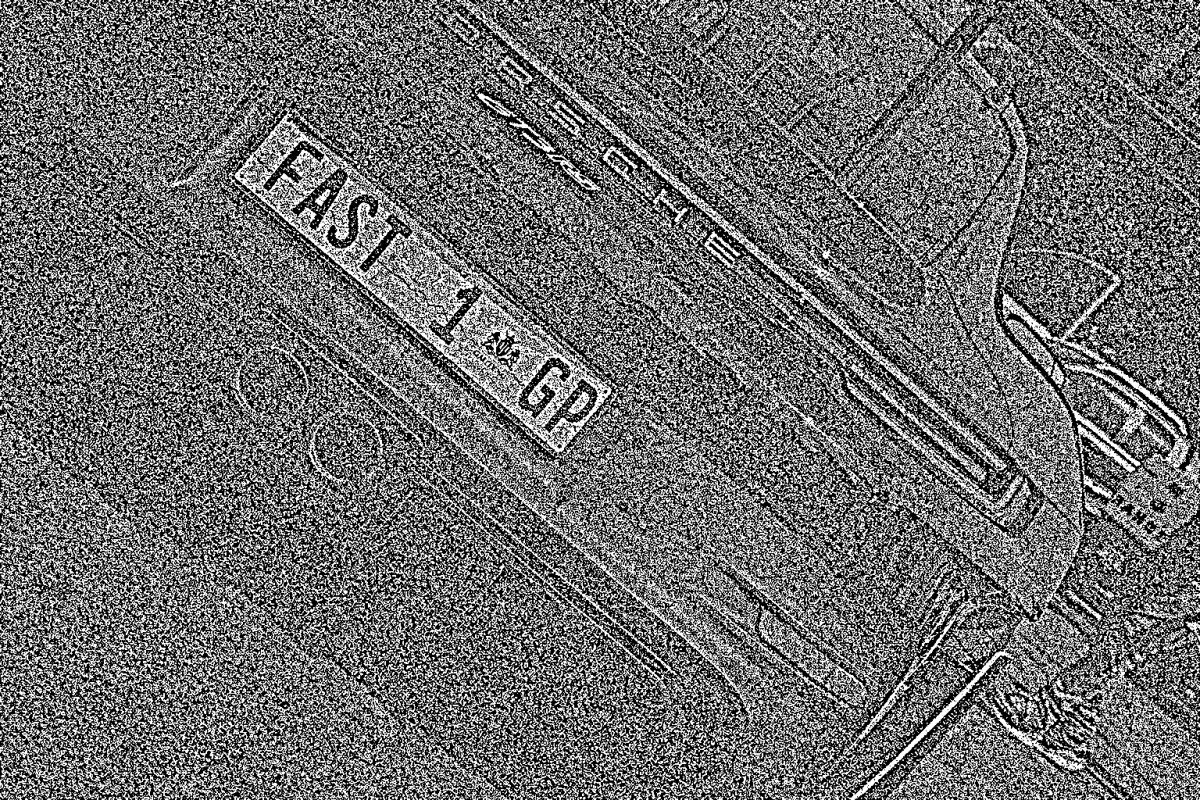
Segment Image Using Local Threshold
Applies adaptive thresholding over local image neighborhoods.
View →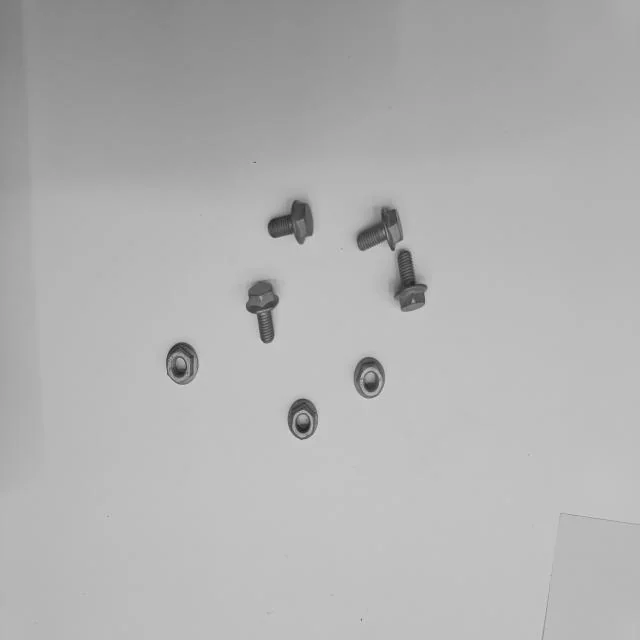
Segment Image Using Yen Threshold
Binarizes an image using Yen's maximum correlation thresholding method.
View →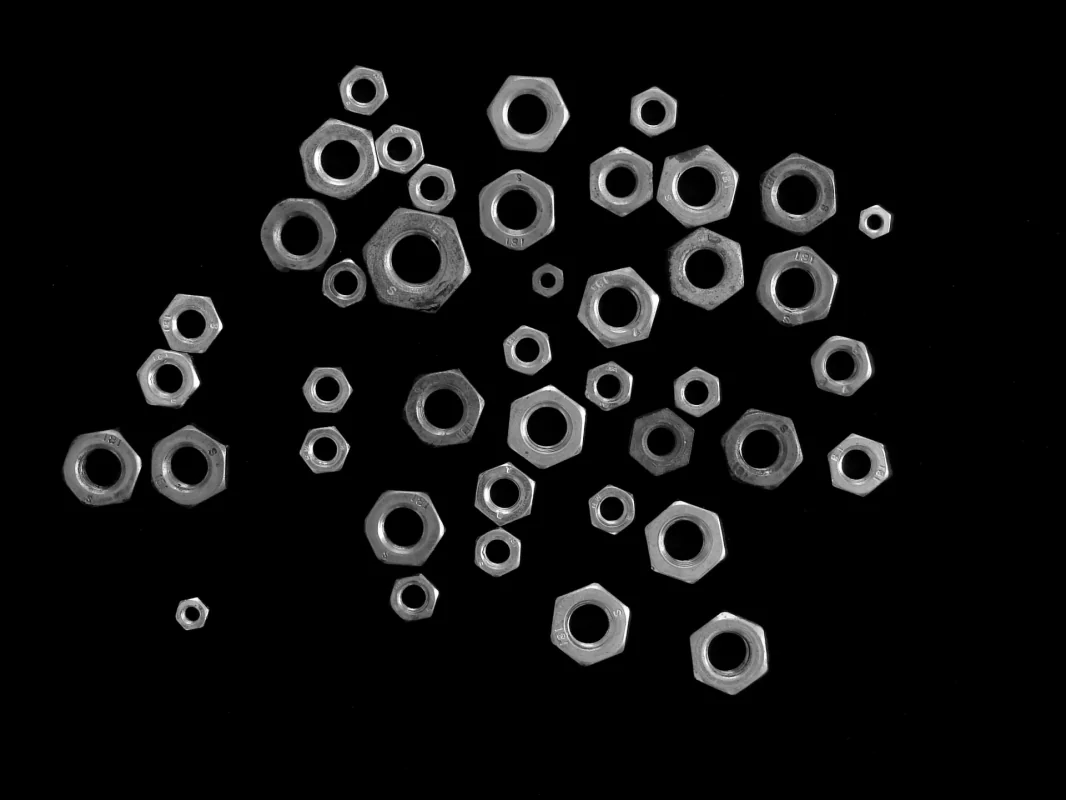
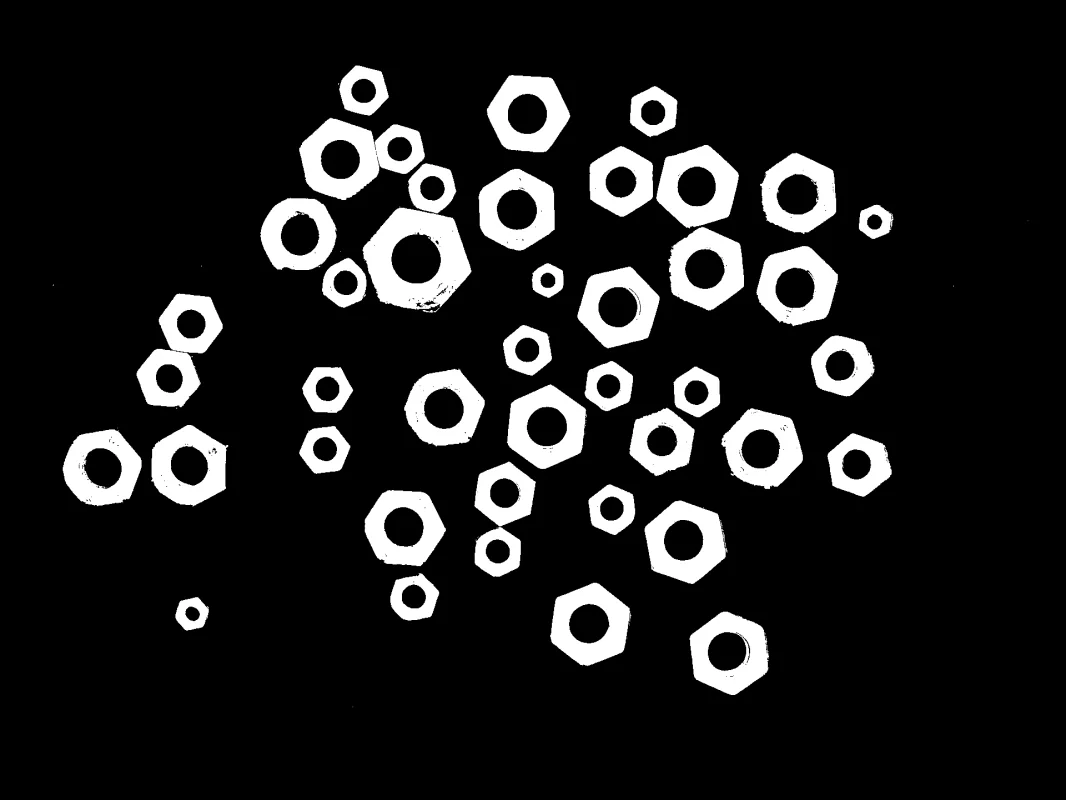
Segment Image Using Threshold
Segments an image using a fixed manually specified threshold value.
View →
Segment Image Using Adaptive Threshold
Computes per-pixel thresholds based on local mean or Gaussian-weighted neighborhood.
View →
Segment Image Using Laplacian Threshold
Detects and segments edges by thresholding the Laplacian of the image.
View →python examples/cornea_examples.py --example segment_image_using_rgbRetina
Run all examples:
python examples/detection/run_retina_examples.py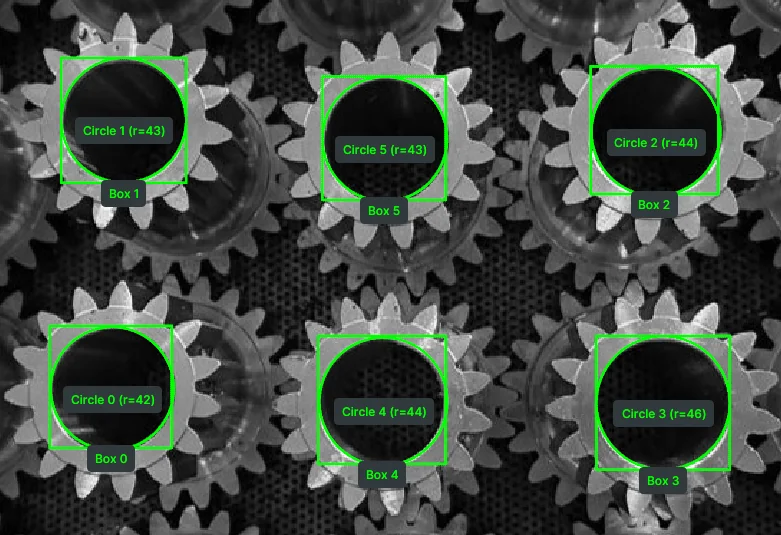
Detect Circle Using Classic Hough
Detects circles in an image using the classical Hough Circle Transform.
View →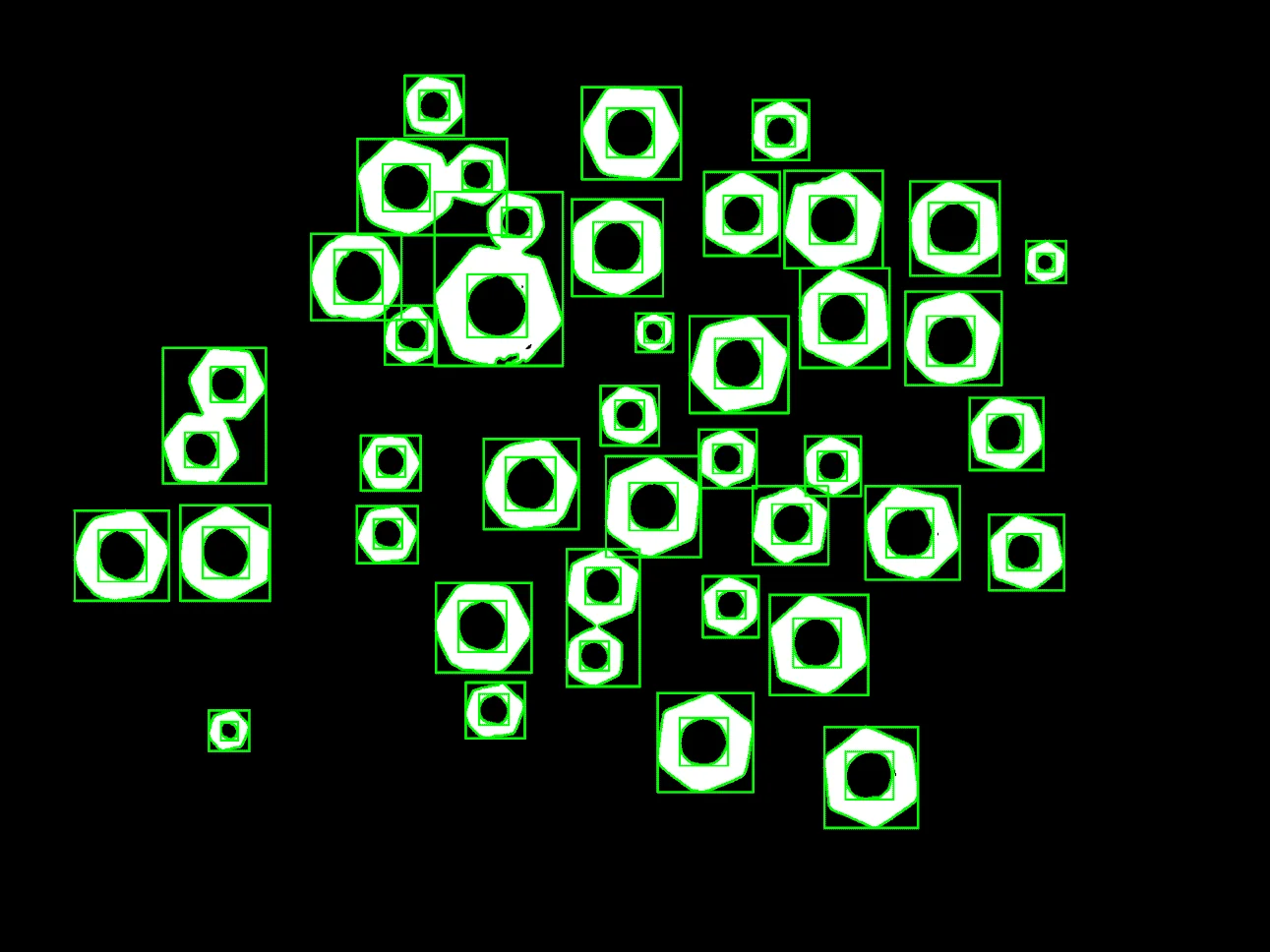
Detect Contours
Finds and draws object contours using edge-based detection.
View →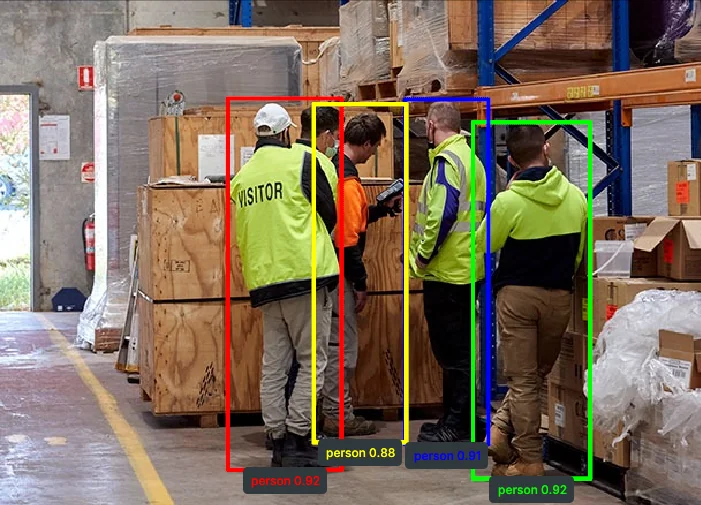
Detect Objects Using YOLOX
Detects objects using the YOLOX neural network model.
View →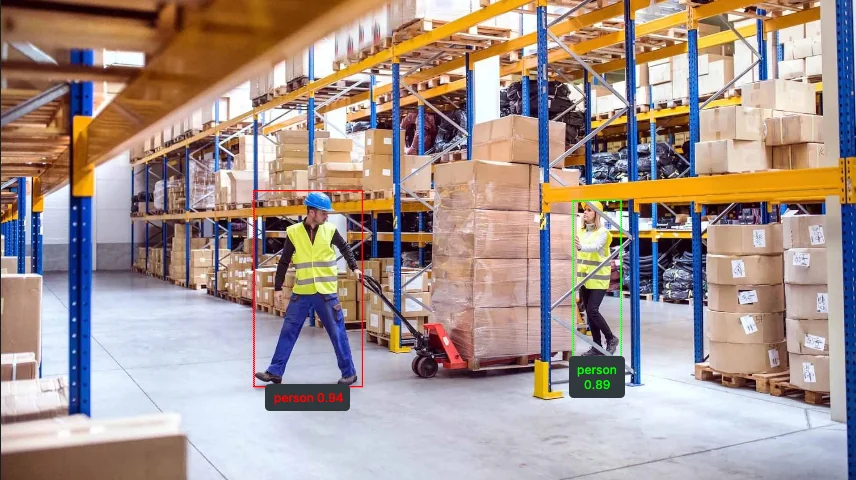
Detect Objects Using RF-DETR
Detects objects using the RF-DETR transformer-based detection model.
View →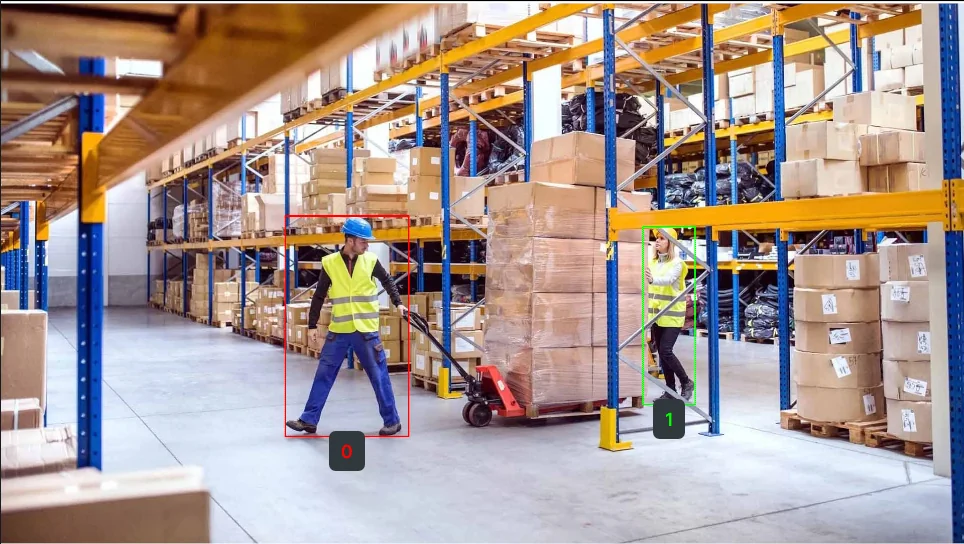
Detect Objects Using QWEN
Detects and describes objects using the Qwen vision-language model.
View →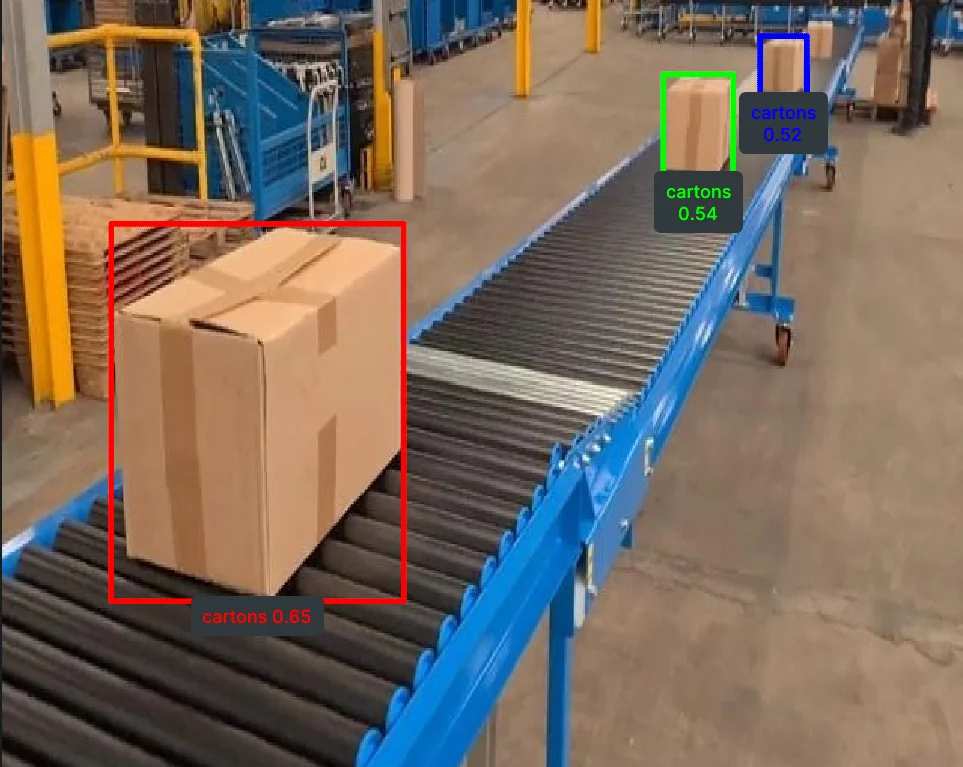
Detect Objects Using Grounding DINO
Detects objects from free-text prompts using Grounding DINO.
View →python examples/retina_examples.py --example detect_contoursPupil
Run all examples:
python examples/image_processing/run_pupil_examples.py
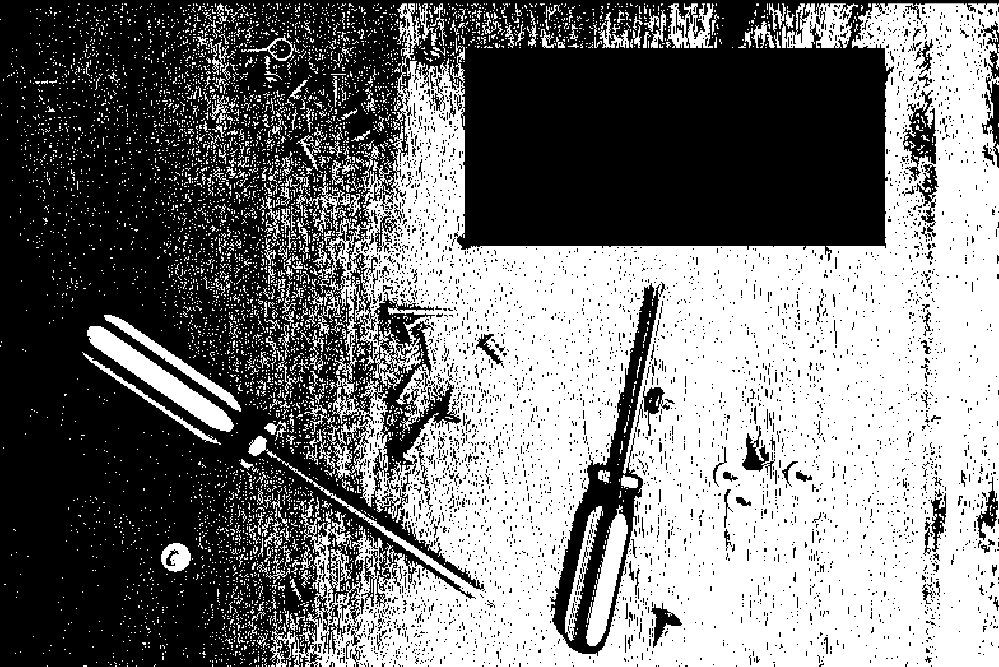
Bitwise AND Images
Perform a pixel-wise bitwise AND operation between two images or binary masks, useful for mask intersection and logical filtering.
View →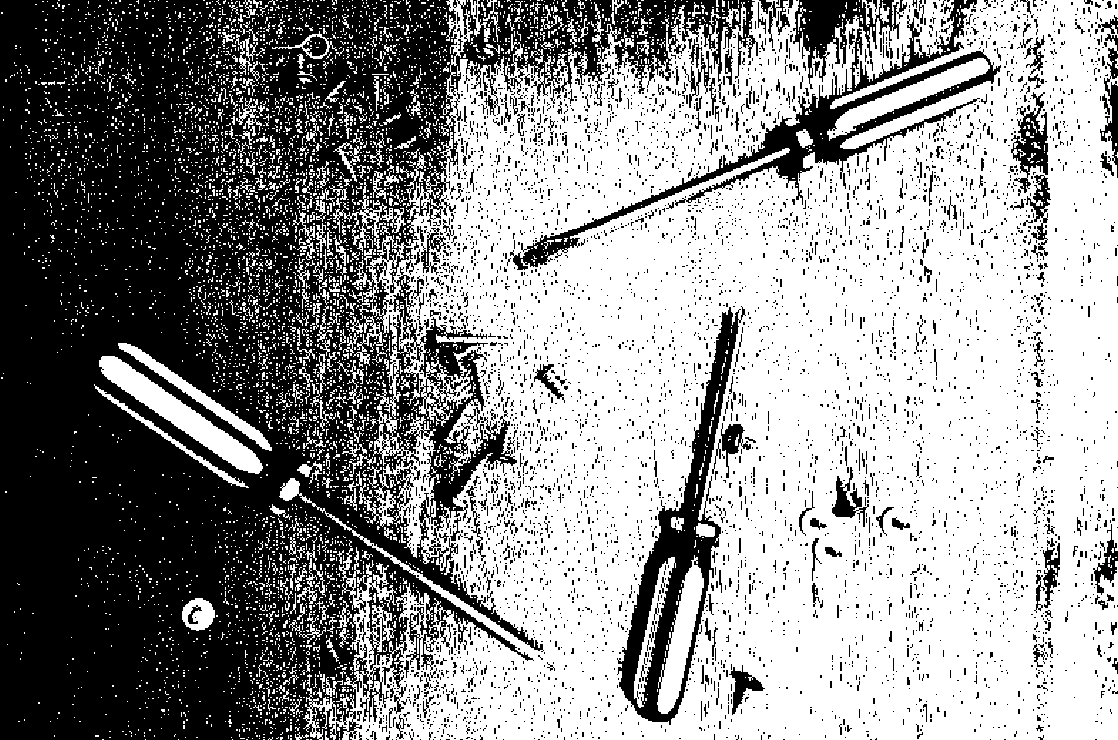
Bitwise Difference Images
Compute the pixel-wise absolute difference between two images to highlight changes, useful for motion detection, defect inspection, and image comparison.
View →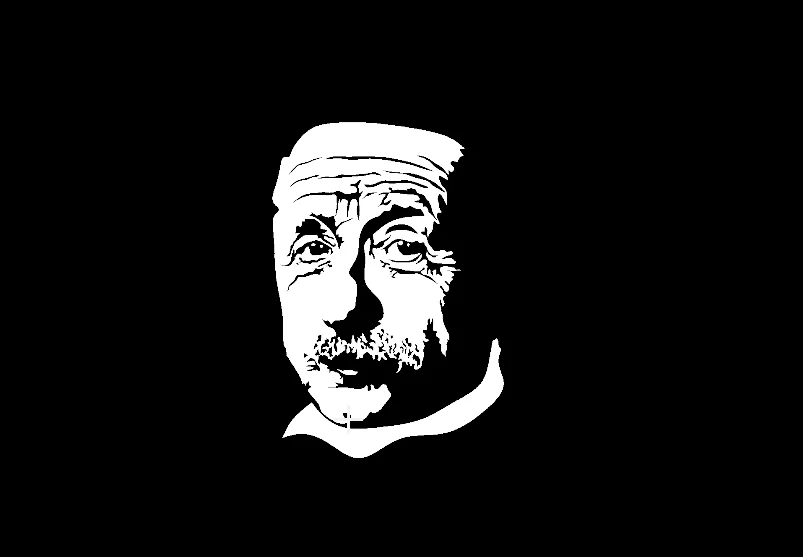
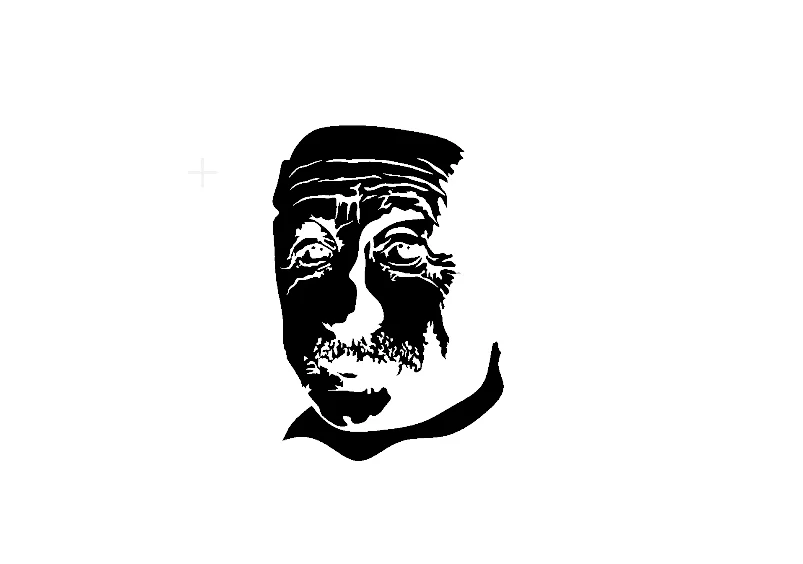
Bitwise NOT Image
Invert an image or binary mask by performing a pixel-wise bitwise NOT operation. Useful for mask inversion, foreground/background swapping, and logical complement operations.
View →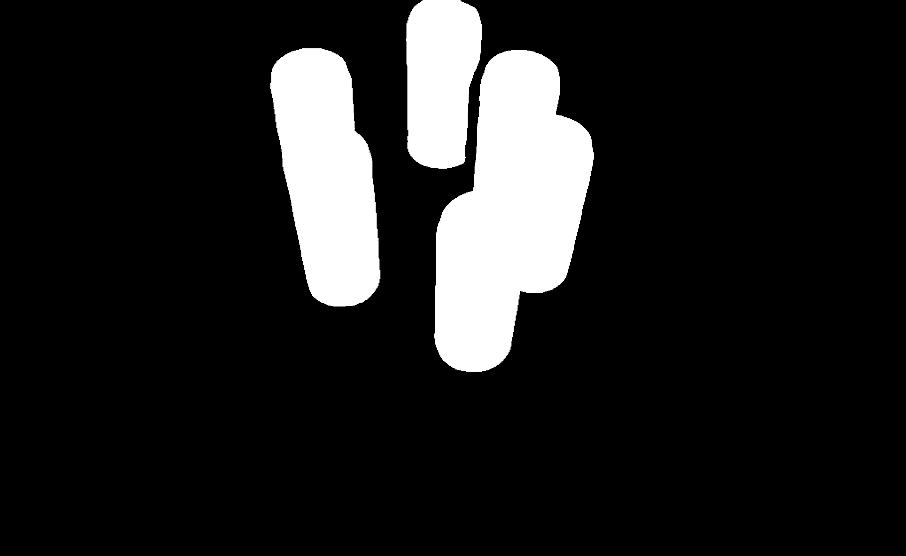
Bitwise OR Images
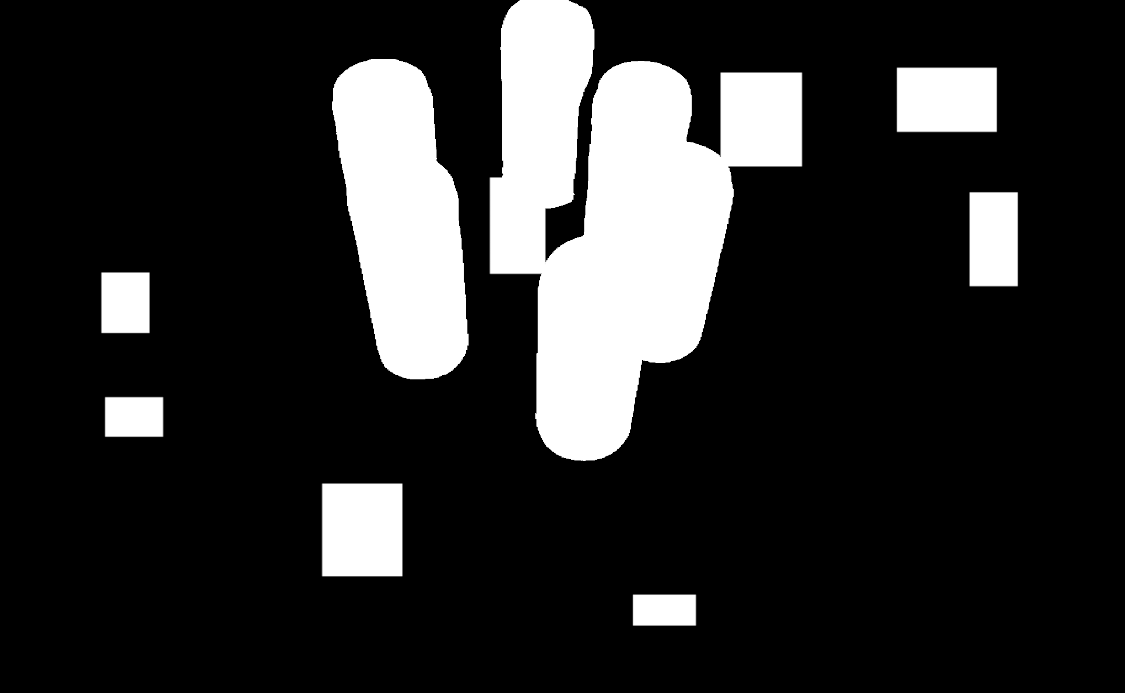
Combine two images or binary masks using pixel-wise bitwise OR operation. Useful for mask union, merging detection results, and filling gaps.
View →
Bitwise XOR Images
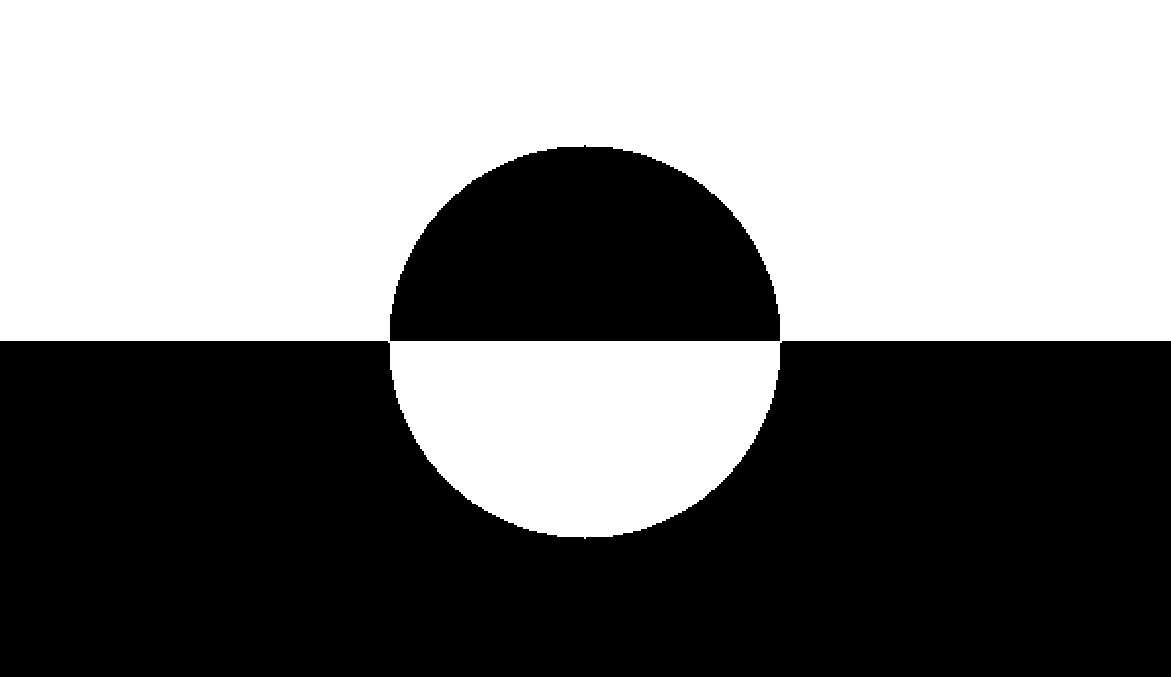
Compute pixel-wise exclusive regions between two binary images using bitwise XOR. Useful for change detection, mask comparison, and highlighting differences.
View →
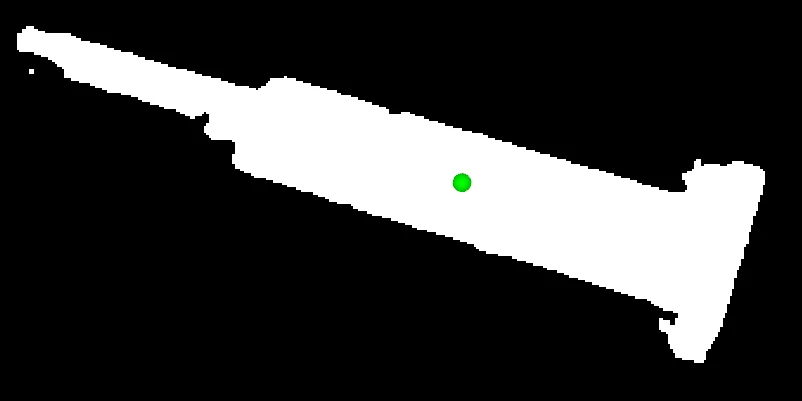
Calculate Mask Centroid
Compute the centroid (center of mass) of non-zero pixels in a binary mask. Useful for object localization, alignment, and tracking.
View →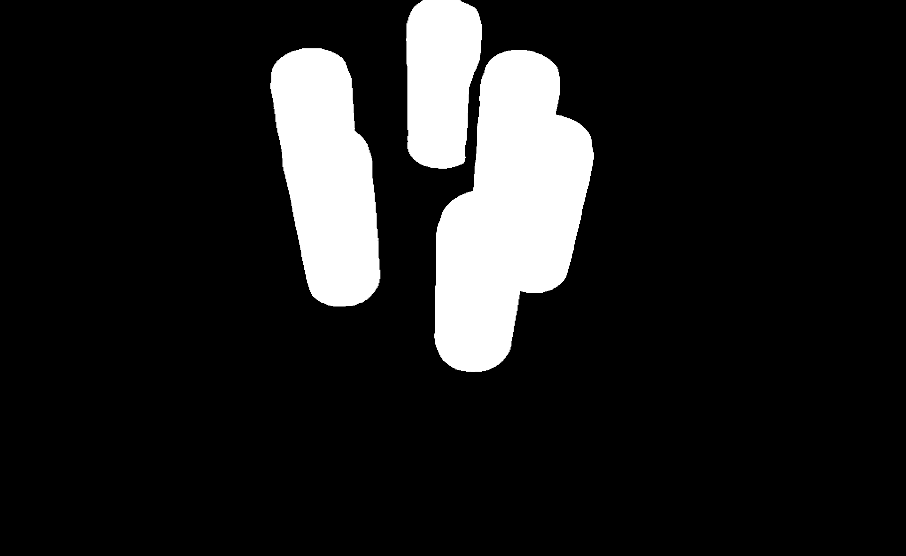
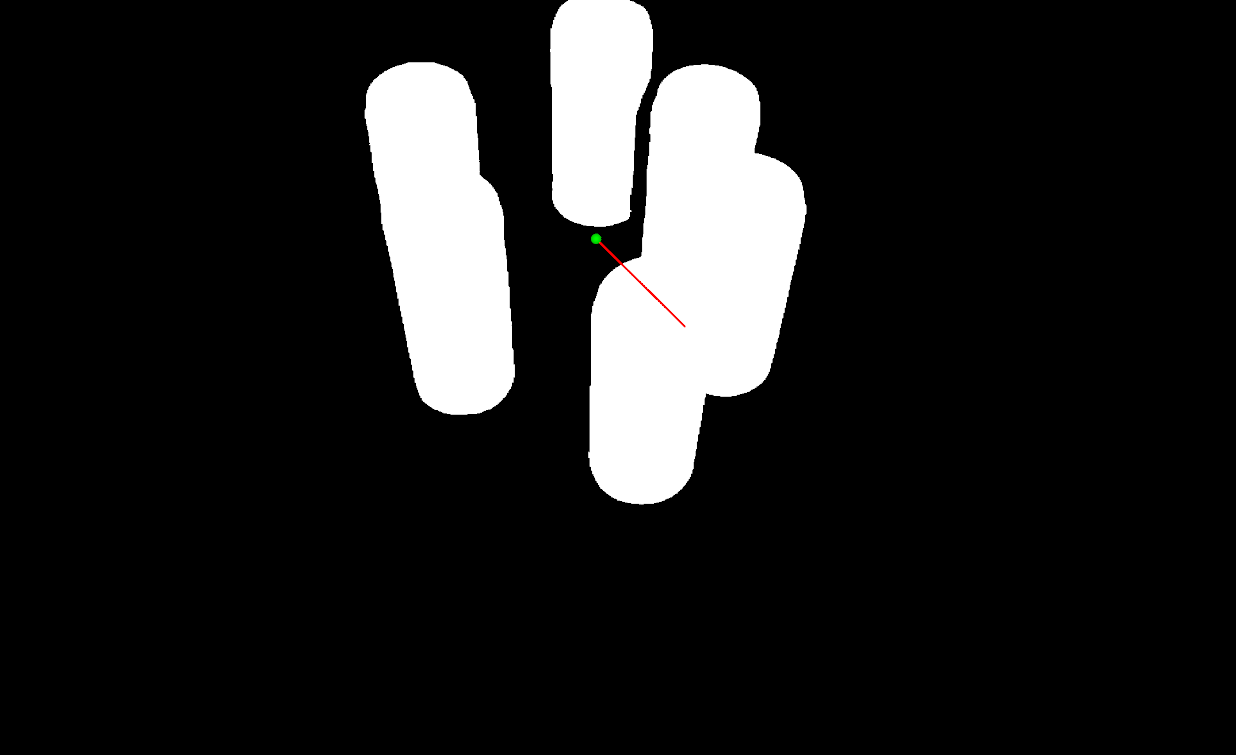
Calculate Mask PCA
Perform principal component analysis on a binary mask to compute centroid, eigenvectors, eigenvalues, and principal angle with visualization. Useful for shape orientation analysis, alignment, and morphological characterization.
View →
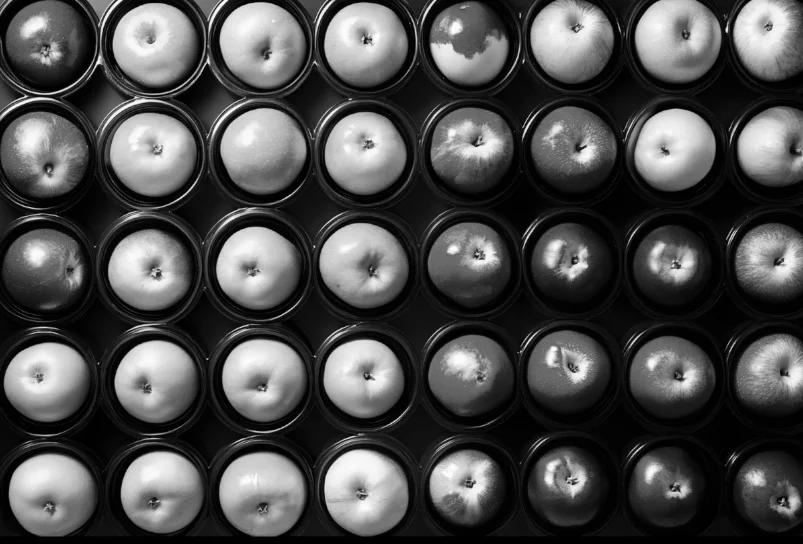
Convert Image Color Space
Convert an image between color spaces (e.g., RGB, BGR, HSV, GRAY, RGBA) for segmentation, display, or cross-library compatibility.
View →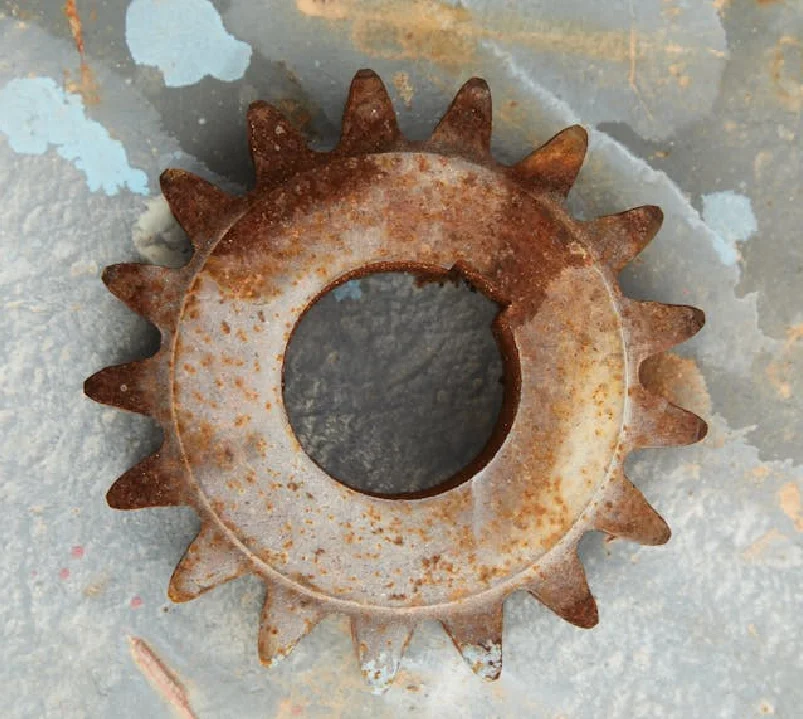
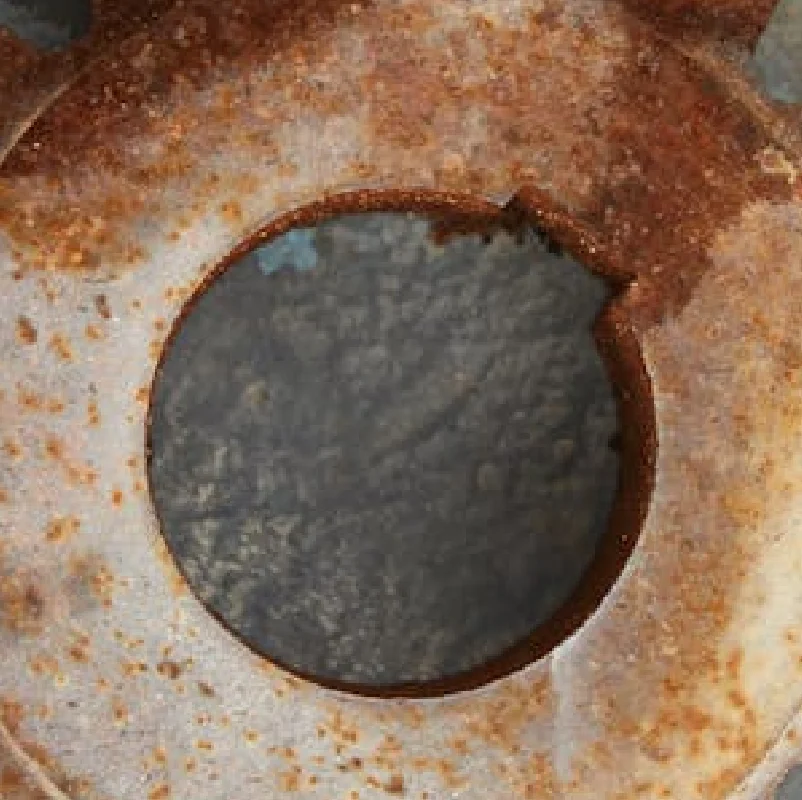
Crop Image Center
Crop an image to specified dimensions centered on the image, with optional padding for smaller images. Useful for fixed-size model inputs, thumbnails, and normalization.
View →
Crop Image Using Bounding Boxes
Crop an image using multiple rectangular bounding boxes, optionally retaining coordinate metadata. Useful for object detection, ROI extraction, and batch processing.
View →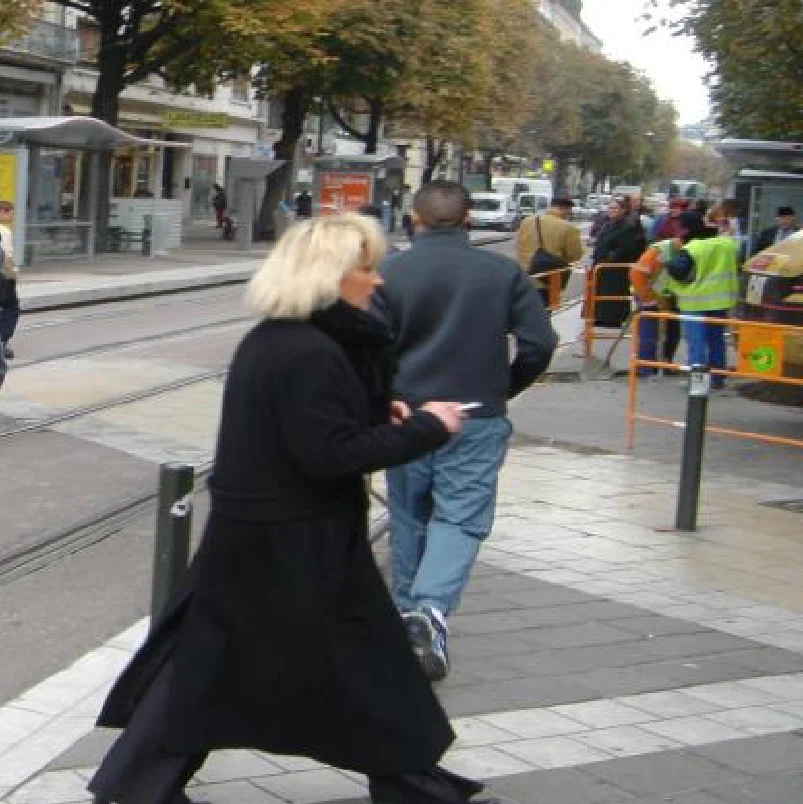
Crop Image Using Polygon
Crop an image using an arbitrary polygon mask, retaining pixels inside the polygon. Useful for irregular shapes, segmentation contours, and non-rectangular ROIs.
View →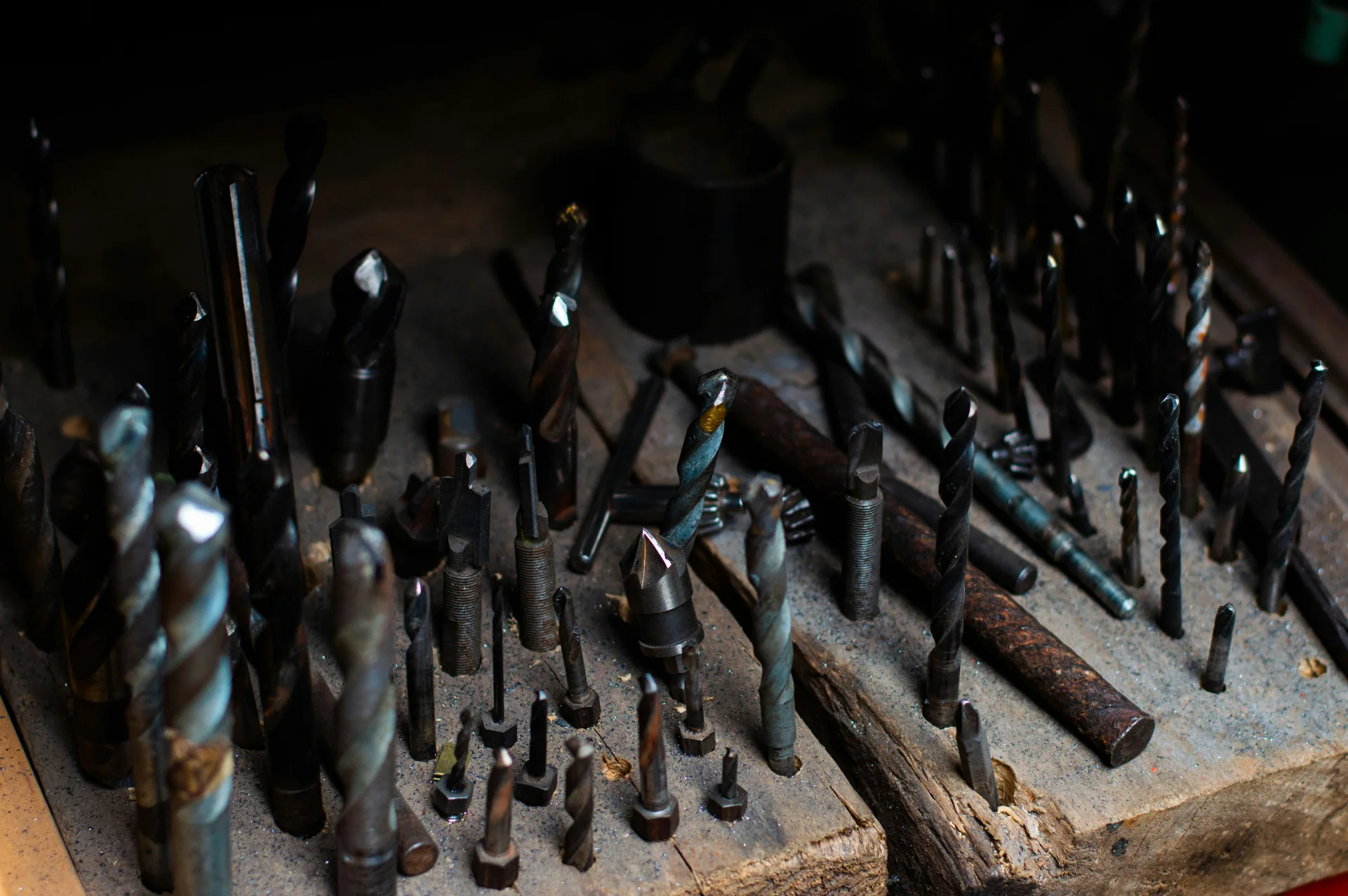
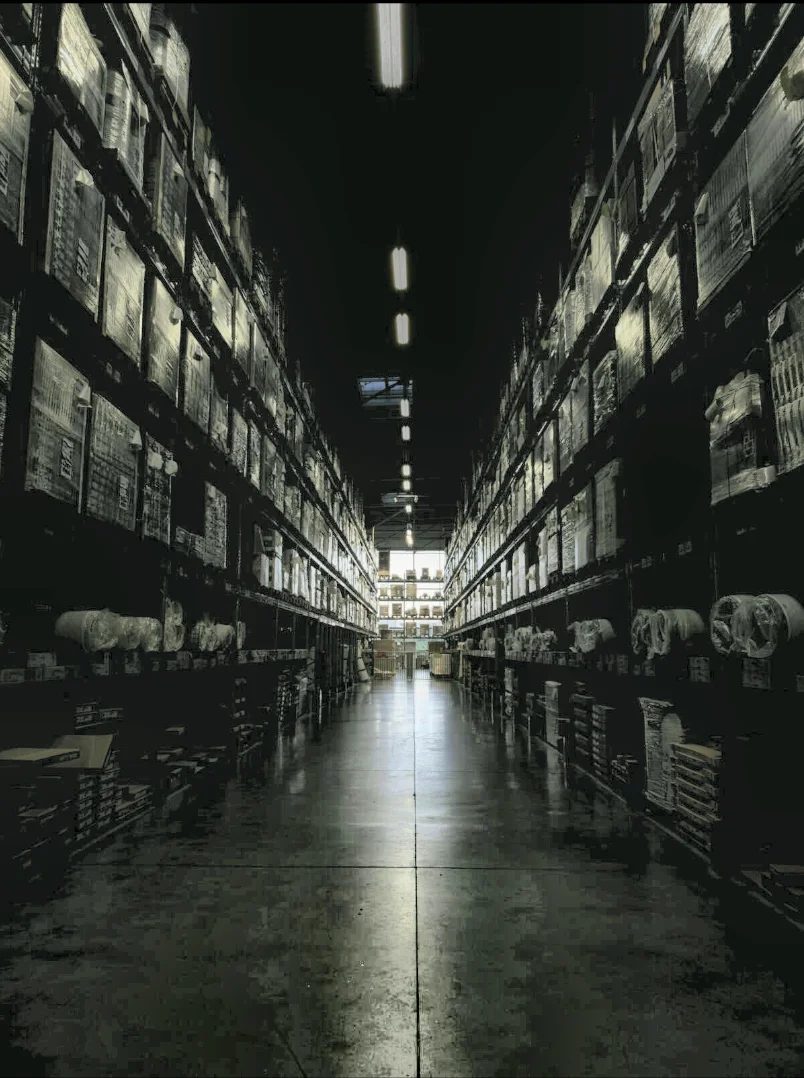
Enhance Image Using Auto Gamma Correction
Automatically adjust image brightness using adaptive gamma estimation to normalize exposure. Ideal for varying lighting conditions.
View →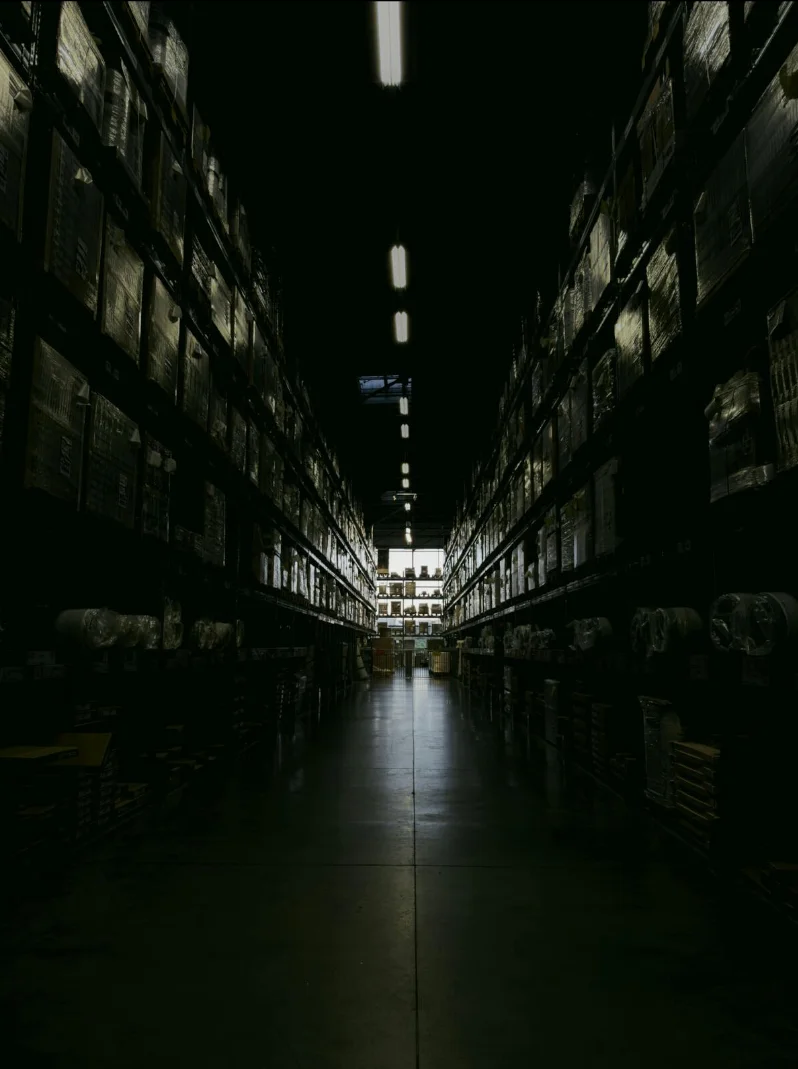
Enhance Image Using CLAHE
Apply Contrast Limited Adaptive Histogram Equalization (CLAHE) to enhance local contrast while controlling noise amplification, ideal for low-light or unevenly illuminated images.
View →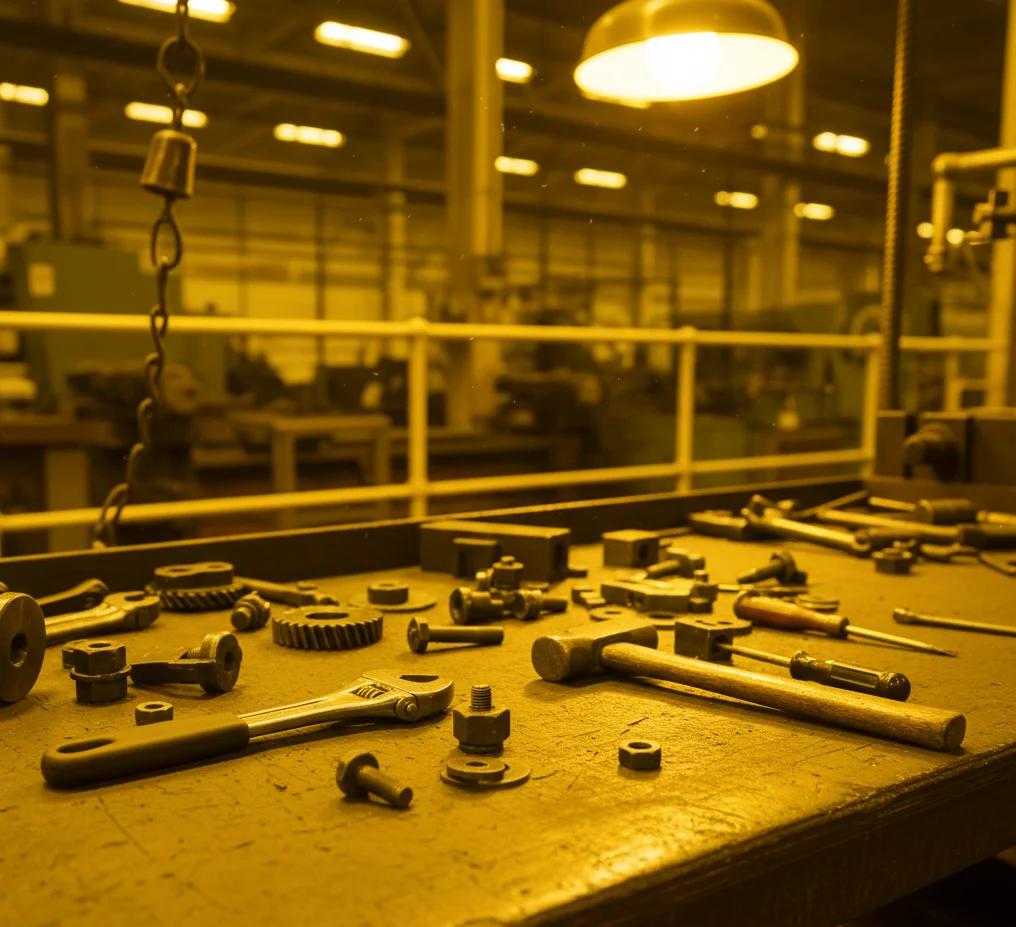
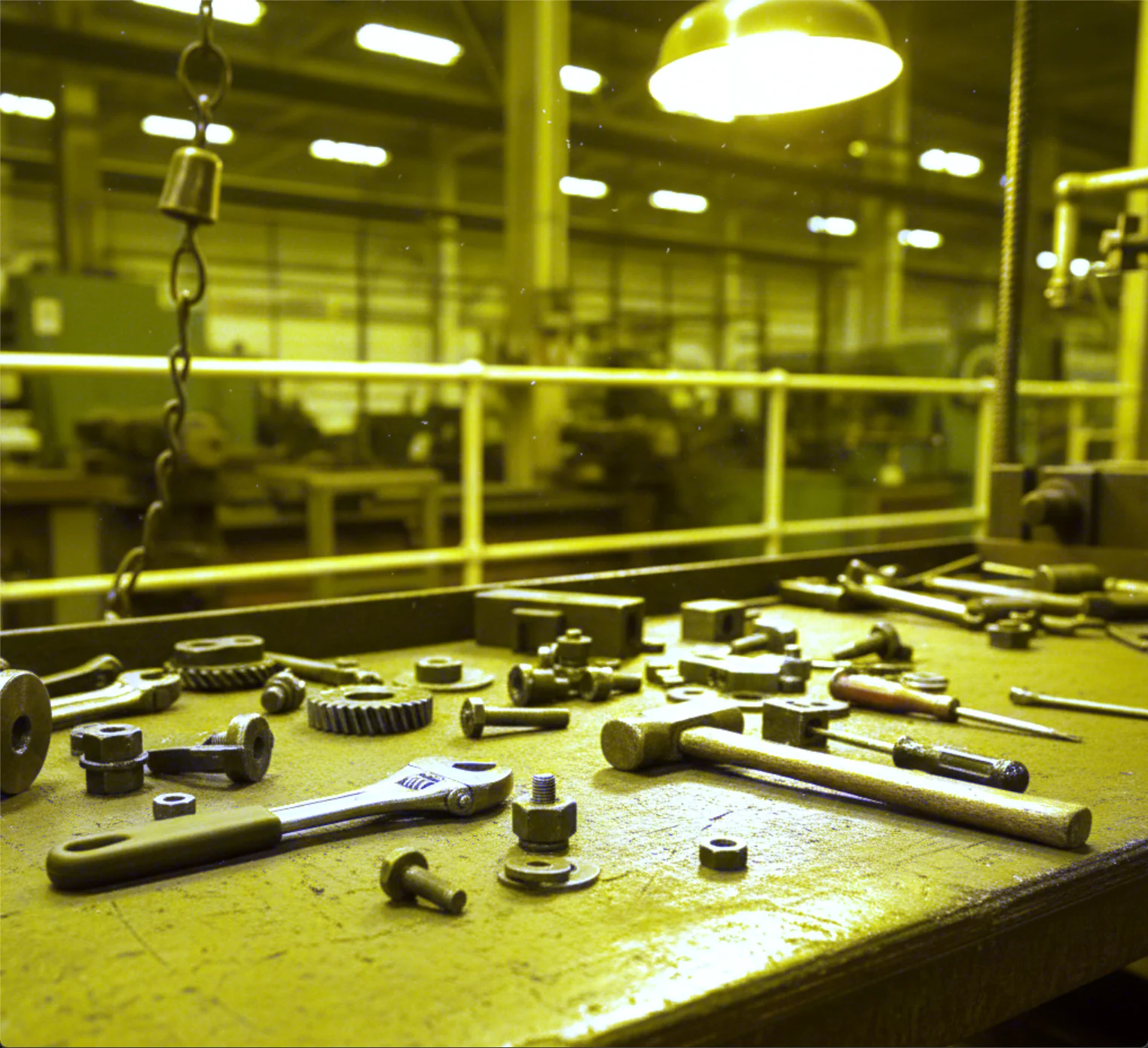
Enhance Image Using White Balance
Apply automatic white balance correction to remove color casts and adjust color temperature, ensuring neutral colors appear natural under varying illumination.
View →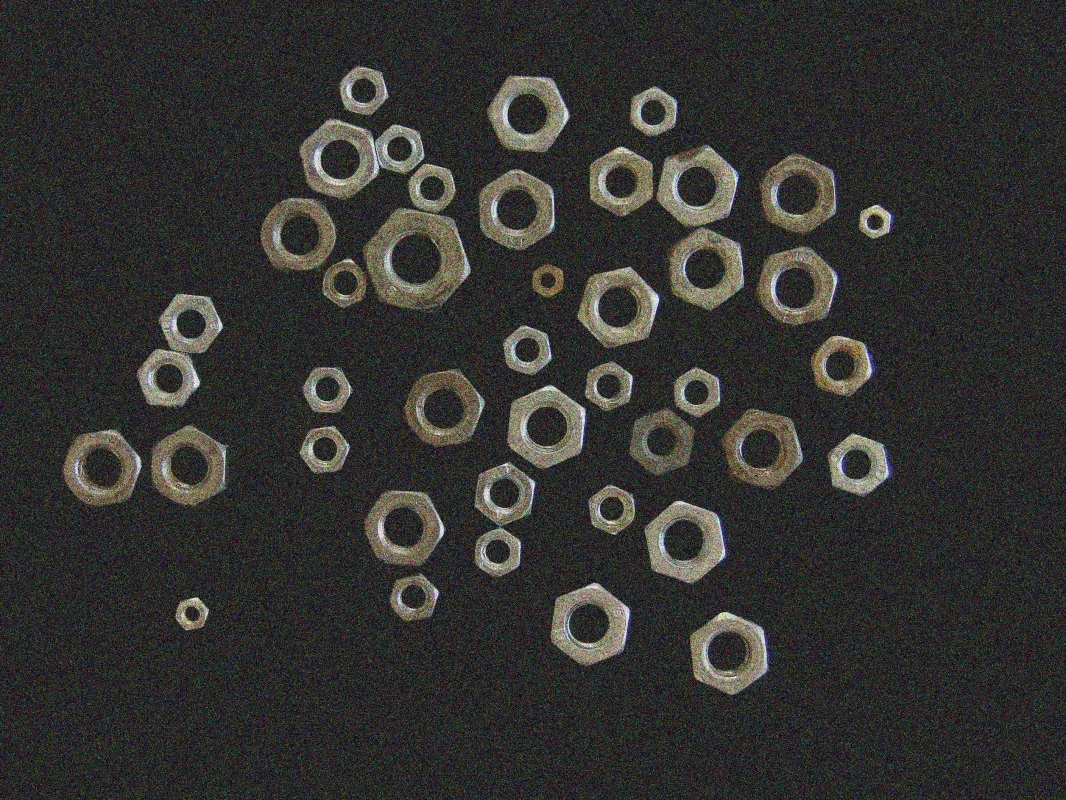
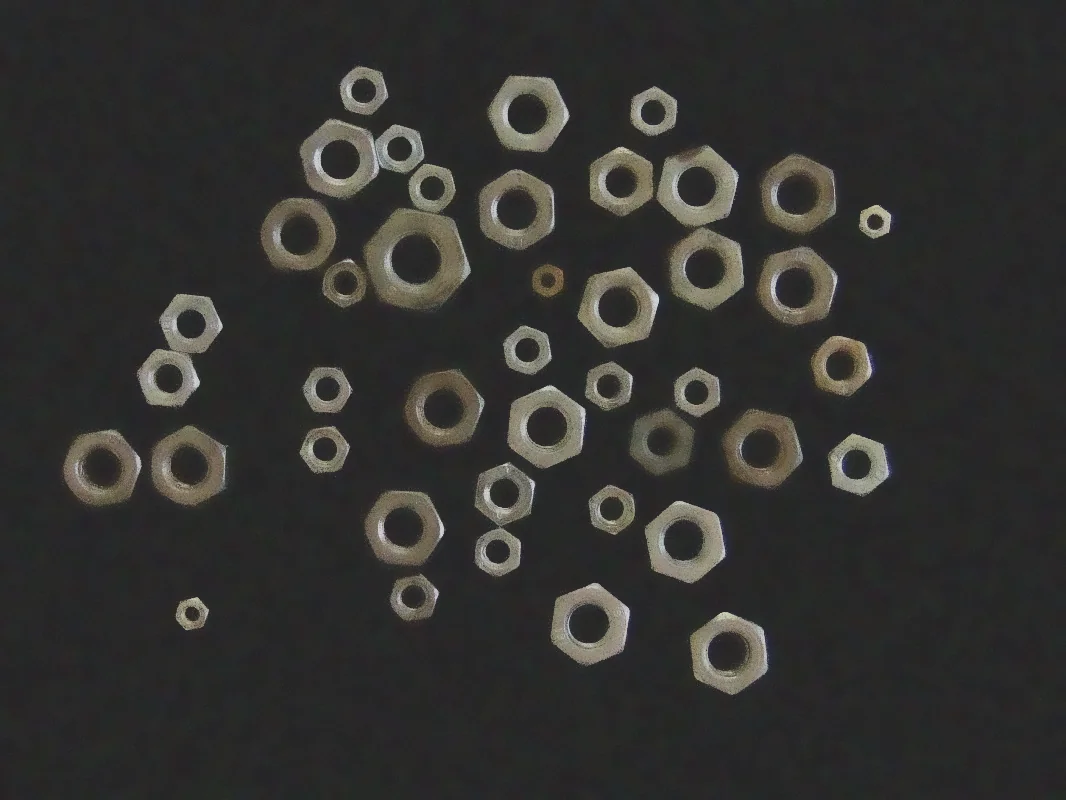
Filter Image Using Bilateral
Apply a bilateral filter to reduce image noise while preserving edges by considering both spatial proximity and color similarity, ideal for edge-preserving smoothing in photography and vision pipelines.
View →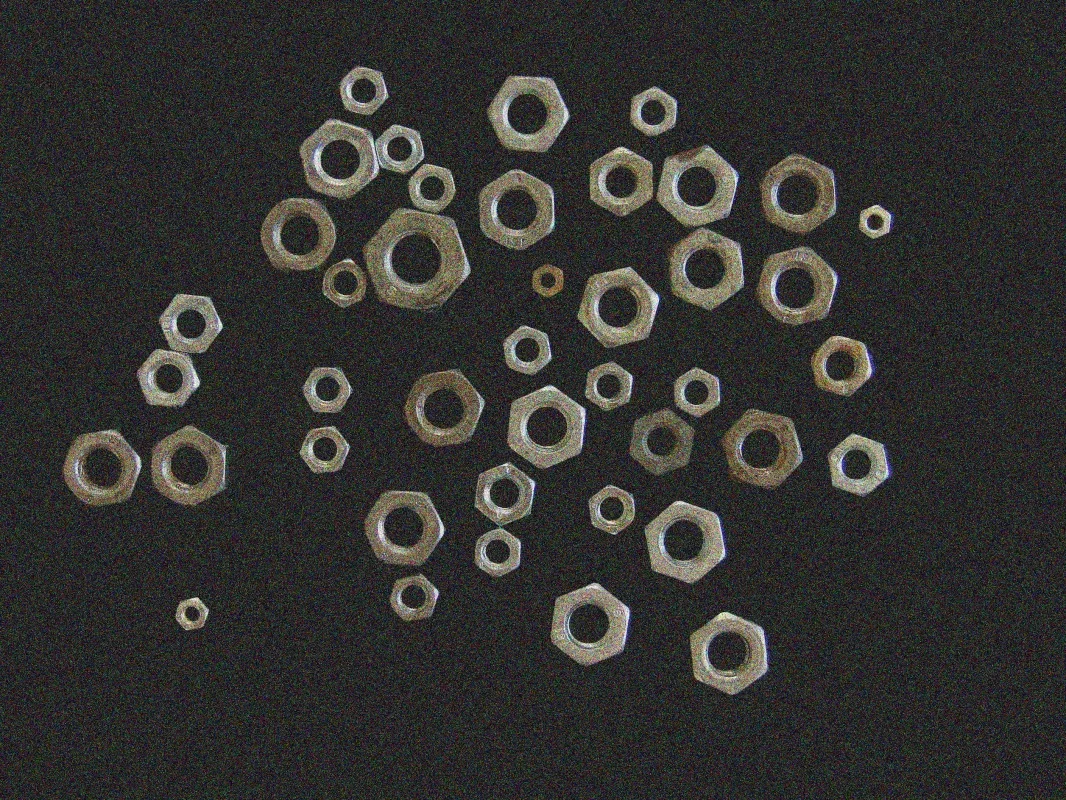
Filter Image Using Blur
Apply a simple box blur to quickly smooth an image by averaging pixel values within a kernel. Ideal for fast preprocessing, background estimation, or artistic blur effects where edge preservation is not critical.
View →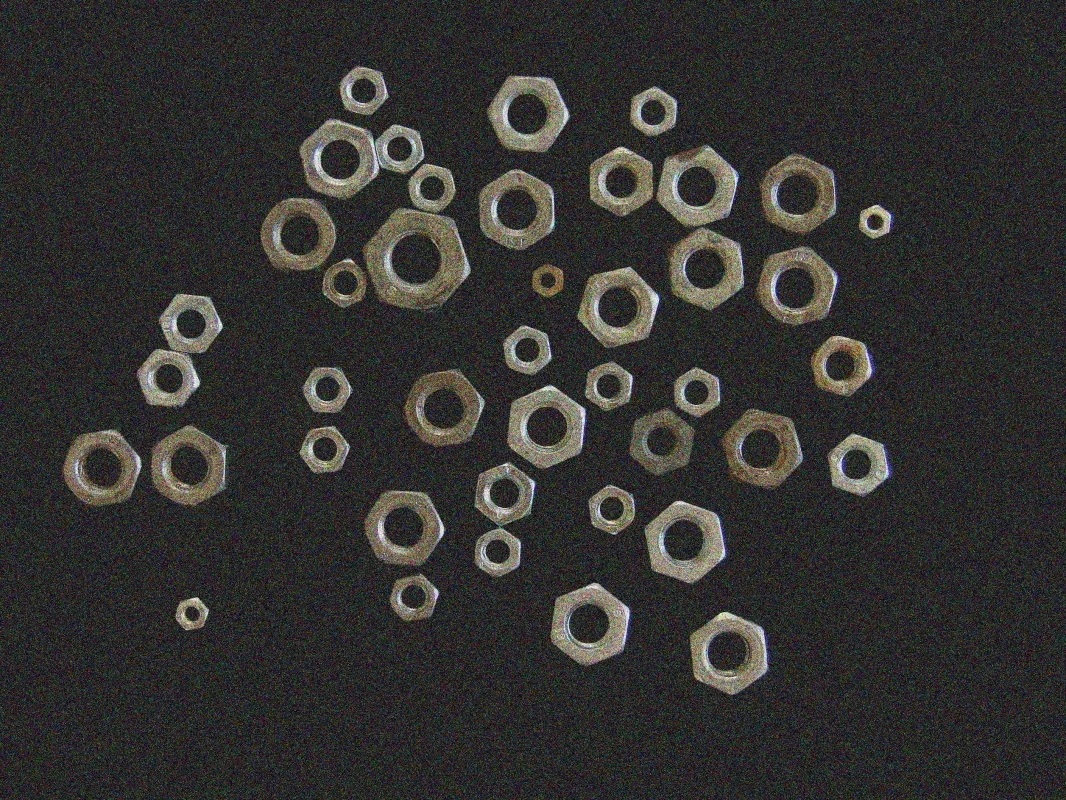
Filter Image Using Box
Apply a normalized box filter to perform basic averaging with control over kernel size, normalization, output depth, and border handling. Ideal for preprocessing, local averaging, and feature extraction where precision matters.
View →
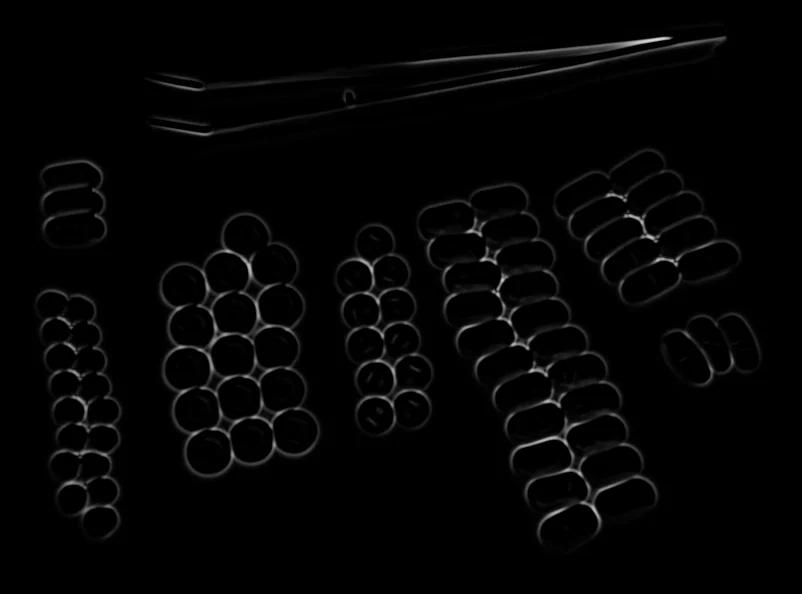
Filter Image Using Frangi
Apply the Frangi vesselness filter to enhance tubular structures in images, ideal for medical imaging, retinal scans, angiography, and other applications requiring vessel detection.
View →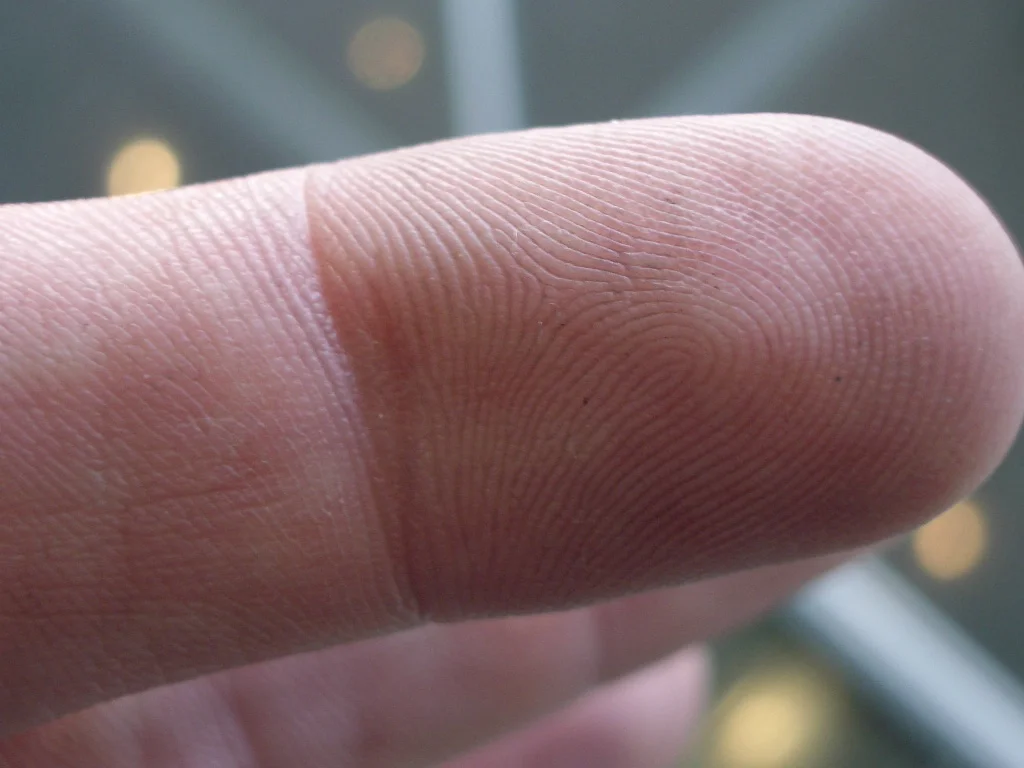
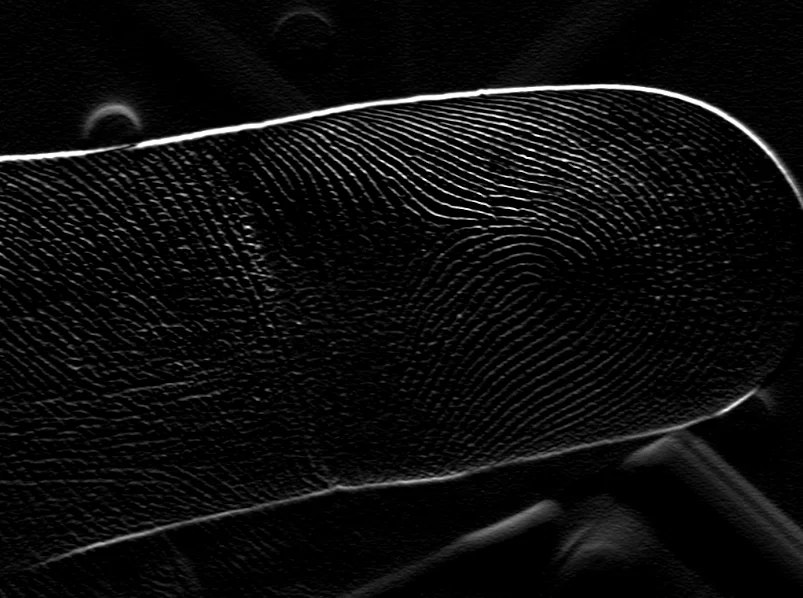
Filter Image Using Gabor
Apply a Gabor filter to detect oriented textures and features at specific scales and orientations, ideal for texture analysis, fingerprint recognition, and biomedical imaging.
View →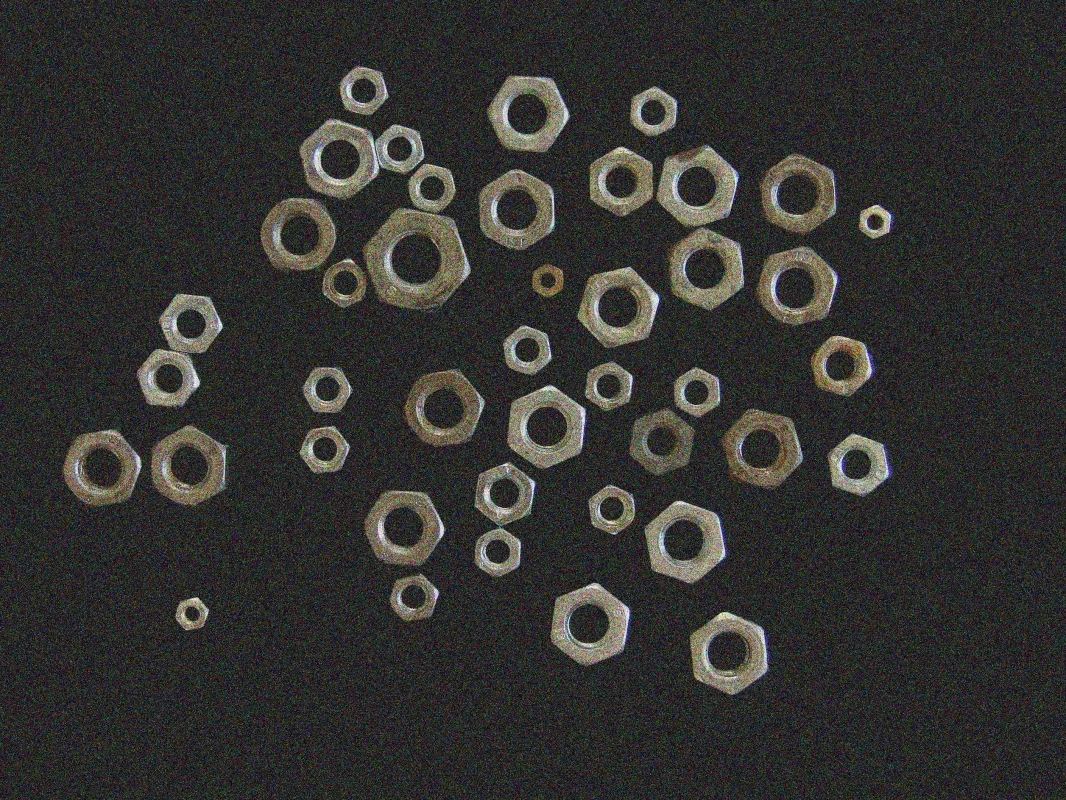
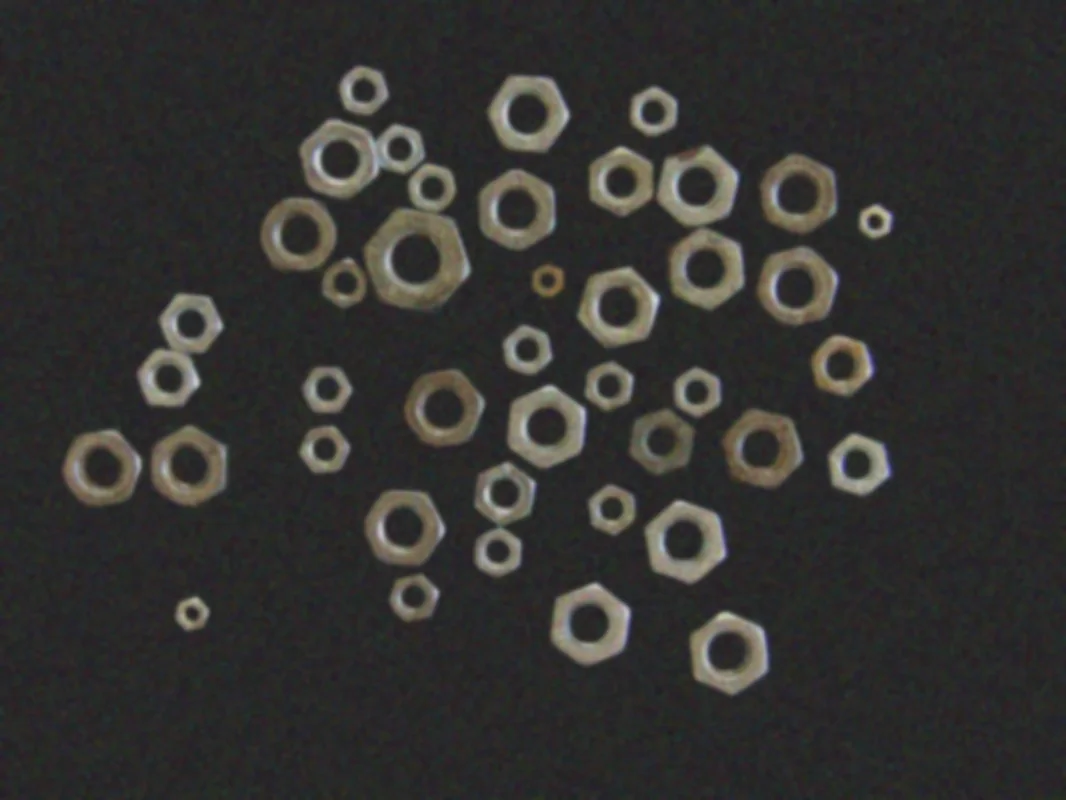
Filter Image Using Gaussian Blur
Apply a Gaussian blur to smoothly reduce noise while preserving edges, ideal for preprocessing, image enhancement, and feature extraction in computer vision pipelines.
View →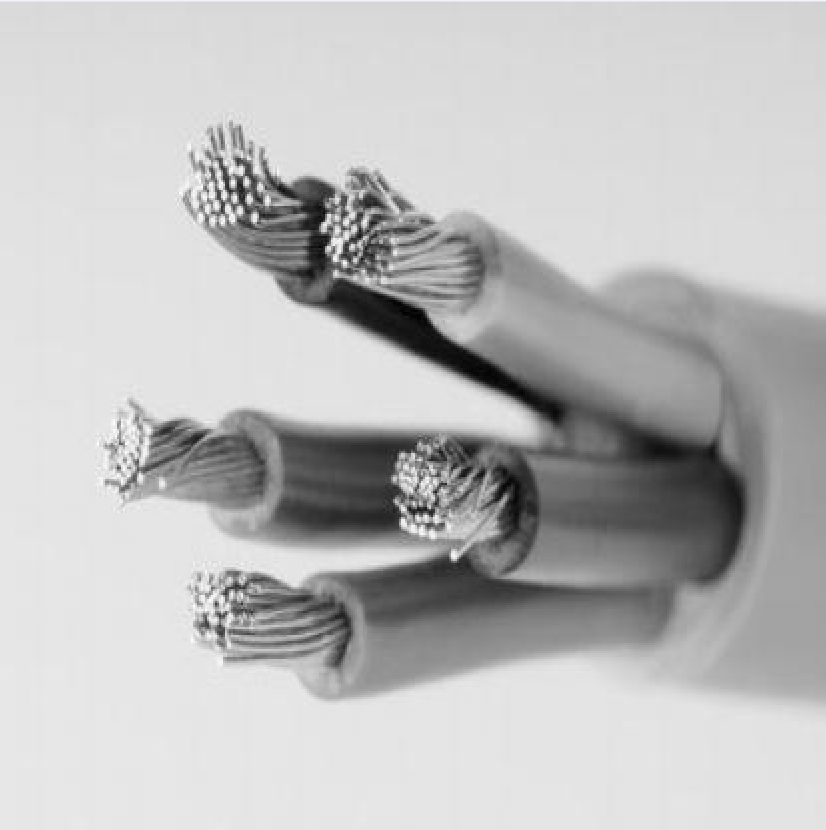
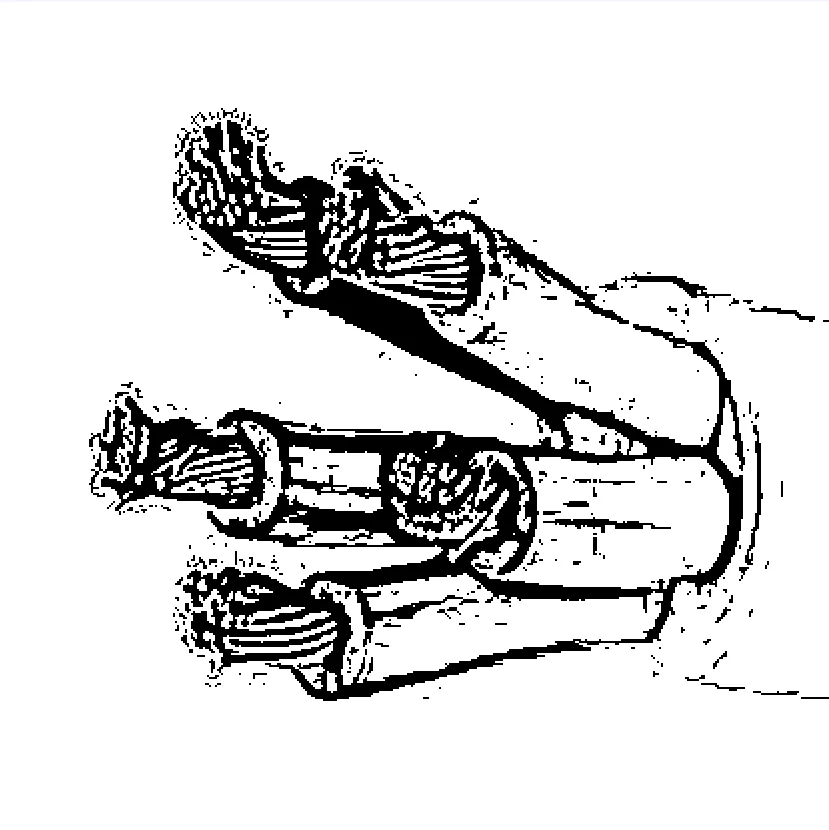
Filter Image Using Hessian Filter
Apply a Hessian-based vesselness filter to detect tubular and ridge-like structures, offering a faster alternative to Frangi for vessel detection and ridge enhancement in biomedical and industrial imaging.
View →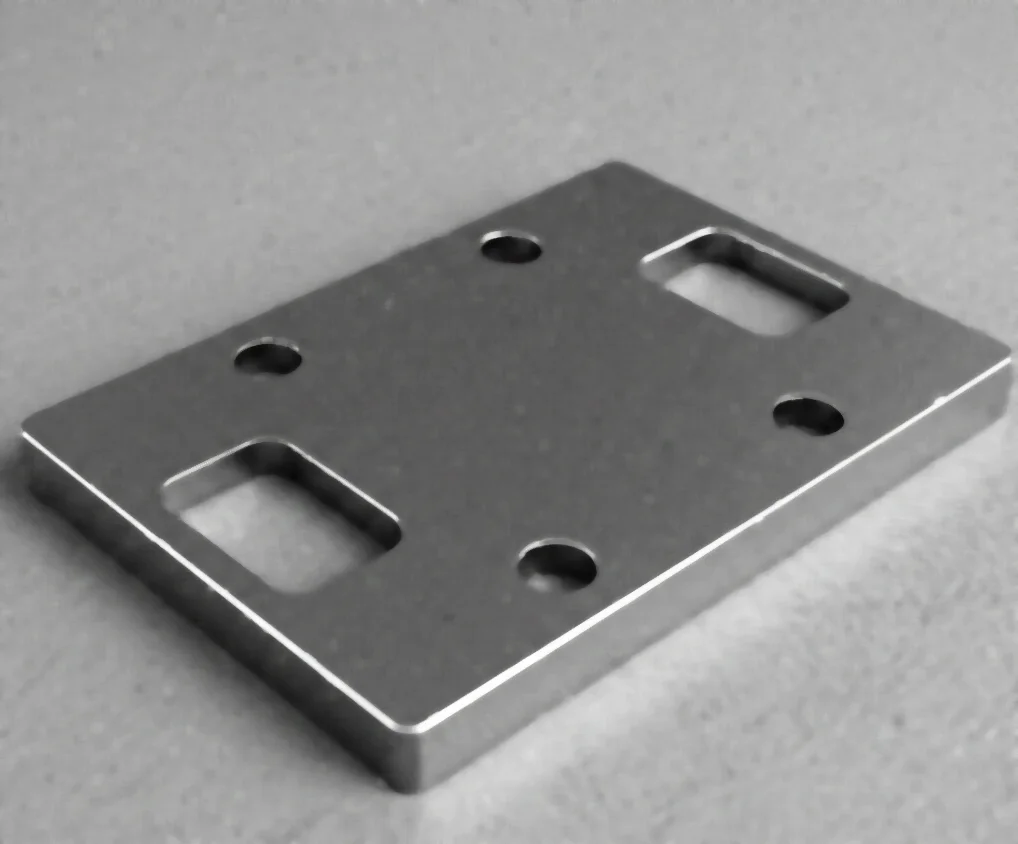
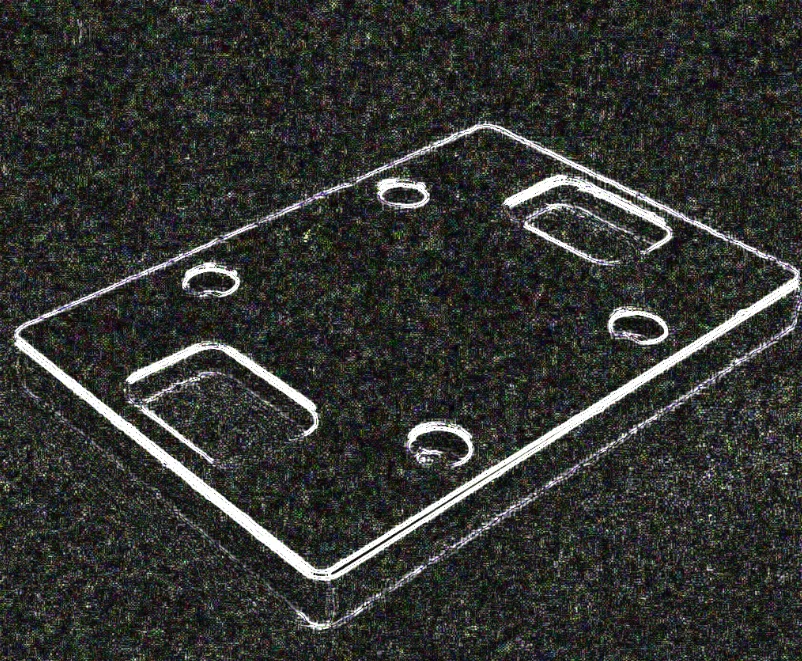
Filter Image Using Laplacian Filter
Apply a Laplacian filter to detect edges and fine details using second-order derivatives, ideal for precise edge localization, image sharpening, and zero-crossing detection.
View →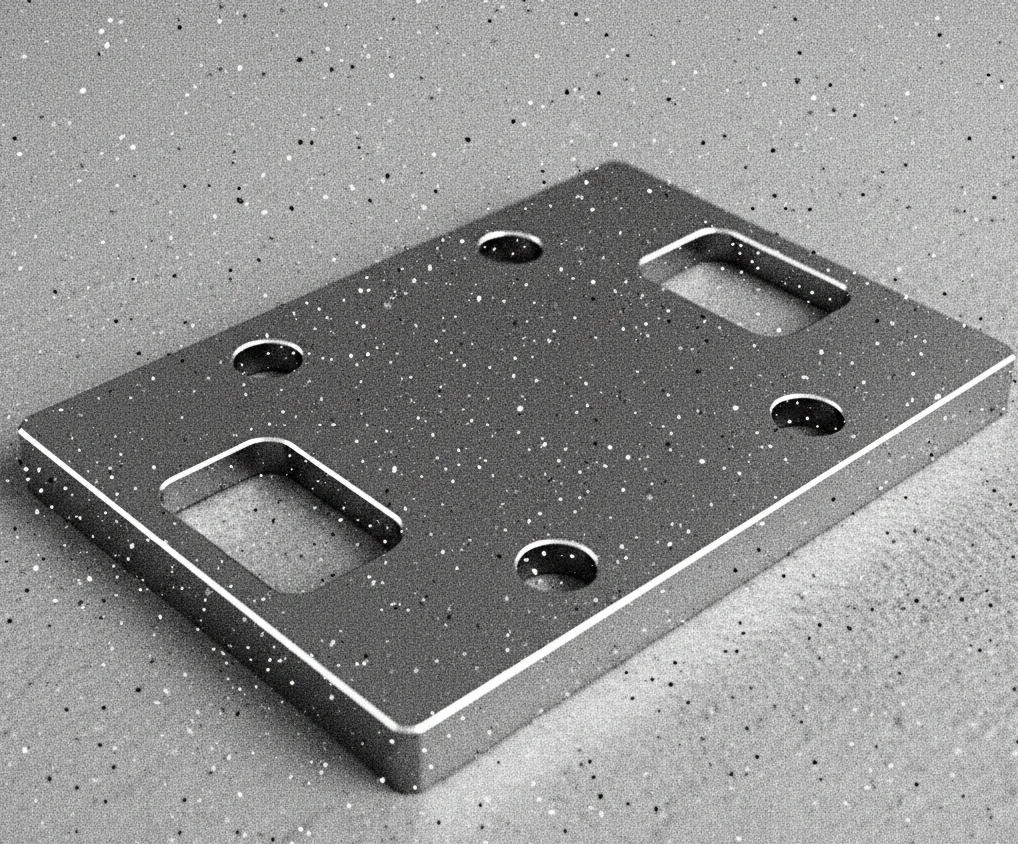
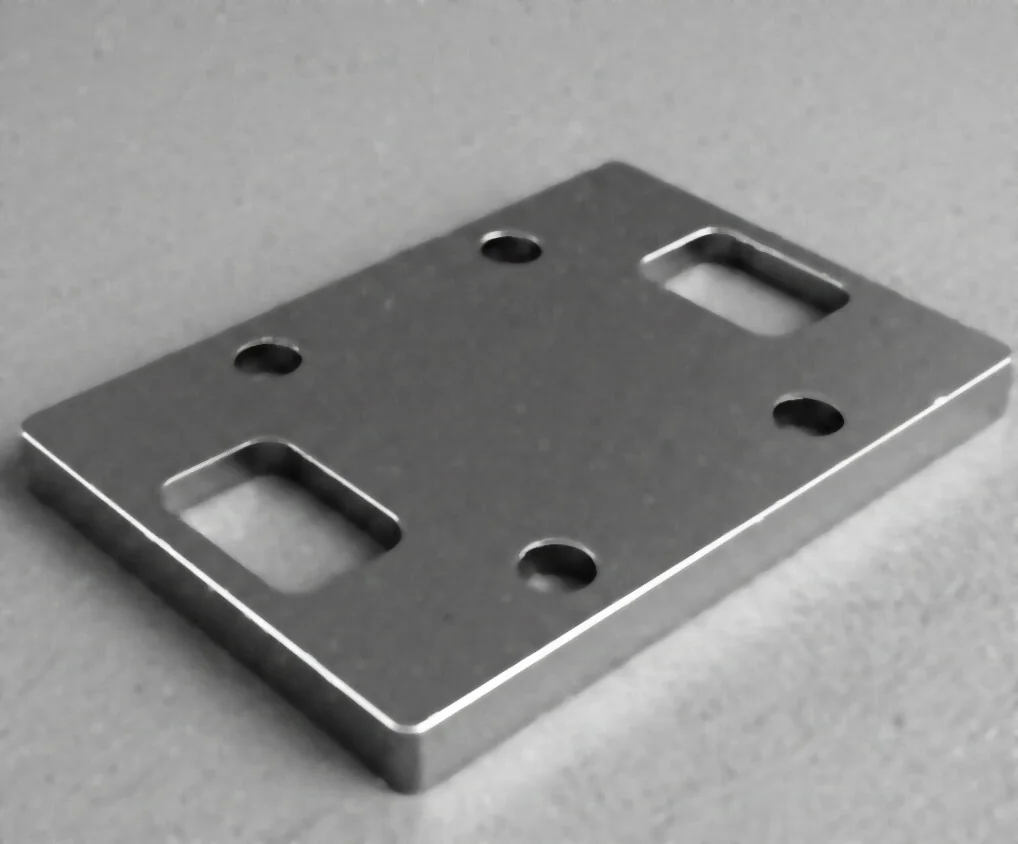
Filter Image Using Median Blur
Apply a median blur filter to remove salt-and-pepper noise while preserving edges, ideal for impulse noise removal and image restoration in vision pipelines.
View →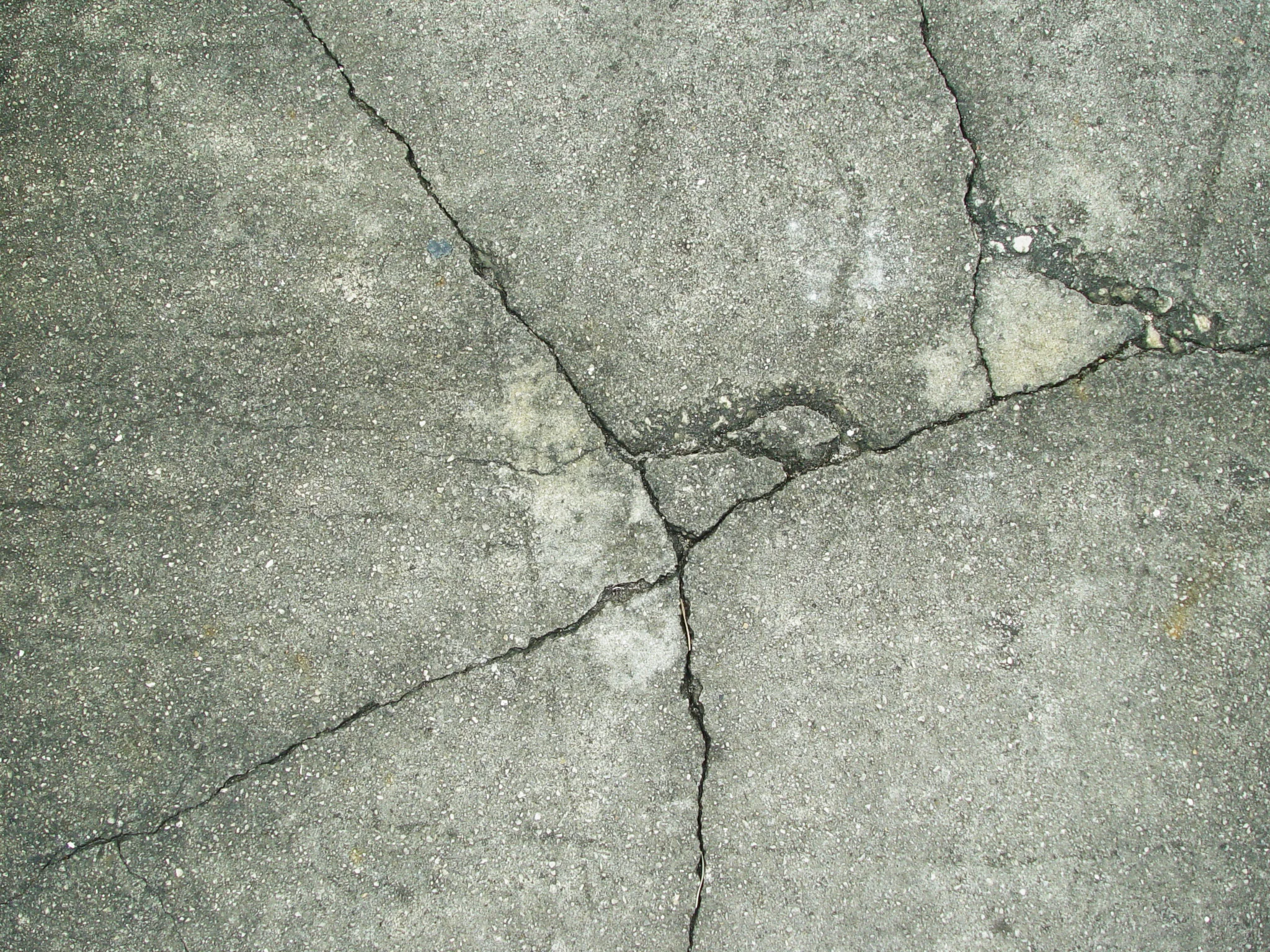
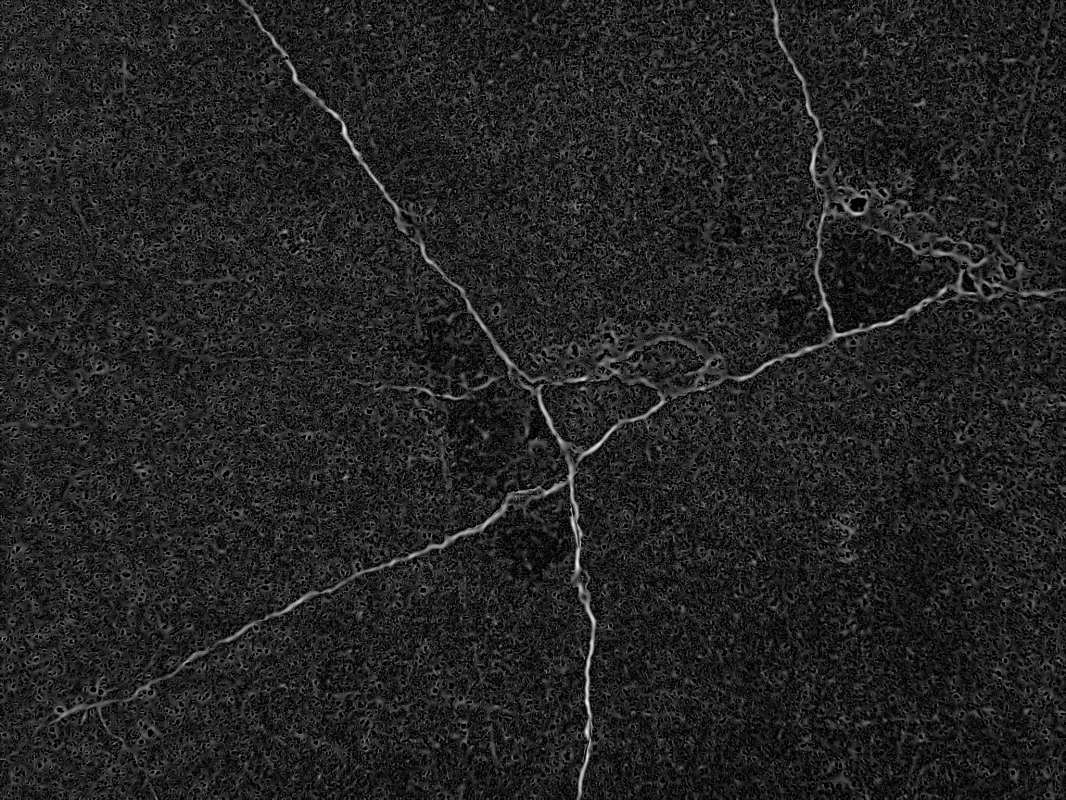
Filter Image Using Meijering
Apply the Meijering filter to detect neurites and fine branching structures in biomedical images, ideal for neuronal imaging and morphological analysis.
View →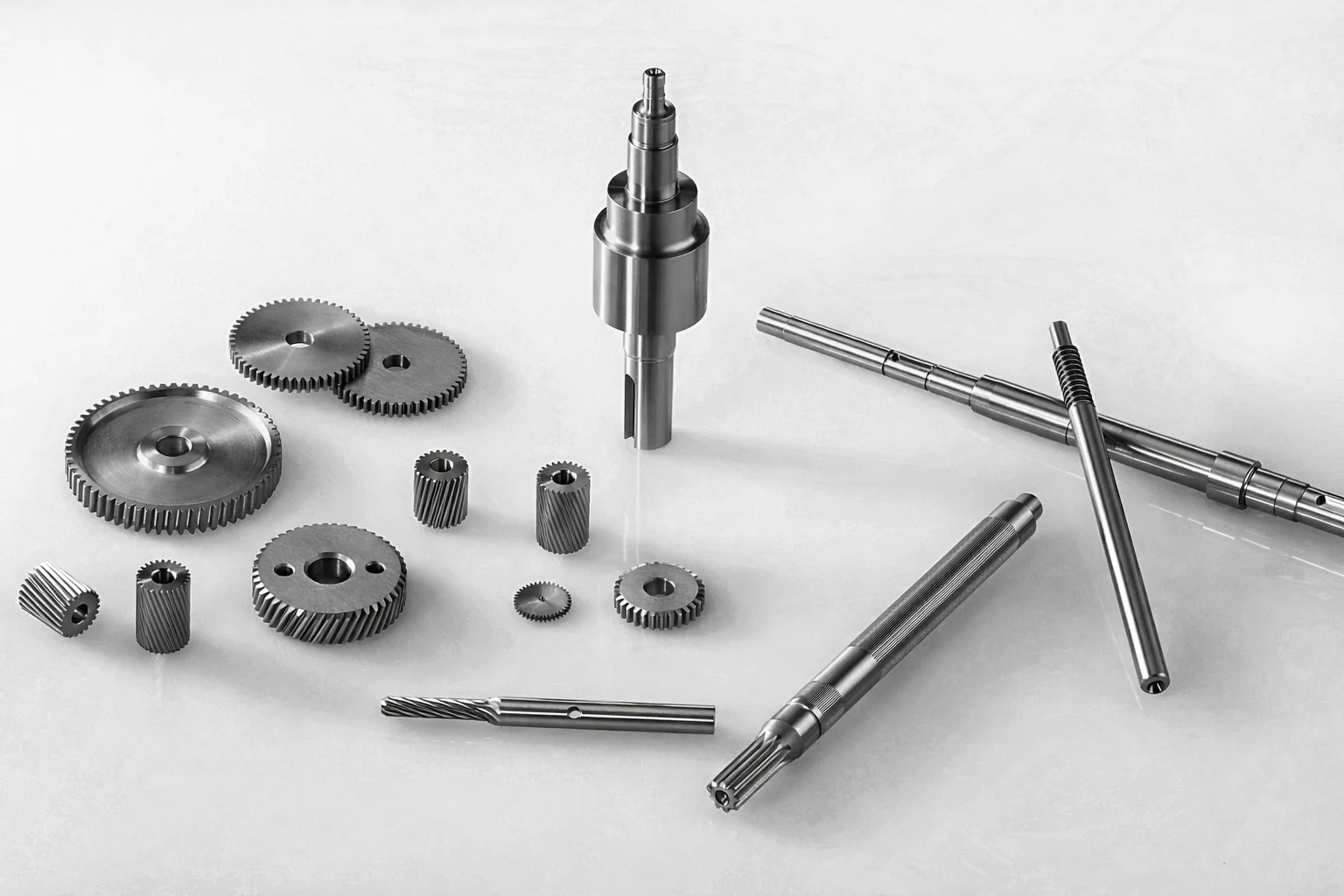
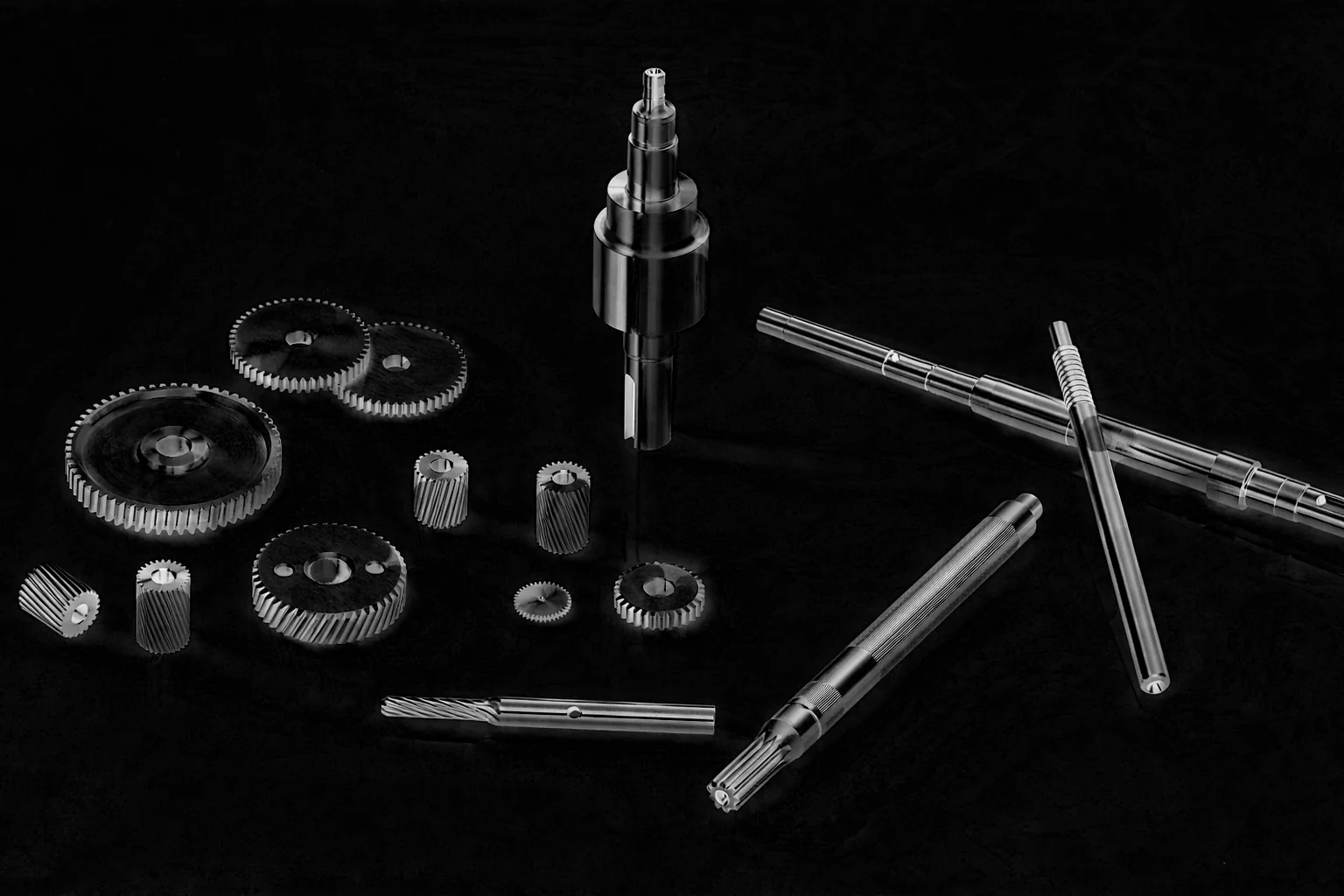
Filter Image Using Morphological Blackhat
Apply morphological black-hat transform to extract small dark features, cracks, or holes on bright backgrounds, ideal for defect and surface inspection.
View →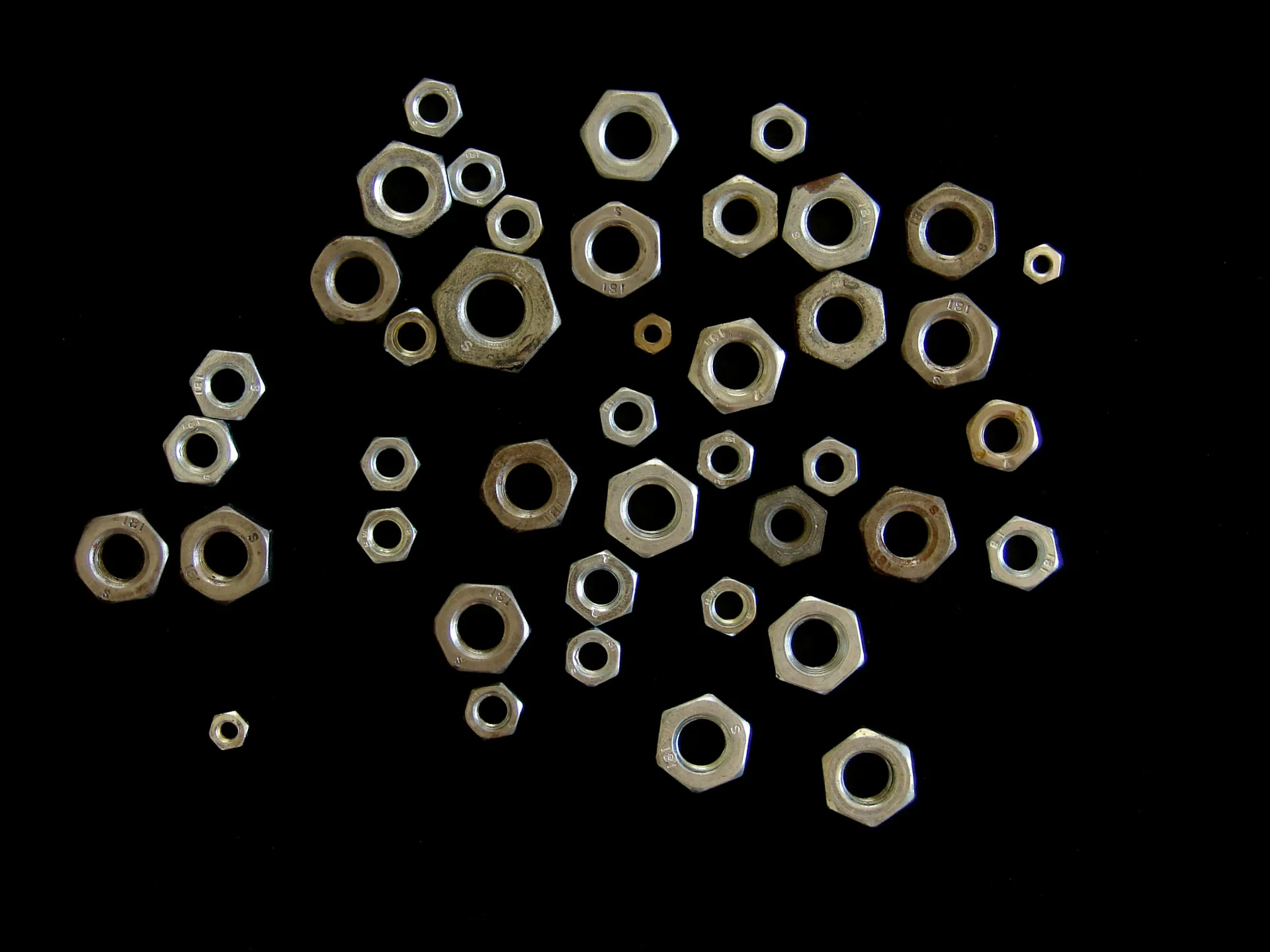
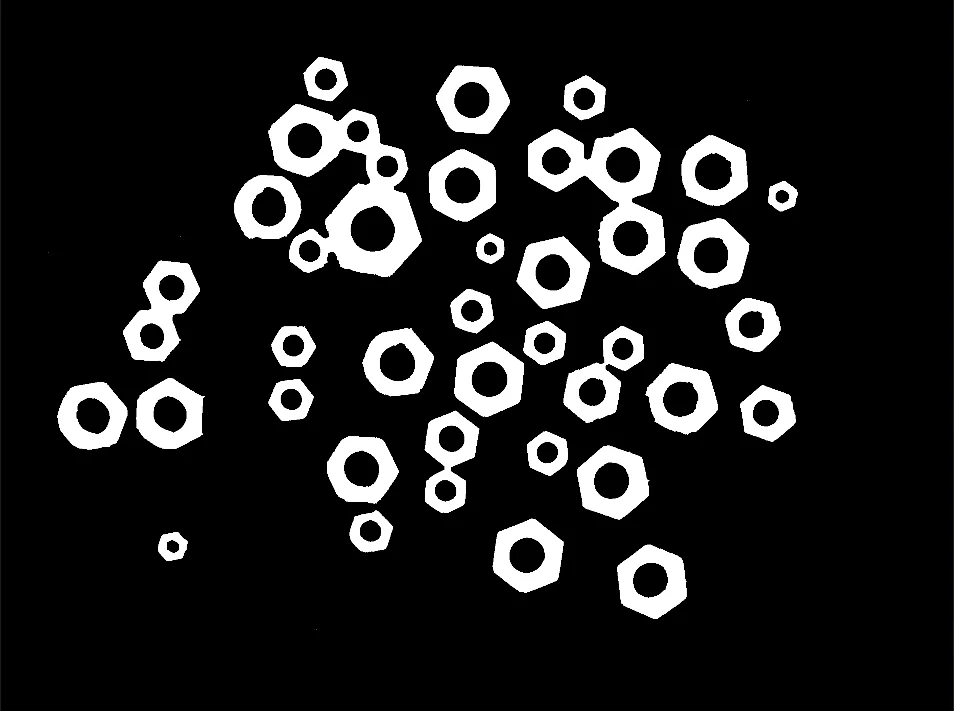
Filter Image Using Morphological Close
Apply morphological closing (dilation followed by erosion) to fill holes and connect nearby objects while preserving overall shape, ideal for segmentation cleanup and feature completion.
View →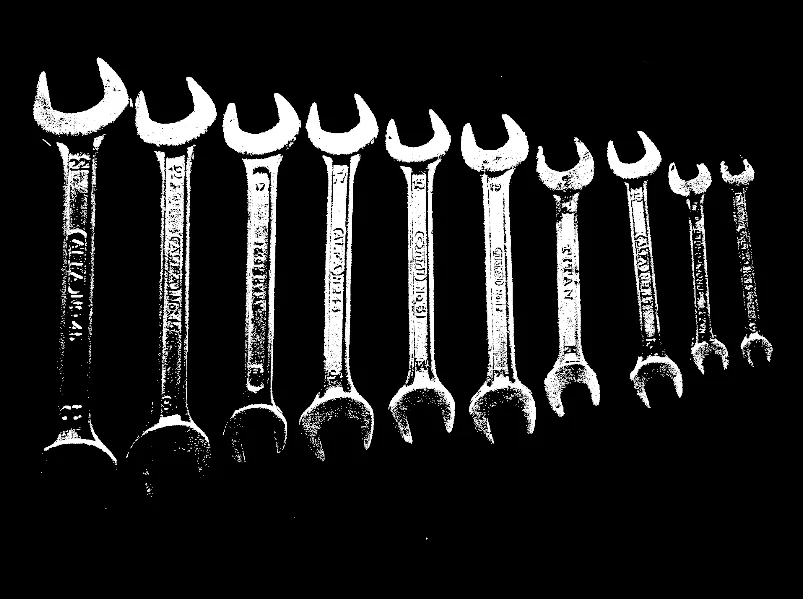
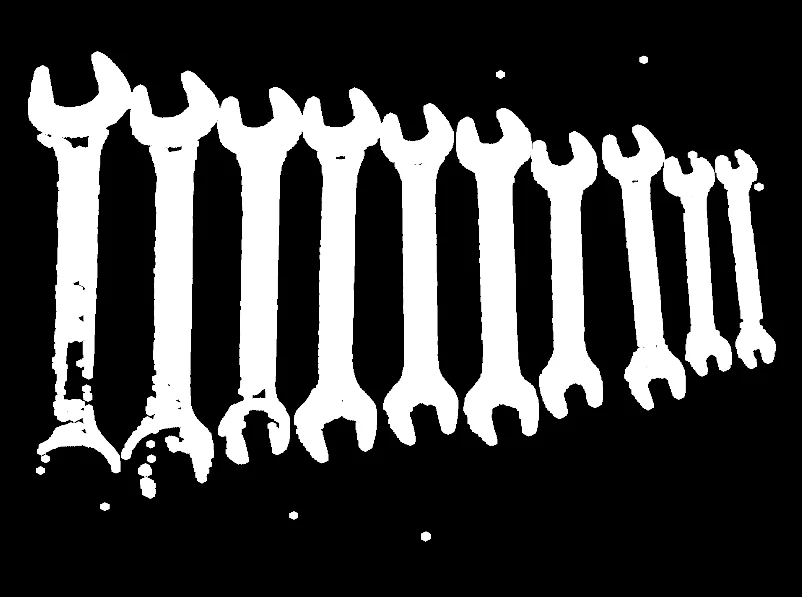
Filter Image Using Morphological Dilation
Apply morphological dilation to expand bright regions and fill small gaps or holes, useful for mask expansion, object connection, and feature enhancement.
View →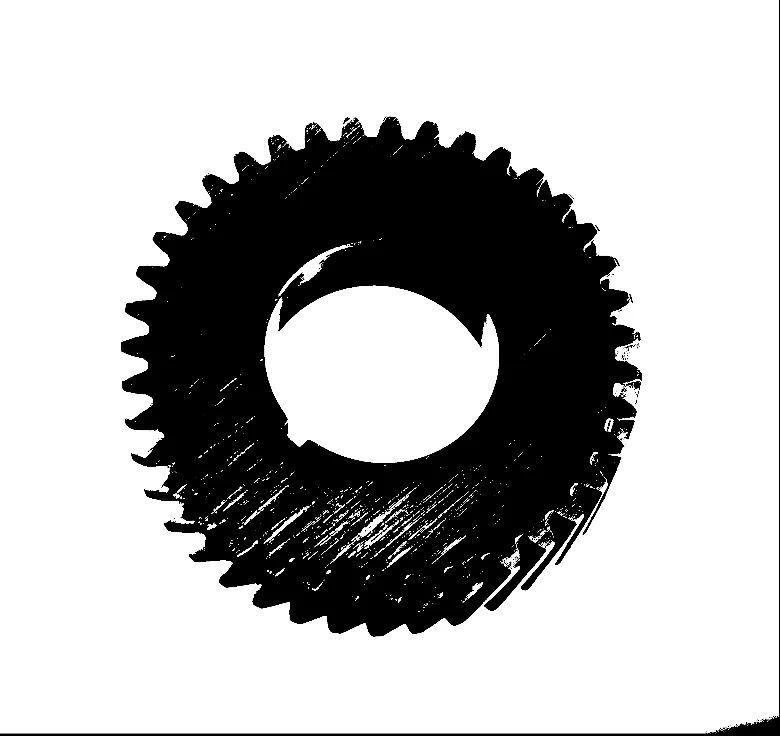
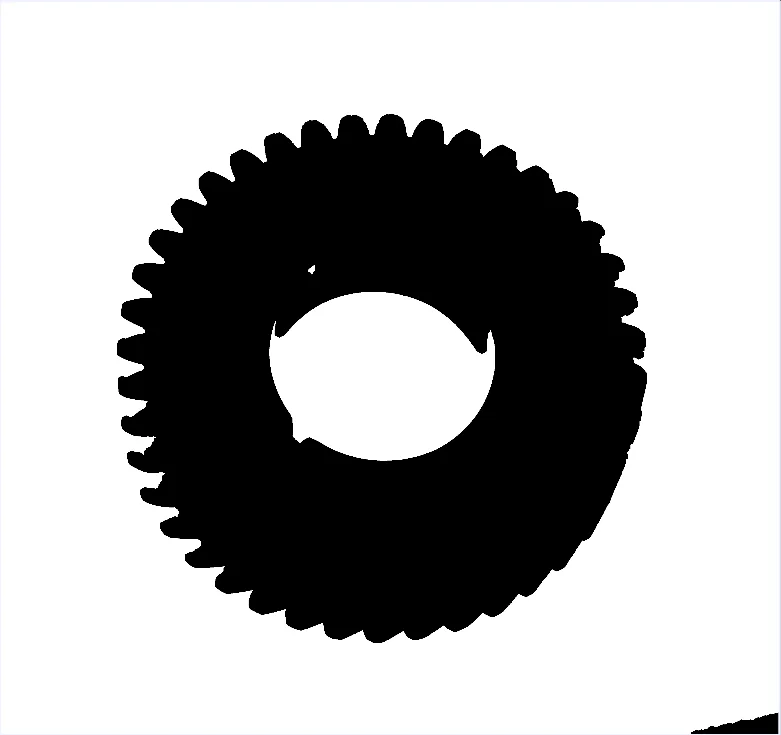
Filter Image Using Morphological Erosion
Apply morphological erosion to shrink bright regions and remove small noise, useful for binary image cleanup, object separation, and feature removal.
View →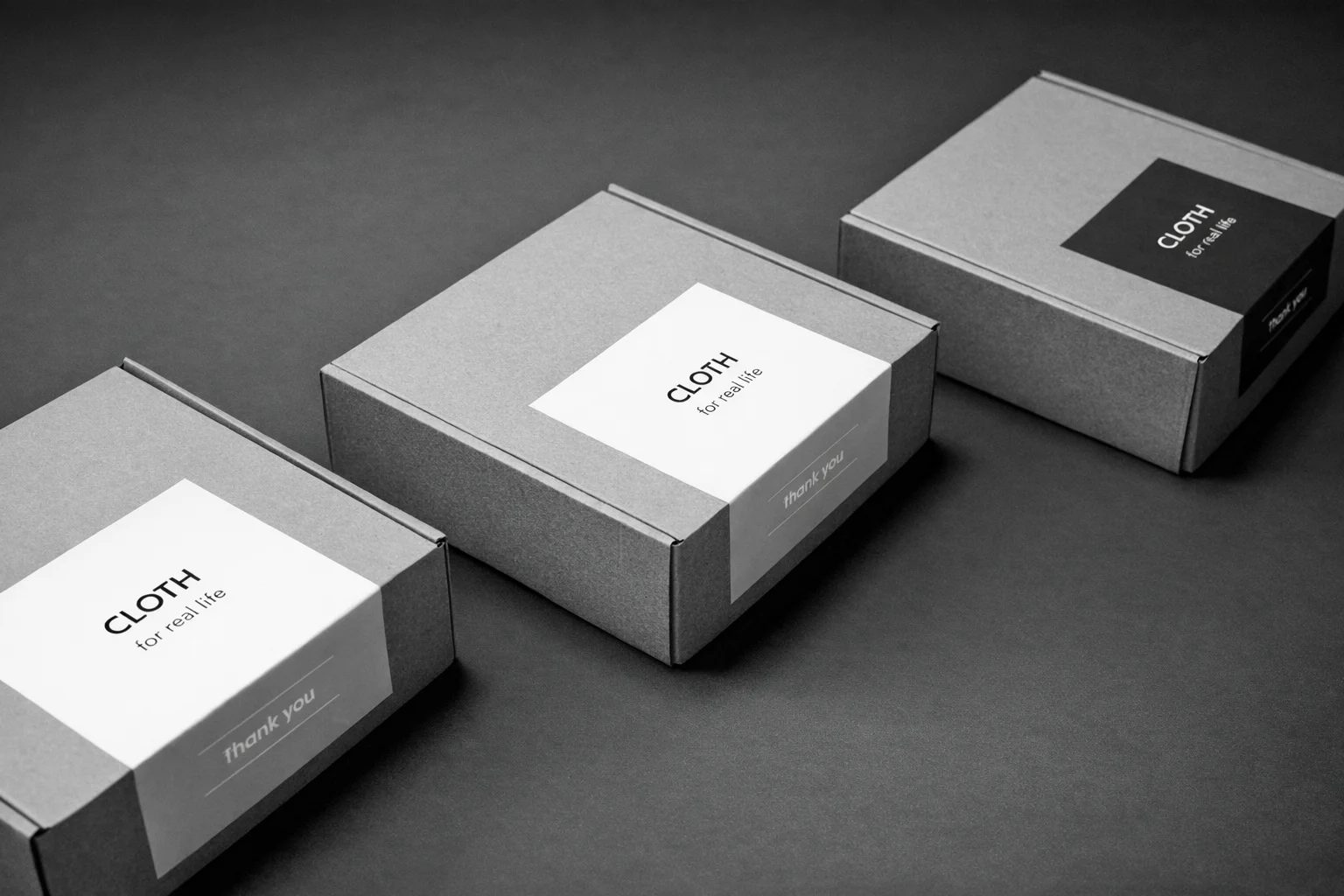
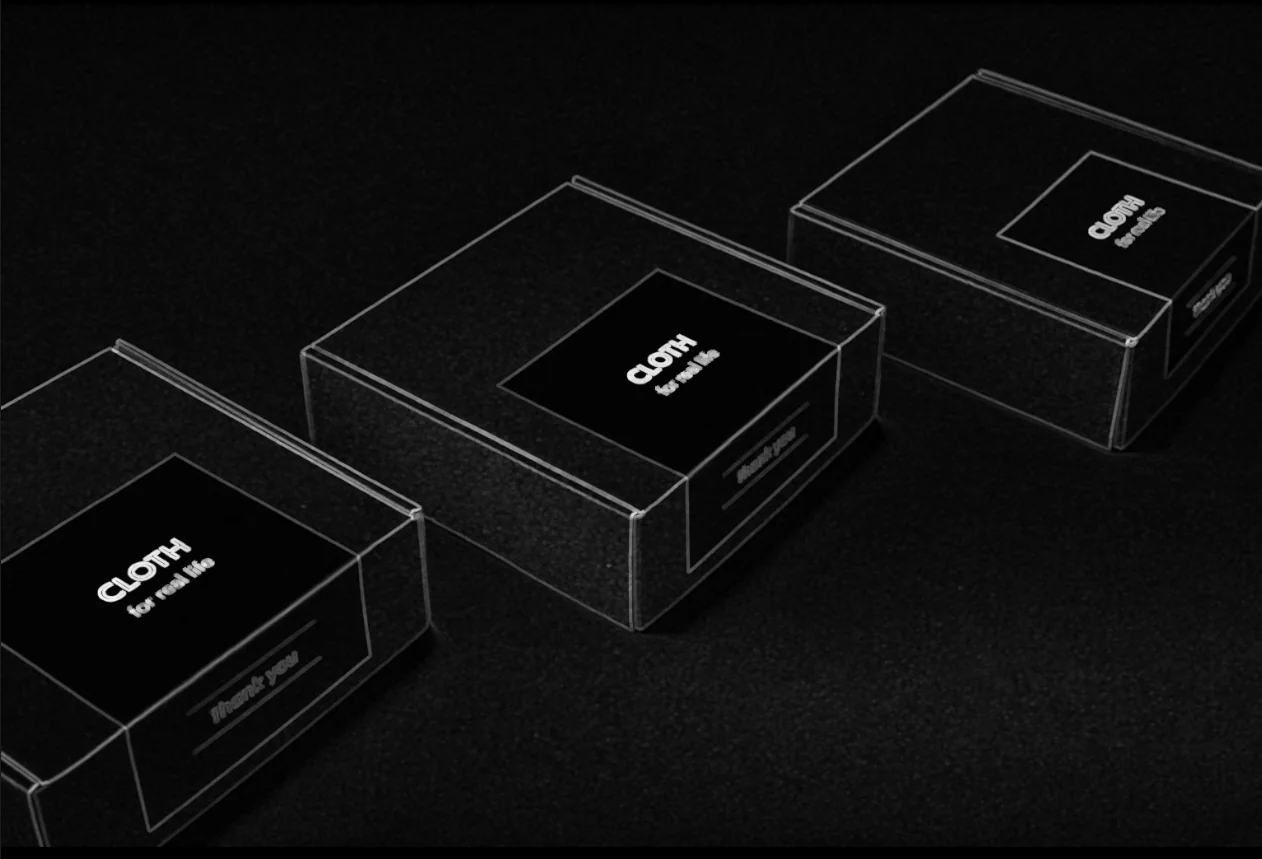
Filter Image Using Morphological Gradient
Apply morphological gradient to extract object boundaries by computing the difference between dilation and erosion, useful for robust edge detection in binary or grayscale images.
View →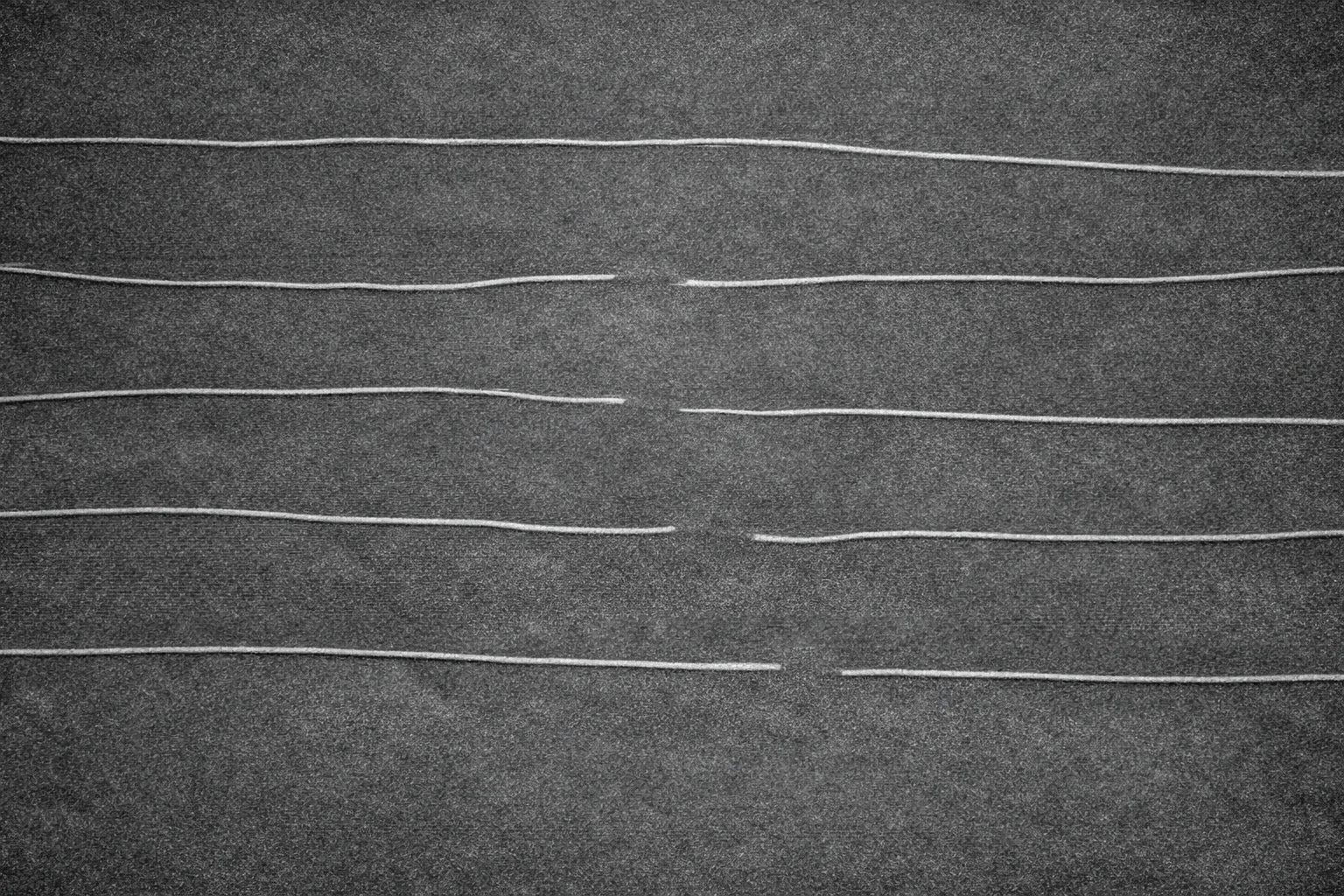
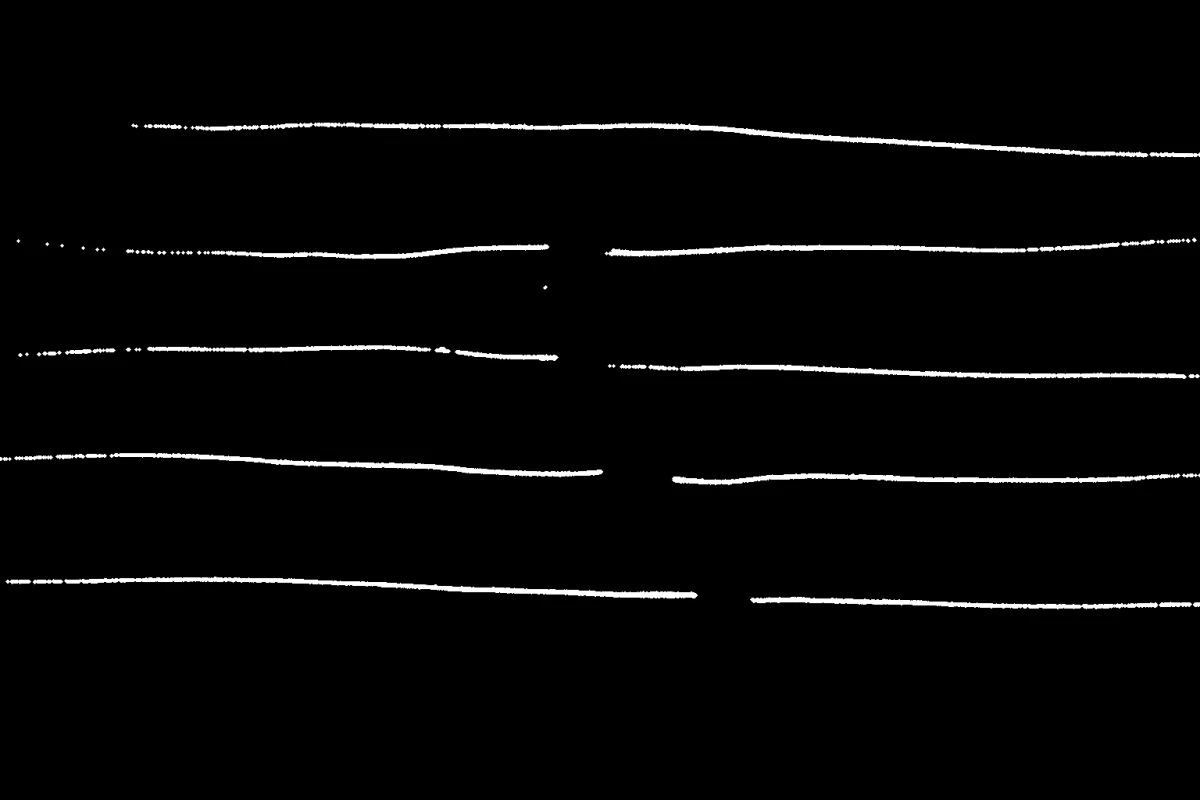
Filter Image Using Morphological Open
Apply morphological opening (erosion followed by dilation) to remove small noise while preserving object size, effective for binary image cleanup and segmentation refinement.
View →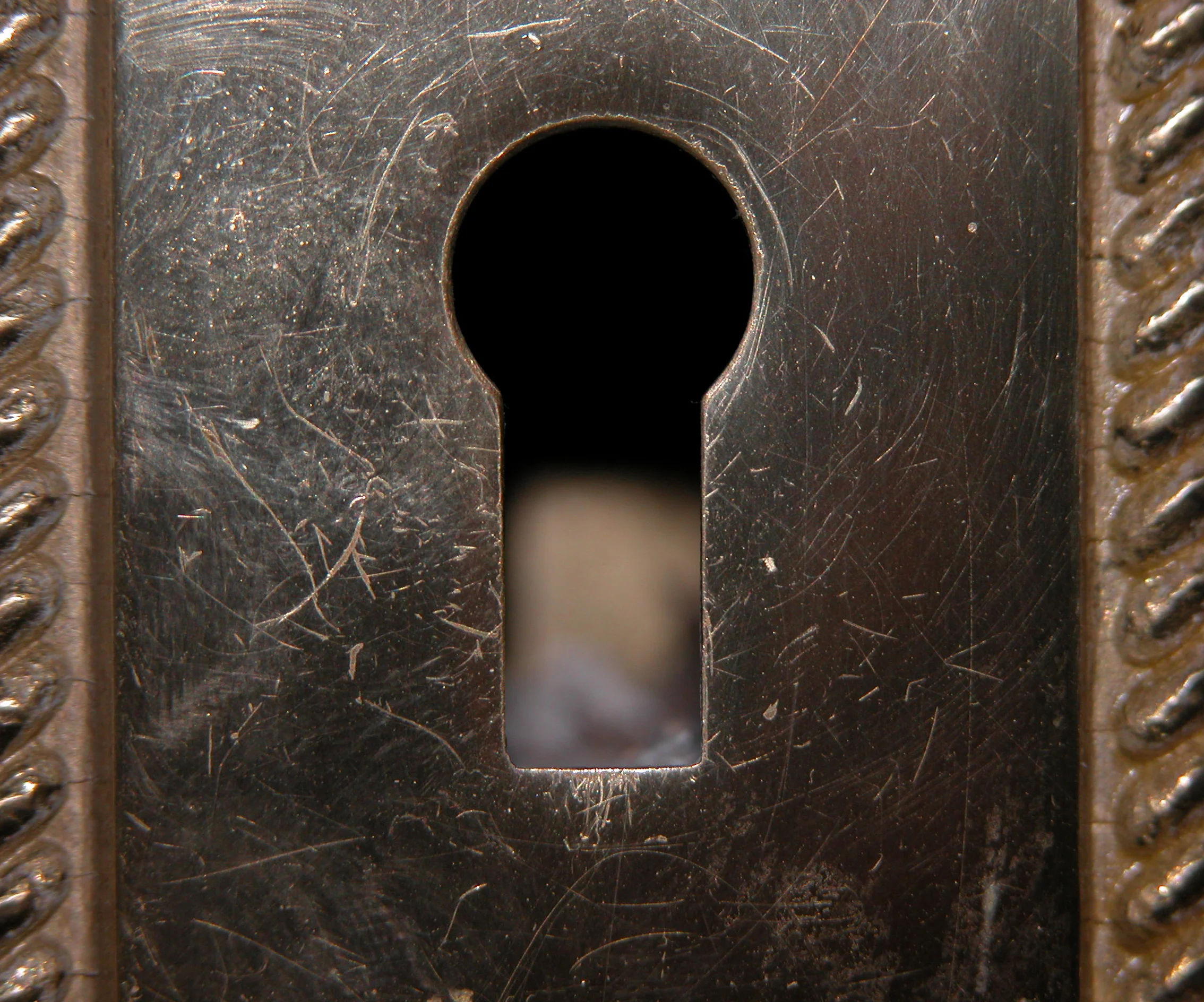
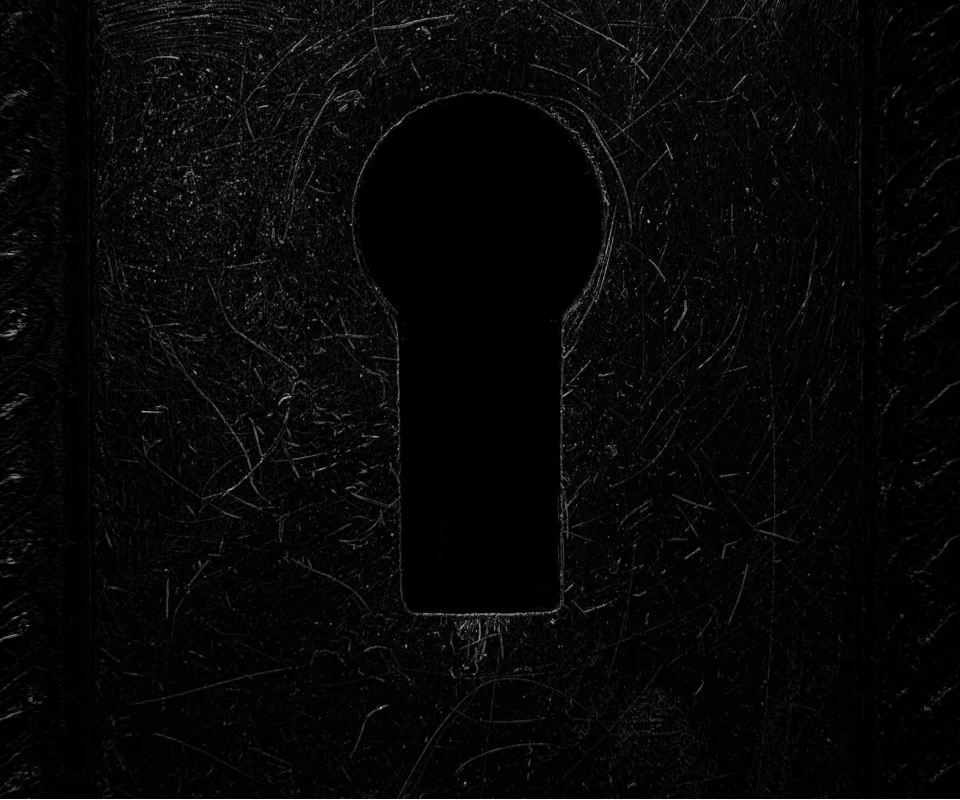
Filter Image Using Morphological Tophat Filter
Apply morphological top-hat transform to extract or enhance small bright features in images, useful for background correction, small object detection, and detail enhancement.
View →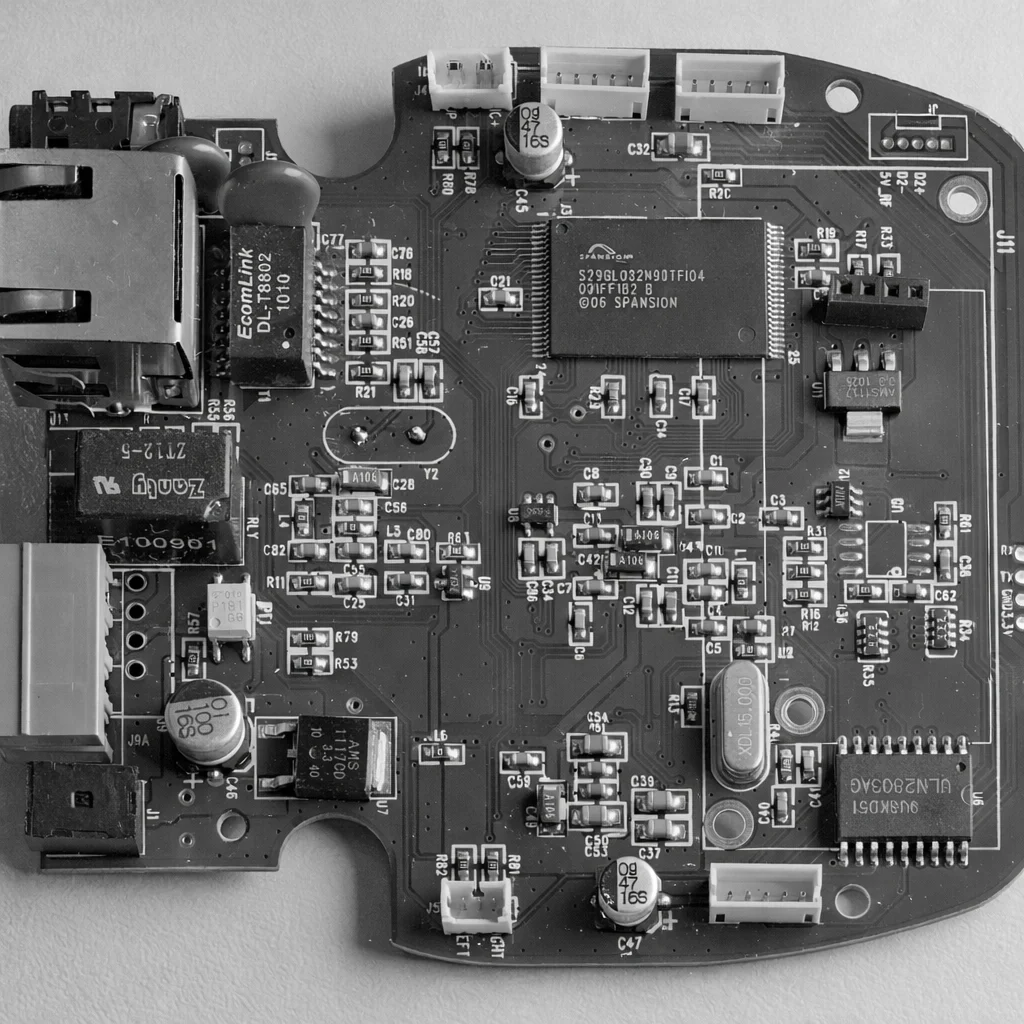
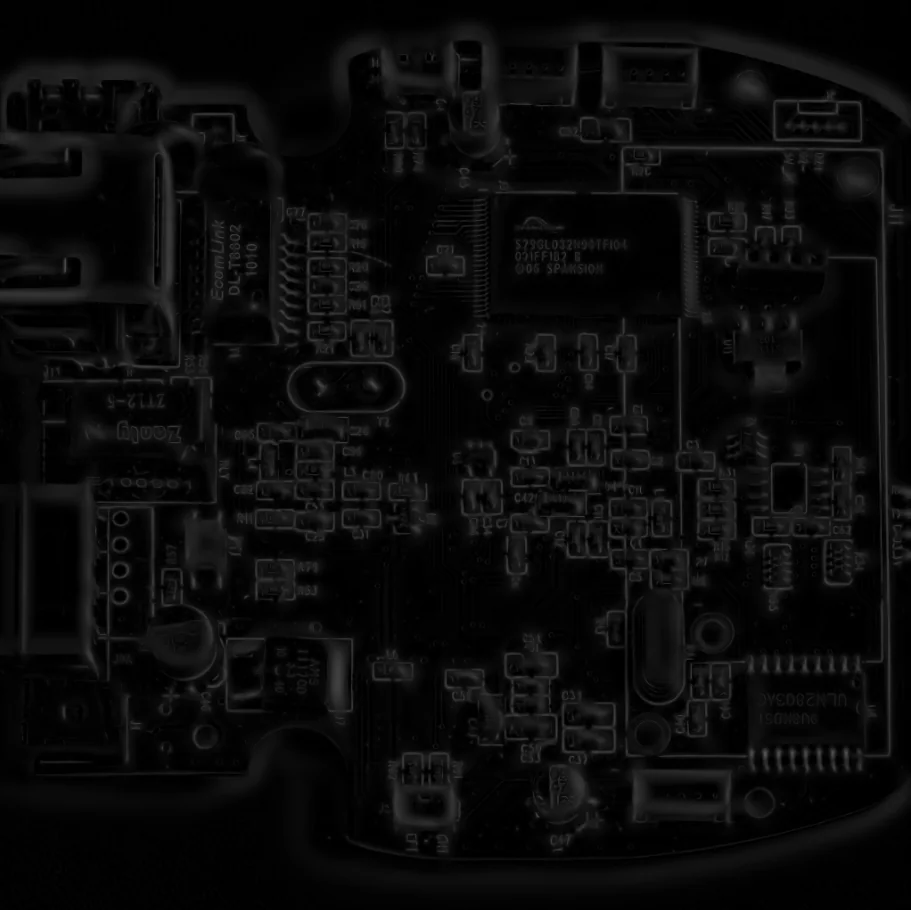
Filter Image Using Sato Filter
Apply Sato filter for multi-scale ridge detection to enhance thin linear structures such as fibers, vessels, cracks, and PCB traces.
View →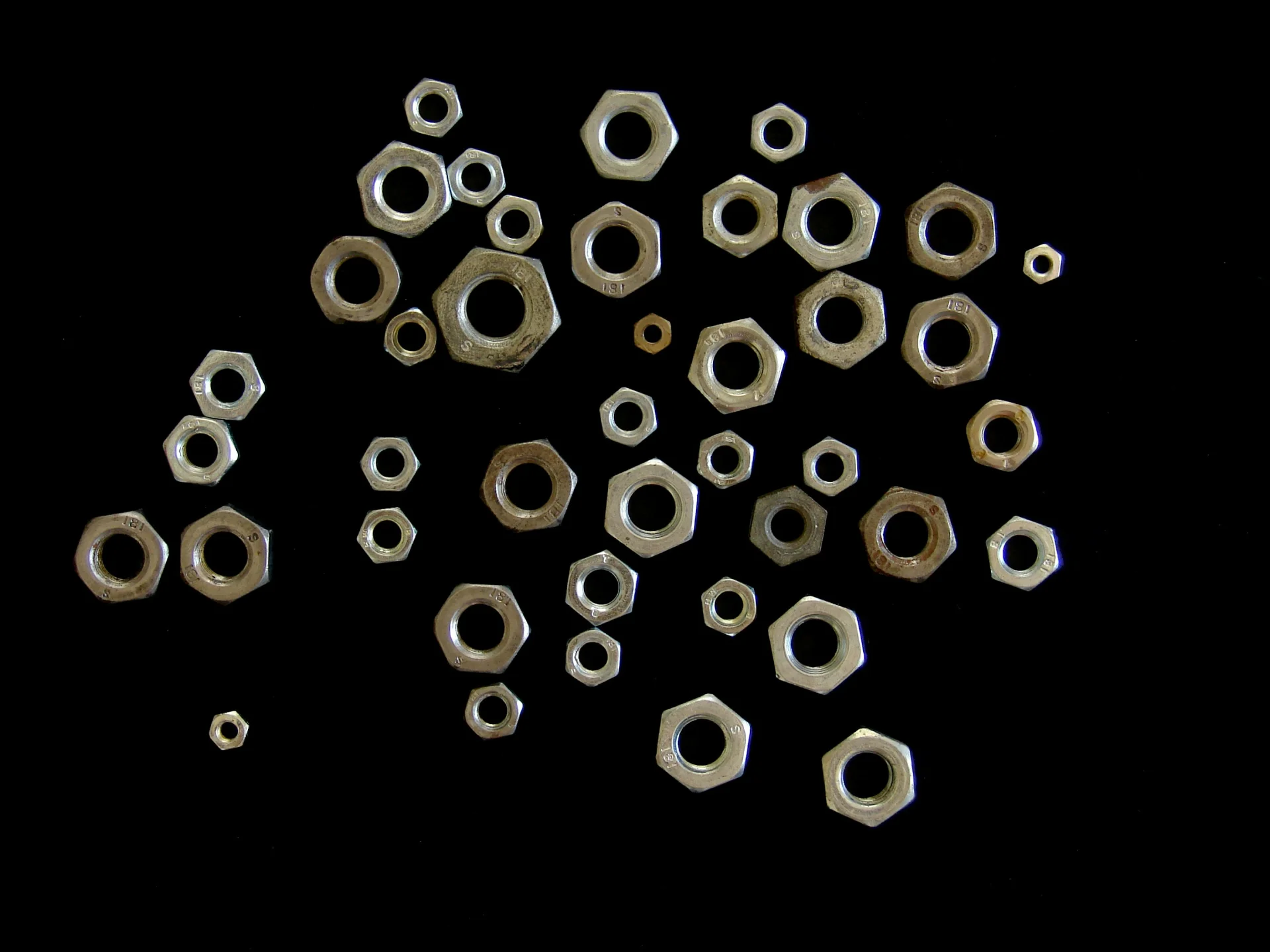
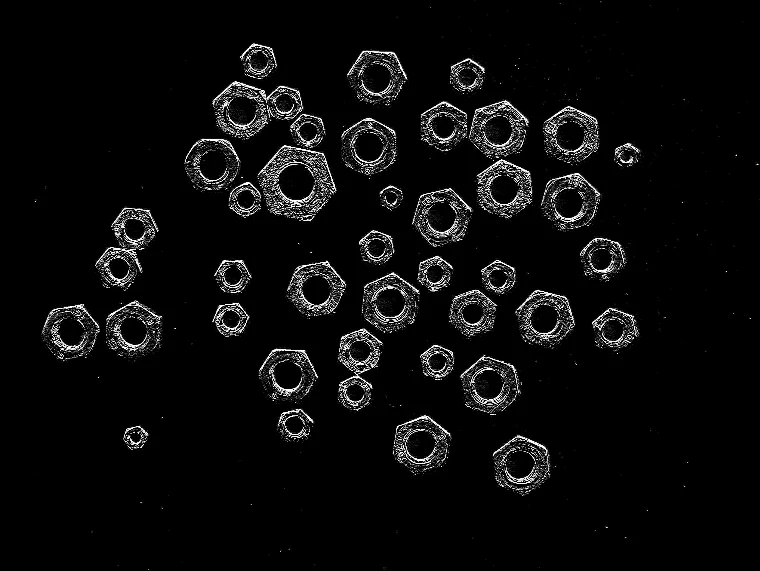
Filter Image Using Scharr
Apply Scharr filter for high-accuracy edge detection with improved rotation invariance, suitable for gradient-based applications.
View →
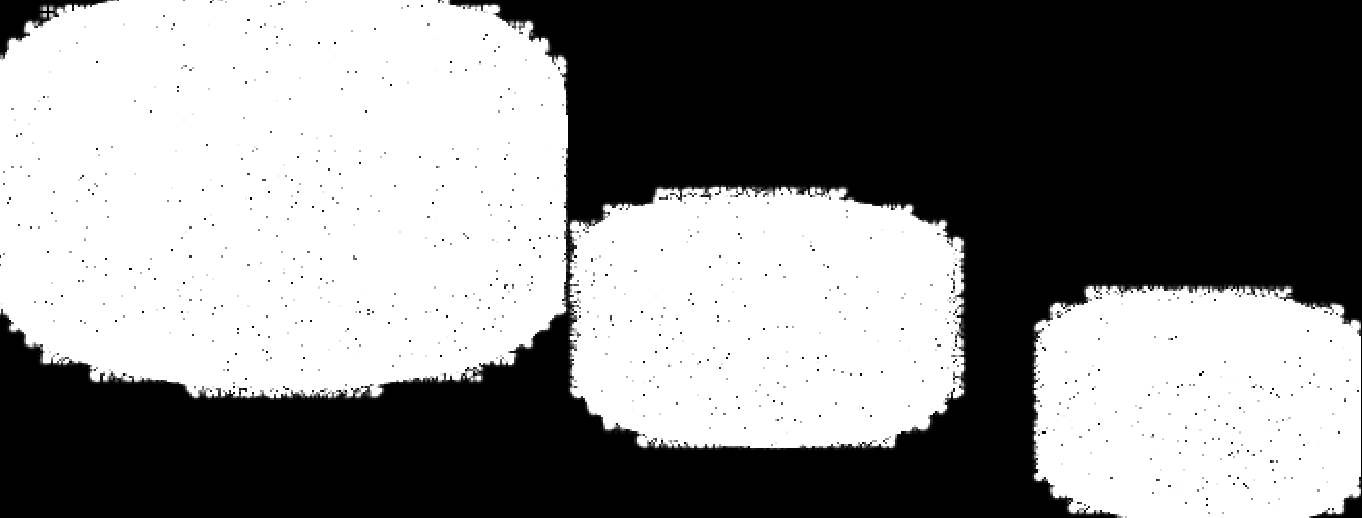
Filter Image Using Sobel
Apply Sobel filter for directional edge detection, computing gradients in X and Y directions to detect edges and orientation.
View →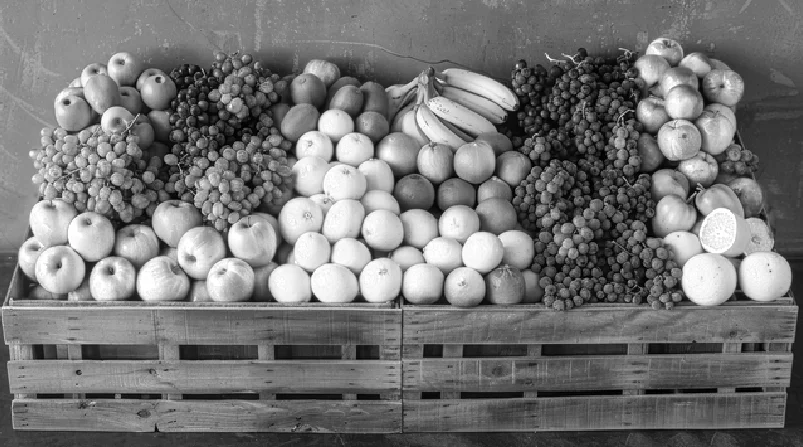
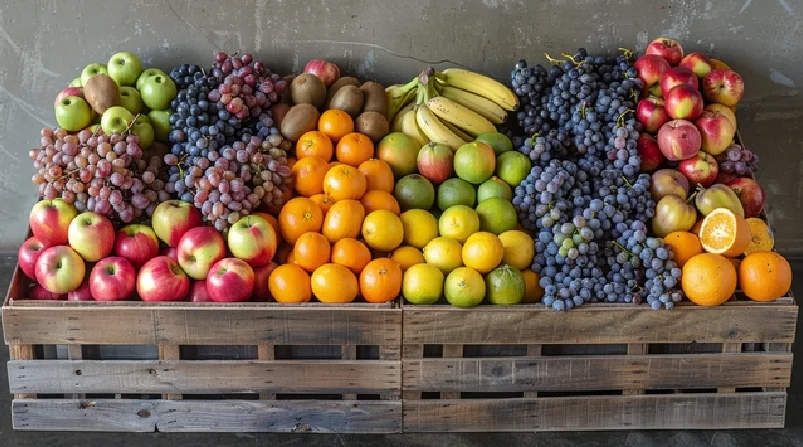
Merge Image From Channels
Merge multiple single-channel images into a multi-channel image, useful for per-channel processing and color reconstruction.
View →
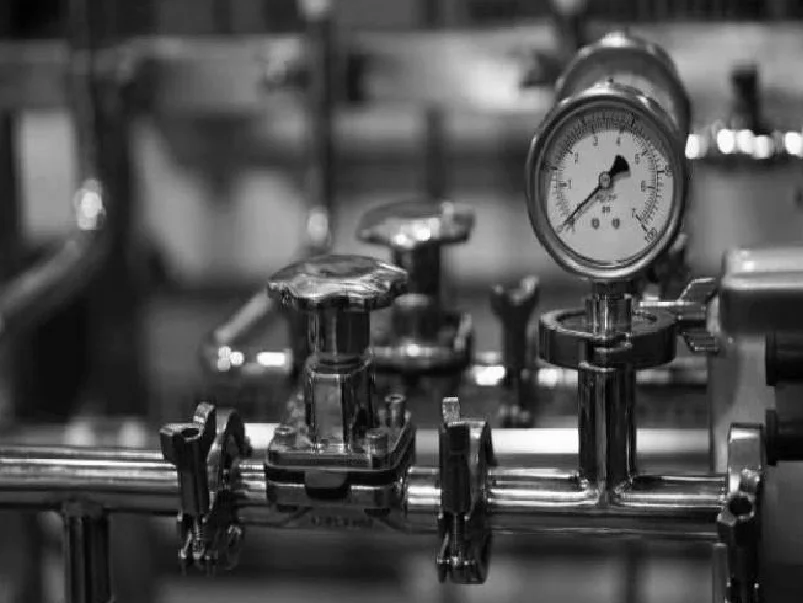
Normalize Image Intensity
Normalize image intensity values using minmax or histogram-based methods for consistent contrast and downstream processing.
View →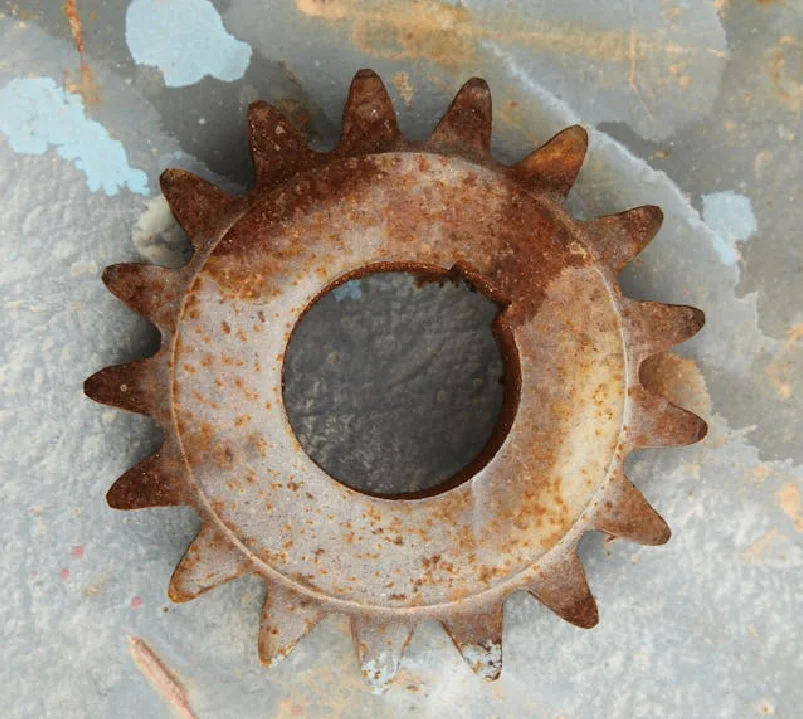
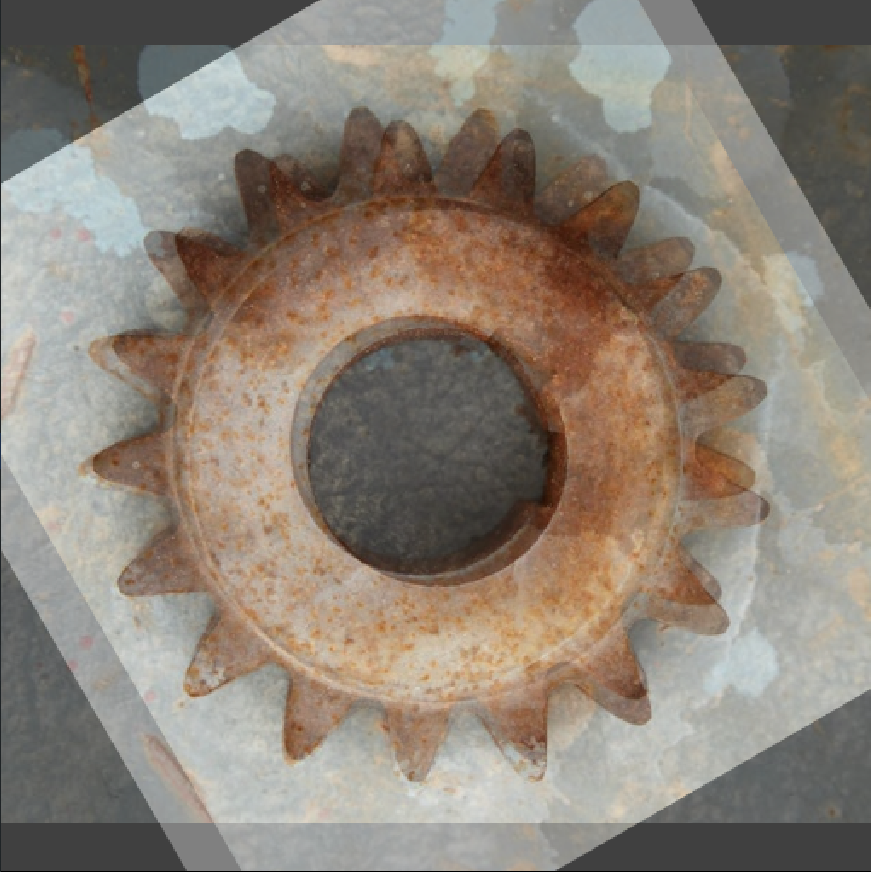
Overlay Images Using Weighted Overlay
Blend two images using weighted overlay for visualization, crossfade, or multi-exposure effects.
View →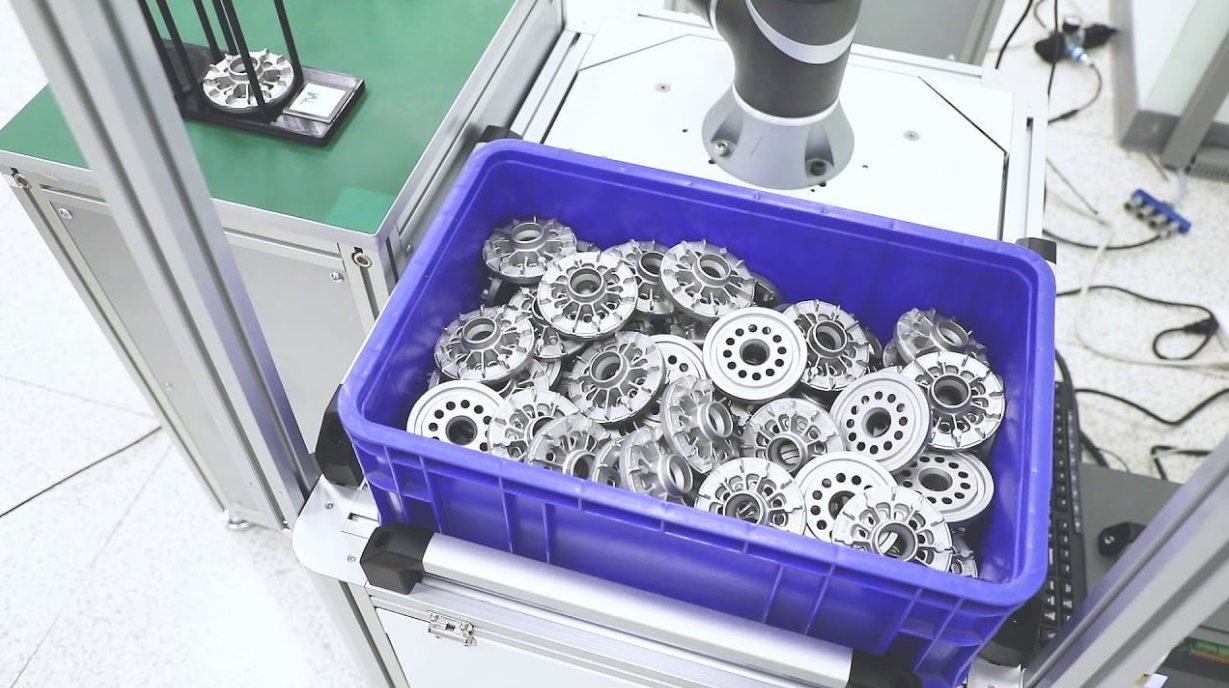
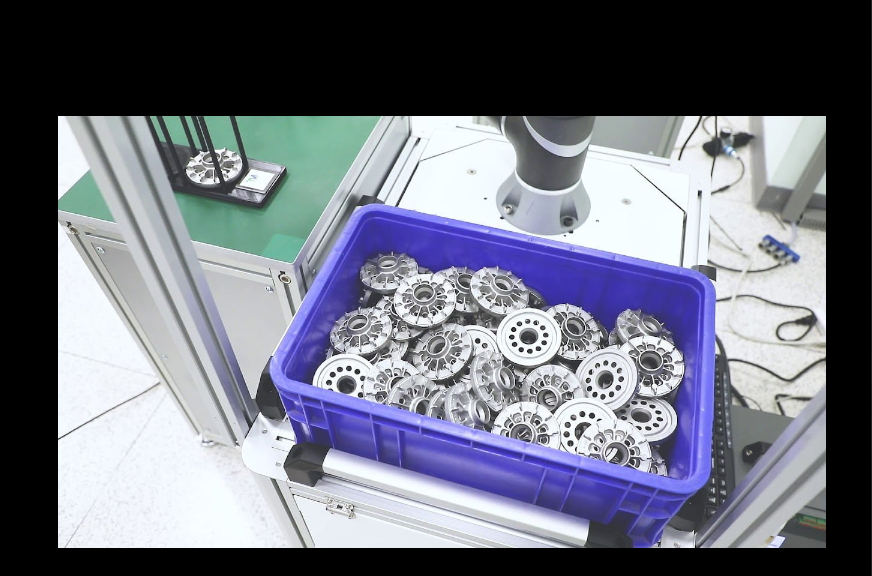
Pad Image
Add padding to an image on top, bottom, left, and right with configurable border handling and fill value.
View →
Project Pixel to Camera Point
Convert a 2D pixel coordinate and depth value into a 3D point in camera coordinates using camera intrinsics and distortion coefficients.
View →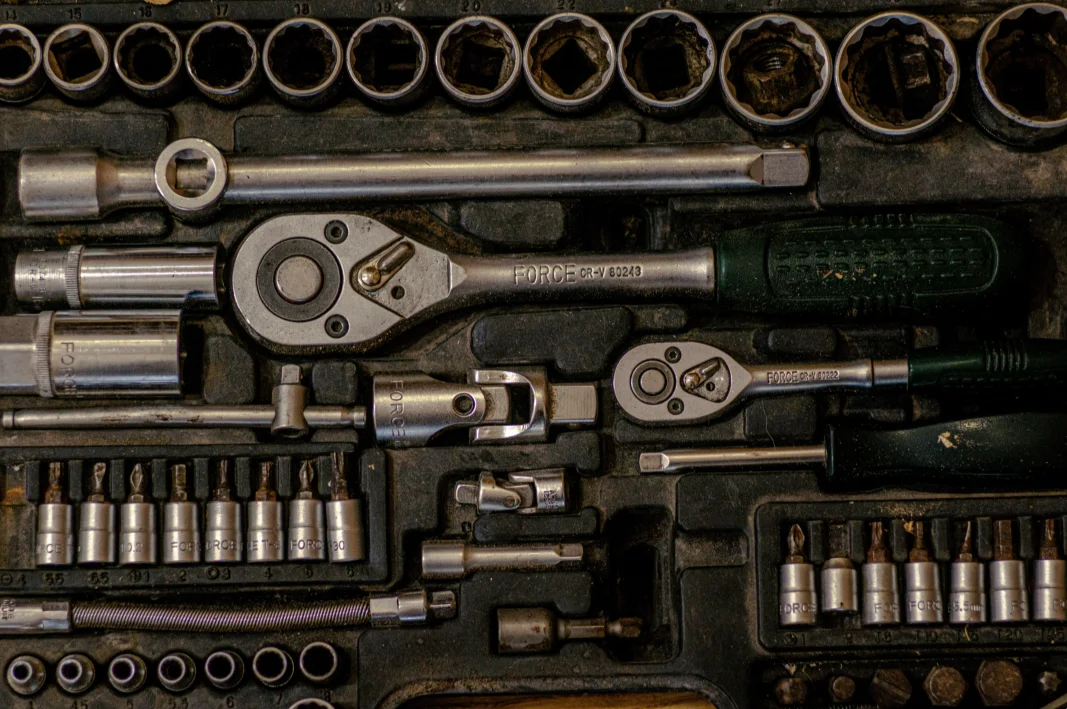
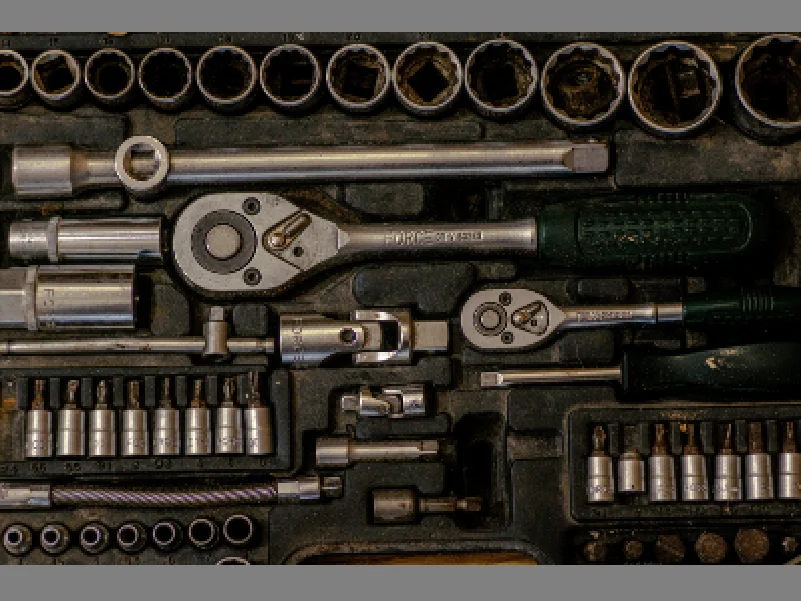
Resize Image
Resize an image by scale factor or explicit width and height for flexible scaling in vision pipelines.
View →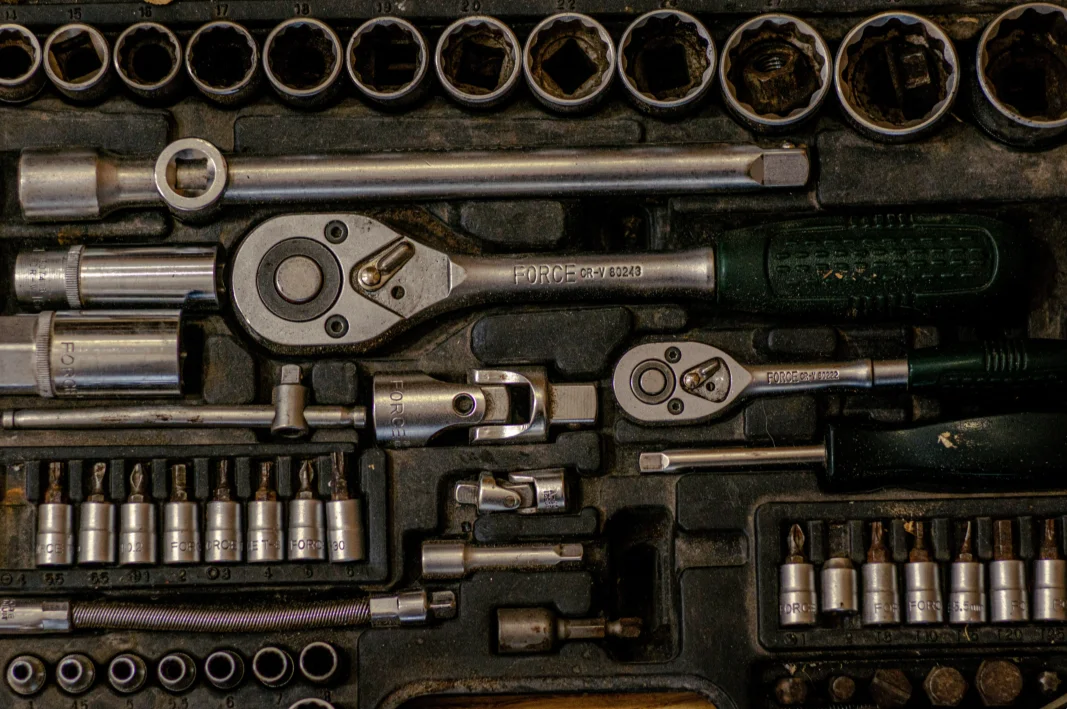
Resize Image With Aspect Fit
Resize an image to fit within target dimensions while preserving aspect ratio, with optional padding.
View →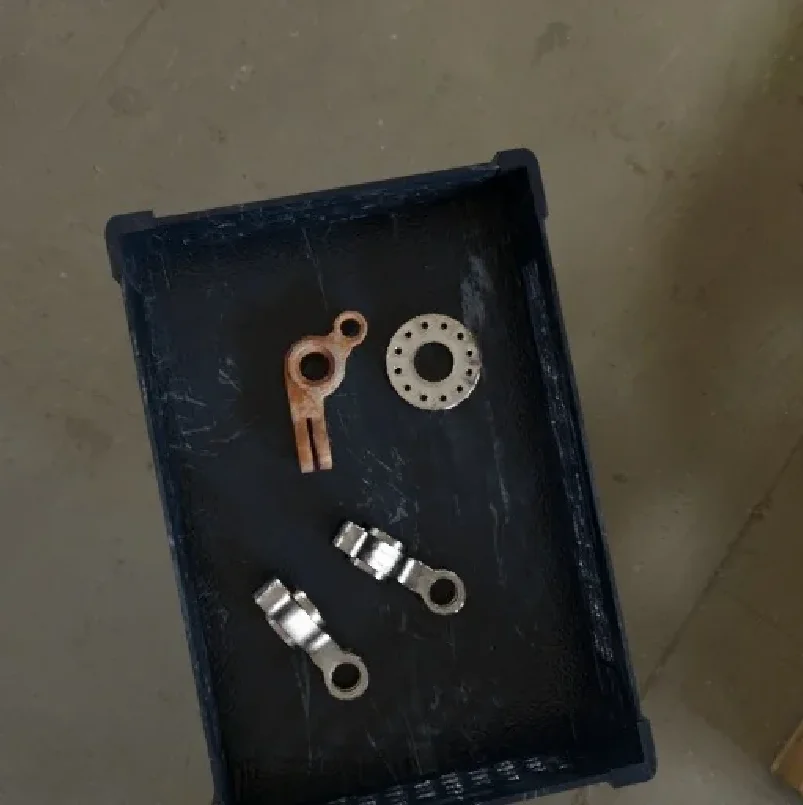
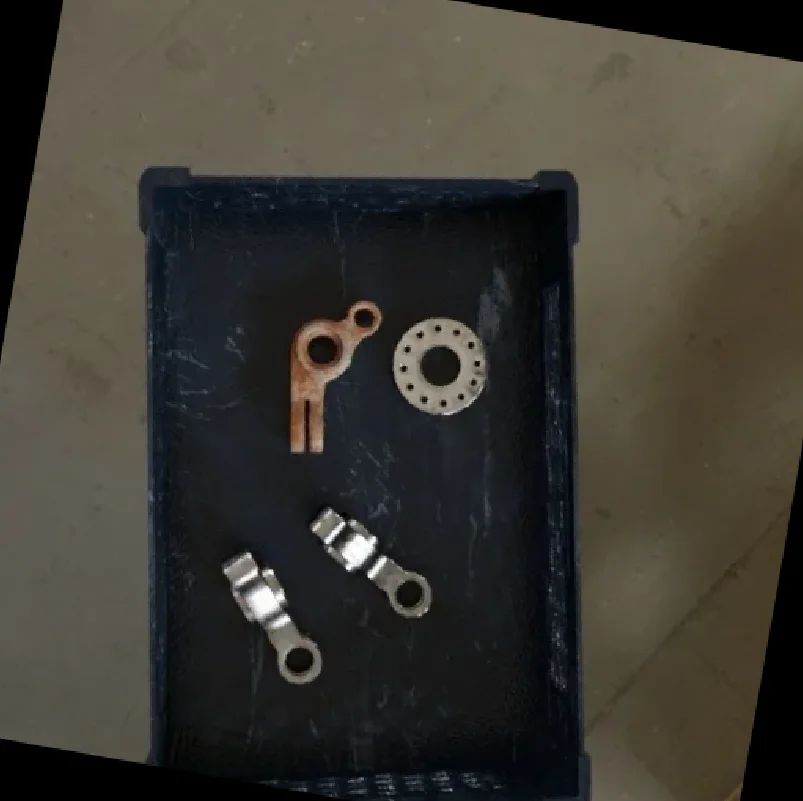
Rotate Image
Rotate an image by a specified angle with options to keep original dimensions or expand canvas.
View →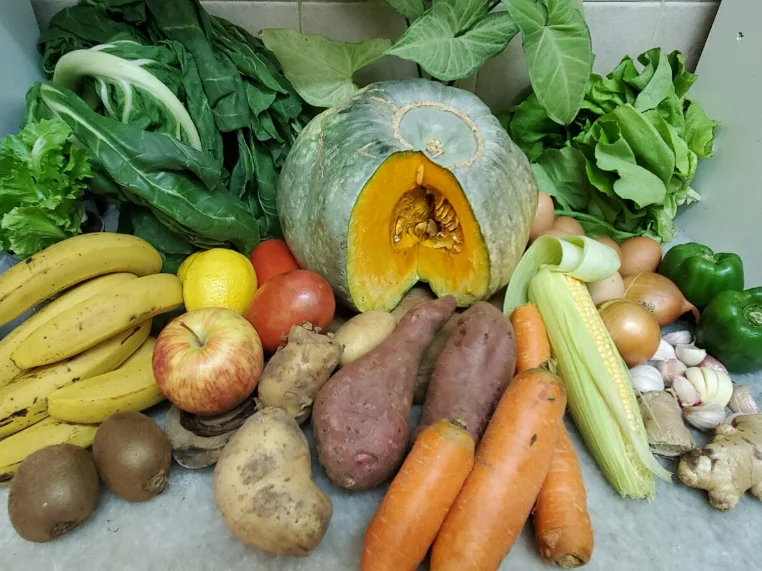
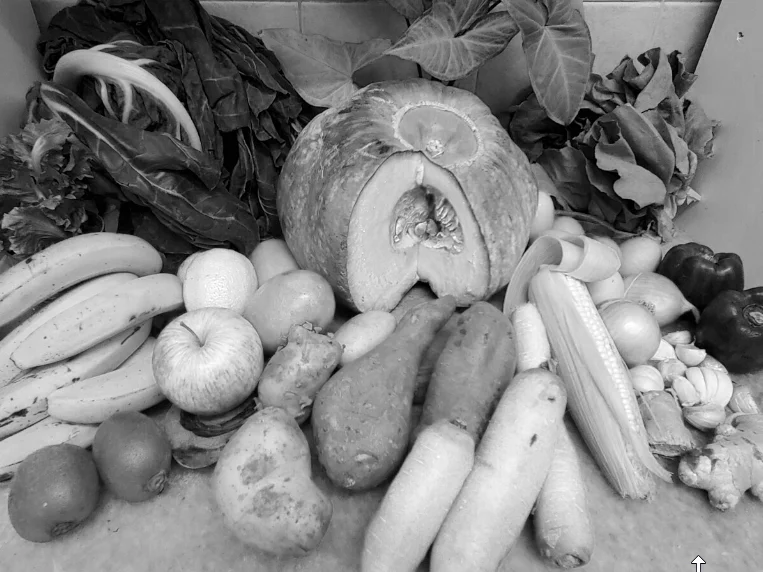
Split Image Into Channels
Split a multi-channel image into individual color channels for per-channel processing and analysis.
View →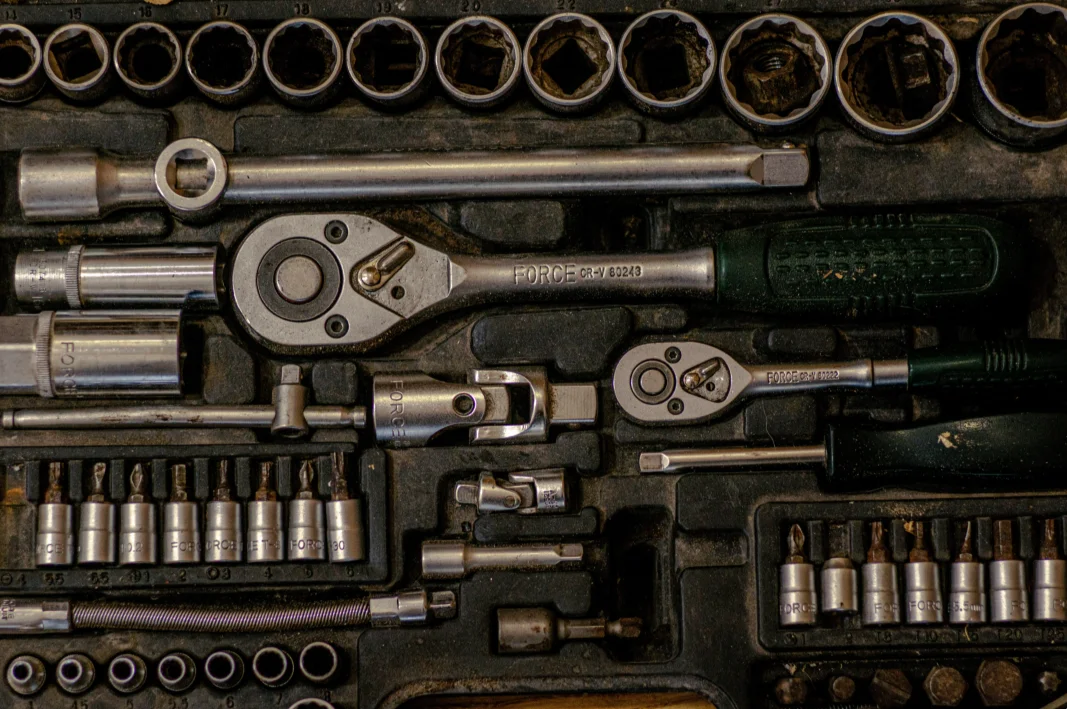
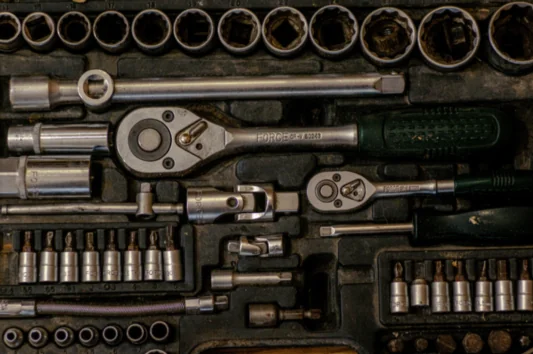
Transform Using Pyramid Downsampling
Downsample an image using Gaussian pyramid smoothing and subsampling for multi-scale processing and efficient image analysis.
View →
Transform Using Pyramid Upsampling
Upsample an image using Gaussian pyramid smoothing and interpolation for multi-scale reconstruction and image enlargement.
View →
Filter Image Using Morphological Thinning Filter
Apply skeletonization (thinning) to binary images to reduce objects to their skeletal structure while preserving connectivity and topology.
View →
Translate Image
Shift an image by a fixed number of pixels in horizontal and vertical directions with configurable border handling and interpolation.
View →python examples/pupil_examples.py --example filter_image_using_sobelVitreous
Run all examples:
python examples/point_cloud/run_vitreous_examples.pyAdd Point Clouds
Learn how to combine multiple 3D point clouds into a single unified cloud using the Telekinesis Agentic Skill Library. Perfect for multi-view fusion, sensor aggregation, and robotics pipelines.
View →Apply Transform to Point Cloud
Learn how to move, rotate, or align 3D point clouds using the Telekinesis Agentic Skill Library. Ideal for Physical AI, robotics, computer vision, and multi-view sensor pipelines.
View →Calculate Axis-Aligned Bounding Box
Learn how to compute the smallest 3D axis-aligned bounding box (AABB) for a point cloud using the Telekinesis Agentic Skill Library. Ideal for Physical AI, robotics, computer vision, and scene understanding pipelines.
View →Calculate Oriented Bounding Box
Learn how to compute a tightly-fitted, orientation-aware 3D bounding box (OBB) for a point cloud using the Telekinesis Agentic Skill Library. Ideal for Physical AI, robotics, computer vision, pose estimation, and grasp planning.
View →Calculate Point Cloud Centroid
Learn how to compute the geometric center (centroid) of a 3D point cloud using Telekinesis Vitreous. Useful for robotics, Physical AI, object localization, grasp planning, and reference frame computation.
View →Cluster Point Cloud Based on Density Jump
Segment a point cloud into clusters by detecting sharp density changes along a chosen axis using Telekinesis Agentic Skill Library. Ideal for stacked objects, layered structures, or closely packed items in robotics and Physical AI pipelines.
View →Cluster Point Cloud Using DBSCAN
Segment a 3D point cloud into clusters using DBSCAN from the Telekinesis Agentic Skill Library. Ideal for detecting distinct objects, handling noise, and separating spatially distributed items in robotics and perception pipelines.
View →Convert Mesh to Point Cloud
Convert 3D triangle meshes into point clouds using the Telekinesis SDK. Ideal for 6D pose estimation, registration, and robotic perception pipelines with uniform point sampling and high fidelity geometry.
View →Filter Point Cloud Using Bounding Box
Extract points within a 3D axis-aligned bounding box (AABB) to isolate regions of interest in point clouds for robotics, grasp planning, and object detection.
View →Filter Mesh Using Cylinder Base Removal
Remove base points from cylindrical meshes to isolate object geometry for robotics applications like pose estimation, grasp planning, and cylinder alignment.
View →Filter Point Cloud Using Mask
Apply a 2D boolean mask to selectively filter points from an organized point cloud for robotics tasks like object segmentation, ROI extraction, and grasp planning.
View →Filter Point Cloud Using Oriented Bounding Box
Crop a point cloud to a rotated 3D region using an oriented bounding box (OBB) for robotics tasks like object isolation, pose estimation, and manipulation.
View →Filter Point Cloud Using Plane Defined by Point Normal Proximity
Extract points near a plane defined by a reference point and normal vector for robotics tasks like planar surface extraction, ground removal, and tabletop detection.
View →Filter Point Cloud Using Plane Proximity
Extract points near a plane defined by coefficients [a, b, c, d] for robotics tasks like planar surface extraction, ground removal, and tabletop detection.
View →Filter Point Cloud Using Plane Splitting
Retain points on one side of a plane using coefficients [a, b, c, d]. Ideal for robotics tasks like ground removal, workspace segmentation, and object separation.
View →Filter Point Cloud Using Radius Outlier Removal
Remove isolated or noisy points in a point cloud using radius-based neighbor filtering. Ideal for denoising, preprocessing, and improving 3D perception in robotics.
View →Filter Point Cloud Using Statistical Outlier Removal
Remove noise from point clouds using statistical analysis of neighbor distances. Ideal for denoising, preprocessing, and improving 3D perception in robotics pipelines.
View →Filter Point Cloud Using Uniform Downsampling
Reduce point cloud density by selecting every Nth point for faster processing. Ideal for robotics pipelines, preview generation, and preprocessing of large 3D datasets.
View →Filter Point Cloud Using Voxel Downsampling
Reduce point cloud density using voxel downsampling. Ideal for preprocessing, registration, clustering, and segmentation in robotics and 3D point cloud workflows.
View →Project Point Cloud to Plane
Learn how to project a 3D point cloud onto a plane using general plane coefficients [a, b, c, d] with the Vitreous SDK. Useful for robotics, AI, and physical pipelines in planar alignment, ground plane removal, and feature extraction.
View →Project Point Cloud to Plane Defined by Point Normal
Learn how to project a 3D point cloud onto a plane using a reference point and normal vector with the Vitreous SDK. Useful for robotics, AI, and physical pipelines in planar alignment, registration, and feature extraction.
View →Reconstruct Mesh Using Convex Hull
Learn how to reconstruct a convex mesh from a 3D point cloud using the Vitreous SDK. Ideal for robotics, AI, and physical pipelines in collision geometry, grasp planning, and simplified object modeling.
View →Reconstruct Mesh Using Poisson
Learn how to reconstruct a smooth, watertight 3D mesh from a point cloud using Poisson surface reconstruction with the Vitreous SDK. Ideal for high-quality object surfaces in robotics, AI, and industrial pipelines.
View →Register Point Clouds Using Cuboid Translation Sampler ICP
Learn how to align two point clouds with uncertain initial translation using Cuboid Translation Sampler ICP in the Vitreous SDK. Ideal for 6D pose estimation, object alignment, and industrial robotics.
View →Register Point Clouds Using Fast Global Registration
Learn how to quickly align two point clouds using Fast Global Registration (FGR) with FPFH features in the Vitreous SDK. Ideal for initial 6D pose estimation, coarse alignment, and industrial robotics.
View →Register Point Clouds Using Point-to-Plane ICP
Learn how to refine point cloud alignment using Point-to-Plane ICP in the Vitreous SDK. Ideal for high-accuracy registration, fine 6D pose estimation, and industrial robotics applications.
View →Register Point Clouds Using Point-to-Point ICP
Learn how to perform fine-grained point cloud registration using Point-to-Point ICP in the Vitreous SDK. Ideal for precise 6D pose estimation and object alignment in robotics and industrial applications.
View →Register Point Clouds Using Rotation Sampler ICP
Learn how to perform robust point cloud registration with unknown initial rotations using Rotation Sampler ICP in the Vitreous SDK. Ideal for 6D pose estimation and object alignment in robotics and industrial applications.
View →Scale Point Cloud
Learn how to uniformly scale a point cloud about a center point using the Vitreous SDK. Ideal for resizing objects and scenes in robotics, industrial pipelines, and simulations.
View →Segment Point Cloud Using Color
Learn how to segment point clouds by color using the Vitreous SDK. Ideal for identifying and isolating objects based on color cues in robotics, industrial pipelines, and 3D perception.
View →Segment Point Cloud Using Plane
Learn how to segment planar surfaces from point clouds using the Vitreous SDK. Ideal for detecting floors, walls, tables, and other flat surfaces in robotics, industrial pipelines, and 3D perception.
View →Subtract Point Clouds
Learn how to subtract one point cloud from another using the Vitreous SDK. Ideal for isolating objects, removing backgrounds, or filtering known surfaces in robotics, industrial pipelines, and 3D perception.
View →python examples/vitreous_examples.py --example scale_point_cloudMedulla
Each script is run directly with:
python examples/medulla/<vendor>/<script>.py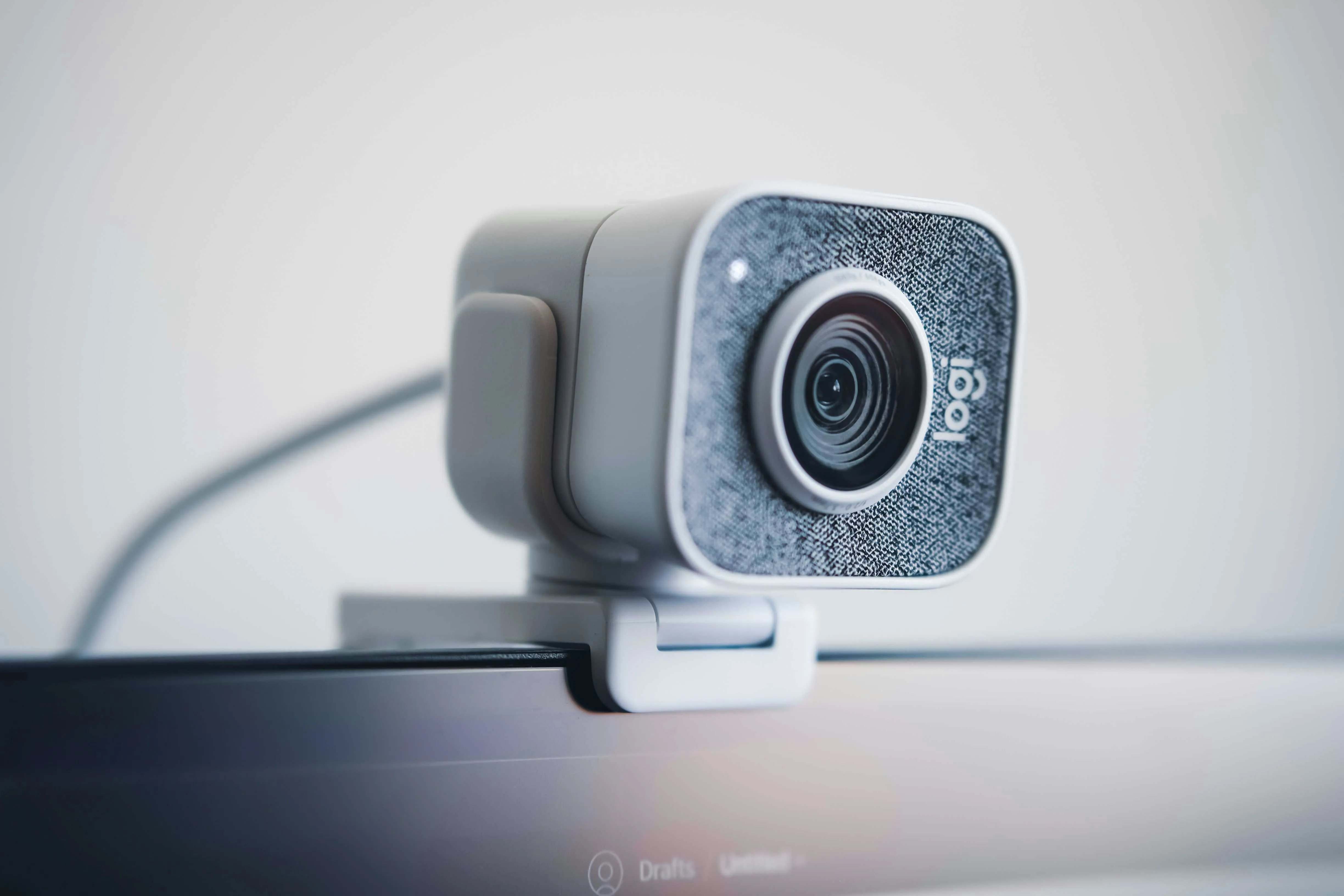
Connect
Establishes a connection to a hardware device.
View →Disconnect
Closes the connection to a hardware device.
View →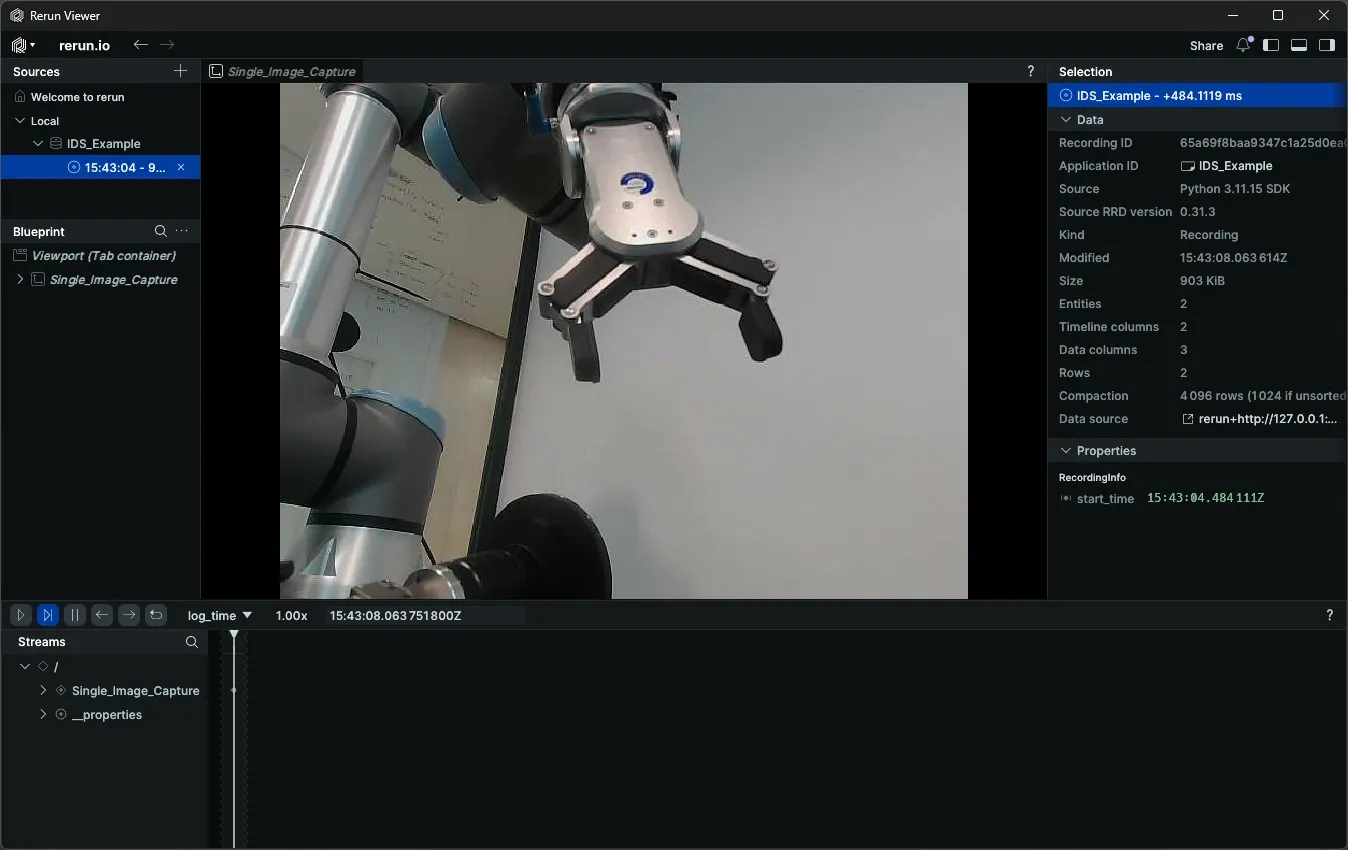
Capture Color Image
Captures a single color image from a camera.
View →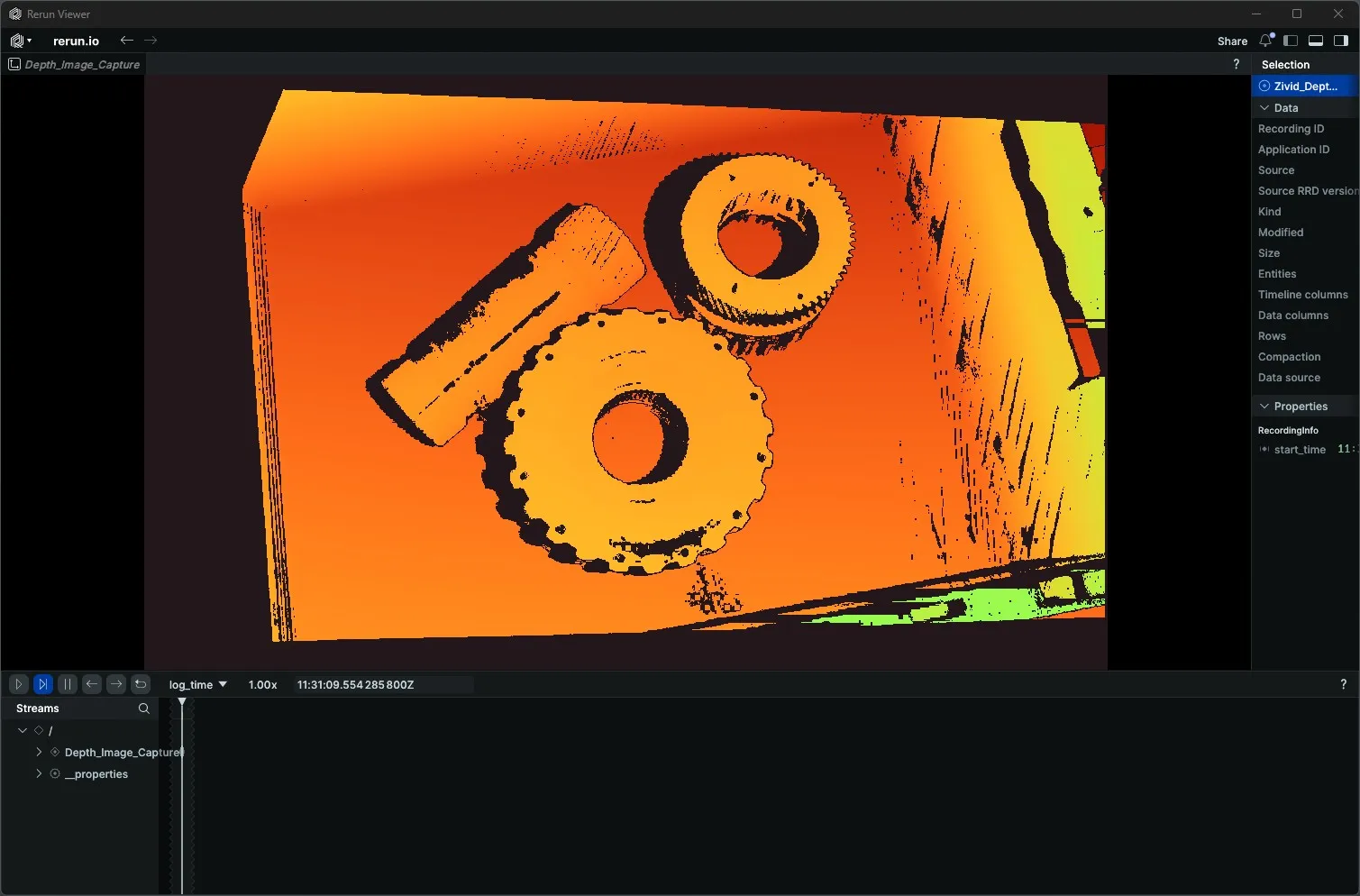
Capture Depth Image
Captures a single depth image from a depth camera.
View →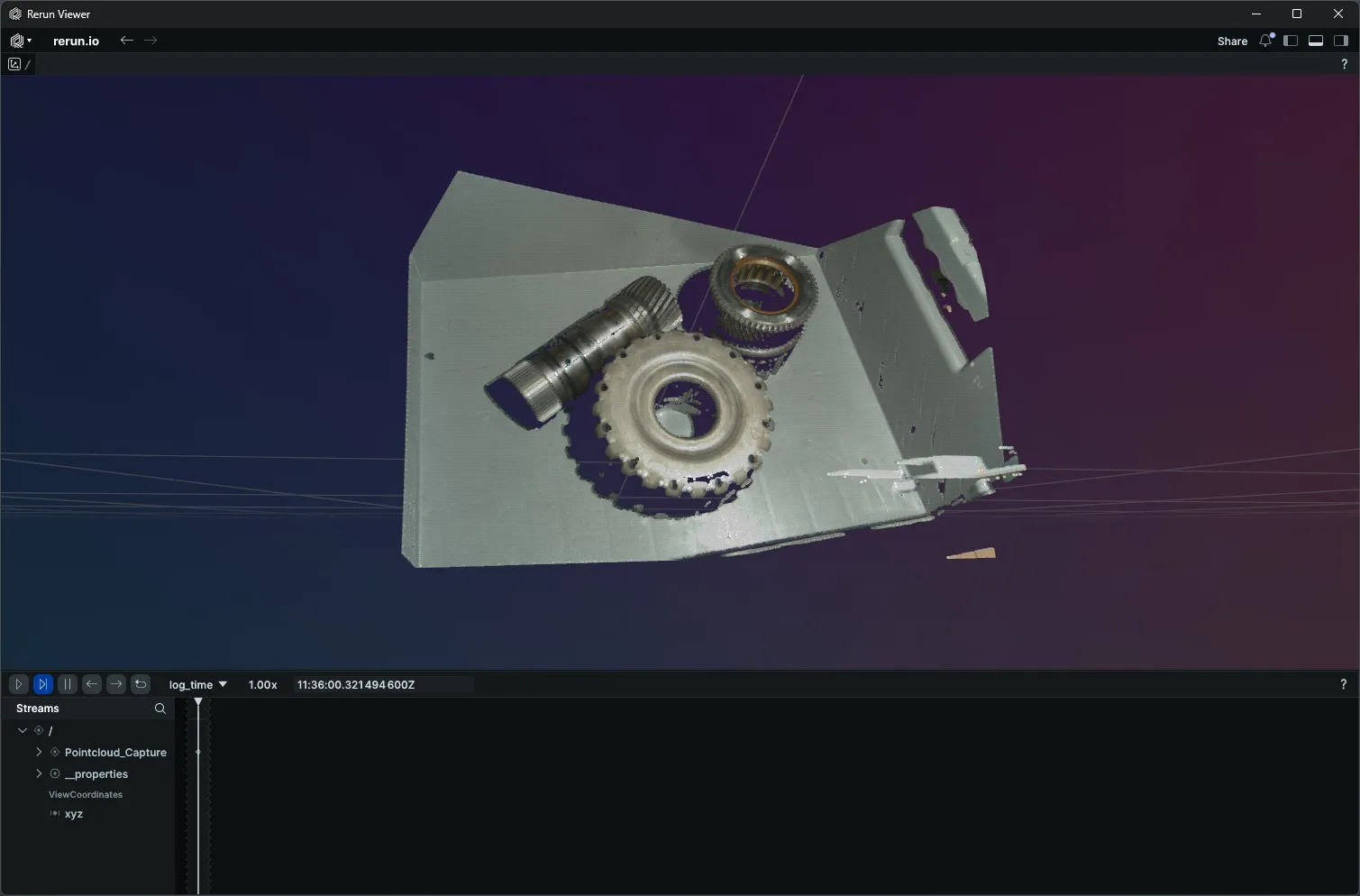
Capture Point Cloud
Captures a 3D point cloud from a depth camera.
View →Stream Live Color Video
Streams live color video from a camera.
View →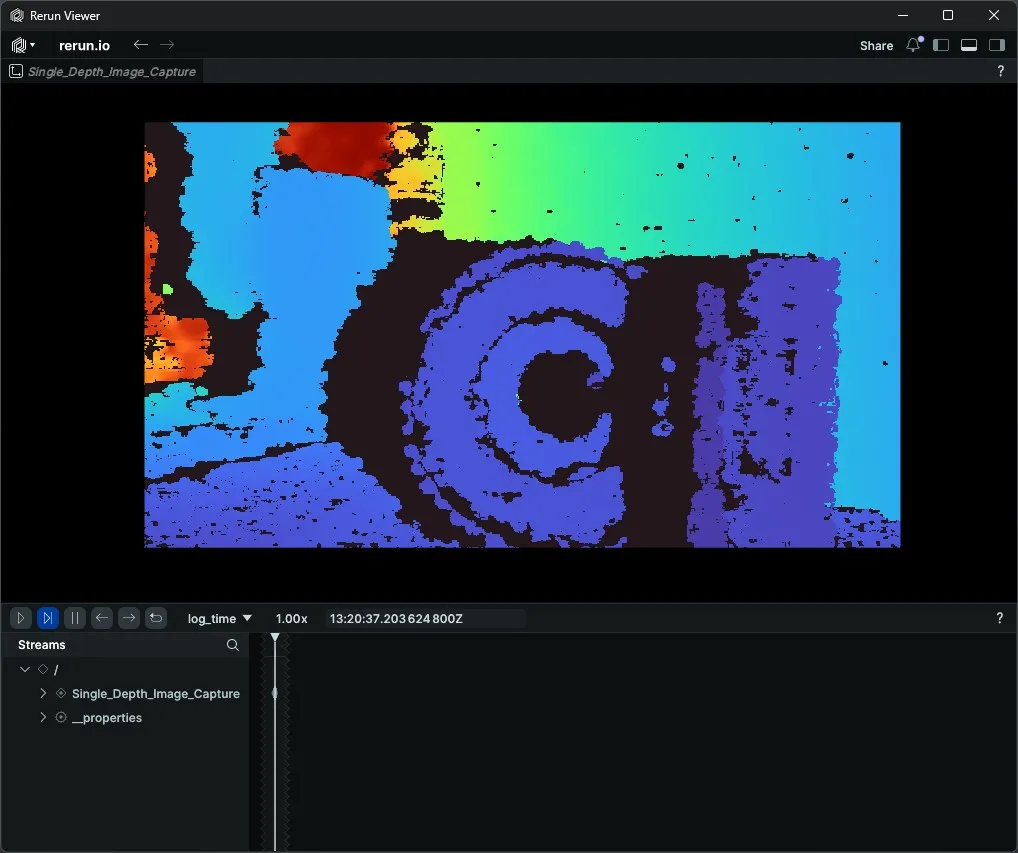
Stream Live Depth Video
Streams live depth video from a depth camera.
View →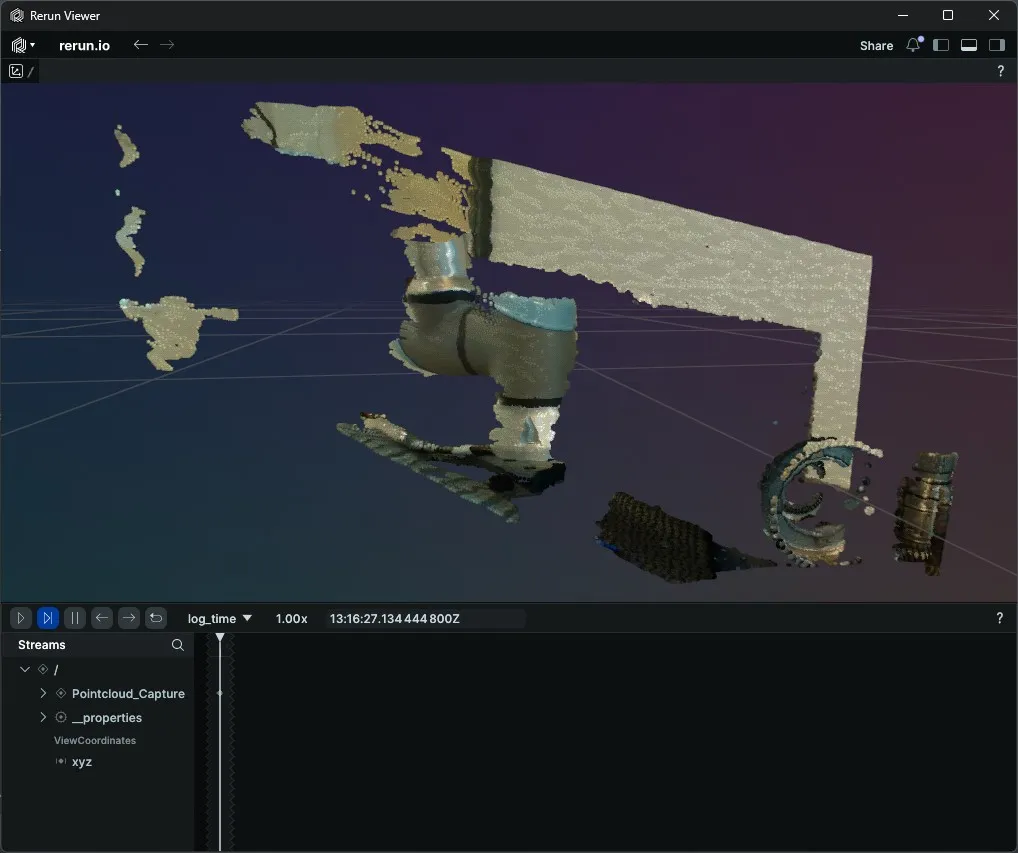
Stream Point Cloud
Streams live 3D point clouds from a depth camera.
View →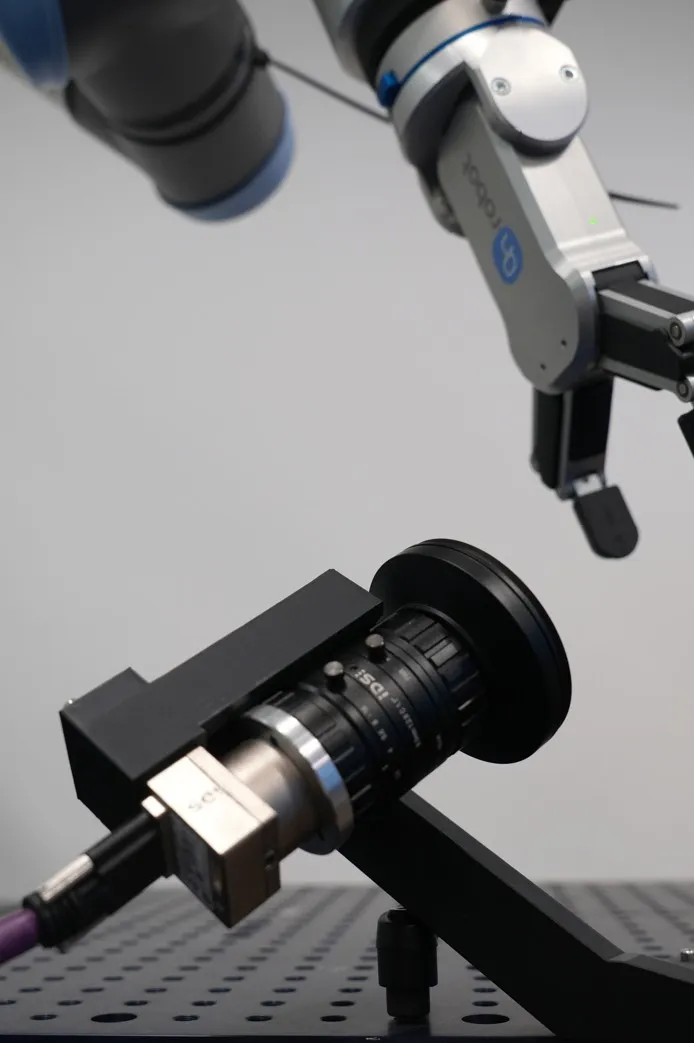
Get Parameter
Retrieves a parameter value from a camera.
View →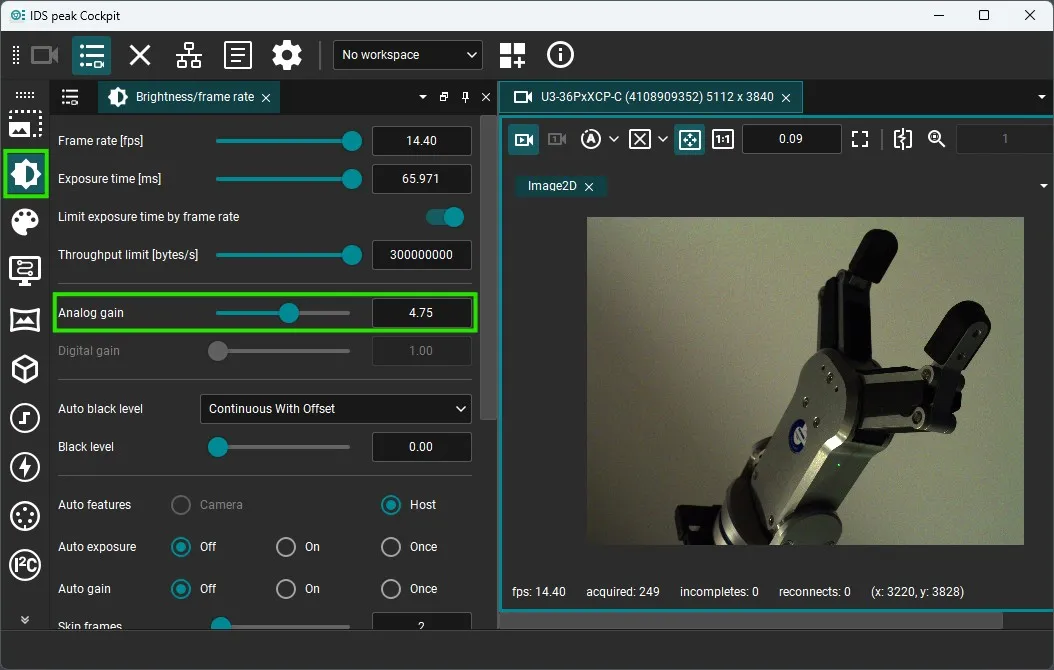
Set Parameter
Sets a parameter value on a camera.
View →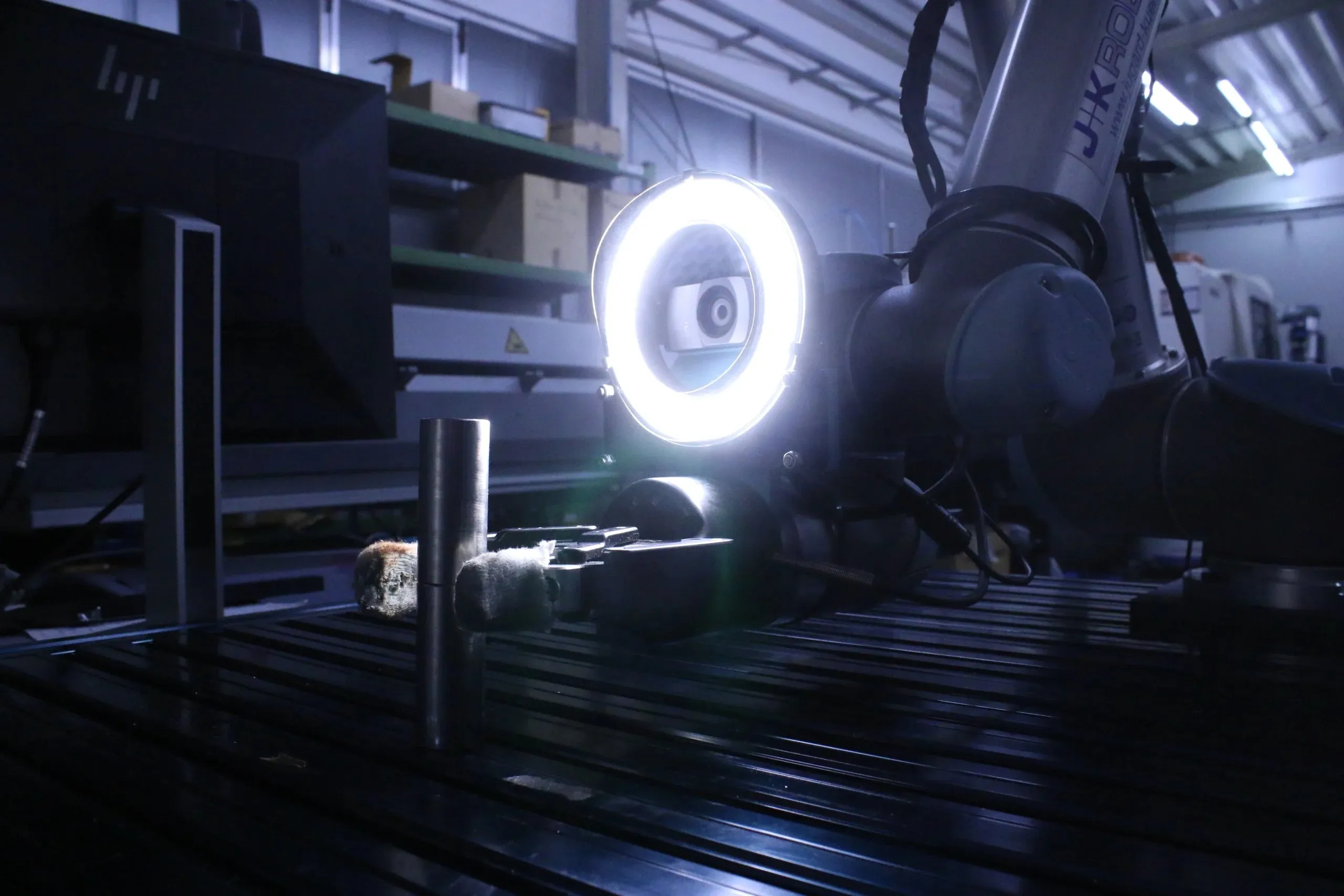
Load Settings
Loads camera settings from a file or preset.
View →Save Settings
Saves current camera settings to a file.
View →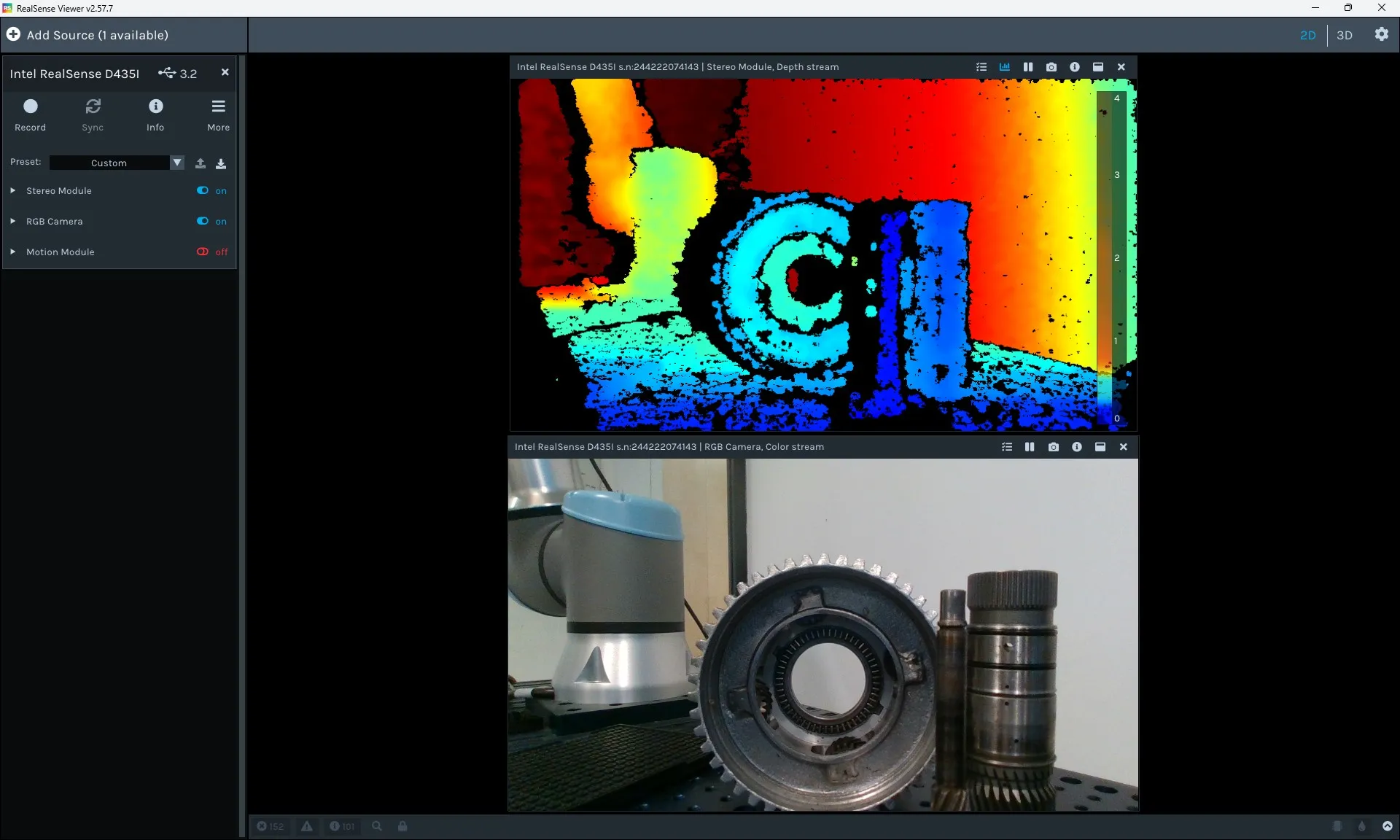
Get Intrinsics
Retrieves camera intrinsic calibration parameters.
View →Publish Video with BabyROS
Publishes camera video stream over BabyROS.
View →python examples/medulla/webcam/quickstart.pySynapse
Each script is run directly with:
python examples/synapse/<script_or_subdir/script>.pyConnection and Motion
Connection and Disconnection
Establishes and closes robot connections.
View →Set Cartesian Pose
Moves the end-effector to a target Cartesian pose.
View →Set Joint Positions
Commands the robot to specific joint positions.
View →Set Cartesian Pose in Joint Space
Reaches a Cartesian target via joint-space planning.
View →Set Joint Position in Cartesian Space
Commands joint positions while tracking a Cartesian-space path.
View →Move until Contact
Moves the robot along a direction until contact is detected.
View →Stop Cartesian Motion
Stops an ongoing Cartesian motion command.
View →Stop Joint Motion
Stops an ongoing joint motion command.
View →Trigger Protective Stop
Triggers a protective stop to safely halt the robot.
View →Jog Mode
Enables and disables jog mode for incremental manual movement.
View →Freedrive Mode
Enables and disables freedrive (gravity-compensated hand-guiding) mode.
View →Teach Mode
Enables and disables teach mode for recording robot poses.
View →Contact Detection
Detects contact events during robot motion.
View →Kinematics
Forward Kinematics
Computes end-effector pose from joint positions.
View →Inverse Kinematics
Solves joint positions for a target Cartesian end-effector pose.
View →Setup Kinematics Solver
Initializes and configures the kinematics solver for a robot model.
View →Get Link Transforms
Retrieves the transformation matrices for each robot link.
View →Set Default Joint Configuration
Sets the default joint configuration used as IK seed.
View →Servo Control
Servo Joint
Streams joint position targets at high frequency for servo control.
View →Servo Cartesian
Streams Cartesian pose targets at high frequency for servo control.
View →Servo Circular
Executes a circular trajectory using servo control.
View →Servo Stop
Stops an active servo motion.
View →Force Control
State Reading
Manipulator States
Reads comprehensive manipulator state information.
View →Is Connected
Checks whether the SDK is connected to the robot.
View →Get Joint Positions
Reads the current joint positions.
View →Get Joint Velocities
Reads the current joint velocities.
View →Get Joint Torques
Reads the current joint torques.
View →Get Cartesian Pose
Reads the current end-effector Cartesian pose.
View →Get TCP Speed
Reads the actual TCP (tool center point) speed.
View →Get TCP Force
Reads the actual force/torque at the TCP.
View →Get Target Joint Positions
Reads the target joint positions commanded to the controller.
View →Get Target Joint Velocities
Reads the target joint velocities commanded to the controller.
View →Get Target Joint Accelerations
Reads the target joint accelerations commanded to the controller.
View →Get Target TCP Pose
Reads the target TCP pose commanded to the controller.
View →Get Target TCP Speed
Reads the target TCP speed commanded to the controller.
View →Get Timestamp
Reads the robot controller timestamp.
View →Robot Status
Get Robot Mode
Reads the current robot operating mode.
View →Get Robot Status
Reads the overall robot status.
View →Get Safety Mode
Reads the current safety mode of the robot.
View →Get Runtime State
Reads the runtime execution state of the robot program.
View →Get Controller Frequency
Reads the control loop frequency of the robot controller.
View →Diagnostics
Get Speed Scaling Combined
Reads the combined speed scaling factor applied by the controller.
View →Get Target Speed Fraction
Reads the target speed fraction set for the robot program.
View →Tools
Tool Connection and Disconnection
Connects to and disconnects from a robot tool (e.g. gripper).
View →Tool Set Unit
Sets the measurement units used by a robot tool.
View →Tool Set Position Range
Configures the position range limits of a robot tool.
View →Tool Set Speed
Sets the movement speed of a robot tool.
View →Tool Set Force
Sets the gripping force of a robot tool.
View →Tool Open
Opens a robot tool (e.g. gripper).
View →Tool Close
Closes a robot tool (e.g. gripper).
View →Tool Move
Moves a robot tool to a specified position.
View →Tool Get Current Position
Reads the current position of a robot tool.
View →python examples/synapse/quickstart_set_cartesian_pose_universal_robots.pyWhere to Go Next
Applications
Real-world use cases: pick-and-place, palletizing, quality inspection, and more.
Explore →Explore the Docs
Skills
Vision, 3D, hardware, and robotics skills — the full API reference.
Explore →Agents
Turn natural-language instructions into robot code with Tzara, the VS Code agent.
Explore →Data Engine
Generate and manage synthetic datasets for training Physical AI models.
Explore →BabyROS
Lightweight pub/sub and service primitives for building robot communication layers.
Explore →Applications
Real-world use cases: pick-and-place, palletizing, quality inspection, and more.
Explore →