Cornea: Image Segmentation Skills
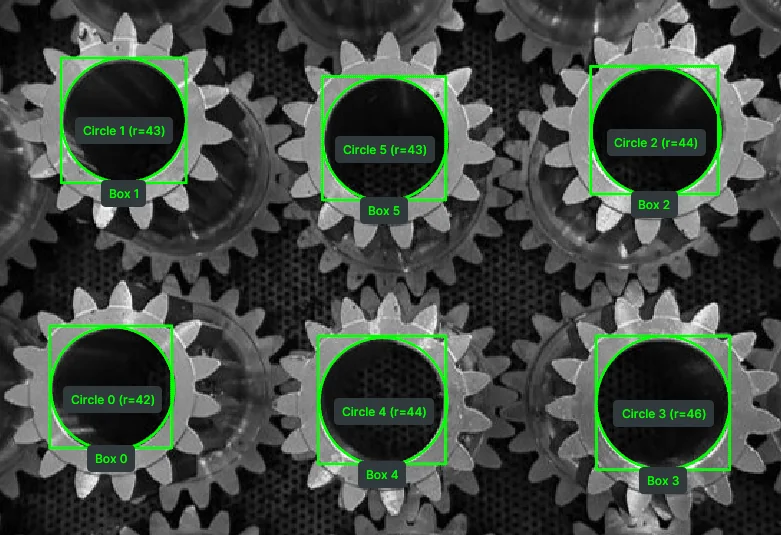
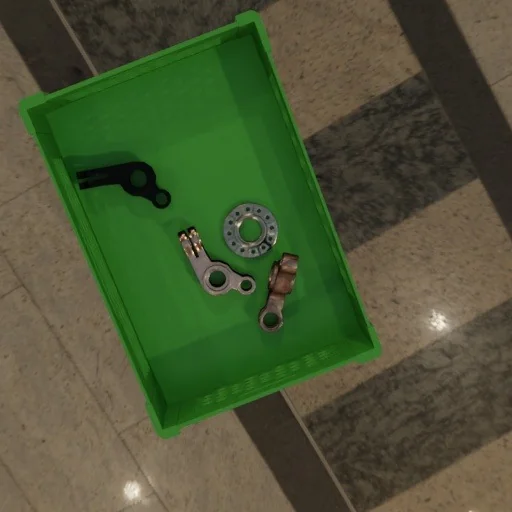
Segment images using classical or state-of-the-art deep learning models
Status: Released
Telekinesis Agentic Skill Library for Computer Vision, Robotics and Physical AI applications
The Telekinesis Agentic Skill Library provides the intelligence layer for robots. We unify the entire universe of robotics into a single, production-grade autonomy stack: integrating Robot Foundation Models (RFMs), Physical AI Agents, skills, data pipelines, and real-time communication for industrial-grade robot deployment.
The Telekinesis ecosystem is built as a 5-layer architecture covering the entire lifecycle of robotics intelligence:
Get started immediately with the Telekinesis Agentic Skill Library (Python 3.11 or 3.12):
pip install telekinesis-ai💡 Information
A free API_KEY is required. Create one at platform.telekinesis.ai. See the Quickstart for more details.
Telekinesis Agentic Skill Library helps you build real-world robotics and Physical AI applications for industries such as manufacturing, automotive, aerospace and others. We present some use cases in manufacturing which the Telekinesis team has already deployed using the skill library.
Relay Soldering
Laser Engraving
Assembly
Carton Palletizing
Quality Control
Automated Basil Harvesting
Quality Control (Panda)
Gear Assembly
Machine Tending
Develop and simulate digital twin workflows to validate, stress-test, and optimize Skill Groups. Deploy the same Skill Groups to real-world robots using a simulation-to-real transfer pipeline.
CNC Machine Tending
Surface Polishing
Pick and Place
Metal Palletizing
Robotic Welding
Palletizing
Recent advances in LLMs and VLMs, including systems such as LLama 4, Mistral, Qwen, Gemini Robotics, RT-2, π₀, world models, and Dream-based VLAs have shown the potential of learned models to perform semantic reasoning, task decomposition, and high-level planning from vision and language inputs.
In the Telekinesis library, a Physical AI Agent, typically a Vision Language Model (VLM) or Large Language Model (LLM), autonomously interprets natural language instructions and generates high-level Skill plans. In autonomous Physical AI systems, Agents continuously produce and execute Skill plans, allowing the system to operate with minimal human intervention.
To learn more about building the Telekinesis Physical AI Agents, explore Cortex.
A Skill is a reusable operation for robotics, computer vision, and Physical AI. Skills span 2D/3D perception (6D pose estimation, 2D/3D detection, segmentation, and image processing), motion planning (RRT*, motion generators, trajectory optimization), and motion control (model predictive control, reinforcement learning policies). Skills can be chained into pipelines to build real-world robotics applications.
Below are examples of what a Skill looks like:
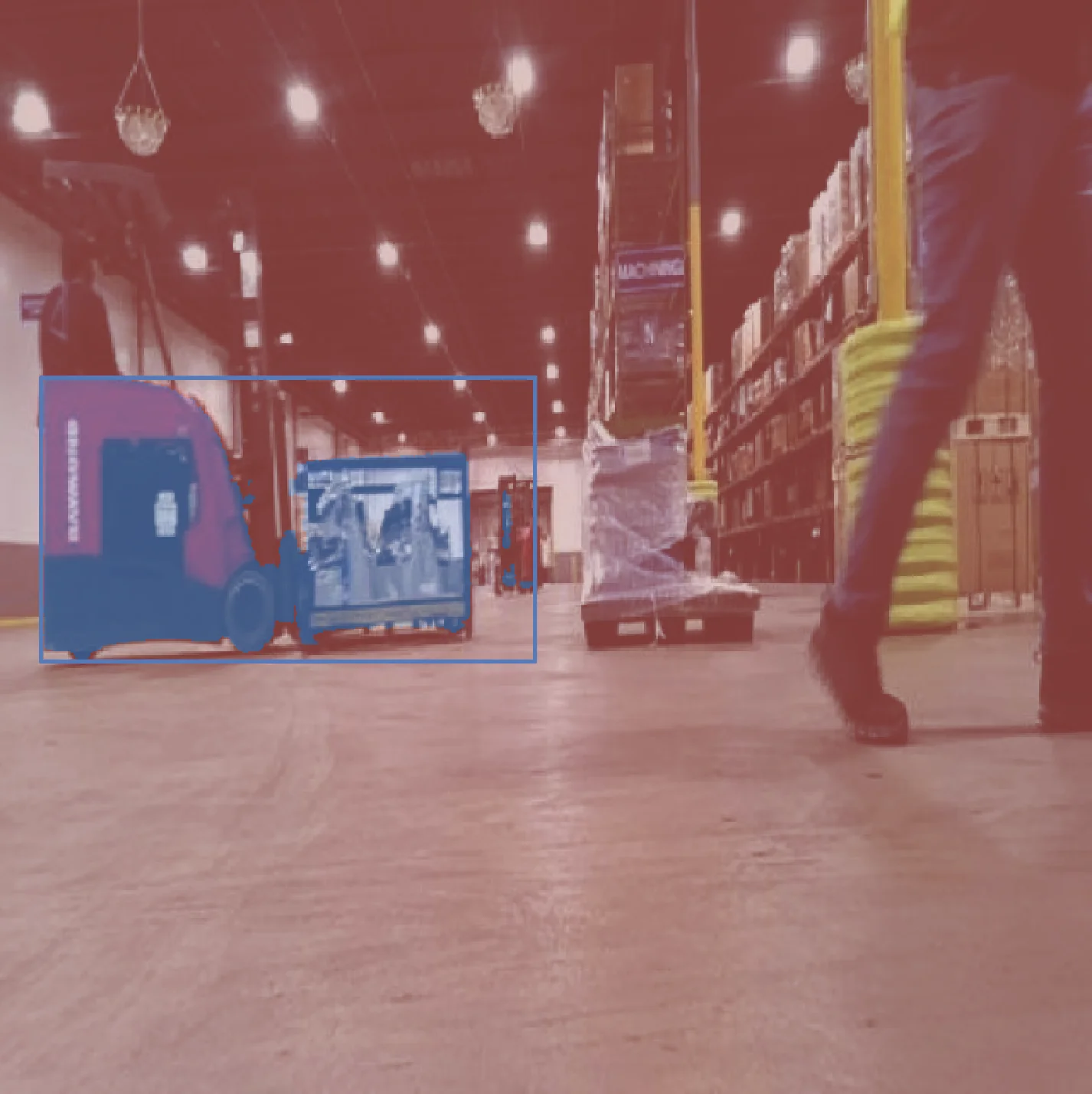
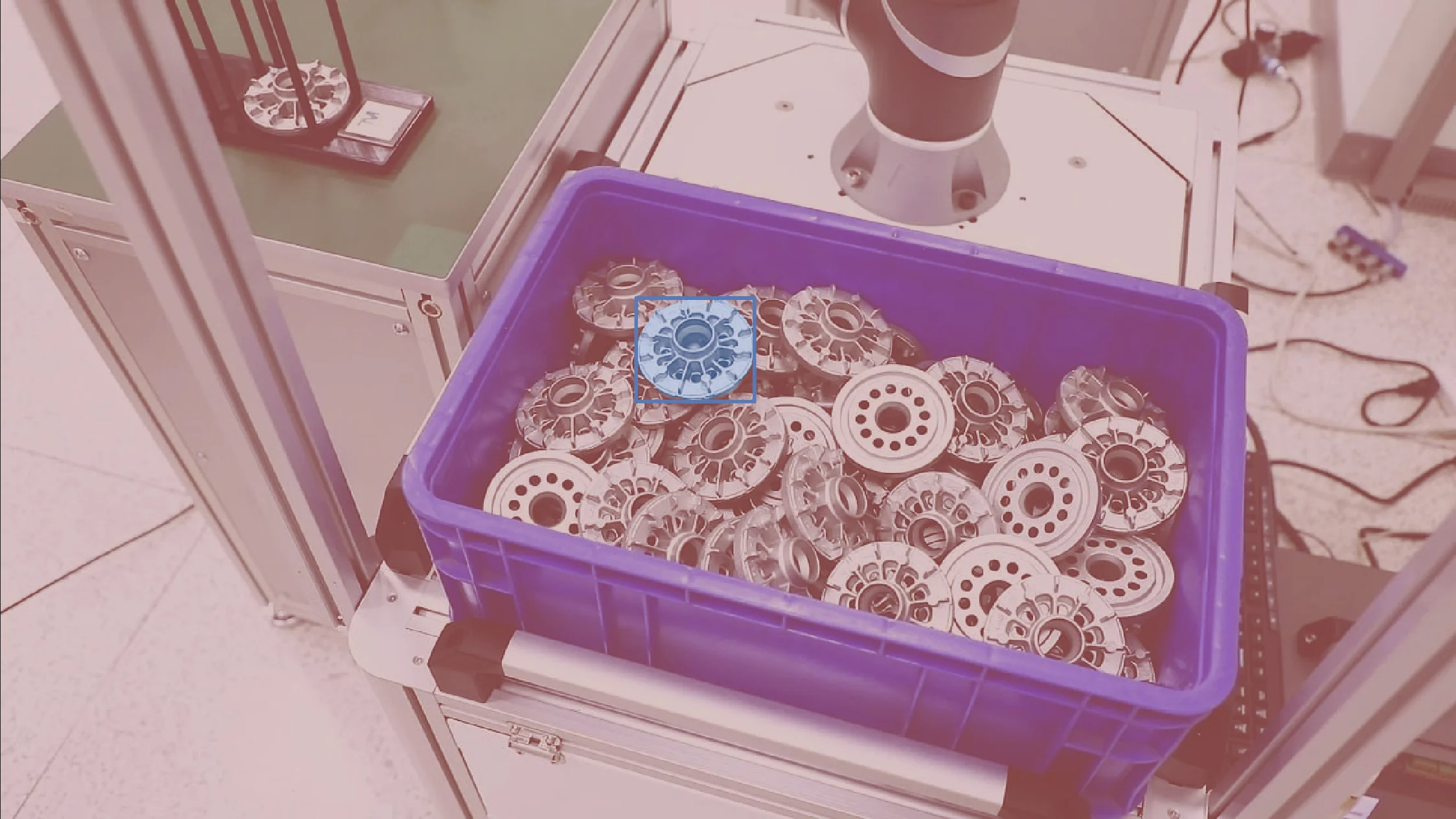
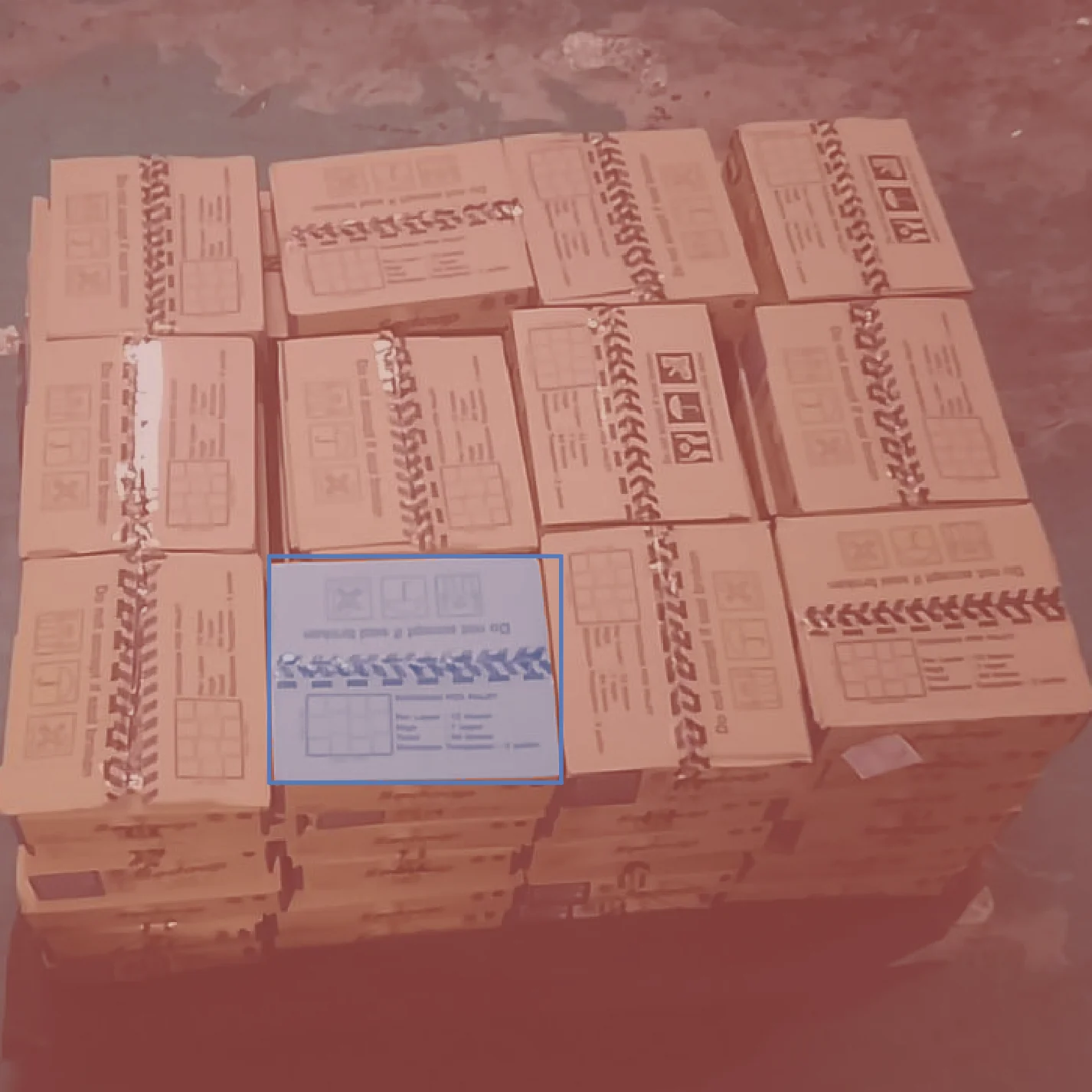
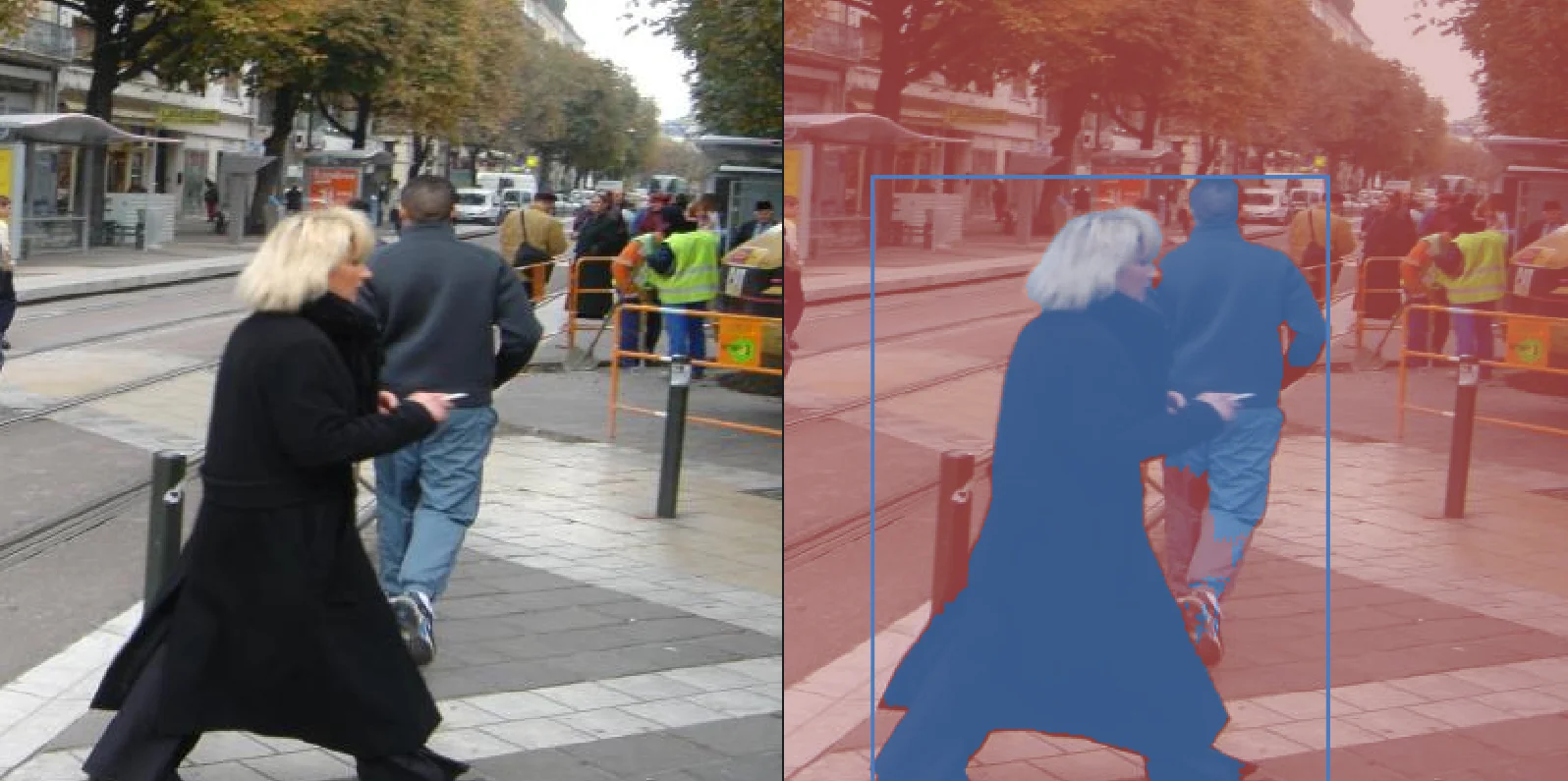
Example 1: segment_image_using_sam. This skill performs segmentation on an image using SAM model.
# Example 1
from telekinesis import cornea                                # Import Cornea - Image segmentation module

# Executing a 2D image segmentation Skill
result = cornea.segment_image_using_sam(                      # Executing Skill - `segment_image_using_sam`
    image=image,
    bboxes=[[400, 150, 1200, 450]]
)
# Access results
annotations = result.to_list()
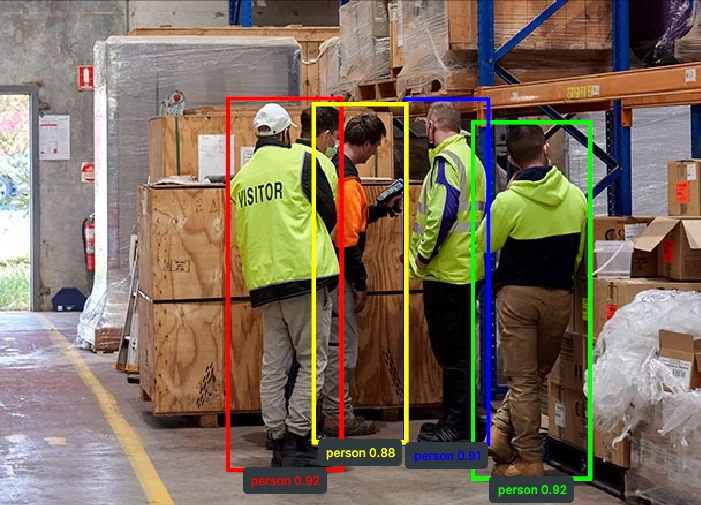
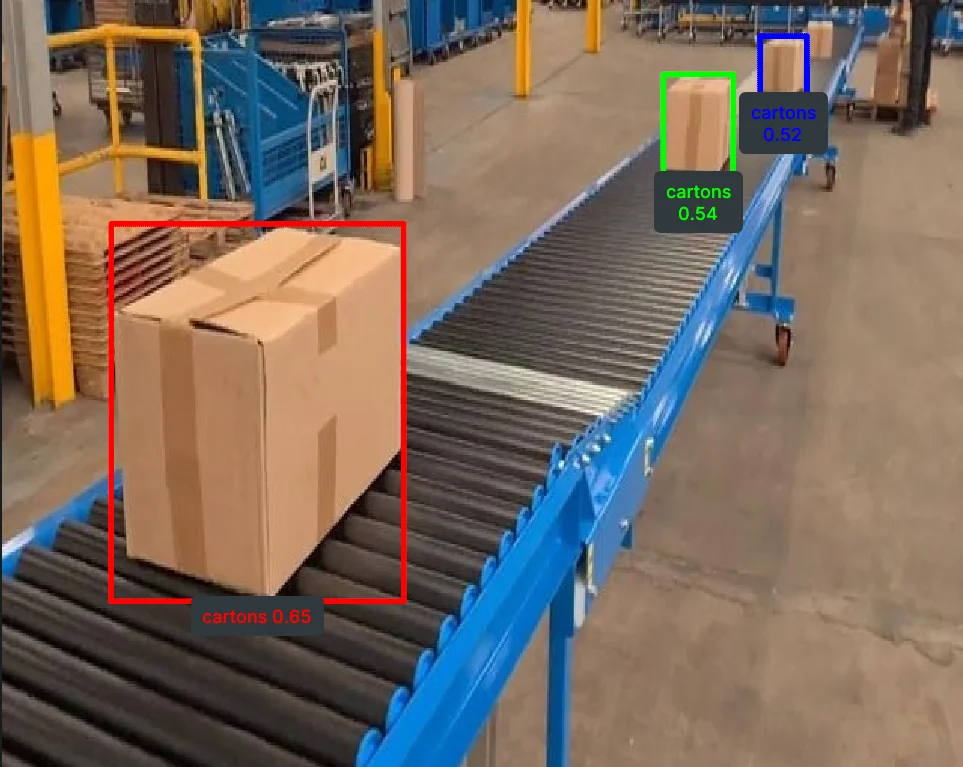
Example 2: detect_objects_using_rfdetr. This skill performs object detection on image using RFDETR.
# Example 2
from telekinesis import retina                                   # Import Retina - Object detection module

# Executing a 2D object detection Skill
annotations, categories = retina.detect_objects_using_rfdetr(    # Executing Skill - `detect_objects_using_rfdetr`
    image=image,
    score_threshold=0.5,
)
# Access results
annotations = annotations.to_list()
categories = categories.to_list()
Skills are organized in Skill Groups:
from telekinesis import corneaSee all the Cornea Skills.
from telekinesis import retinaSee all the Retina Skills.
from telekinesis import pupilSee all the Pupil Skills.
from telekinesis import vitreousSee all the Vitreous Skills.
from telekinesis import illusionfrom telekinesis import irisfrom telekinesis import neuroplanfrom telekinesis import cortexfrom telekinesis import rlboticsSee all the RLBotics Skills.
Using the skill group called neuroplan, prototype on any robot(industrial, mobile, or humanoid robot), perform any task on the same platform, and deploy the same Skill Groups anywhere - any robot, any task, on one Physical AI platform.
Robot Arm 1
Robot Arm 2
Robot Arm 3
Mobile Robot 1
Mobile Robot 2
Mobile Robot 3
Humanoid 1
Humanoid 2
Humanoid 3
One of the biggest pains of robotics is that each robot provider has their own interface to control their robots.
Use our library to run the same Skill Groups to interact with the leading industrial and mobile robots: Universal Robots (real & simulation), KUKA (real & simulation), ABB (real & simulation), Franka Emika (real & simulation), Boston Dynamics (simulation), Anybotics (simulation), Unitree (simulation).
Import robotic skills like shown below:
from telekinesis import neuroplan # robotics skillsExplore the full Neuroplan robotics stack in Neuroplan Overview.
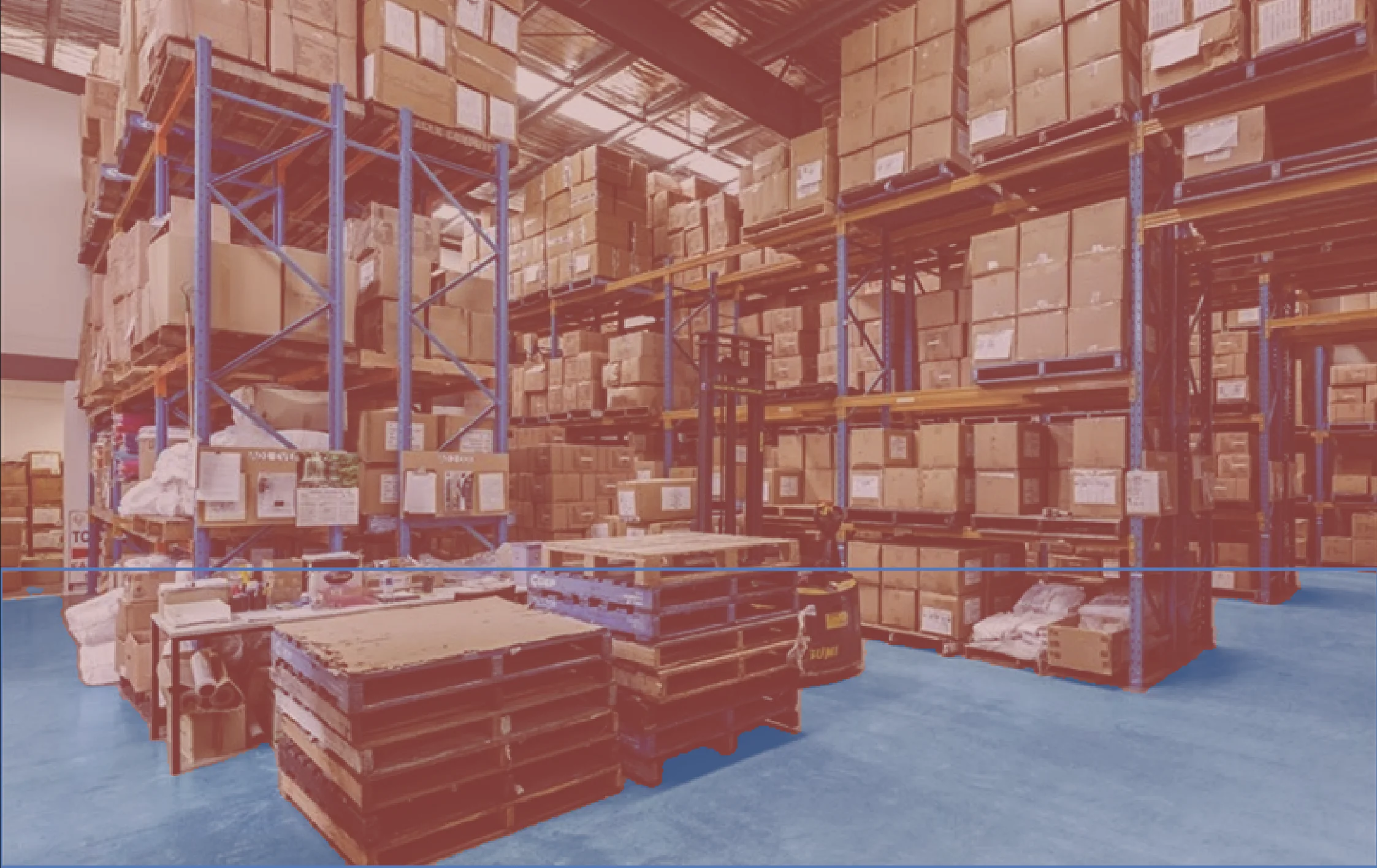
Use the production-grade computer vision Skill Groups for obstacle detection, ground navigation, pose estimation, point cloud processing, bin picking, conveyor systems and AI model training.
3D Object Detection & 6D Pose Estimation
Mesh Processing
3D Point Cloud Registration
Obstacle Detection
Human Identification
Ground Navigation
Bin Picking
Depallitizing Boxes
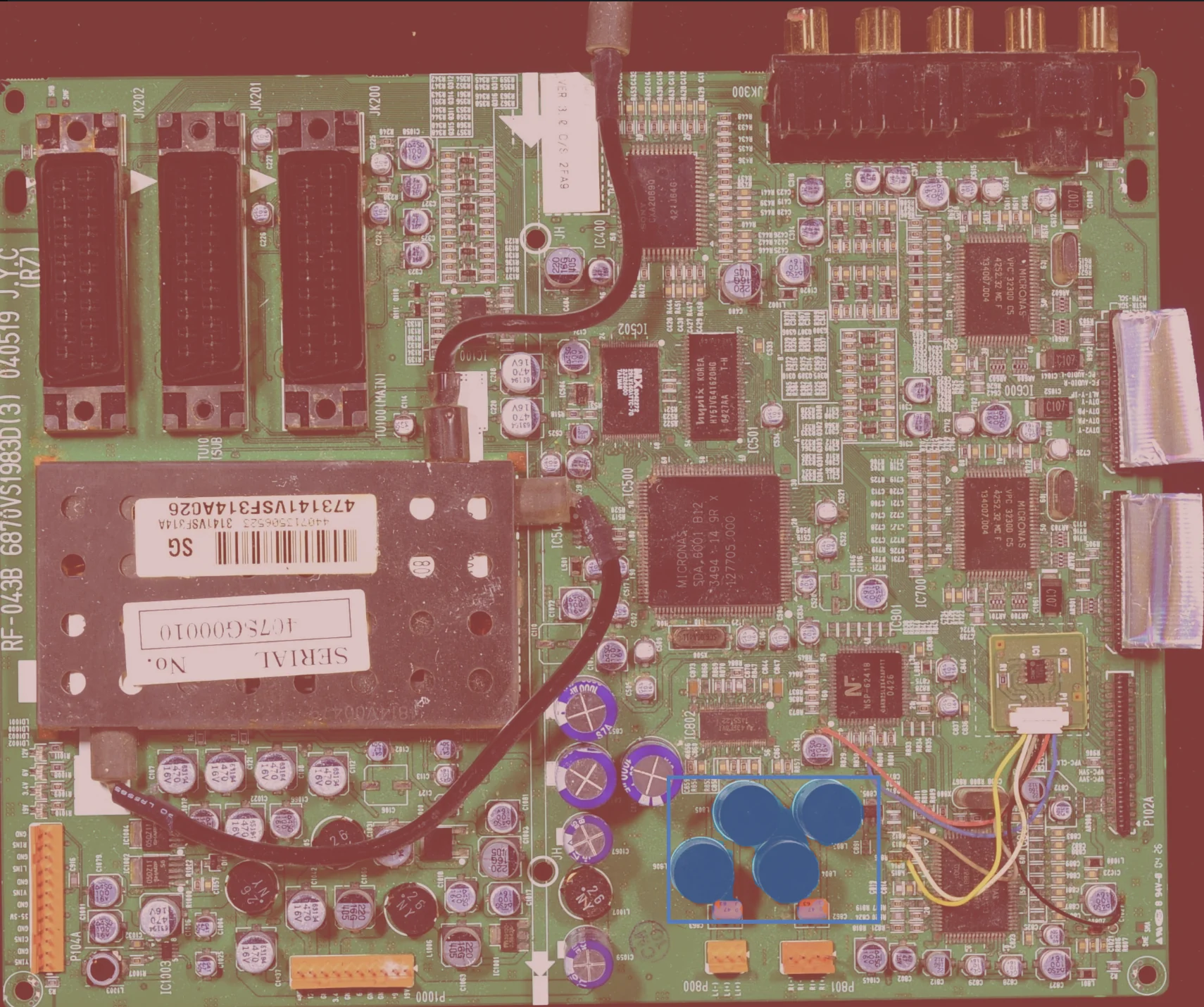
PCB Segmentation
Conveyor Tracking
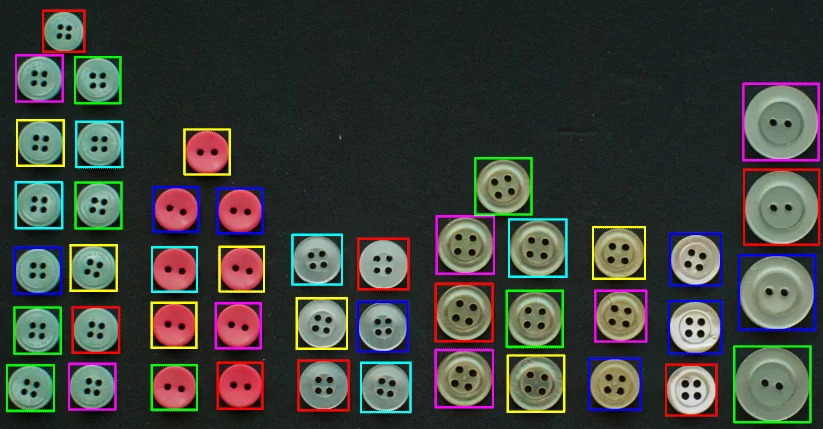
Object Counting
Parts Inspection
Skills can be imported like shown below:
from telekinesis import cornea    # image segmentation skills
from telekinesis import retina    # object detection skills
from telekinesis import pupil     # image processing skills
from telekinesis import vitreous  # point cloud processing skills
from telekinesis import iris      # AI model training skills
Furthermore, we offer medulla which is a unified interface to cameras such as: Zivid, Mechmind, Microsoft Kinect, and others.
from telekinesis import medulla # sensor interface skillsLearn more in the Medulla Overview.
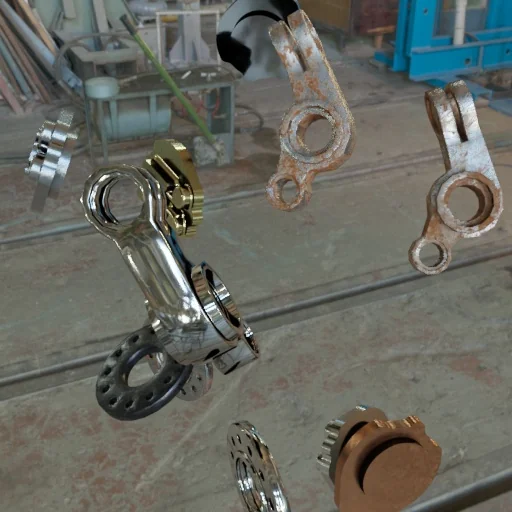
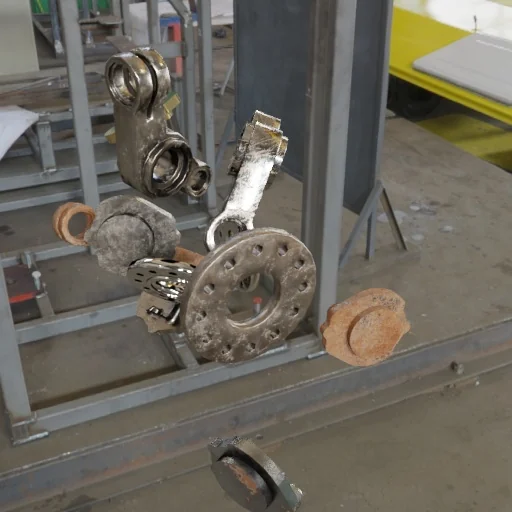
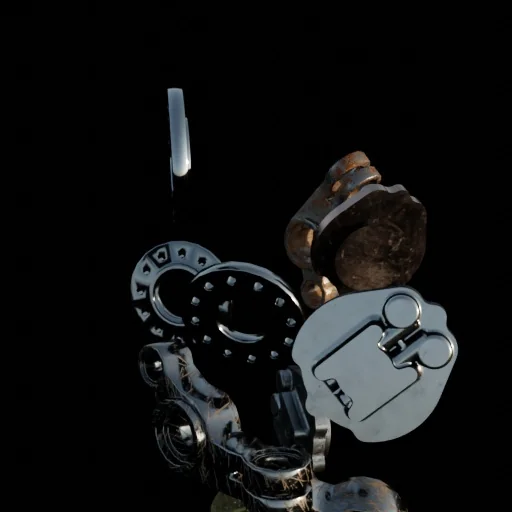
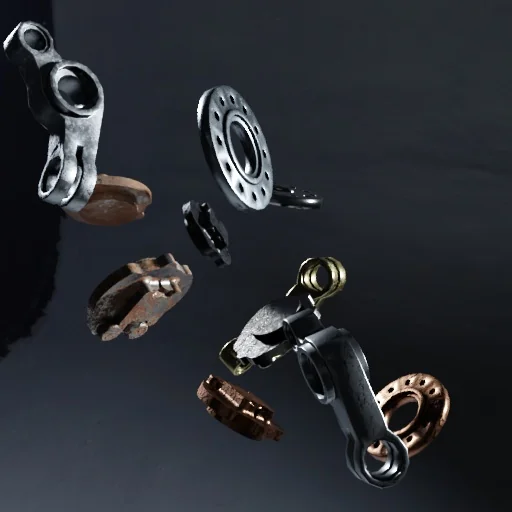
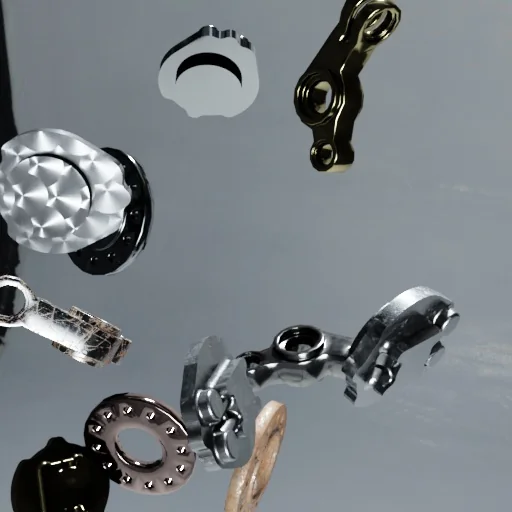
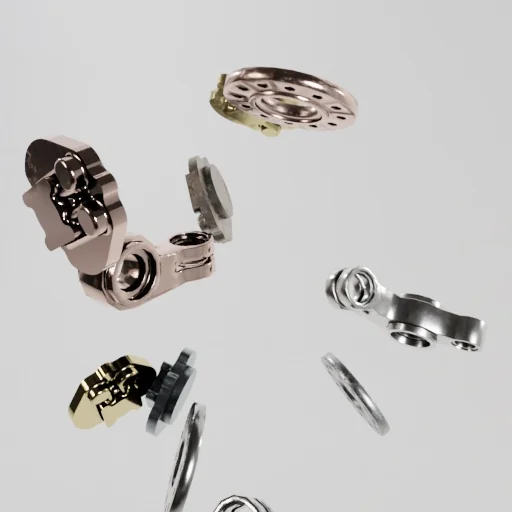
Generate photo-realistic synthetic datasets to train and validate computer vision models. Replace months of manual data collection with our Illusion module.
Synthetic Data 1
Synthetic Data 2
Synthetic Data 3
Synthetic Data 4
Synthetic Data 5
Synthetic Data 6
Synthetic Data 7
Synthetic Data 8
Synthetic Data 9
Easily call the skill like shown below:
from telekinesis import illusion # synthetic data generation skillsFind out more about the synthetic dataset generation skills in Illusion Overview.
Train and deploy reinforcement learning (RL) policies for robotics with the Telekinesis Agentic Skill Library. From simulation to real hardware, RLBotics brings learned behaviors—locomotion, manipulation, and control—into your Physical AI pipelines.
Training Jump
Sim-to-Sim Deployment
Training Walk
Access the skills like shown below:
from telekinesis import rlbotics # reinforcement learning skillsLearn about all the ways to train your reinforcement learning policies in RLBotics Overview.
BabyROS is a lightweight robotics framework built on Zenoh that implements the familiar Publisher/Subscriber and Client/Server architecture from ROS, without heavy system dependencies or complex middleware setup.
It is an open-source (Apache 2.0 License) middleware for communication between sensors, actuators, AI modules, and control algorithms, enabling reliable, low-latency messaging both on a single device and across distributed systems, from microcontrollers to cloud-based AI services.
BabyROS is designed for physical AI and robotics applications, including:
Robotics startups & product teams: Ship faster by using production-grade perception, motion planning, control, and reinforcement learning — without stitching together fragmented stacks.
Industrial automation engineers & integrators: Deploy sim-to-real robotic systems with a unified Python SDK that works across industrial, mobile, and humanoid robots.
AI & computer vision researchers: Prototype, validate, and deploy Physical AI pipelines — from 6D pose estimation to reinforcement learning policies — in one consistent framework.
Join our Discord community to exchange ideas, contribute Skills, and accelerate the development of real-world robotics systems.
You can easily integrate Telekinesis Agentic Skill Library into your own application. Setup the library in just 4 steps and start building!
Since all the skills are hosted on the cloud, to access them securely, a free API key is needed. Create a Telekinesis account and generate an API key for free: Create a Telekinesis account!
Store the key in a safe location, such as your shell configuration file (e.g. .zshrc, .bashrc) or another secure location on your computer.
Export the API key as an environment variable. Open a terminal window and run below command as per your OS system.
Replace <your_api_key> with the one generated in Step 1.
export TELEKINESIS_API_KEY="<your_api_key>"setx TELEKINESIS_API_KEY "<your_api_key>"WARNING
For Windows, after running setx, restart the terminal for the changes to take effect.
The Telekinesis SDK uses this API key to authenticate requests and automatically reads it from your system environment.
We currently support Python versions - 3.11, 3.12. Ensure your environment is in the specified Python version.
Install the core SDK using pip:
pip install telekinesis-aitelekinesis-examples repository from Github with:git clone --depth 1 --recurse-submodules --shallow-submodules https://github.com/telekinesis-ai/telekinesis-examples.gitINFO
This also downloads the telekinesis-data repository, which contains sample data used by the examples. You can replace this with your own data when using Telekinesis in your own projects. Download time may vary depending on your internet connection.
telekinesis-examples:cd telekinesis-examplespip install numpy scipy opencv-python rerun-sdk==0.27.3 loguru pycocotoolssegment_image_using_sam example:python examples/cornea_examples.py --example segment_image_using_samIf the example runs successfully, a Rerun visualization window will open showing the result.
INFO
Rerun is a visualization tool used to display 3D data and processing results.
The Telekinesis Agentic Skill Library is the beginning of a vibrant ecosystem. Whether you are a researcher, a hobbyist, or an industrial engineer, your work belongs here. Release your Skill, let others improve it, and see it deployed in real-world systems.
Join our Discord community to be part of the Physical AI revolution!
Explore all the features of Telekinesis Agentic Skill Library with Cornea!