Skills
Reusable building blocks for vision, robot motion and control, and sensors.
Telekinesis Agentic Skill Library for Computer Vision, Robotics and Physical AI applications
Robotics development is fragmented across incompatible tools, APIs, and frameworks. Teams must constantly integrate perception stacks, motion libraries, hardware interfaces, and AI models—resulting in brittle systems and slow iteration.
Telekinesis replaces this fragmentation with a unified library where Physical AI Agents, perception, planning, control, and robot learning work seamlessly together.
Prompt:
I have a UR10e and an RG6 gripper, I want to do a repackaging task where the parts are placed in a rectangular grid and need to be placed into
another grid where there is a fixed offset on the x axis and the y axis and every other row is offset from the previous row. The first row has
n slots, second m third n etc. Every other row is identical. When picking up the parts do not open the gripper all the way as the parts are close.
Start and end the program at a home position.
Physical AI Agents take natural language instructions and generate executable code using the Telekinesis Skill Library to perform complex robotics tasks.
New to Telekinesis? This is the recommended setup path. Install the core Telekinesis Skill Library, run the Quickstart to verify your setup, then add Physical AI Agents or BabyROS when you are ready to build larger workflows.
Install Telekinesis Skill Library
Create your API key, set up Python environment, and install the telekinesis-ai SDK.
Run the Quickstart
Run your first vision, hardware, or robotics Skill in minutes — no clone required.
Install Physical AI Agents
Once telekinesis-ai is set up, install the agent tooling to generate executable robot code from natural-language prompts.
Install BabyROS
Additionally, install BabyROS to connect robots, cameras, sensors, and distributed services.
telekinesis-ai SDK first, then run the Quickstart before setting up Agents or BabyROS.Telekinesis is a unified robotics intelligence stack designed around 5 tightly integrated layers: Skills, Agents, Data Engine, BabyROS Middleware, and Industrial Applications.

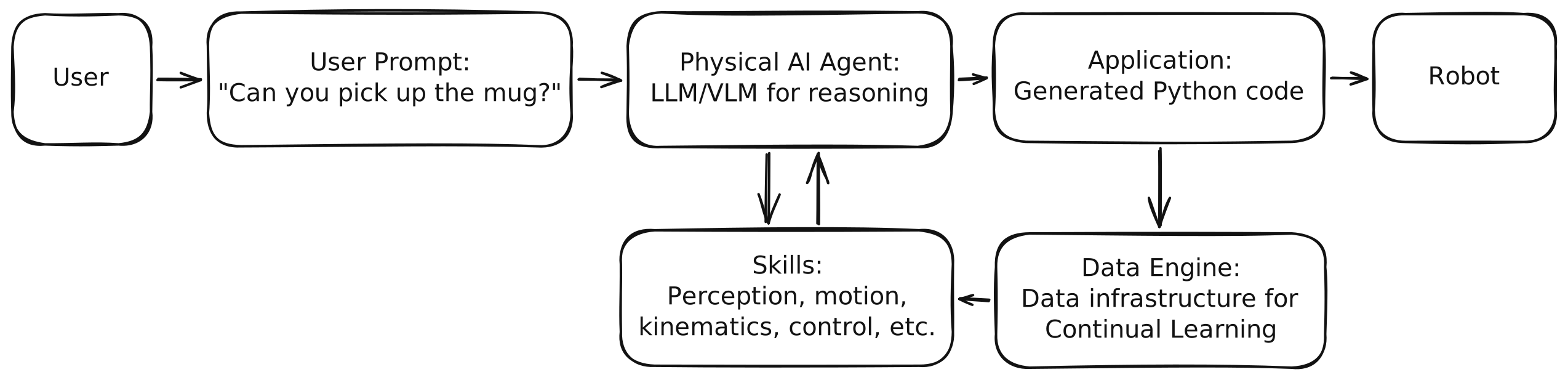
Together, they form a closed-loop system for building, executing, and improving Physical AI:
Skills are reusable modular operations for perception, robotics, and decision-making that can be chained into workflows for Physical AI applications in manufacturing, logistics and more.
Skill Example 1 - Vision - segment_image_using_sam: Segmentation on an image using SAM model.
from telekinesis import cornea                                # Import Cornea - Image segmentation module

# Executing a 2D image segmentation Skill
result = cornea.segment_image_using_sam(                      # Executing Skill - `segment_image_using_sam`
    image=image,
    bboxes=[[400, 150, 1200, 450]]
)
# Access results
annotations = result.to_list()
Skill Example 2 - Robot - set_joint_positions: Set robot joint positions.
# Example 2
from telekinesis.synapse.robots.manipulators.universal_robots import UniversalRobotsUR10E # Importing the UR10E robot interface from Synapse - Robotics module

# Create and connect the robot
robot = UniversalRobotsUR10E()
robot.connect(ip="192.168.1.2")
# Execute a motion control Skill to set joint positions
robot.set_joint_positions(
    joint_positions=[0, 90, 0, -90, 0, 90],
    speed=60,
    acceleration=80,
    asynchronous=False
)
# Disconnect the robot after execution
robot.disconnect()Control a wide set of different industrial and mobile robots such as Universal Robots, Anybotics and others through one consistent Python interface.
from telekinesis import synapse # robotics skillsManipulators
Mobile Robots & Quadrupeds
Humanoids
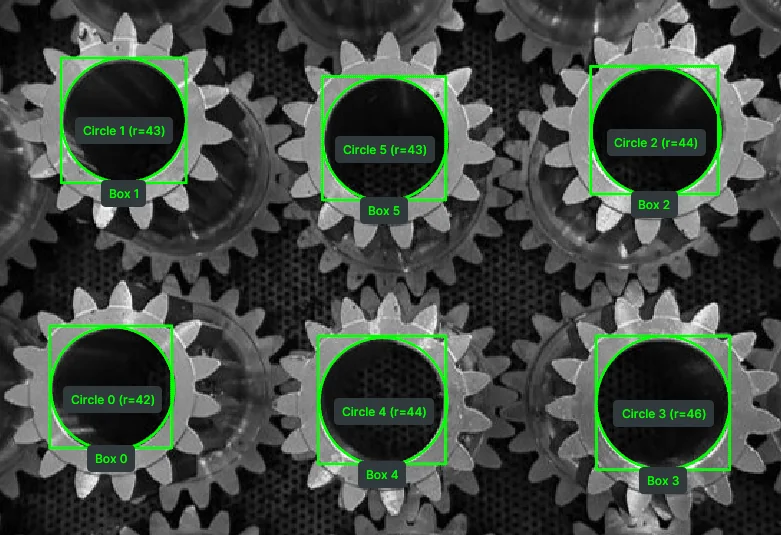
Use production-grade computer vision Skill Groups for obstacle detection, pose estimation, point-cloud processing, and AI model training and much more.
from telekinesis import cornea            # image segmentation skills
from telekinesis import retina            # object detection skills
from telekinesis import pupil             # image processing skills
from telekinesis import vitreous          # point cloud processing skills
from telekinesis import iris              # AI model training skills
from telekinesis.medulla import cameras   # Medulla hardware communication skills
6D Pose Estimation from Point Clouds
Object Detection
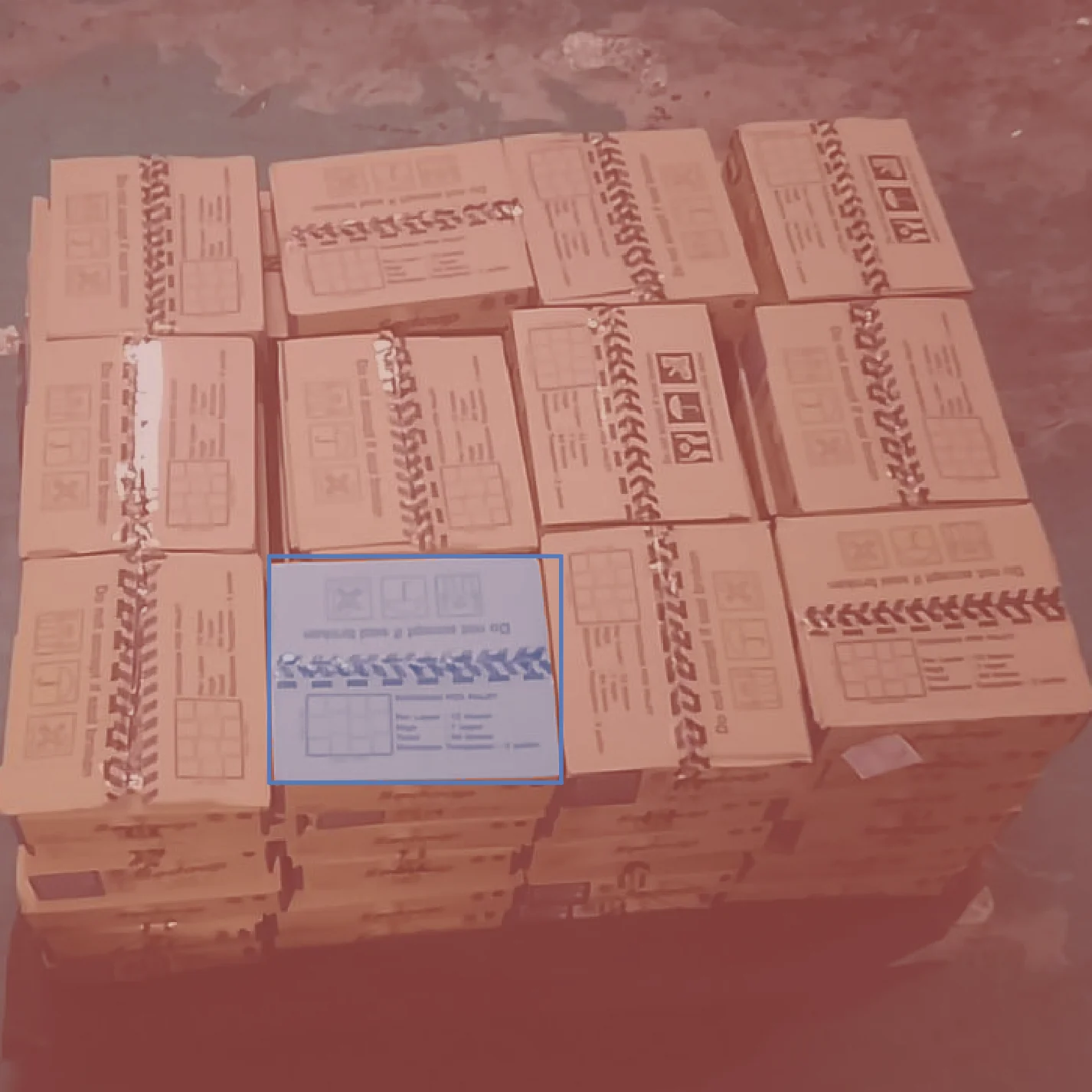
Object Segmentation
Train and deploy learned robot policies and behaviors for locomotion, manipulation, and control.
from telekinesis import rlbotics # reinforcement learning skillsTraining Jump
Sim-to-Sim Deployment
Training Walk
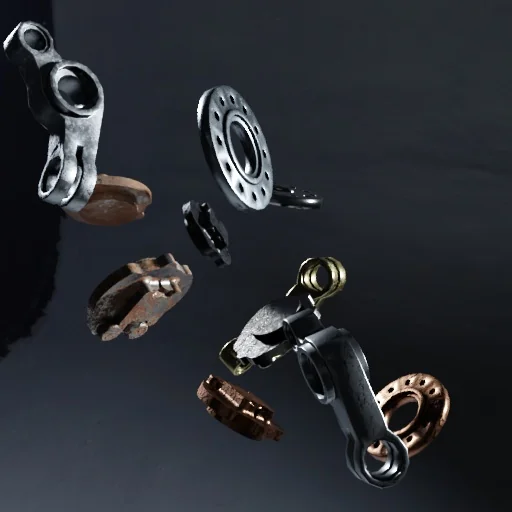
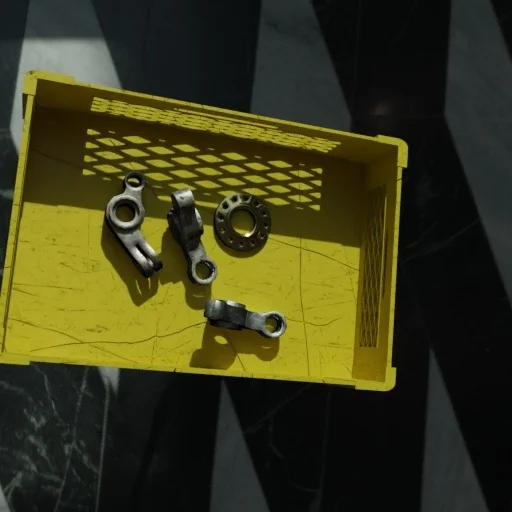
Generate photo-realistic synthetic datasets to train and validate computer vision models.
from telekinesis import illusion # synthetic data generation skillsSynthetic Image 1
Synthetic Image 2
Synthetic Image 3
Physical AI Agents turn natural-language prompts into executable robot code by orchestrating the Telekinesis Skill Library. Use Tzara — our VS Code extension — to write a prompt and get a runnable Python program back.
Prompt:
I have a UR10e and an RG6 gripper. I have parts vertically placed in a grid that need to be picked and placed horizontally
in a new grid (requires a -90-degree flip between pick and place around the y axis). Add an optional intermediate joint
pose before the flip. Add logging at each step.
Physical AI Agent takes a natural-language instruction and generates executable Telekinesis Skill code that performs the full pick-flip-place task on a real UR10e.
The memory layer of Telekinesis — automatically captures sensor streams, robot states, transforms, and full Skill I/O from every run. Replay failures against successful runs to debug, then turn it all into production-grade datasets for training, evaluation, and continual learning.
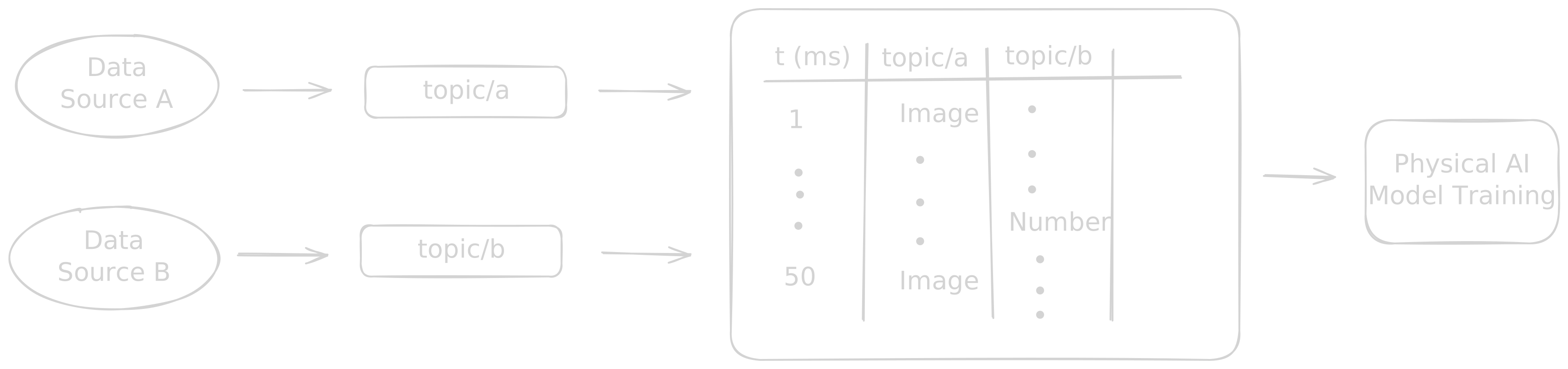
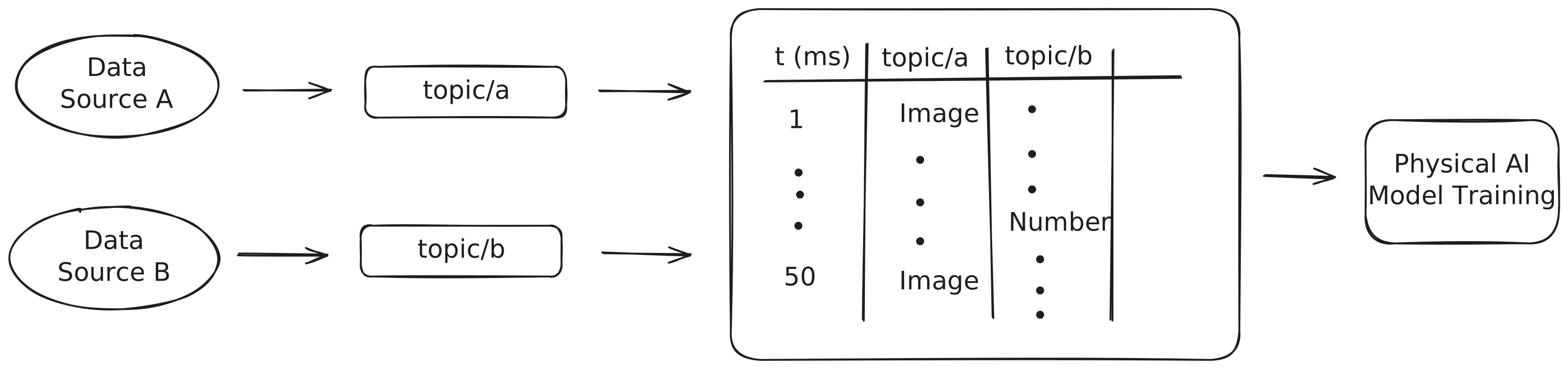
Ultra-low-latency pub/sub and client/server messaging built on Zenoh that connects sensors, actuators, AI modules, and control loops across microcontrollers, edge devices, and the cloud. ROS-style ergonomics with a single pip install babyros — no system-wide dependencies, workspace overlays, or custom .msg files required.
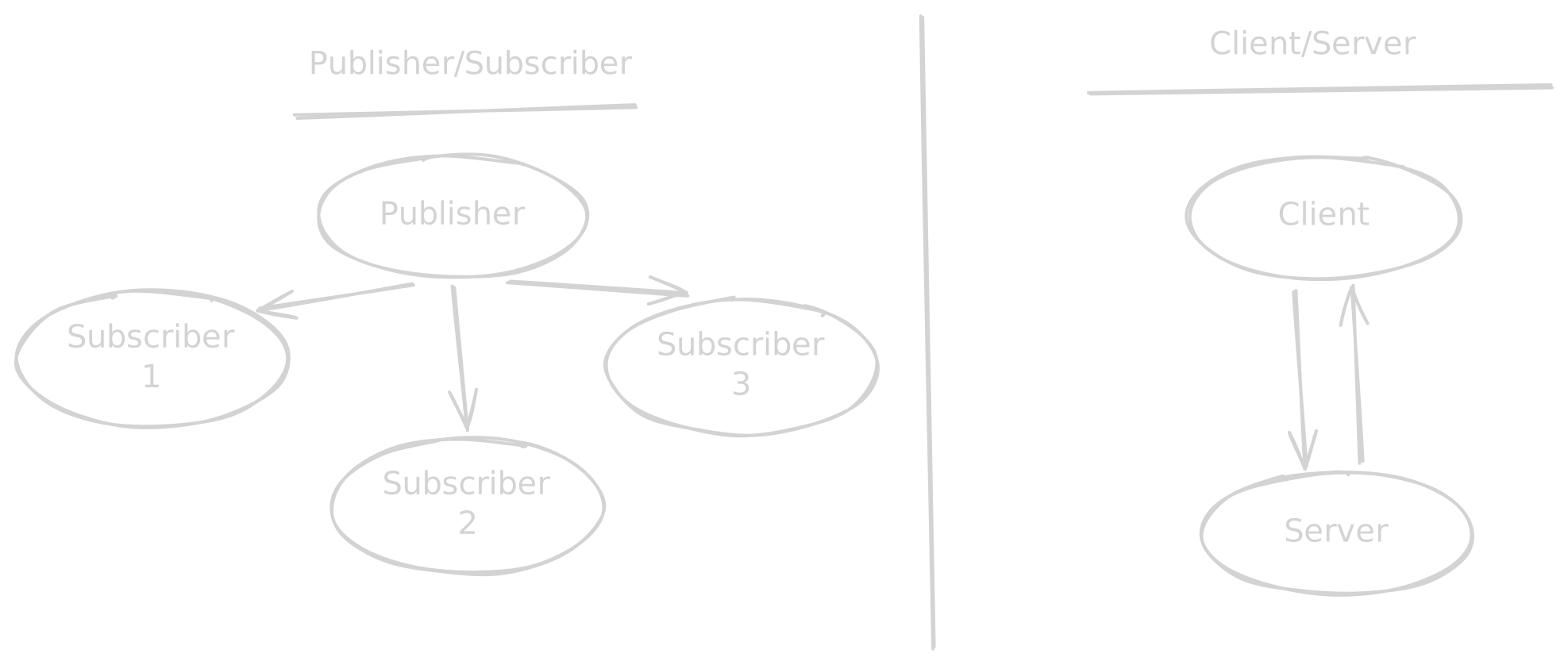
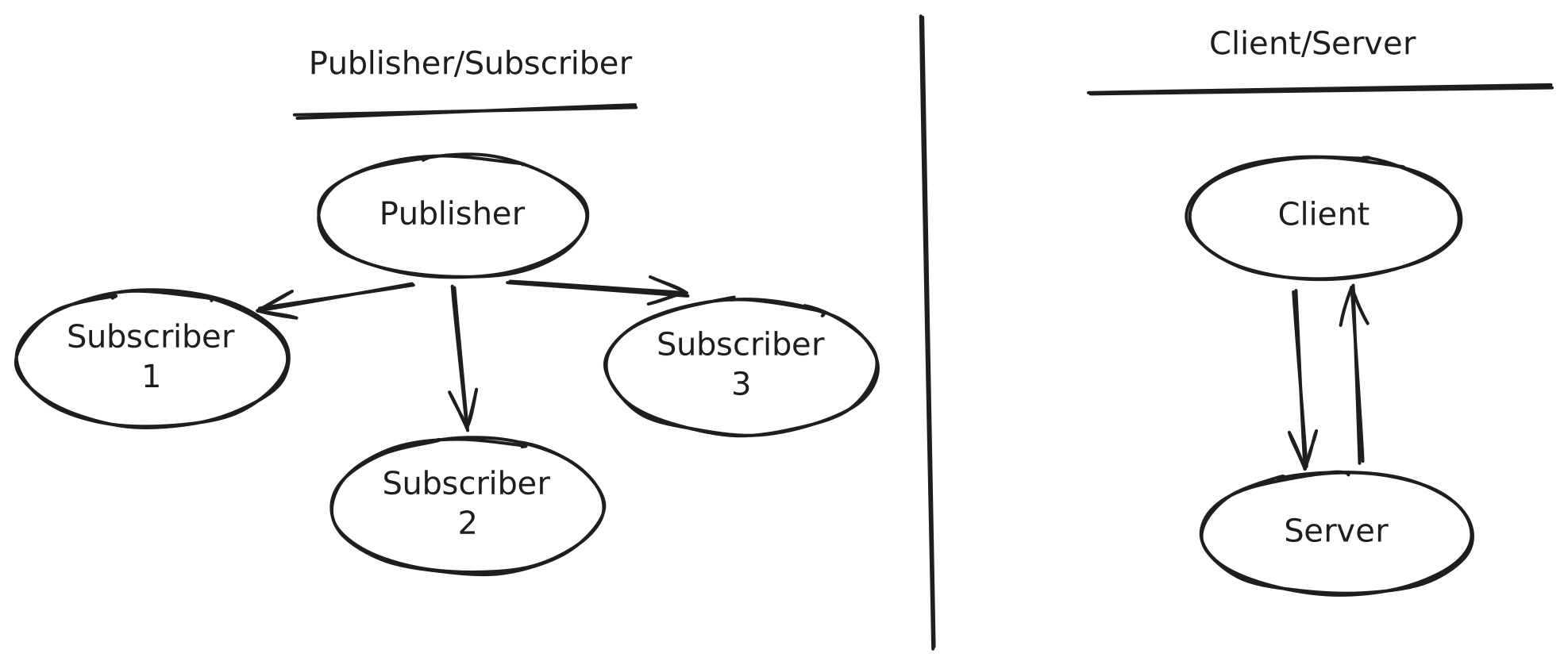
pip install babyrosExample Publisher:
import babyros

publisher = babyros.node.Publisher(topic="data/topic")
publisher.publish({"data": 123})
Example Subscriber:
import babyros

def callback(message):
    print("Received:", message)

subscriber = babyros.node.Subscriber(topic="data/topic", callback=callback)Build real-world robotics and Physical AI applications for industries such as manufacturing, automotive, aerospace and others.
Relay Soldering
Laser Engraving
Assembly
Carton Palletizing
Quality Control (Panda)
Gear Assembly
The Telekinesis Agentic Skill Library is the beginning of a vibrant ecosystem. Whether you are a researcher, a hobbyist, or an industrial engineer, your work belongs here. Release your Skill, let others improve it, and see it deployed in real-world systems.