

Webcam Image Capture
This example demonstrates how to prompt Tzara, the Telekinesis Physical AI Agent, to generate code that captures an image from a webcam and save it to disk.
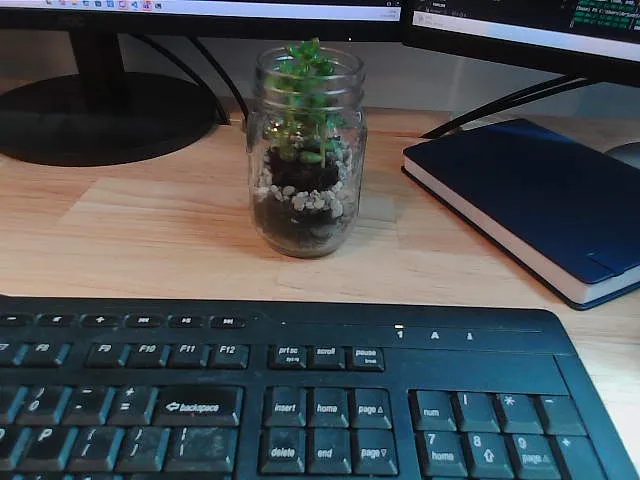
Image captured from webcam and saved to disk
The Natural Language Instruction
The natural language instruction for this task is:
Capture an image with the webcamThe Generated Code
The generated code captures images from the webcam using OpenCV and saves them to disk.
python
import cv2
from telekinesis.medulla import cameras

# Step 1: Instantiate the Webcam with a unique name and default camera ID (0)
webcam = cameras.webcam.Webcam(name="webcam_0", camera_id=0)

connected = webcam.connect()
if not connected:
    raise RuntimeError("Failed to connect to the webcam.")

try:
    # Step 2: Capture a single color frame (returns an RGB numpy array)
    frame = webcam.capture_color_image()
    if frame is None:
        raise RuntimeError("Failed to capture a frame from the webcam.")

    # Step 3: Save the captured image to disk (convert RGB -> BGR for OpenCV)
    output_path = "captured_image.png"
    frame_bgr = cv2.cvtColor(frame, cv2.COLOR_RGB2BGR)
    cv2.imwrite(output_path, frame_bgr)

    print(f"Image captured and saved to: {output_path}")
    print(f"Image shape: {frame.shape}, dtype: {frame.dtype}")
finally:
    webcam.disconnect()