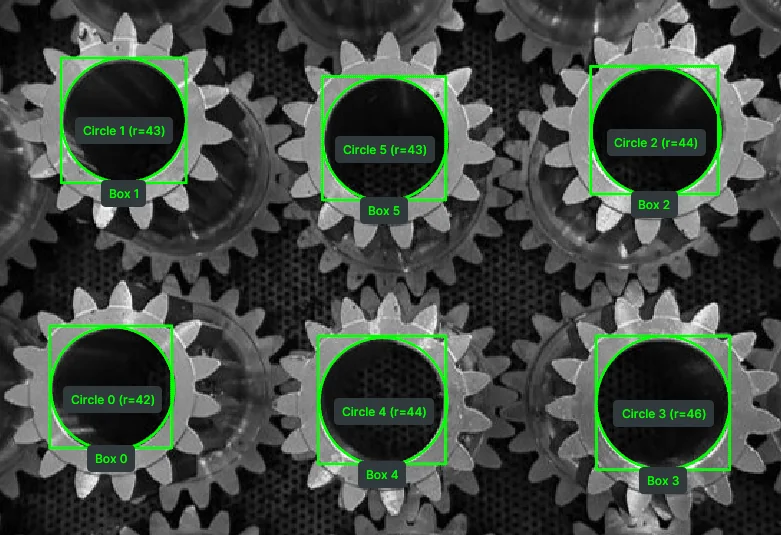
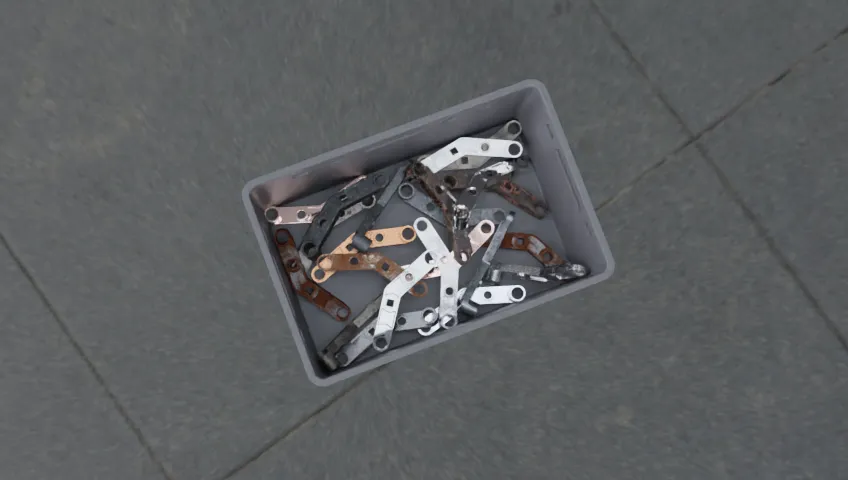
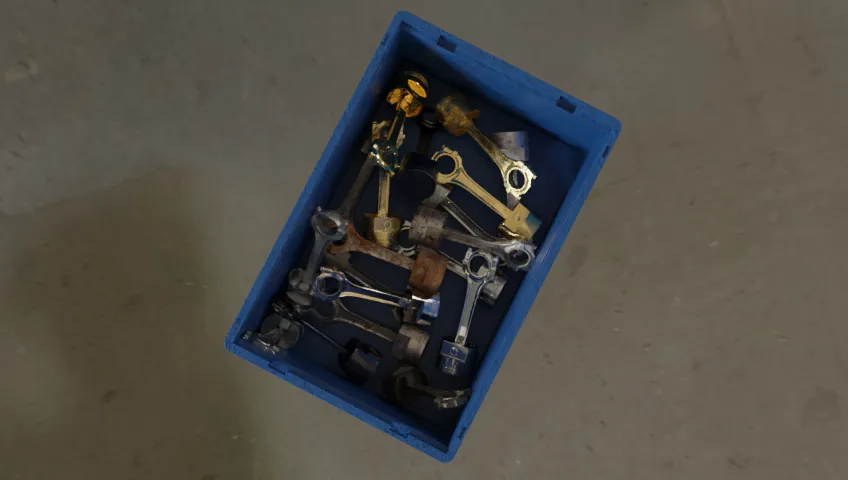
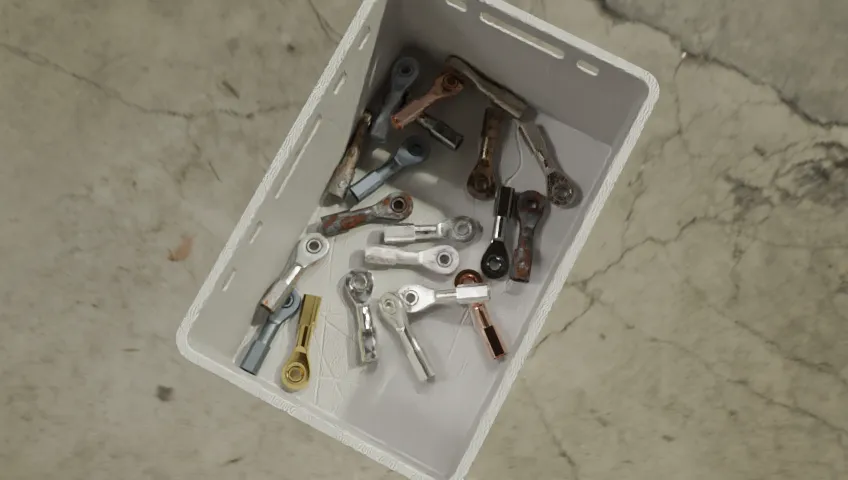
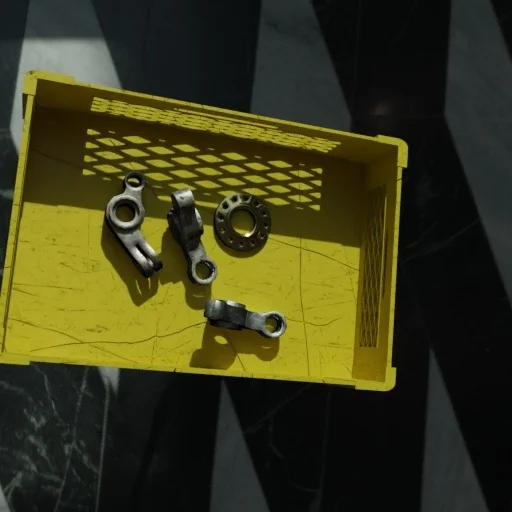
We are building generalized robotic intelligence. A unified ecosystem where any robot can perceive, reason, and act on the physical world.
The Physical AI stack is broken. Models, data, middleware, and hardware interfaces built in silos, none of them talking to each other.
CMake build errors. CUDA mismatches. Boost conflicts. Dependency hell. Cross-platform and Ubuntu version lock-in. Conda packages breaking each other. Camera calibration drift. A different SDK for every sensor and robot arm. Hours of manual annotation for every project. ROS migration nightmares. Every project starts with integration and ends with brittle systems that break the moment anything changes.
Telekinesis replaces the stack. One ecosystem. No integration overhead.
We built this for ourselves first, and for every team like us. For robotics engineering teams who need a single ecosystem to build, test, and deploy robots in manufacturing, logistics, and beyond.
We believe the key to scalable robotics is reusable intelligence that works across any hardware. A library of ready-made robot Skills, an AI Agent that turns plain-language prompts into working code, a Data Engine that learns from every deployment, and a runtime that ties it all together.
Built for manufacturing, logistics, and service environments. Where 90% is 10% too low.
Ready to build?
Get your API key and run your first Skill in minutes.
I have a UR10e and an RG6 gripper, I want to do a repackaging task where the parts are placed in a rectangular grid and need to be placed intoanother grid where there is a fixed offset on the x axis and the y axis and every other row is offset from the previous row. The first row hasn slots, second m third n etc. Every other row is identical. When picking up the parts do not open the gripper all the way as the parts are close.Start and end the program at a home position.
0:00 / 0:00
Physical AI Agents take natural language instructions and generate executable code using the Telekinesis Skill Library to perform complex robotics tasks. All code runs locally and is fully auditable.
New to Telekinesis? Install the core Python SDK first, run the Quickstart to verify your local visualization setup, then unlock Agentic or Middleware layers when you are ready.
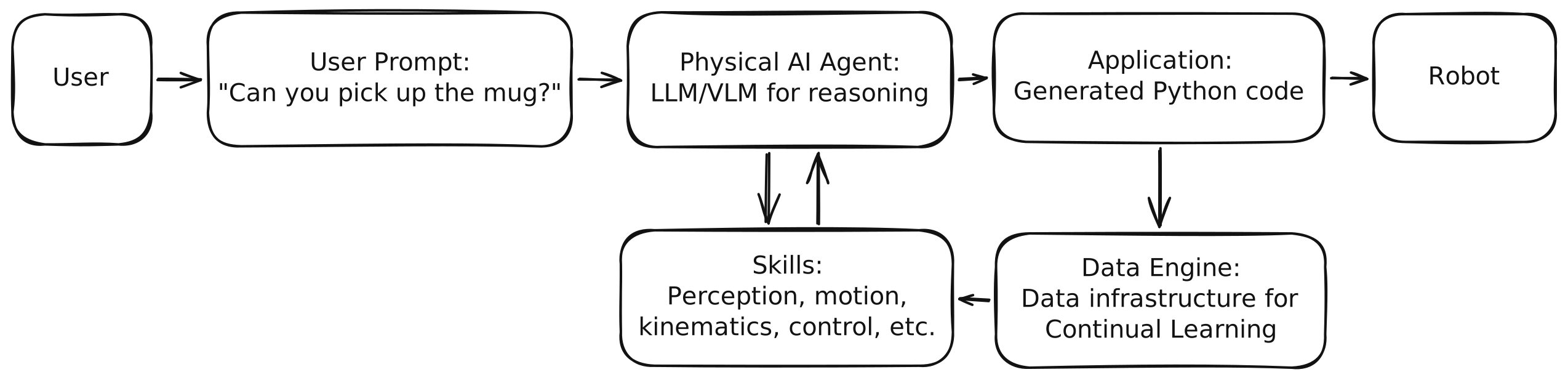
Architecture of the Telekinesis ecosystem, showing Skills, Physical AI Agents, Data Engine and Applications. The user prompts the Agents, which generate the robot code by orchestrating Skills. The Data Engine captures all Skill executions and sensor data for Continuous Learning.
Together, they form a closed-loop system for building, executing, and improving Physical AI:
Skills — production-grade atomic actions for perception, planning, control, and hardware. The executable building blocks of every robot behavior.
Physical AI Agents — VLM/LLM-powered systems that decompose high-level goals into structured sequences of Skills.
Data Engine — the memory layer: captures every Skill execution (inputs, outputs, trajectories, sensor data) and turns it into usable datasets.
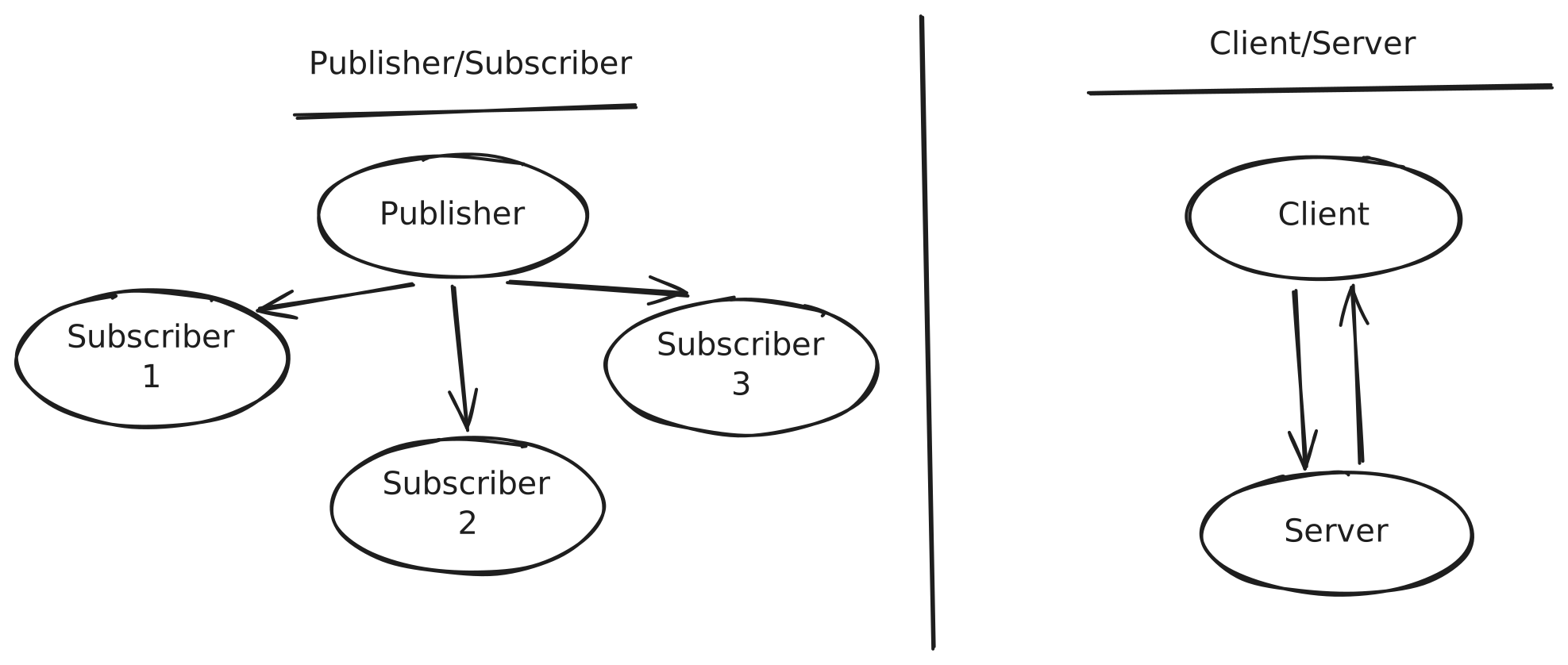
BabyROS Middleware — ultra-low-latency pub/sub and client/server messaging that runs Skills as distributed nodes across sensors, compute, and robots.
Industrial Applications — real-world deployments across manufacturing, logistics, and agriculture, with the same Skills and Agents validated in simulation first.
Skills are reusable modular operations for perception, robotics, and decision-making that can be chained into workflows for Physical AI applications in manufacturing, logistics and more.
# Example 2from telekinesis.synapse.robots.manipulators.universal_robots import UniversalRobotsUR10E # Importing the UR10E robot interface from Synapse - Robotics module# Create and connect the robotrobot = UniversalRobotsUR10E()robot.connect(ip="192.168.1.2")# Execute a motion control Skill to set joint positionsrobot.set_joint_positions( joint_positions=[0, 90, 0, -90, 0, 90], speed=60, acceleration=80, asynchronous=False)# Disconnect the robot after executionrobot.disconnect()
Use production-grade computer vision Skill Groups for obstacle detection, pose estimation, point-cloud processing, and AI model training and much more.
Physical AI Agents turn natural-language prompts into executable robot code by orchestrating the Telekinesis Skill Library. Use Tzara — our VS Code extension — to write a prompt and get a runnable Python program back.
I have a UR10e and an RG6 gripper. I have parts vertically placed in a grid that need to be picked and placed horizontallyin a new grid (requires a -90-degree flip between pick and place around the y axis). Add an optional intermediate jointpose before the flip. Add logging at each step.
0:00 / 0:00
Physical AI Agent takes a natural-language instruction and generates executable Telekinesis Skill code that performs the full pick-flip-place task on a real UR10e.
Building something with Agents?
Share your prompts and results on Discord. We love seeing what the community builds with our Physical AI Agents.
The memory layer of Telekinesis — automatically captures sensor streams, robot states, transforms, and full Skill I/O from every run. Replay failures against successful runs to debug, then turn it all into production-grade datasets for training, evaluation, and continual learning.
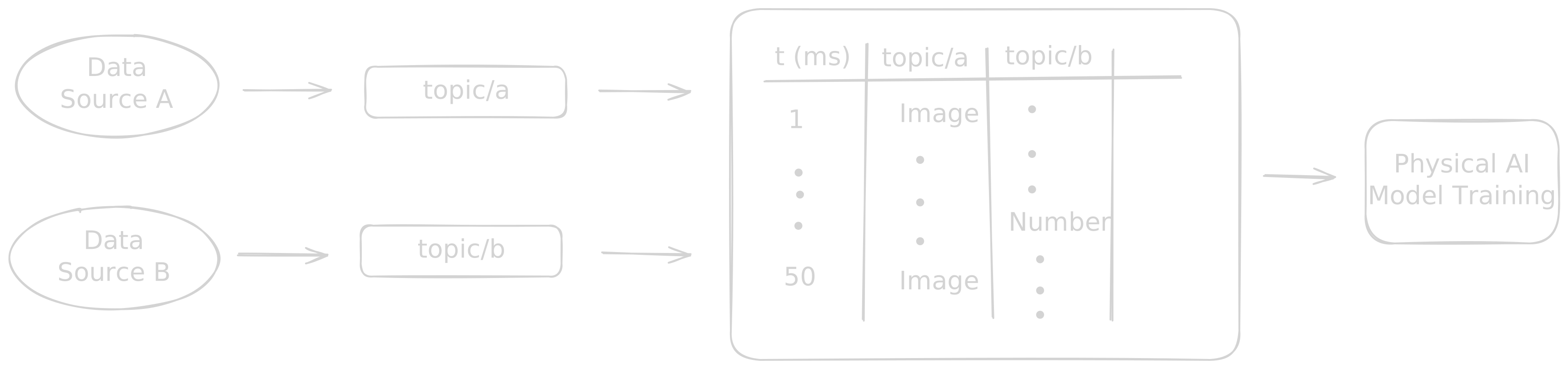
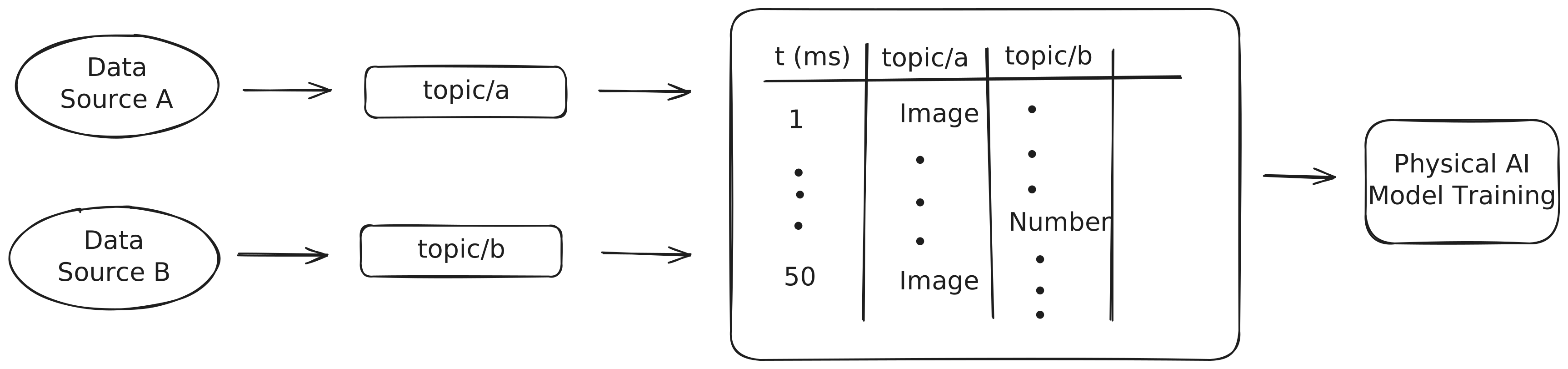
The Data Engine ingests unstructured, event-driven data from multiple sources and fuses it into structured tabular datasets optimized for training Physical AI models.
Ultra-low-latency pub/sub and client/server messaging built on Zenoh that connects sensors, actuators, AI modules, and control loops across microcontrollers, edge devices, and the cloud. ROS-style ergonomics with a single pip install babyros — no system-wide dependencies, workspace overlays, or custom .msg files required.
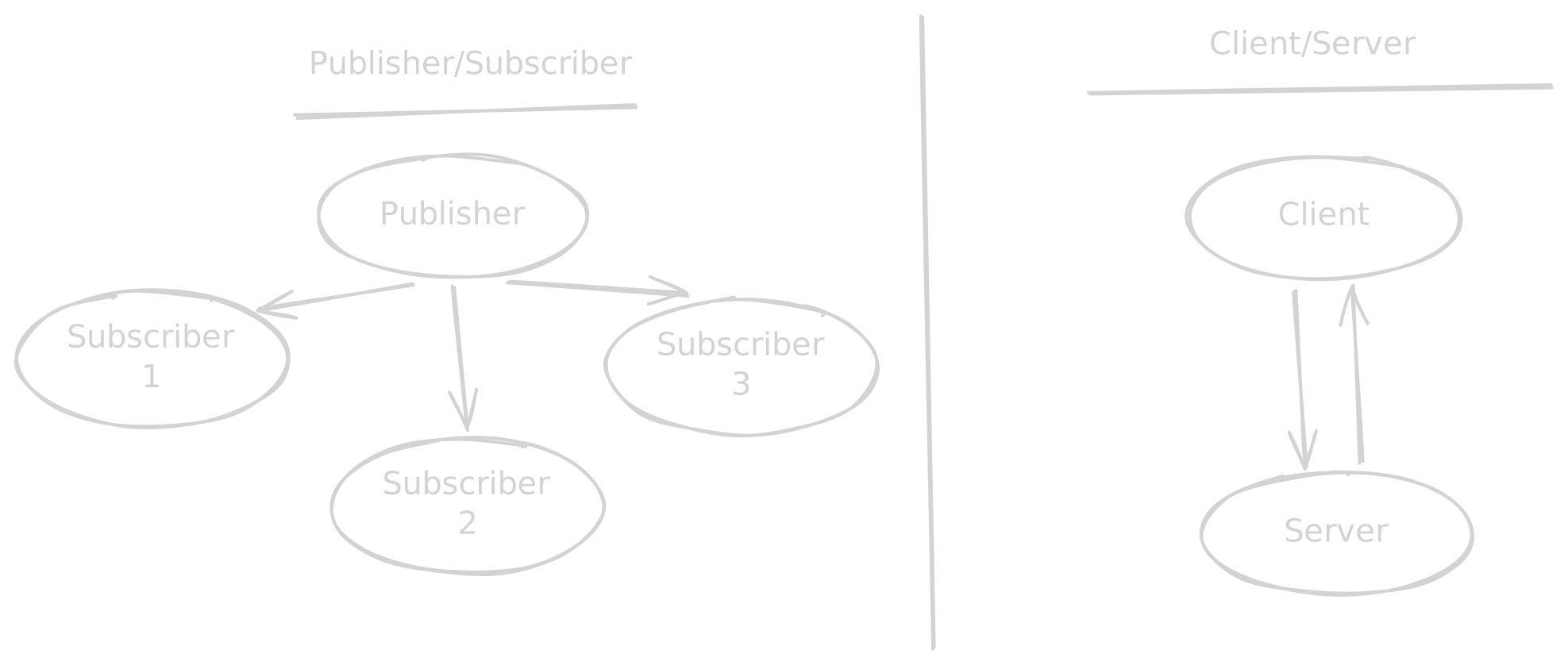
BabyROS uses ROS-style publish/subscribe and client/server architectures for inter-device communication in distributed robotics systems, but with a lightweight, ultra-low latency middleware built on Zenoh.
Build real-world robotics and Physical AI applications for industries such as manufacturing, automotive, aerospace and others.
Relay Soldering
Laser Engraving
Assembly
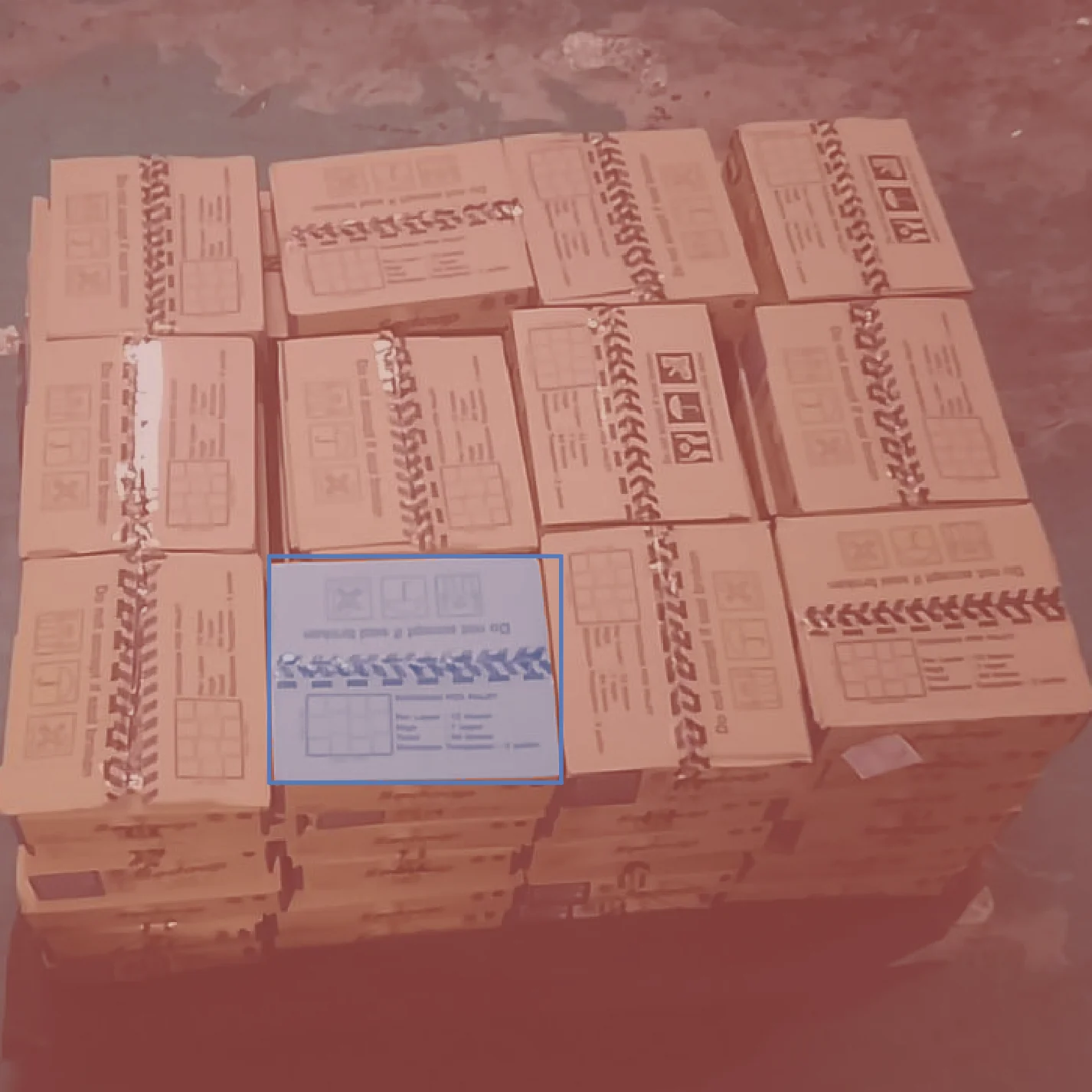
Carton Palletizing
Quality Control (Panda)
Gear Assembly
Join our Discord Community to Add your Own Skills
The Telekinesis Agentic Skill Library is the beginning of a vibrant ecosystem. Whether you are a researcher, a hobbyist, or an industrial engineer, your work belongs here. Release your Skill, let others improve it, and see it deployed in real-world systems.
Be part of the Physical AI revolution!
Ask questions, contribute Skills, share your projects, and connect with researchers, hobbyists, and industrial engineers building the next generation of robotics.